Mailchimp to HubSpot Migration Services | MailBakery Skip to Content

Bring Your Email Marketing and CRM Together in HubSpot

Mailchimp to HubSpot Migration

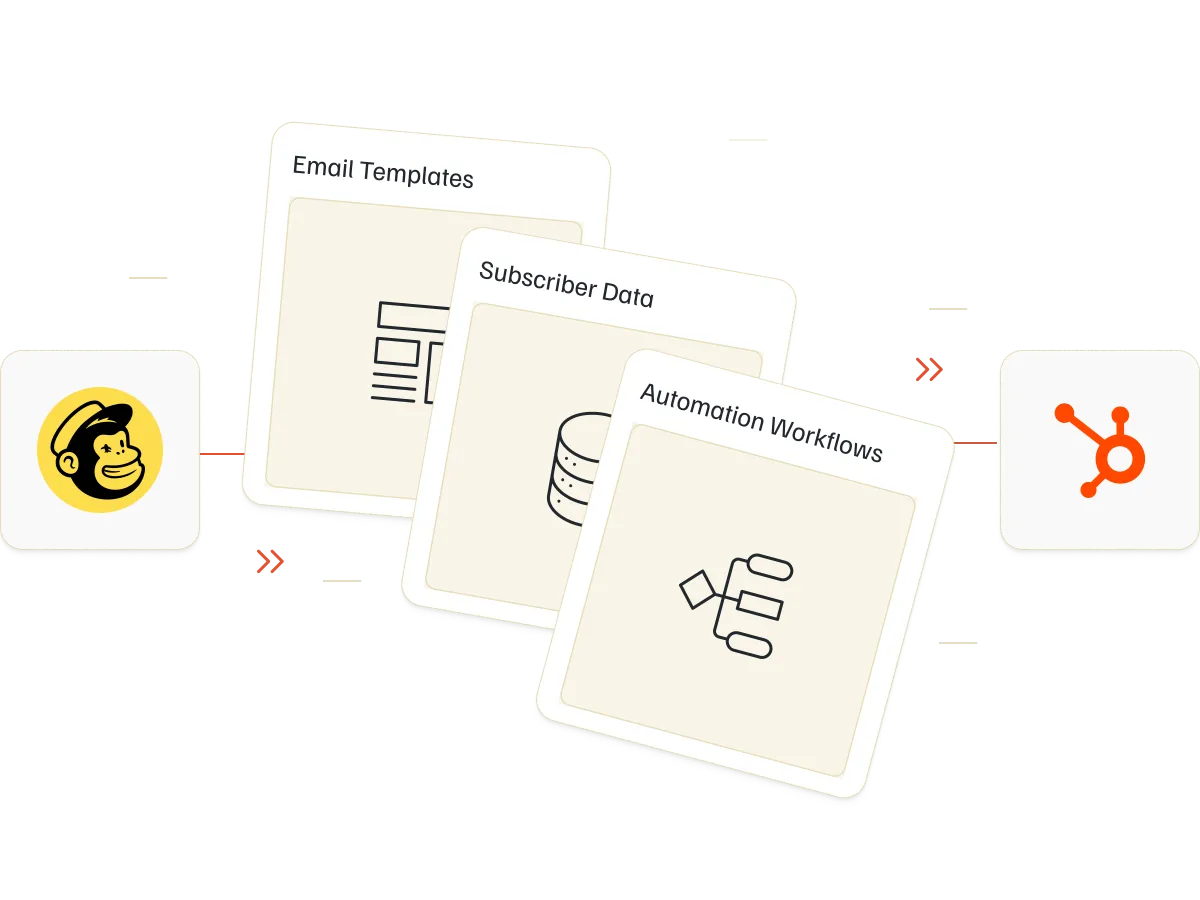
Make the transition from Mailchimp to HubSpot with expert support. MailBakery helps migrate your contacts, email templates, and marketing workflows while adapting your existing setup to HubSpot’s CRM and email marketing tools.
WHY SPECIALIZED MIGRATION SUPPORT MATTERS

Set Up HubSpot for More Than Just Email Campaigns

Migrating from Mailchimp to HubSpot means moving beyond a standalone email marketing platform. Contact properties, marketing permissions, lists, email templates, and workflows need to fit HubSpot’s CRM structure. We will help you manage the transition and prepare your new environment for ongoing marketing operations.

15+ Years of Email Expertise

Our experience in email development helps businesses adapt existing marketing assets to new platforms and technical requirements.

HubSpot Email Development Knowledge

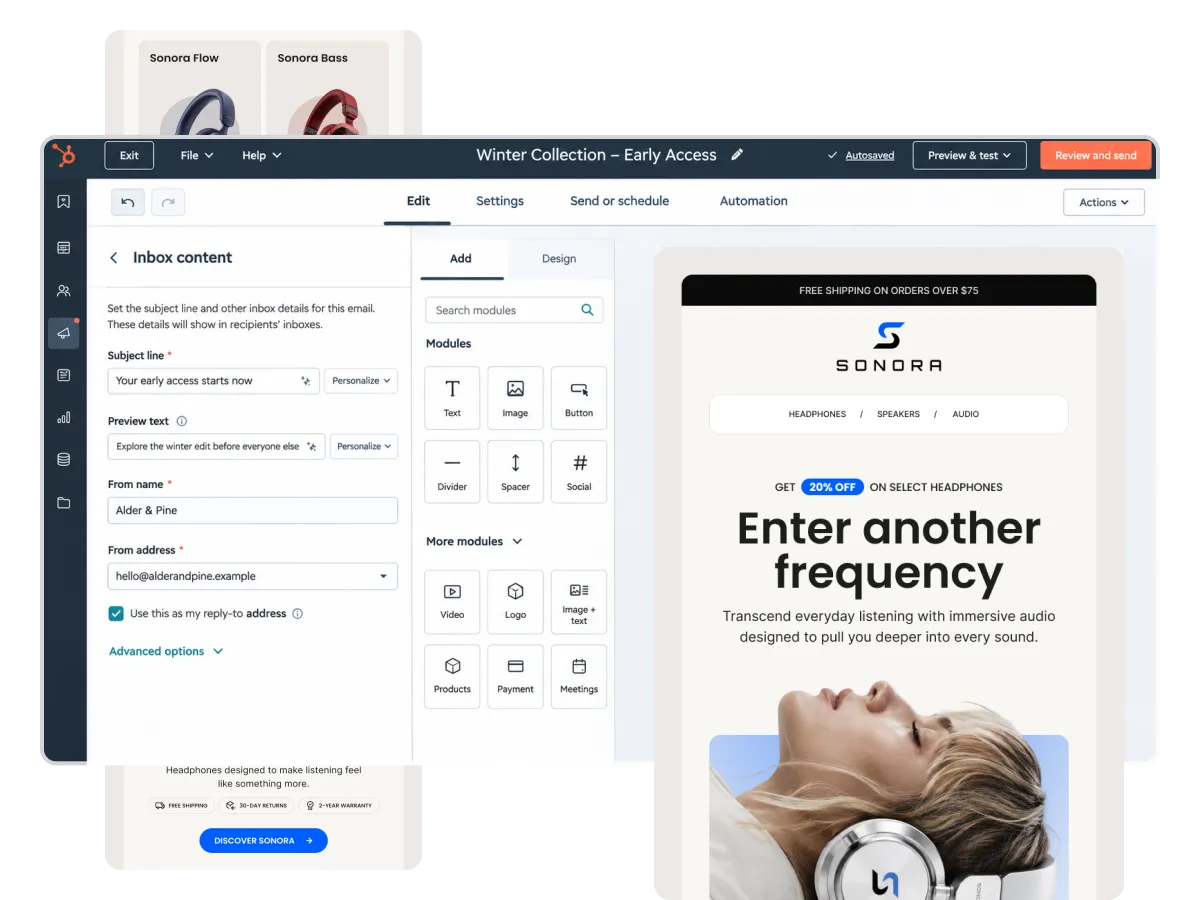
We understand HubSpot's email editor, custom-coded templates, reusable modules, and the requirements of CRM-connected marketing.

Attention to Data Accuracy

We help organize contact information, subscription preferences, and audience structures before transferring them into HubSpot.

Carefully Tested Migration

We review email templates, contact segmentation, and automated workflows to help identify issues before campaigns go live.

Common Challenges

Sound Familiar?

Mailchimp and HubSpot handle contacts, email content, and automation differently. Moving between them without proper preparation can create problems with segmentation, editing, and campaign execution.

Contact Properties That Don't Match

Mailchimp audiences, tags, and custom fields need to be mapped to HubSpot contact properties and lists to keep subscriber information organized.

Email Templates That Need Adapting

Mailchimp email layouts don't always translate perfectly into HubSpot. Templates may need adjustments to support its editor, personalization, and reusable modules.

Workflows That Behave Differently

Mailchimp customer journeys and HubSpot workflows use different automation structures. Existing sequences may need to be recreated or adjusted to preserve their intended behavior.

Subscription Settings That Need Attention

HubSpot manages marketing contacts, subscription types, and communication preferences differently. Incorrect configuration can affect who receives your emails.

The Solution

Your Mailchimp Campaigns, Rebuilt for HubSpot

Keep the marketing assets you’ve already invested in. MailBakery helps bring your contacts, email designs, and automated journeys into HubSpot, adapting each element to the platform’s requirements.

WHAT'S INCLUDED

From Mailchimp Data to a Working HubSpot Email Setup

Our Mailchimp to HubSpot migration services cover the essential steps involved in moving your email marketing operations and preparing HubSpot for campaign management.

Migration Assessment and Planning

We review your current Mailchimp account, identify important assets and dependencies, and establish a clear migration scope.

Contact Import and Property Mapping

We help transfer subscriber records and map Mailchimp fields to appropriate HubSpot contact properties for accurate data organization.

Lists and Audience Segmentation

We recreate relevant audience structures using HubSpot lists, contact properties, and segmentation criteria.

Email Template Conversion

We adapt existing Mailchimp templates for HubSpot, including custom-coded HTML and editable layouts suited to your marketing needs.

HubSpot Workflow Configuration

We help recreate email automation sequences using HubSpot workflows, with appropriate enrollment triggers, conditions, and delays.

Subscription and Consent Management

We help map existing subscription preferences, opt-out information, and marketing contact requirements to HubSpot's communication settings.

Email Sending Configuration

We assist with sending domain authentication, email settings, and deliverability preparation for campaigns sent through HubSpot.

Quality Assurance and Launch Testing

We check migrated content, list membership, personalization, and automation behavior to help confirm your setup is ready for use.

Testimonials

Our Happy Clients

See what businesses and marketing teams say about working with MailBakery.

"It's rare to find a provider that is consistently fast, good, and affordably priced, but that is exactly what you get with MailBakery. They listen to my input and then produce designs that are much more original and just better than anything I was imagining on my own. They're also super easy to work with. Whenever I have a design need, I really don't think of anyone else."
Eric Fettman
"MailBakery was referred to me by a friend. I was somewhat skeptical about the level of work and whether they could pull off some of our more complicated email designs. They blew me away! Got our final copies a day earlier than quoted, and everything was beautifully done. These guys are our go to for any email we need coded up."
Stefanos
"Working with MailBakery for the past two years has been great! They are always on time, available to answer any questions and provide great, consistent work."
Jenna
"We have used Mailbakery for many years. Their expertise is unparallelled and their pricing and turnaround is exceptional."
Ben Lyden
"I had been search for a company that focused on email and website page coding. Our in-house development team doesn't have the time to spend on these basic, but important tasks. MailBakery has a great team of people working on coding. They are responsive to any questions or requests you have. The service is quick, cost-effective and efficient, as they always meet the requested deadline. I highly recommend MailBakery."
Leslie

FAQ

Have Questions About Moving to HubSpot?

Can’t find the answer to your question? Contact us, we’d love to hear from you.

Mailchimp to HubSpot migration involves transferring contact data, adapting email templates, configuring lists and subscription preferences, and recreating relevant marketing automations within HubSpot.

Yes. Mailchimp contacts can be transferred into HubSpot using supported migration tools or file imports. Contact fields need to be mapped correctly, and subscription information should be reviewed before sending.

Mailchimp tags and audience information can be mapped to HubSpot contact properties and lists. The best approach depends on how you currently organize and segment your subscribers.

Yes. HubSpot offers tools for transferring and recreating certain external email templates. Custom HTML templates can also be adapted to HubSpot’s coding requirements or rebuilt as editable layouts.

Existing Mailchimp customer journeys need to be reviewed and adapted to HubSpot’s automation capabilities. Depending on the workflow, this may involve recreating triggers, enrollment conditions, delays, and email content.

Existing consent and subscription preferences should be preserved through accurate data mapping. HubSpot’s subscription types and marketing contact settings need to be configured before you resume sending.

Yes. We can adapt your existing email designs into HubSpot-compatible templates with editable content areas and reusable modules, making future campaigns easier to manage.

Yes. Beyond Mailchimp and HubSpot, we also provide ESP migration services to help businesses move email marketing assets, subscriber data, and automation workflows between different email platforms.

Yes. Our Mailchimp to Klaviyo migration services help businesses transfer contact data, adapt email templates, recreate customer journeys, and prepare Klaviyo for ongoing email marketing campaigns.

The timeline depends on the volume of contact data, the number of email templates, automation complexity, and CRM requirements. Smaller migrations may take several days, while more complex projects can take several weeks.

Ready to get started?

Put Your Existing Email Marketing to Work in HubSpot

Your Mailchimp contacts, templates, and workflows represent valuable marketing work. MailBakery helps bring those assets into HubSpot, adapting them to your CRM structure and preparing your team to build and send campaigns.