120+ Event Email Examples for Invitations, Conferences, Trade Shows & More


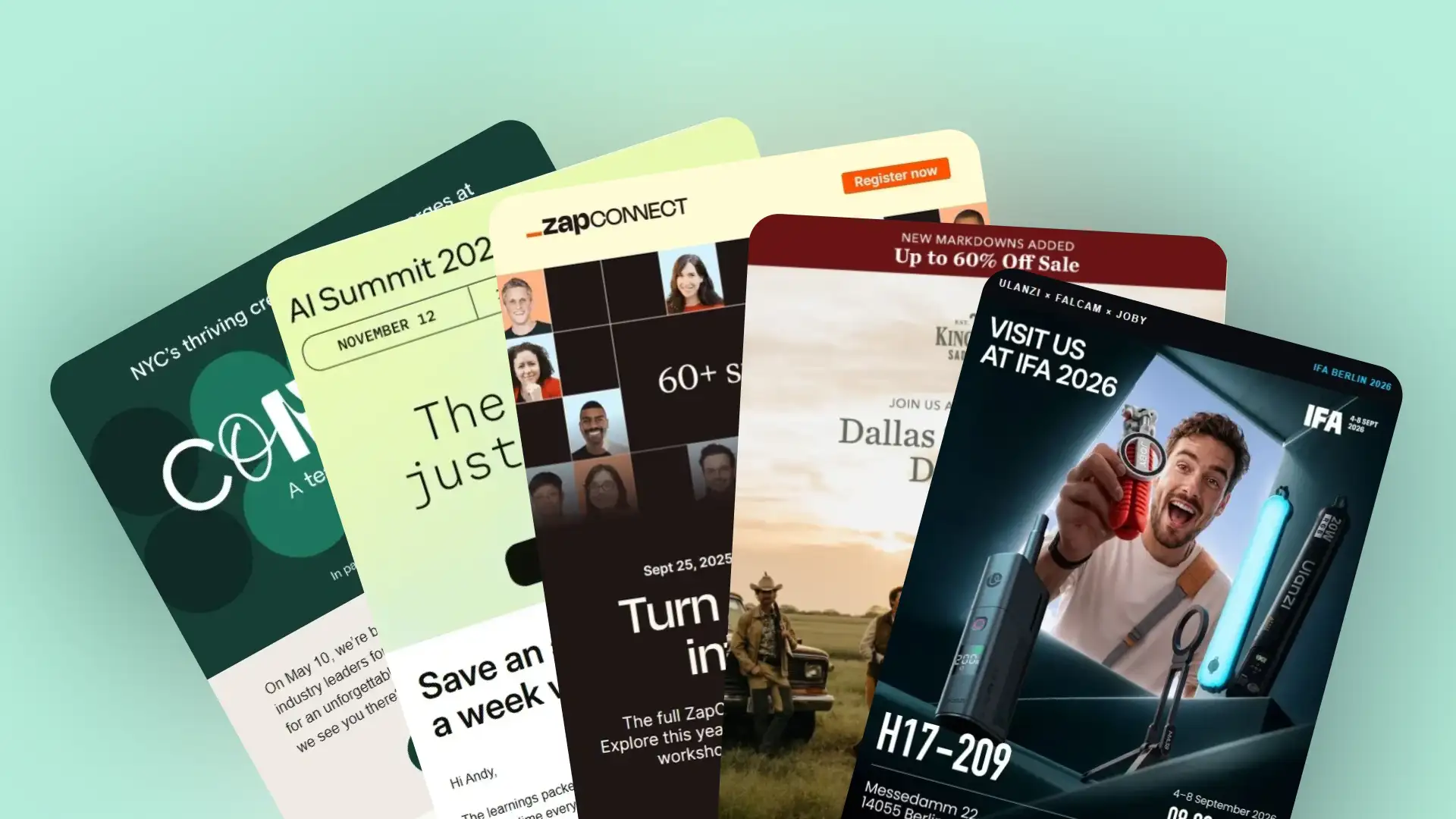
Event emails have different jobs at different stages. An announcement introduces the event, an invitation gives people a reason to attend, a registration confirmation provides the essential details, and a follow-up keeps the conversation going after the event ends.
In this collection, you’ll find 120+ real event email examples covering conferences, trade shows, webinars, workshops, product events, and more. We’ve gathered event invitations, announcements, registration emails, RSVP requests, reminders, speaker and agenda updates, ticket campaigns, and post-event follow-ups, along with complete event email sequences, subject line ideas, and practical design tips.
Quick links:
→ Event Announcement Email Examples
→ Event Invitation Email Examples
→ Event Registration Email Examples
→ Event Reminder Email Examples
→ Event Agenda, Speaker and Ticket Emails
→ Last Chance Event Registration Emails
→ Post-Event Thank You and Follow-Up Emails
What Should an Event Email Include?
Event Email Templates: Invitation, Confirmation and Follow-Up
Event Email Subject Line Ideas
Event Announcement Email Examples
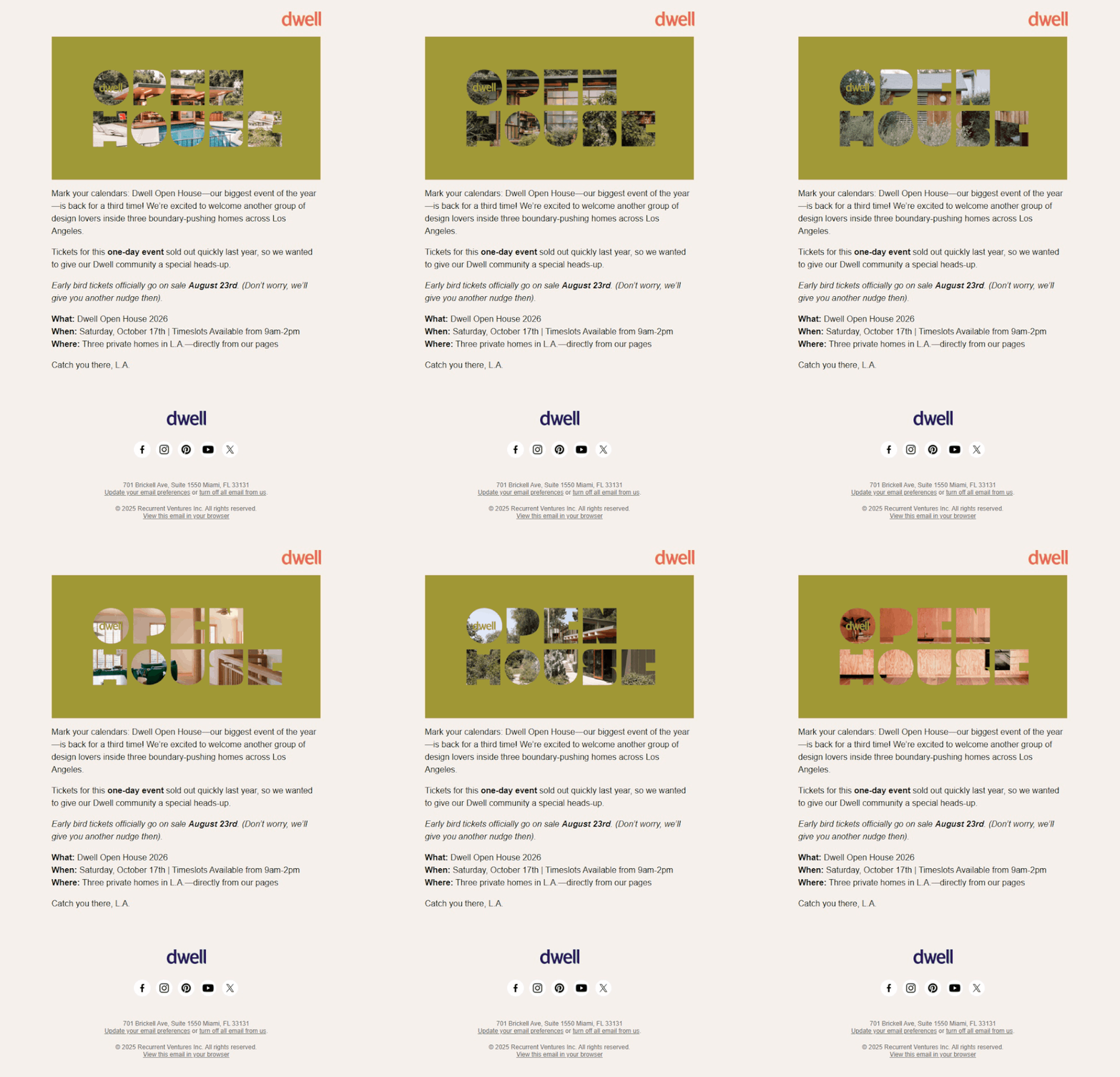
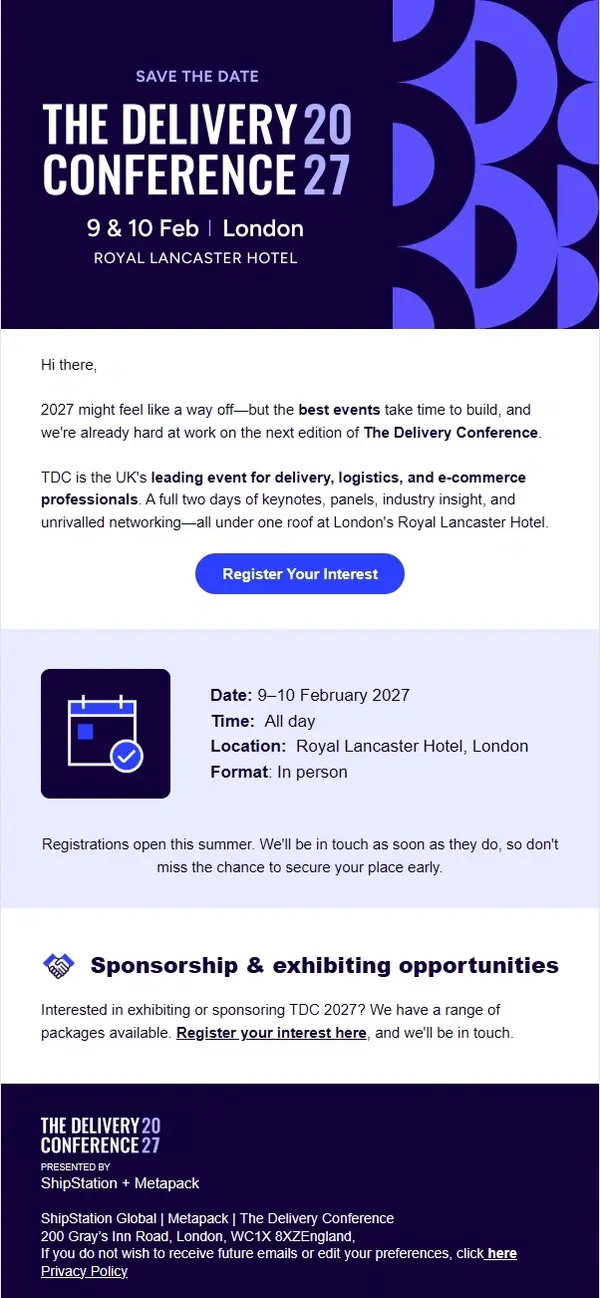
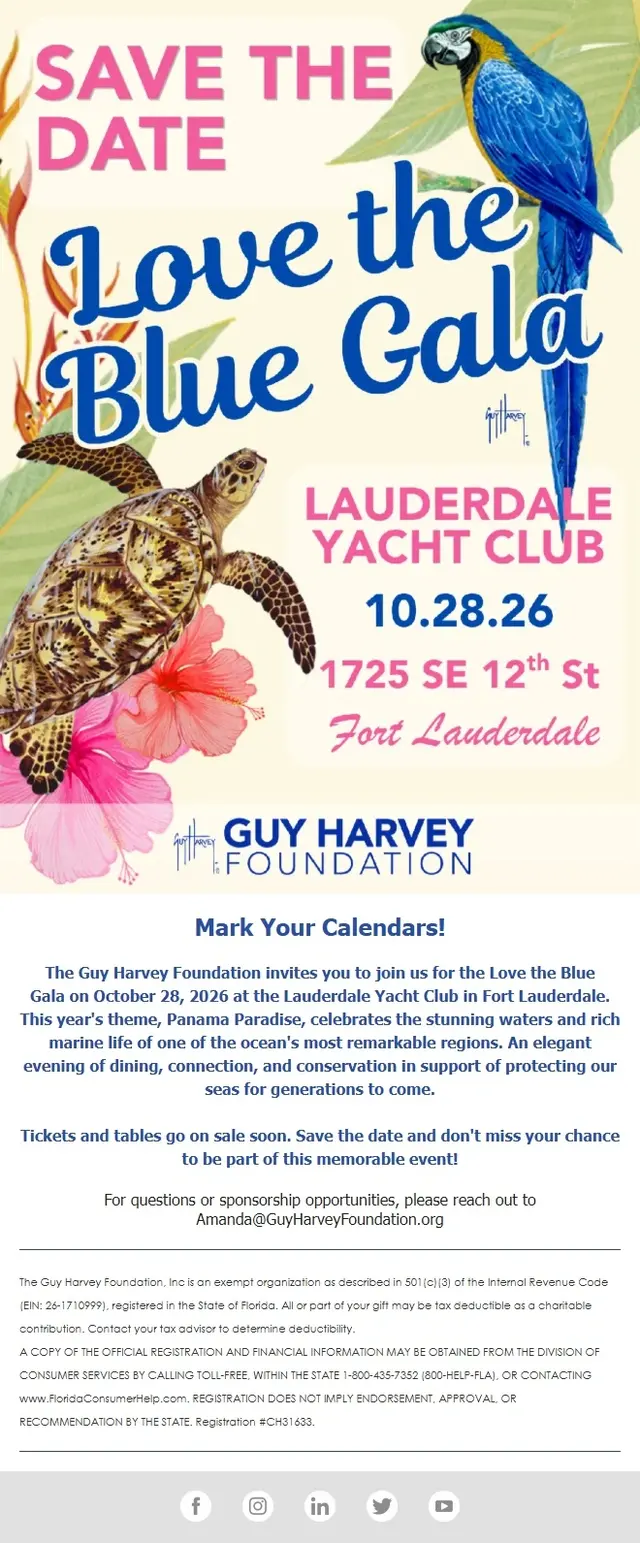
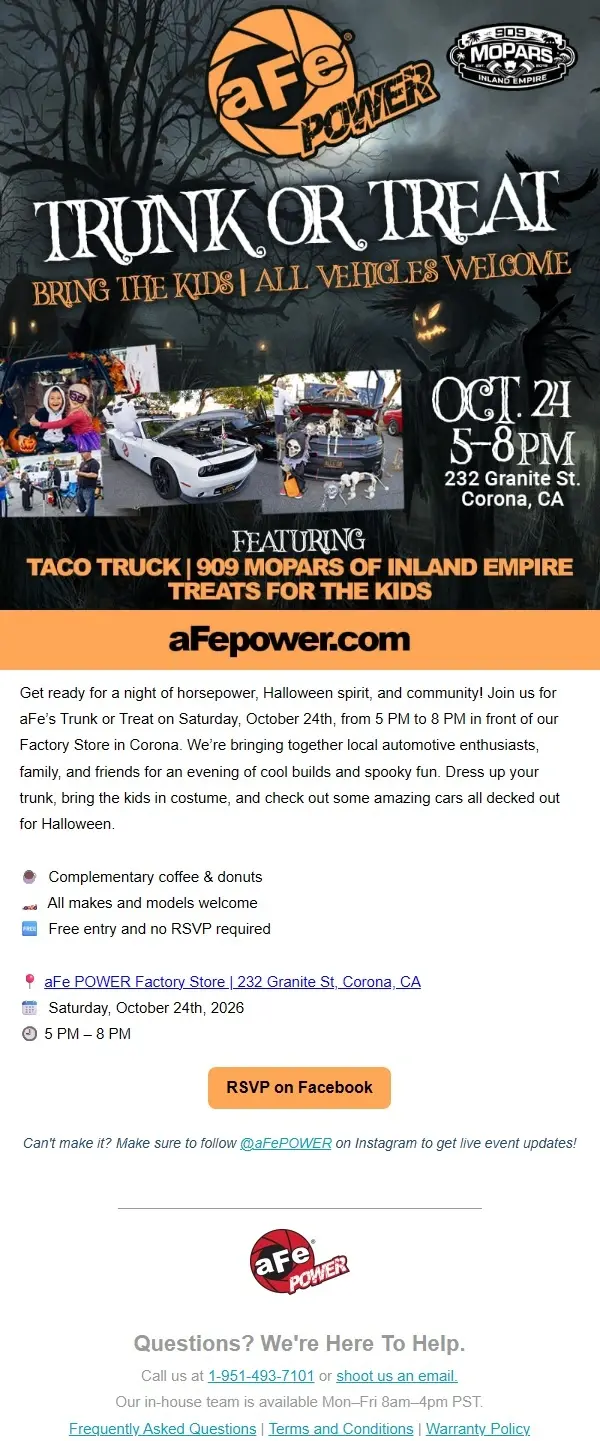
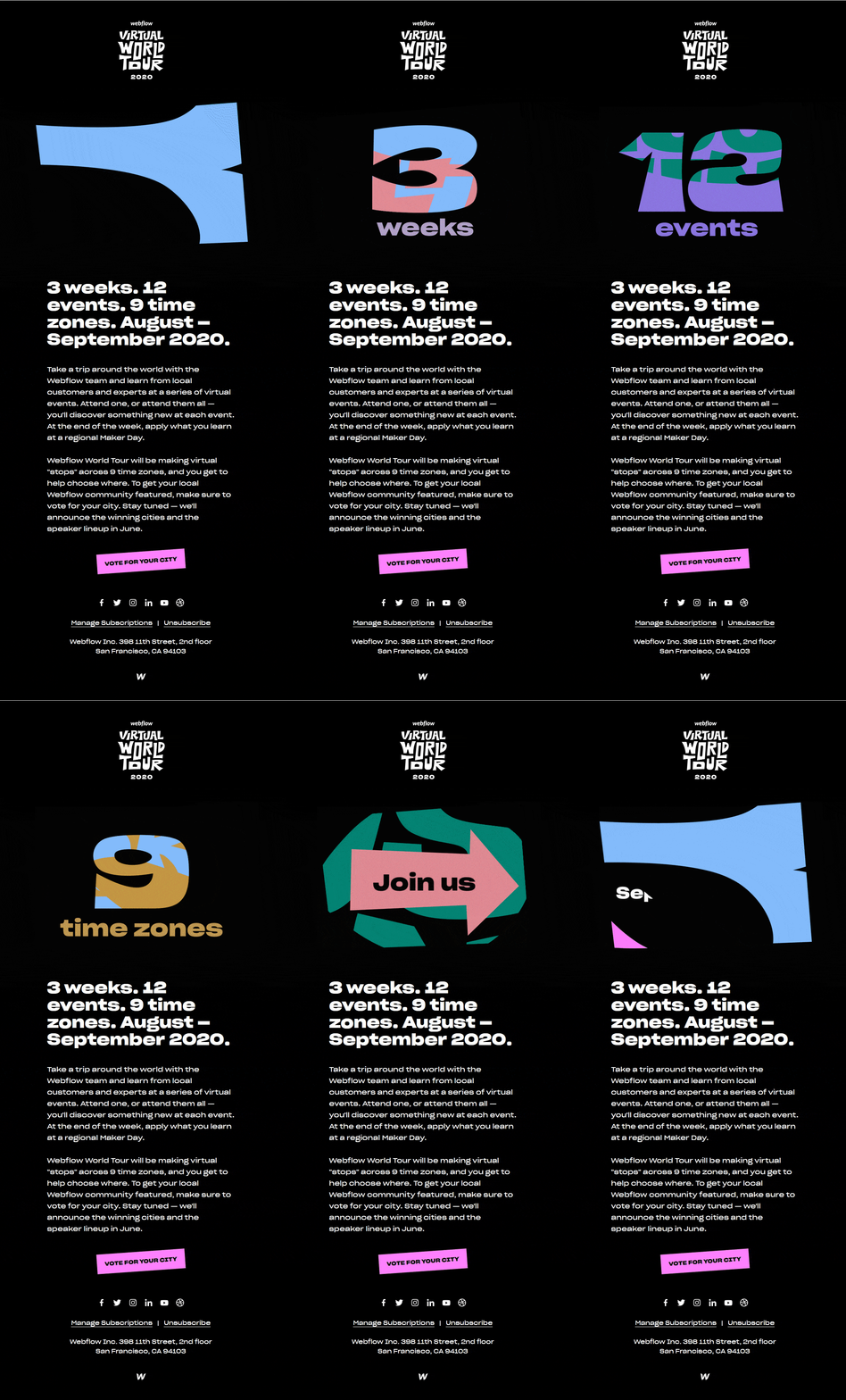
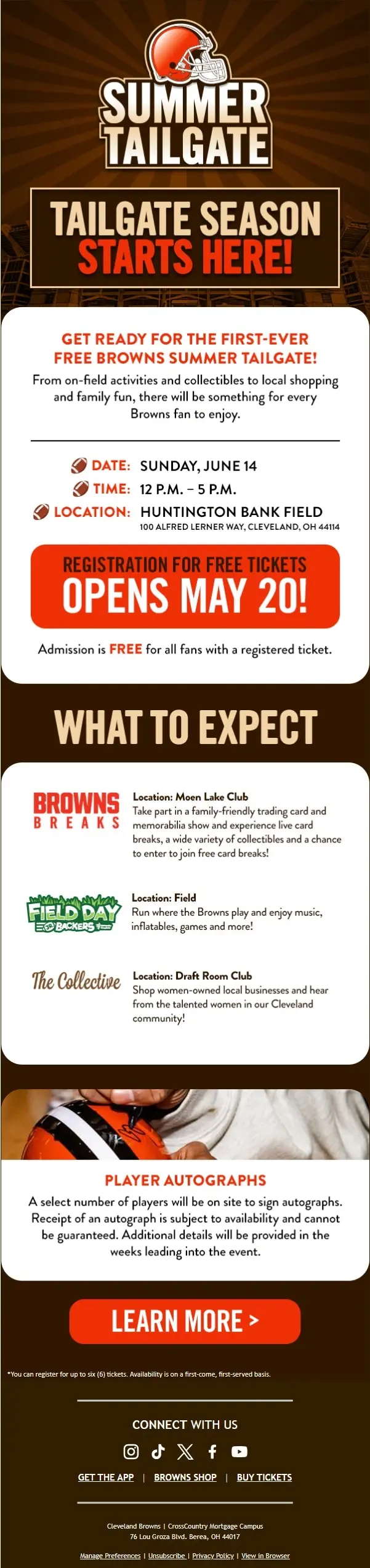
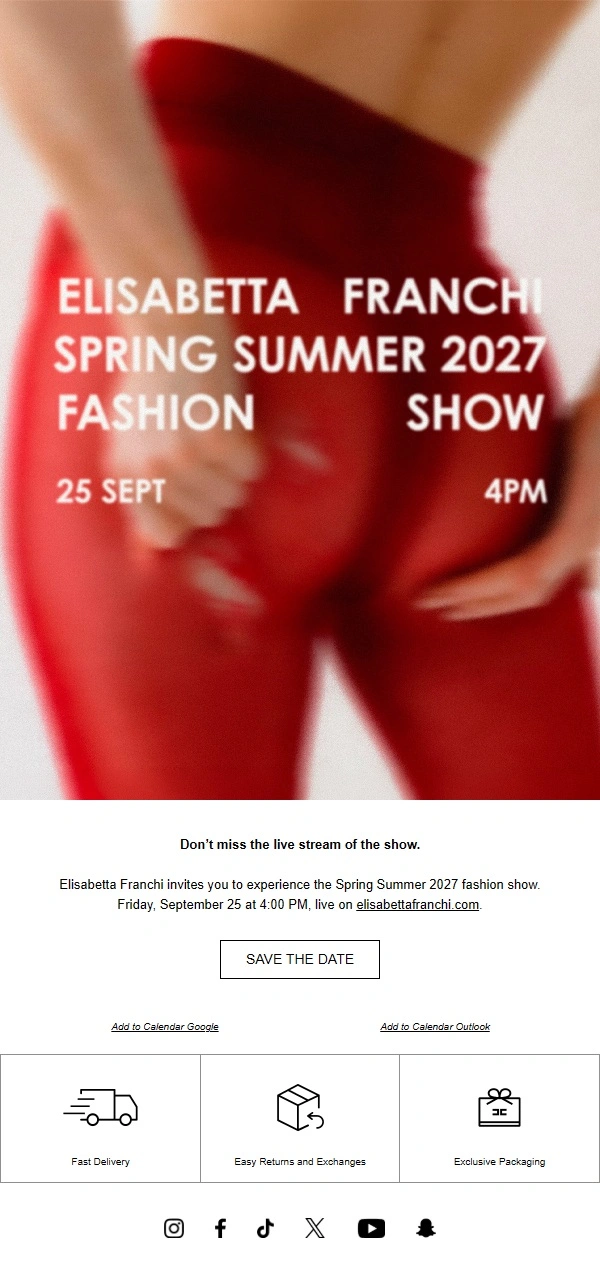
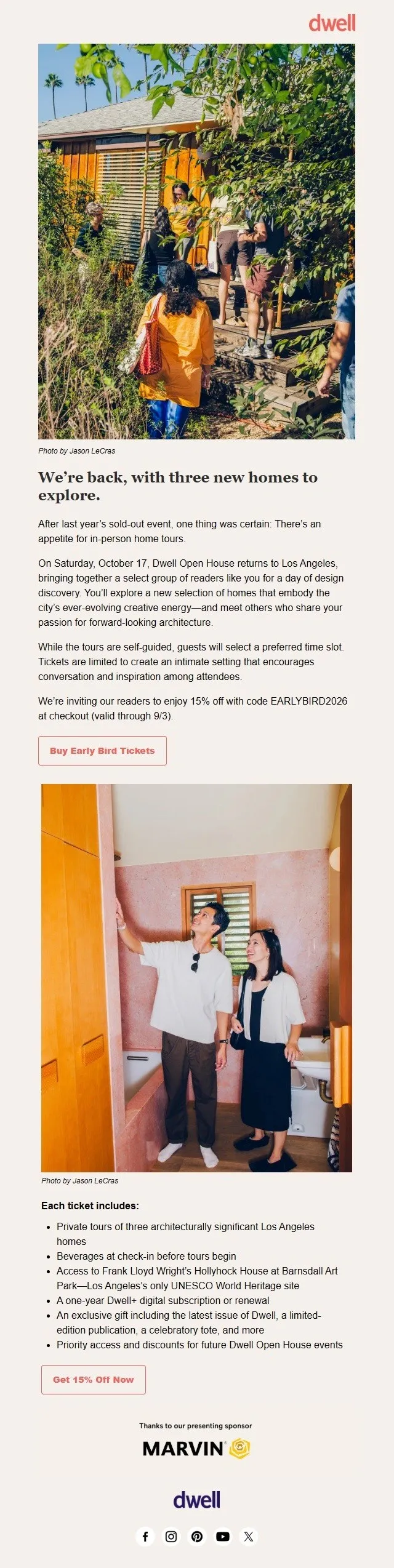
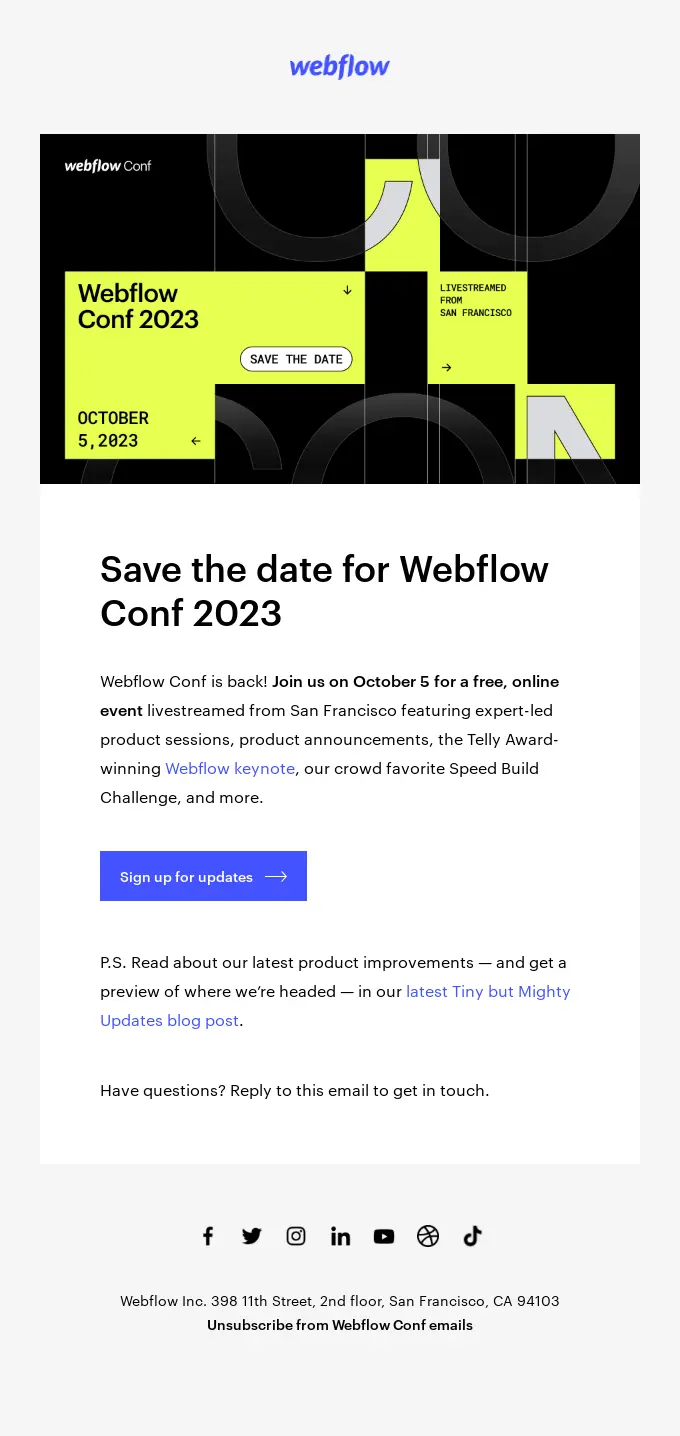
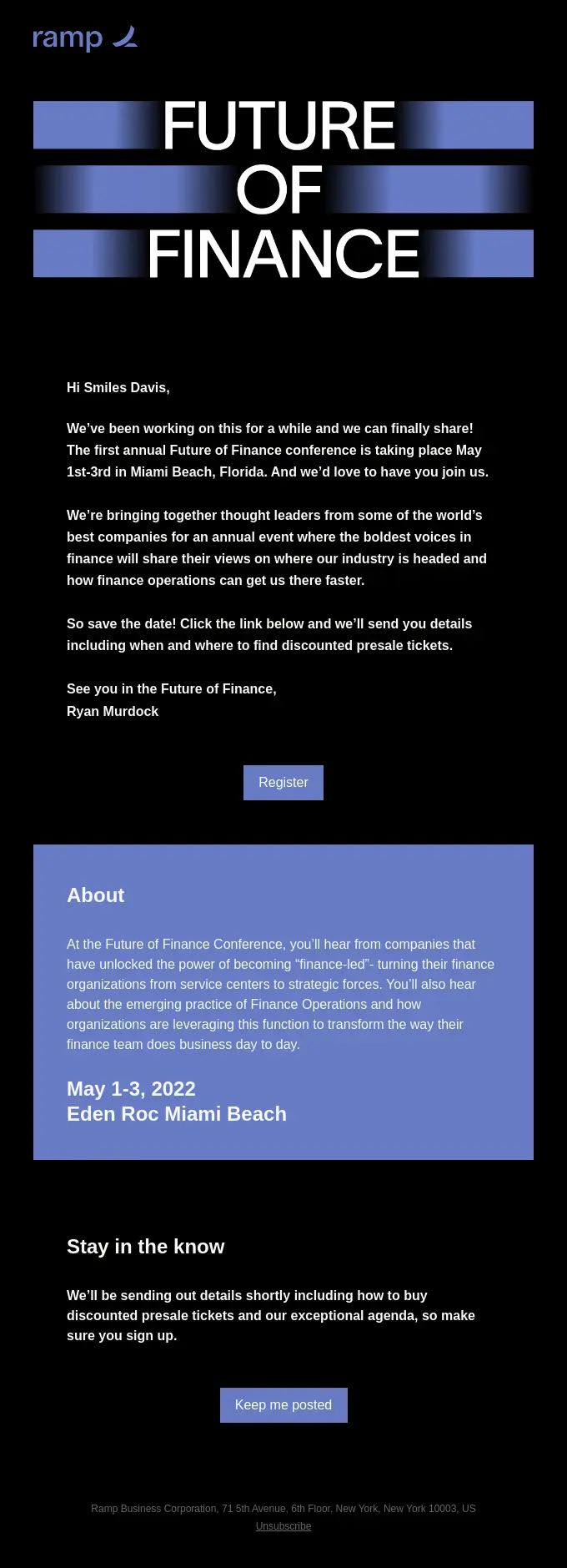
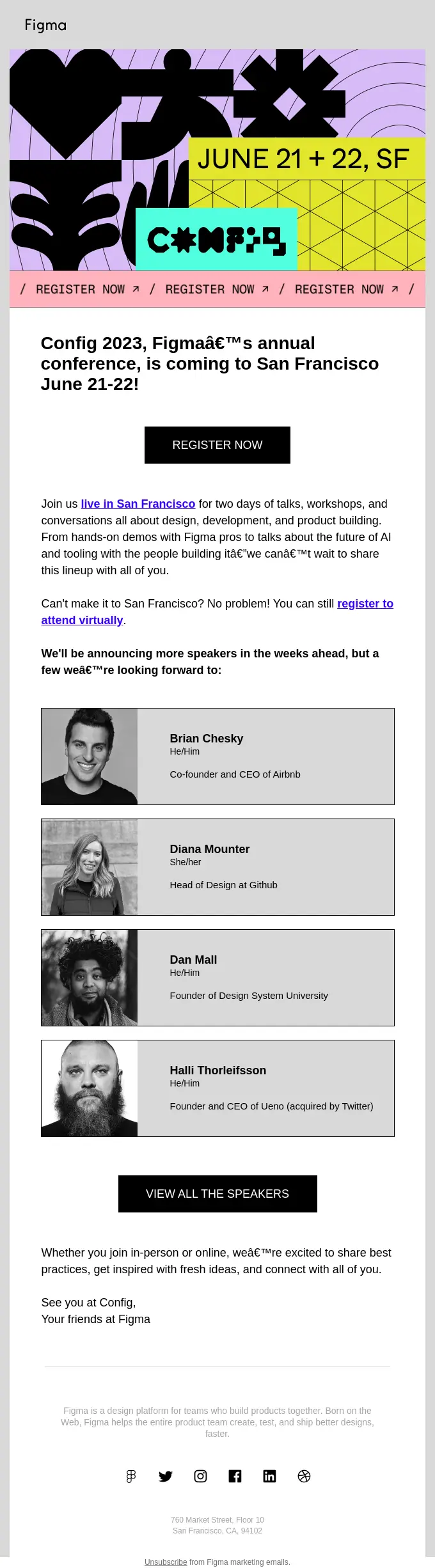
Event announcement emails introduce an upcoming event and give recipients their first look at what’s planned. Some focus on a save-the-date message, while others reveal the event theme, featured speakers, location, or registration opening date.
The examples below show how brands announce conferences, webinars, product events, festivals, and other gatherings, using everything from simple typography to elaborate event branding and promotional visuals.


Event Invitation Email Examples
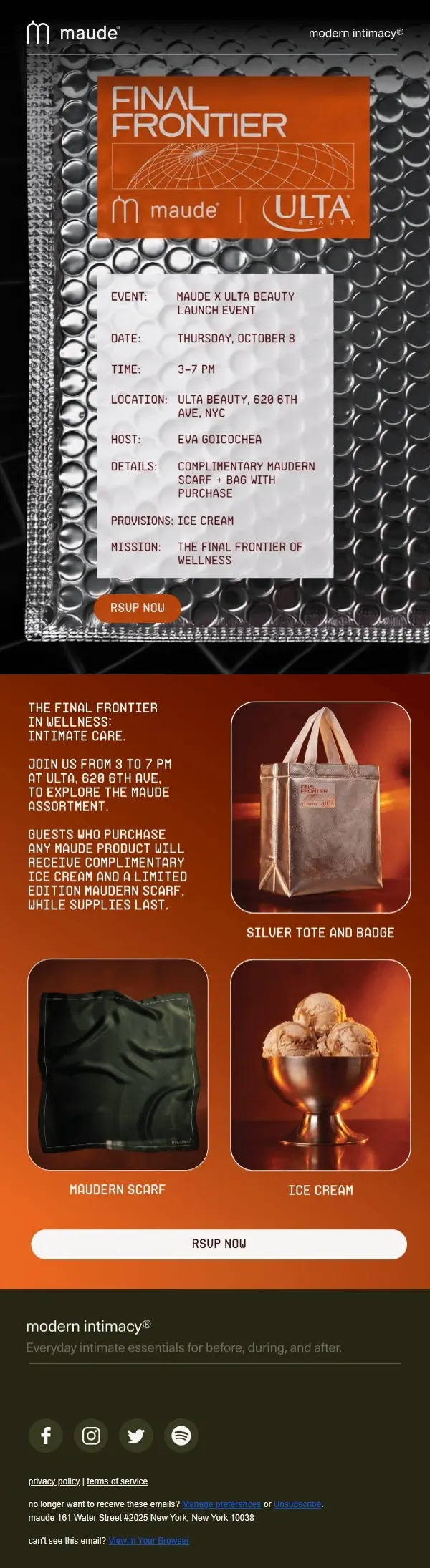
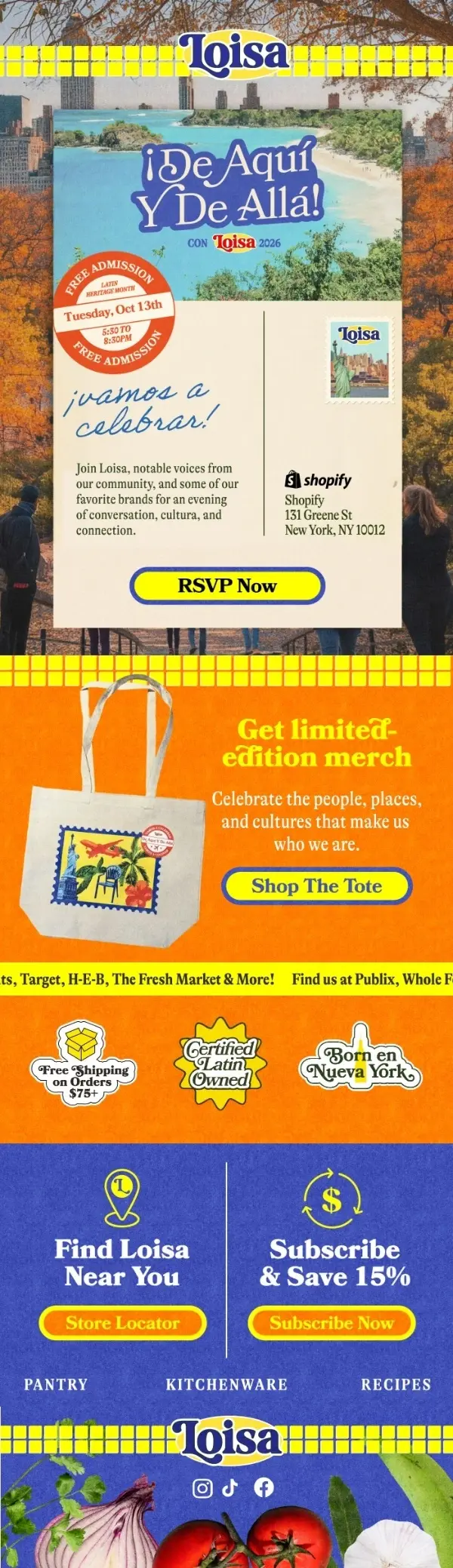
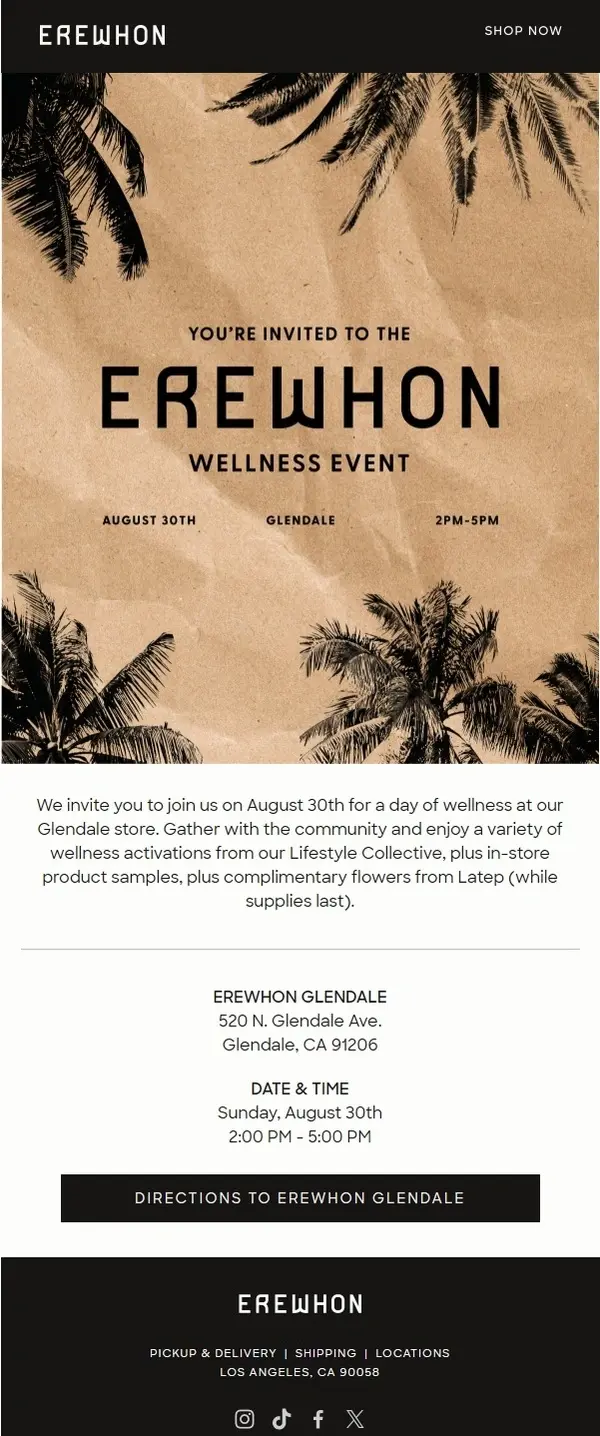
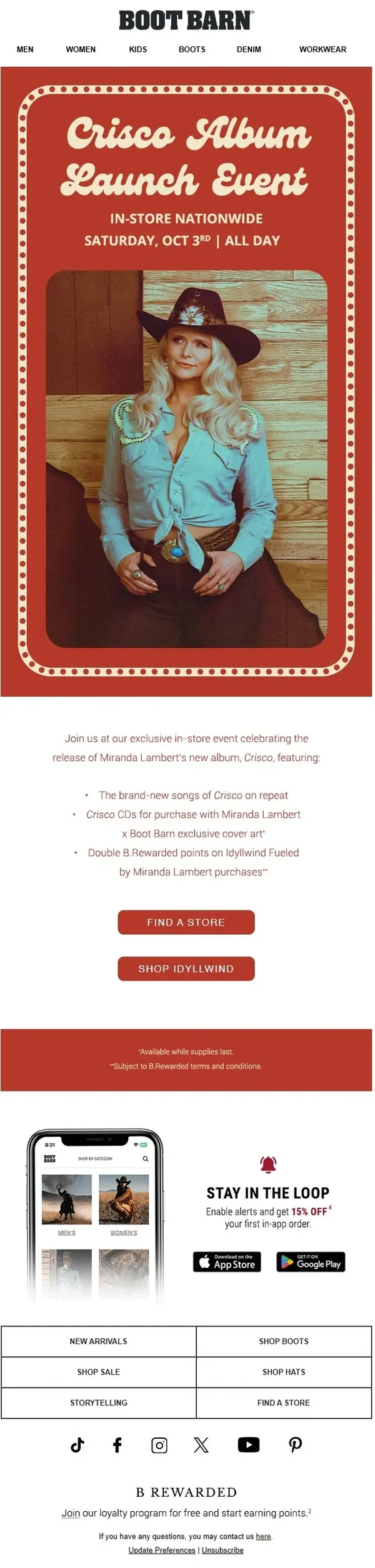
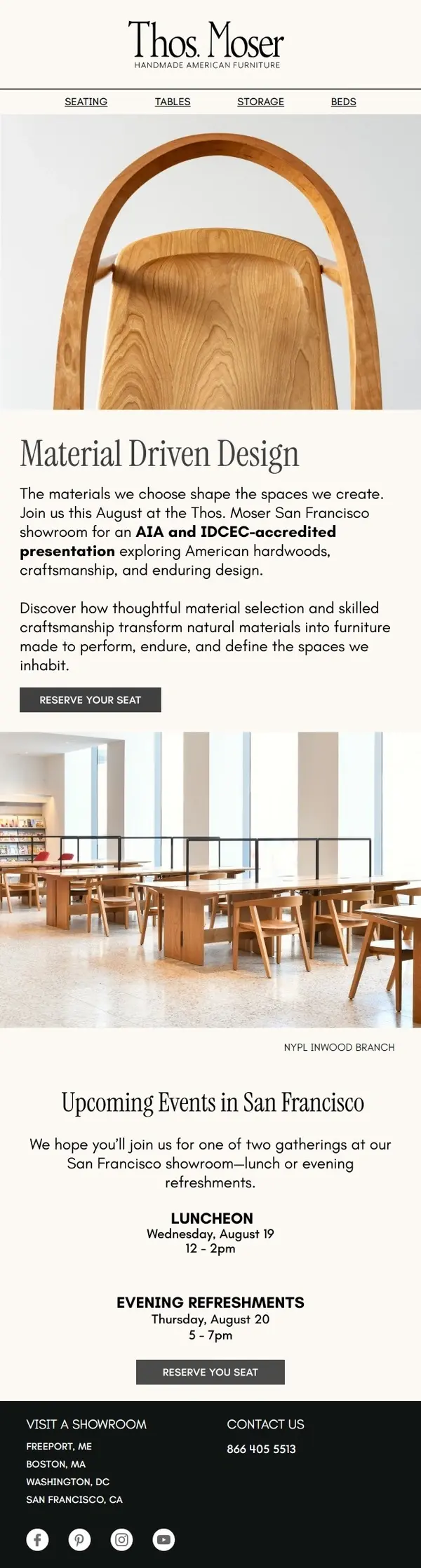
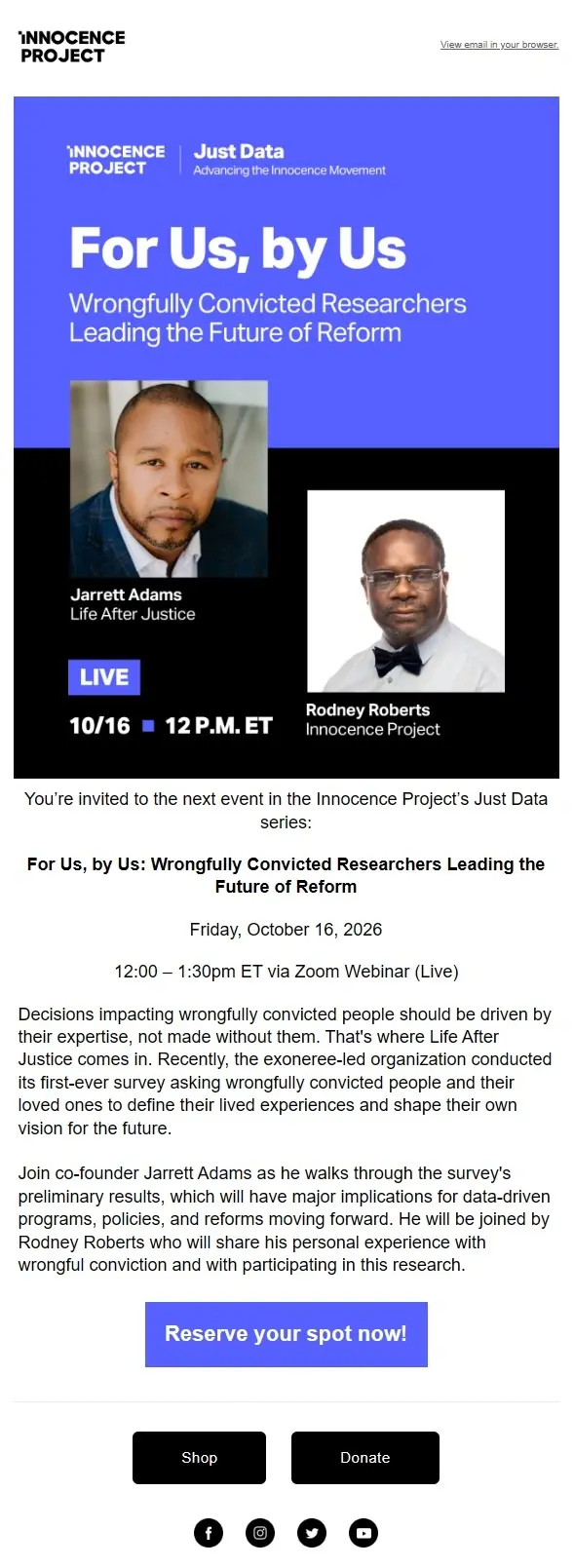
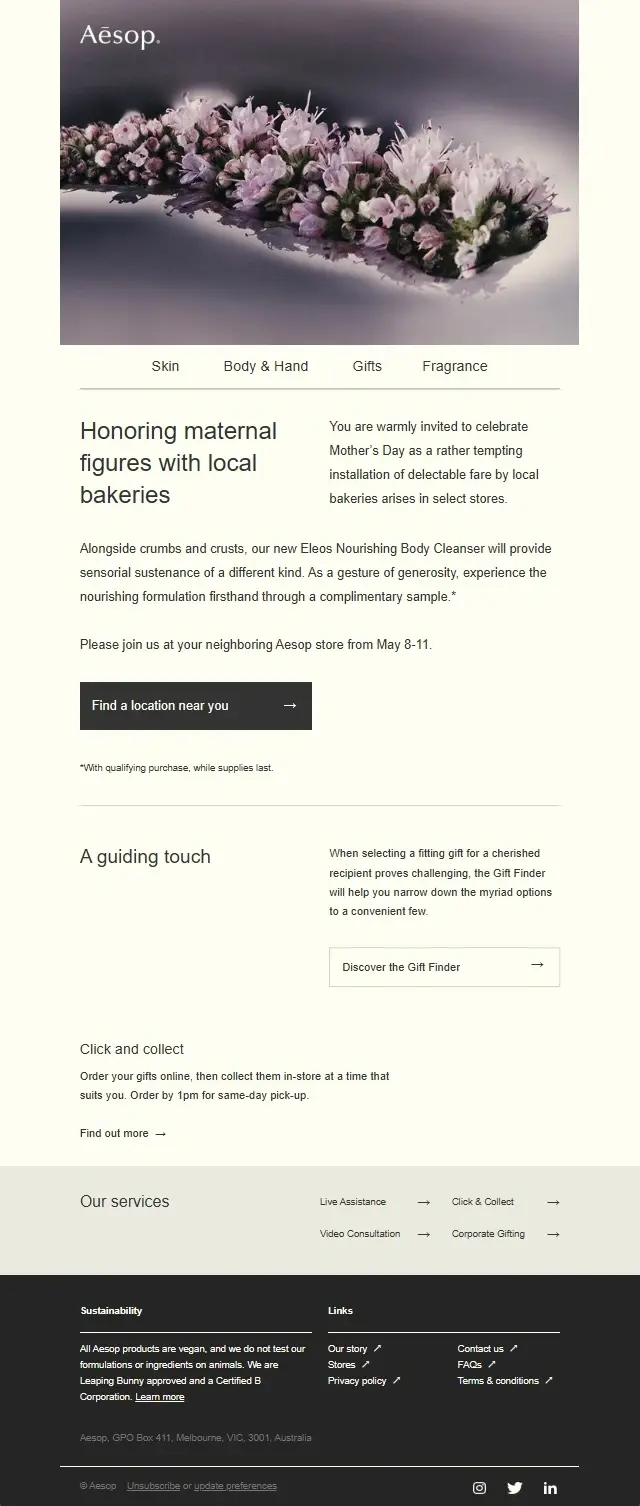
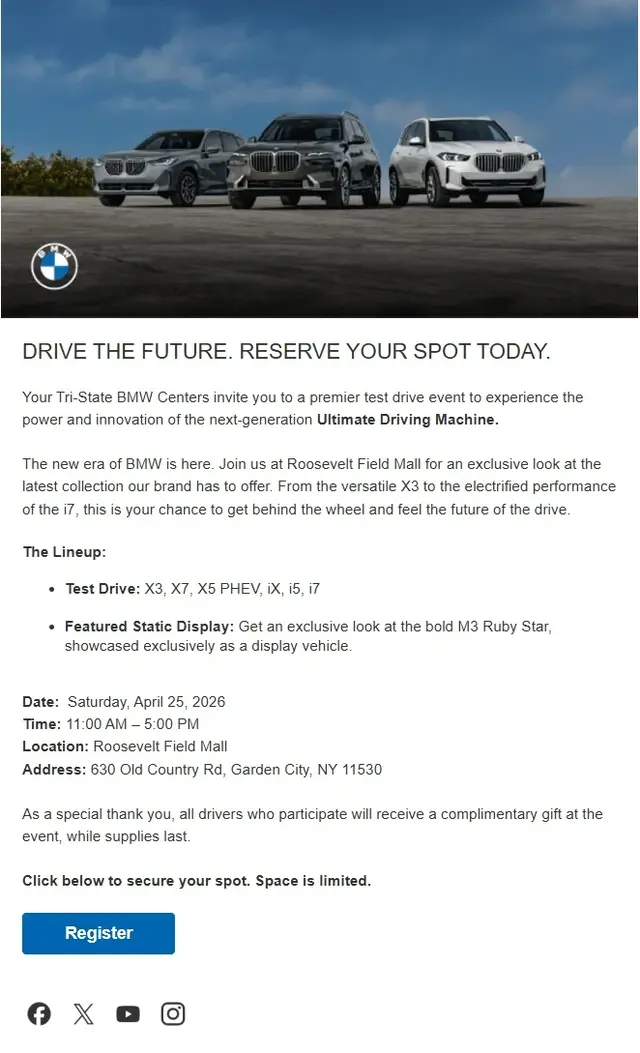
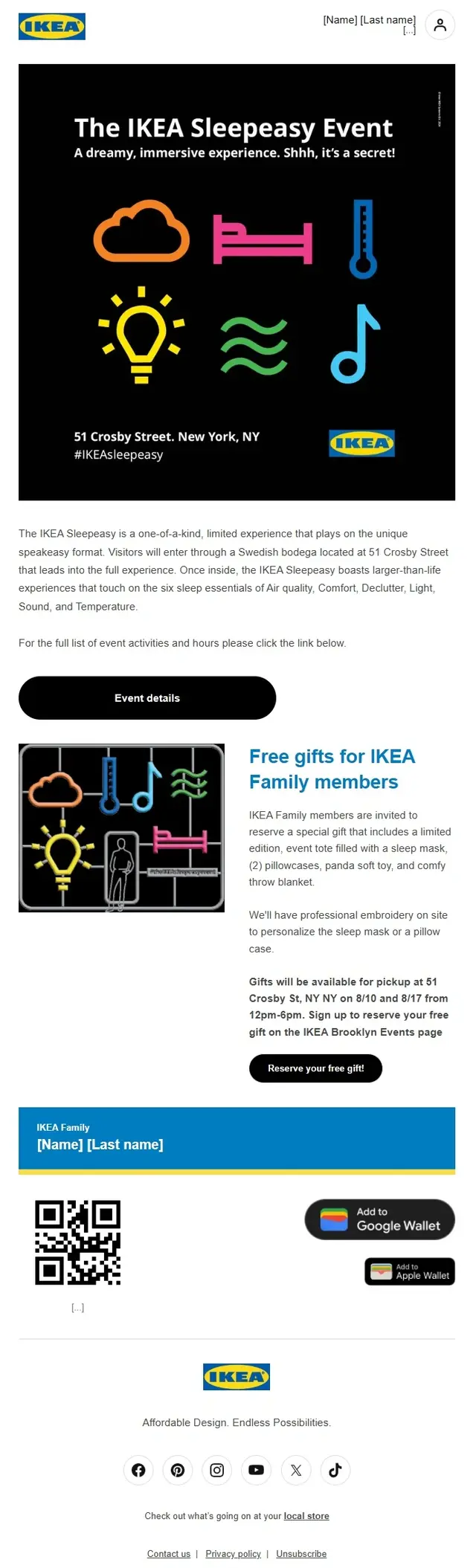
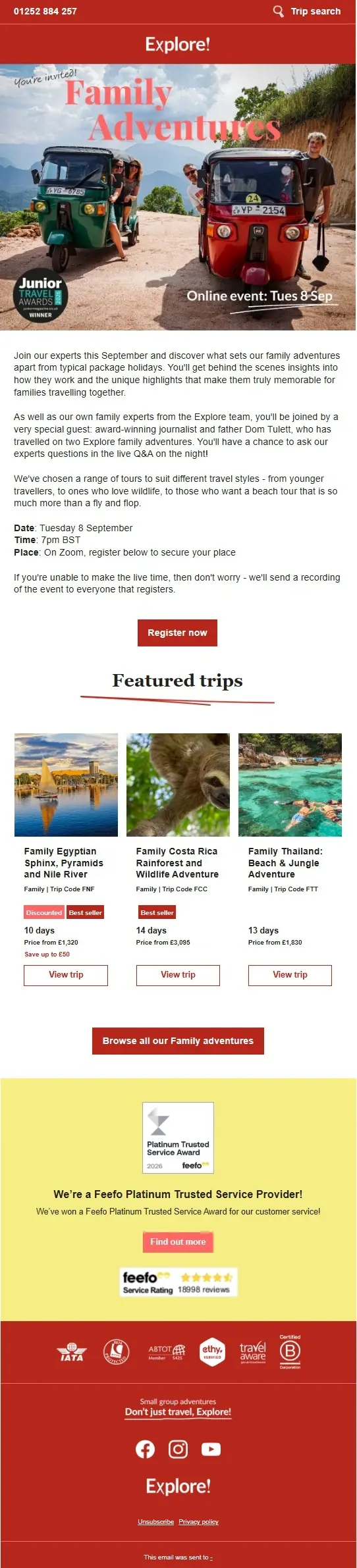
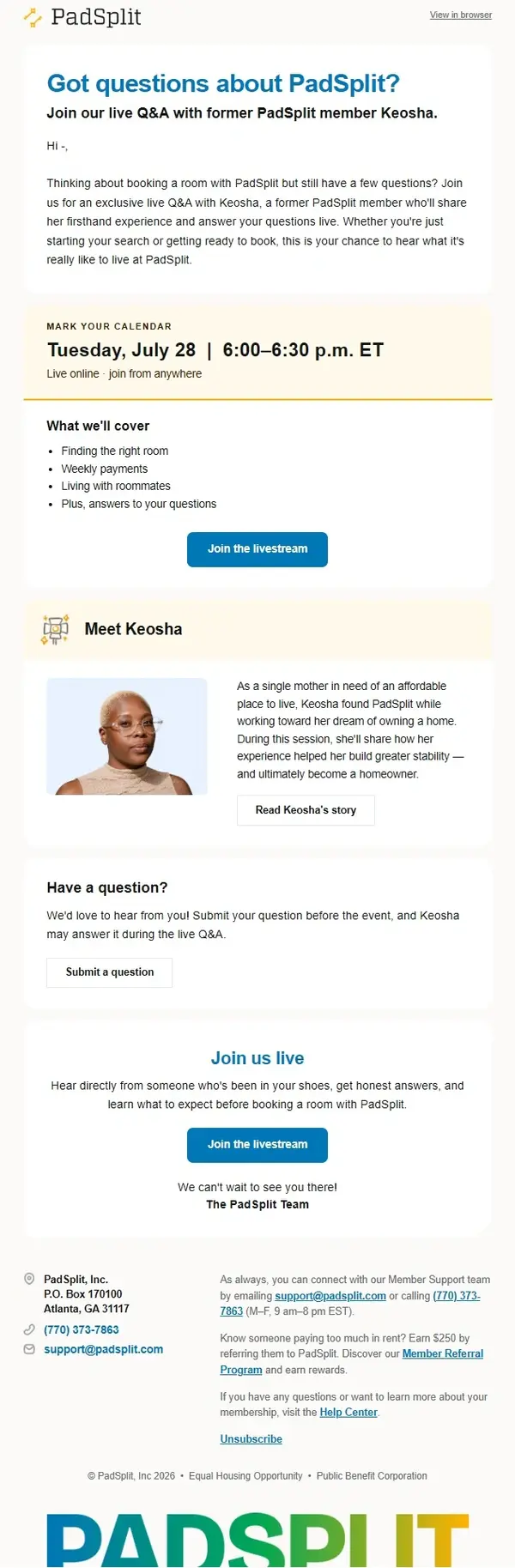
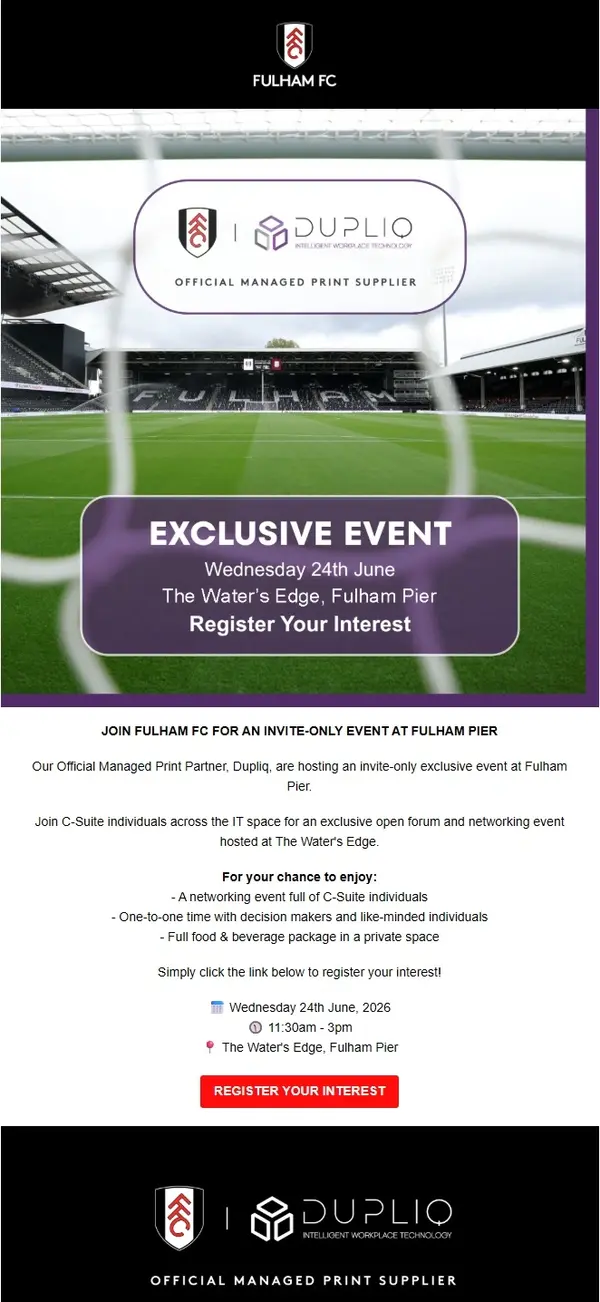
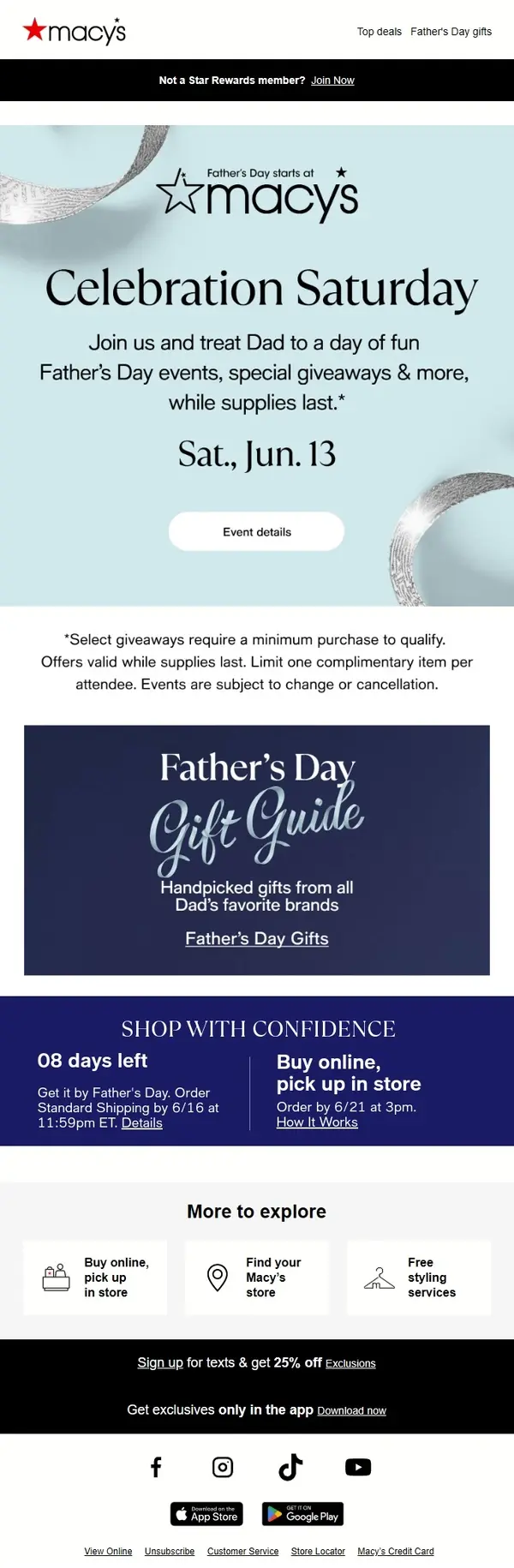
An event invitation email asks recipients to attend an upcoming event and gives them a reason to participate. Depending on the occasion, that might mean highlighting a keynote speaker, explaining what attendees will learn, introducing a networking opportunity, or presenting an exclusive experience.
These event invitation email examples include business and corporate invitations, webinars, workshops, community gatherings, and other events. Look at how different brands balance event details, imagery, and registration calls to action.


Event Registration Email Examples
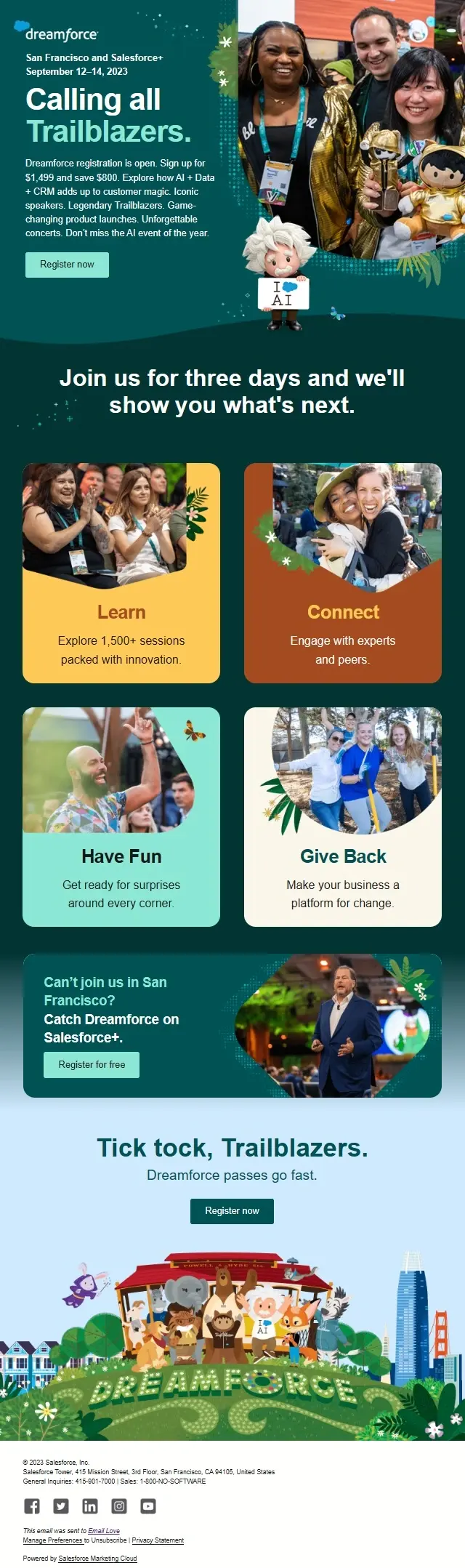
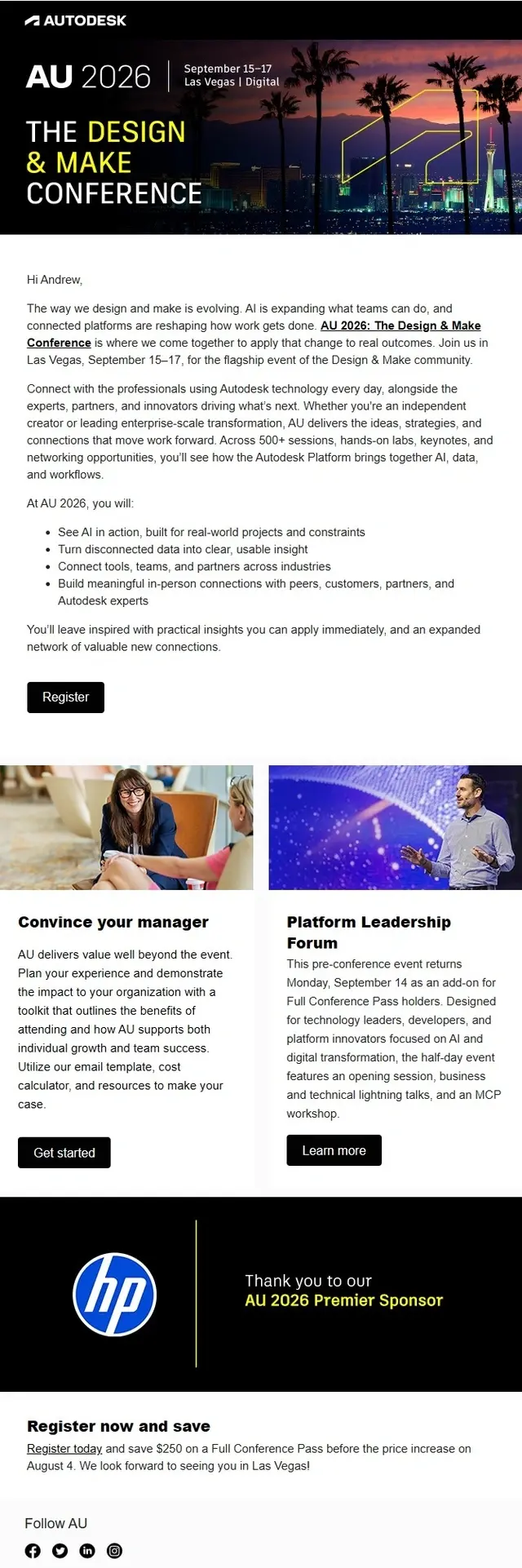
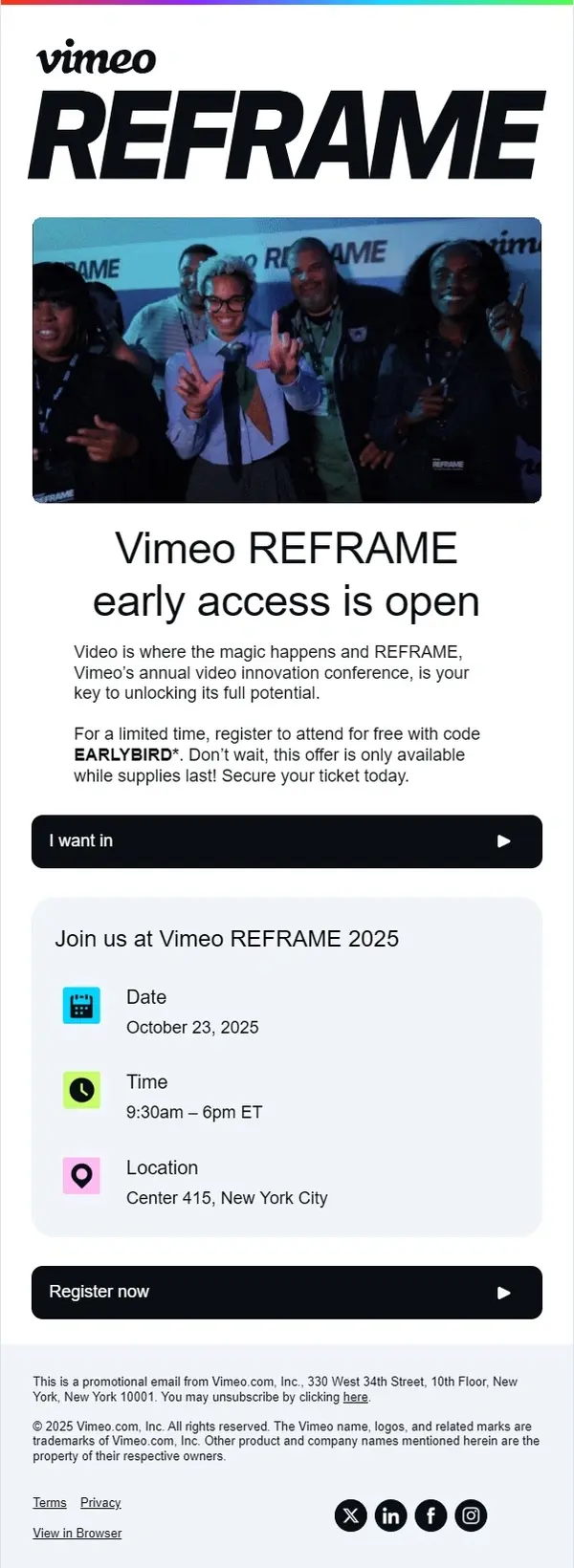
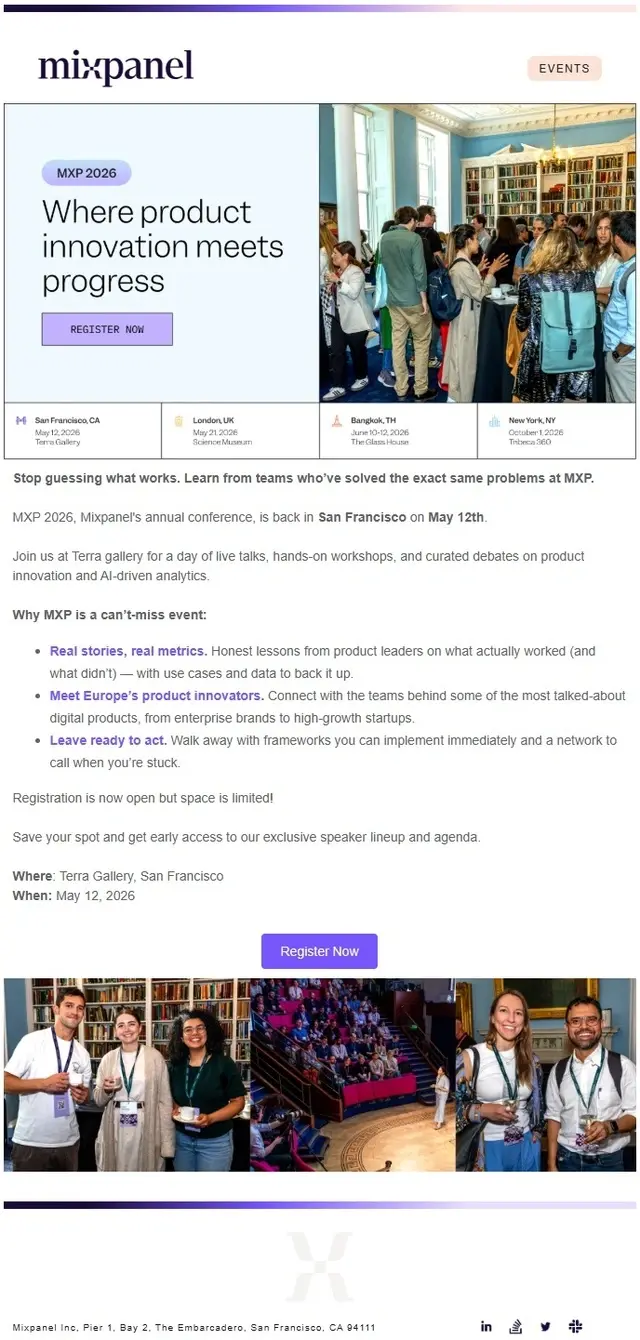
Event registration emails cover the process of signing up for an event and confirming a place afterward. Registration invitations encourage recipients to complete the signup process, while confirmation emails acknowledge their registration and provide important attendance information.
The examples in this section include event registration requests, webinar confirmations, ticket confirmations, digital passes, and access instructions. They show different ways to present registration details without burying the information attendees need.
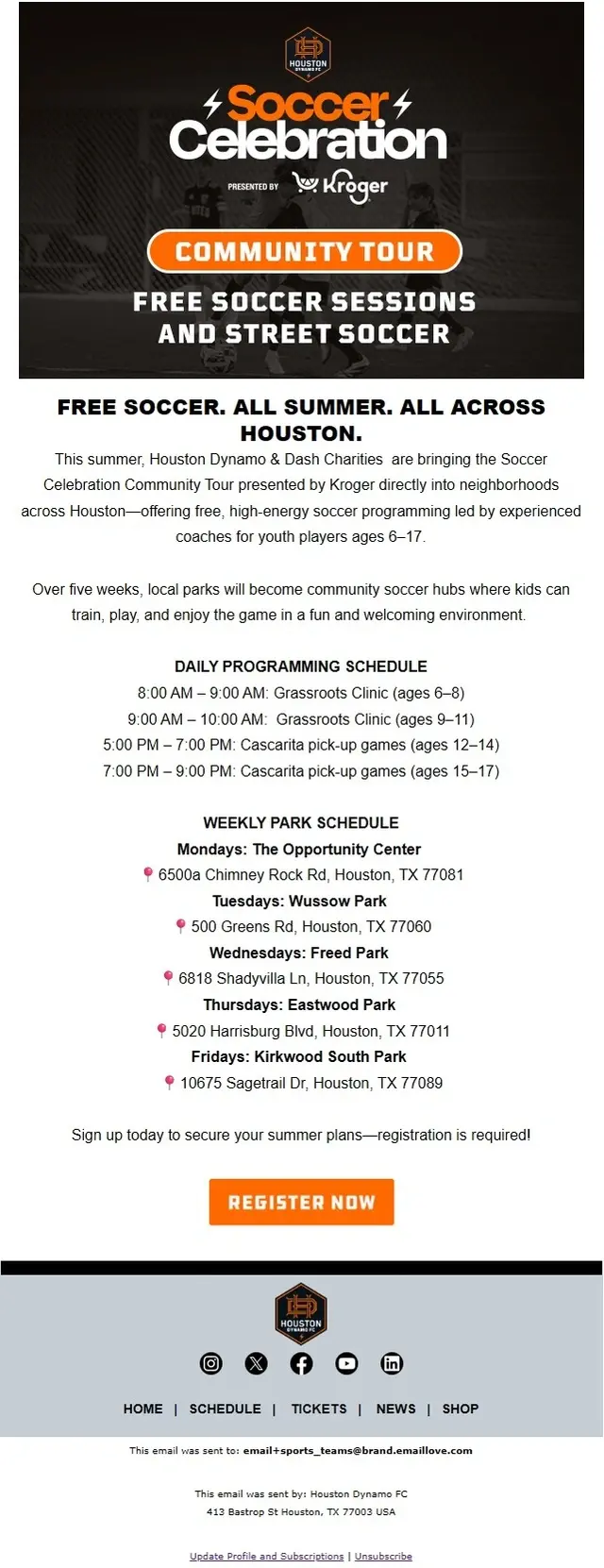
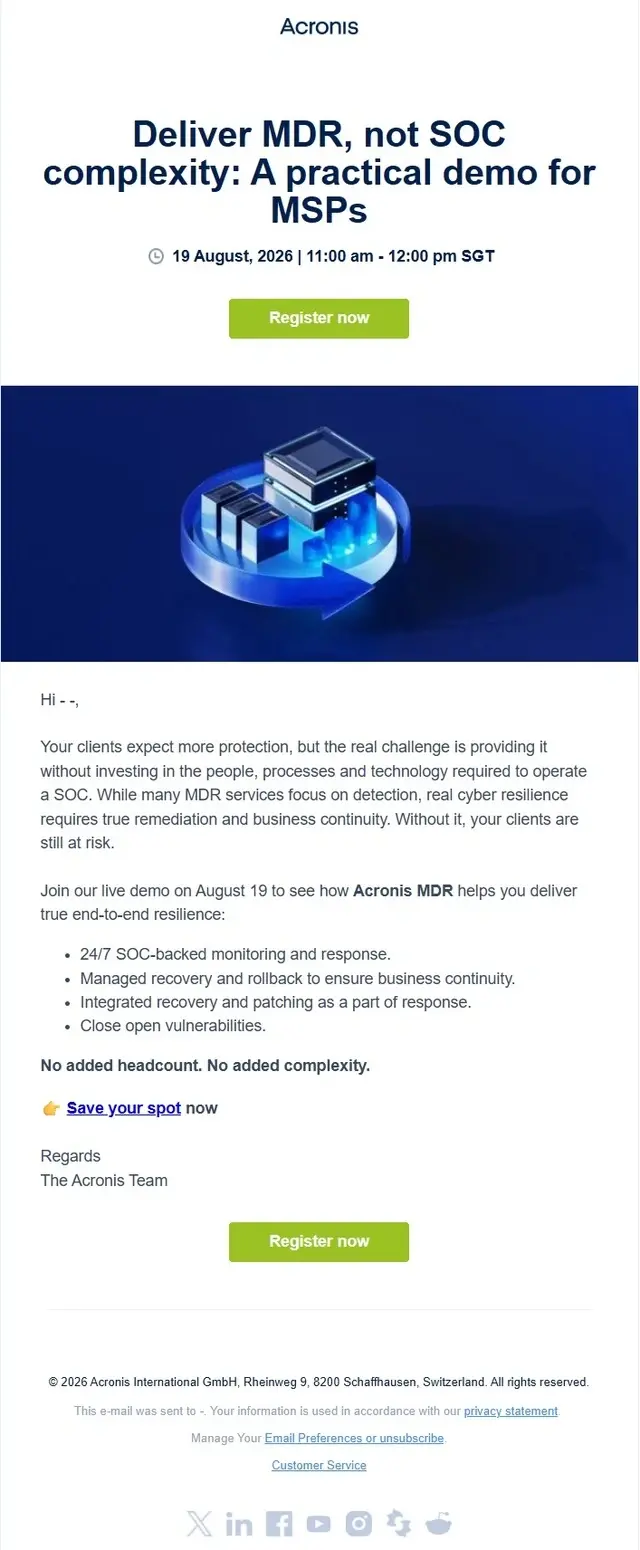
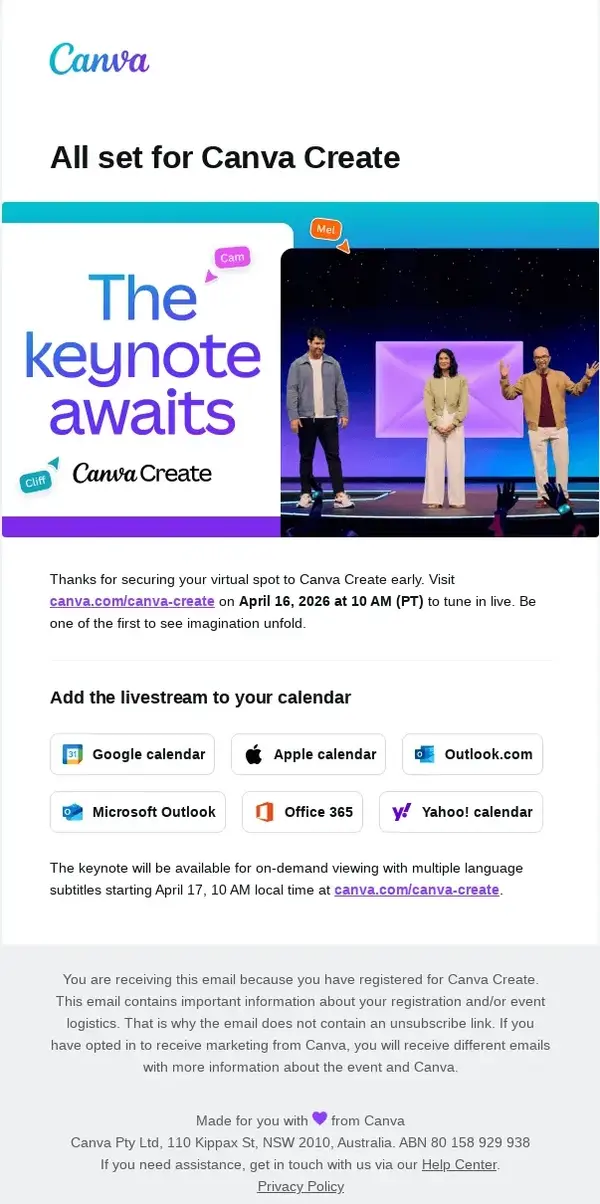
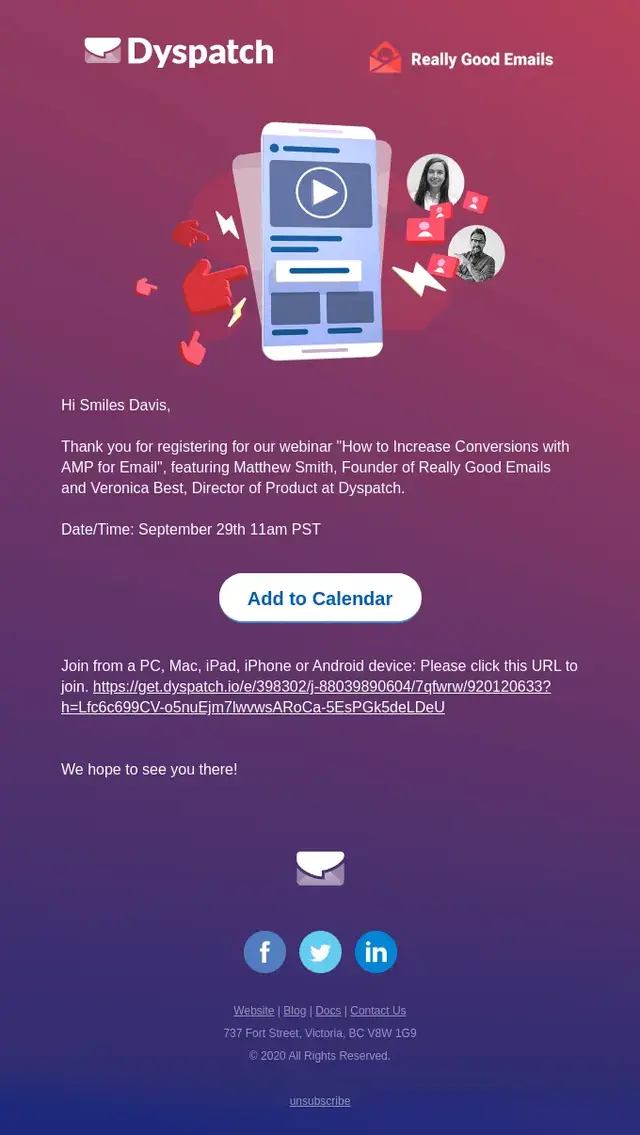
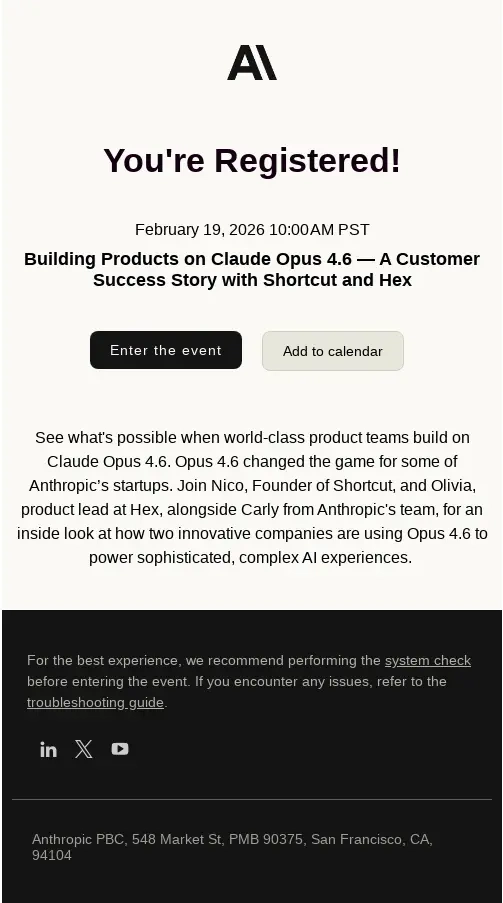
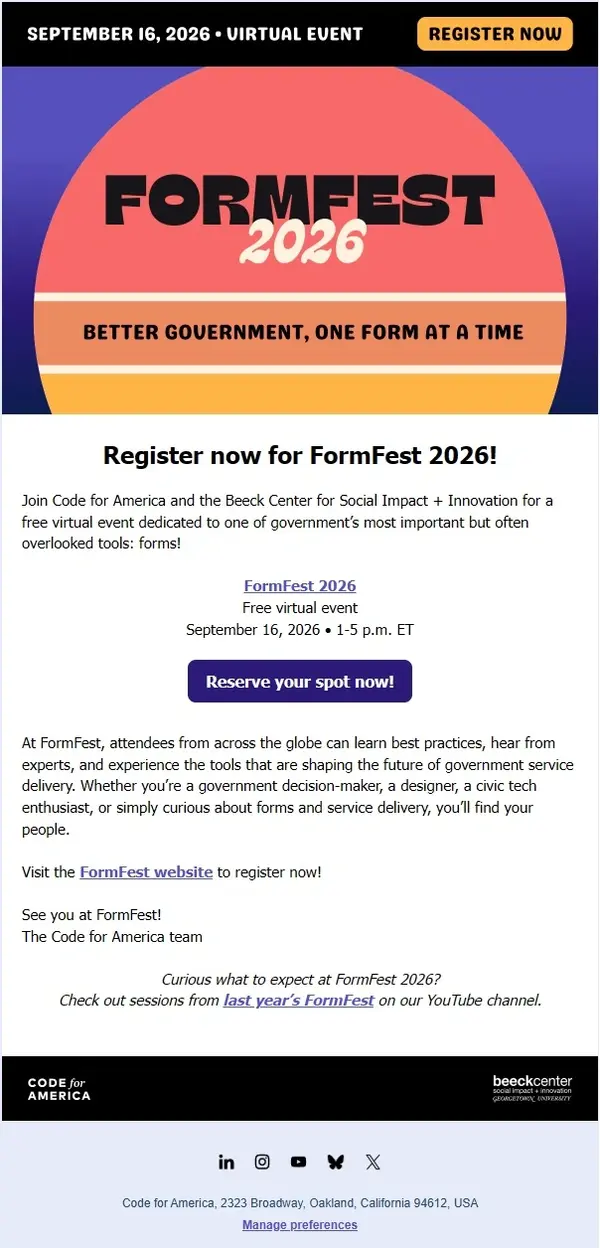
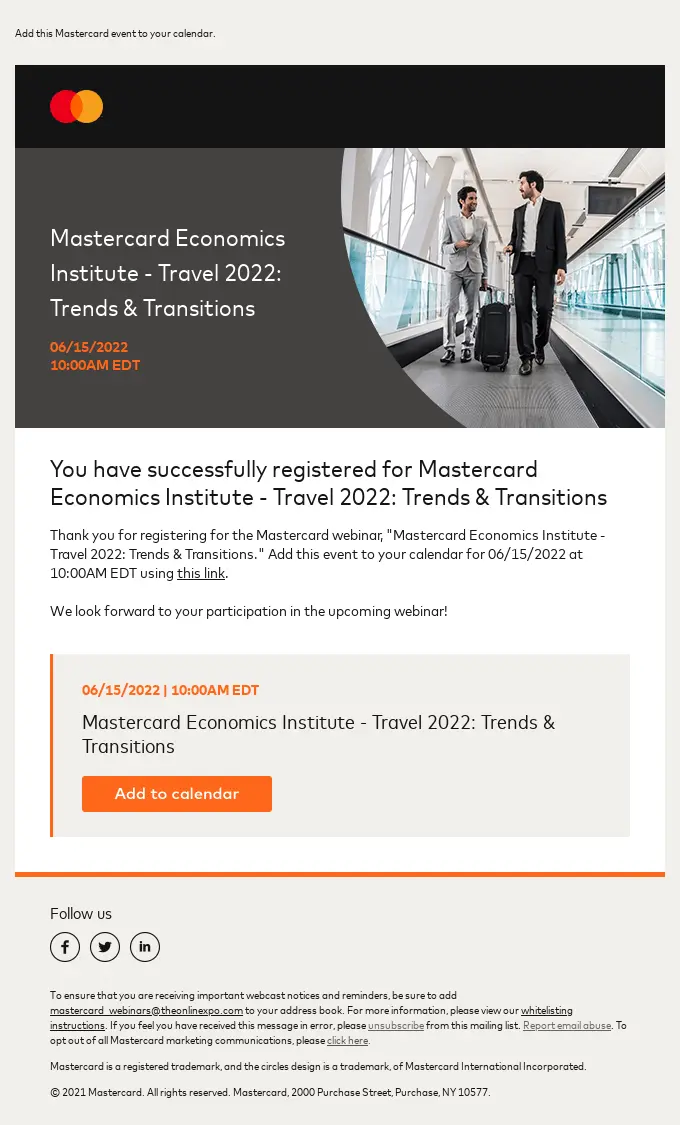
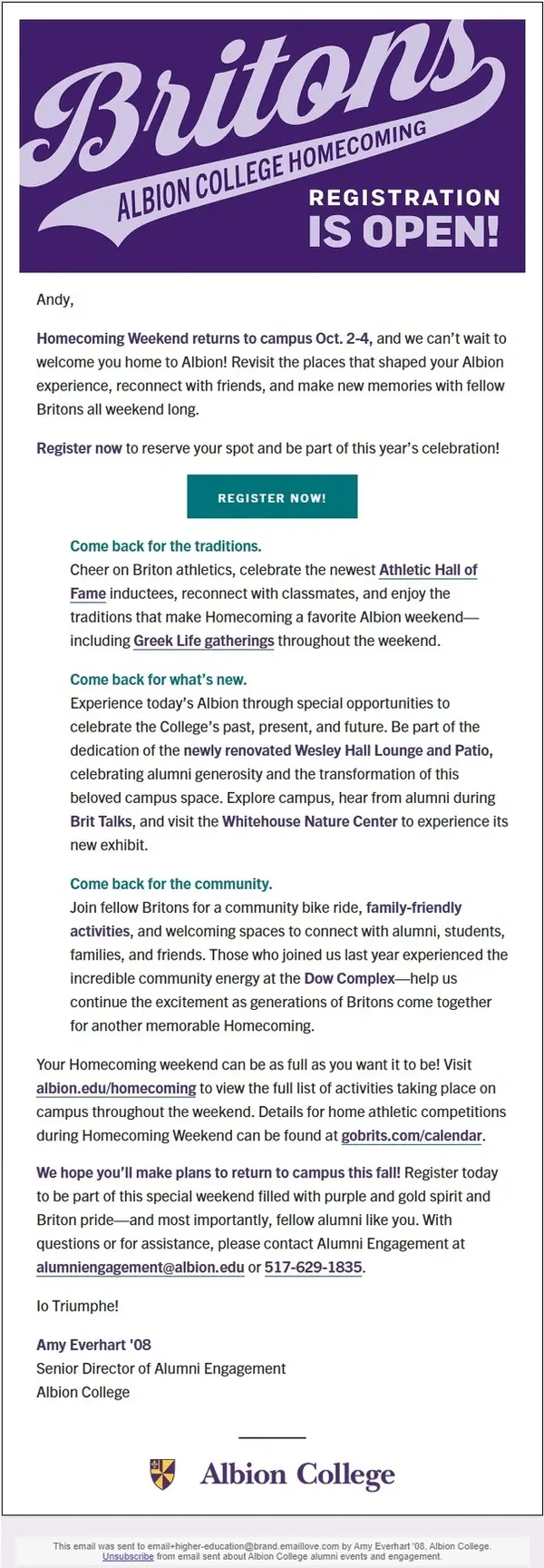
Event registration confirmations are also a type of transactional email. Explore more transactional email examples covering tickets, access details, and other customer notifications.
RSVP Email Examples
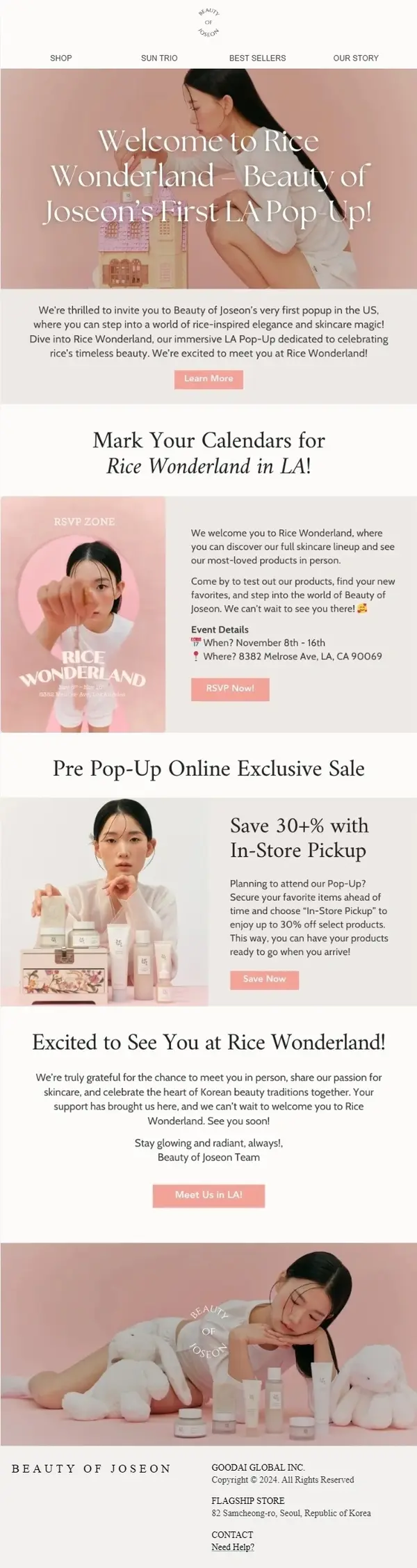
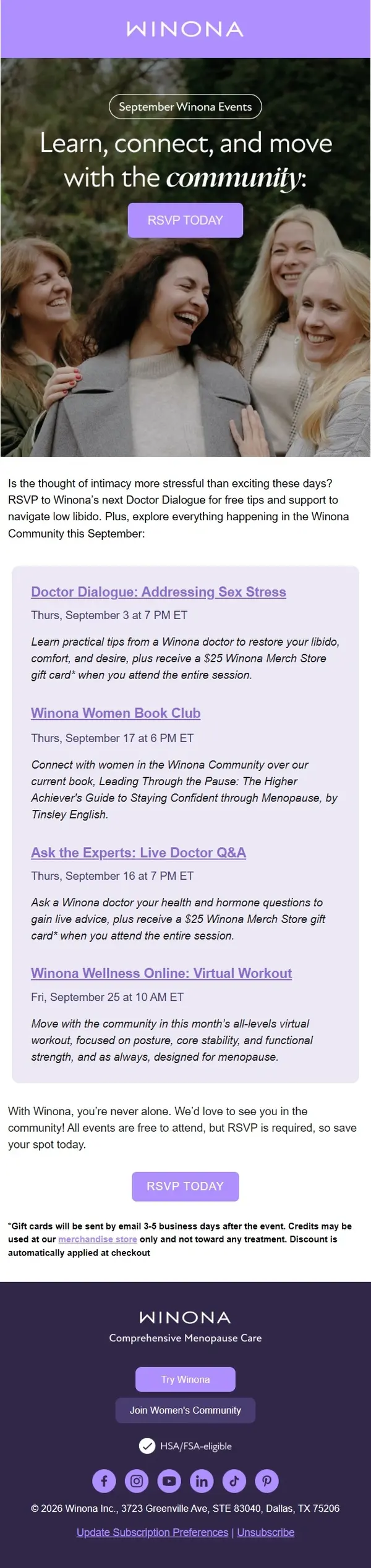
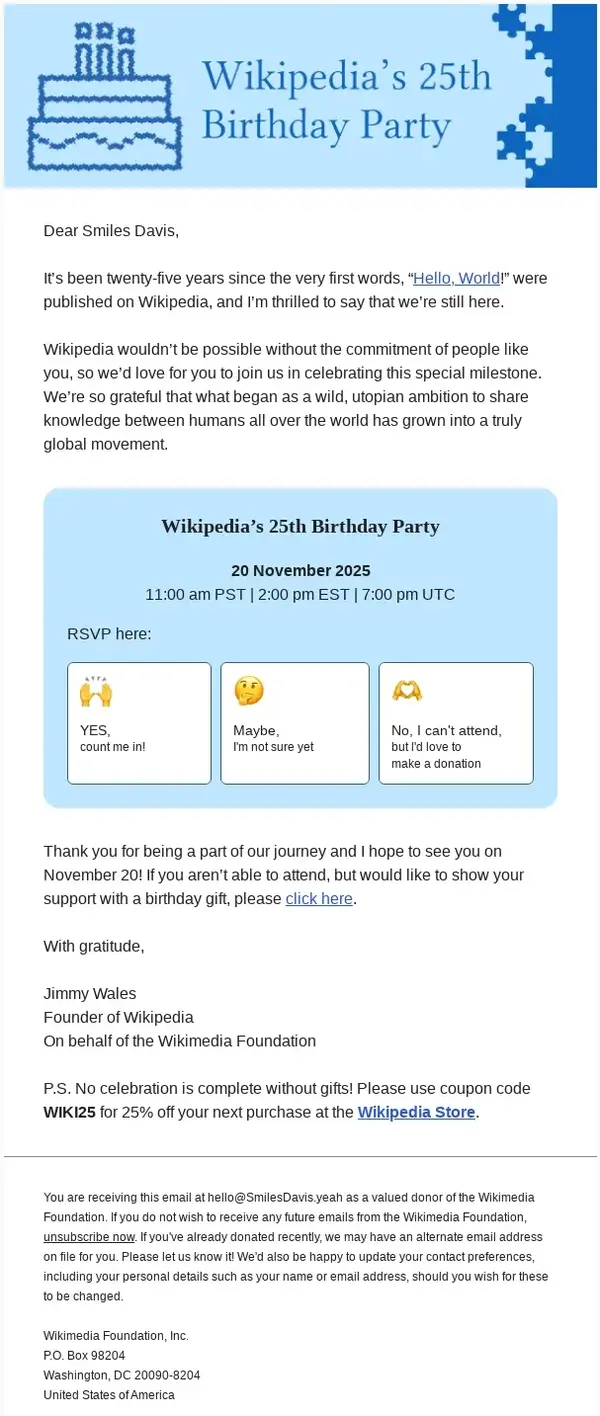
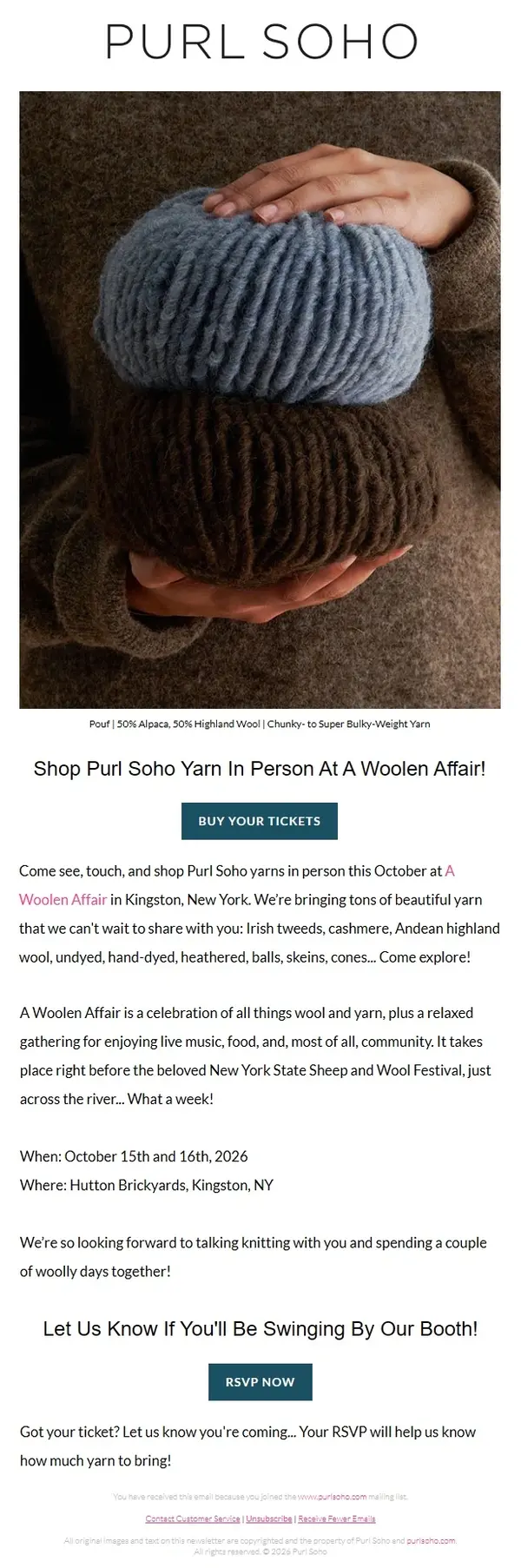
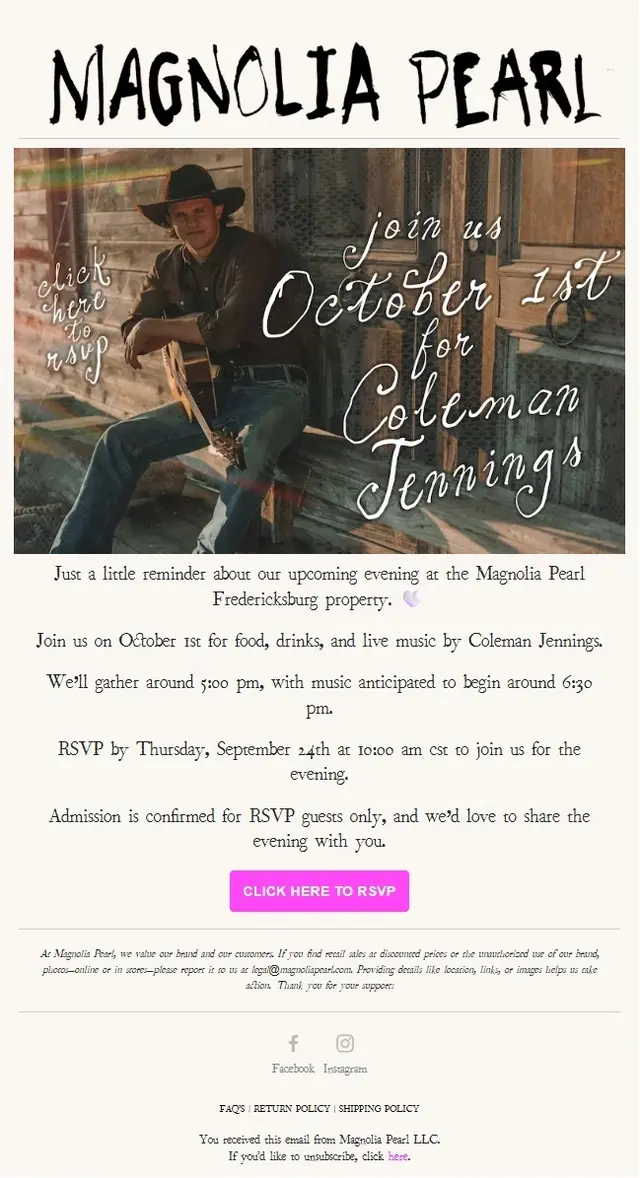
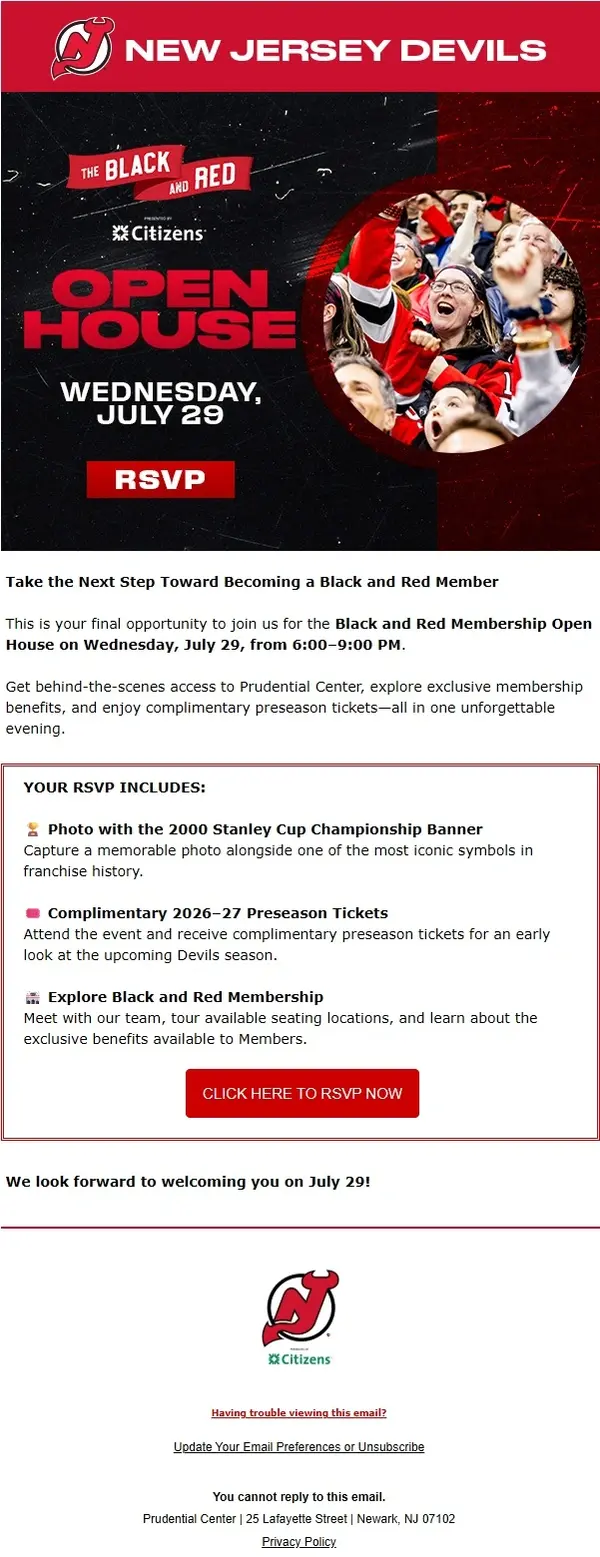
RSVP emails ask recipients to confirm whether they plan to attend an event. They’re commonly used for private gatherings, company events, networking sessions, exclusive previews, and occasions where organizers need a reliable guest count.
A clear RSVP email makes the invitation easy to understand and the response simple to complete. These examples show how brands handle attendance requests, RSVP deadlines, guest confirmations, and follow-up reminders.






Event Reminder Email Examples
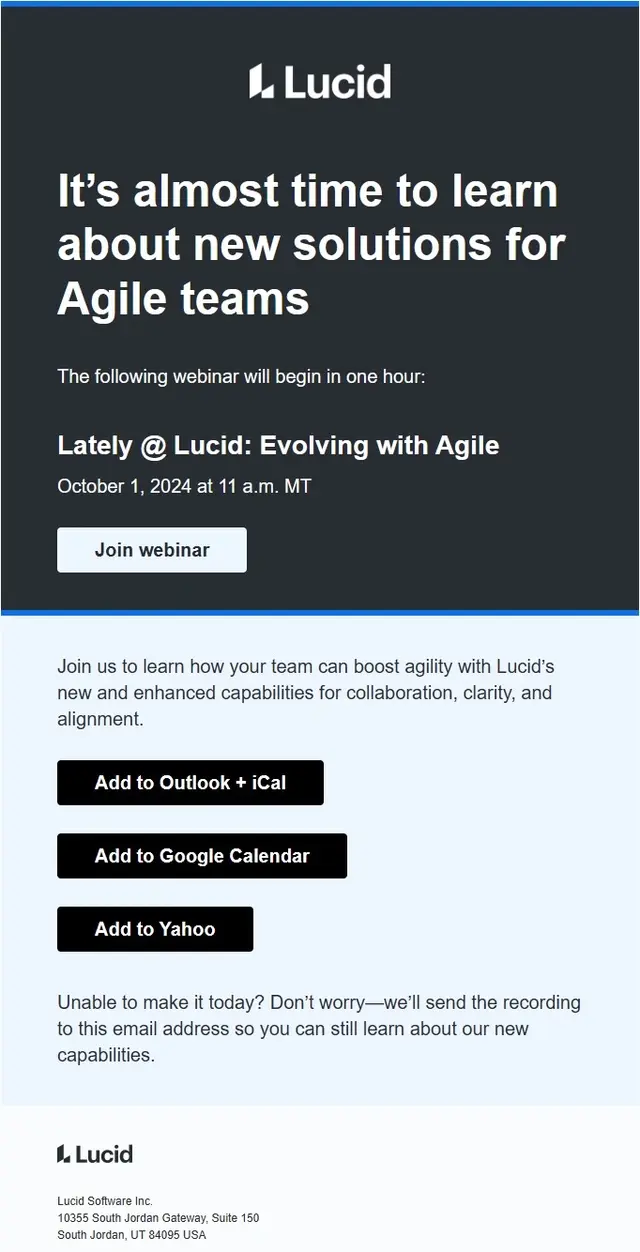
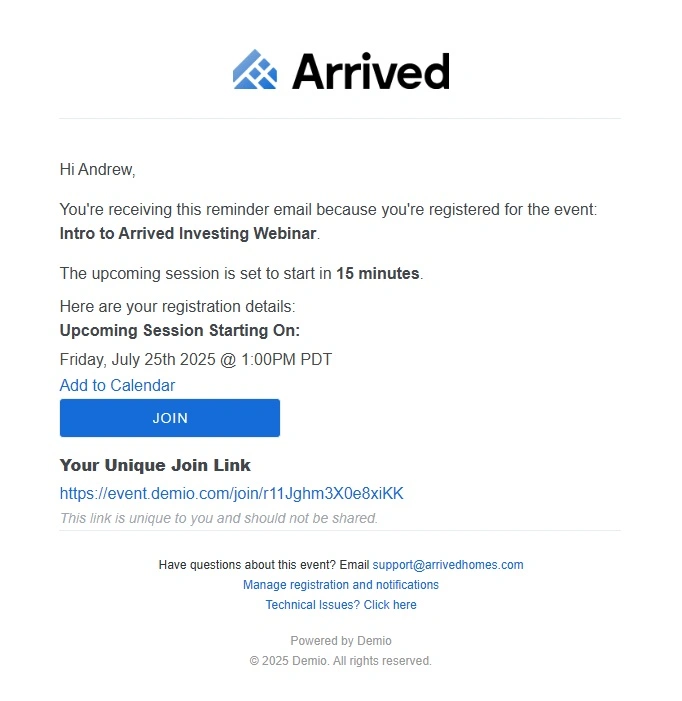
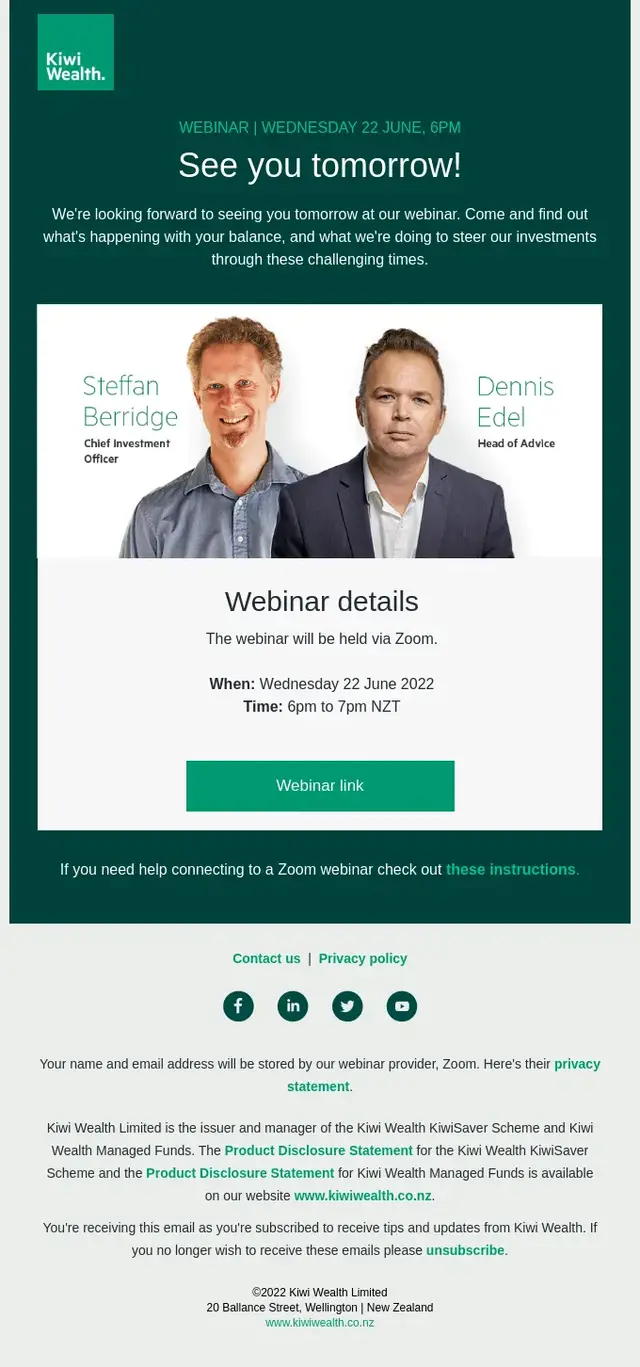
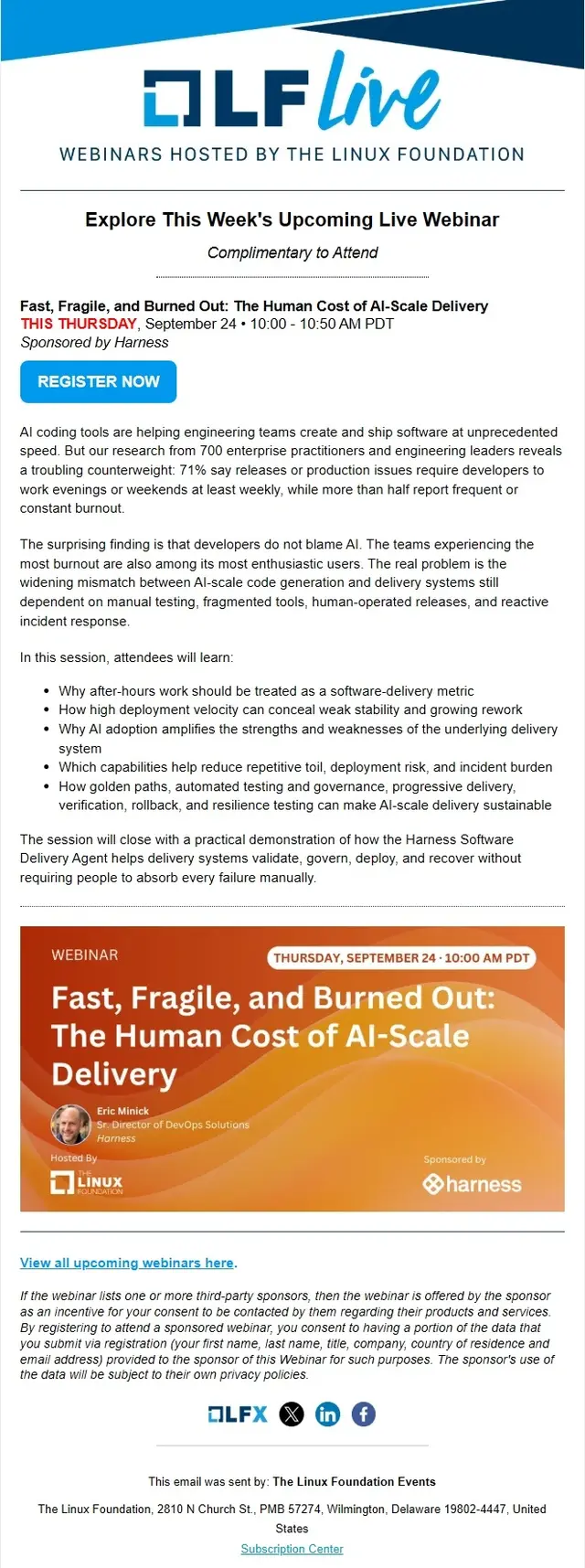
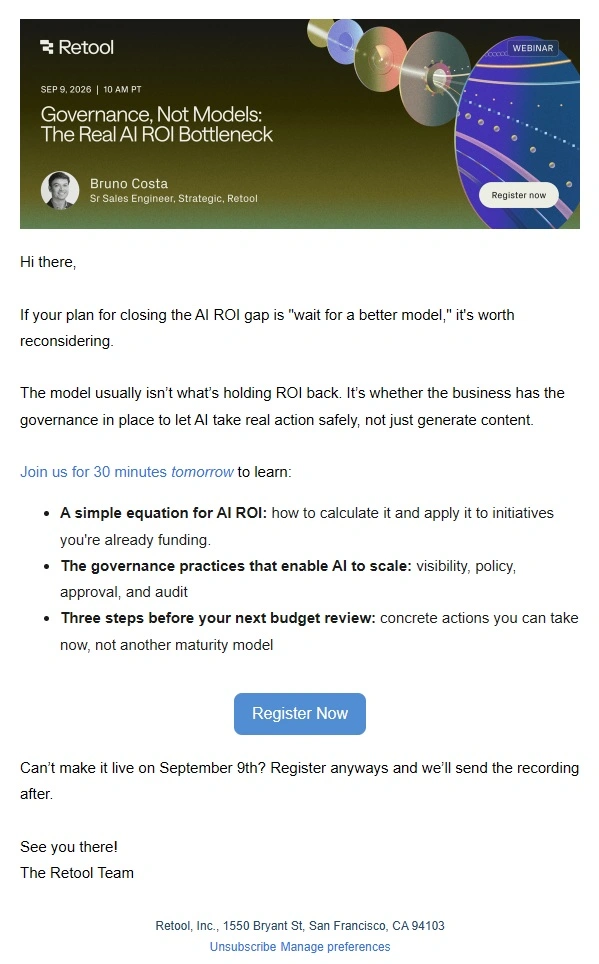
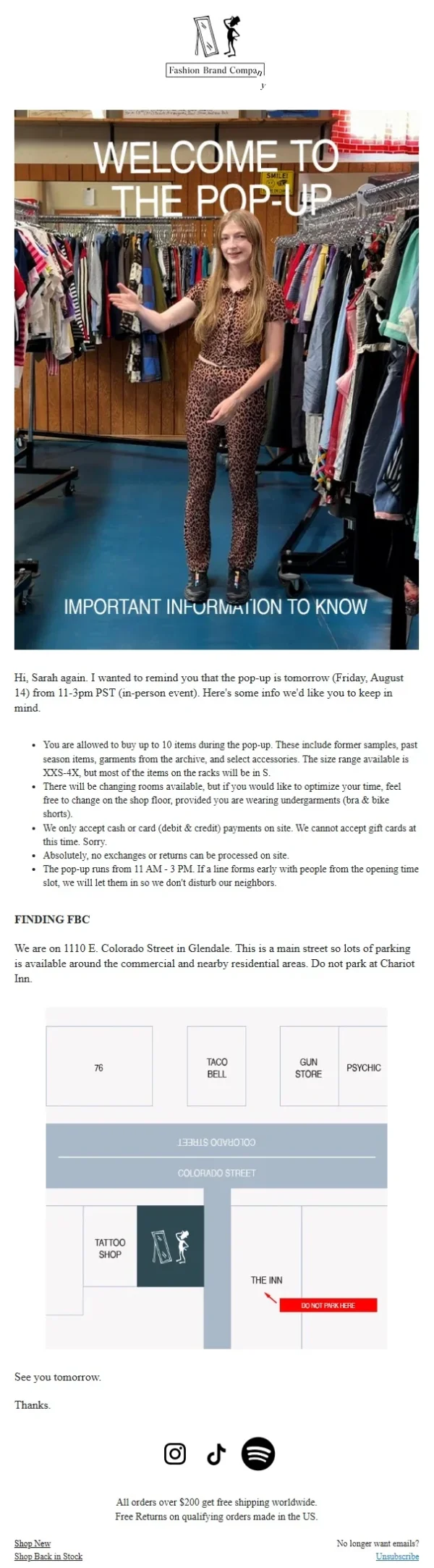
Event reminder emails bring an upcoming event back to the attendee’s attention. Some arrive several days in advance with preparation details, while others provide a final reminder shortly before a webinar, conference session, or in-person gathering begins.
The examples below cover event countdowns, calendar reminders, joining instructions, venue information, and last-minute attendee updates. Their focus is helping recipients remember the event and arrive prepared.
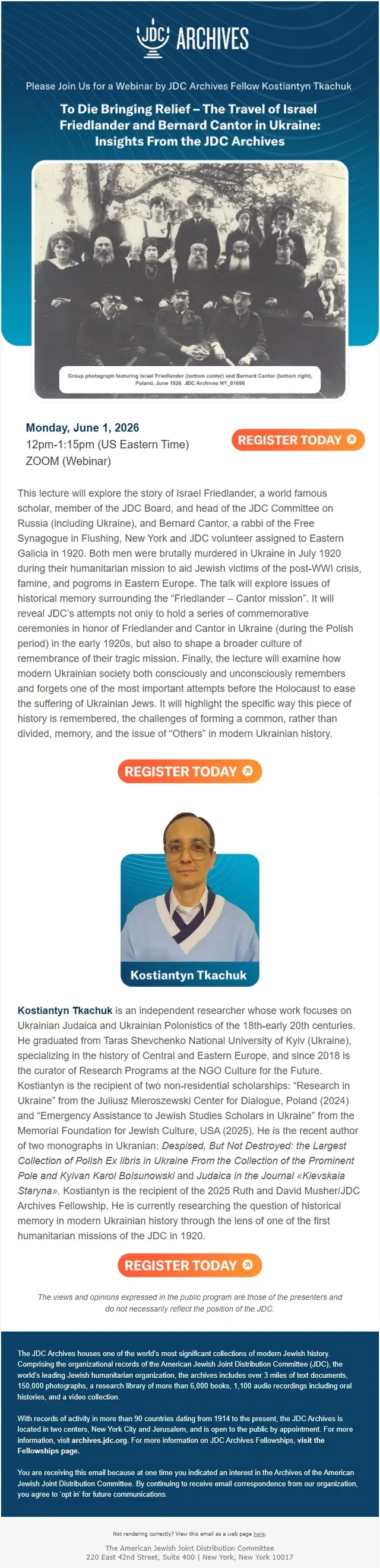
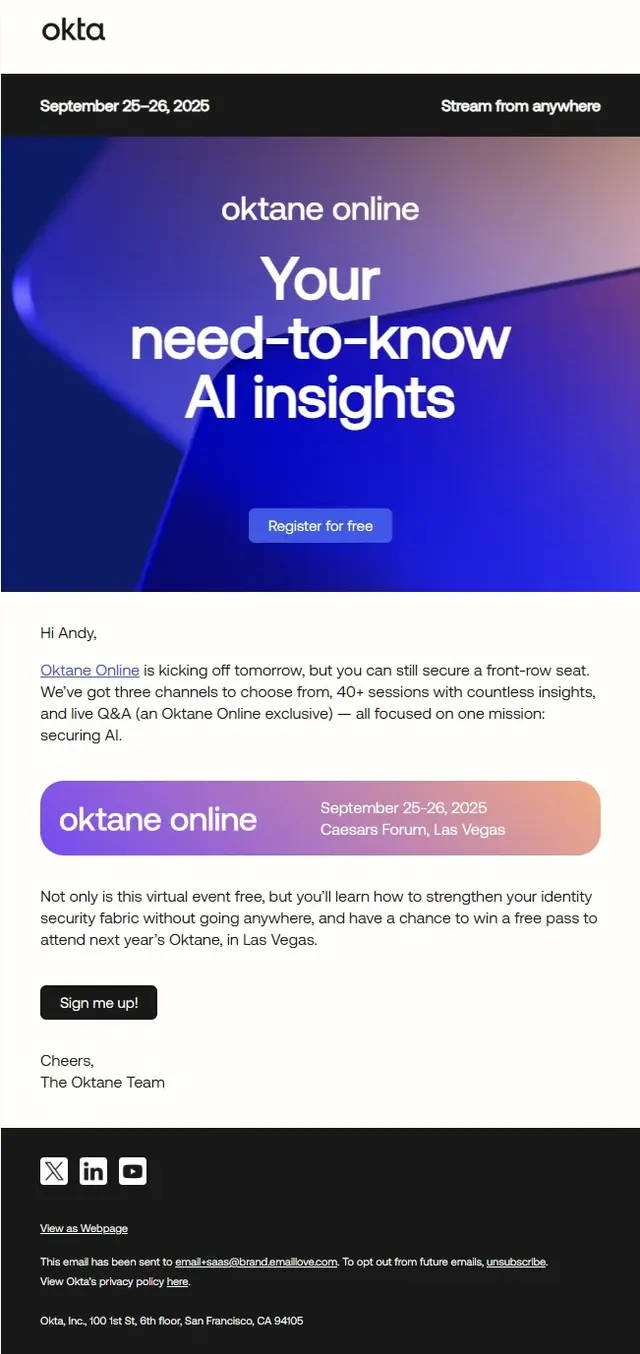
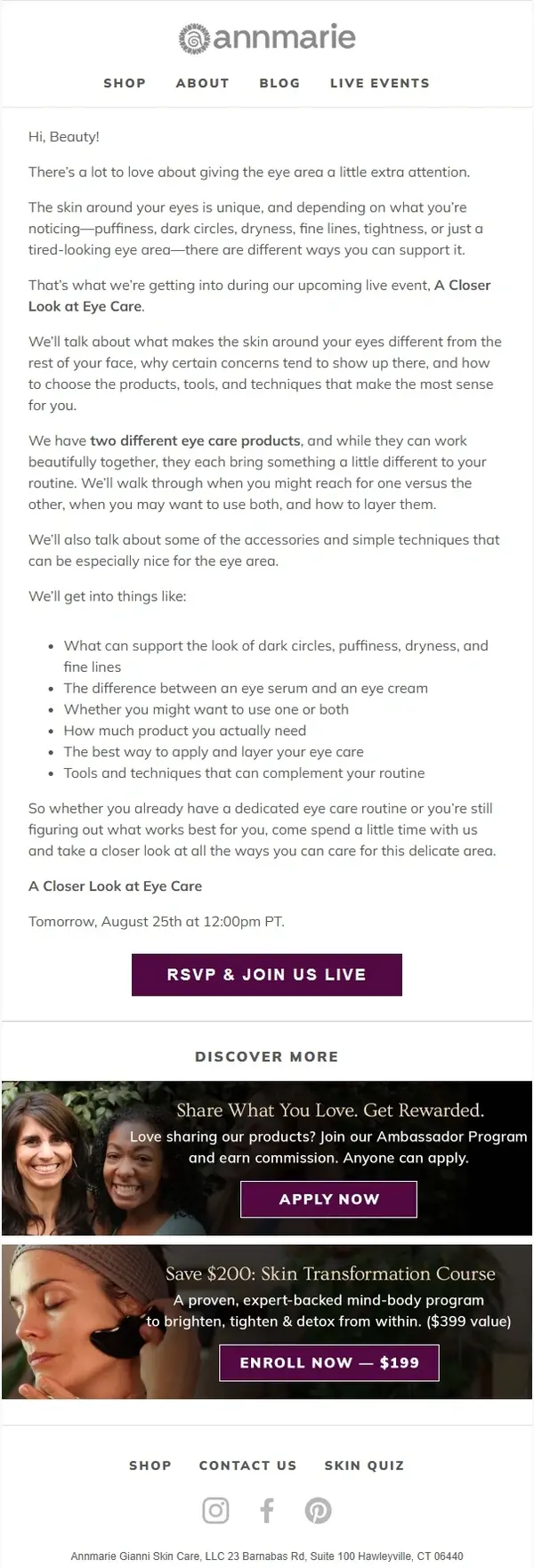
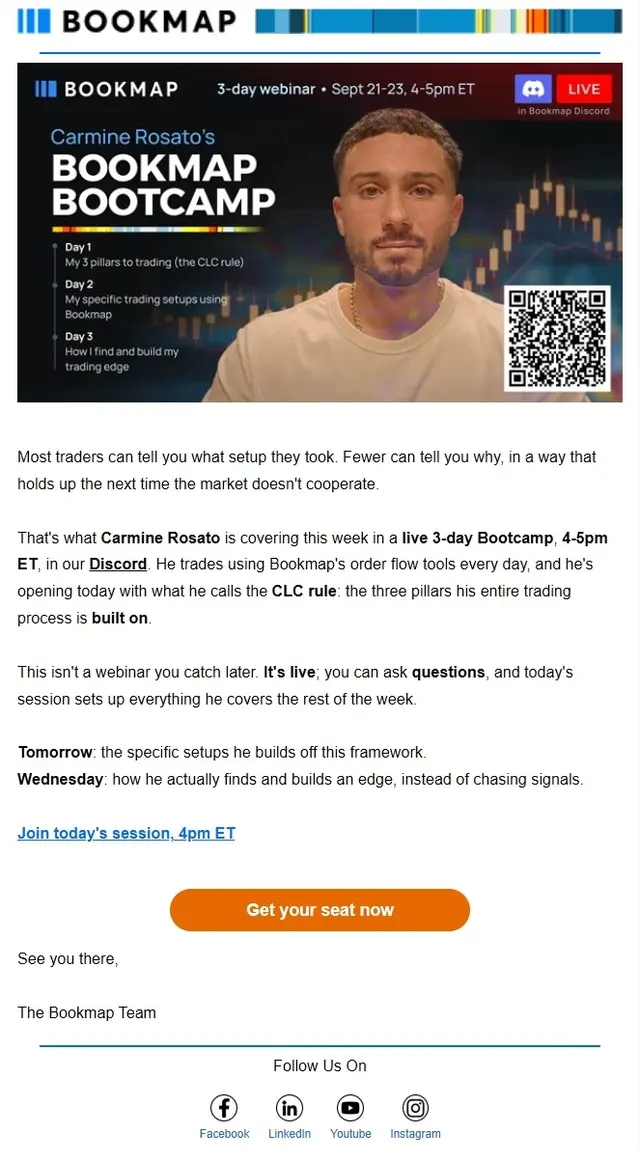

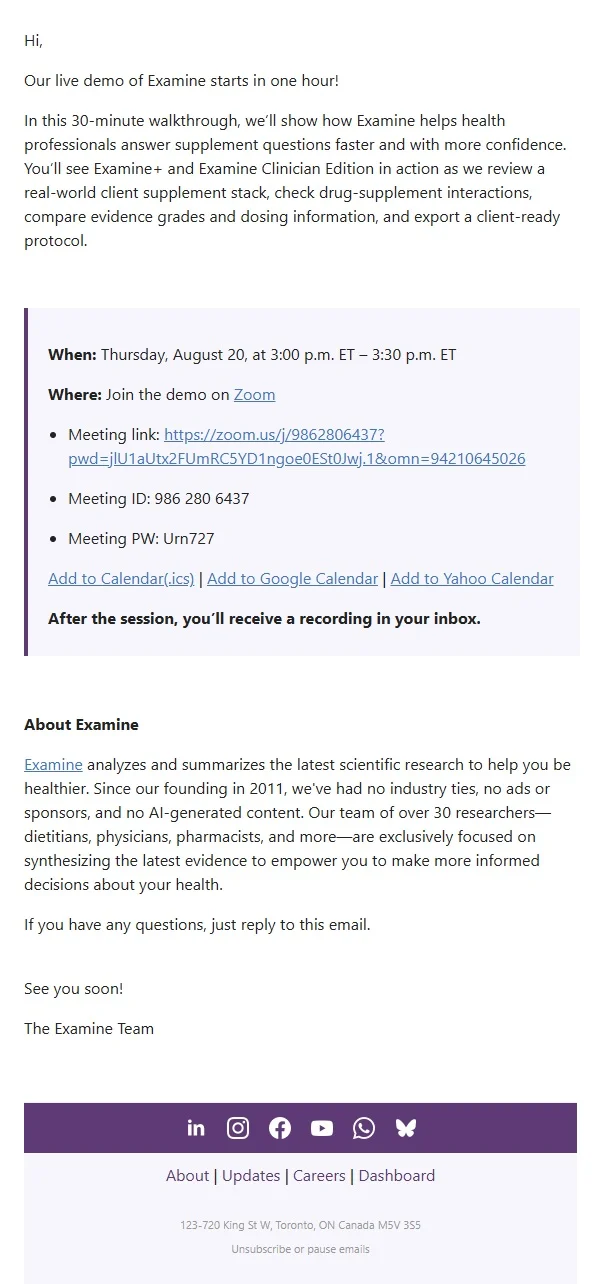
Event Agenda, Speaker and Ticket Emails
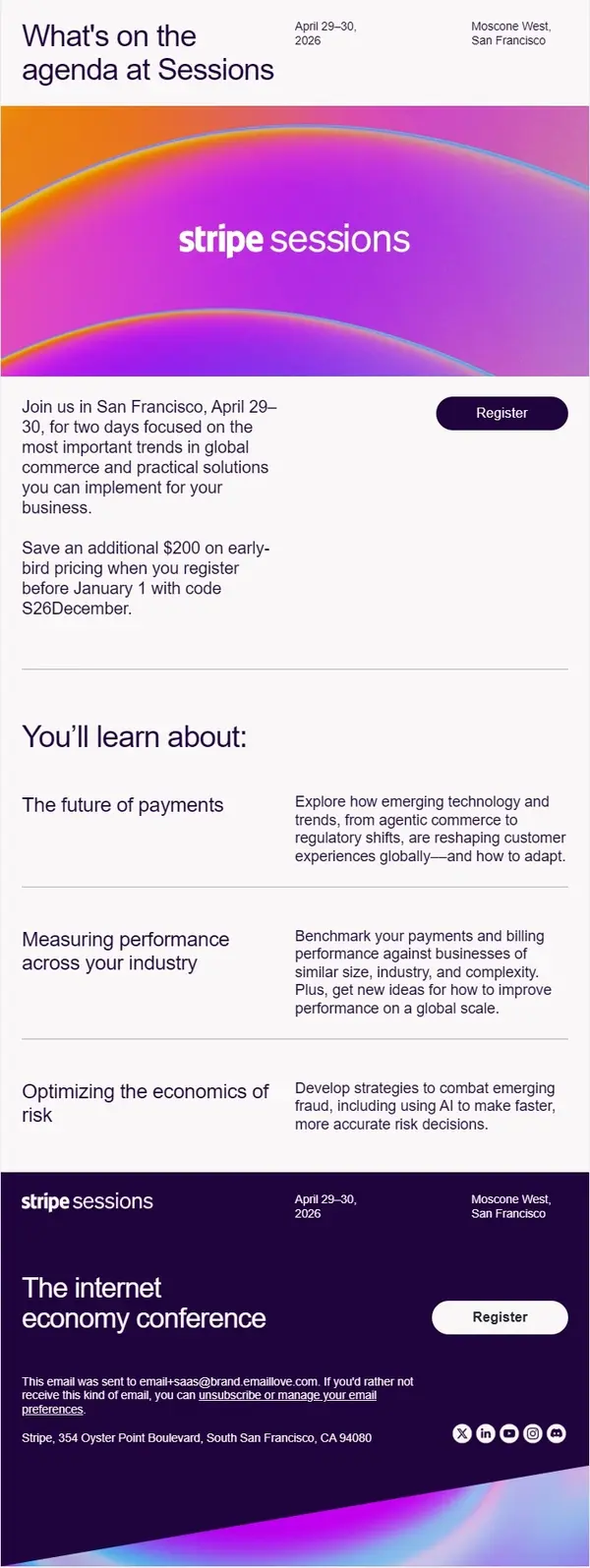
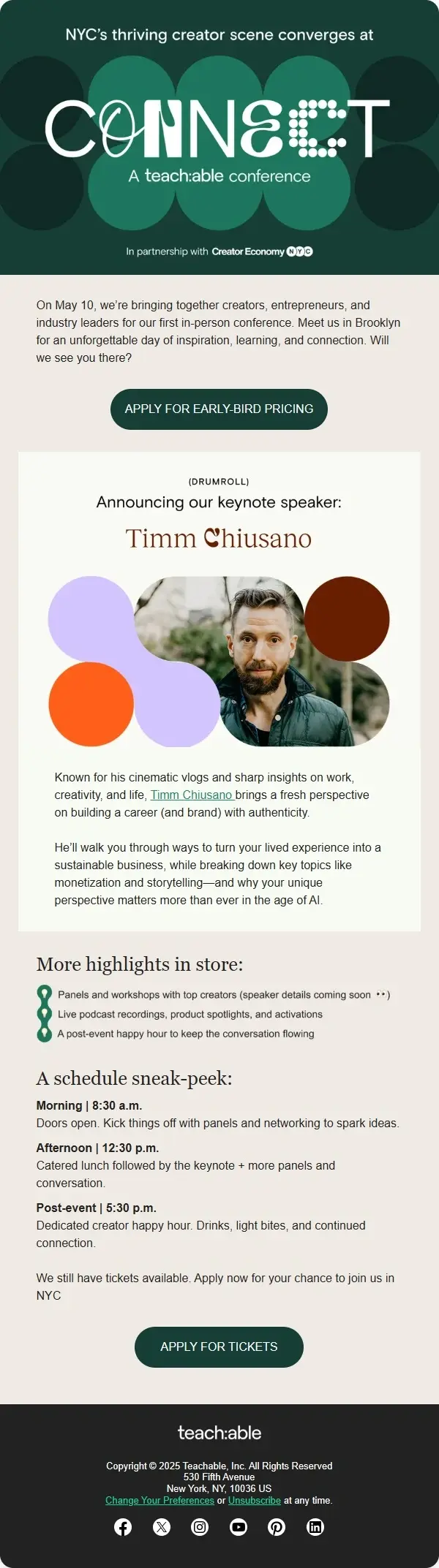
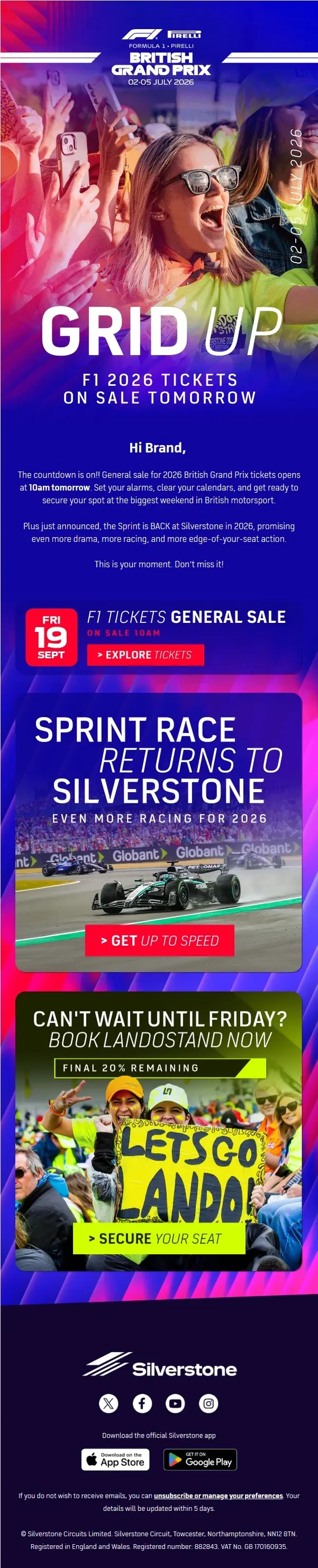
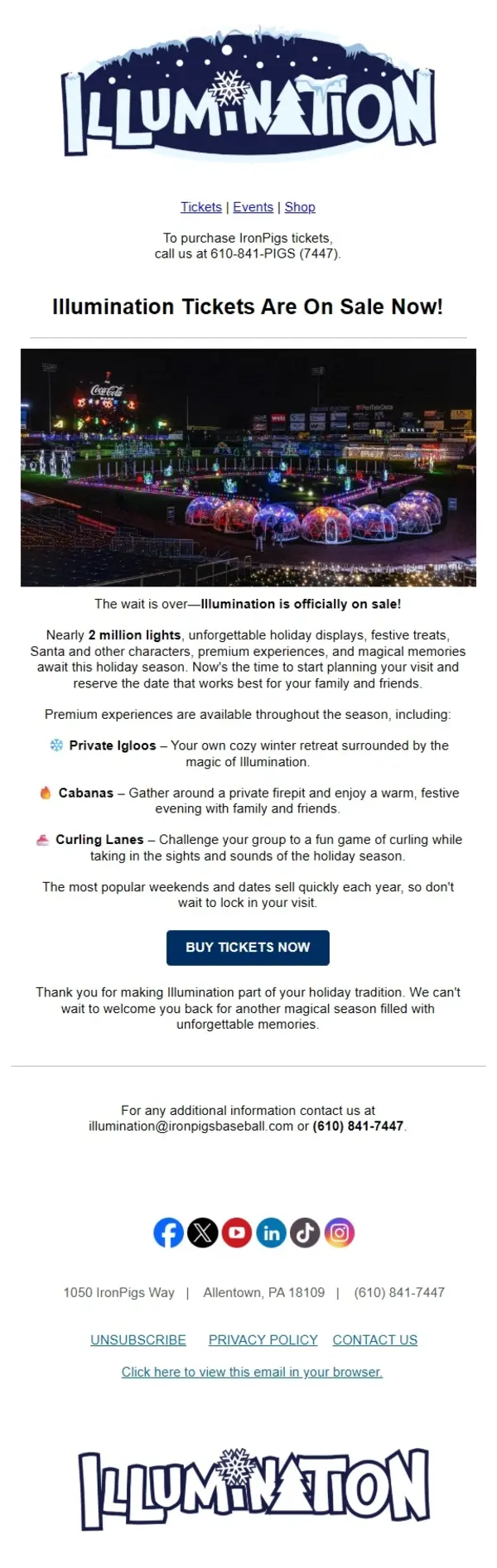
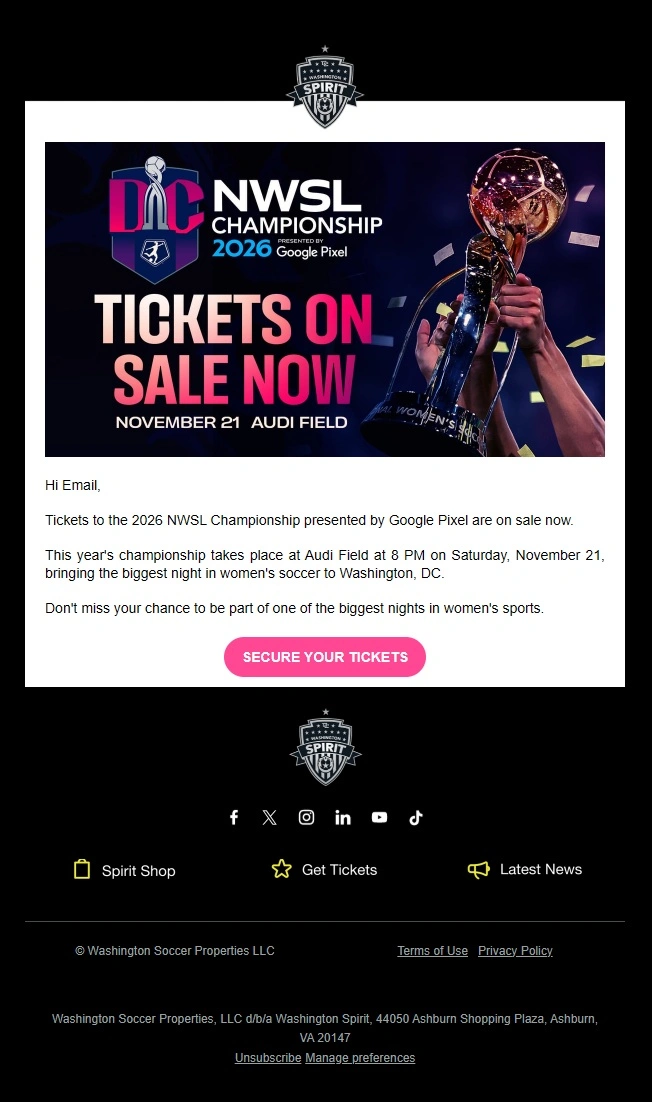
Not every event email needs to introduce the occasion or ask for registration. Some campaigns keep interest going through speaker announcements, agenda updates, session previews, ticket releases, and early-bird offers.
These examples highlight the supporting communications that appear throughout an event campaign. They include speaker-focused designs, detailed schedules, ticket promotions, and emails that give potential attendees a closer look at the experience.


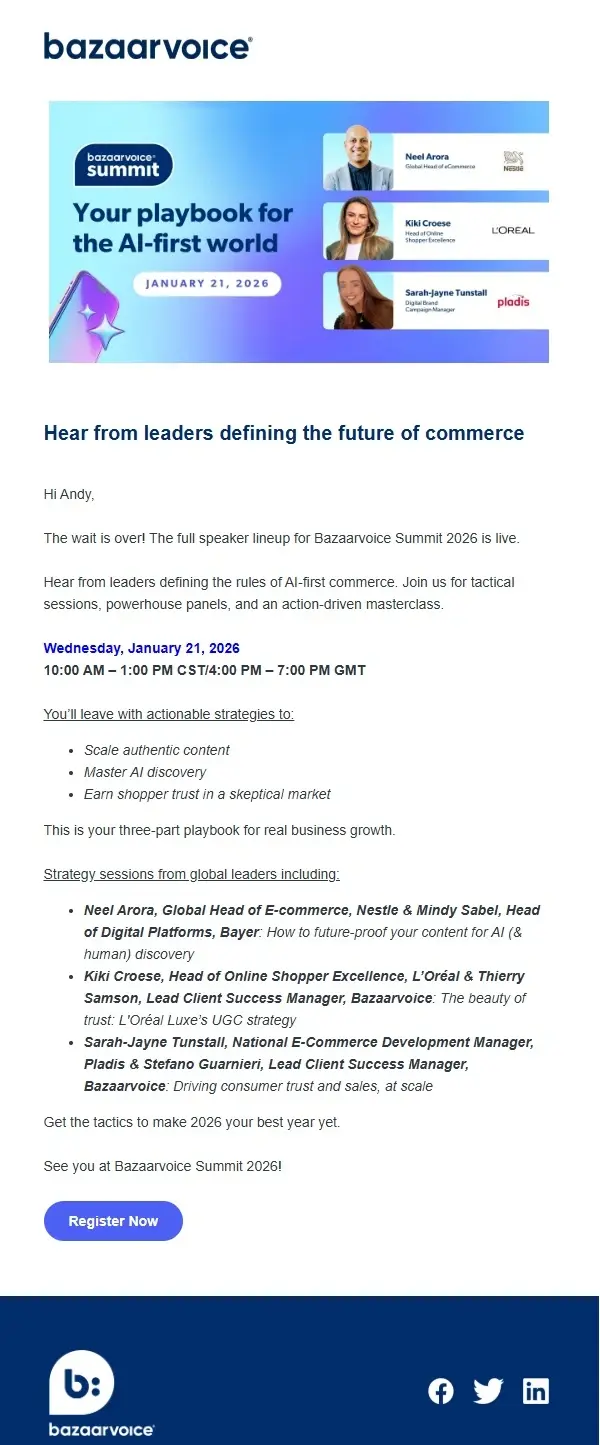

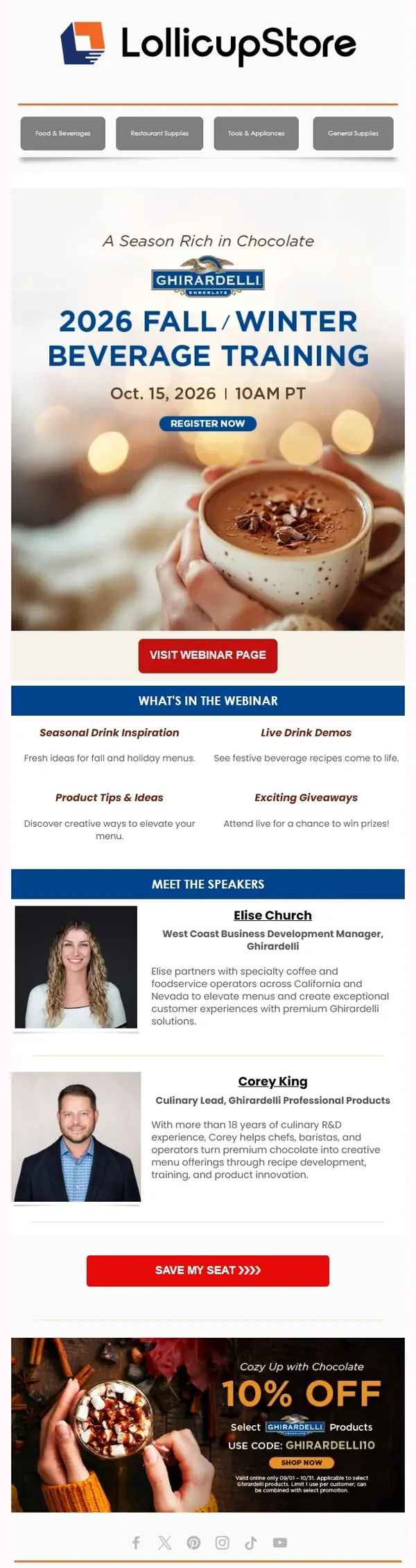

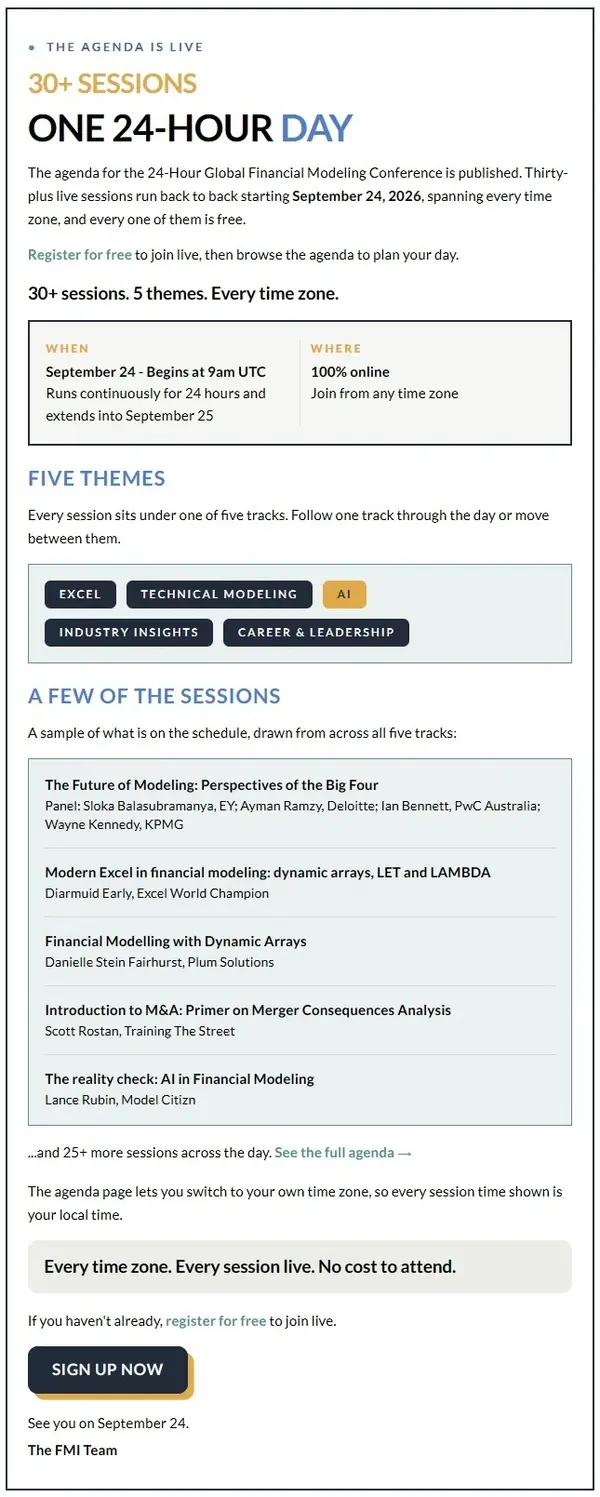


The same deadline-driven techniques appear in other promotional email examples, particularly limited-time offers and final reminders.
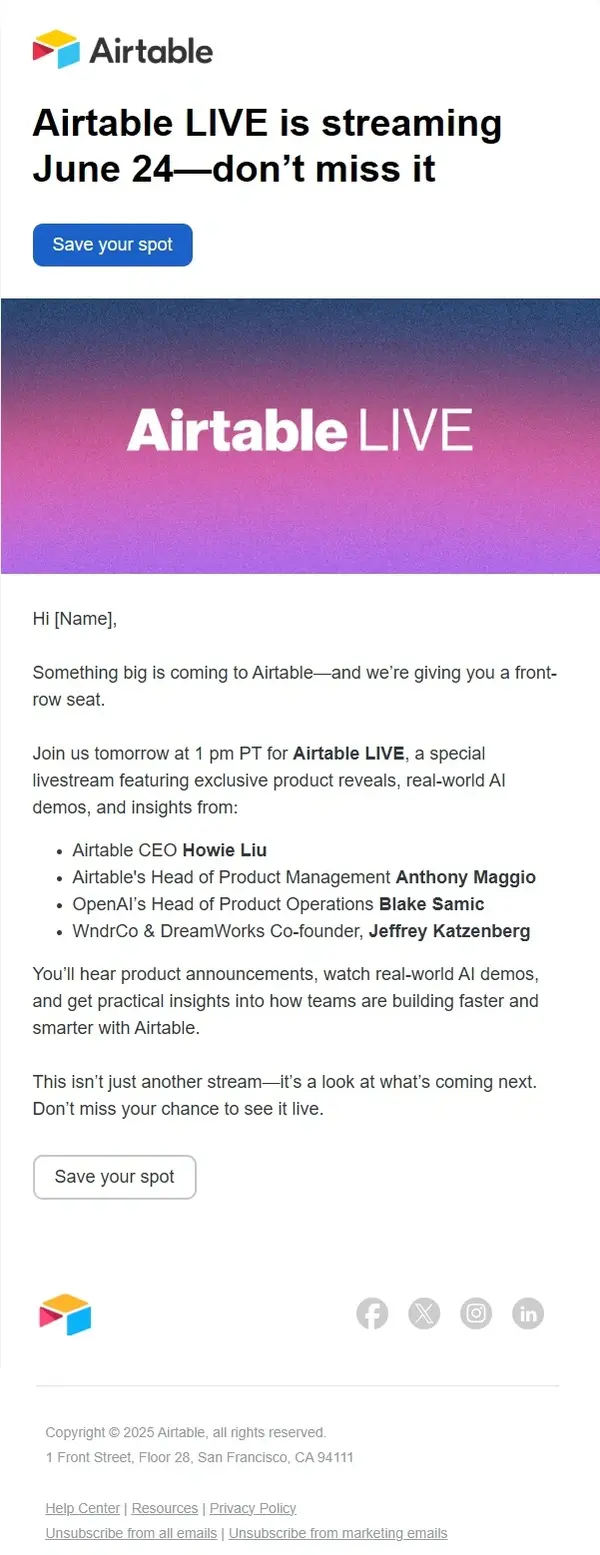
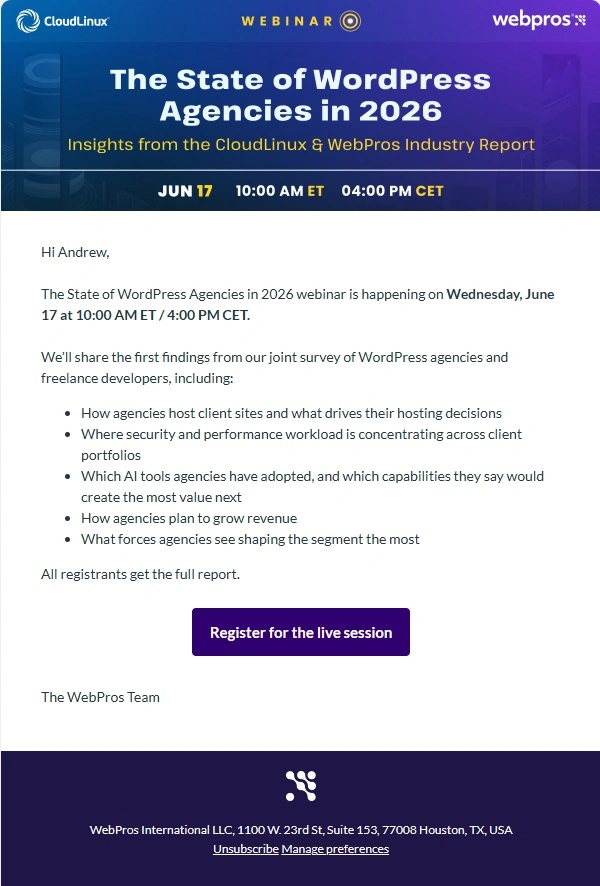
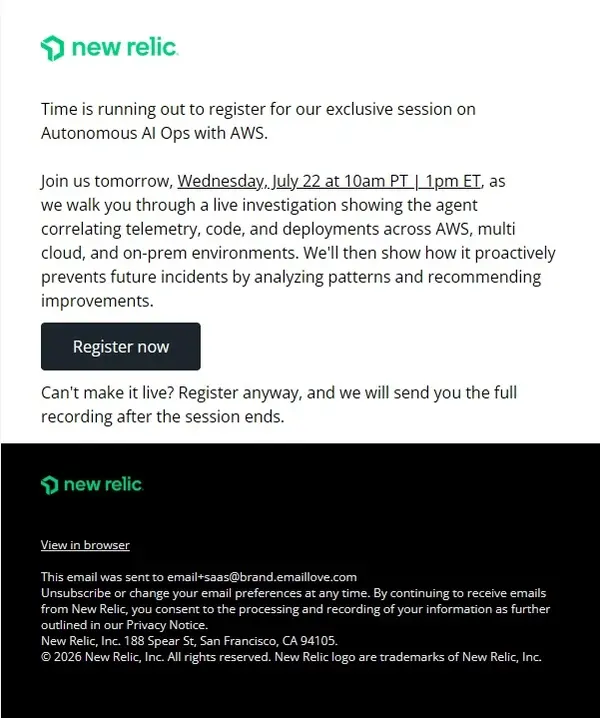
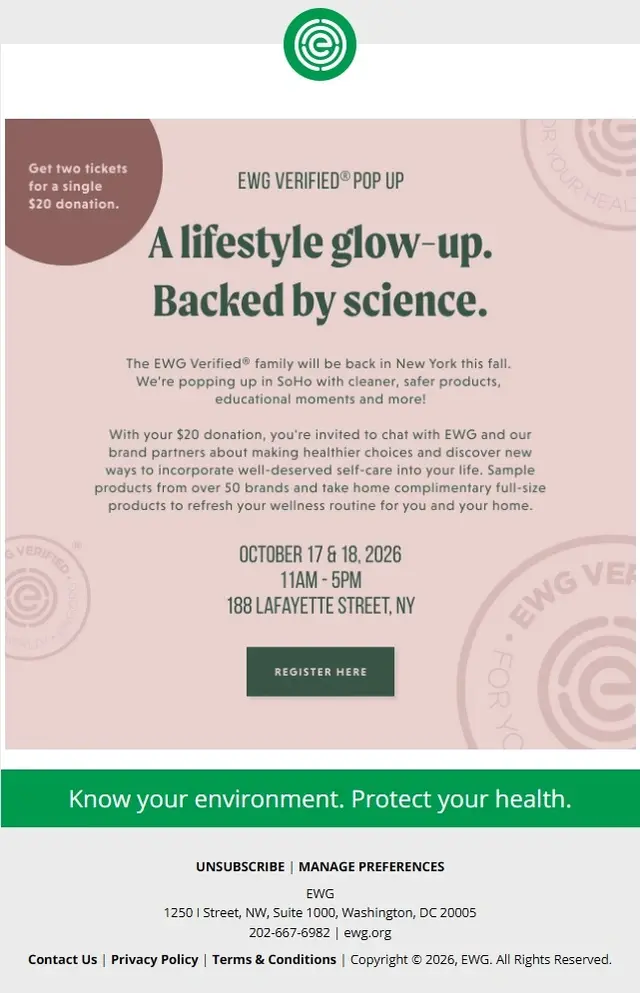
Last Chance Event Registration Emails
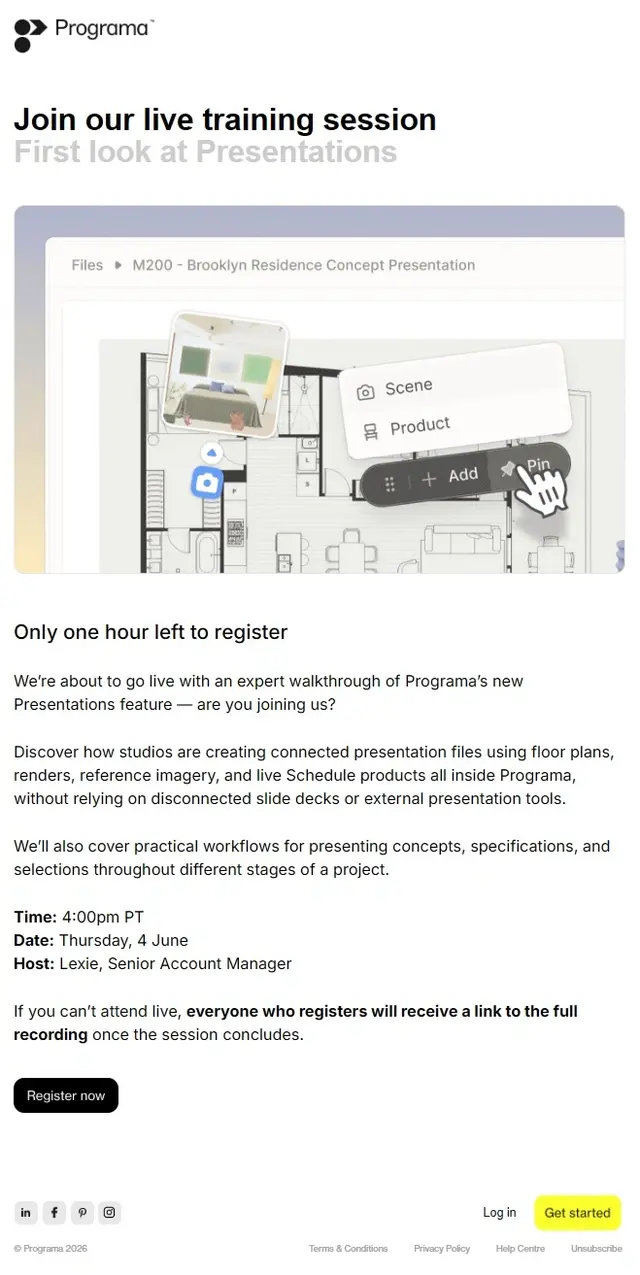
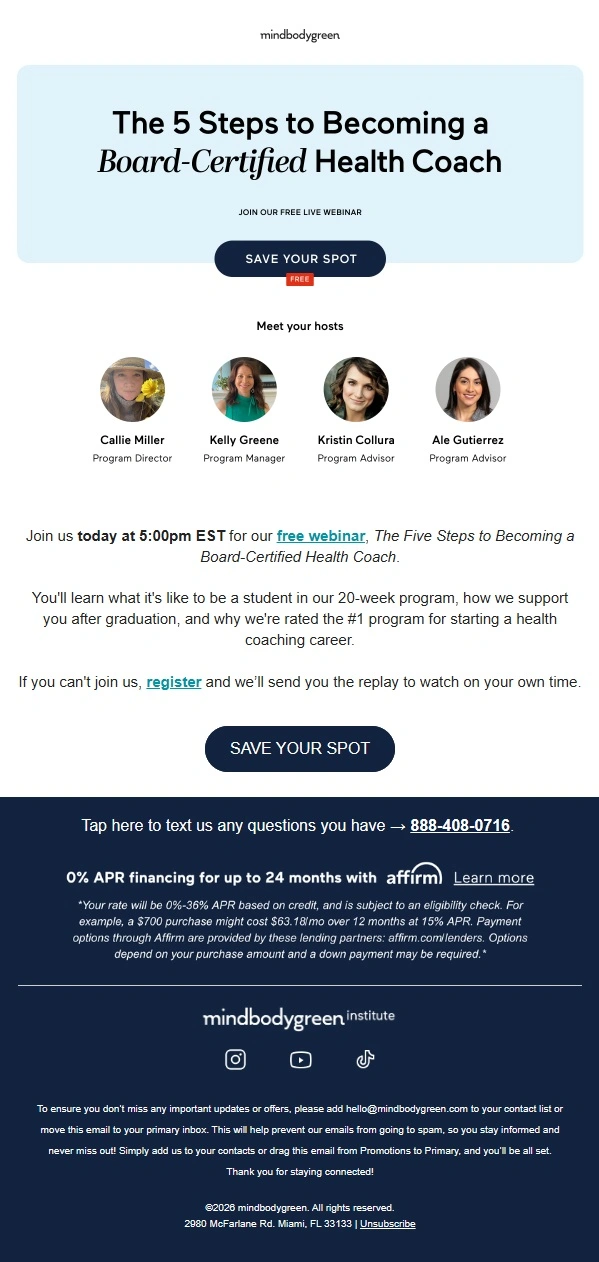
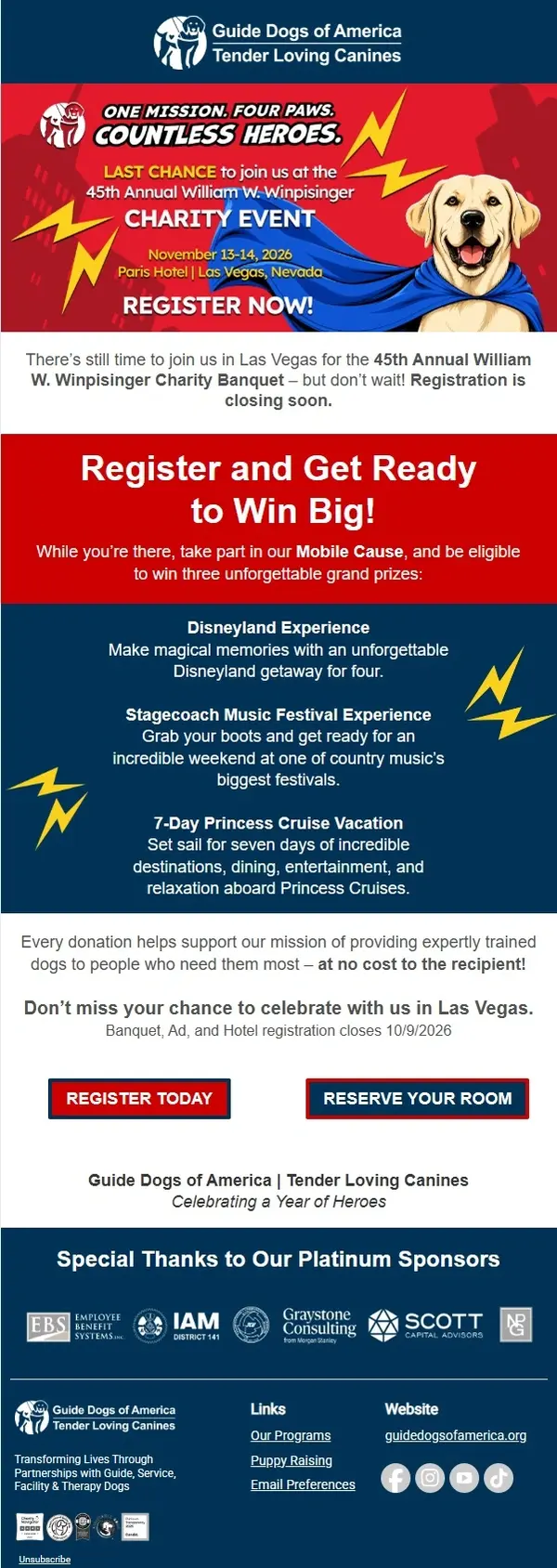
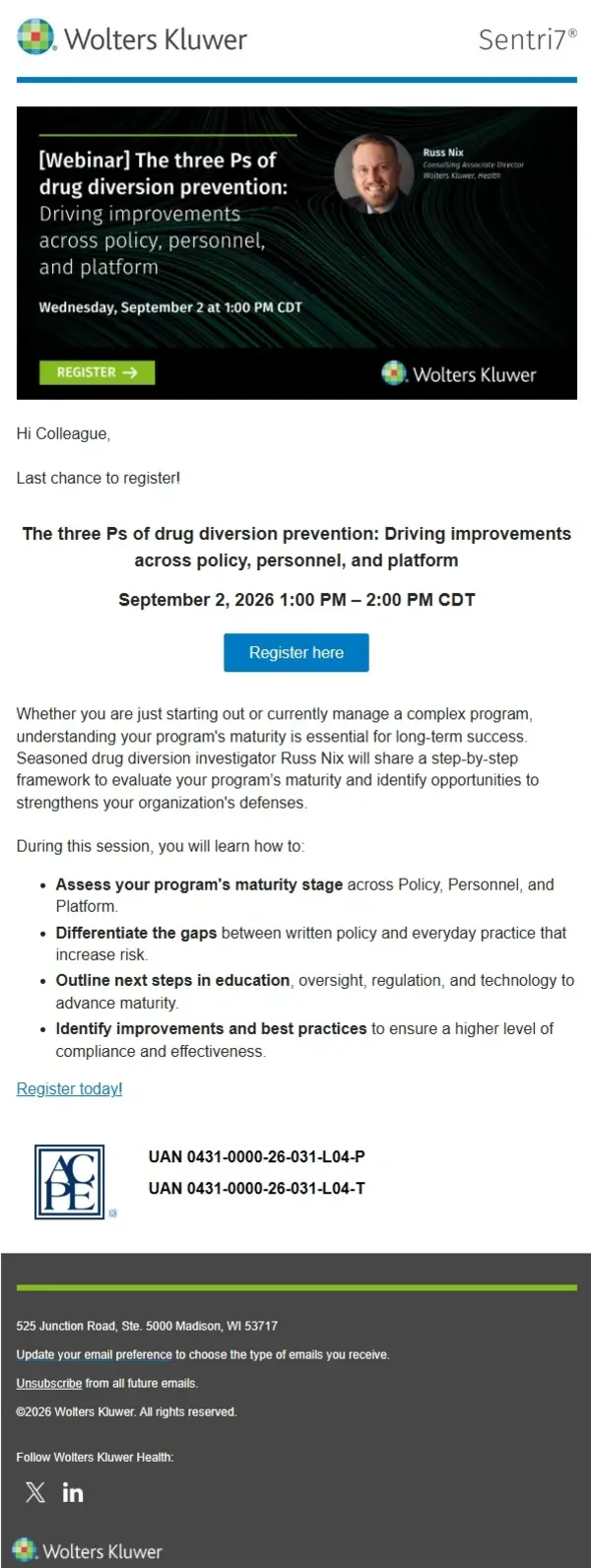
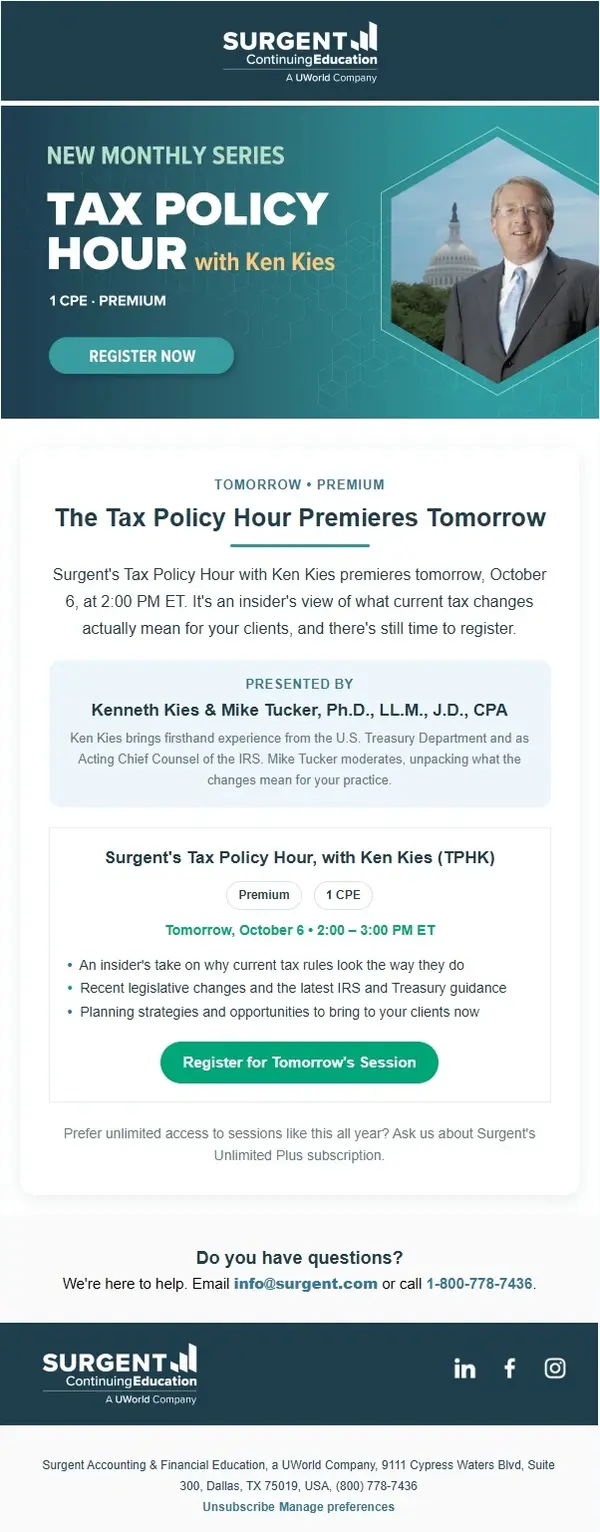
Last chance event emails encourage recipients to register, reserve a seat, purchase a ticket, or confirm attendance before the opportunity closes.
These messages typically focus on a specific deadline, such as the end of early-bird pricing, the final registration date, or the last chance to secure a place. The examples below show different ways to communicate that deadline through copy, countdowns, and prominent calls to action.
Conference Email Examples
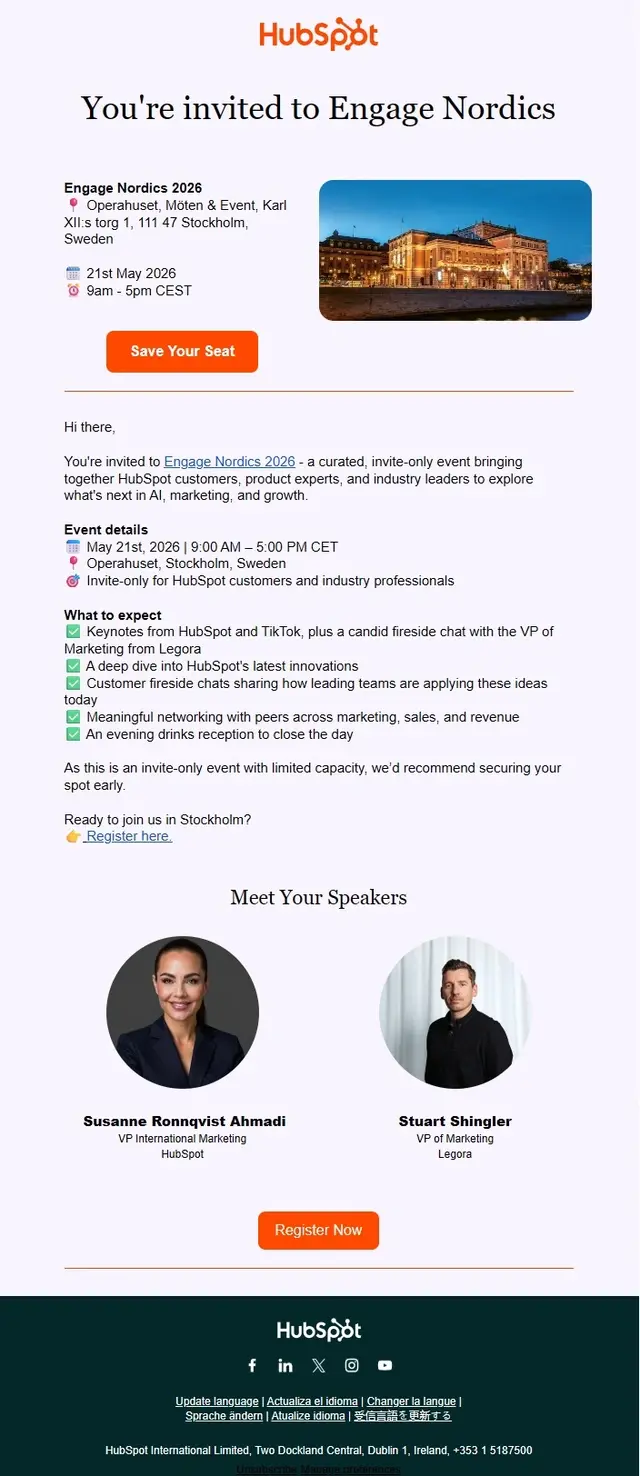
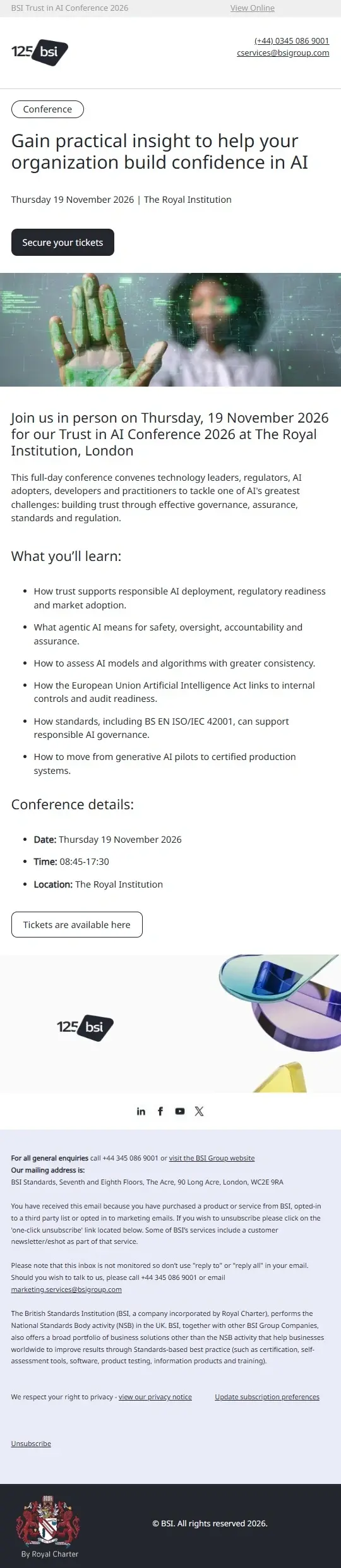
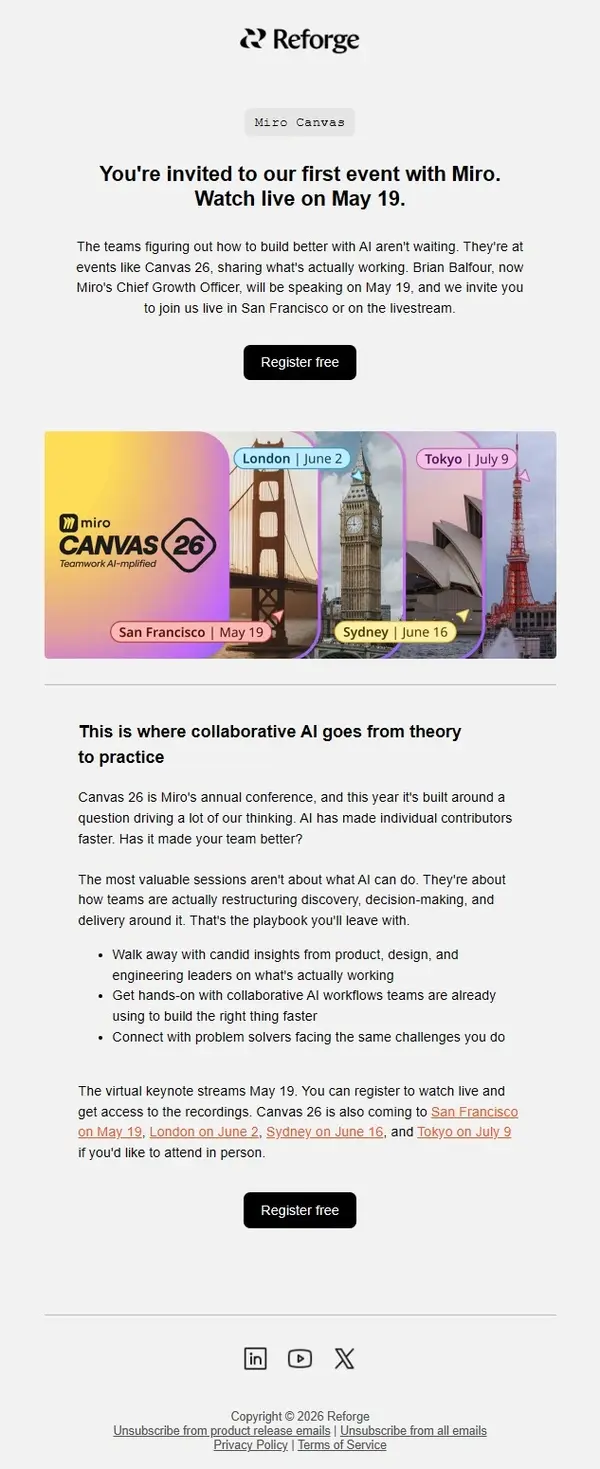
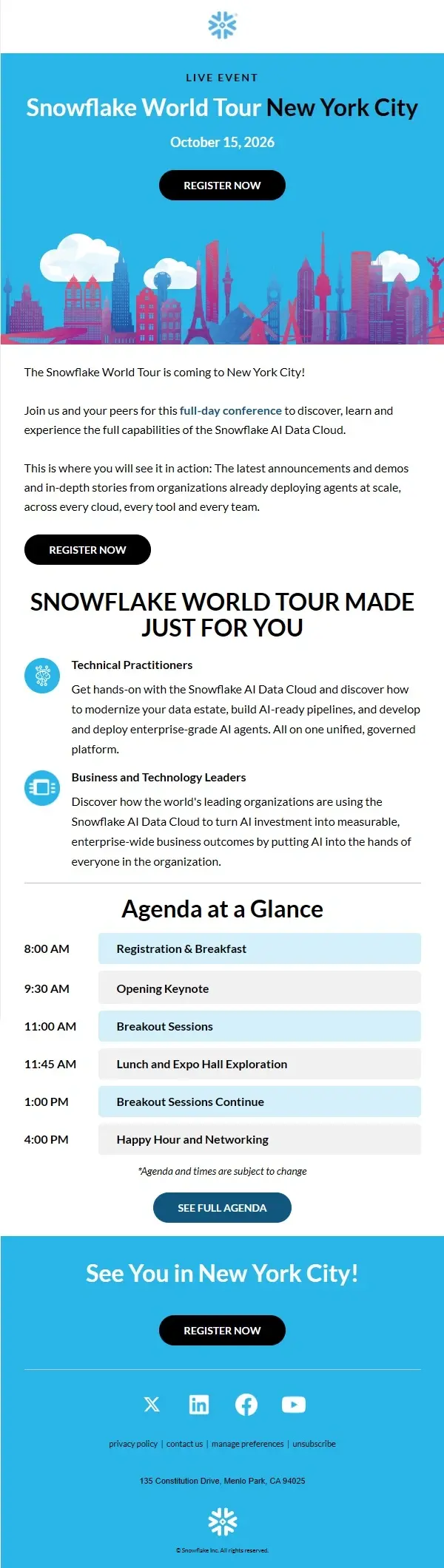
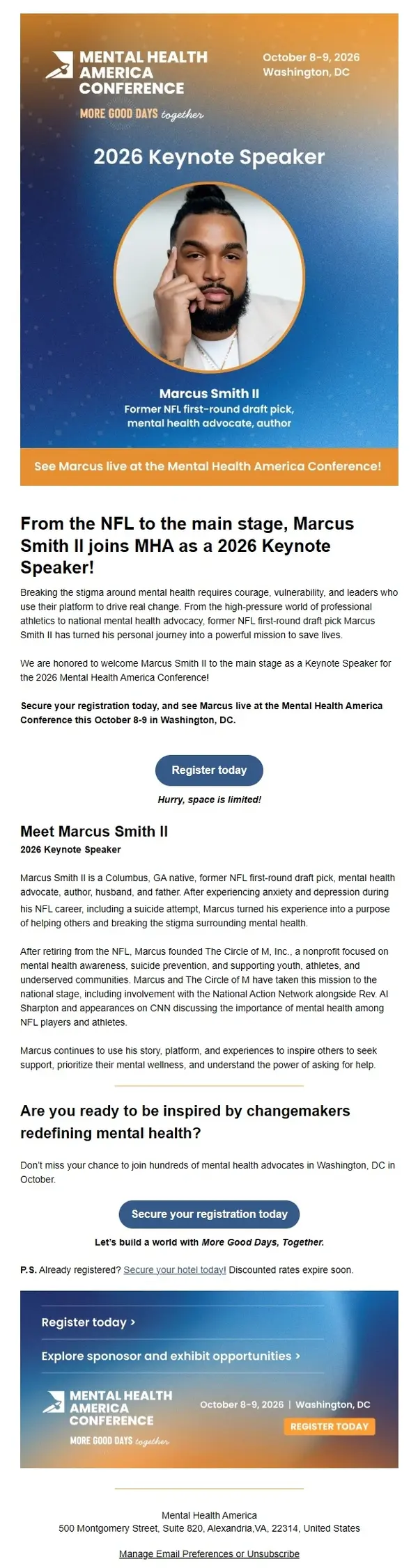
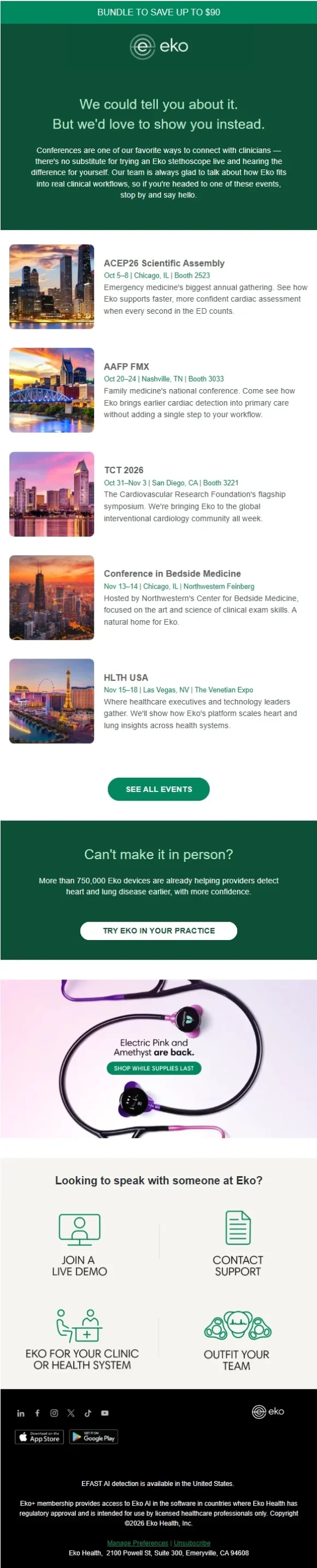
Conference email campaigns cover every stage of the attendee journey, from the first save-the-date announcement and registration invitation to speaker reveals, agenda updates, reminders, and post-conference follow-ups.
The examples below show how conference organizers promote upcoming events, introduce speakers, share schedules, prepare attendees, and keep the conversation going after the final session.

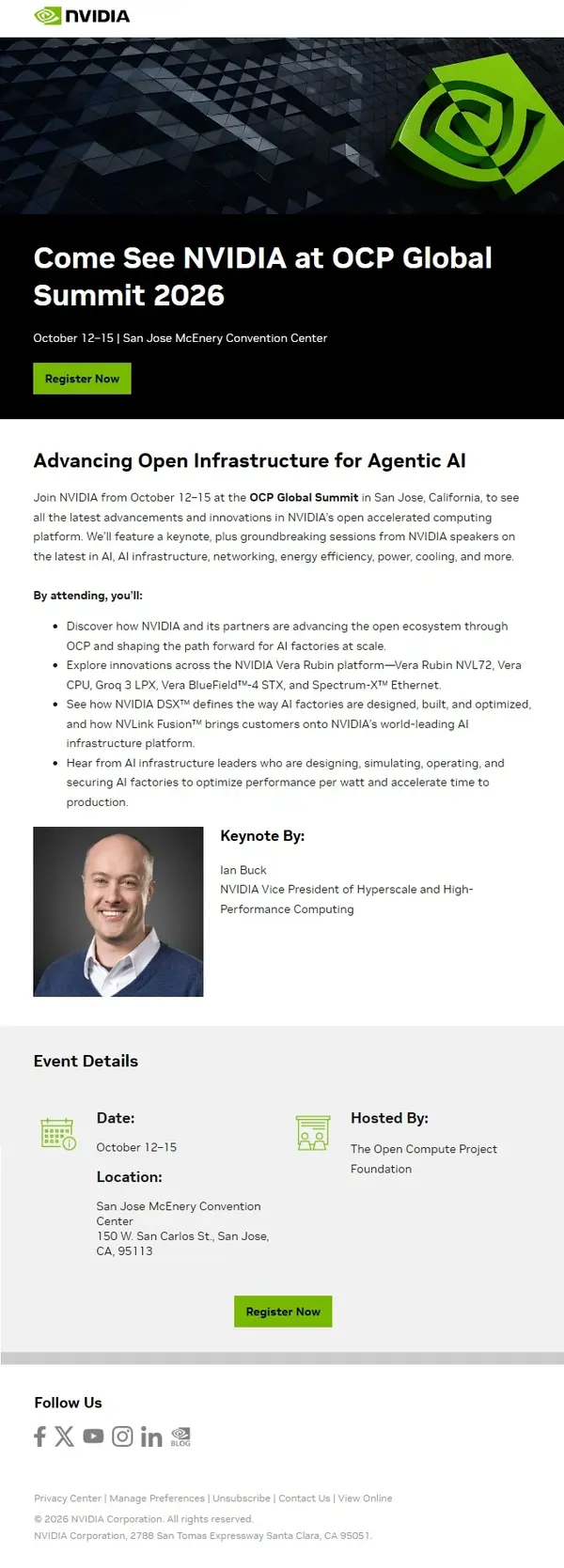

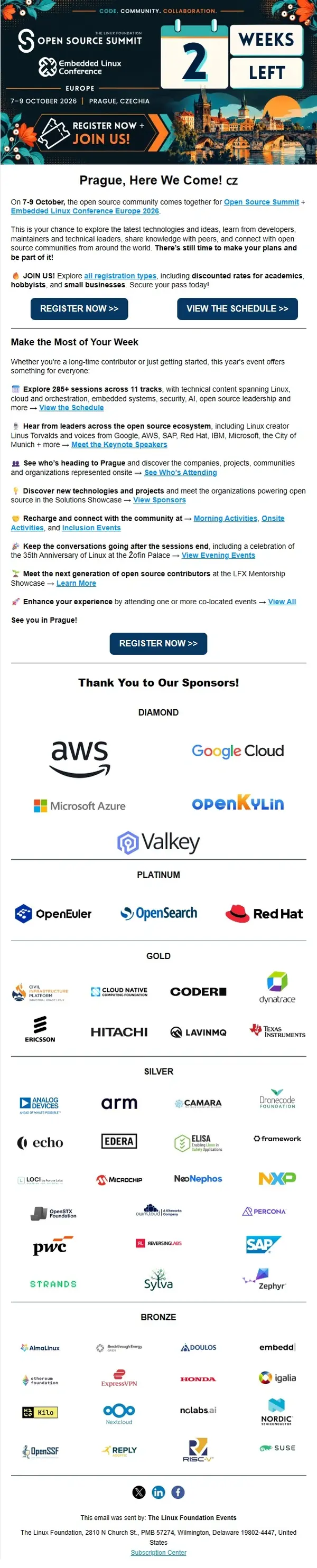
Trade Show Email Examples
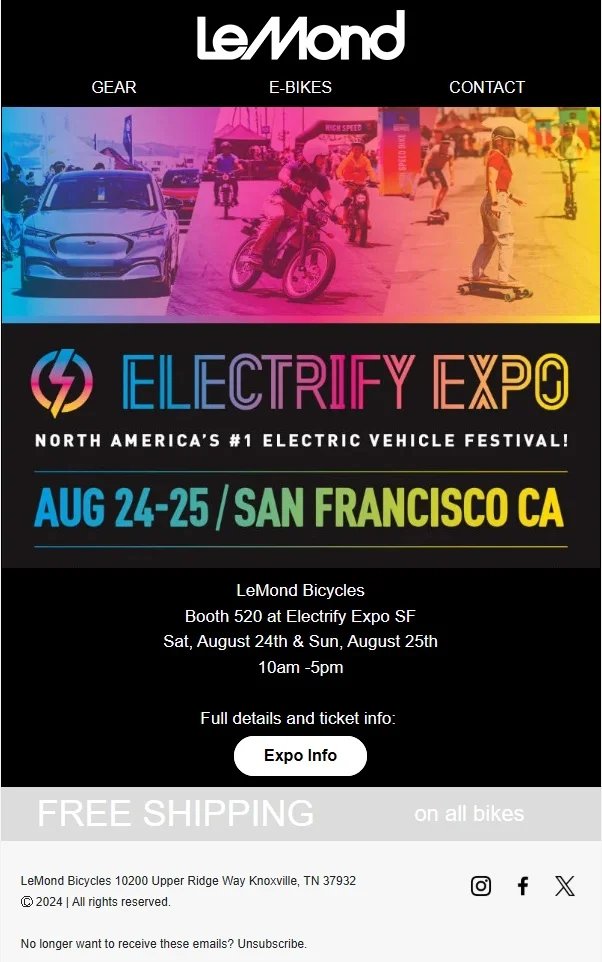
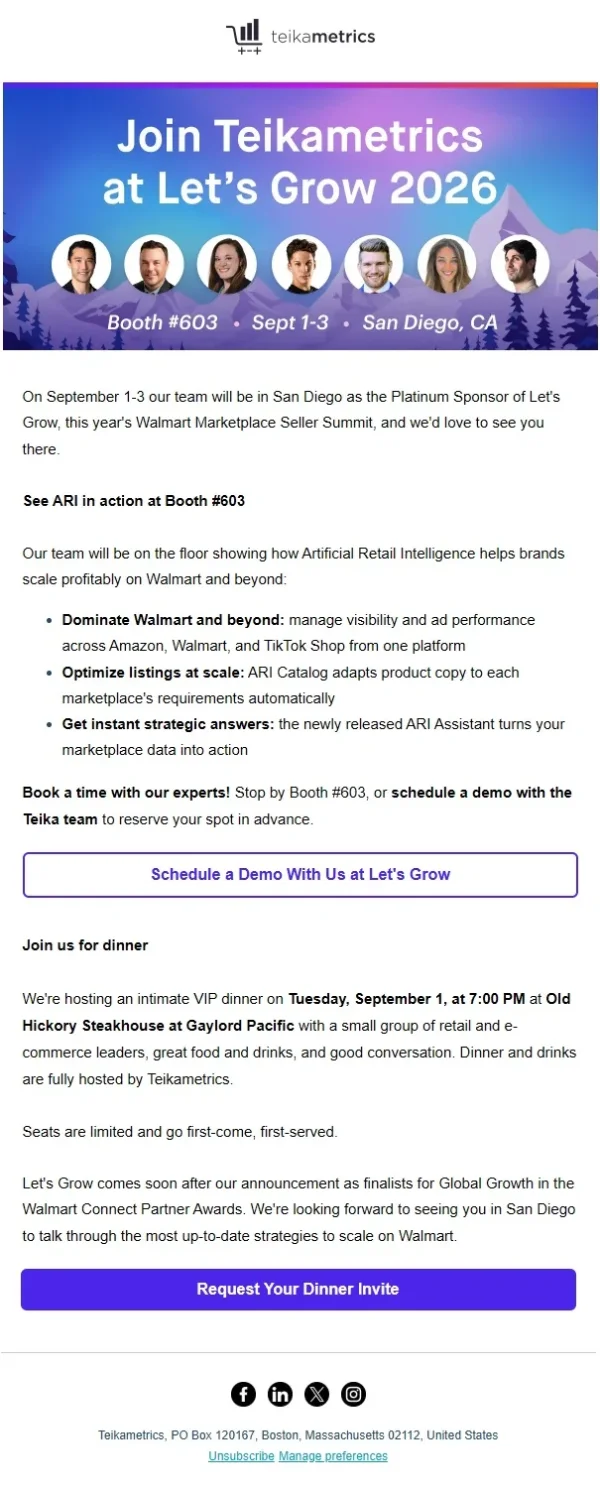
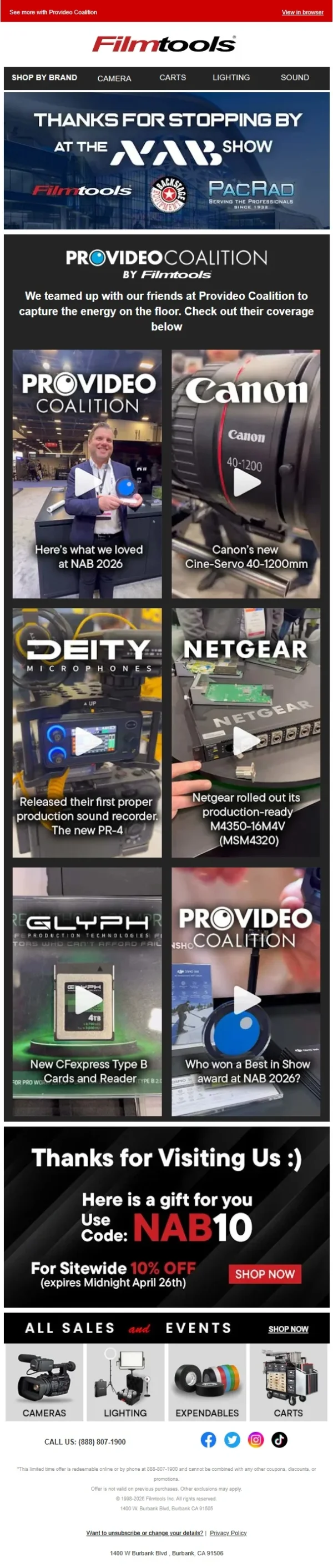
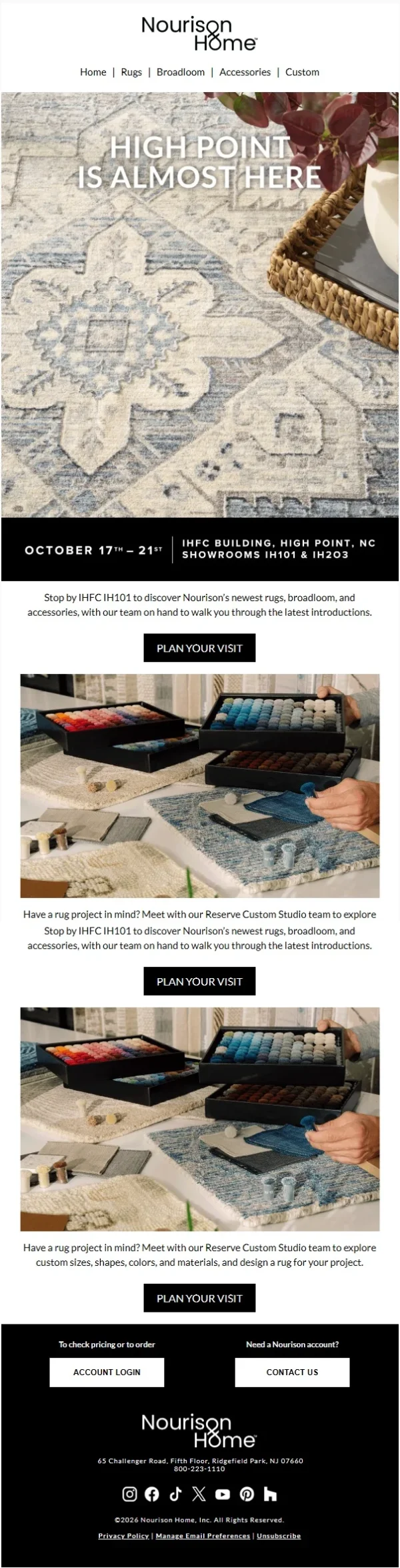
Trade show emails help brands connect with potential customers, partners, and industry professionals before, during, and after an exhibition. Some promote booth visits, product demonstrations, and meeting opportunities, while others follow up with attendees, share useful resources, or continue conversations after the event.
The trade show email examples below include pre-show invitations, exhibitor announcements, event reminders, and post-trade-show follow-ups. They show how brands use email to attract visitors, encourage meaningful interactions, and maintain connections beyond the exhibition floor.







Post-Event Thank You and Follow-Up Emails
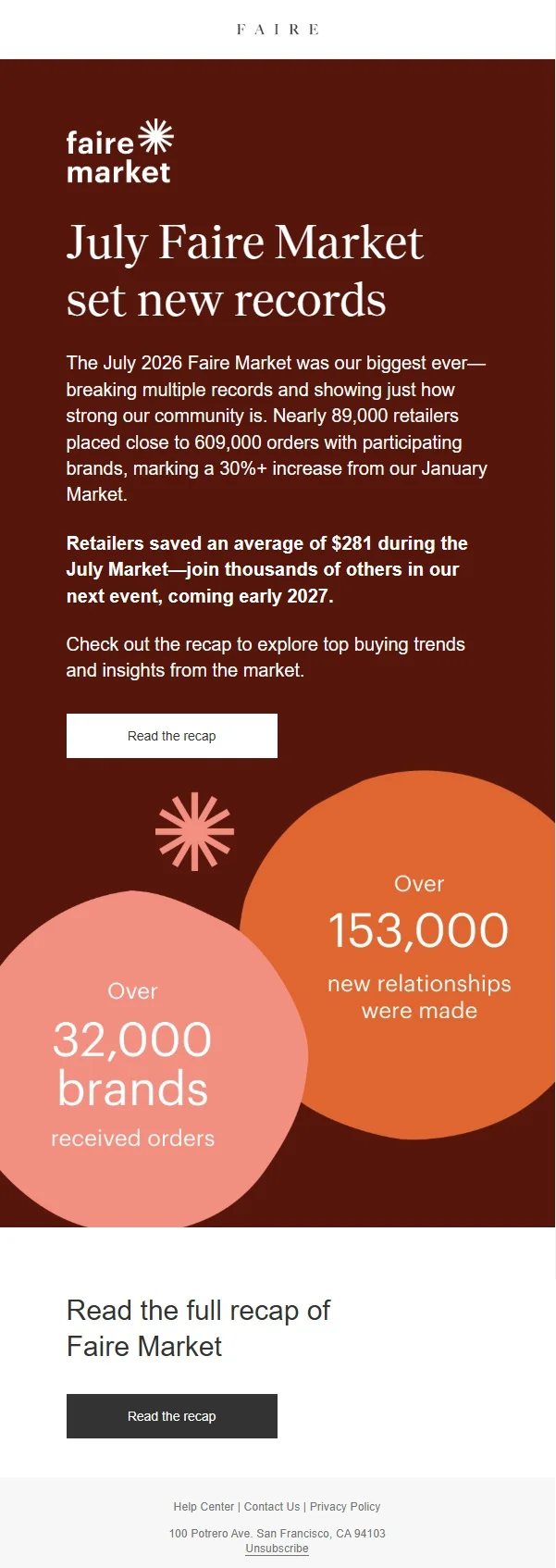
Post-event emails give organizers an opportunity to thank attendees, share useful content, and continue conversations after an event has finished.
A follow-up might include a recording, presentation slides, event photos, a feedback survey, or an invitation to the next gathering. These post-event email examples show how brands keep their communications relevant once the event itself is over.





Post-event follow-ups can also help collect attendee feedback. See our survey invitation email examples for ideas on encouraging responses.
Event Email Sequence Examples
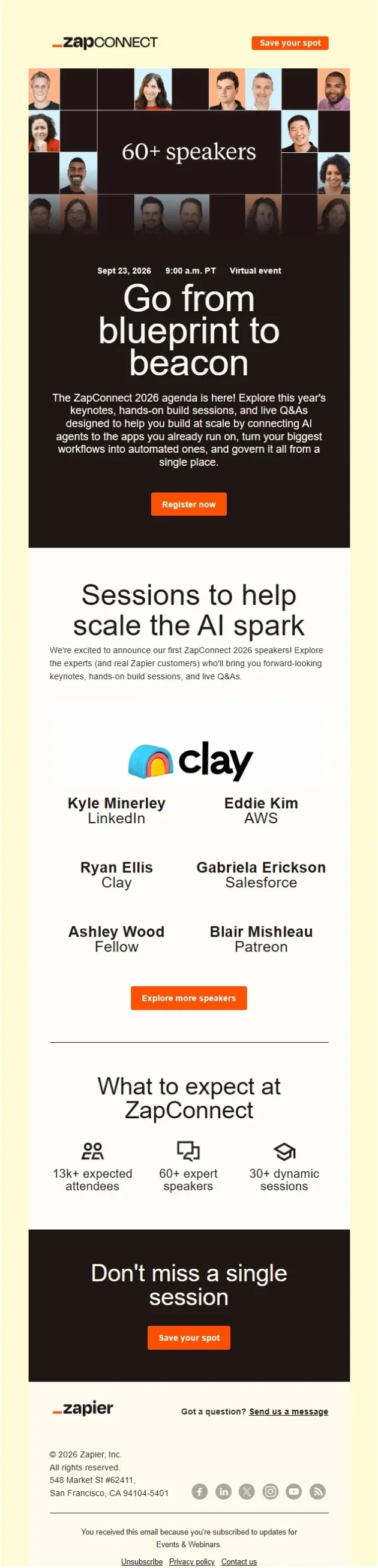
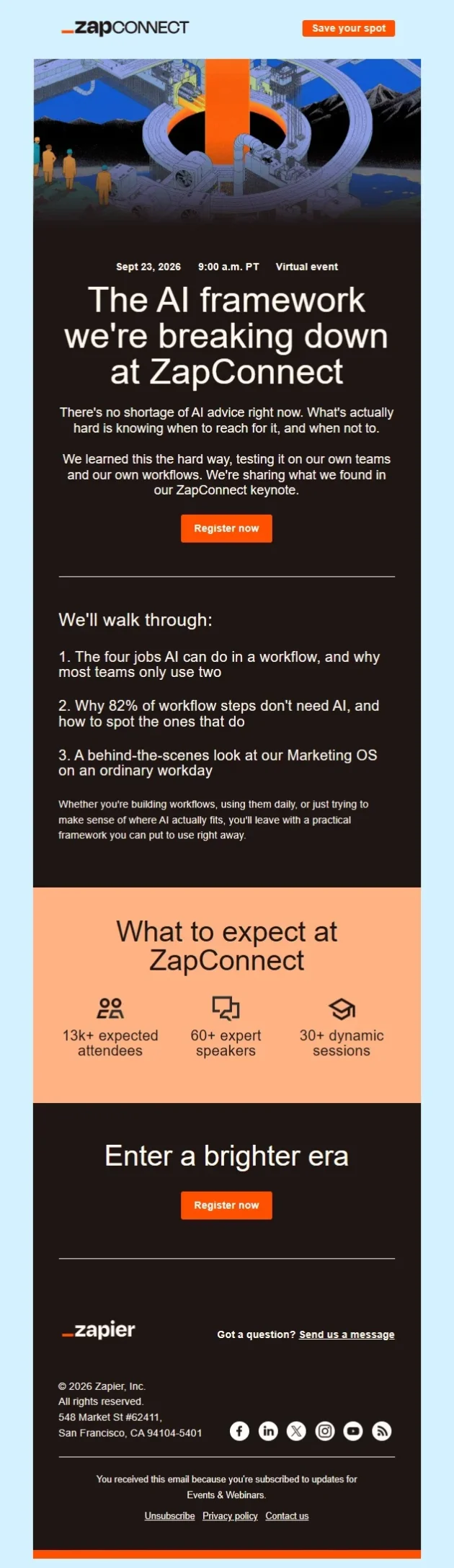
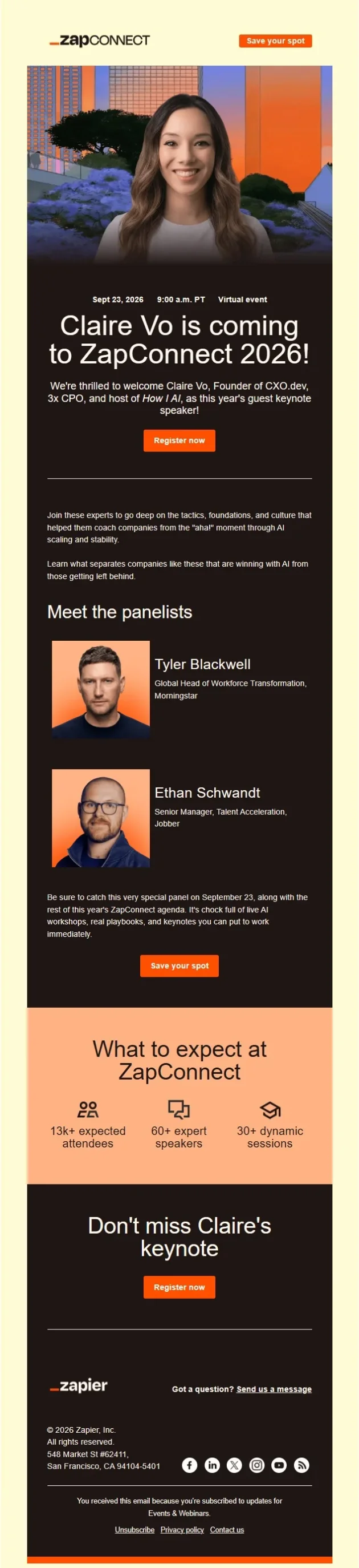
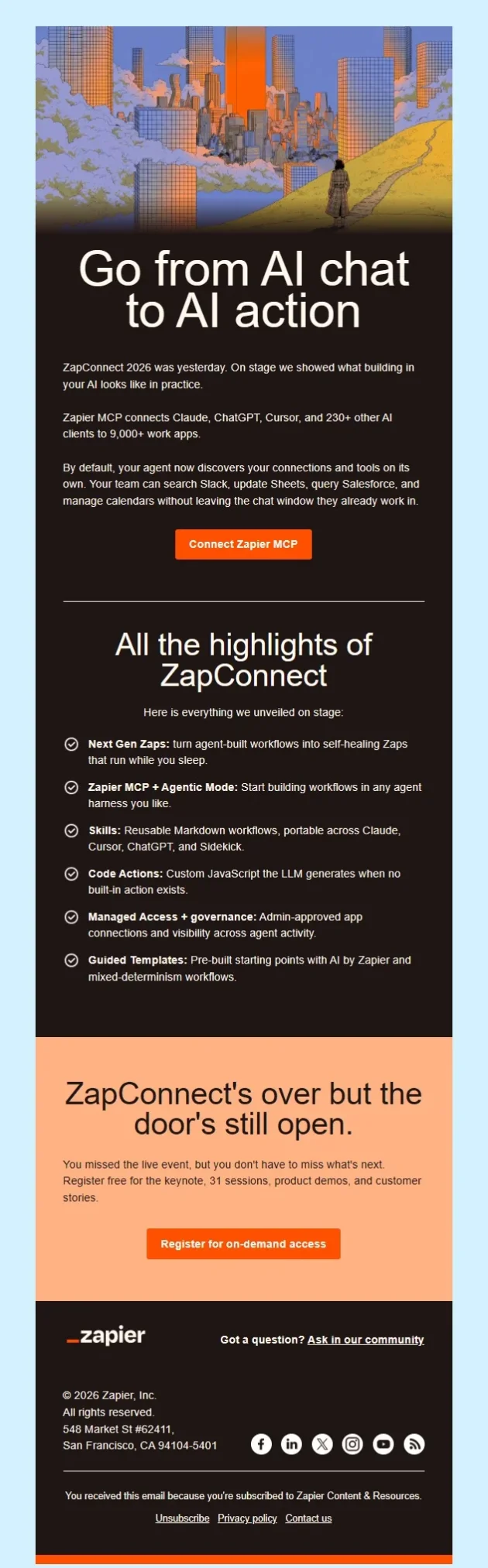
An event email sequence brings several messages together across the event journey. Instead of treating every email as a separate campaign, organizers can plan a progression that introduces the event, encourages registration, prepares attendees, and follows up afterward.
The real event email sequences below show how brands connect different stages through consistent design, messaging, and event information.

What Should an Event Email Include?
An event email should give recipients the information they need to understand the event and take the appropriate next step. The exact content depends on whether the message is an invitation, registration confirmation, reminder, or follow-up.
Here are the main elements to consider when planning an event email.
| Element | What to Include |
|---|---|
|
Event name |
A recognizable title that identifies the event |
|
Date and time |
The event date, starting time, and relevant time zone |
|
Location or access |
Venue details, address, virtual event link, or joining instructions |
|
Event highlights |
Relevant speakers, sessions, activities, or reasons to attend |
|
Primary CTA |
A clear action such as Register Now, RSVP, View Agenda, or Join Event |
|
Ticket or registration details |
Price, registration status, booking information, or important deadlines |
|
Attendee instructions |
Calendar links, preparation details, check-in requirements, or supporting resources |
Not every email needs all these elements. An announcement might concentrate on the event concept and date, while a registration confirmation should make attendance details easy to find. A post-event follow-up may need only a thank-you message and a link to the promised resources.
Event Email Templates: Invitation, Confirmation and Follow-Up
An event email template provides a starting point for organizing the content, but the message should change according to its purpose. An invitation needs to explain why someone should attend. A confirmation needs to make the registration status clear. A follow-up should connect to the experience the recipient just had.
The following simple templates can be adapted for different events.
Event Invitation Email Template
Subject line:
You’re invited: [Event Name] on [Date]
Headline:
Join us for [Event Name]
Body copy:
We’re bringing together [audience] for [a brief description of the event].
Join us on [Date] at [Time] to explore [main topic or activity]. You’ll hear from [speaker or host, if applicable] and have the opportunity to [key benefit].
CTA:
Reserve Your Spot
Event Registration Confirmation Email Template
Subject line:
You’re registered for [Event Name]
Headline:
Your spot is confirmed!
Body copy:
Thanks for registering for [Event Name]. Here are the details you’ll need:
Date: [Date]
Time: [Time and Time Zone]
Location: [Venue or Virtual Event Link]
Keep this email handy, and add the event to your calendar so you don’t miss it.
CTA:
Add to Calendar
Trade Show Follow-Up Email Template
Subject line:
Great connecting at [Trade Show Name]
Headline:
Thanks for stopping by!
Body copy:
It was a pleasure connecting at [Trade Show Name].
As promised, here’s [the resource, product information, or material discussed]. You can also find more details about [relevant product or service] below.
If you’d like to continue our conversation, we’d be happy to arrange a time to talk.
CTA:
Schedule a Follow-Up
Event Email Subject Line Ideas
An event email subject line should tell recipients what the message is about and give them a reason to open it. Announcements, invitations, registration confirmations, reminders, and post-event emails each have different priorities.
Here are some subject line ideas to adapt throughout an event email campaign.
| Email Type | Subject Line Ideas |
|---|---|
|
Event Announcement |
Save the date: [Event Name] is coming / Something exciting is happening on [Date] |
|
Event Invitation |
You’re invited to [Event Name] / Join us for [Event Name] |
|
Business Event Invitation |
An invitation to connect at [Event Name] / Join us for an evening of [Topic] |
|
Registration |
Registration is open for [Event Name] / Your place at [Event Name] is confirmed |
|
RSVP |
Can we count you in? / Please RSVP for [Event Name] |
|
Event Reminder |
Your event is tomorrow / [Event Name] starts in one hour |
|
Speaker or Agenda Reveal |
Meet the speakers at [Event Name] / The [Event Name] agenda is here |
|
Last Chance |
Last chance to register for [Event Name] / Registration closes [Day] |
|
Conference |
See you at [Conference Name]? / Here’s what’s happening at [Conference Name] |
|
Trade Show |
Meet us at [Trade Show Name] / Stop by Booth [Number] |
|
Post-Event Thank You |
Thanks for joining us at [Event Name] / We loved having you there |
|
Event Follow-Up |
Your [Event Name] highlights are here / Catch the sessions you missed |
Event Email Marketing and Design Best Practices
Effective event email marketing builds interest, drives registrations, and keeps attendees engaged. These practices help improve results throughout the event campaign.
Lead With the Value of Attending
Focus on what attendees will gain: practical insights, new skills, valuable connections, or exclusive experiences. Make the benefits specific to your audience rather than relying on impressive speaker lists or generic event descriptions.
Give Each Email a New Reason to Act
Avoid repeating the same invitation. Build your sequence around different angles: event benefits, speaker announcements, agenda highlights, ticket offers, and registration deadlines. Each email should add something useful or address a reason to hesitate.
Segment by Registration Status
Stop sending registration promotions to people who have already signed up. Confirmed attendees need preparation materials, schedules, and access details. Tailor invitations to unregistered contacts based on their interests and engagement.
Remove Registration Friction
Make pricing, dates, time zones, and attendance options clear. Link directly to the relevant registration form, ticket option, or meeting scheduler. Avoid unnecessary steps between clicking the CTA and completing the action.
Design Around the Next Decision
Prioritize what matters most for each email. Speaker announcements should highlight expertise, ticket emails should emphasize offers and deadlines, and reminders should make attendance instructions immediately accessible. Keep essential information in readable HTML text.
Use Genuine Urgency
Build urgency around actual deadlines, limited capacity, or approaching event dates. Avoid repeated last-chance messages without a meaningful change in availability. A specific deadline is more persuasive than generic pressure.
Make Reminders Practical
Shift from promotion to attendance preparation as the event approaches. Include calendar links, joining instructions, directions, and relevant schedule updates. Keep last-minute reminders short and actionable.
Personalize Post-Event Follow-Ups
Send attendees relevant resources, session recordings, or next steps. Offer no-shows an easy way to catch up. After trade shows, reference specific conversations or product interests. Track attendance, replay engagement, meetings, and conversions alongside registration numbers.
Frequently Asked Questions
What is an event email?
An event email is a message used to promote, organize, or follow up on an event. Event emails include announcements, invitations, registration confirmations, RSVP requests, reminders, ticket information, conference communications, and post-event follow-ups.
How do you write an event invitation email?
Start with the event name, date, and a clear reason to attend. Briefly introduce the main topic, speakers, or activities, then provide the registration or RSVP details. A prominent call to action should make it easy for recipients to respond.
What is the difference between an event invitation and an event registration email?
An event invitation encourages someone to attend an upcoming event. An event registration email focuses on the signup process or confirms that registration has been completed. An invitation may contain a registration link, but the two emails serve different purposes.
What should an event registration confirmation email include?
An event registration confirmation email should confirm that the attendee’s place is secured and provide the event name, date, time, location or joining link, and any important ticket or access information. A calendar link can also make the event easier to remember.
When should you send an event reminder email?
The timing depends on the event and how much preparation attendees need. A conference may require reminders several days before the event, while a webinar may benefit from a reminder the day before and another shortly before the session begins.
What is a good follow-up email after a conference or trade show?
A good follow-up email connects to the event experience and offers a relevant next step. That might mean thanking attendees, sharing slides or recordings, providing product information discussed at a booth, or suggesting a follow-up meeting.
How many emails should an event email campaign include?
An event email campaign may contain only a few messages or a longer sequence covering announcements, invitations, registration confirmations, reminders, and follow-ups. The number depends on the event’s duration, audience, and registration process. Each email should have a distinct purpose.
What makes a good event email design?
A good event email design makes the main information easy to understand. Clear event branding, readable typography, relevant visuals, visible dates, and a prominent call to action help recipients quickly identify the event and decide what to do next.
What is the difference between a pre-event and post-event email?
A pre-event email is sent before an event to announce it, invite attendees, encourage registration, or provide preparation details. A post-event email is sent afterward to thank attendees, share resources, request feedback, or continue a conversation.
Turn Event Email Inspiration Into a Campaign Built for Your Brand
You’ve seen how brands announce events, invite attendees, share agendas, confirm registrations, and follow up after the final session. The next step is deciding how those ideas should work together for your own event.
MailBakery can turn your direction into custom event email templates designed and coded around your brand, audience, content, and email platform — for everything from a single invitation to a complete event email campaign.