100+ Order Confirmation Email Examples, Ideas, and Inspiration


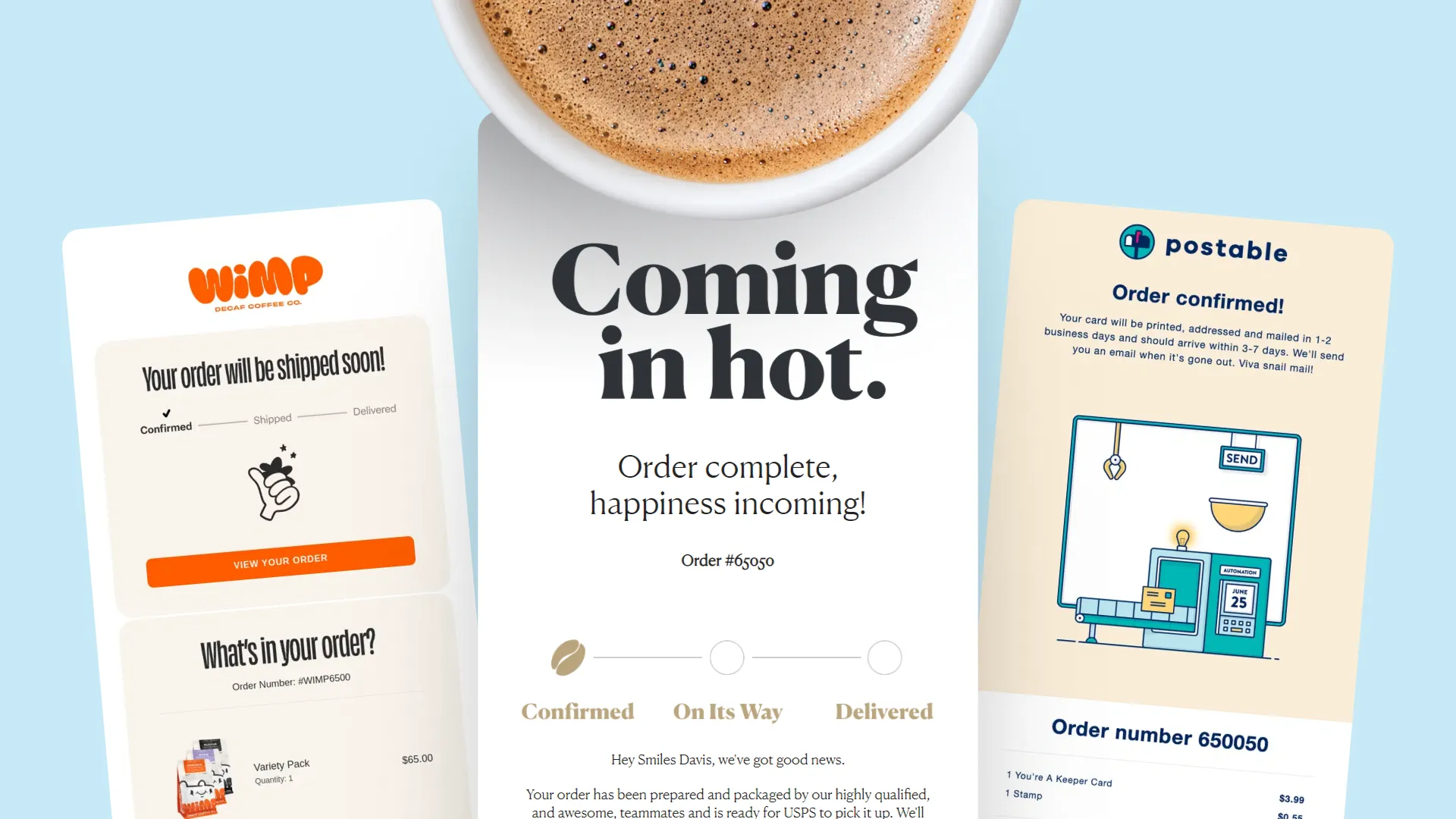
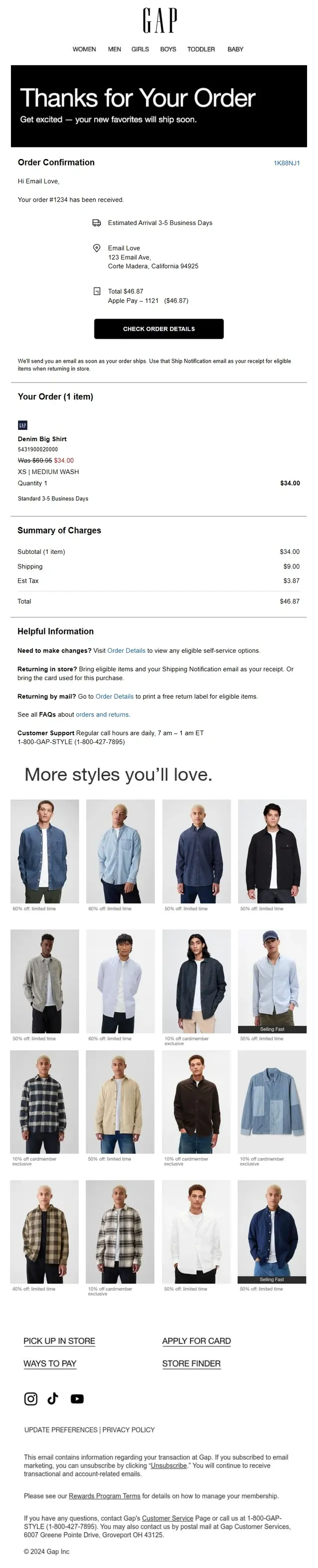
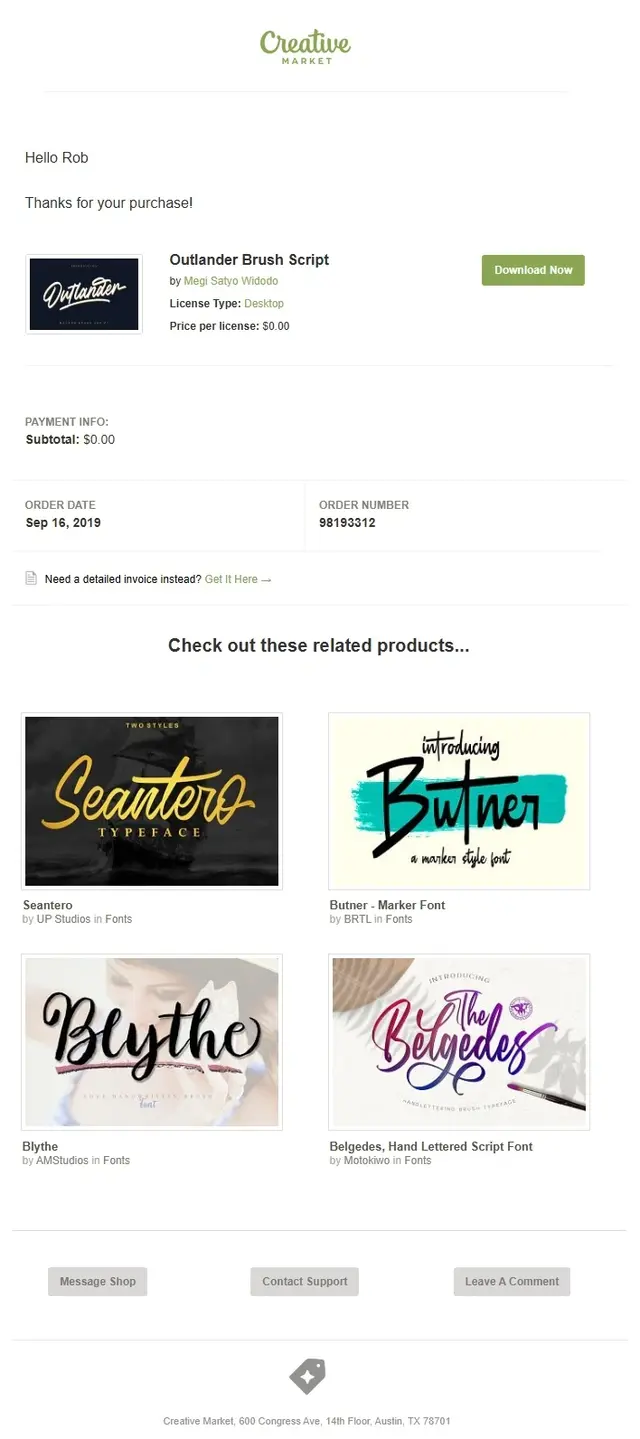
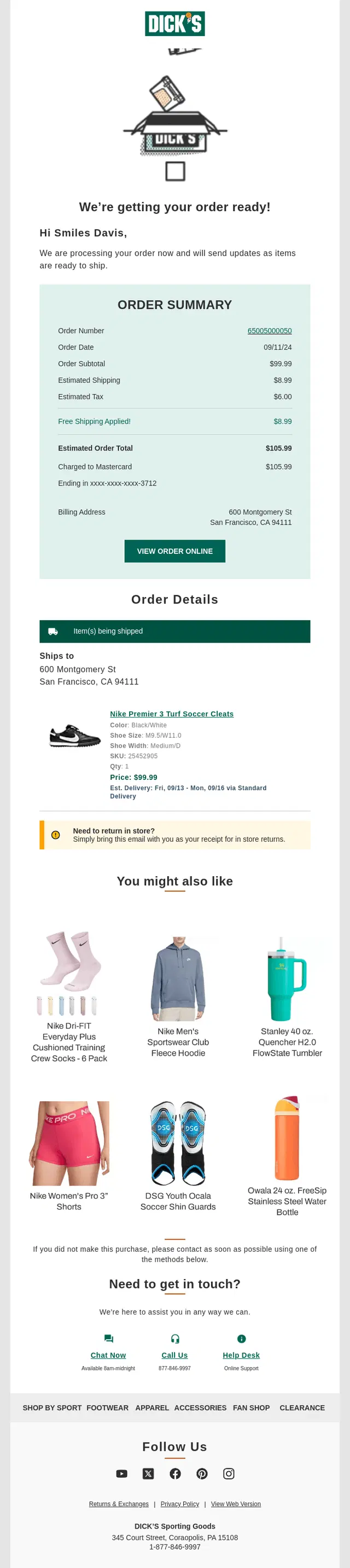
Order confirmation emails may be transactional, but that doesn’t mean they have to feel purely functional. The best ones reassure customers that everything went through, make the important details easy to check, and use the post-purchase moment to reinforce the brand.
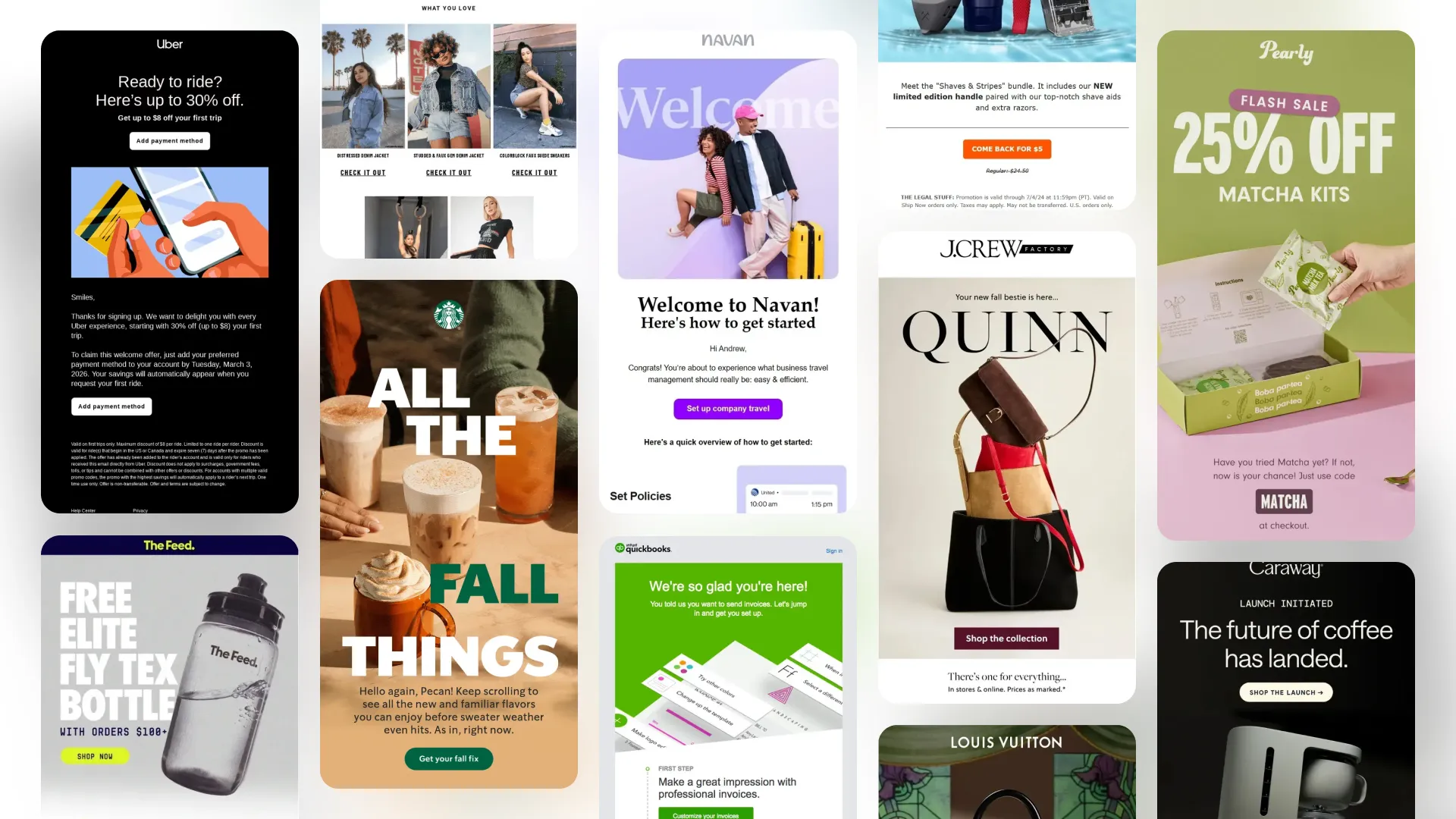
In this collection, we’ve gathered 100+ order confirmation email examples from real brands to show different approaches to design, copy, order summaries, delivery expectations, product recommendations, subscriptions, and more. Use them to find ideas for your own confirmation emails and see what works beyond the standard “Thanks for your order.”
Quick links:
→ Order Confirmation Emails With Detailed Order Summaries
→ Thank You and Brand-Led Order Confirmation Email Examples
→ Minimalist Order Confirmation Email Examples
→ Order Confirmation Emails With Delivery Expectations and Next Steps
→ Order Confirmation Emails With Easy Order Management and Support
→ Order Confirmation Emails With Product Recommendations and Cross-Selling
→ Order Confirmation Emails With Helpful Content and Product Education
→ Order Confirmation Emails With Loyalty, Referral and Community Content
→ Subscription and Recurring Order Confirmation Emails
How to Write an Order Confirmation Email
Order Confirmation Emails With Detailed Order Summaries
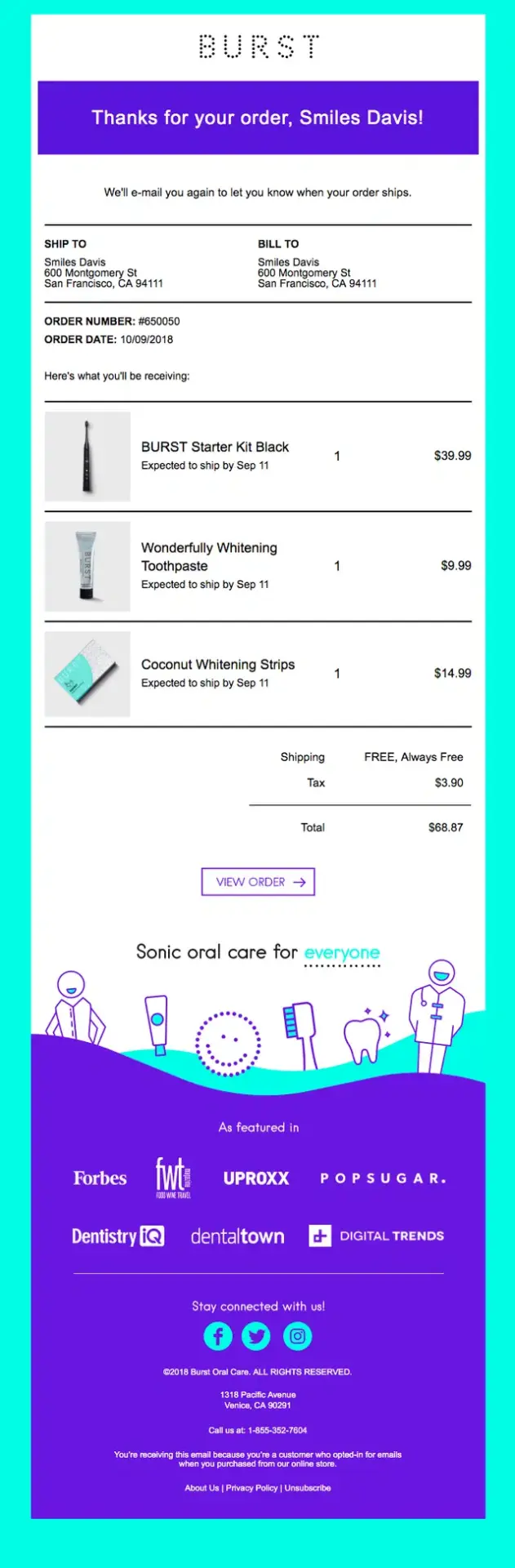
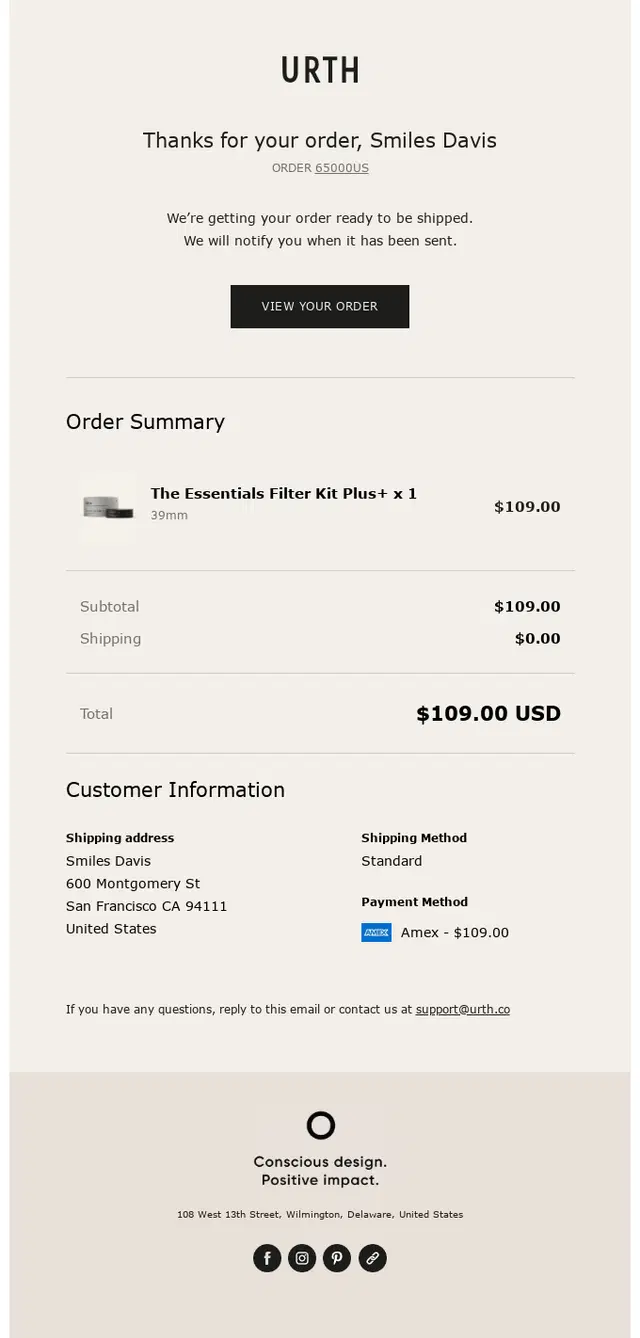
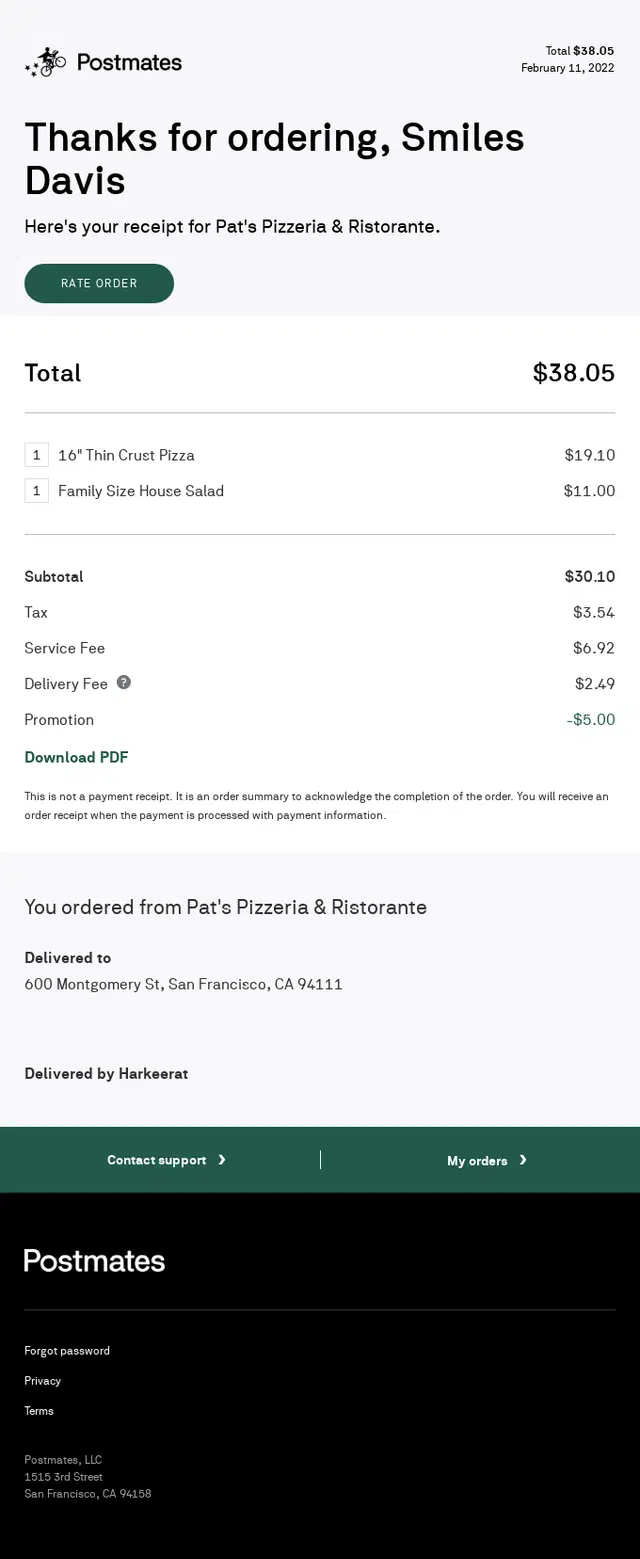
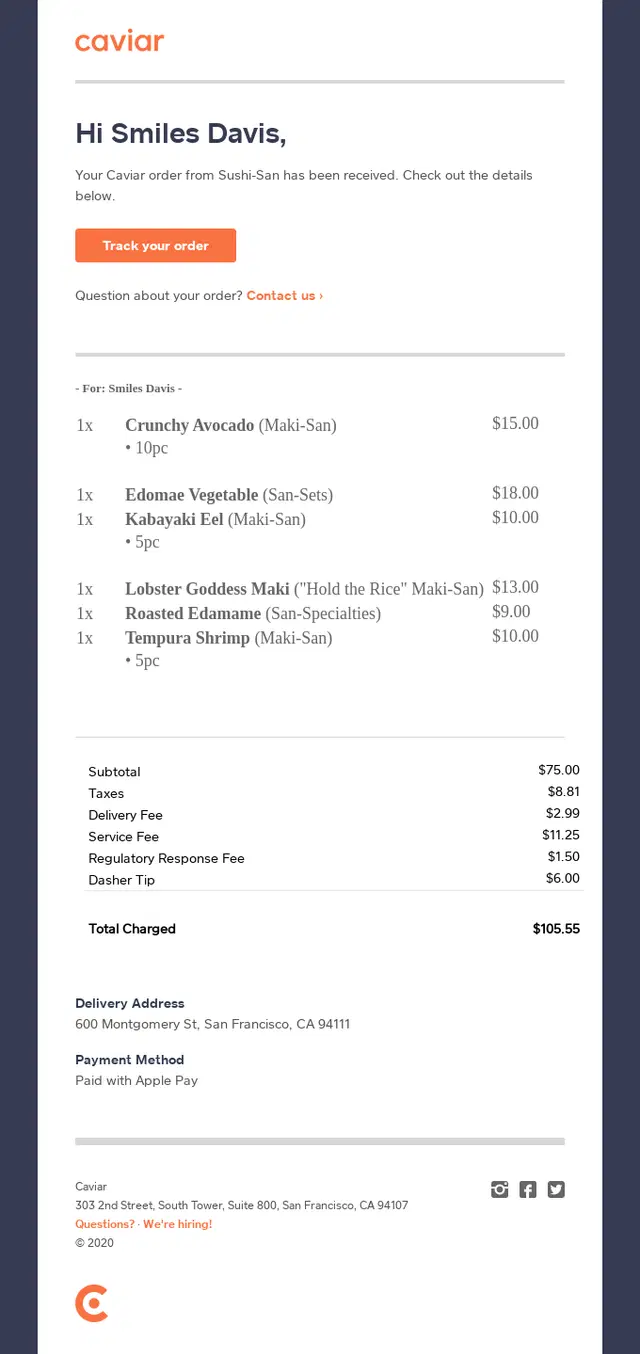
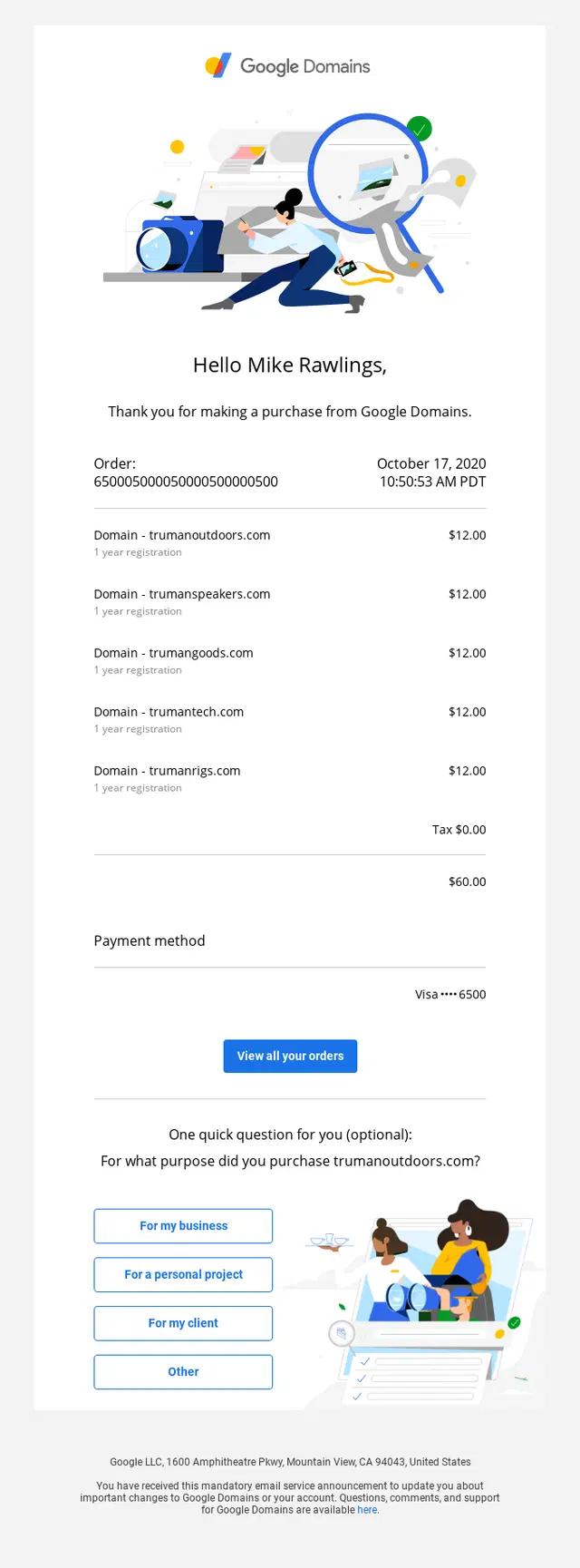
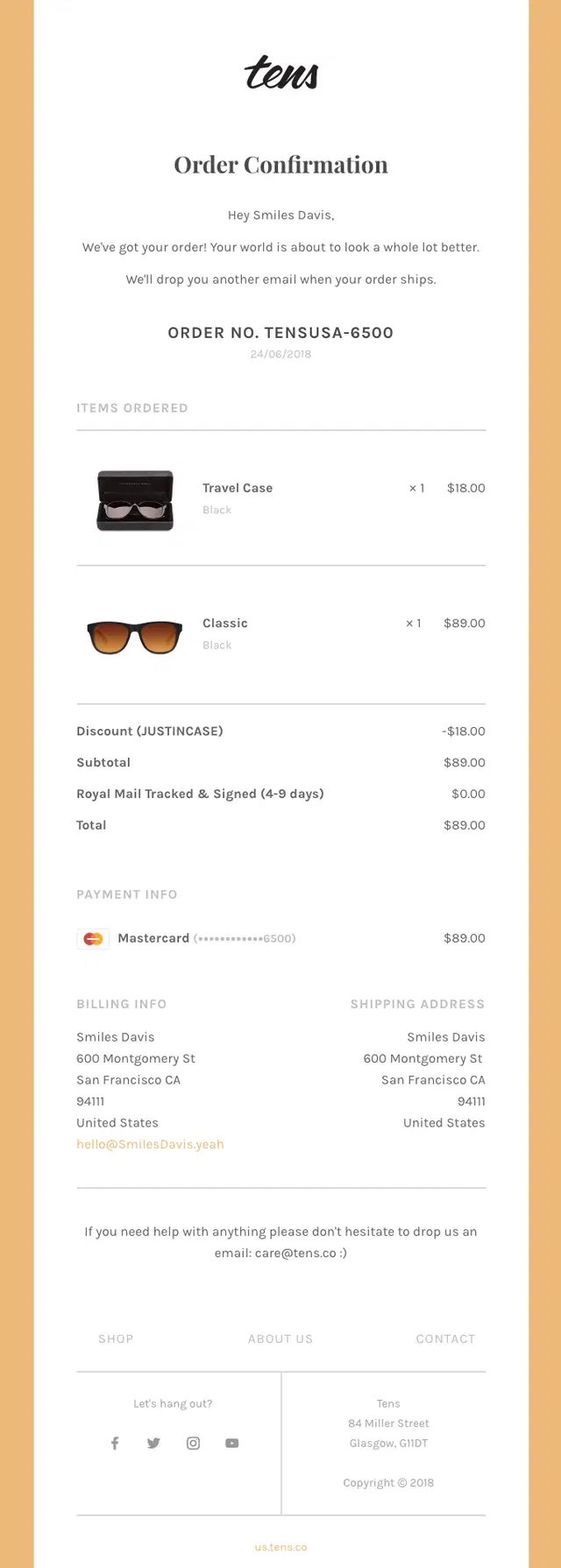
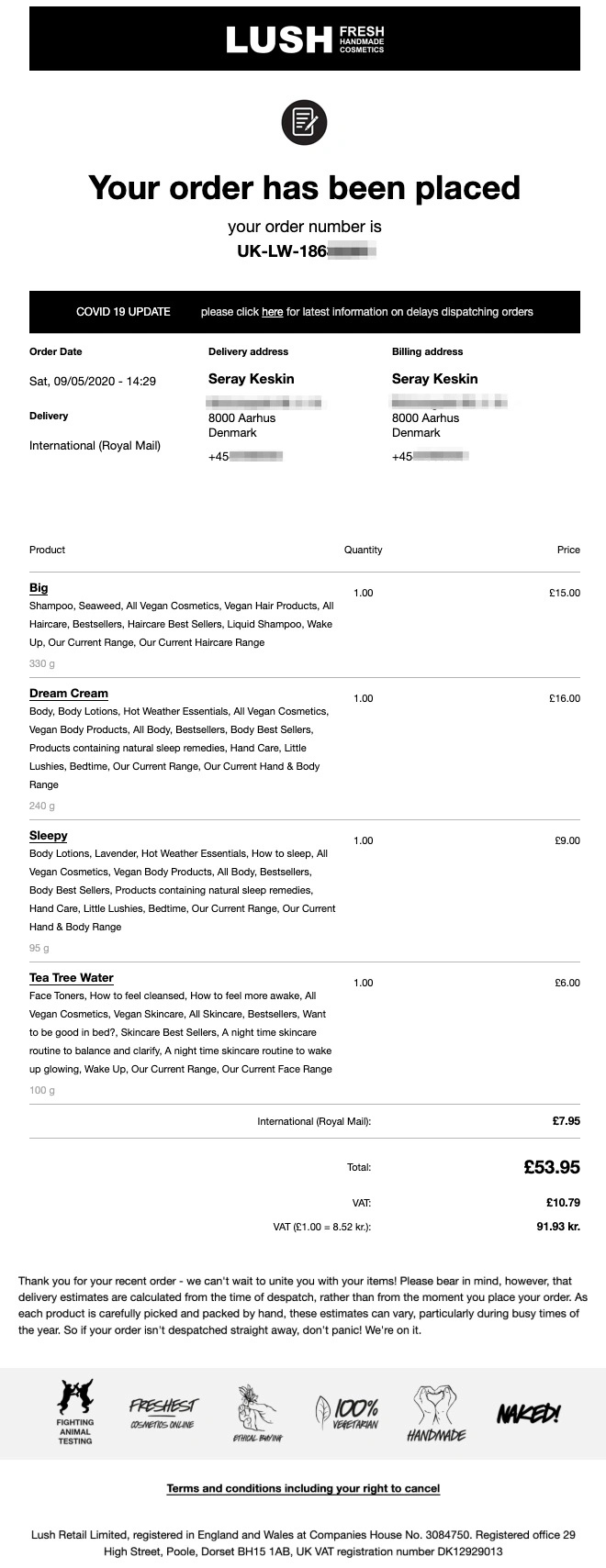
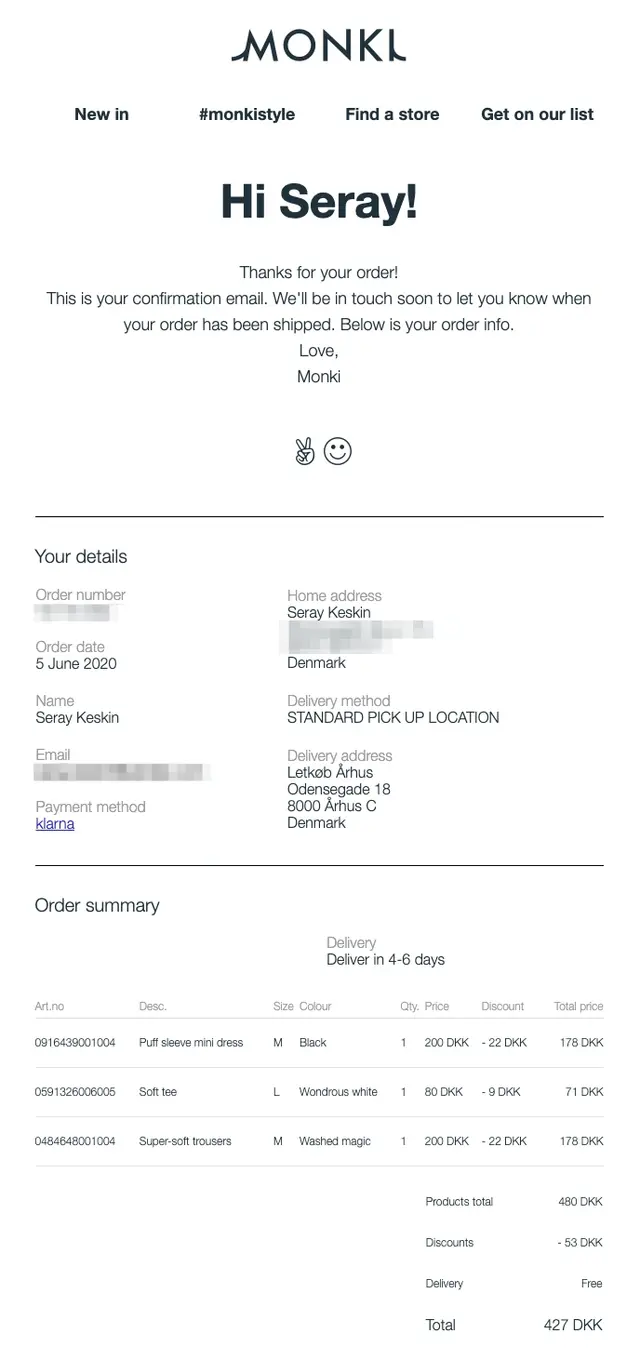
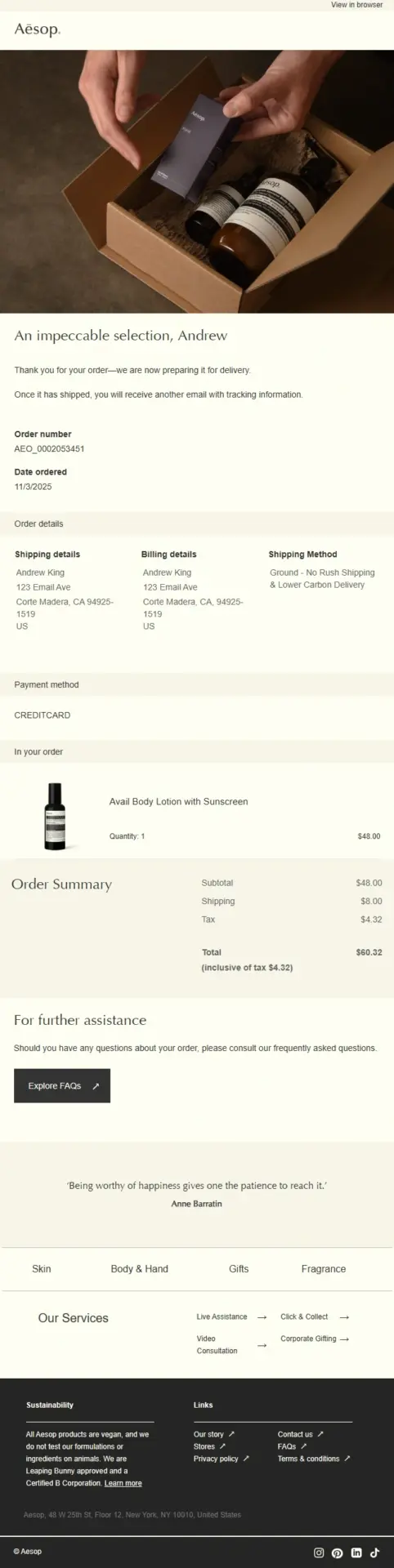
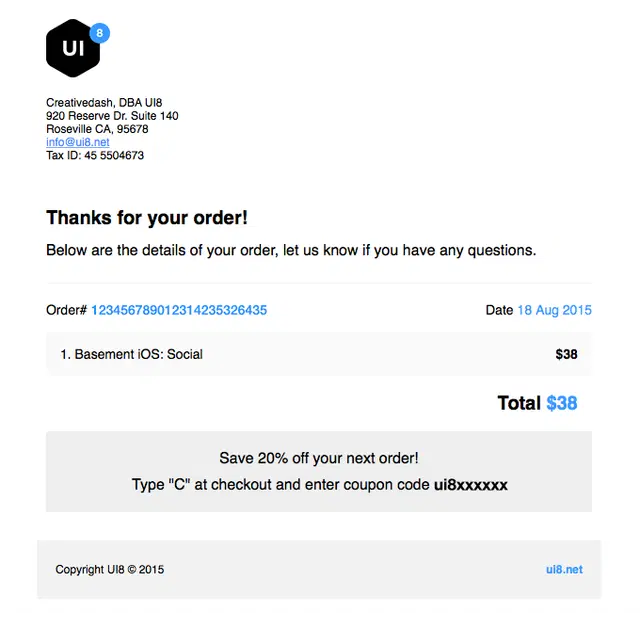
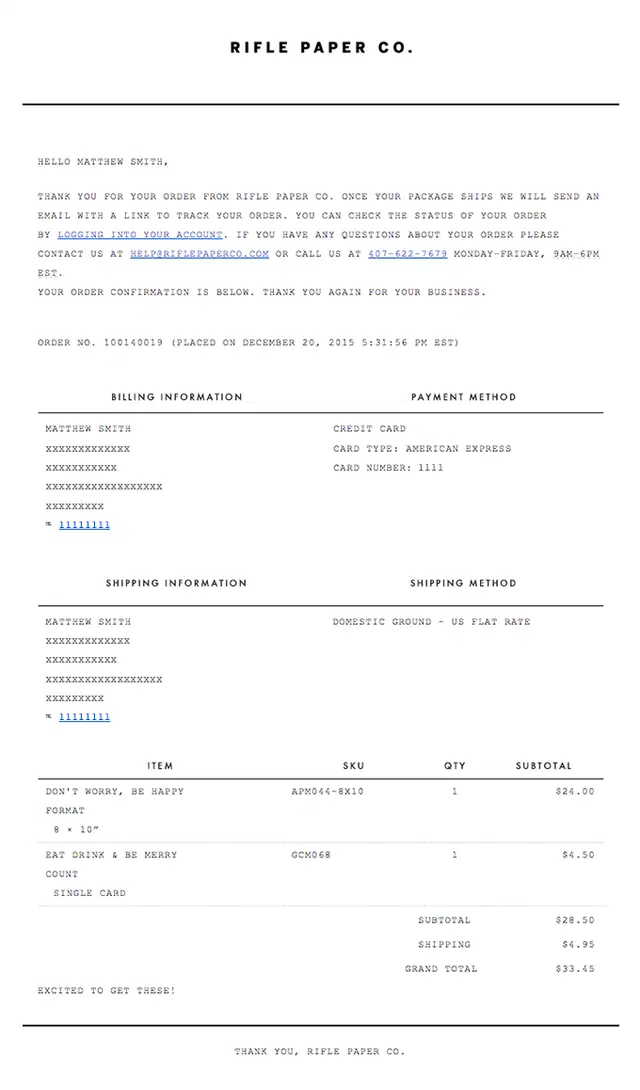
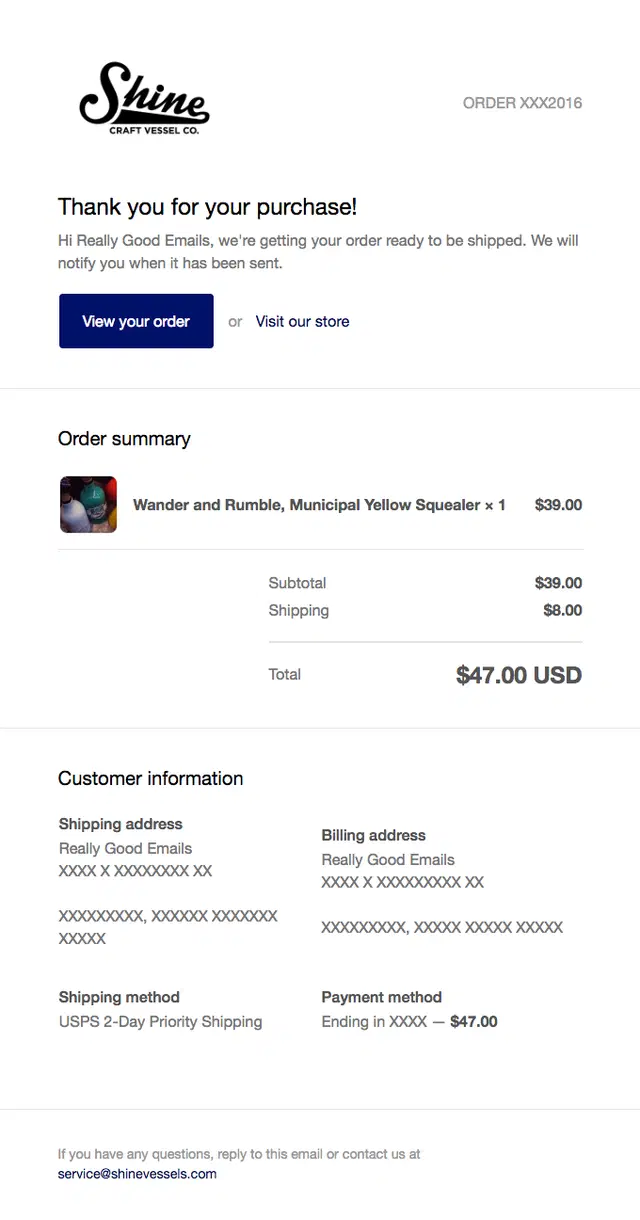
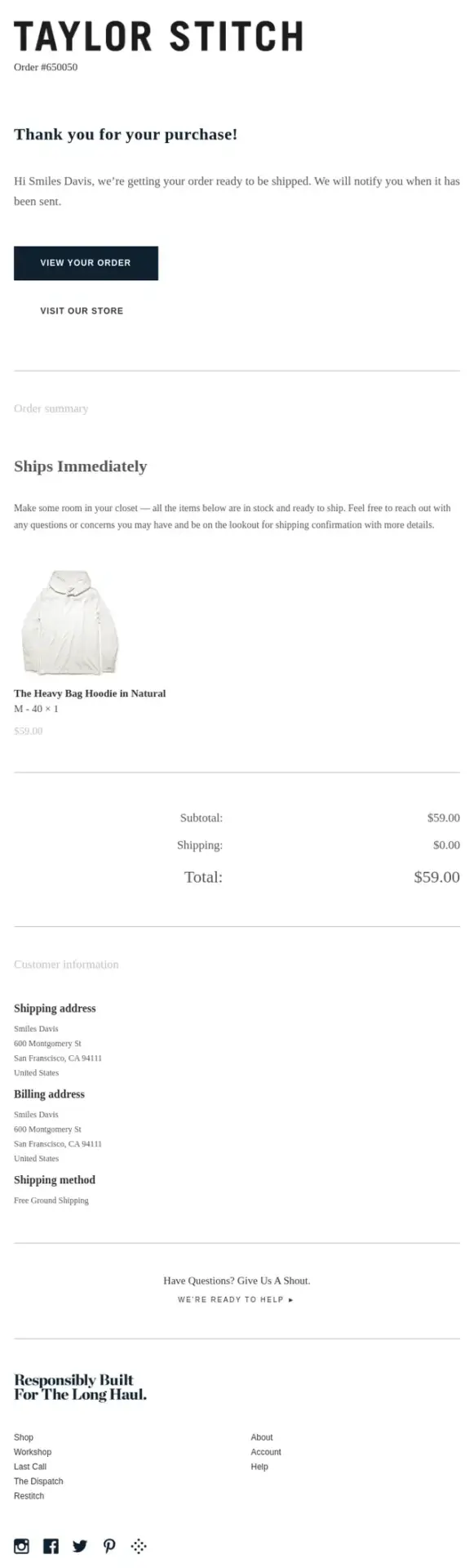
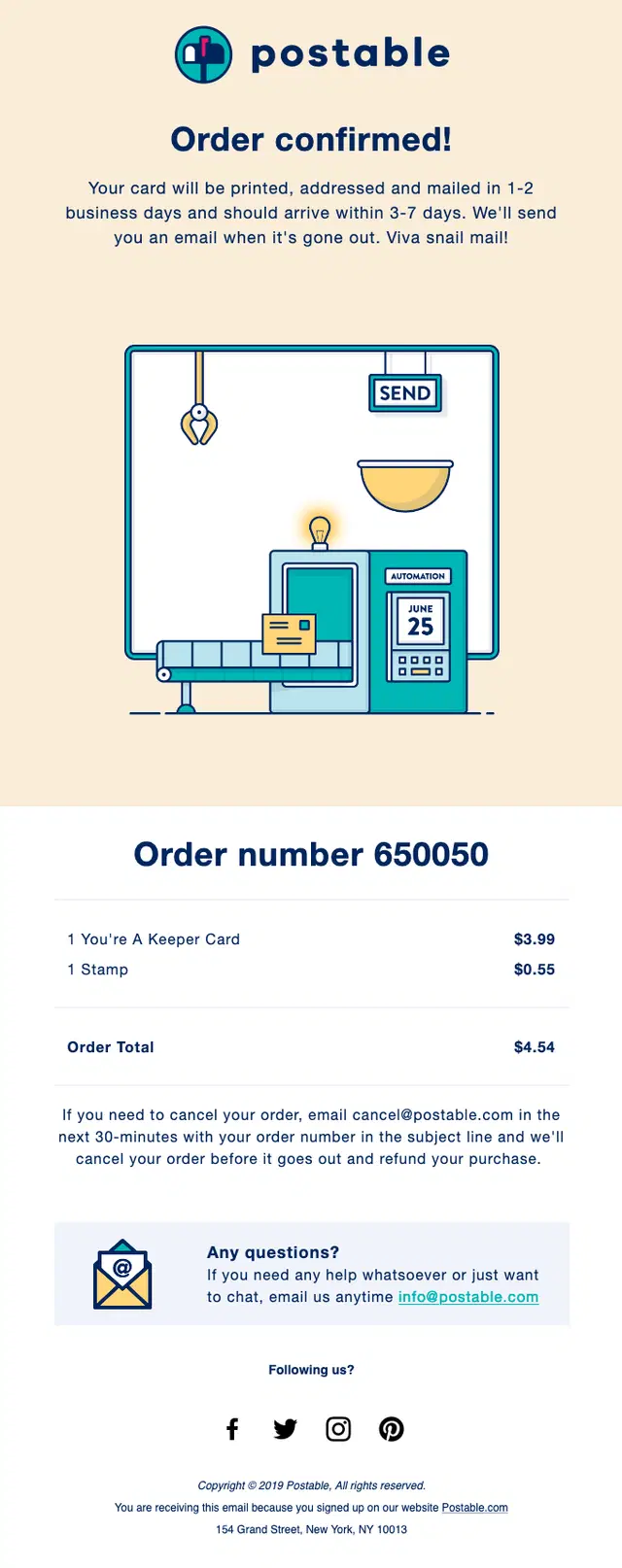
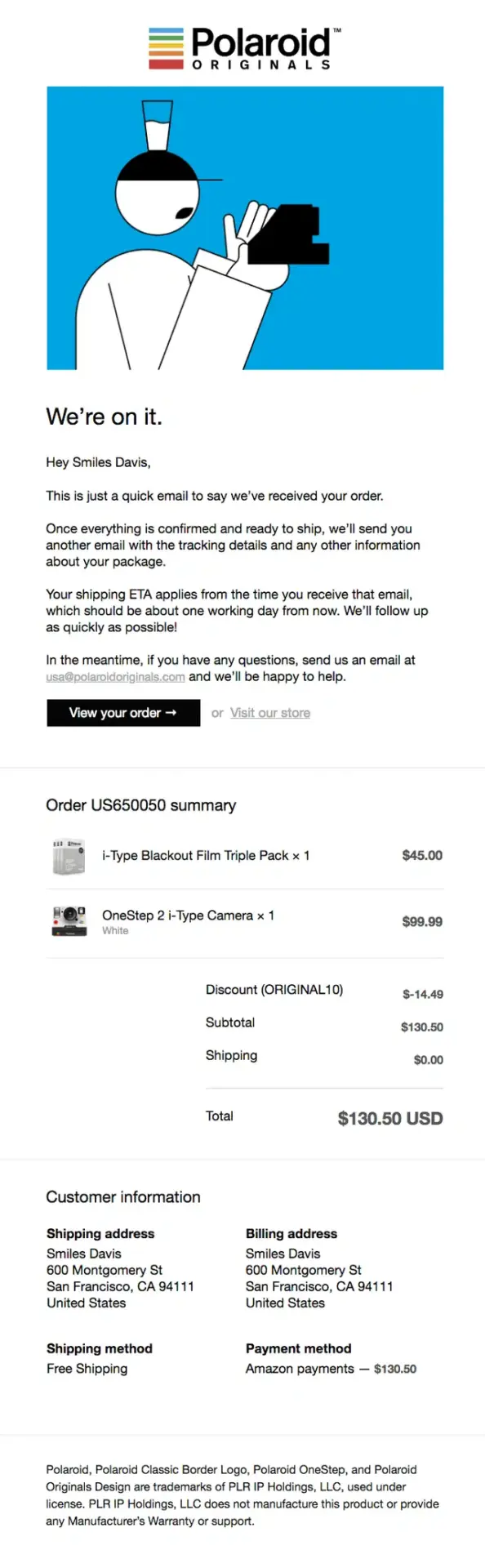
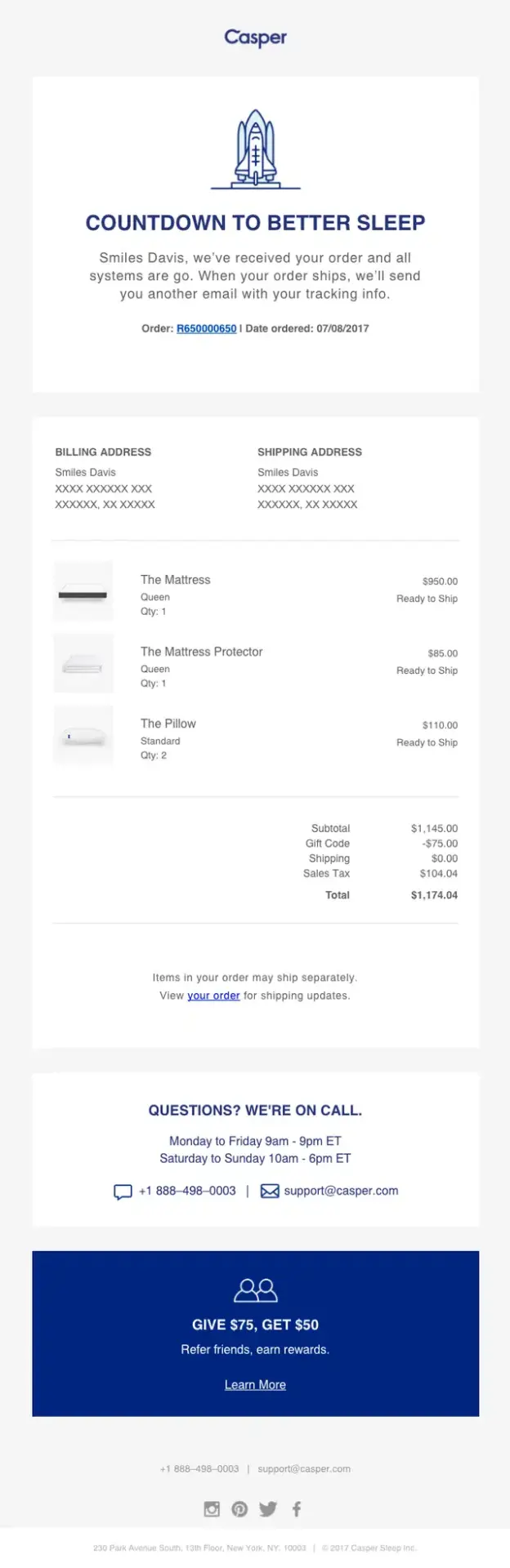
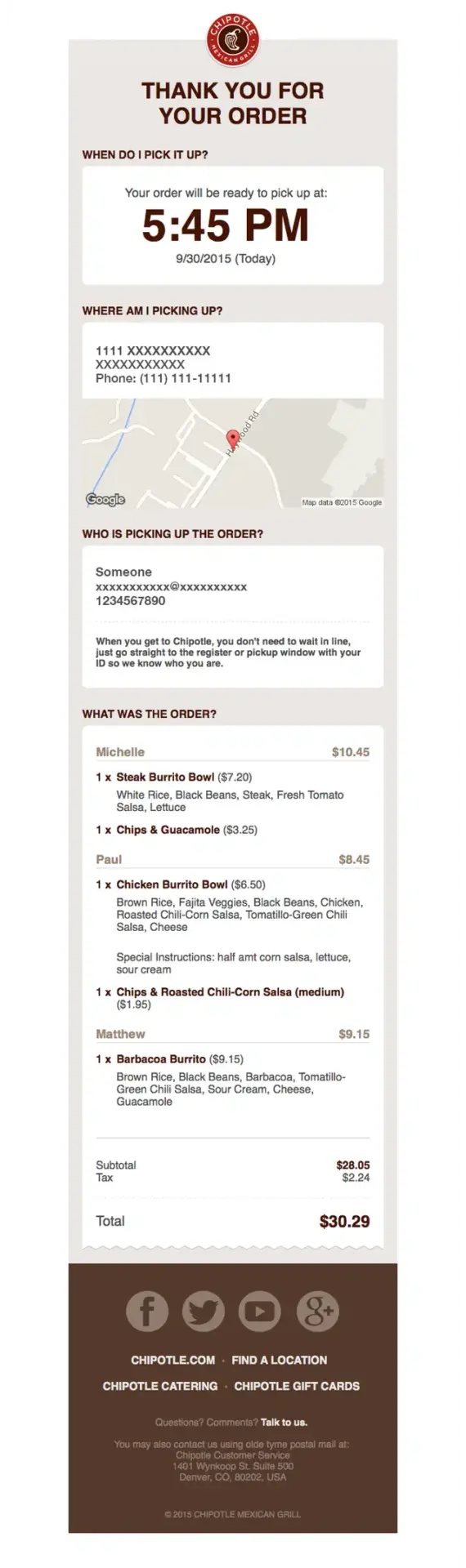
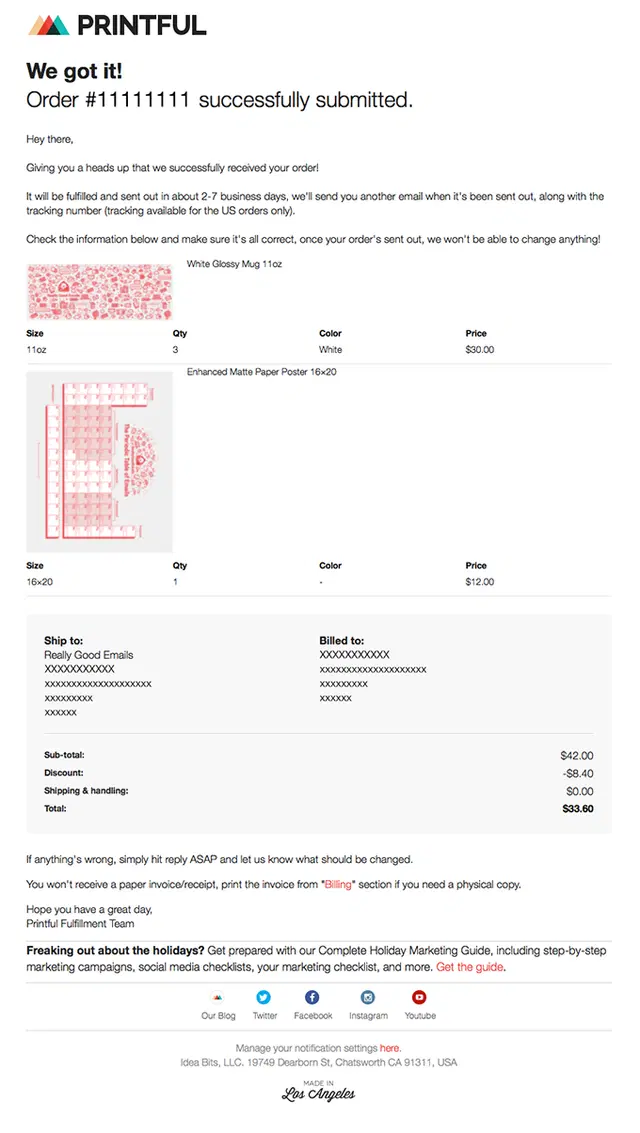
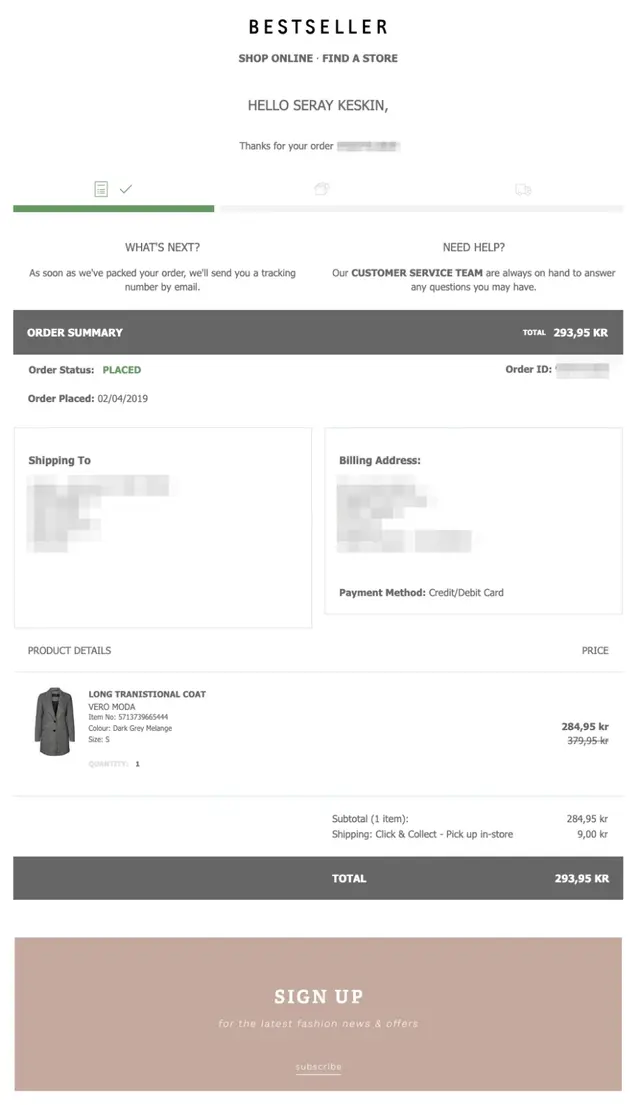
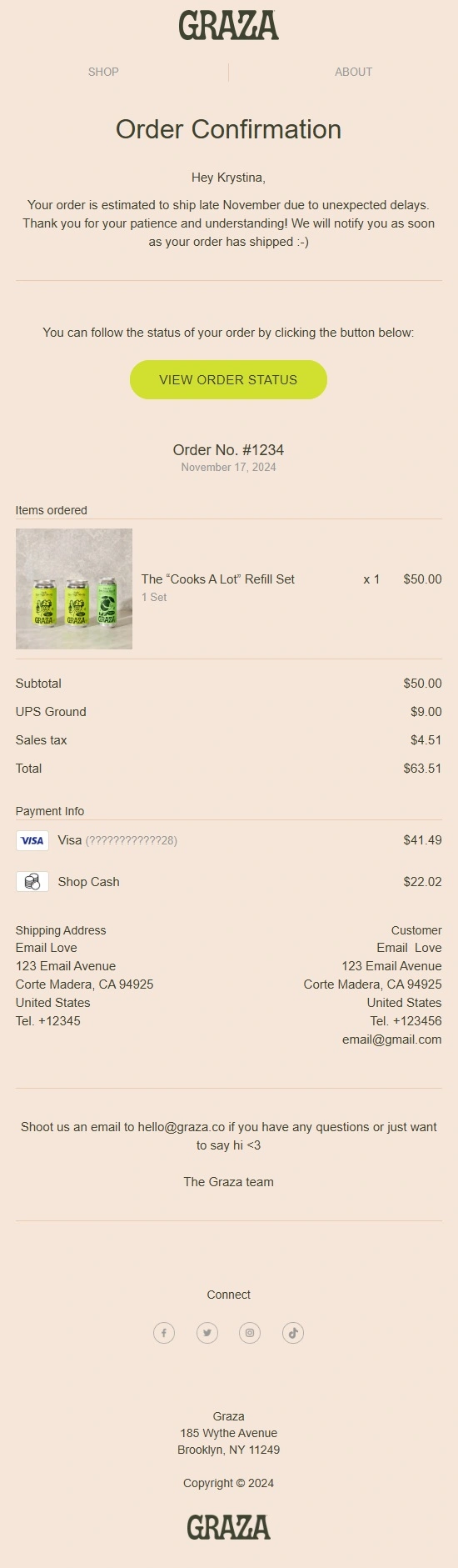
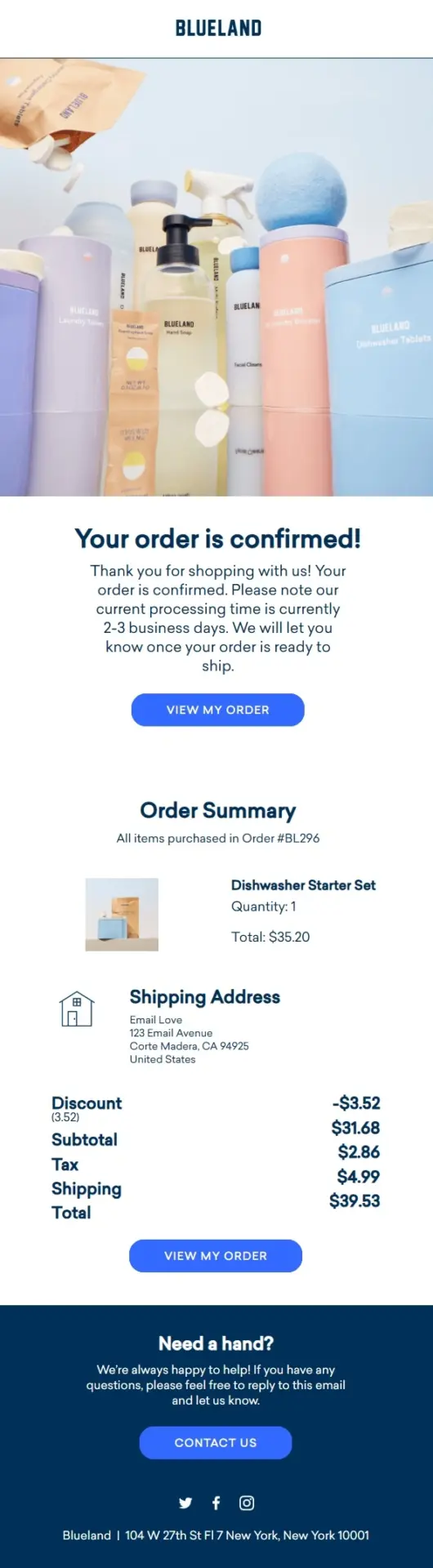
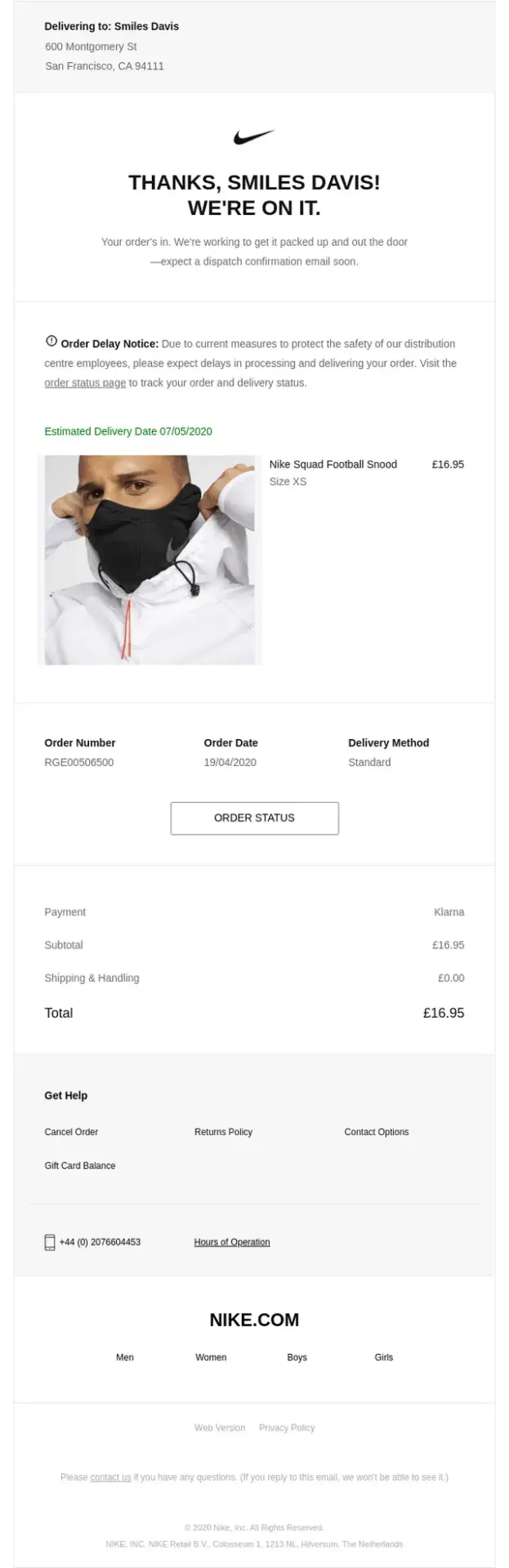
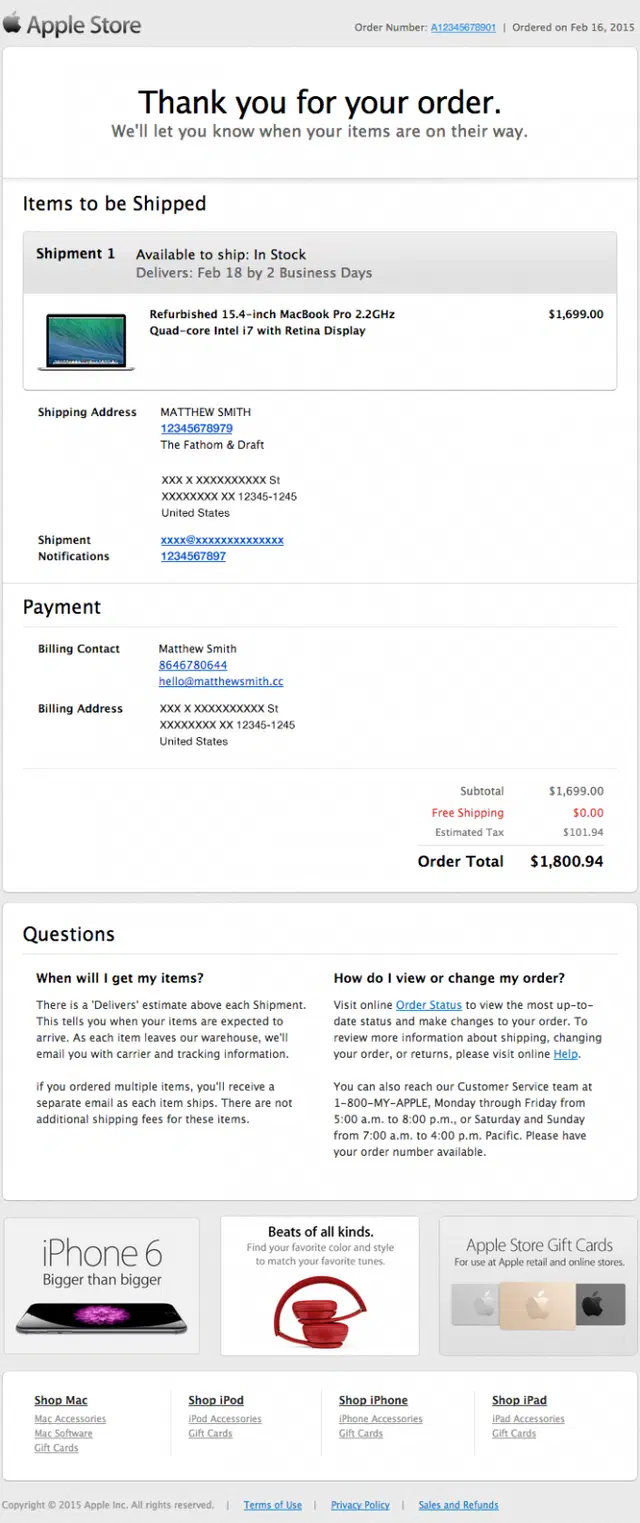
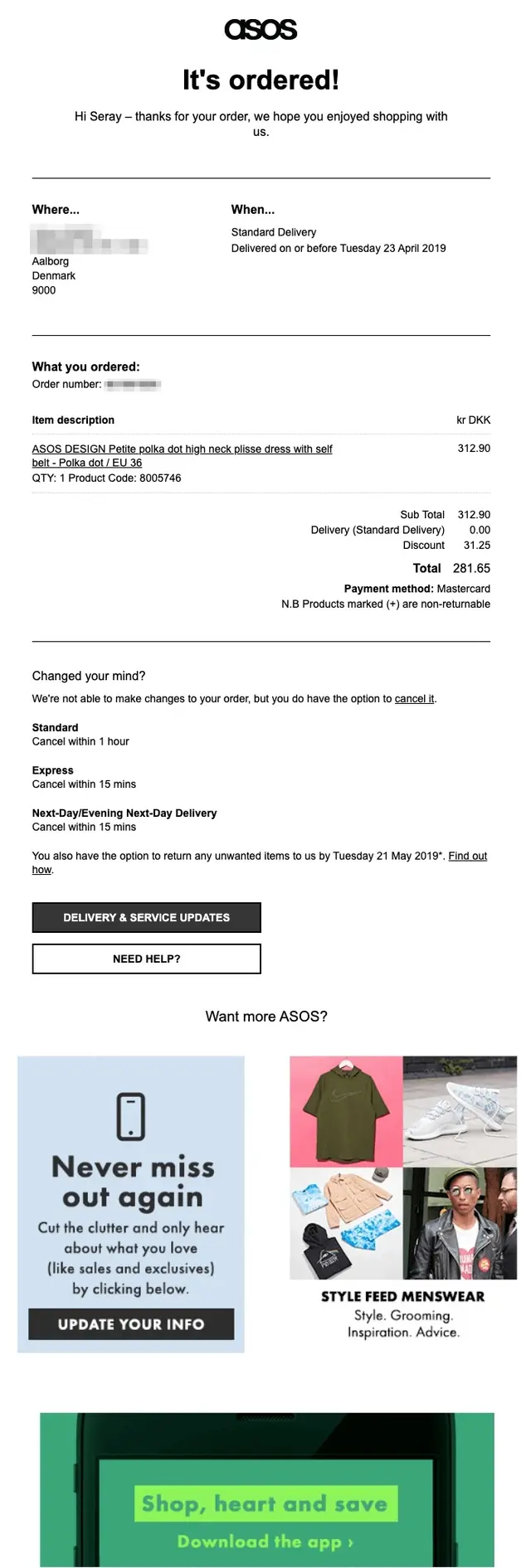
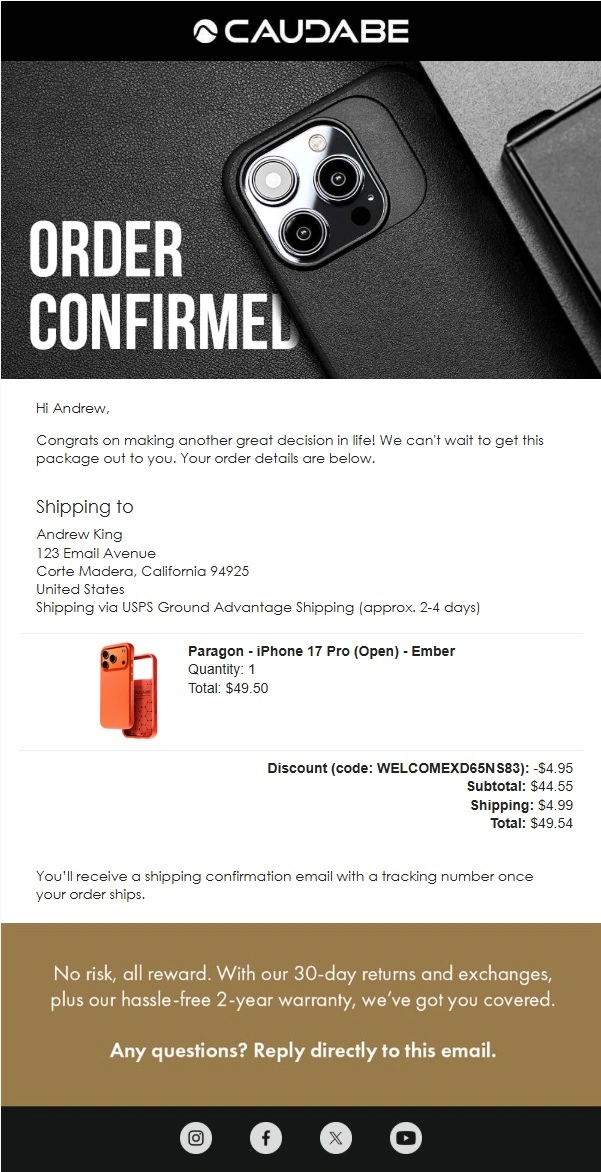
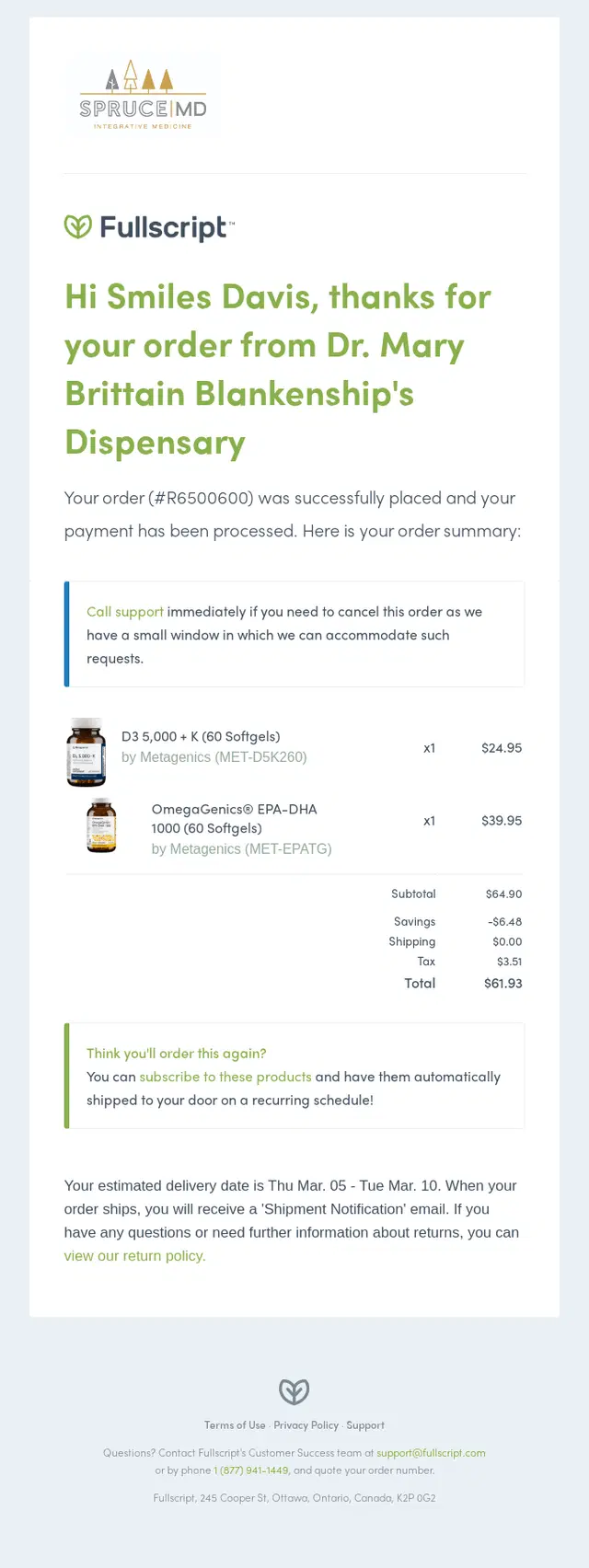
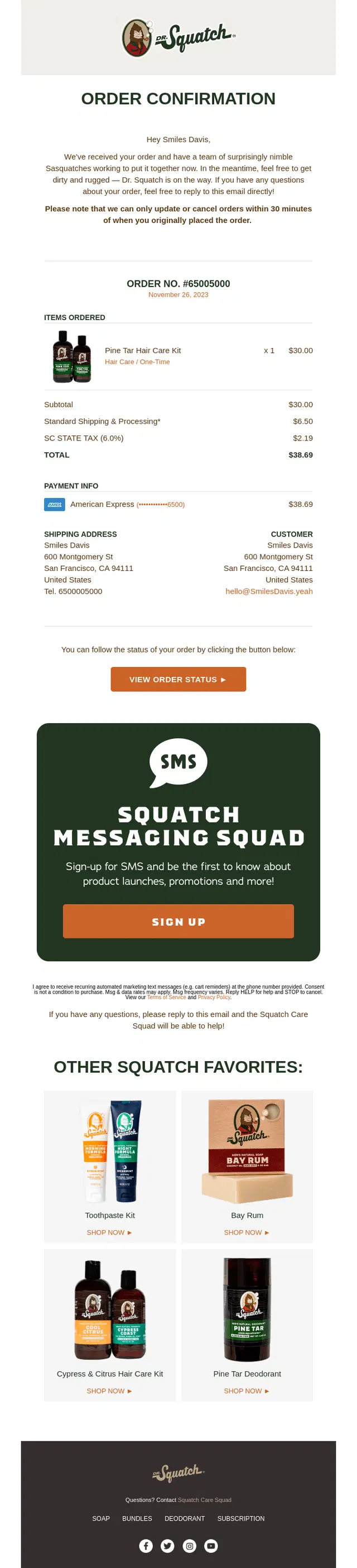
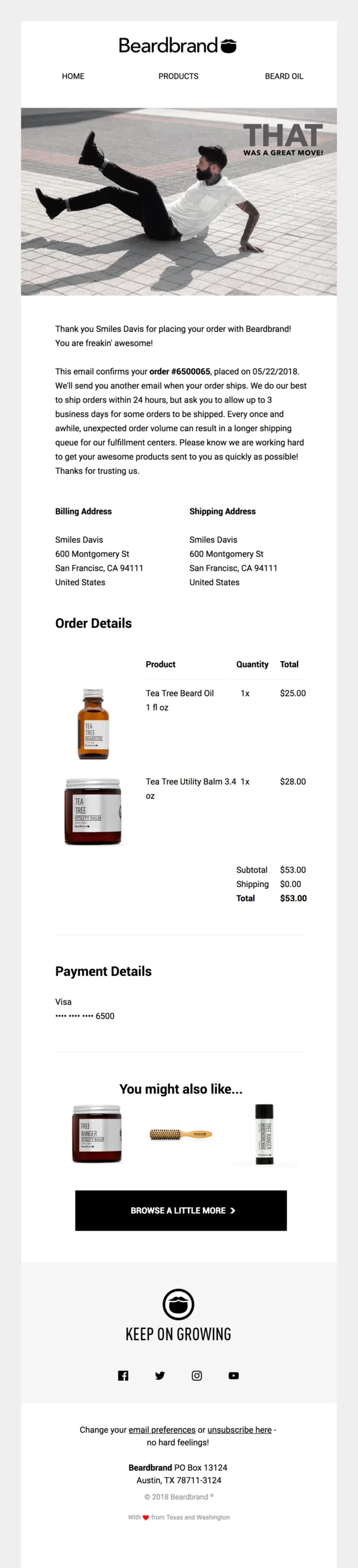
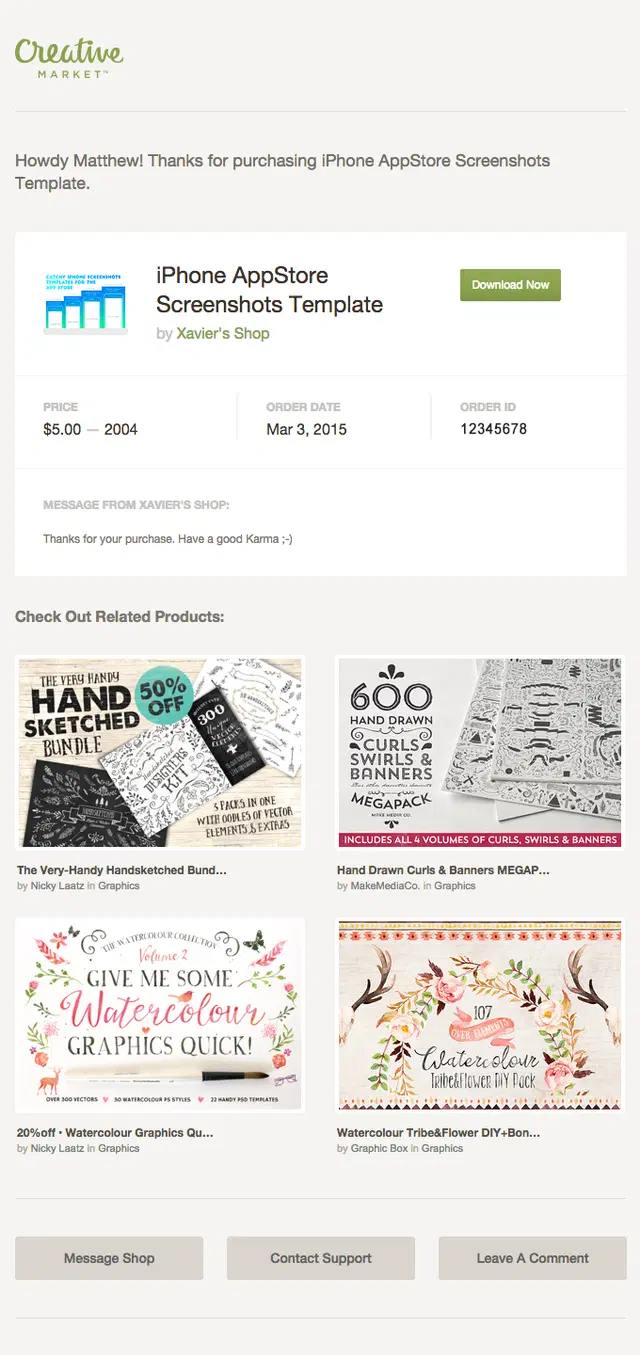
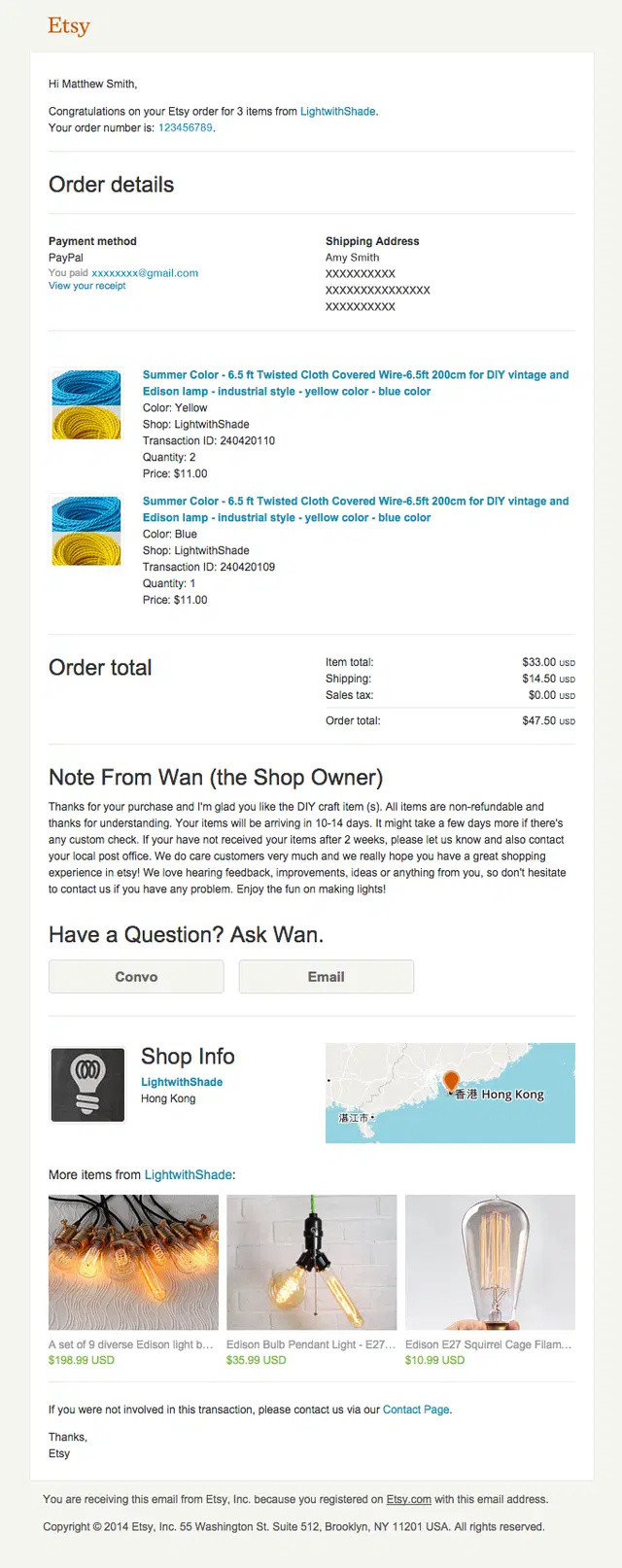
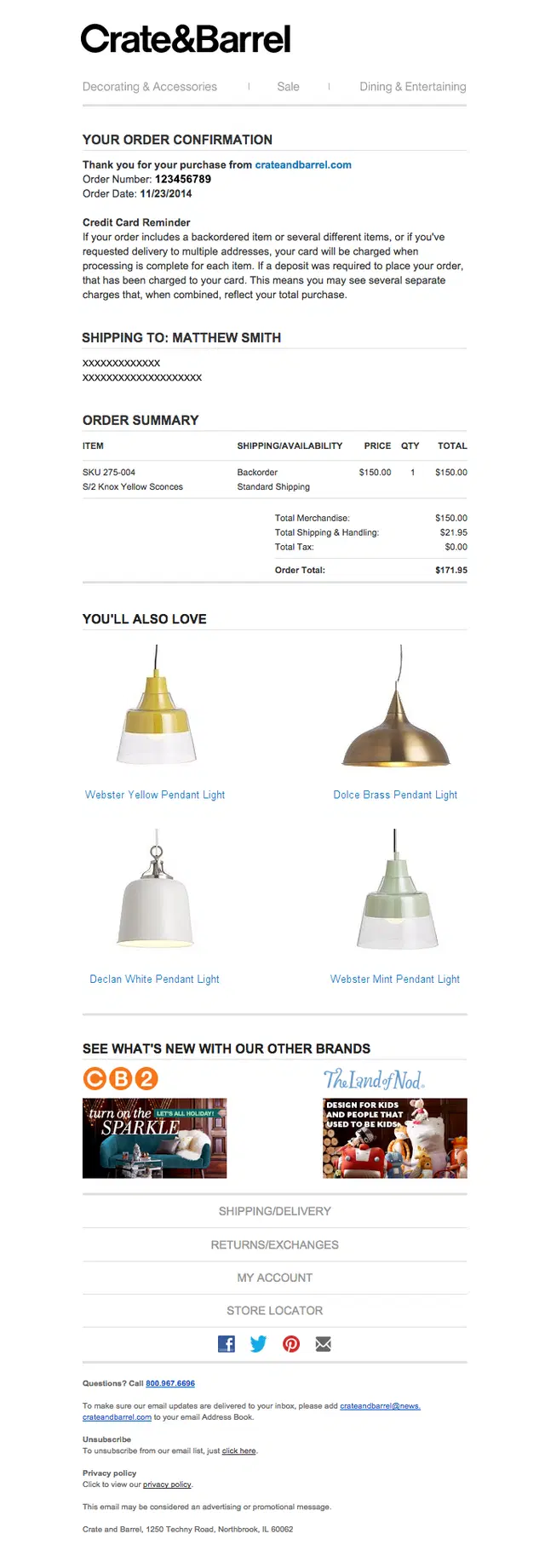
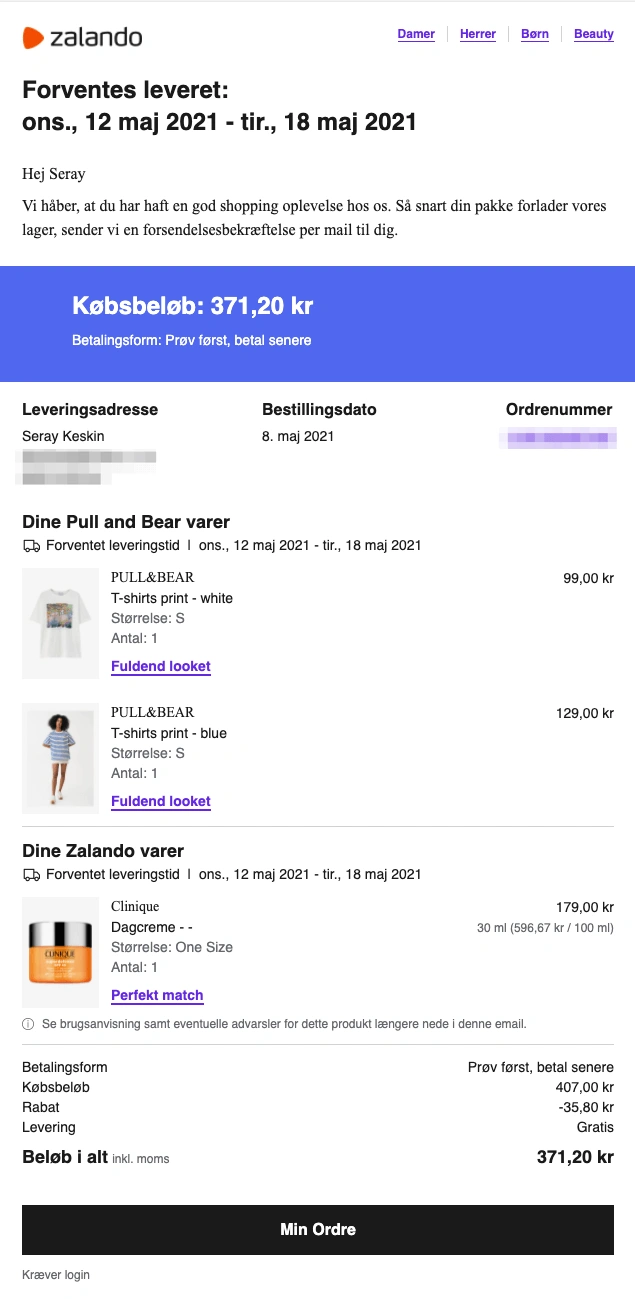
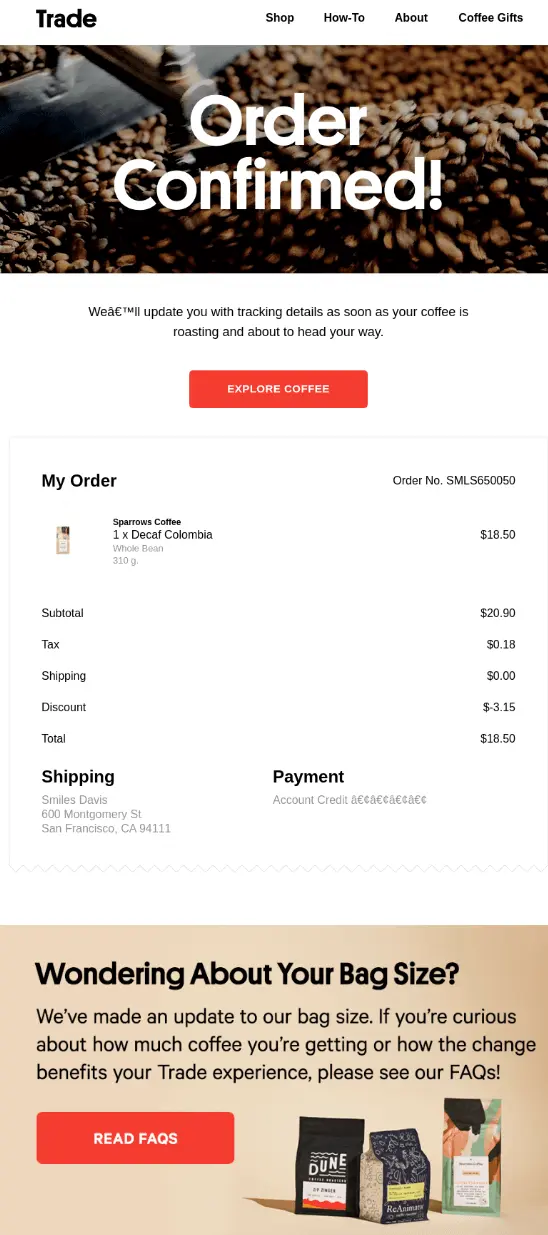
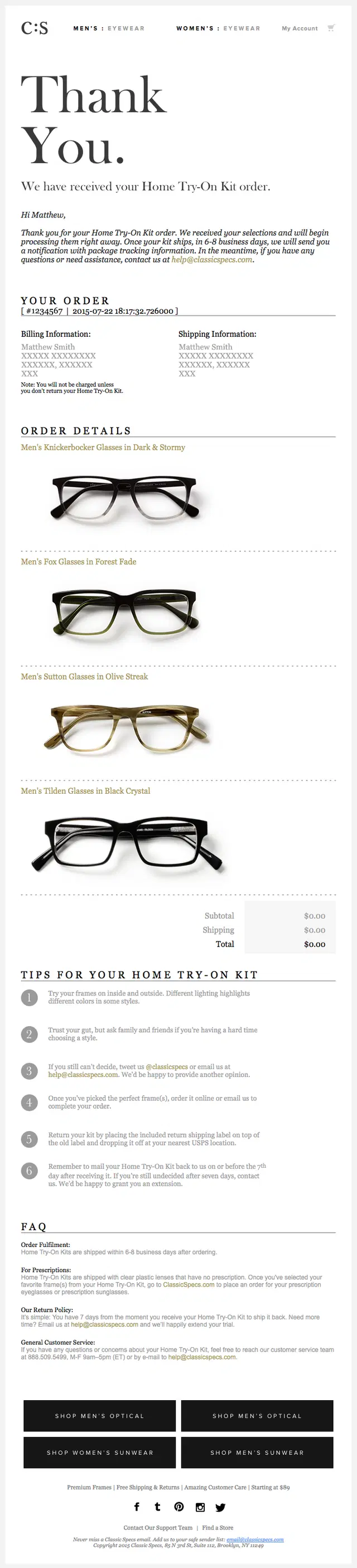
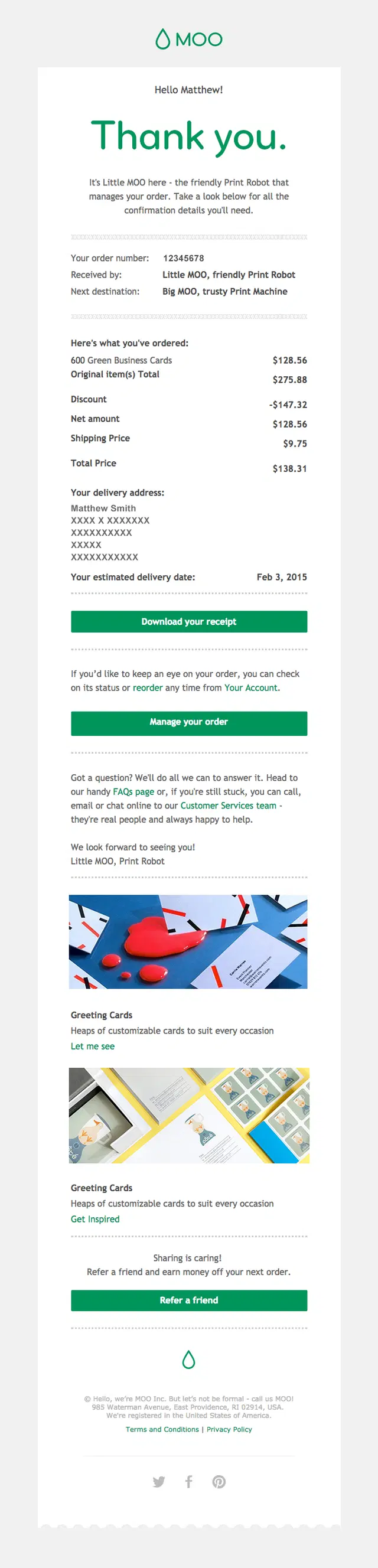
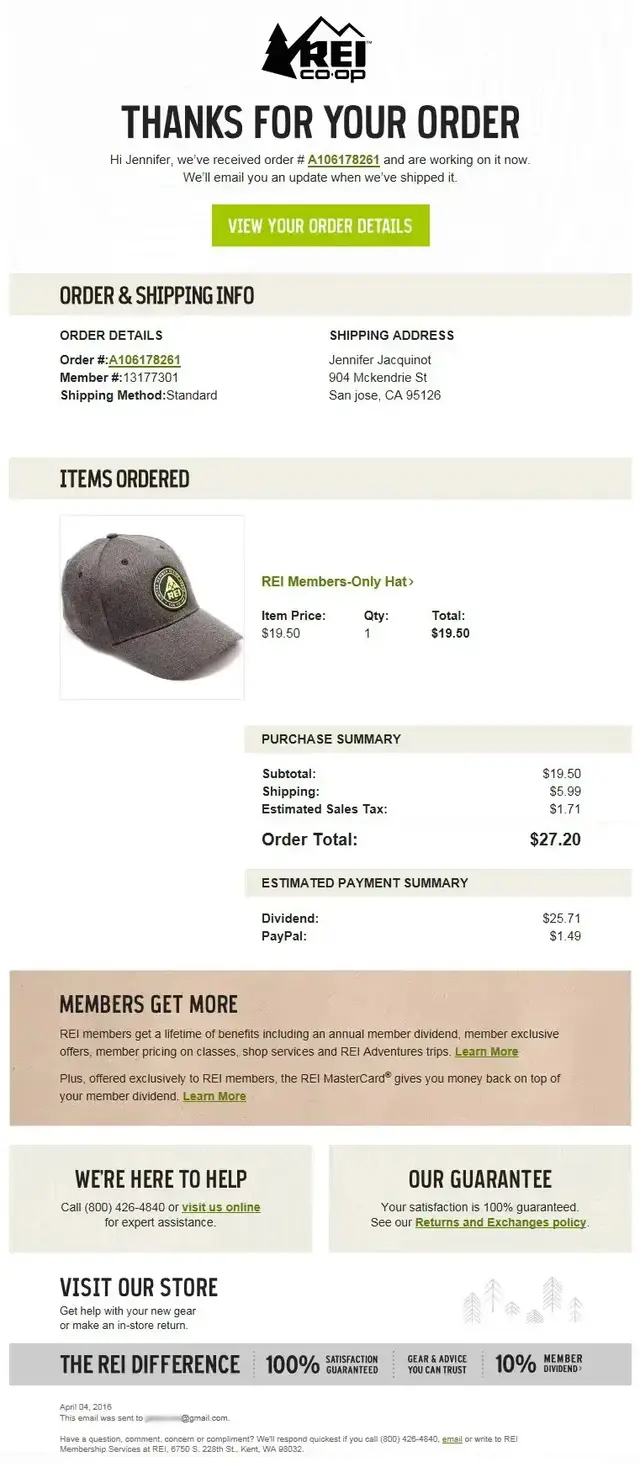
These order confirmation emails make purchase details easy to verify with clear product, pricing, payment, shipping, and customer information.

Thank You and Brand-Led Order Confirmation Email Examples
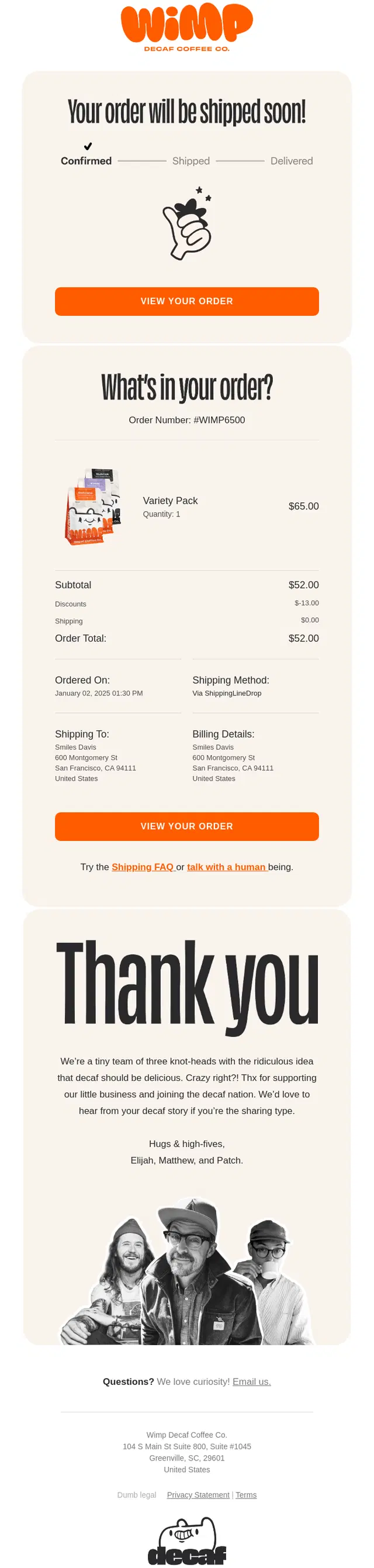
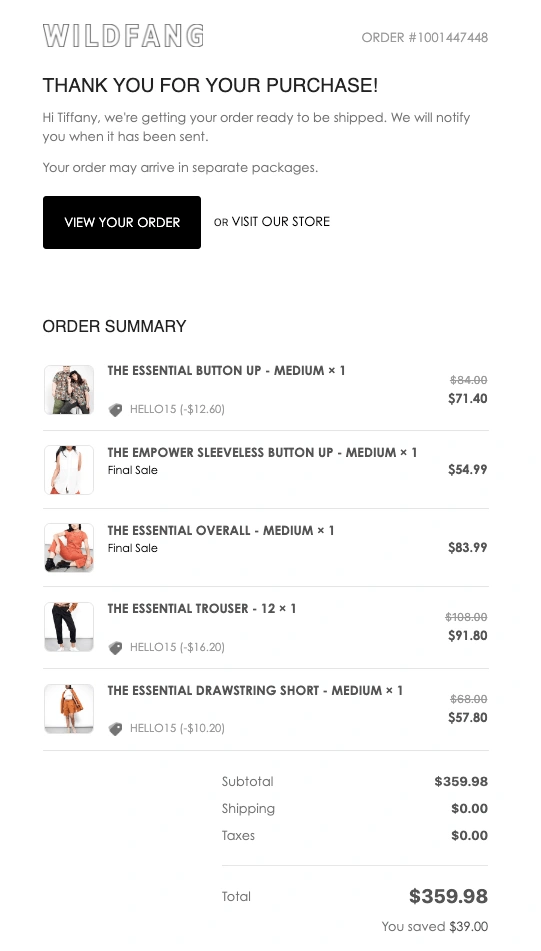
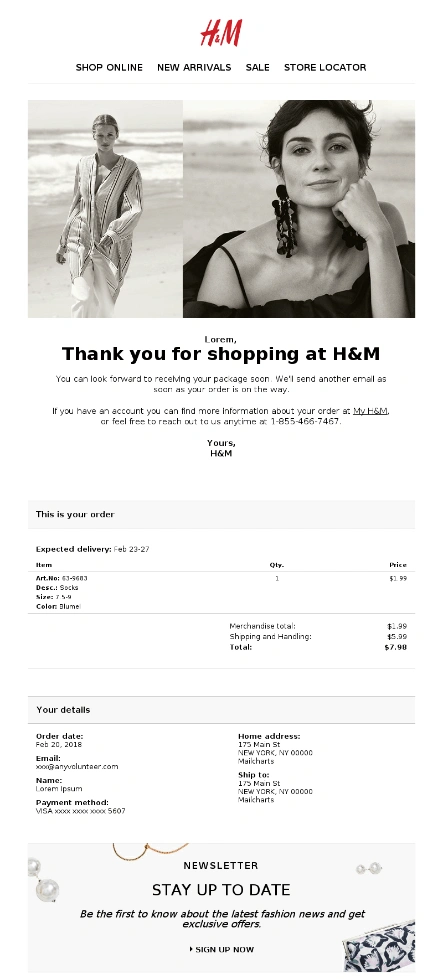
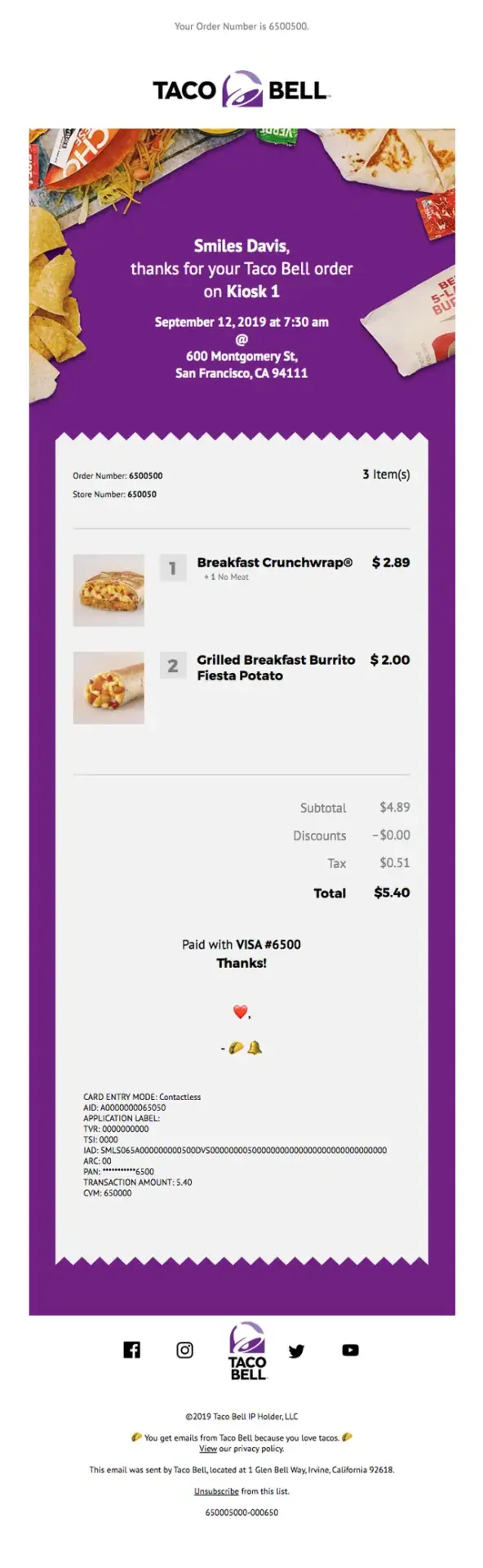
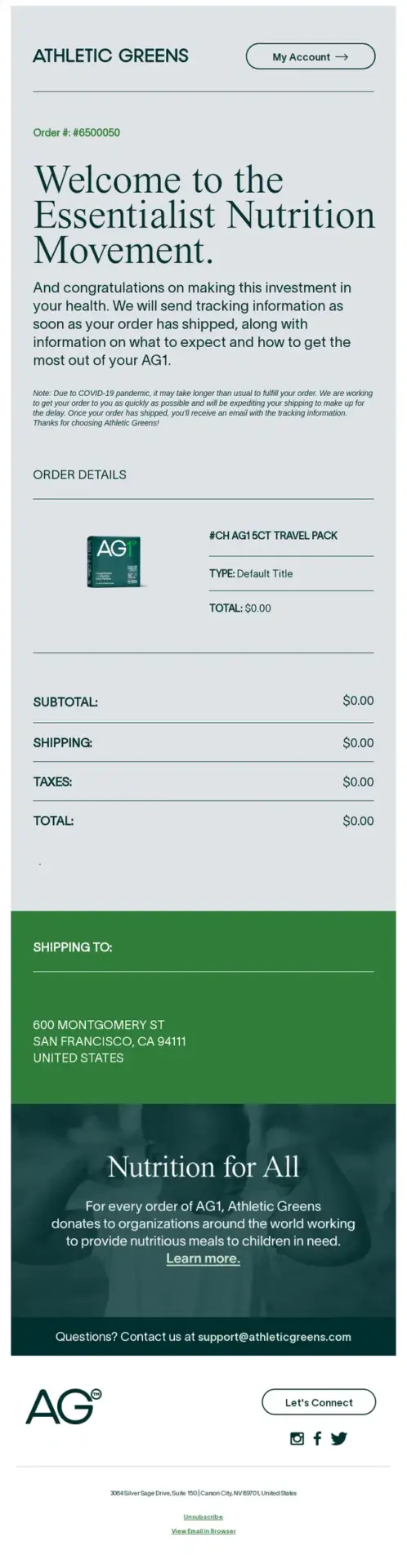
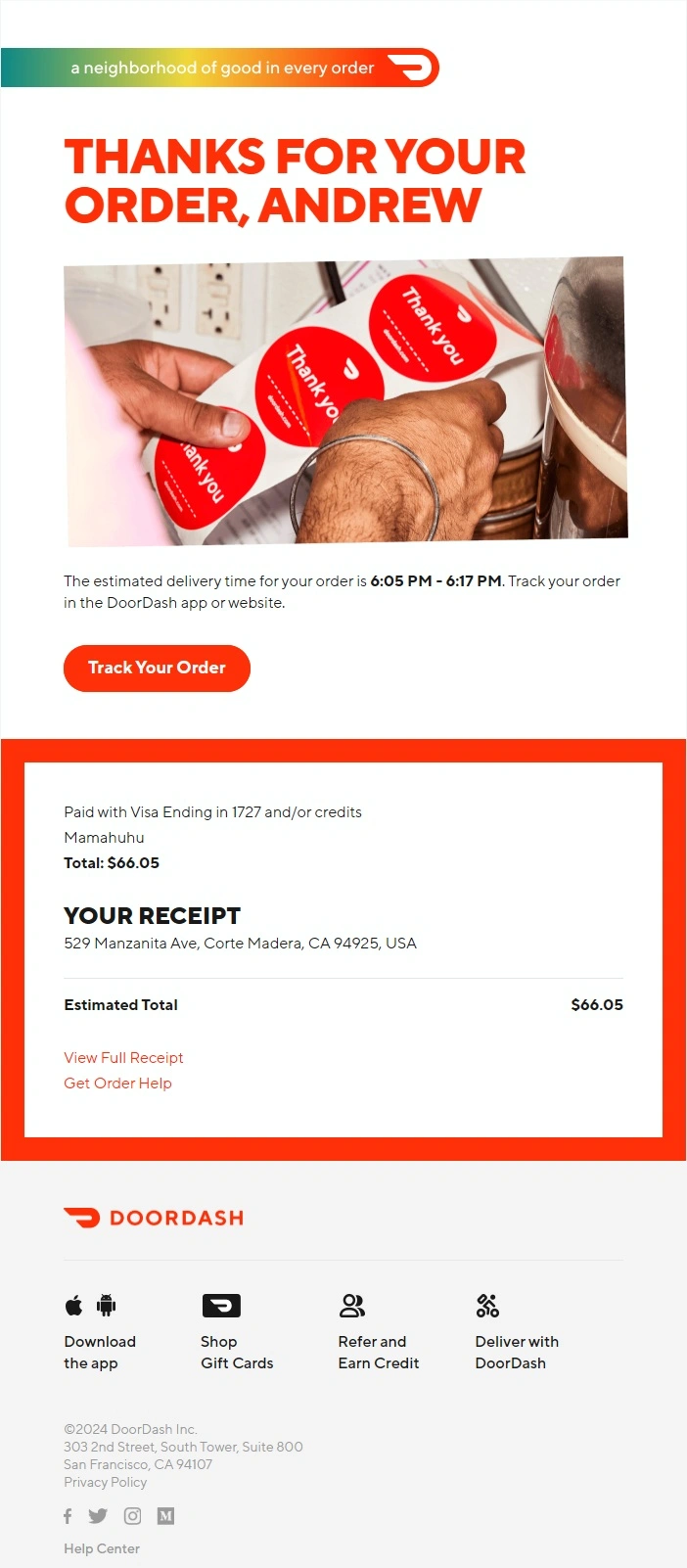
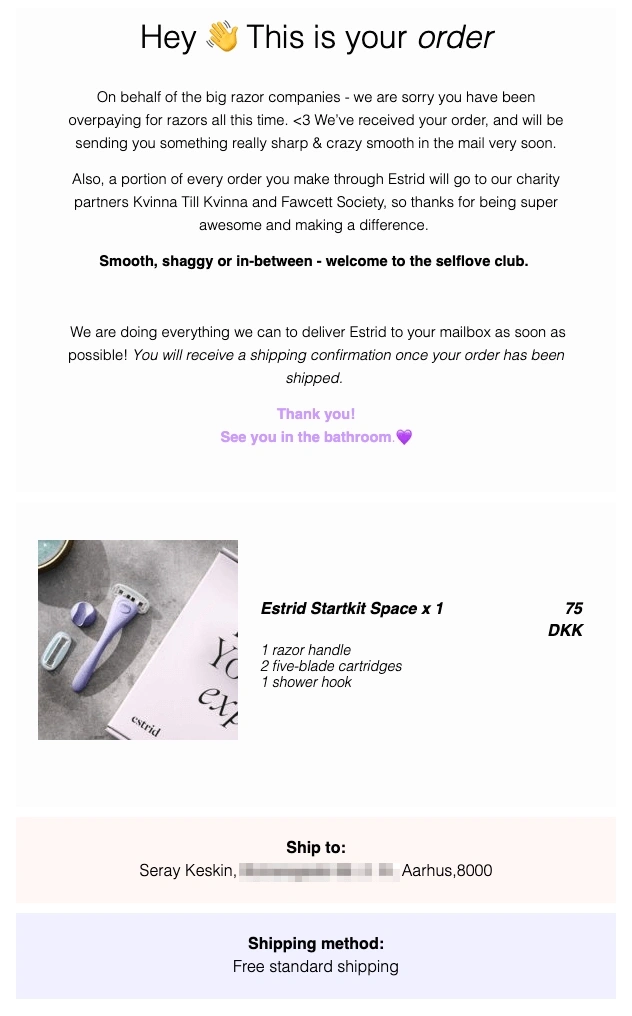
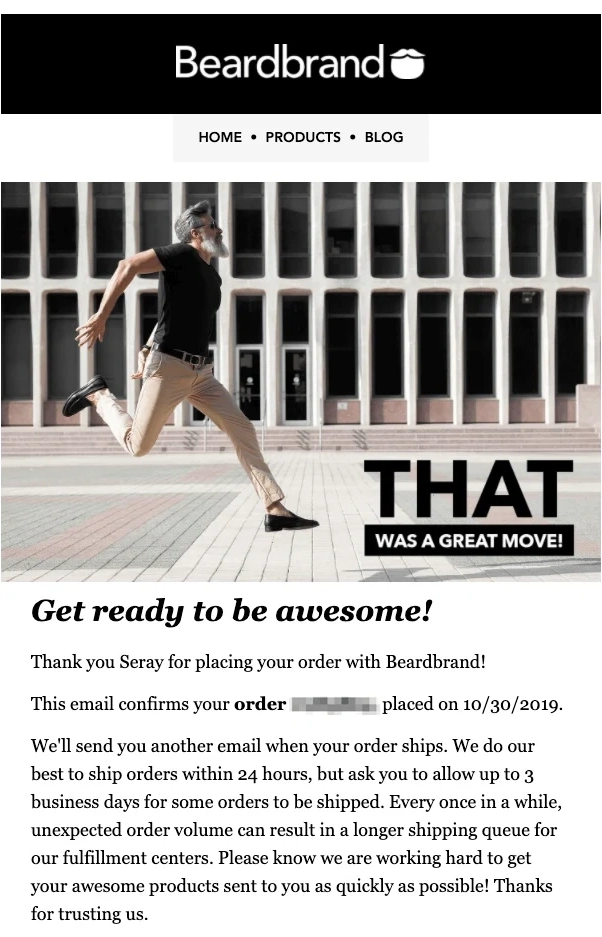
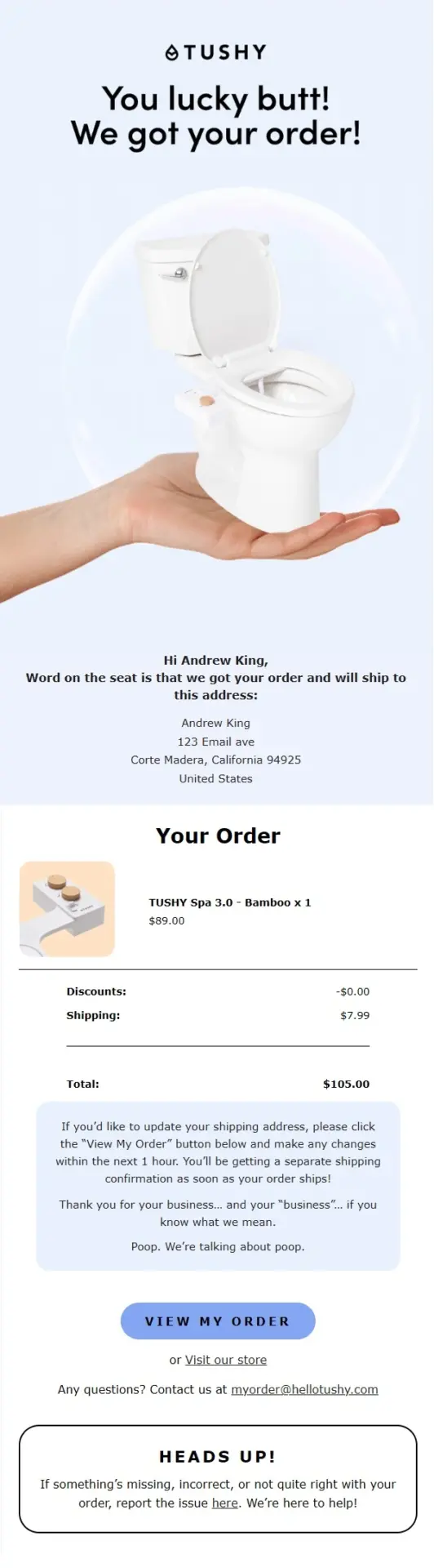
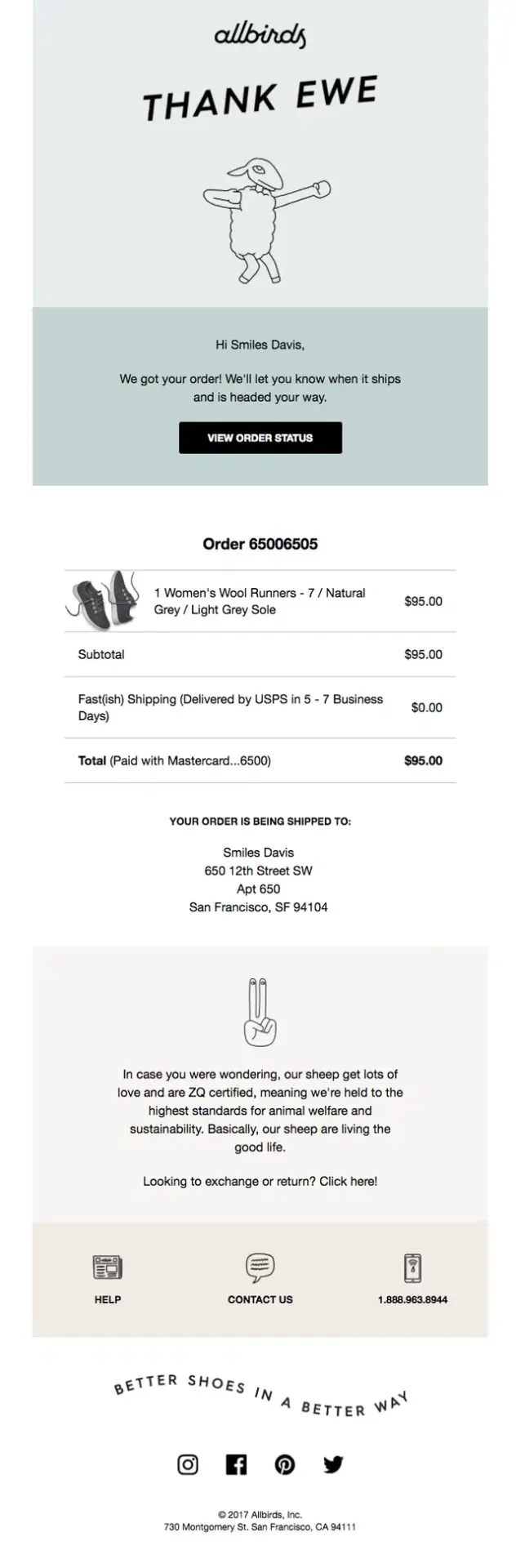
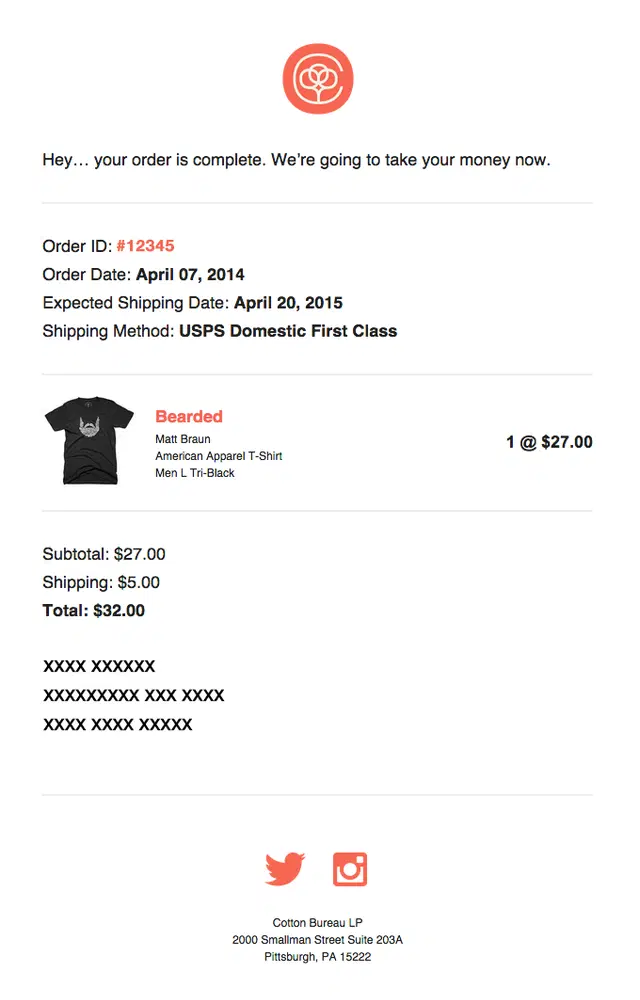
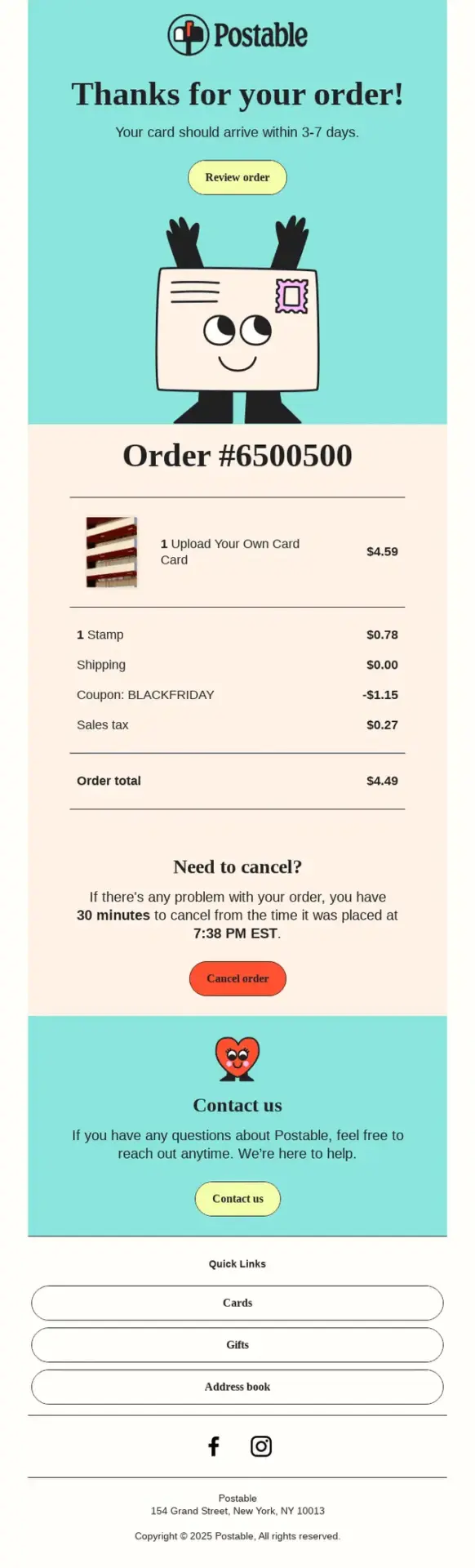
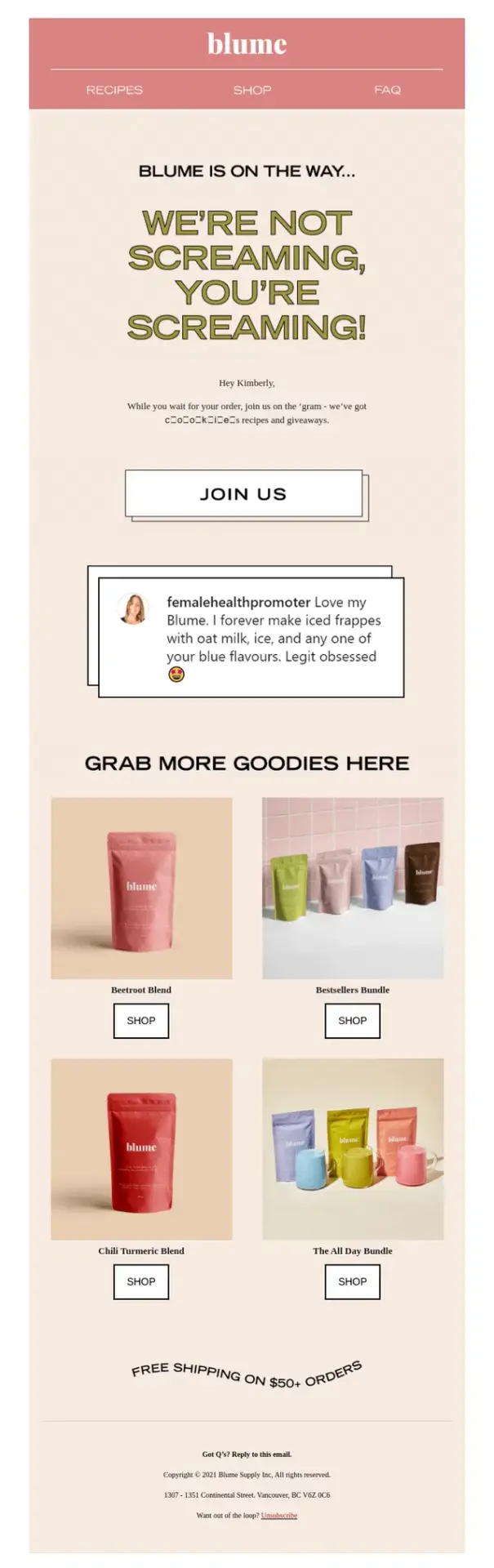
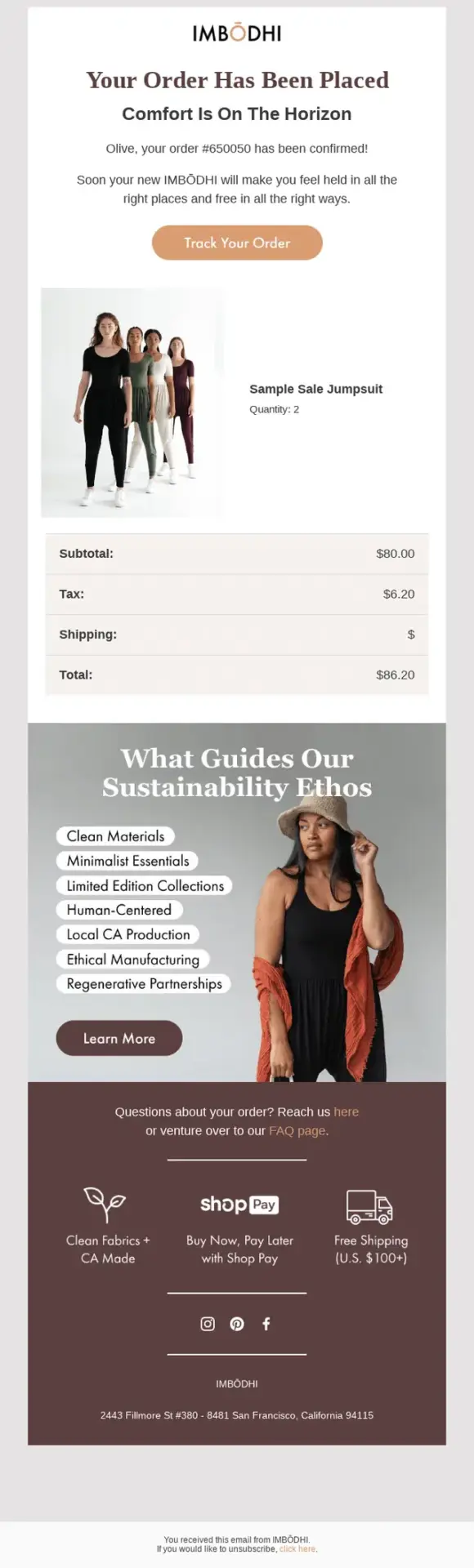
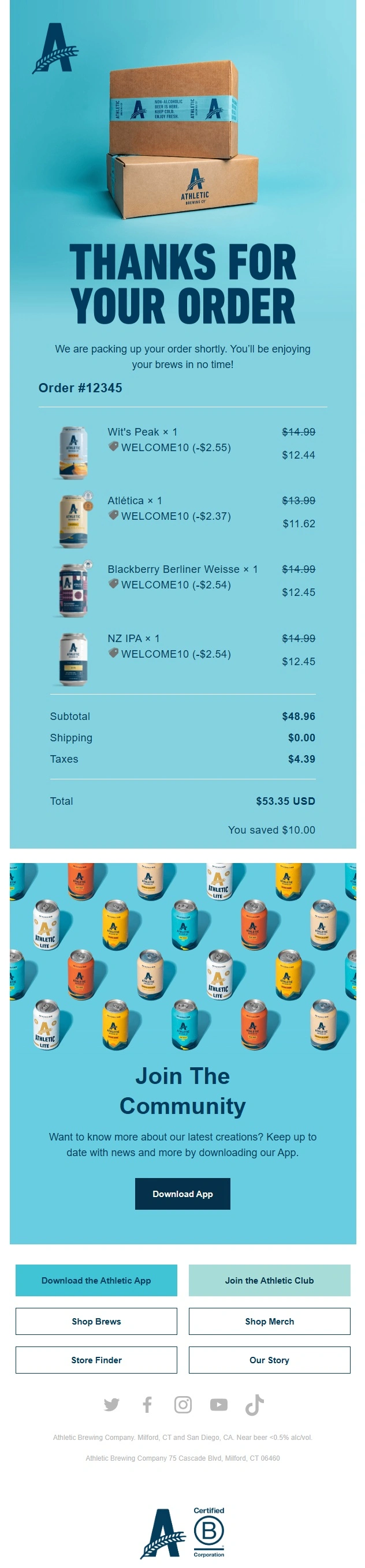
These examples go beyond a basic receipt by using distinctive visuals, brand voice, and thoughtful thank-you messaging to make the confirmation feel more memorable.




Minimalist Order Confirmation Email Examples
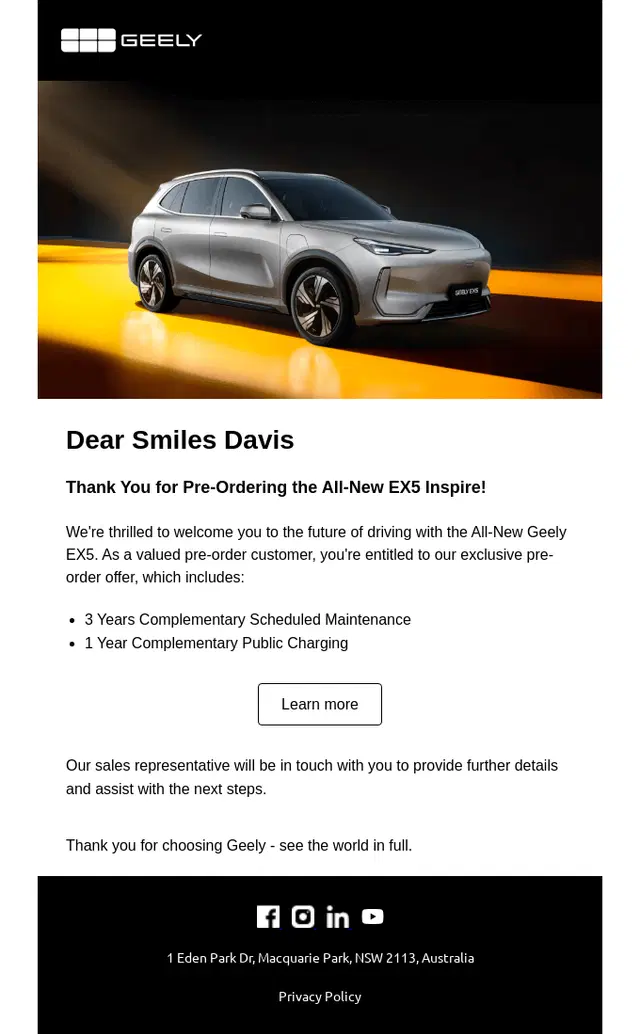
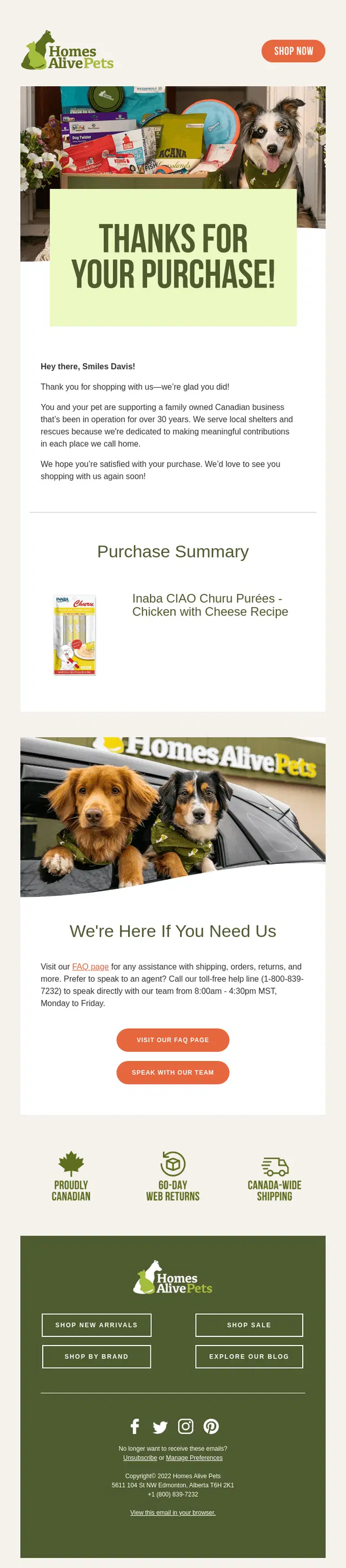
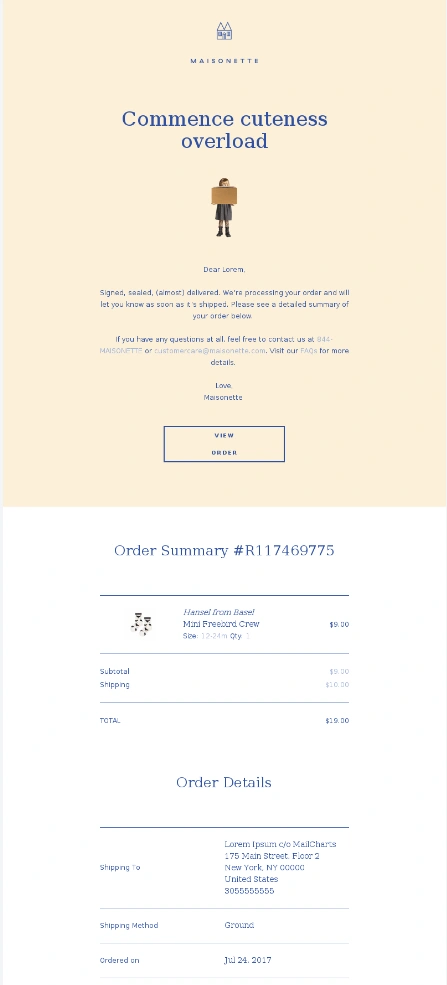
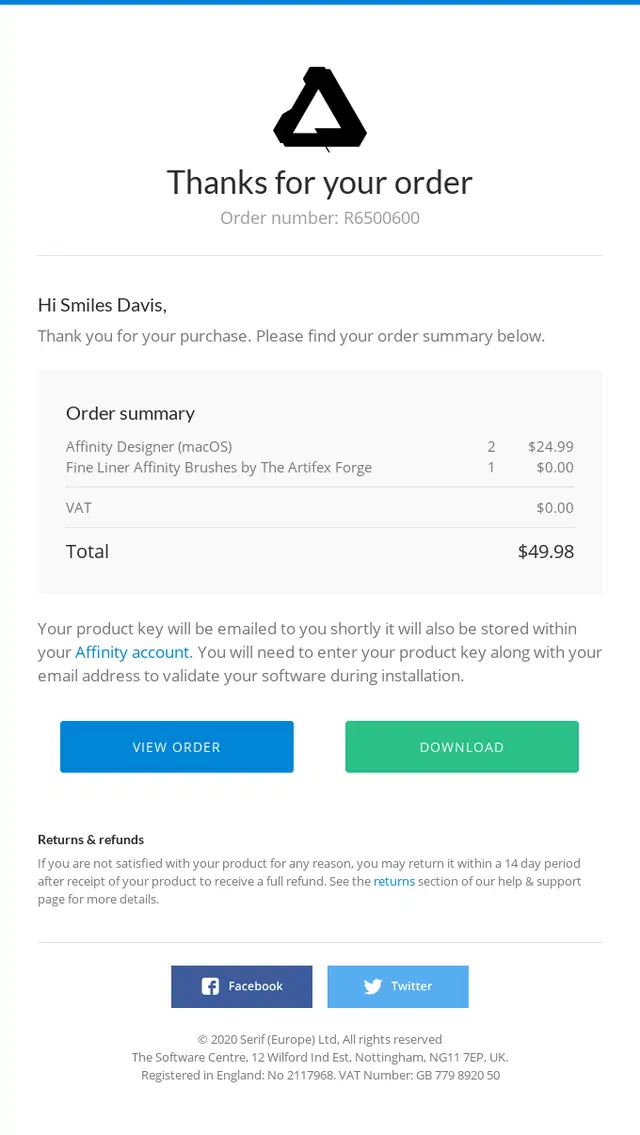
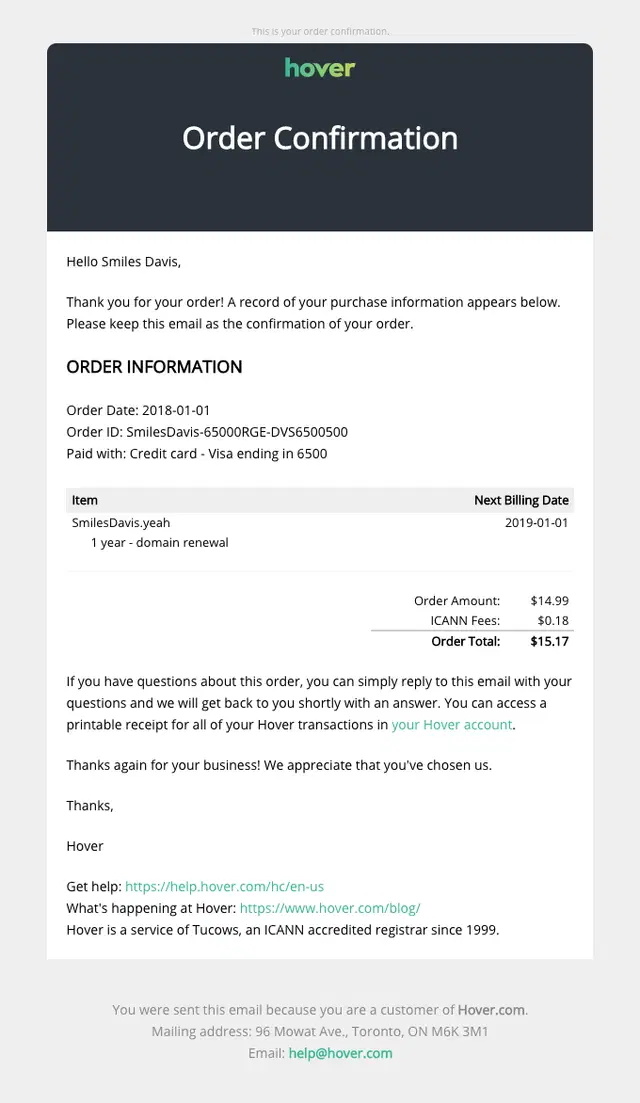
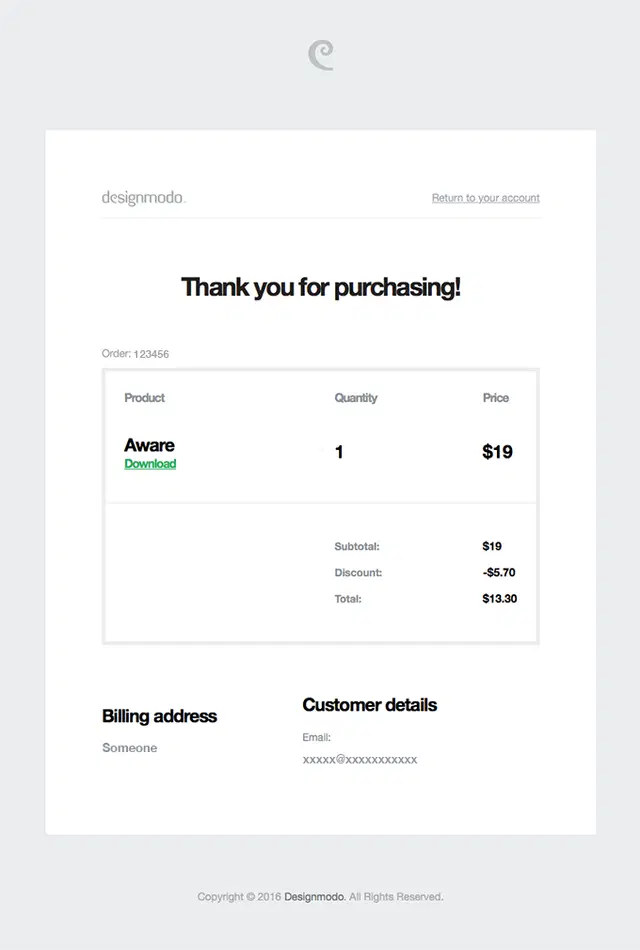
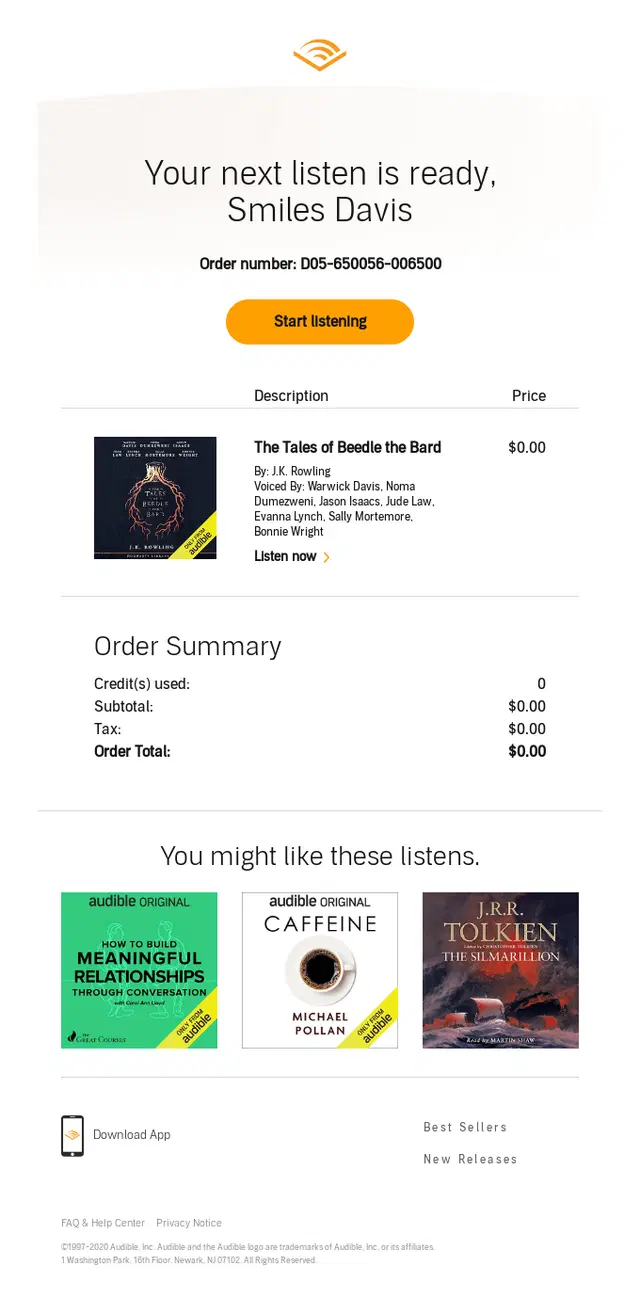
Minimalist order confirmation emails keep the focus on the essentials, using simple layouts, restrained design, and only the information customers need after checkout.
Order Confirmation Emails With Delivery Expectations and Next Steps
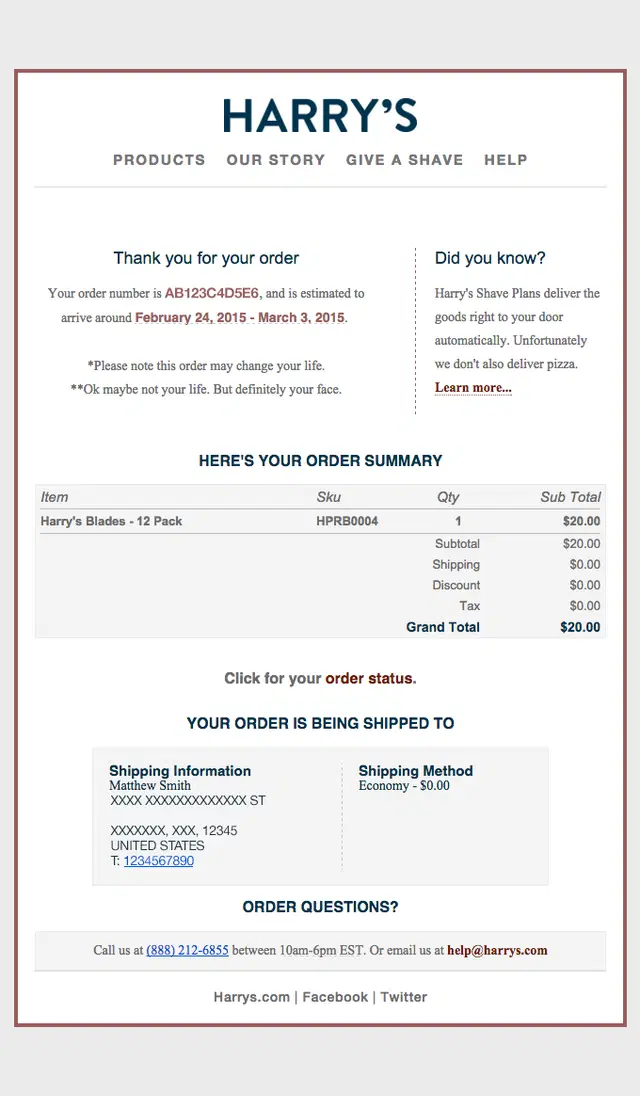
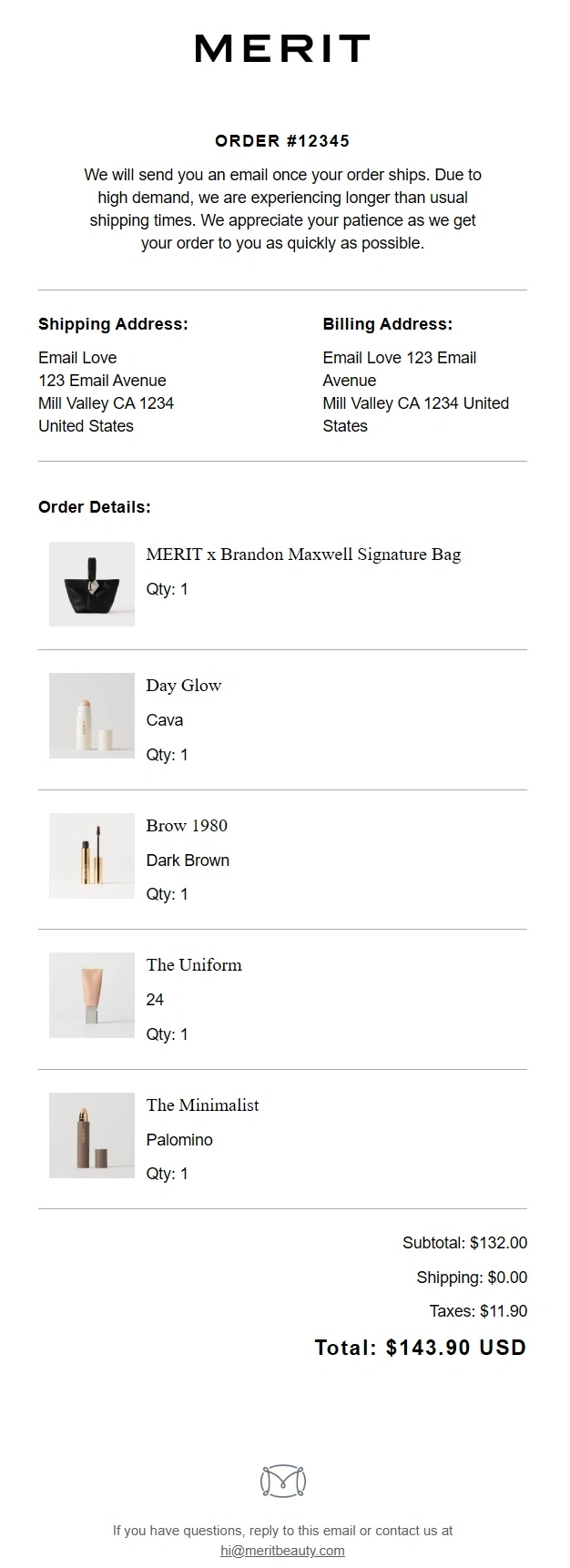
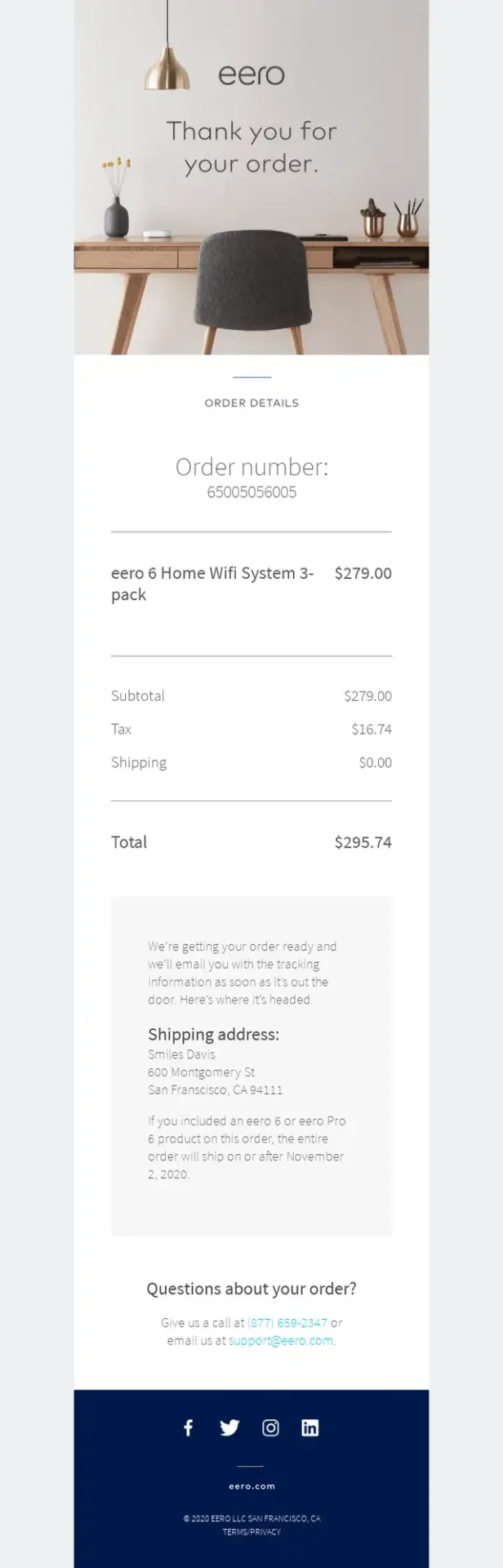
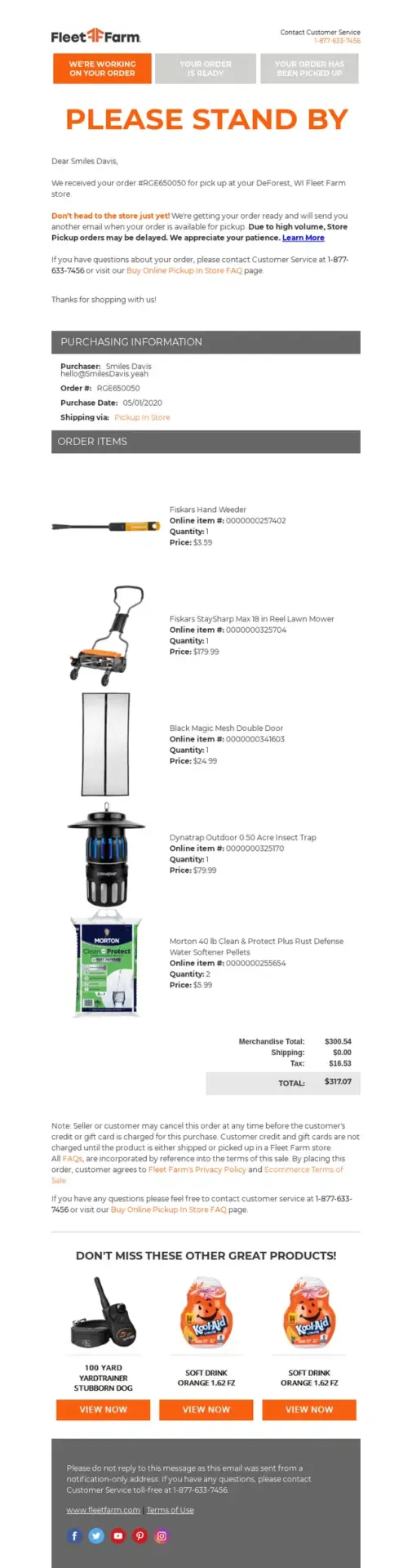
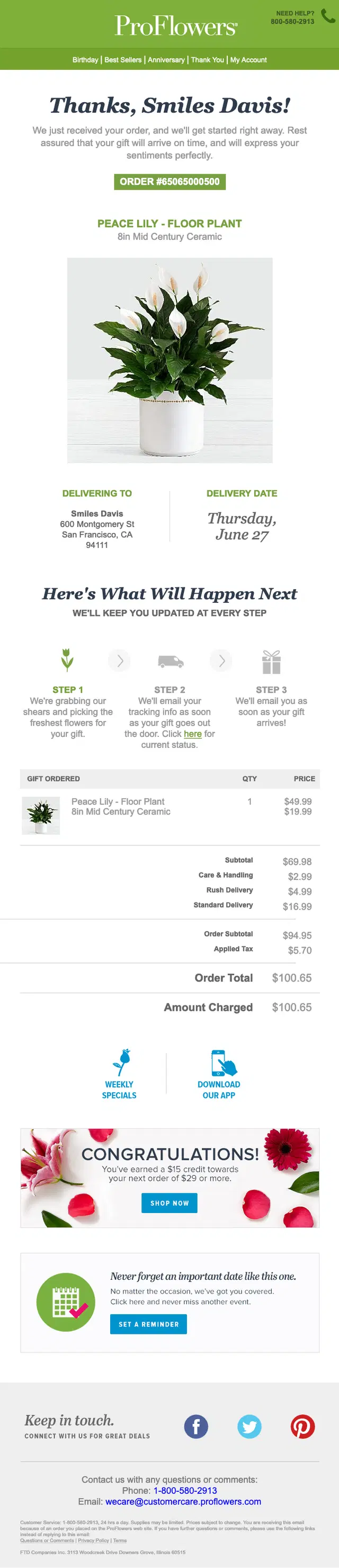
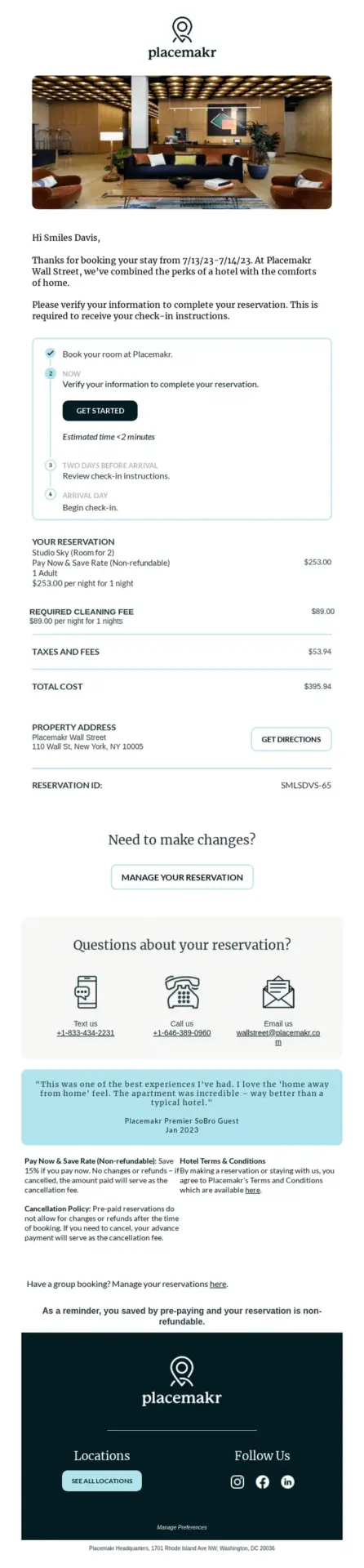
These confirmation emails reduce post-purchase uncertainty by explaining what happens next, when customers can expect delivery, and how the order will progress.



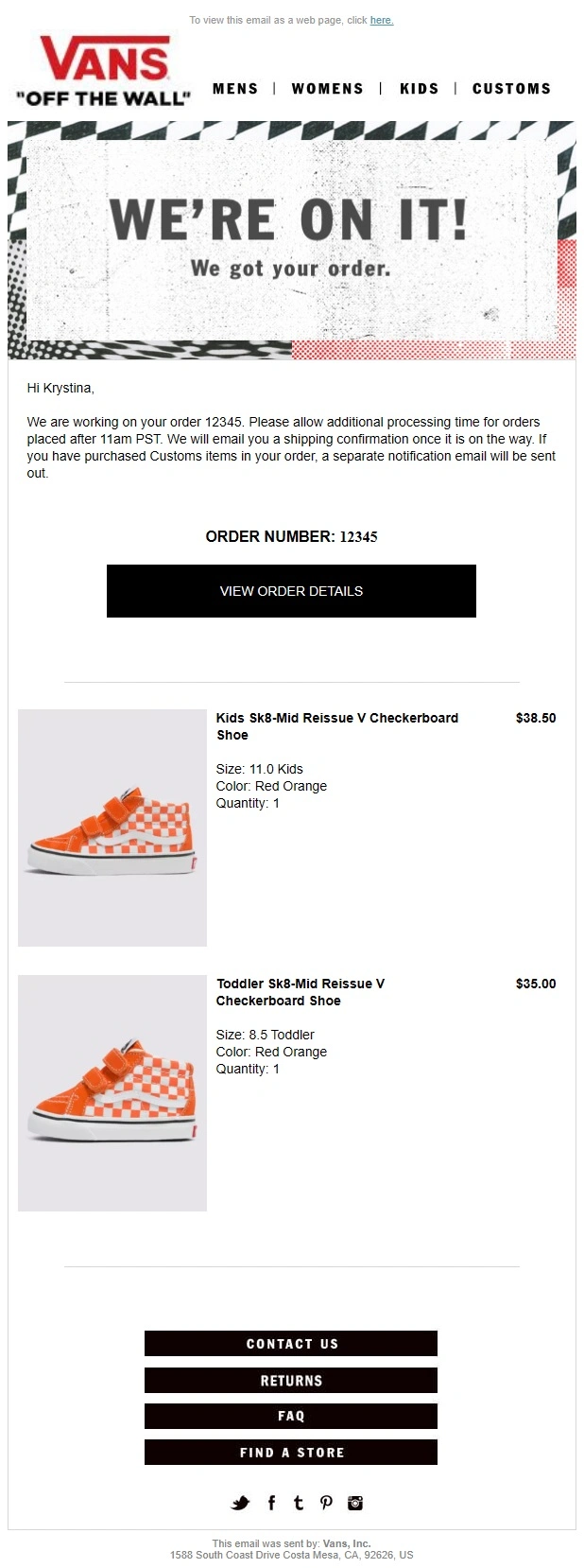
Order Confirmation Emails With Easy Order Management and Support
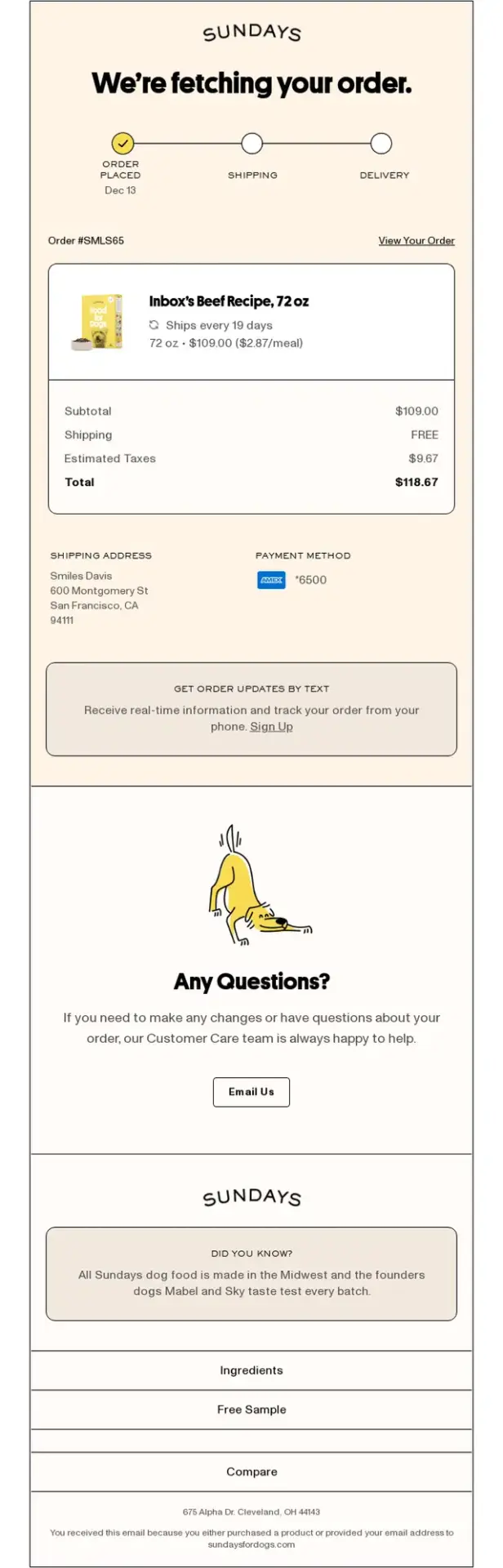
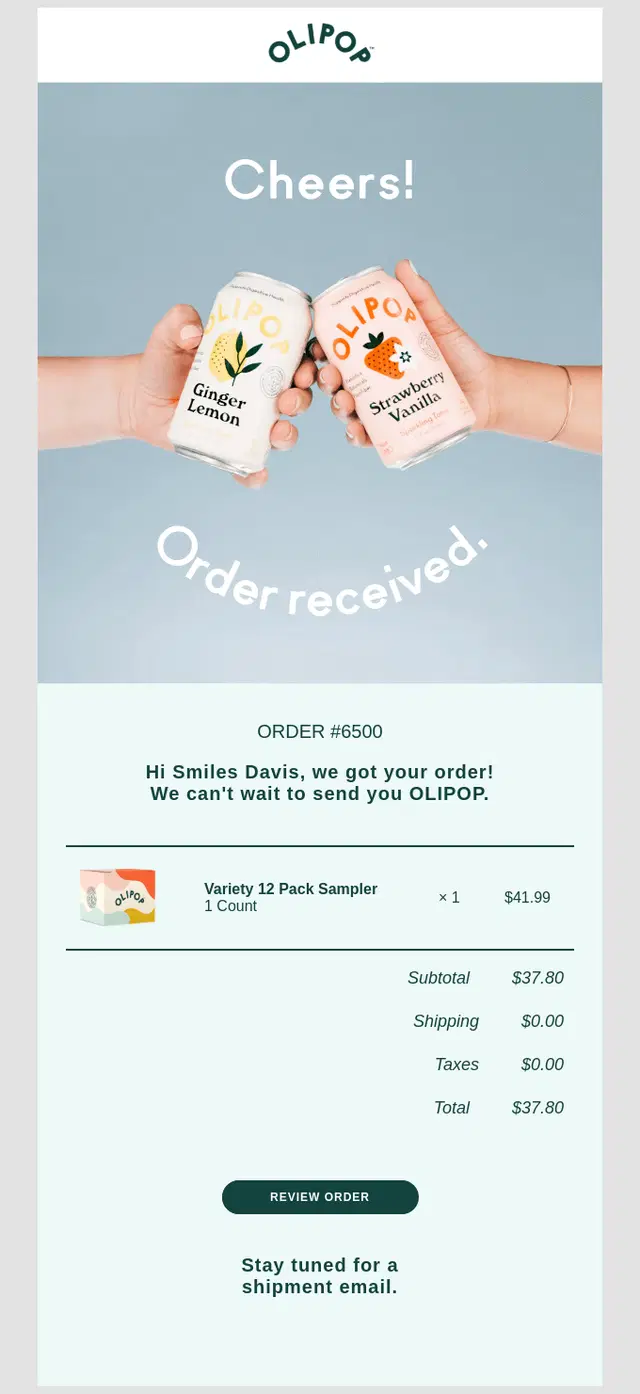
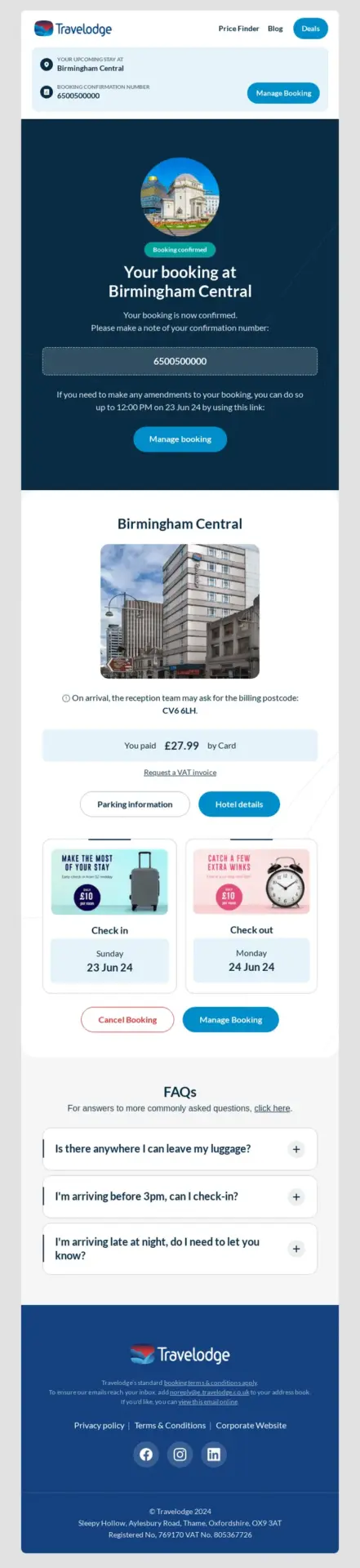
These examples make it simple to view, track, change, or get help with an order by putting useful management and support options within easy reach.
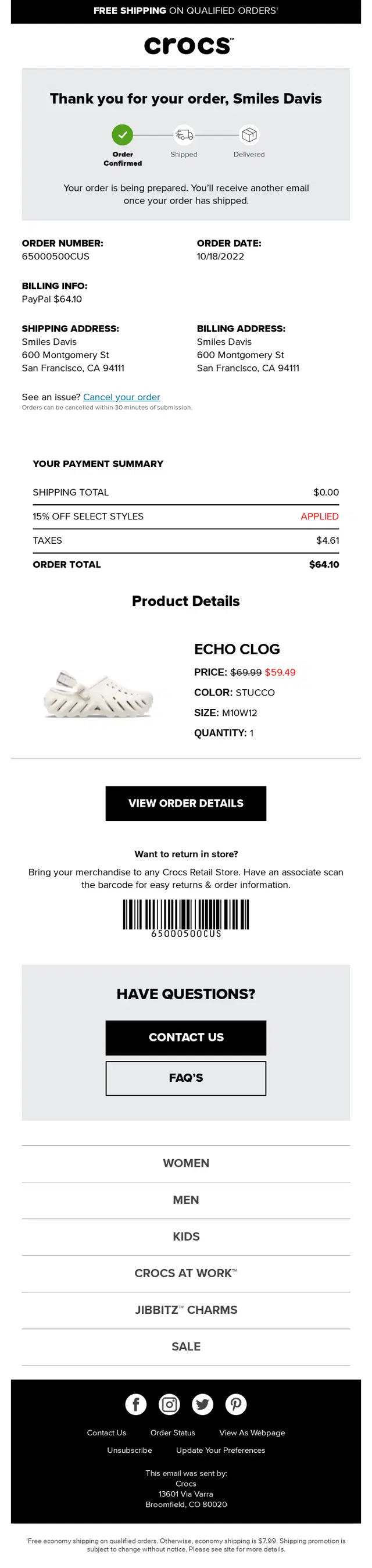
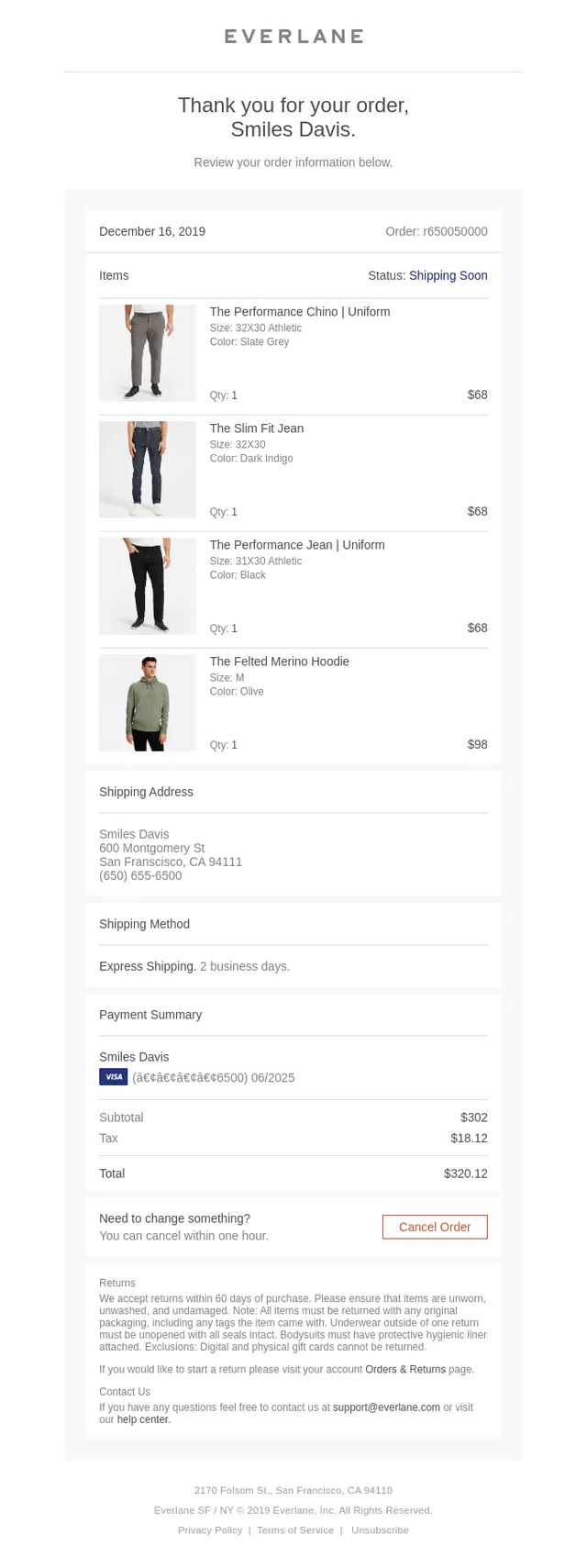
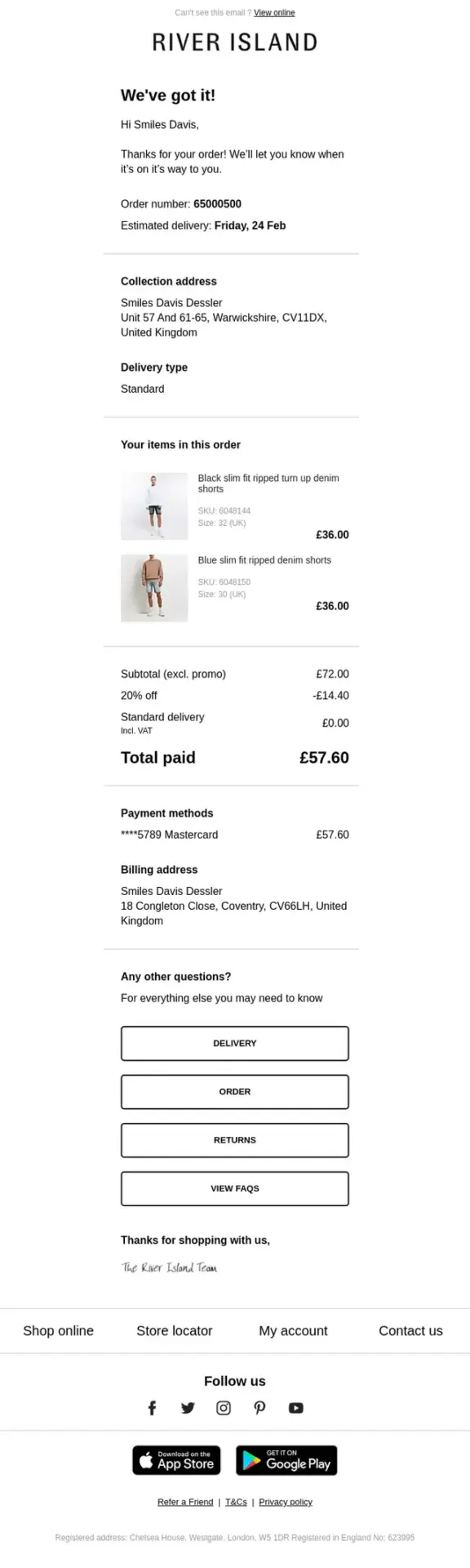

Order Confirmation Emails With Product Recommendations and Cross-Selling
These brands use the post-purchase moment to recommend relevant products and encourage another purchase without letting promotional content overshadow the order confirmation.

Order Confirmation Emails With Helpful Content and Product Education
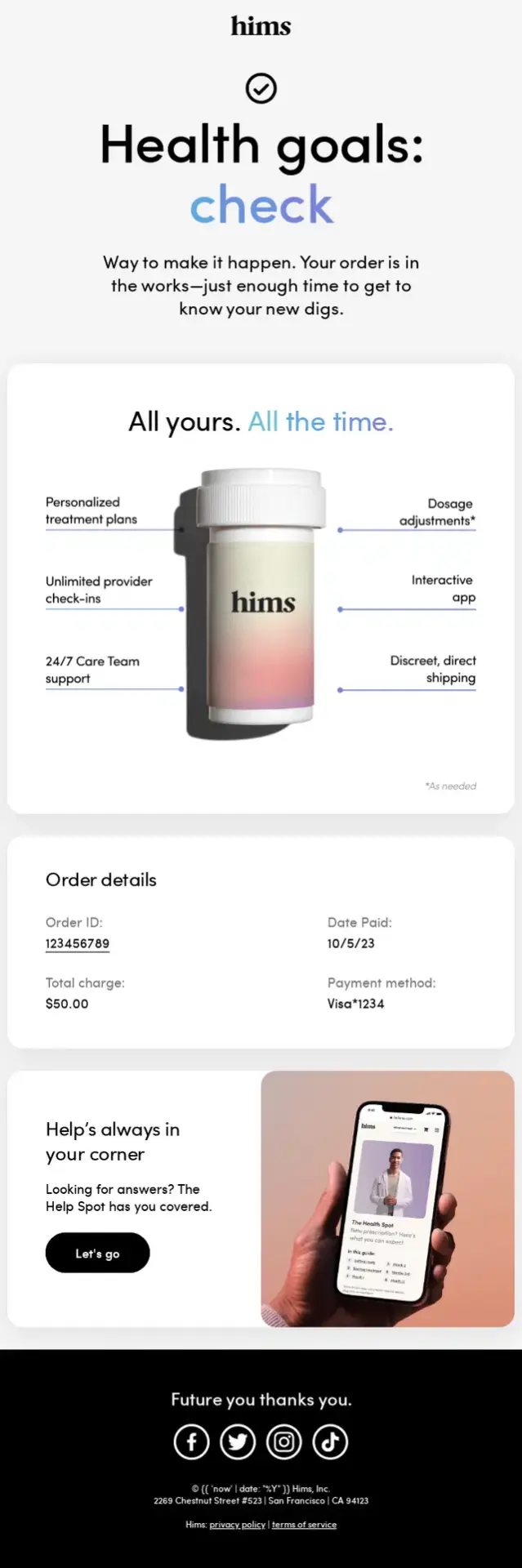
These examples add useful guidance after the purchase, from product benefits and usage tips to onboarding resources, FAQs, and information about how products are made.



Order Confirmation Emails With Loyalty, Referral and Community Content
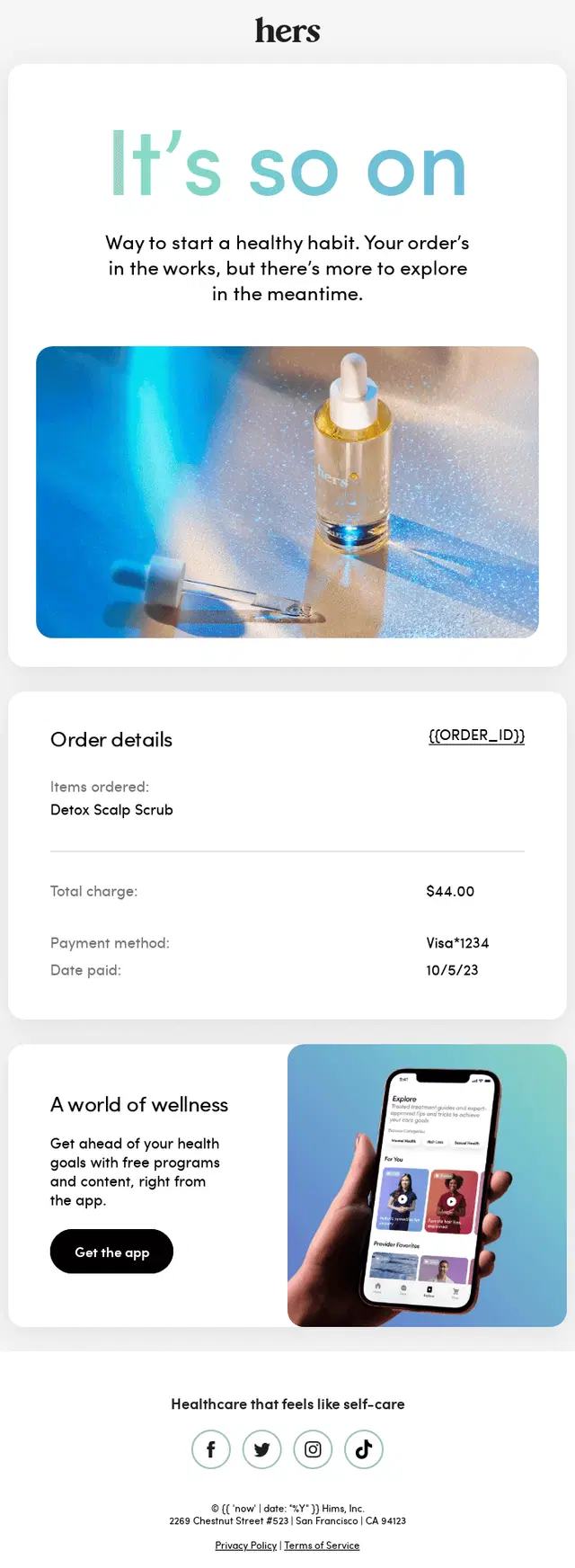
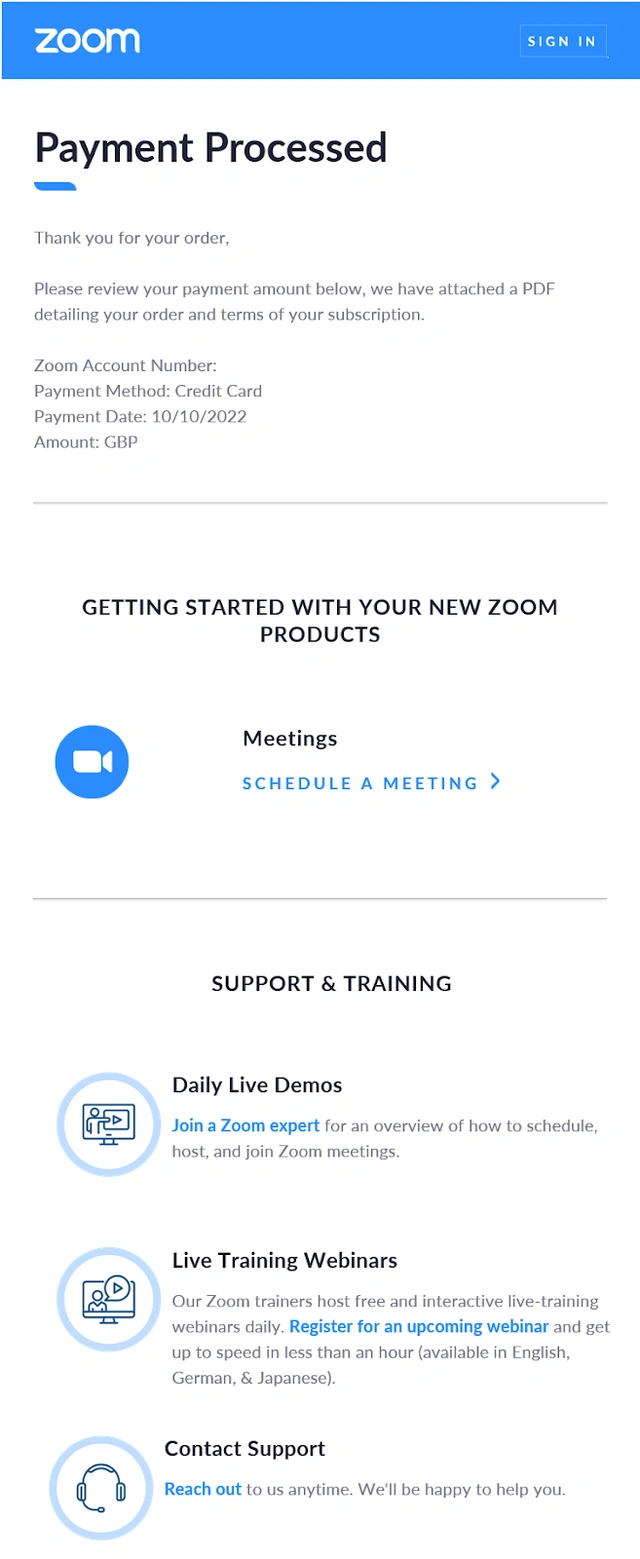
These order confirmations extend the customer relationship with loyalty rewards, referral programs, community invitations, membership benefits, and other ways to stay connected.
Subscription and Recurring Order Confirmation Emails
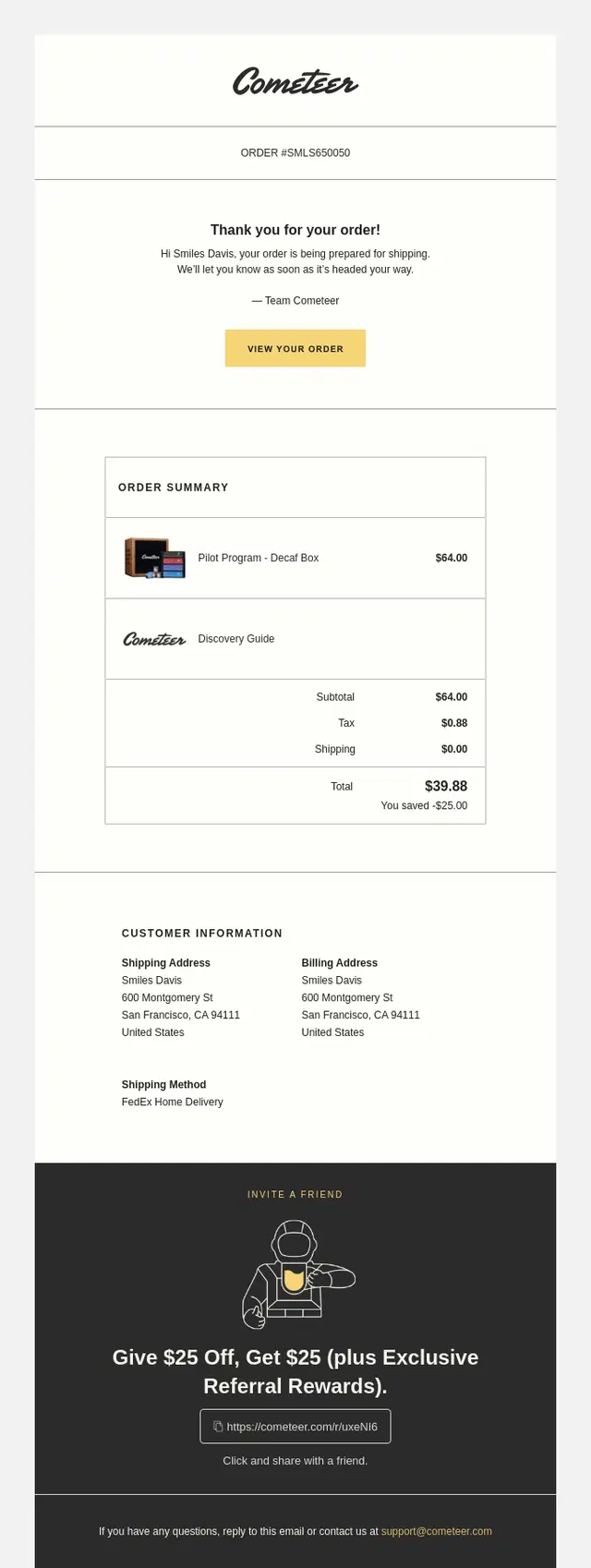
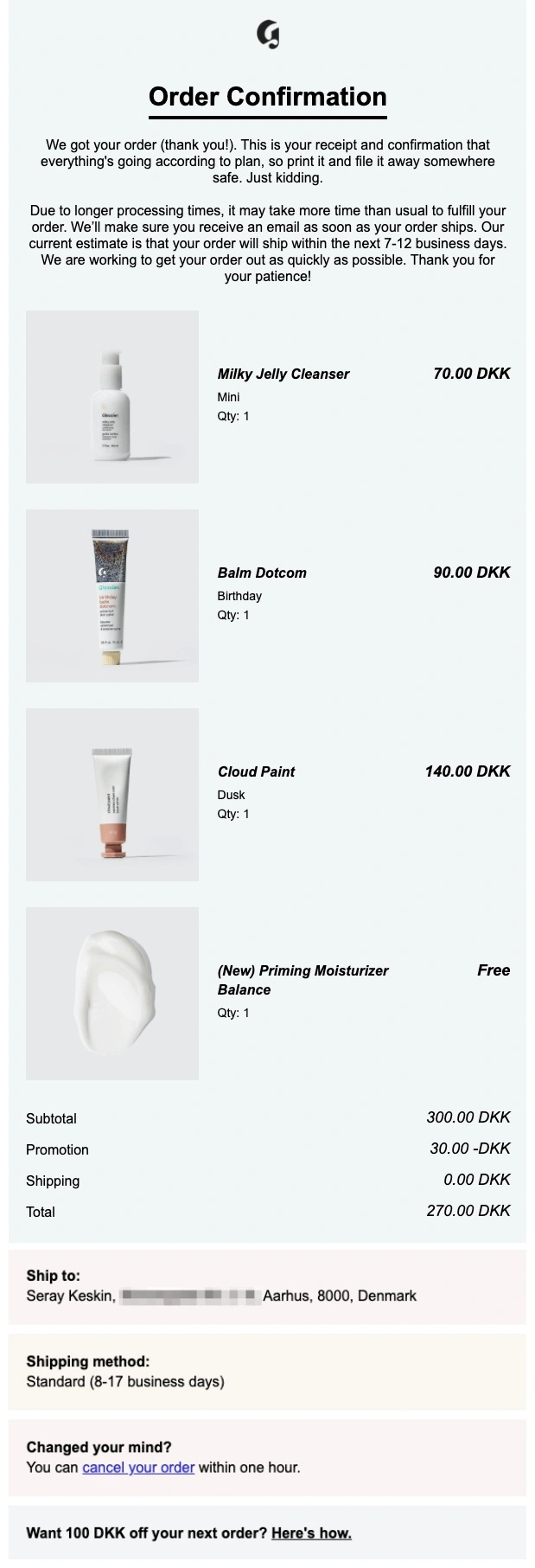
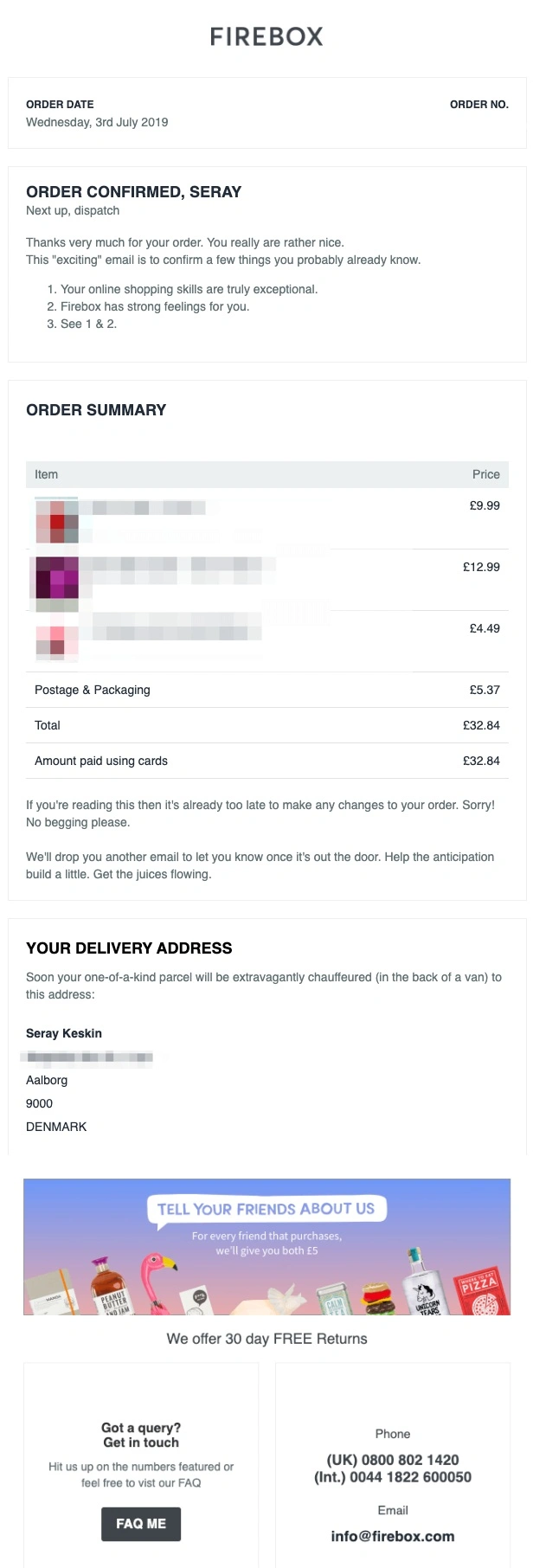
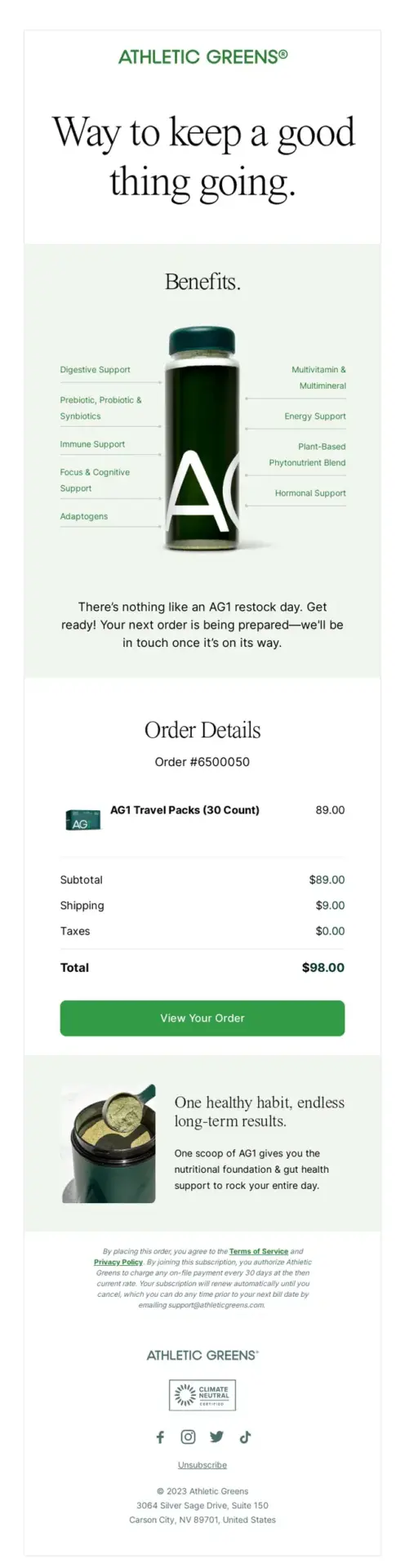
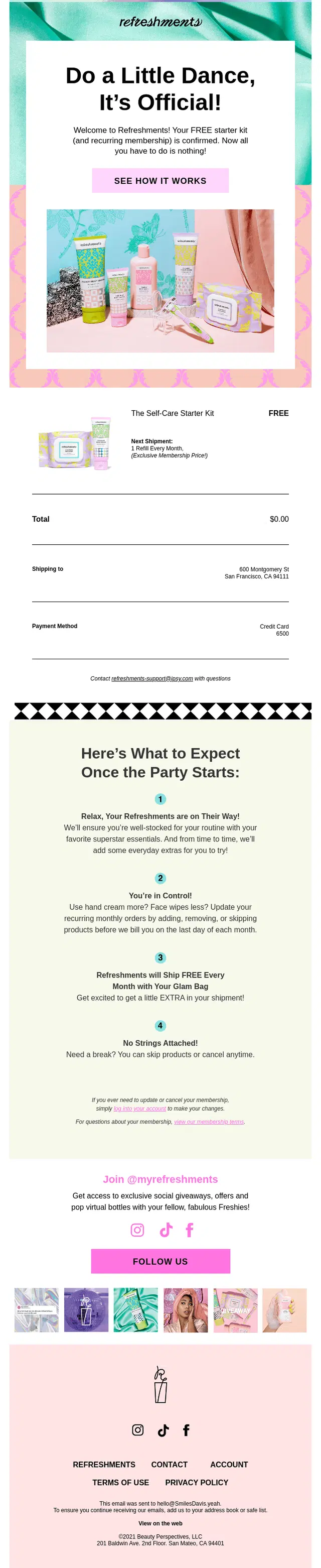
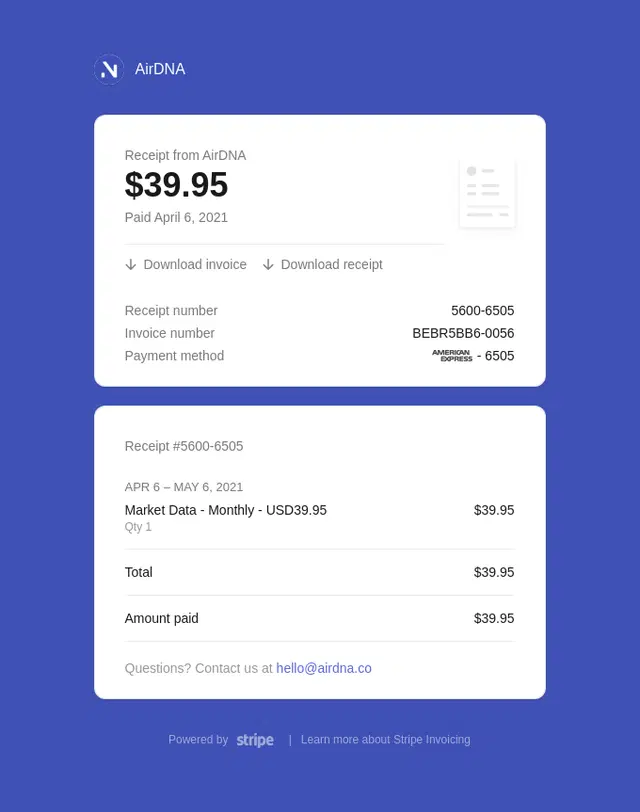
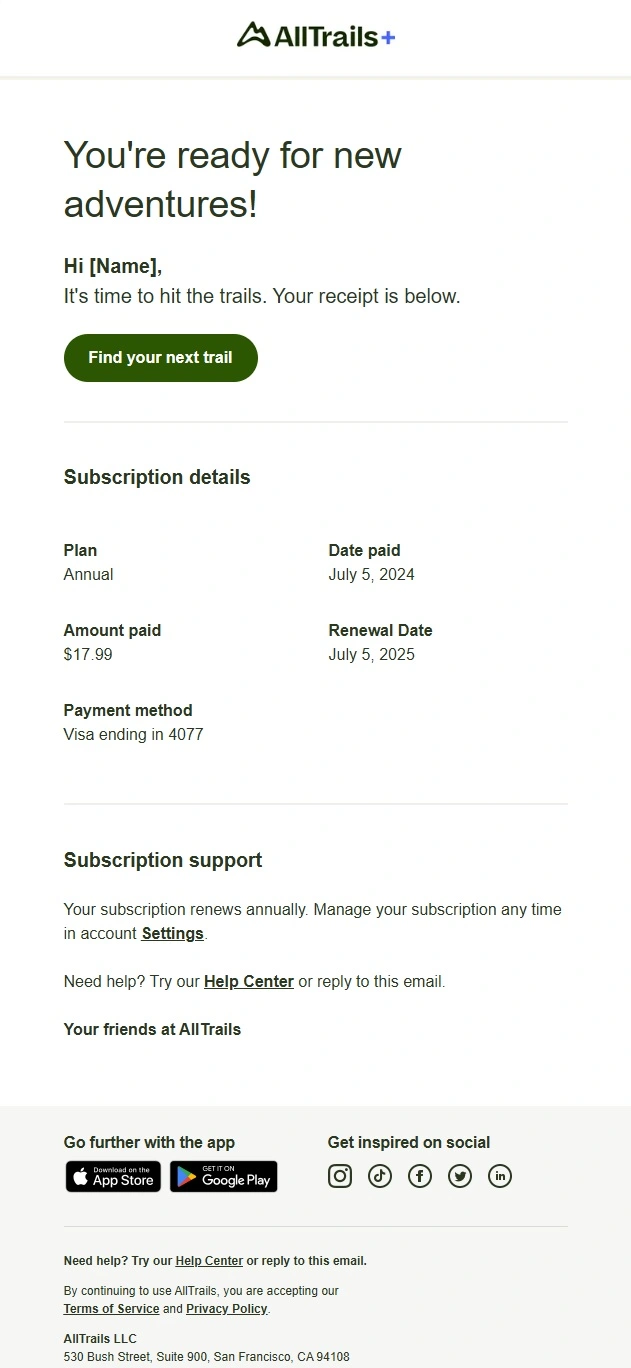
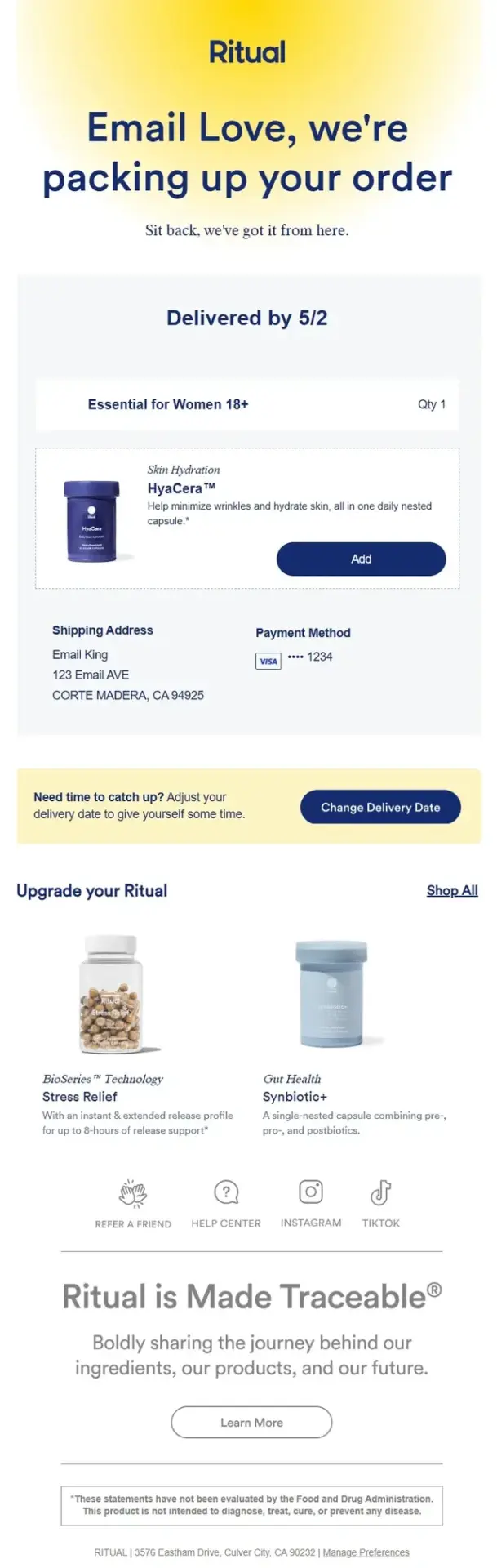
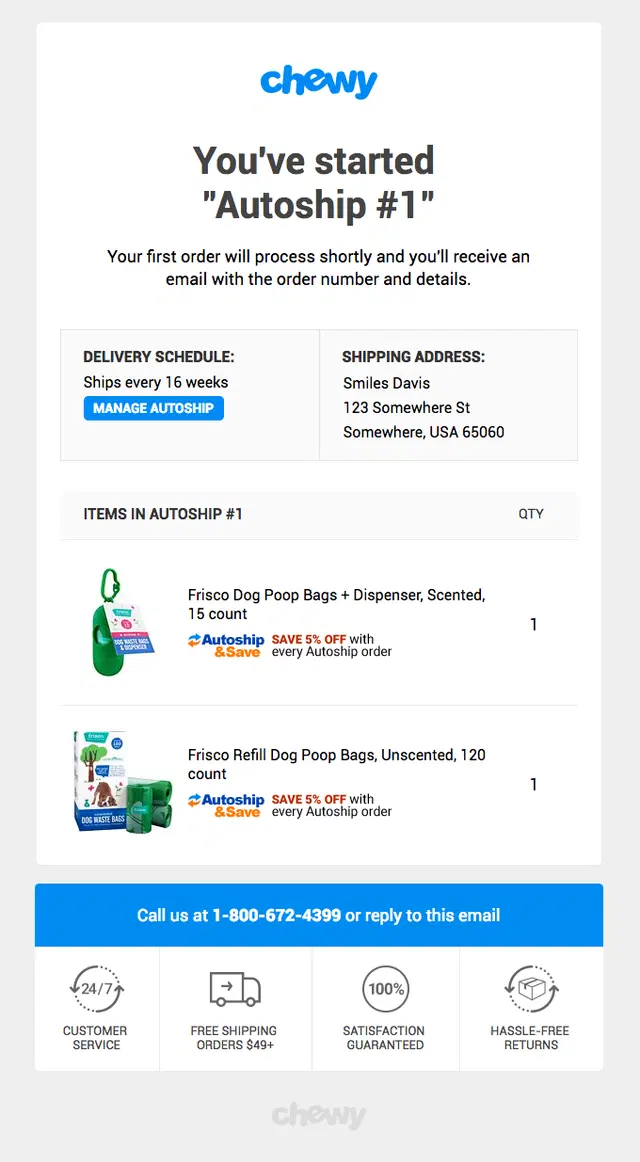
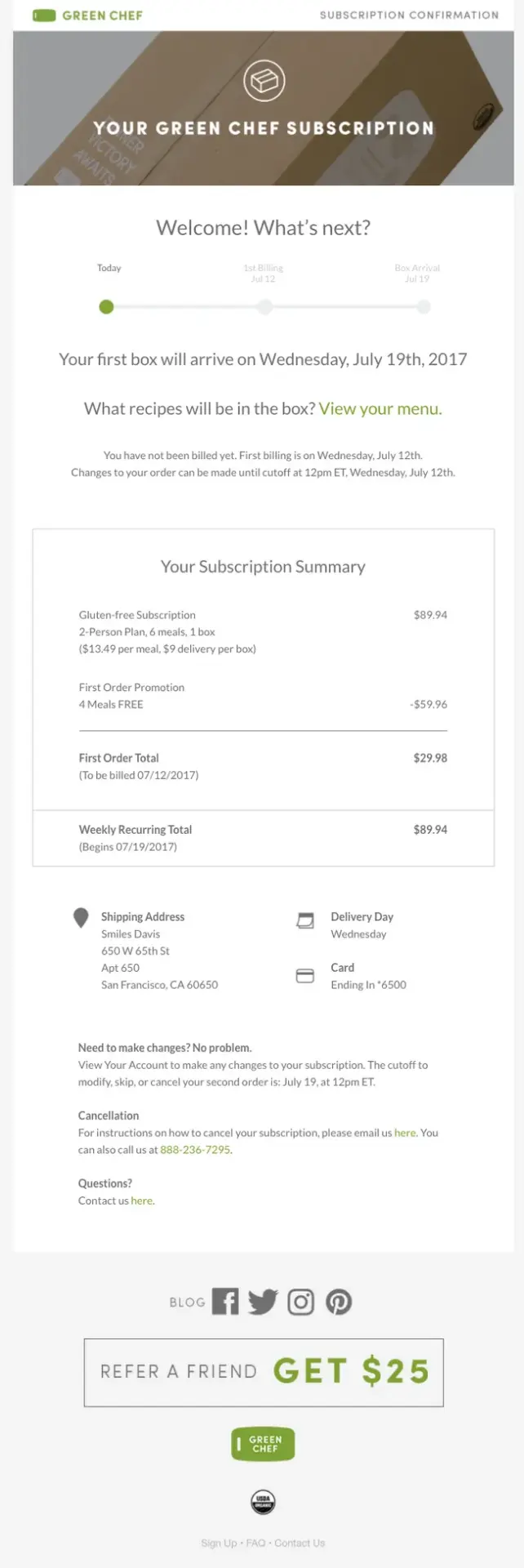
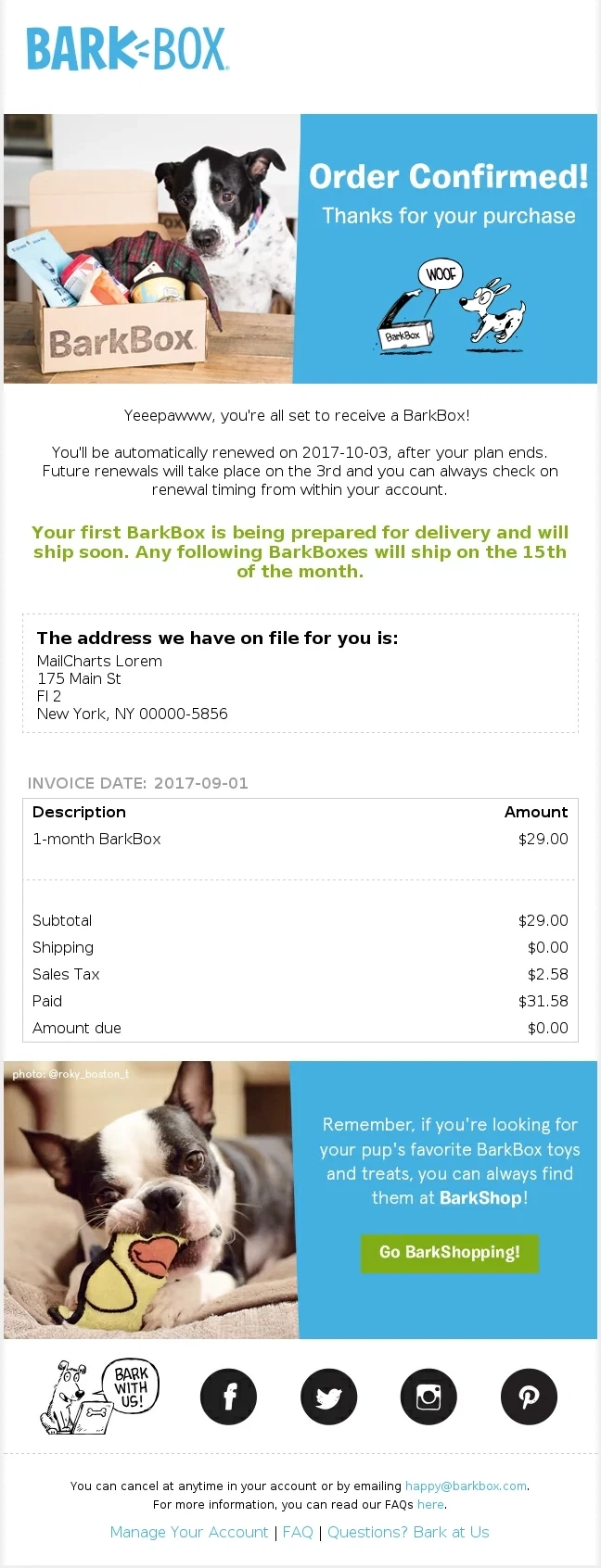
These examples confirm subscription purchases and recurring orders while explaining renewals, upcoming shipments, membership benefits, billing, and what subscribers can expect next.

How to Write an Order Confirmation Email
To write an order confirmation email, start by clearly confirming the purchase, then include the order number, purchased items, total cost, payment and delivery details, next steps, and a way to view or manage the order. Keep support information easy to find and place any promotional content after the transactional details.
1. Start With a Clear Confirmation Message
Open by confirming that the order was successfully received. Keep the message short and unambiguous, such as “Order confirmed,” “We’ve received your order,” or “Thanks for your order.” Customers should understand the status of their purchase immediately.
2. Add the Order Number and Purchase Summary
Place the order number near the top, followed by a clear summary of what was purchased. Include product names, quantities, variants, and prices so customers can quickly check that everything is correct.
3. Show the Final Cost and Payment Details
Break down the subtotal, discounts, shipping charges, taxes, and final total. Where relevant, include the payment method or the last digits of the card without displaying sensitive payment information.
4. Include Delivery or Pickup Information
Add the shipping address, delivery method, estimated delivery window, or pickup location when available. If tracking information will arrive later, tell the customer when or how they can expect the next update.
5. Explain What Happens Next
Use one or two sentences to set expectations after checkout. For example, explain that the order is being prepared, that another email will be sent when it ships, or that the customer should wait for a pickup-ready notification.
6. Add a Clear Order Management CTA
Give customers an obvious way to take action if they need to. A button such as “View Order,” “Manage Order,” or “Check Order Status” can lead to tracking, cancellations, returns, or account details without making customers search for help.
7. Finish With Support and Secondary Content
Close with an easy way to contact customer support or find answers to common questions. Product recommendations, referral offers, loyalty benefits, or branded content can follow, but they should always come after the essential order information.
Order Confirmation Email Subject Line Ideas
A strong order confirmation email subject line should make the purchase status clear at a glance while leaving room for useful details or a little brand personality.
| Subject Line Type | Example | Best For |
|---|---|---|
|
Simple confirmation |
Your order is confirmed |
Almost any ecommerce order |
|
Order number |
Order #12345 confirmed |
Making confirmations easier to find later |
|
Thank-you |
Thanks for your order, Sarah |
Brands with a warmer, more personal tone |
|
Purchase received |
We’ve received your order |
Straightforward transactional emails |
|
Next step |
Order confirmed — we’ll let you know when it ships |
Orders that require processing before shipment |
|
Preparing order |
We’re getting your order ready |
Physical products with a fulfillment stage |
|
Delivery-focused |
Order confirmed — estimated delivery Friday |
Orders with a reliable delivery estimate |
|
Store pickup |
Your pickup order is confirmed |
Buy online, pick up in store orders |
|
Digital purchase |
Your purchase is ready to download |
Digital products, files, and software |
|
Subscription |
Your subscription order is confirmed |
Recurring orders and memberships |
|
Renewal |
Your renewal is complete |
Subscriptions and recurring services |
|
Brand-led |
You’re all set — your order is confirmed |
Brands that want more personality without losing clarity |
Frequently Asked Questions
What is an order confirmation email?
An order confirmation email is a transactional message sent after a customer successfully places an order. It confirms that the purchase was received and typically includes the order number, purchased items, total price, customer details, and information about what happens next.
What should an order confirmation email include?
A good order confirmation email should include the order number, purchased products, quantities and variants, prices and total cost, payment and delivery information, and clear next steps. It should also make it easy for customers to view their order or contact support if something is wrong.
What is the difference between an order confirmation email and a receipt?
An order confirmation email confirms that a business has received and accepted the customer’s order, while a receipt primarily serves as a record of the payment or transaction. The two can contain similar information, and some brands combine both purposes in a single email.
What is the difference between an order confirmation and a shipping confirmation email?
An order confirmation email is sent after the purchase to confirm that the order was received. A shipping confirmation email comes later, when the order has been dispatched, and usually includes tracking information, the carrier, and an estimated delivery date.
For more inspiration, see our Shipping Confirmation Email Examples.
How can you customize a Shopify order confirmation email?
Shopify order confirmation emails can be customized from the store’s notification settings. Merchants can change branding, colors, subject lines, copy, and the email template itself, while Liquid variables can be used to display dynamic customer and order information. More advanced designs can also be created by editing the HTML and Liquid code.
How can you customize a WooCommerce order confirmation email?
WooCommerce lets merchants customize transactional emails through its email settings, including elements such as branding, sender details, subject lines, headings, and shared email styles. More advanced customization can be handled with email-builder extensions or custom WooCommerce email templates and code.
Can you send order confirmation emails with Klaviyo?
Yes. Klaviyo supports transactional emails triggered by ecommerce events such as a placed order, provided the message meets its requirements for transactional content. For Shopify stores, another option is to design and personalize the notification in Klaviyo, export the HTML, and use it as the Shopify order confirmation template.
Why do order confirmation emails go to spam?
Order confirmation emails can land in spam because of poor sender reputation, missing or incorrect email authentication, sending infrastructure problems, or content that triggers spam filters. Using SPF, DKIM, and DMARC, keeping transactional emails focused on the order, and monitoring deliverability can reduce the risk.
What should you do if an order confirmation email is not received?
First, check the spam or junk folder and confirm that the correct email address was used at checkout. Customers should also verify that the order and payment were completed successfully. If the email still does not arrive, they can contact the store, while the sender should check the transactional automation and email delivery setup.
How do you resend an order confirmation email?
The exact process depends on the ecommerce platform, but most platforms let merchants open the customer’s order and resend the relevant order notification. Before resending it, confirm that the customer’s email address is correct and that the original order was successfully created.
Make Order Confirmation Emails Work Harder After Checkout
A well-built order confirmation does more than confirm the purchase. It reassures customers, sets clear expectations, and creates a stronger start to the post-purchase experience. If you use Klaviyo, we can help you turn that first transactional touchpoint into a polished flow that fits your brand and works seamlessly with your store.