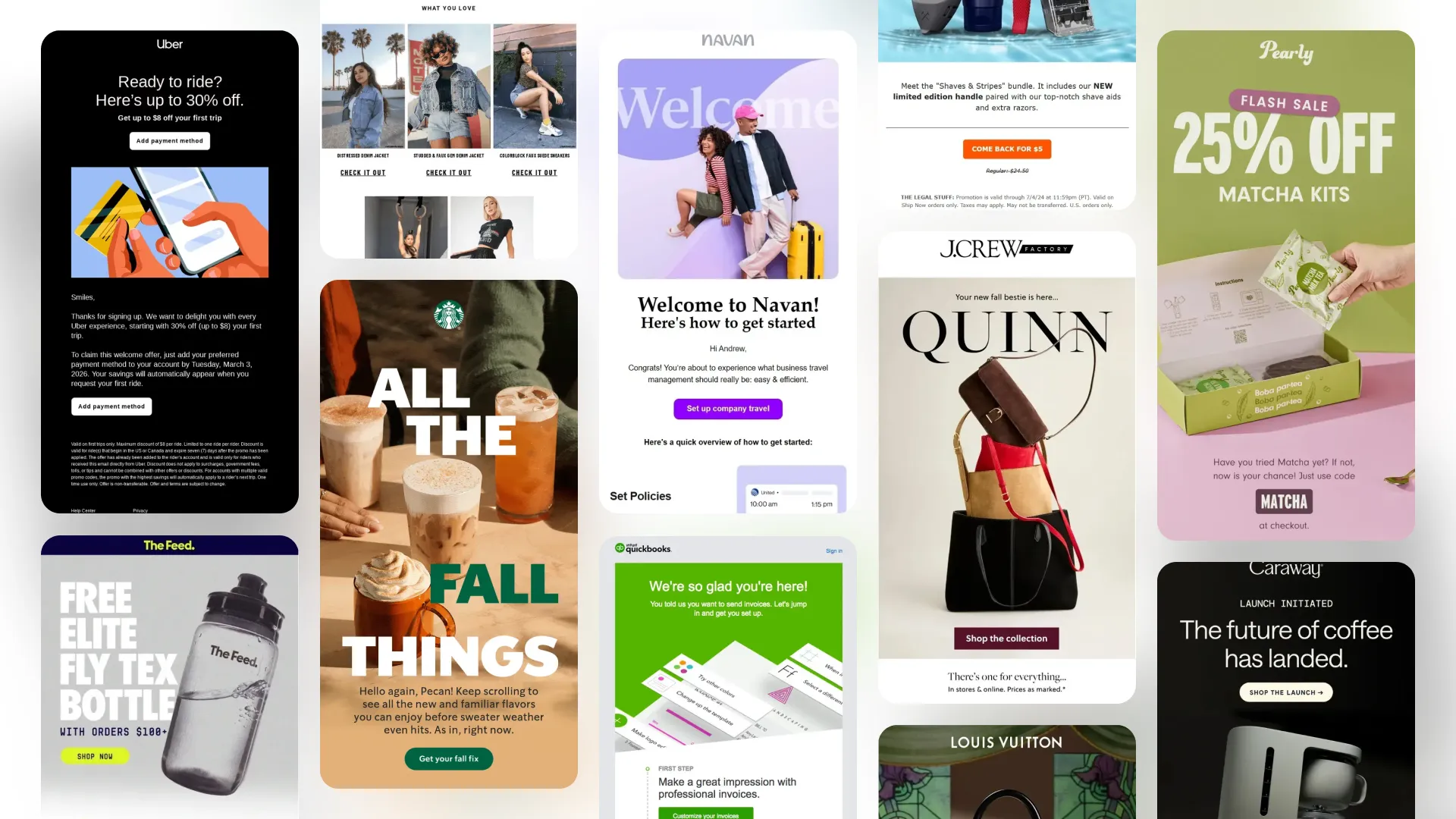
140+ Onboarding Email Examples to Welcome and Activate New Users


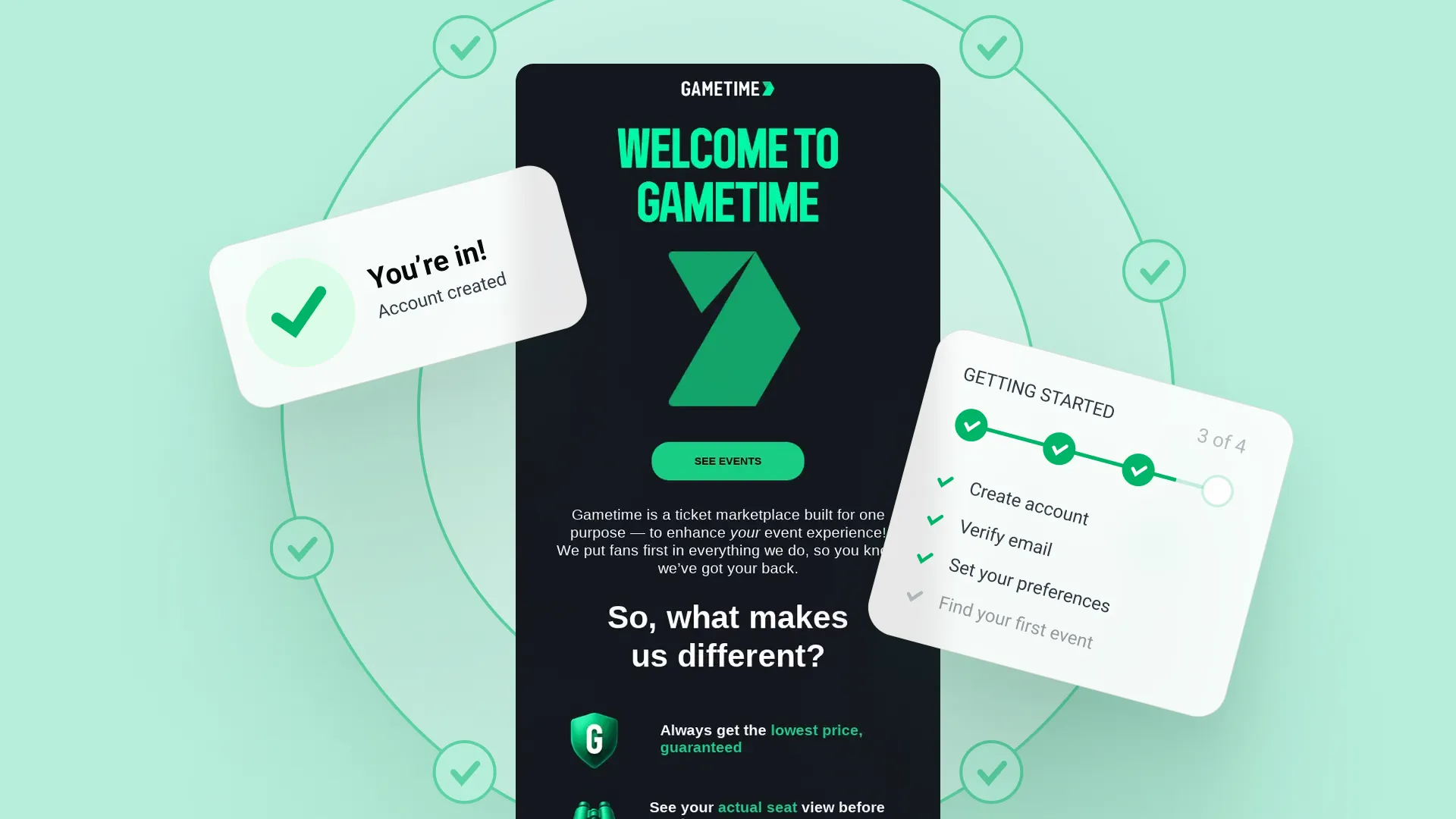
Signing up is only the beginning. New users still need to understand what to do, why it matters, and how to get value from the product or service they just joined.
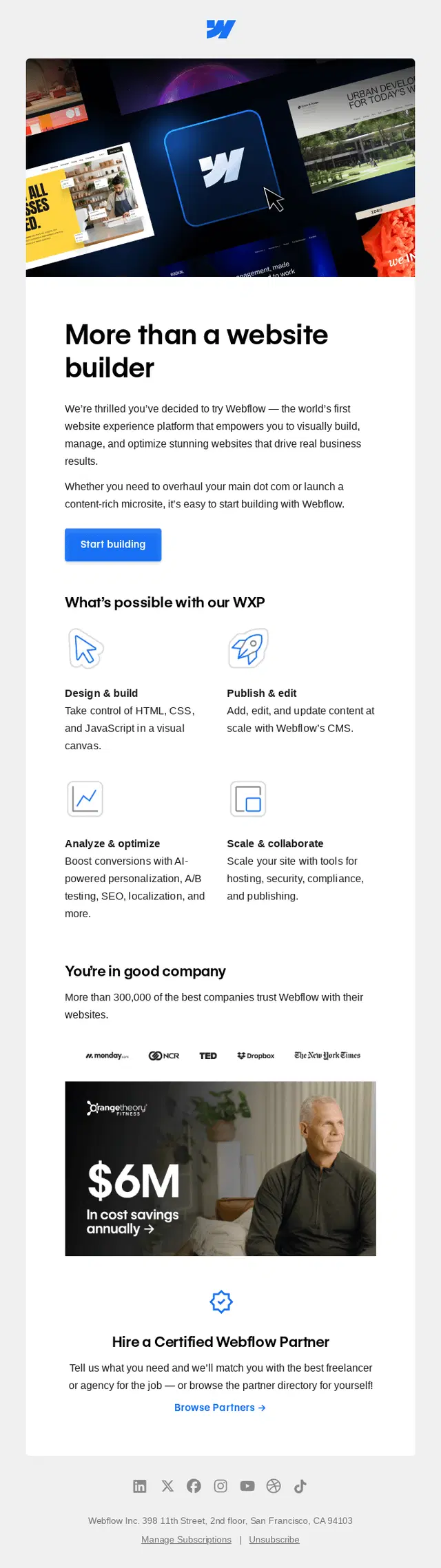
The onboarding email examples below show how brands handle that journey at different stages. You’ll find welcome emails, getting-started guides, product education, feature discovery, activation nudges, trial emails, personalized messages, SaaS onboarding, and complete email flows. Use them to find ideas for individual emails or map out an onboarding sequence of your own.
Quick links:
→ Onboarding Welcome Email Examples
→ Getting Started Onboarding Email Examples
→ Product Education Onboarding Email Examples
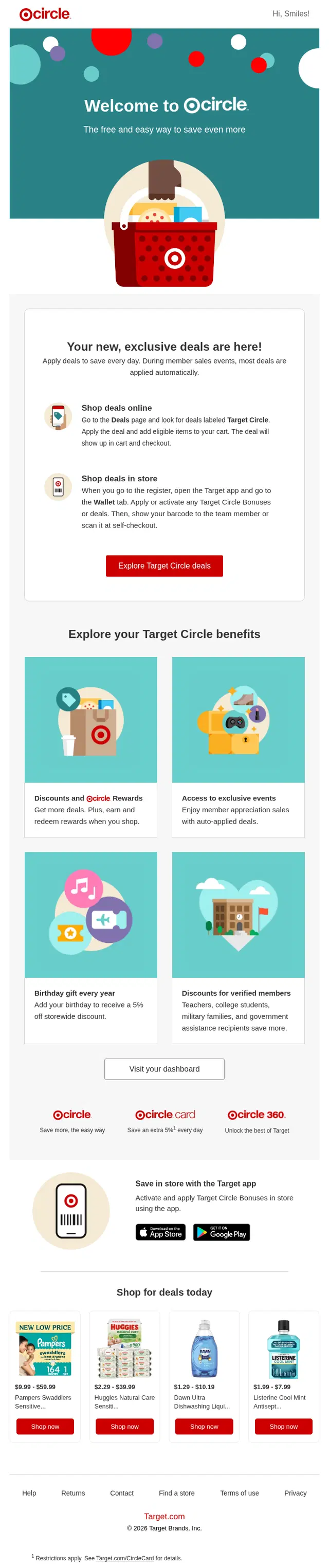
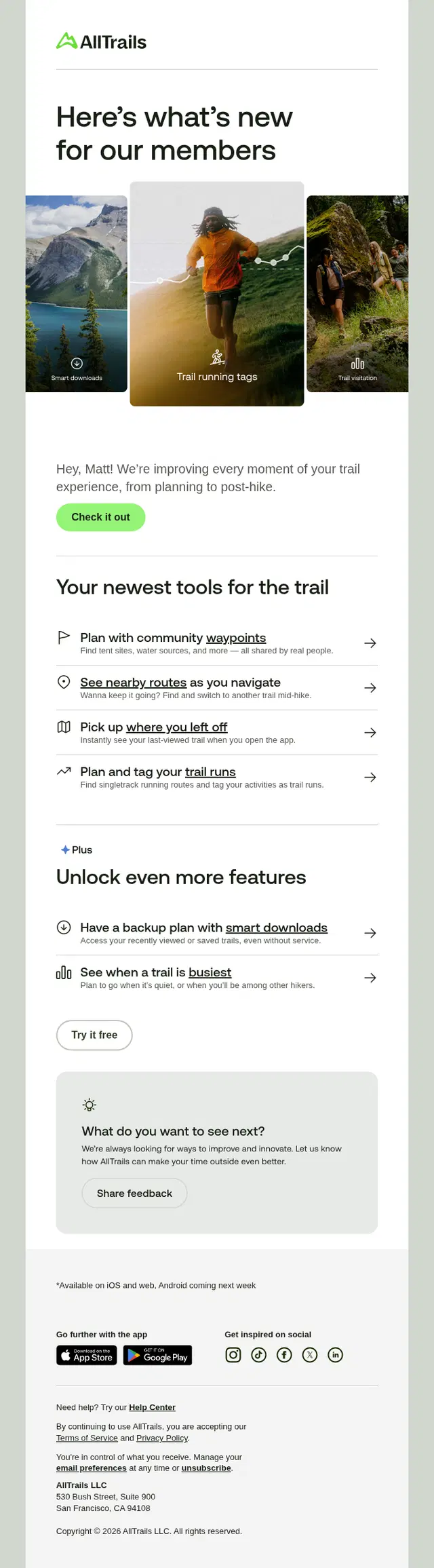
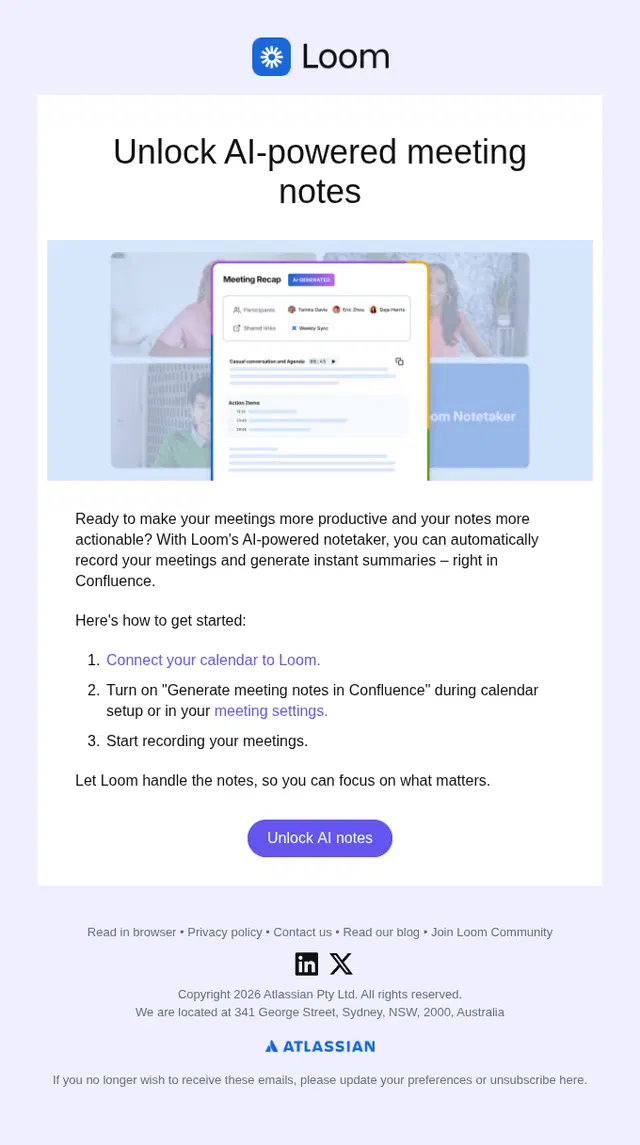
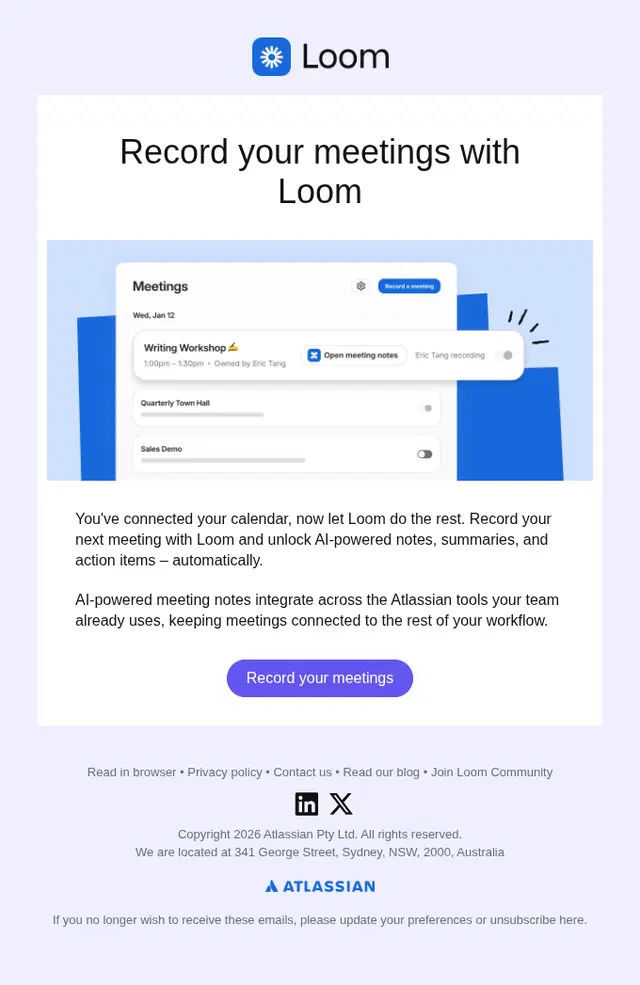
→ Feature Discovery Onboarding Email Examples
→ Activation and Engagement Onboarding Emails
→ Personalized Onboarding Email Examples
→ Social Proof and Success Story Onboarding Emails
→ Trial Onboarding Email Examples
→ SaaS Onboarding Email Examples
→ Onboarding Completion and Next-Step Emails
What Should an Onboarding Email Include?
Onboarding Email Best Practices
Onboarding Welcome Email Examples
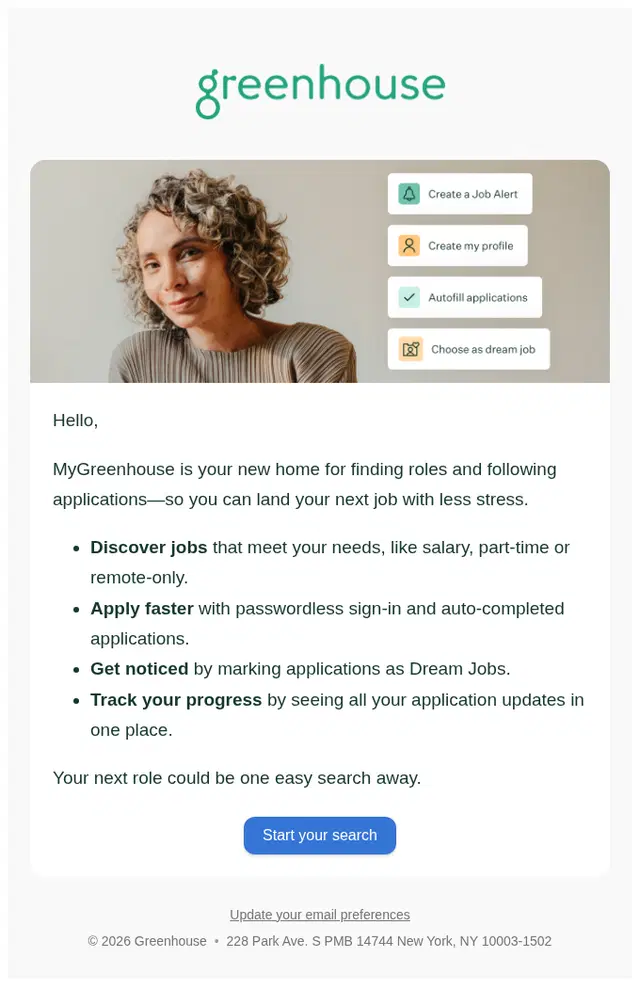
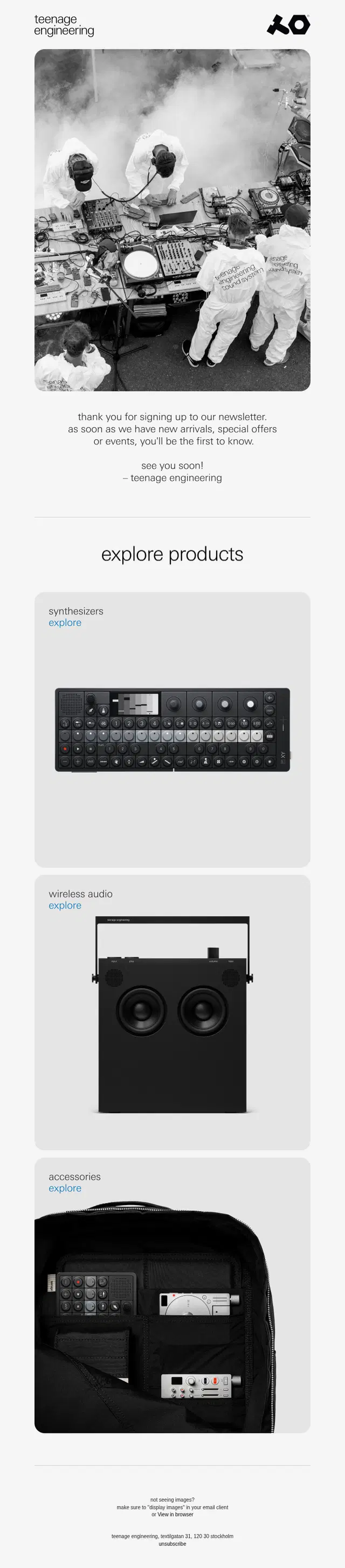
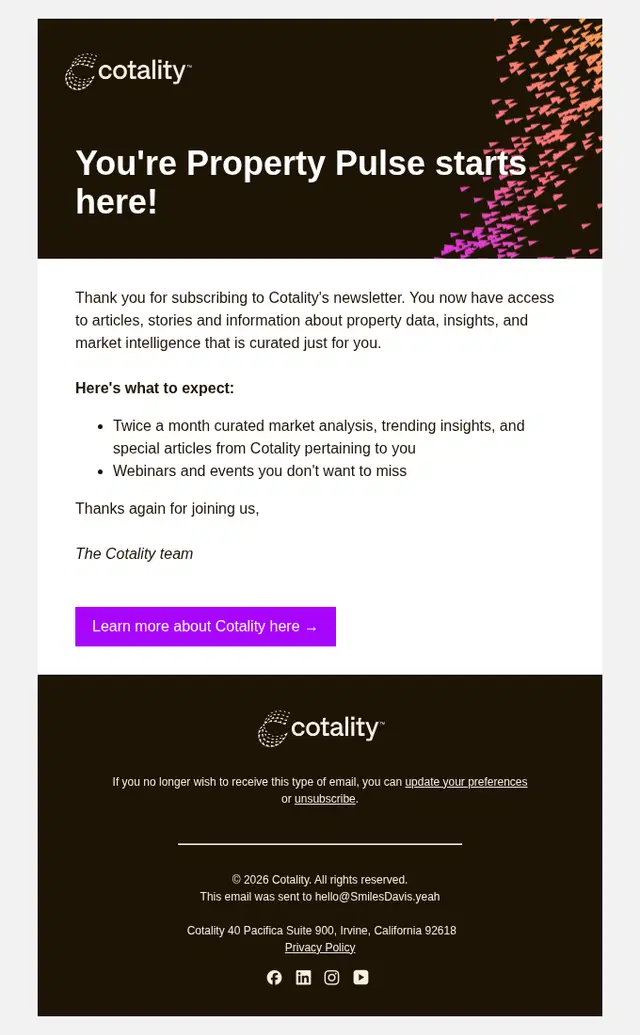
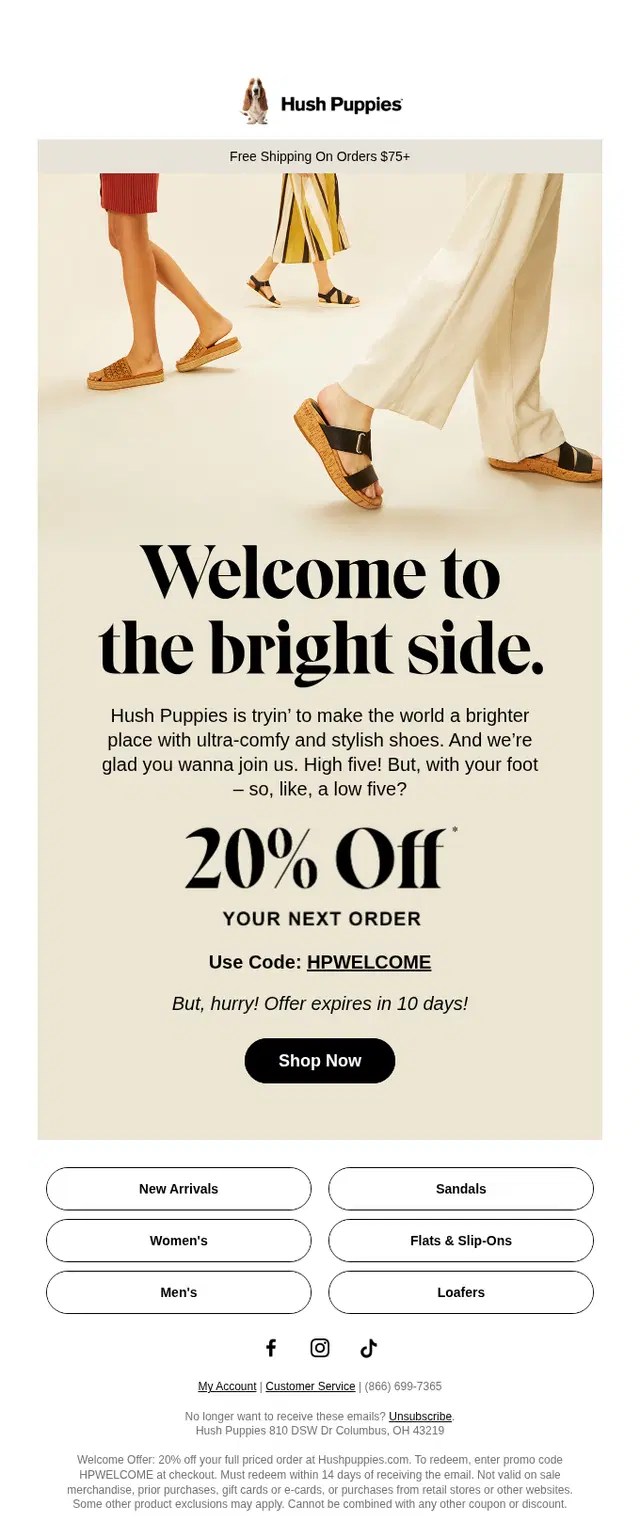
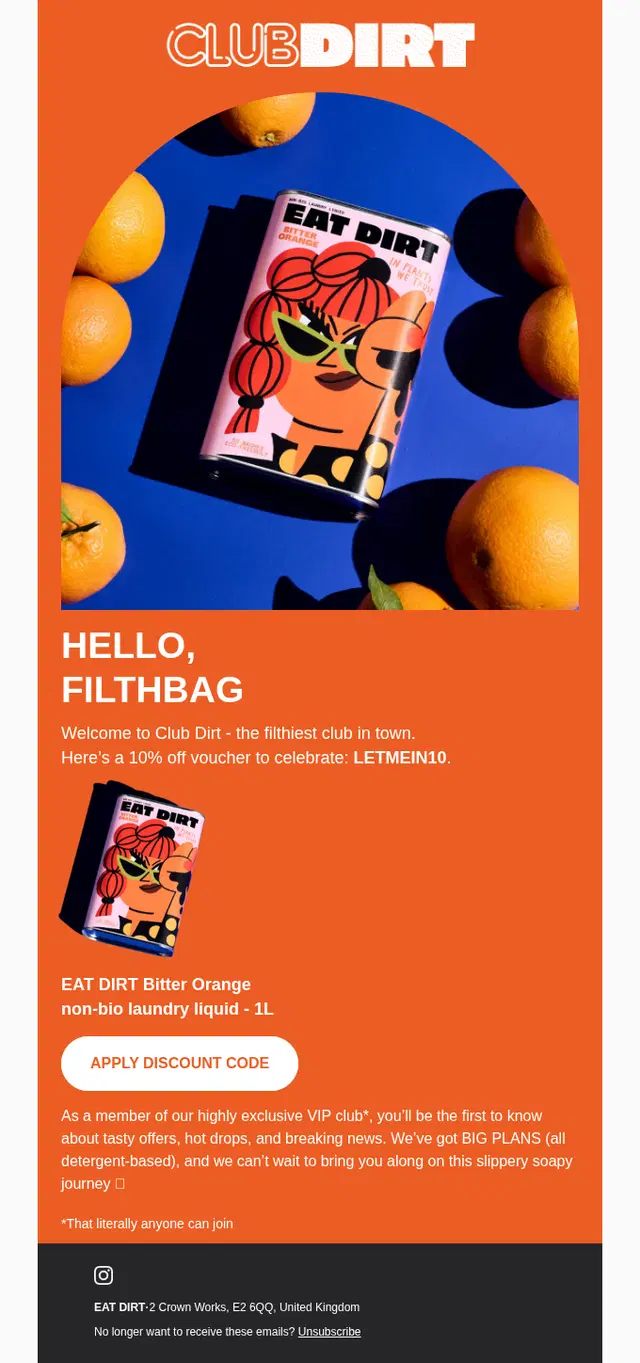
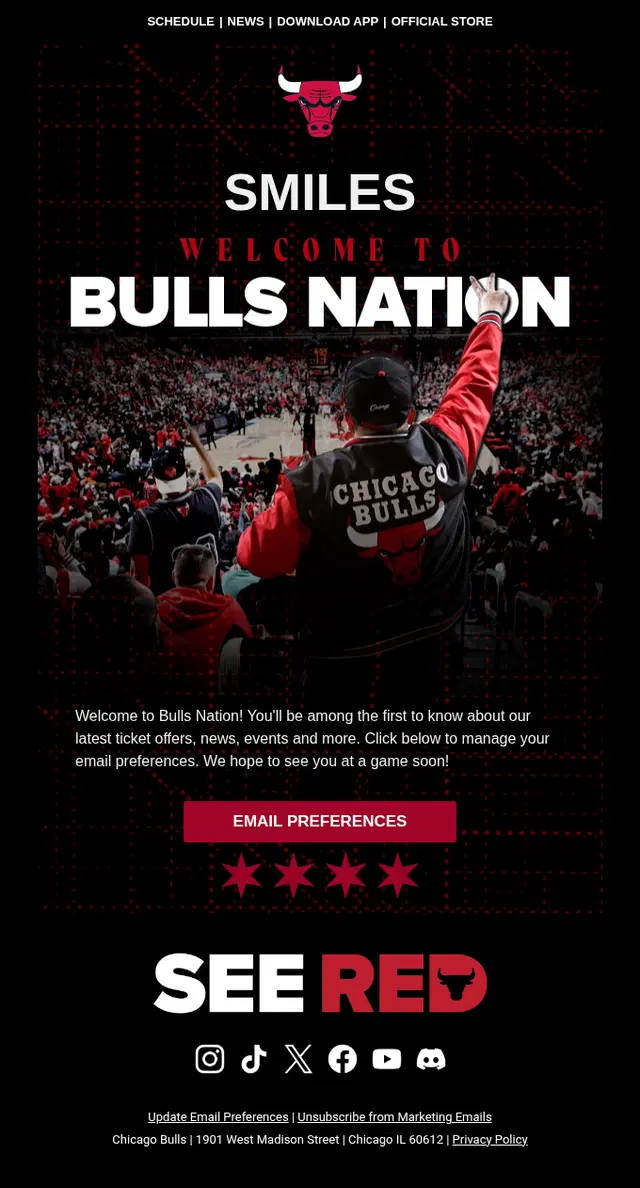
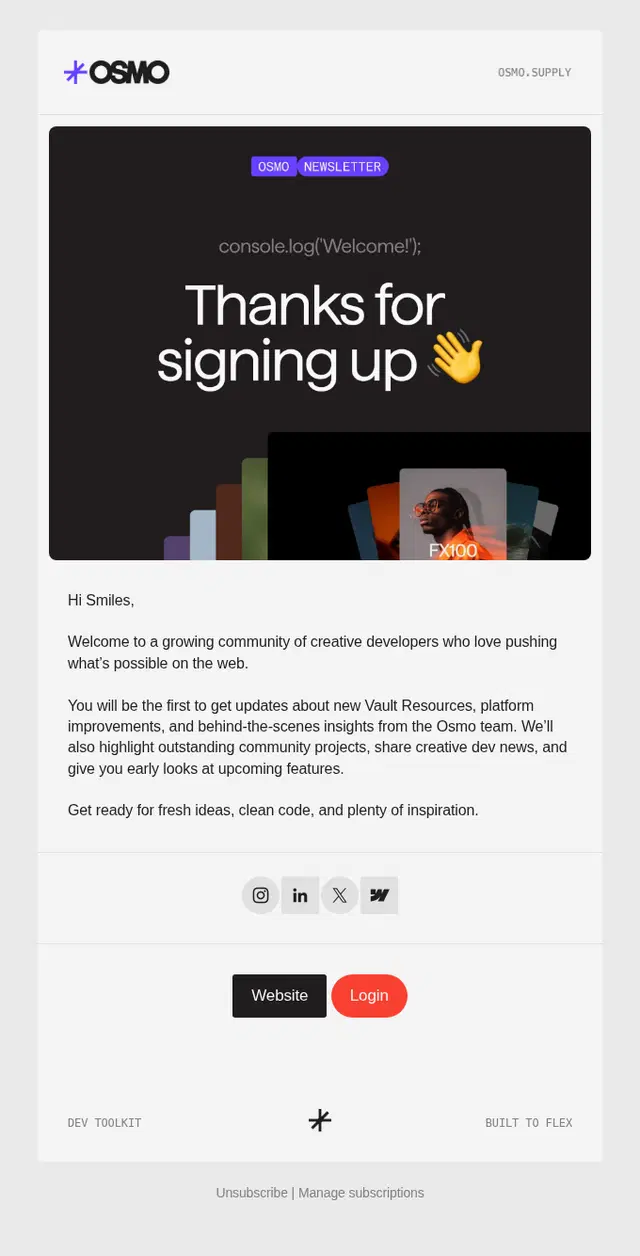
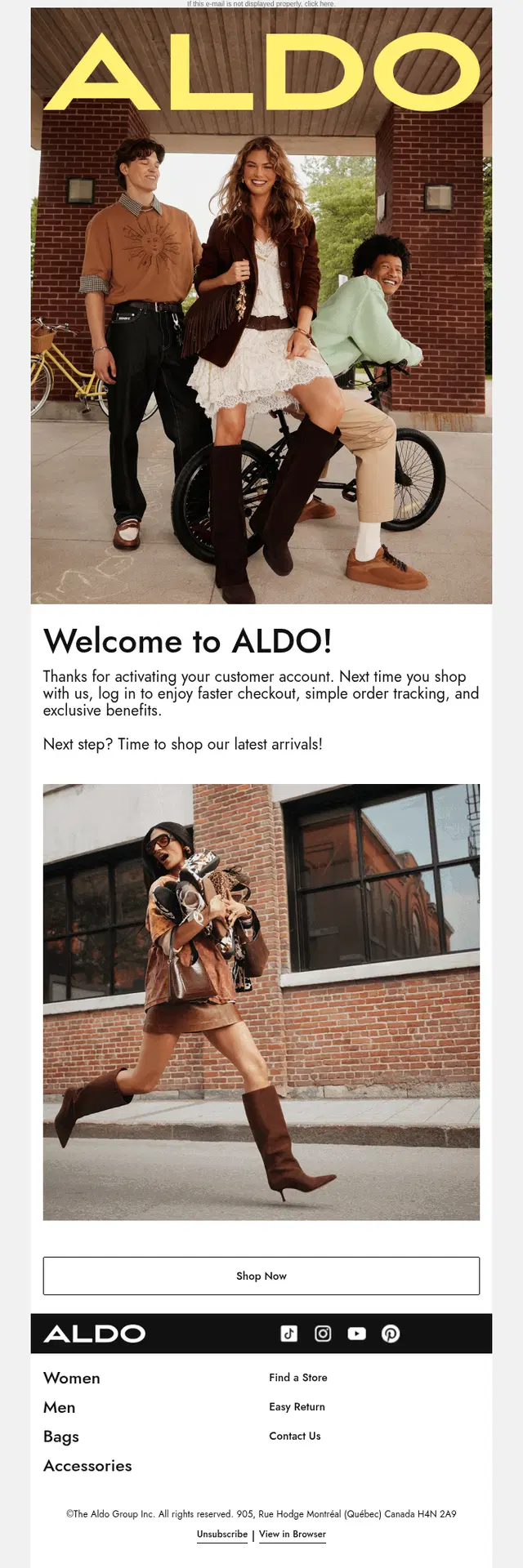
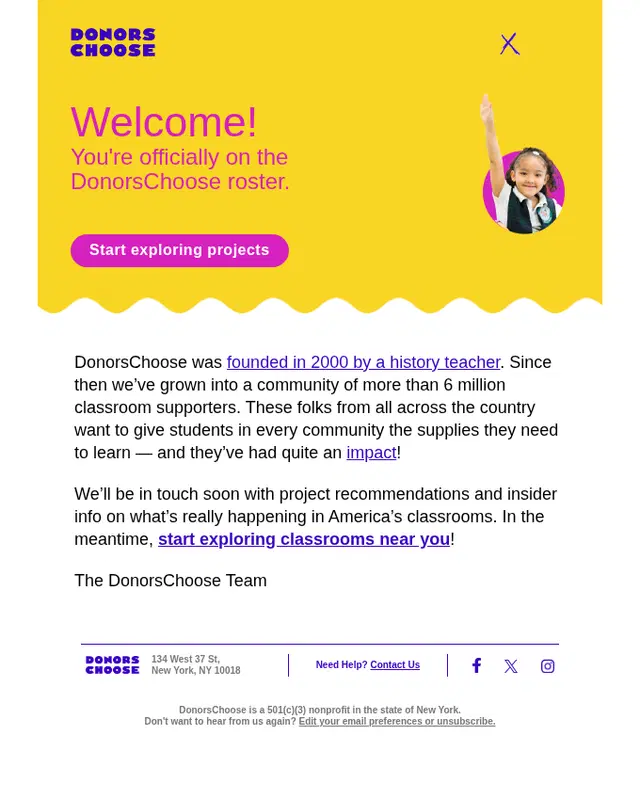
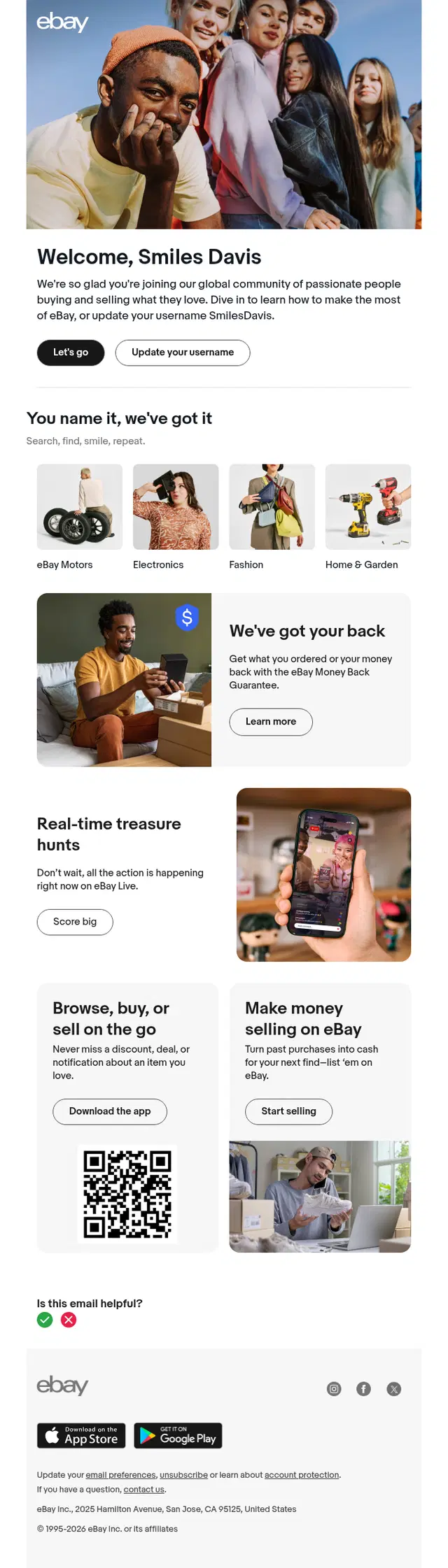
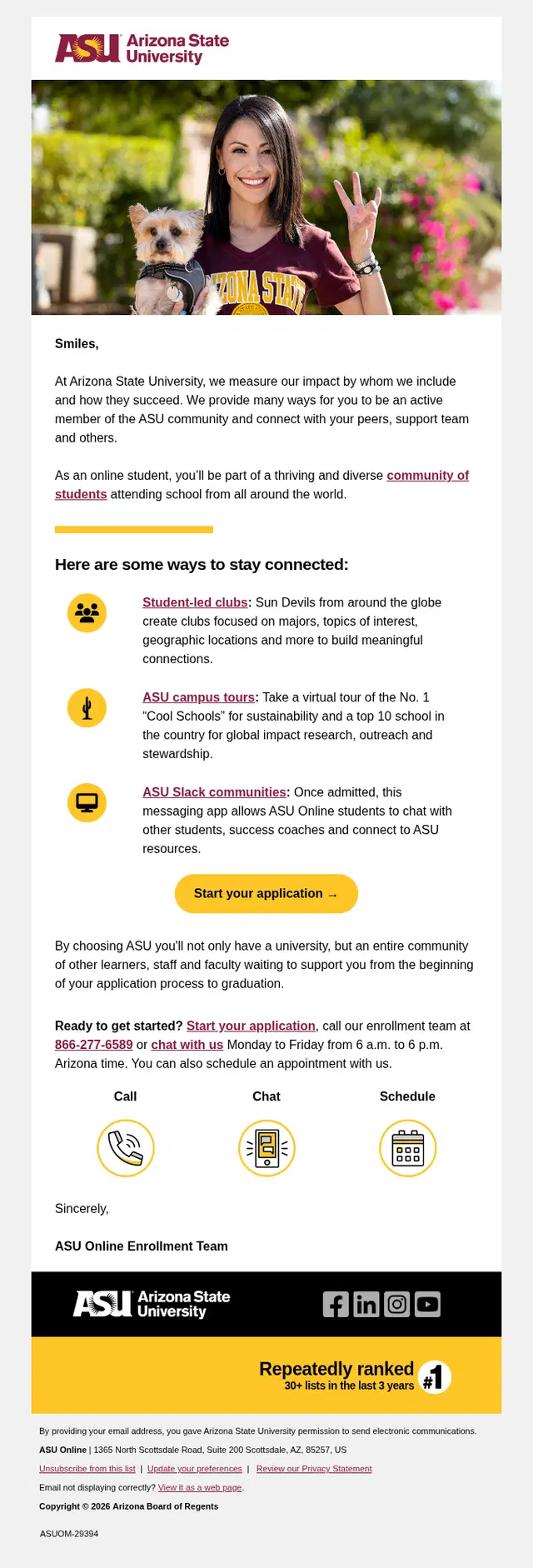
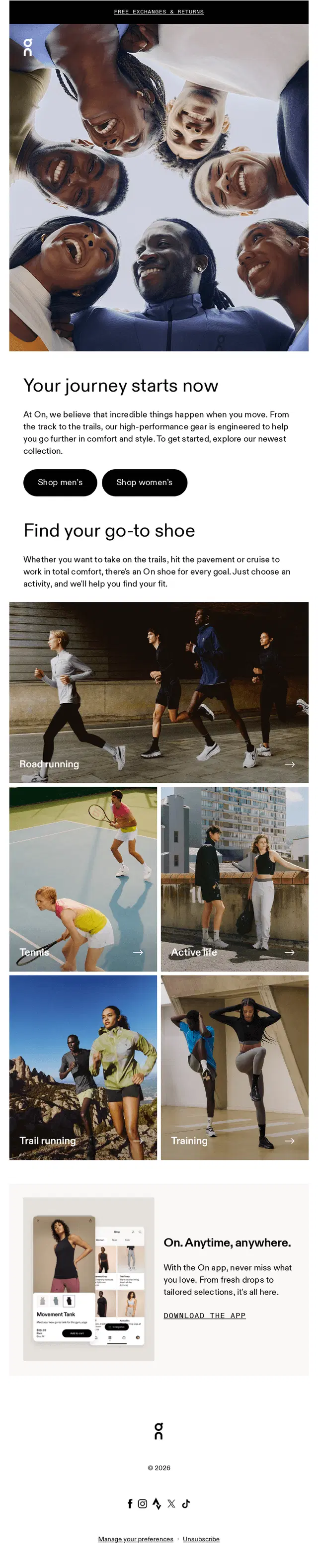
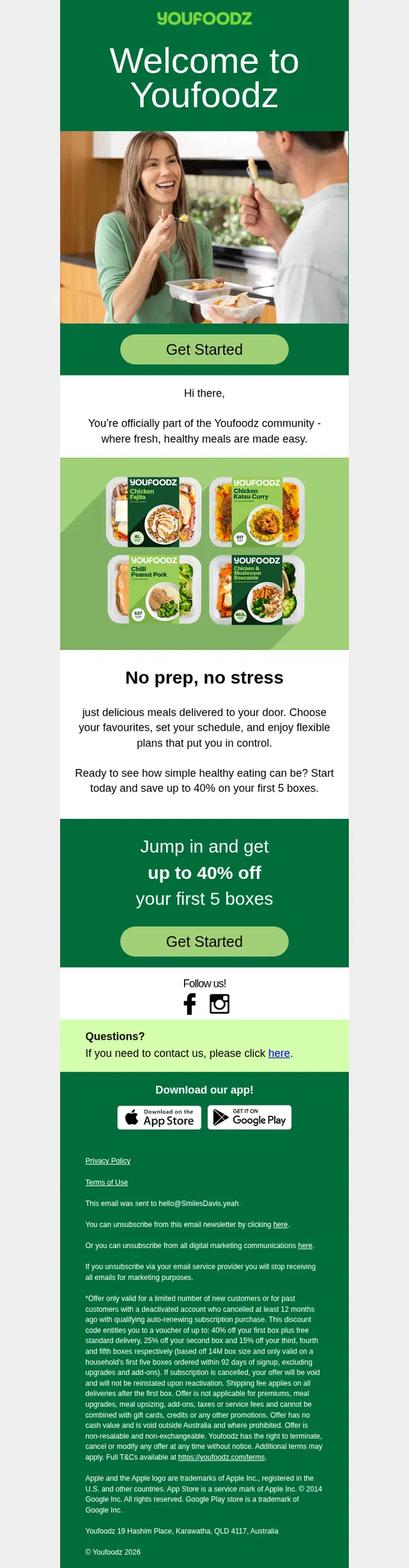
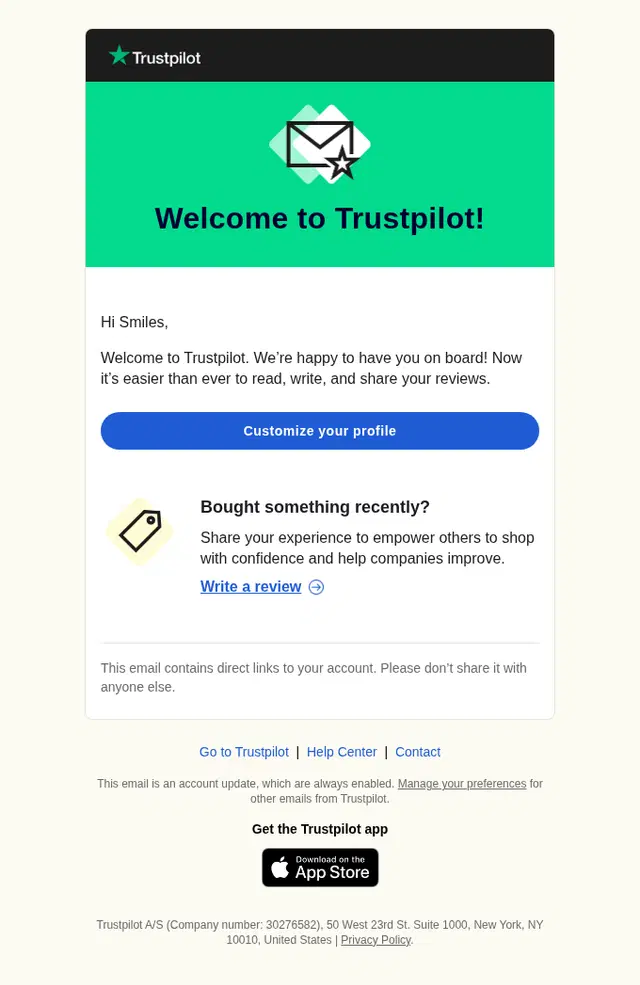
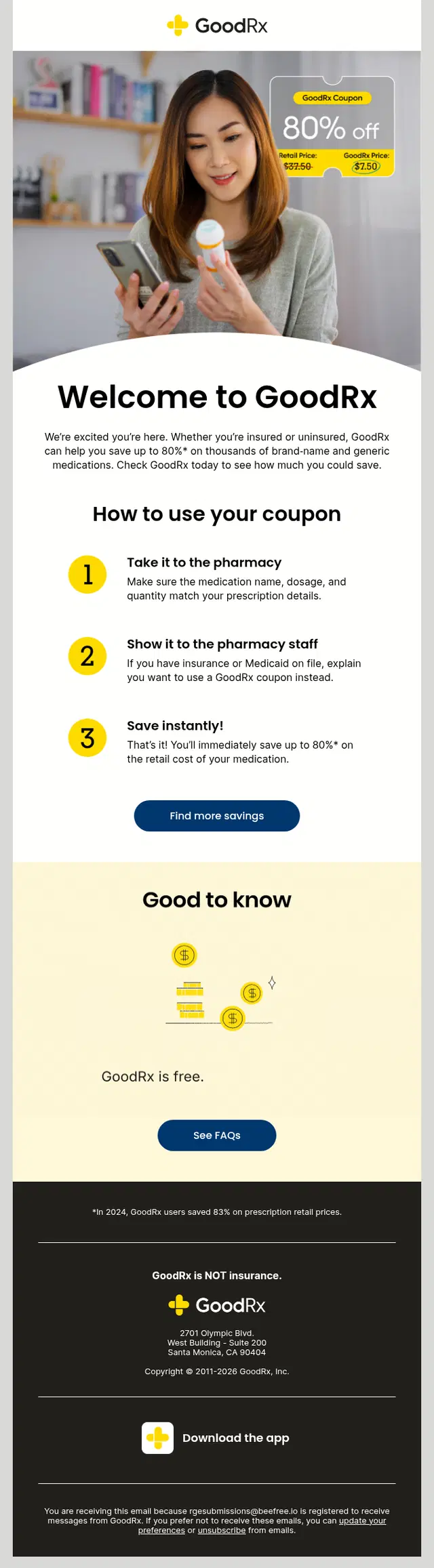
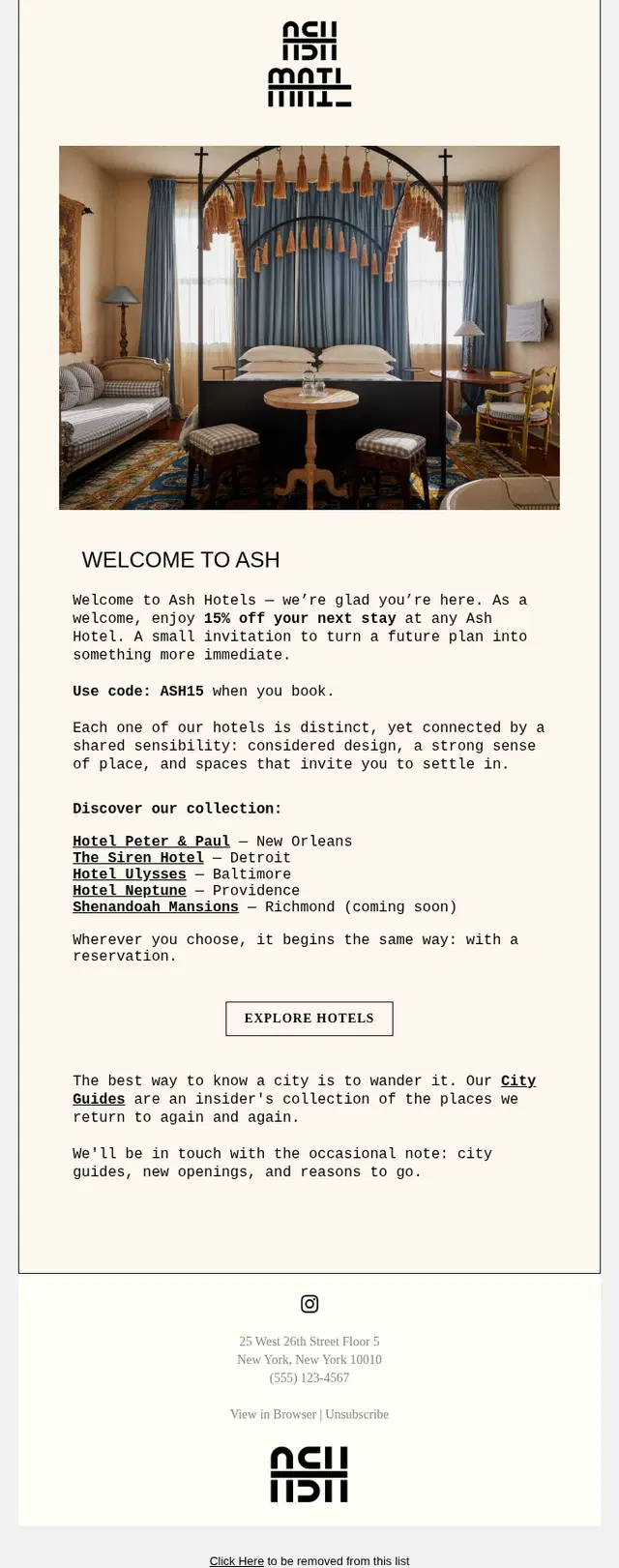
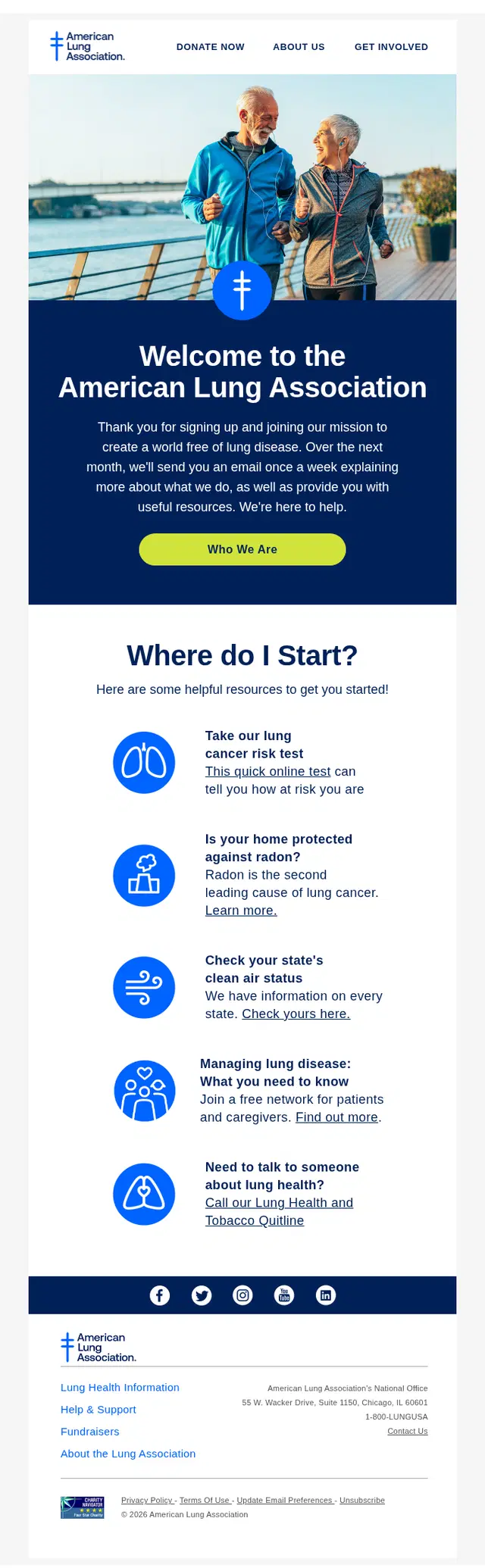
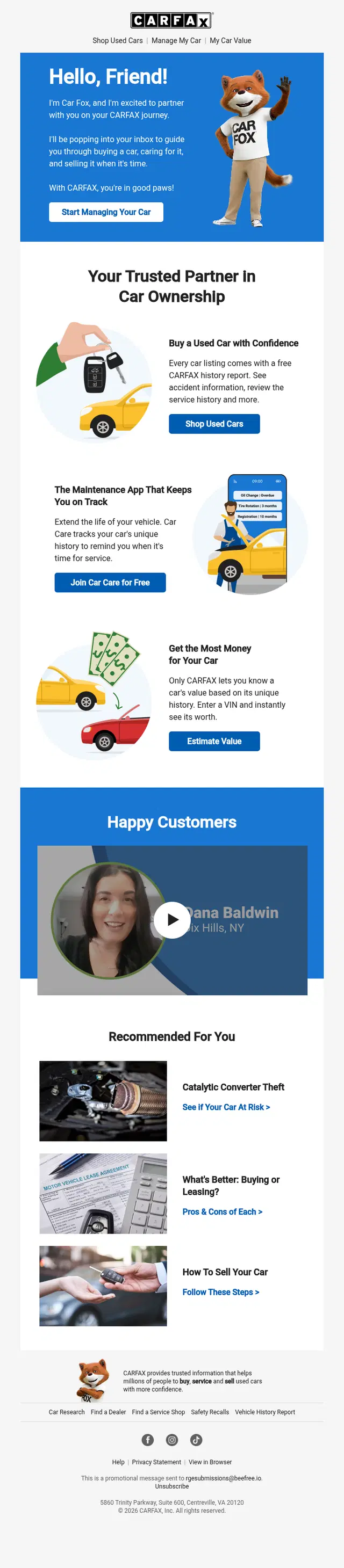
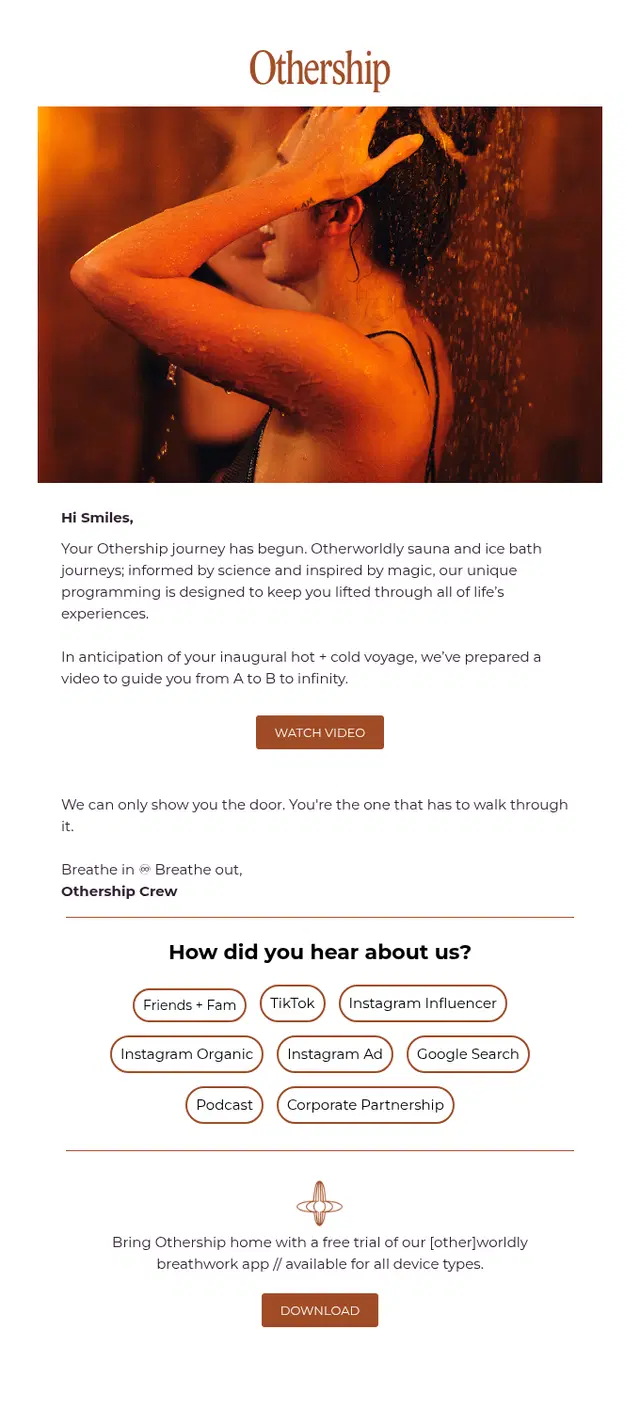
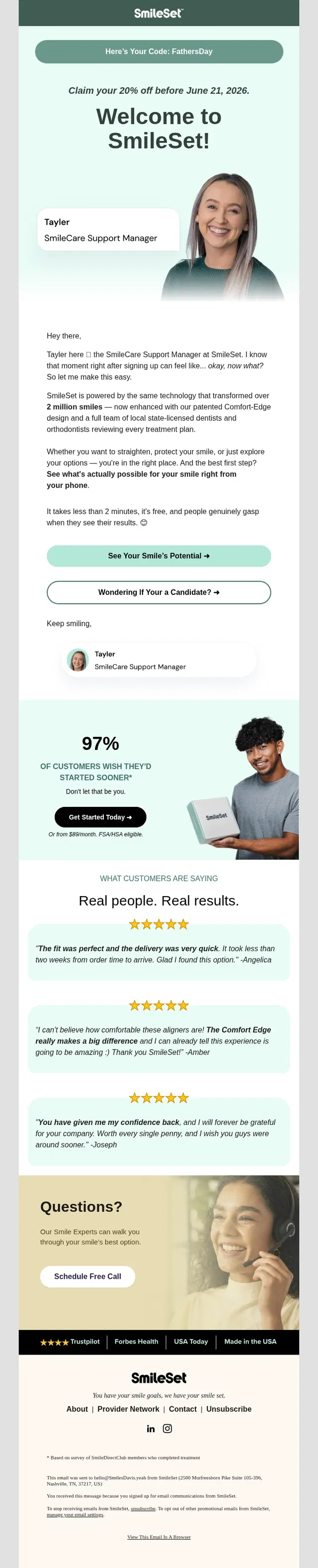
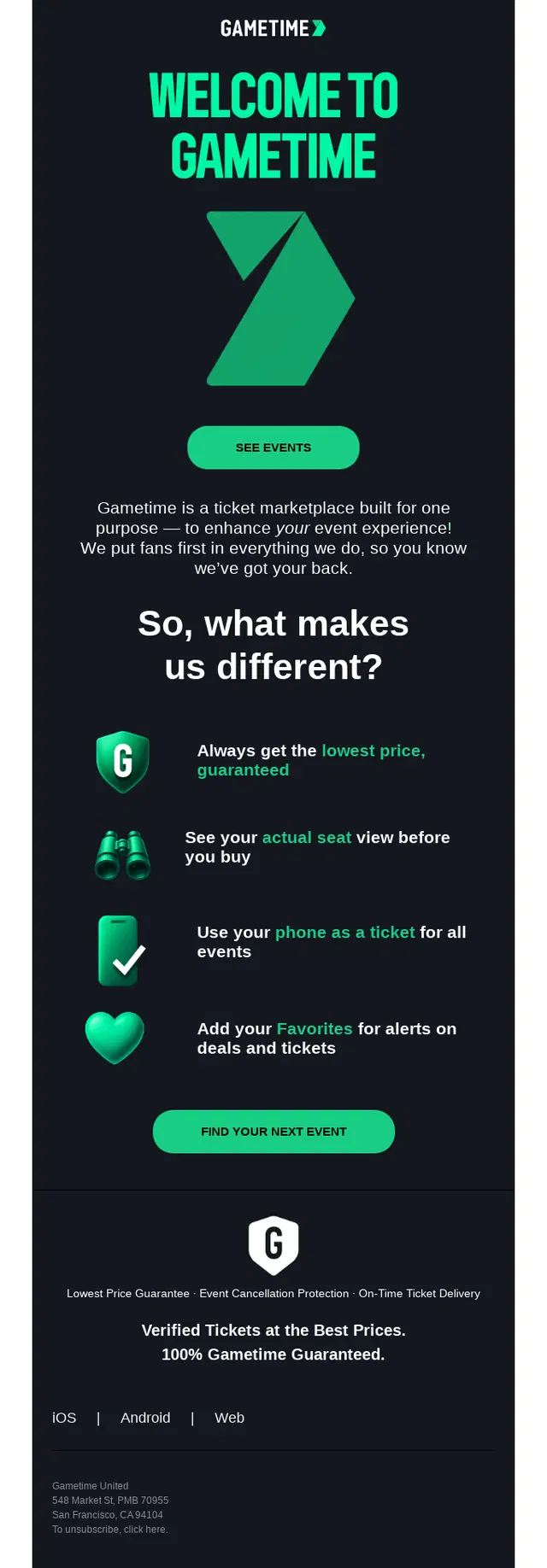
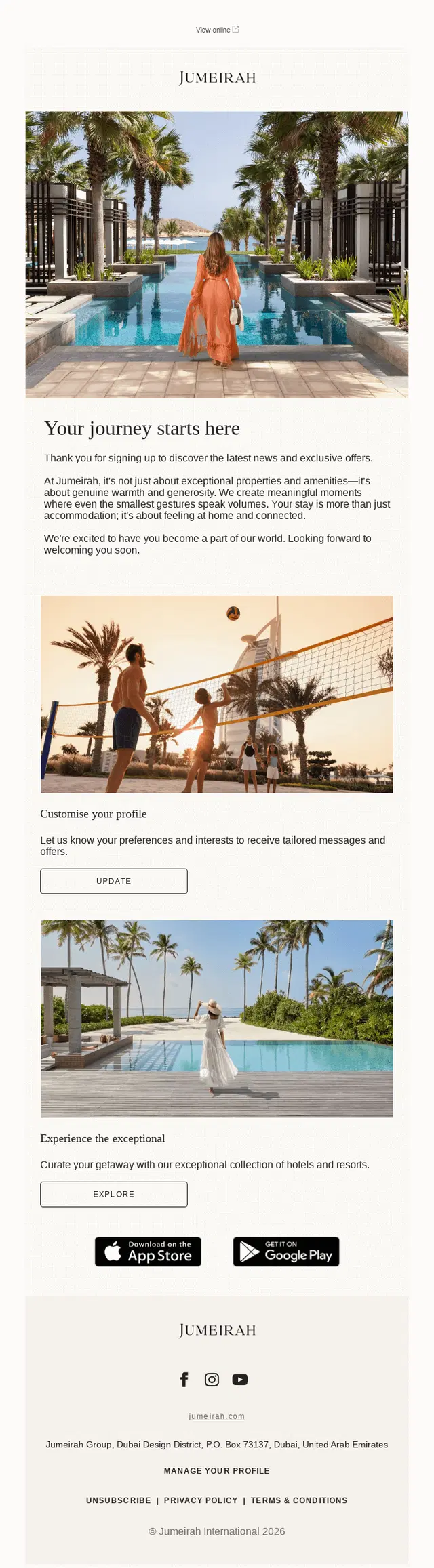
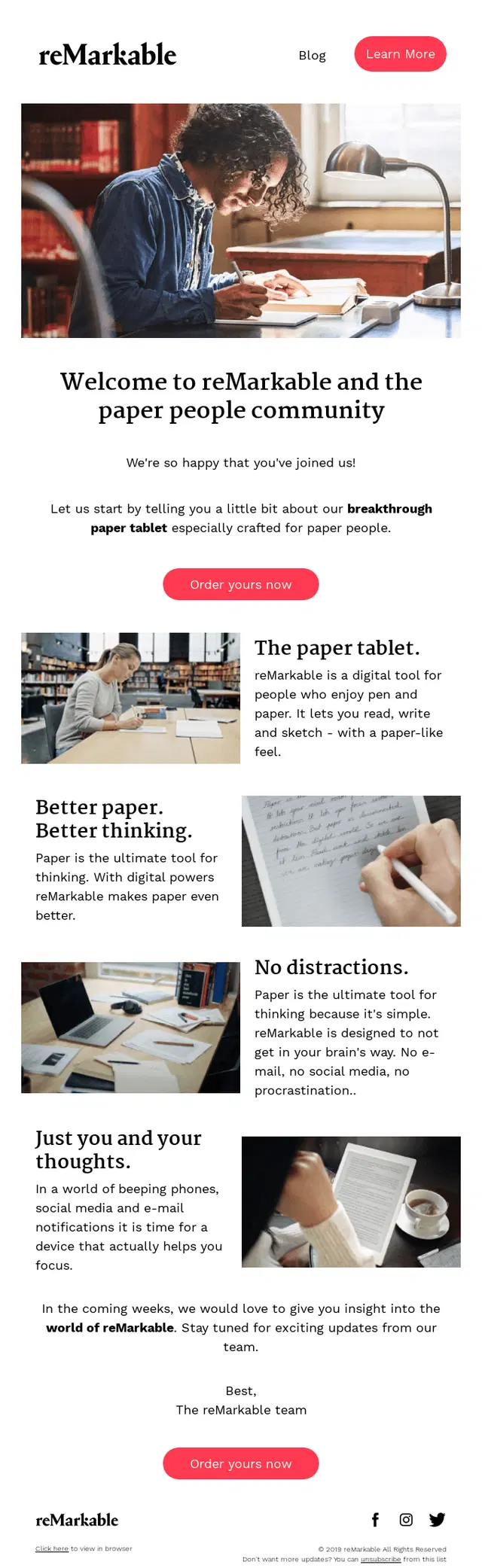
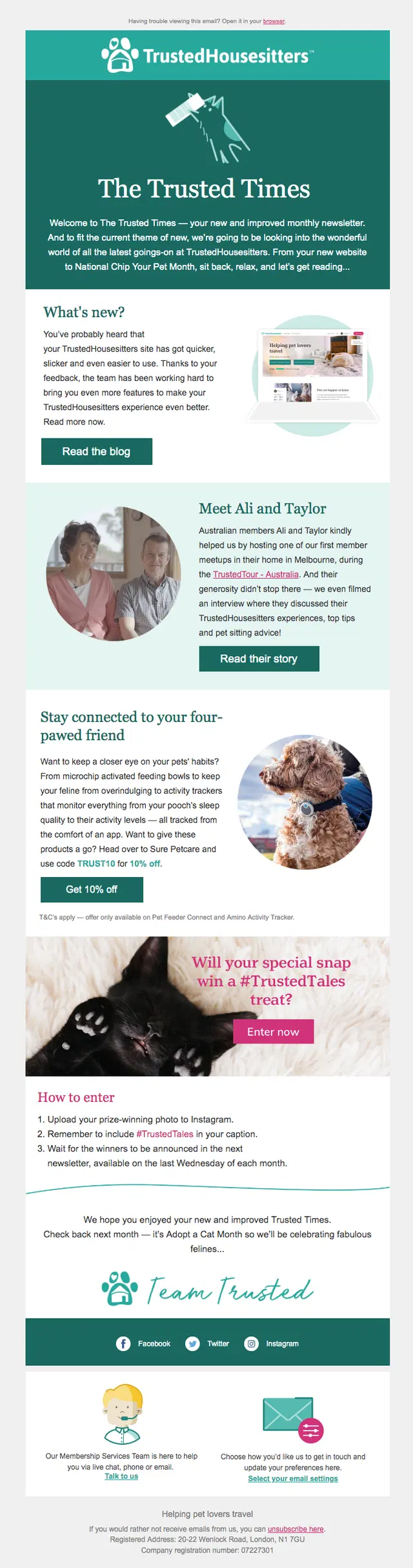
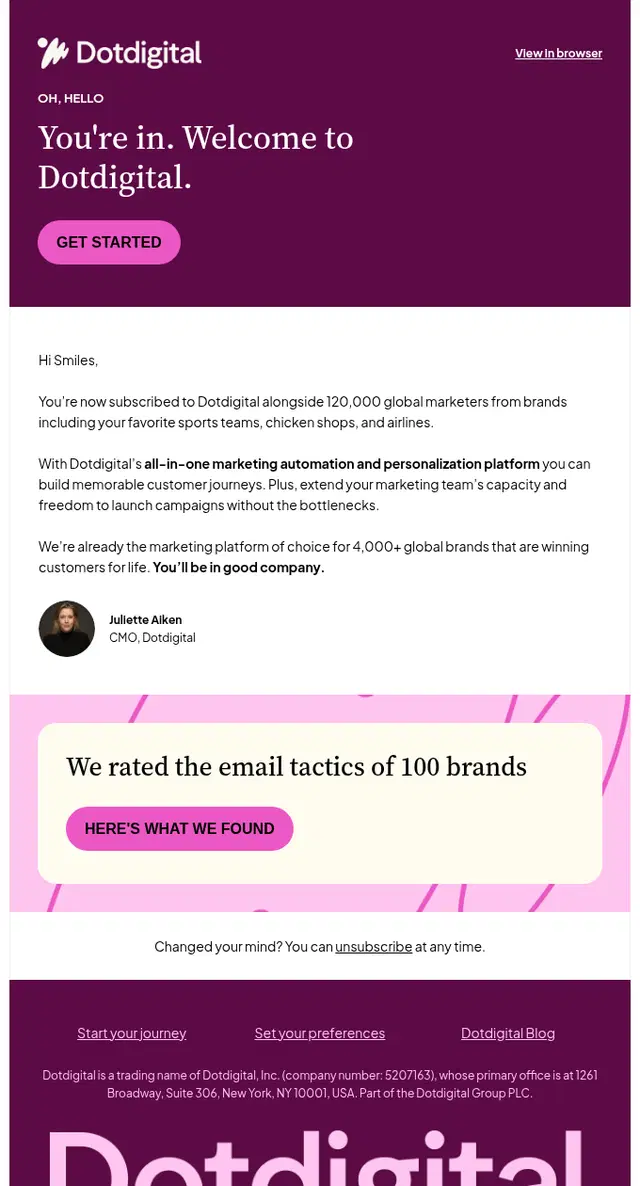
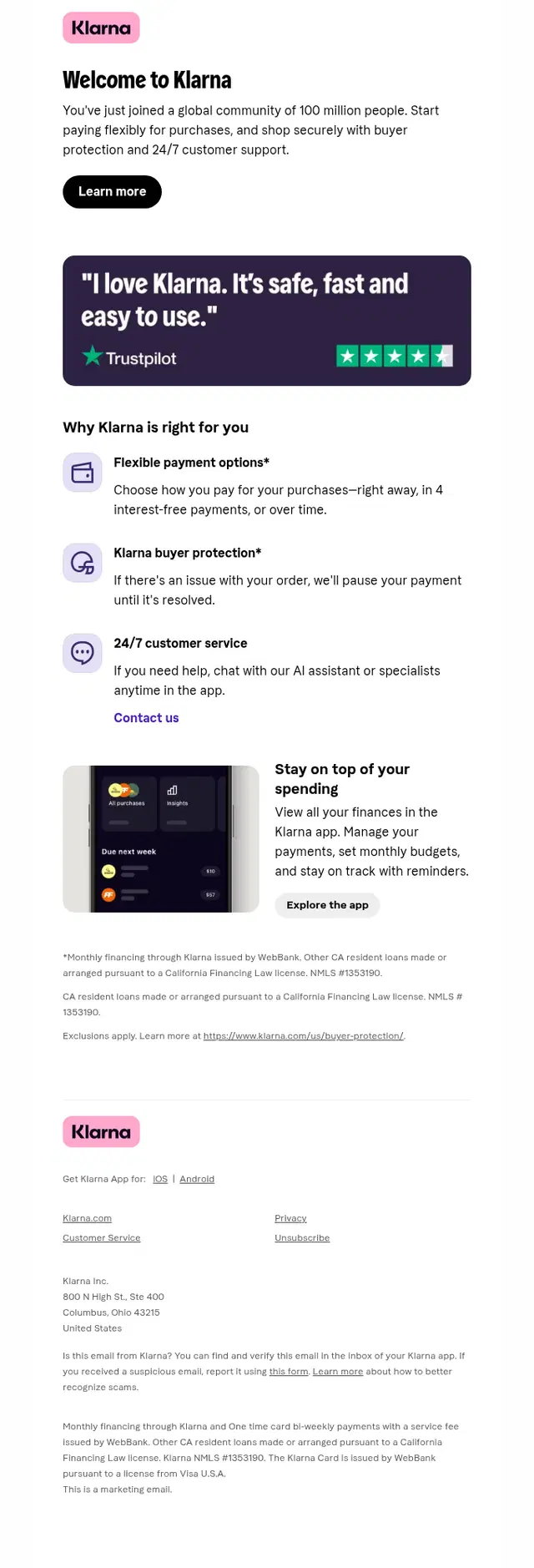
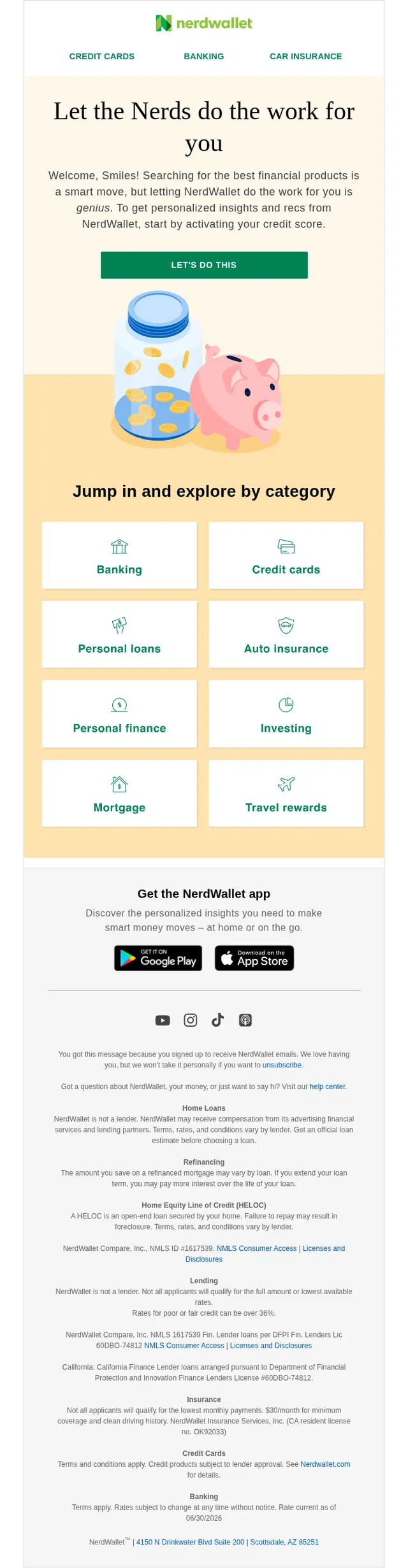
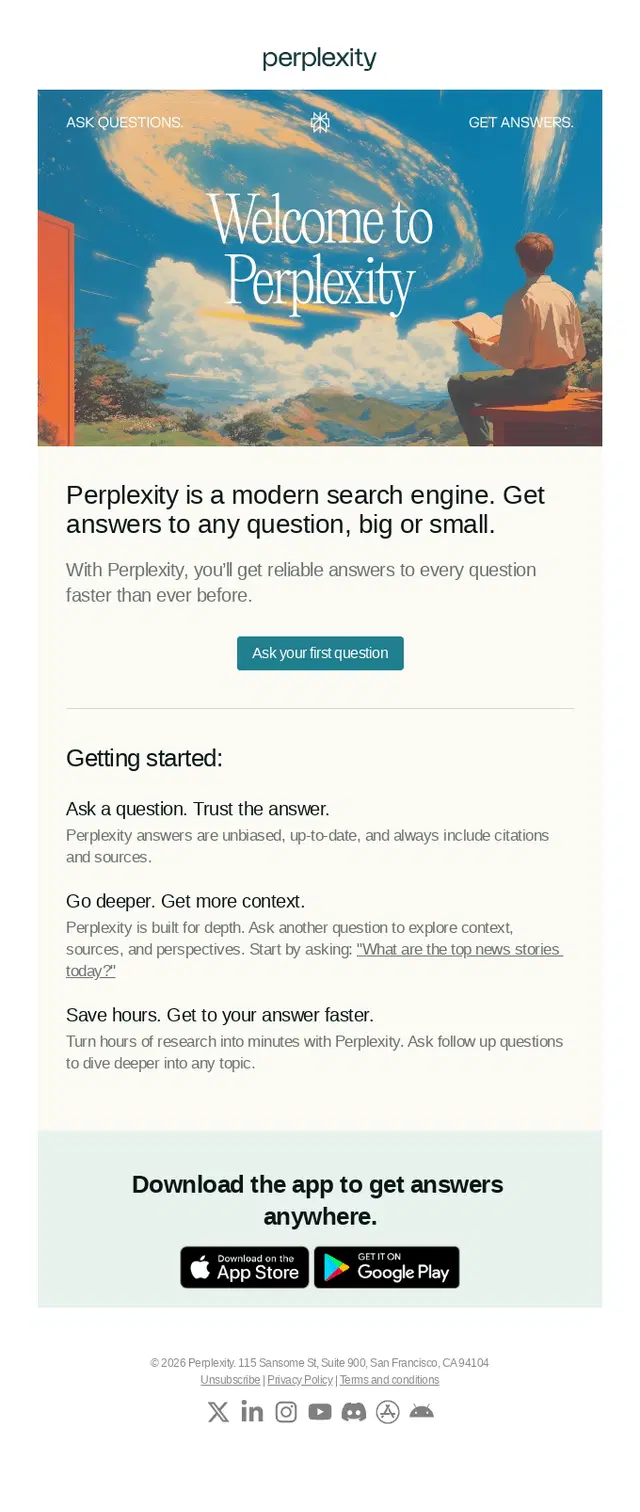
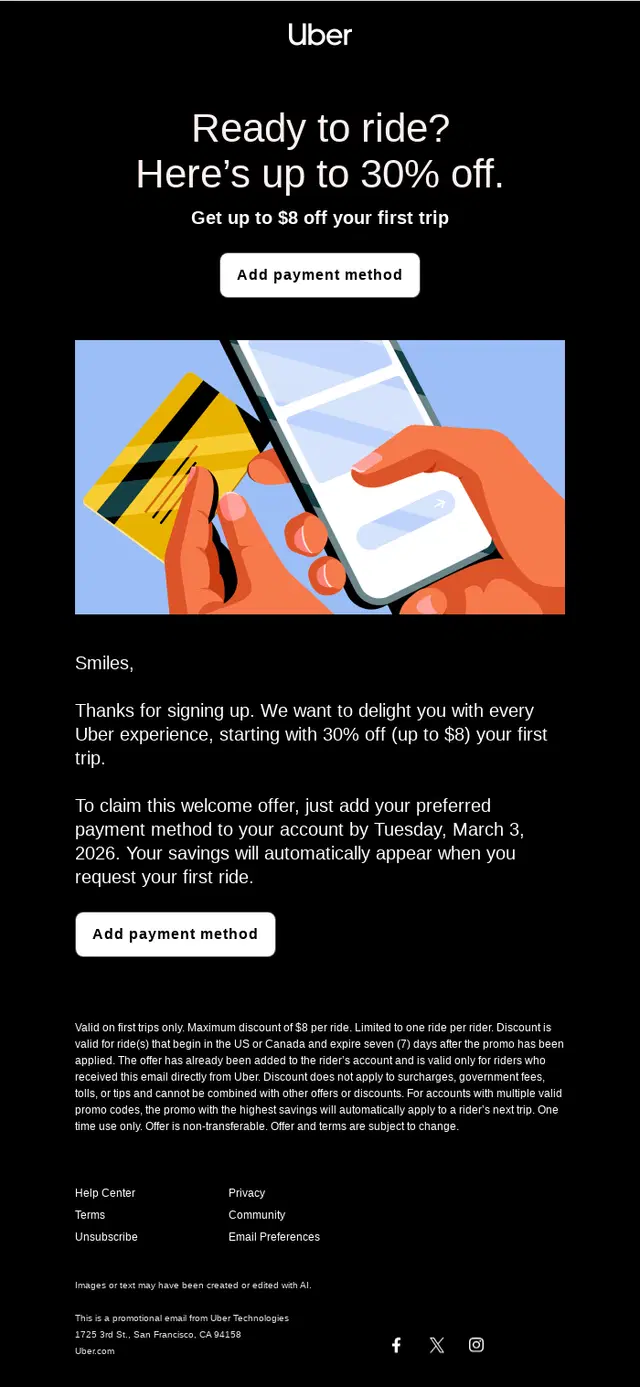
The first onboarding email sets expectations for the relationship ahead. It can confirm a signup, introduce the brand or product, explain what subscribers will receive, and point toward a useful first action.
The strongest welcome emails don’t try to cover the entire onboarding journey at once. They give newcomers enough context to feel oriented and make the next step obvious, whether that means exploring a product, completing a profile, downloading an app, or simply knowing what to expect from future emails.



See also 150+ Welcome Email Examples to Inspire Your First Impression
Getting Started Onboarding Email Examples
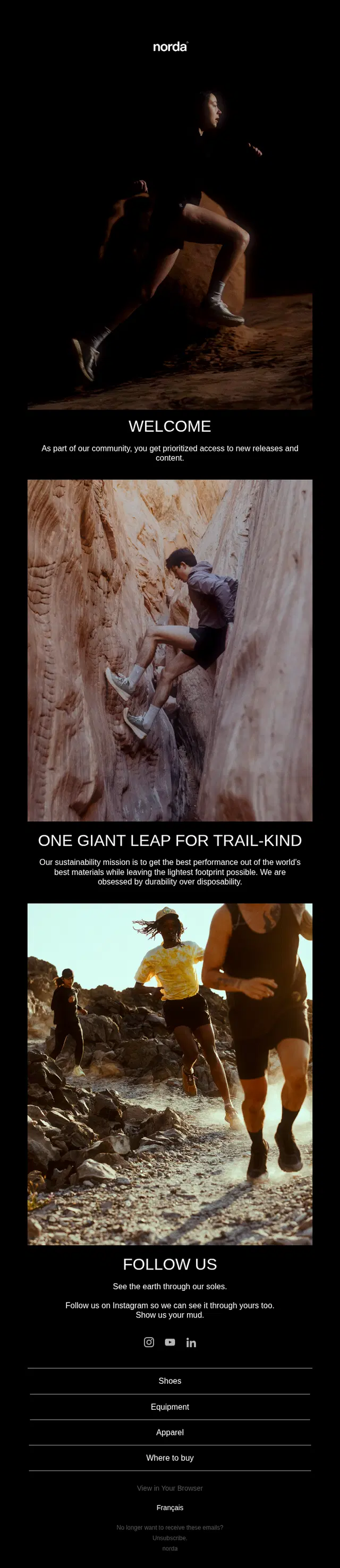
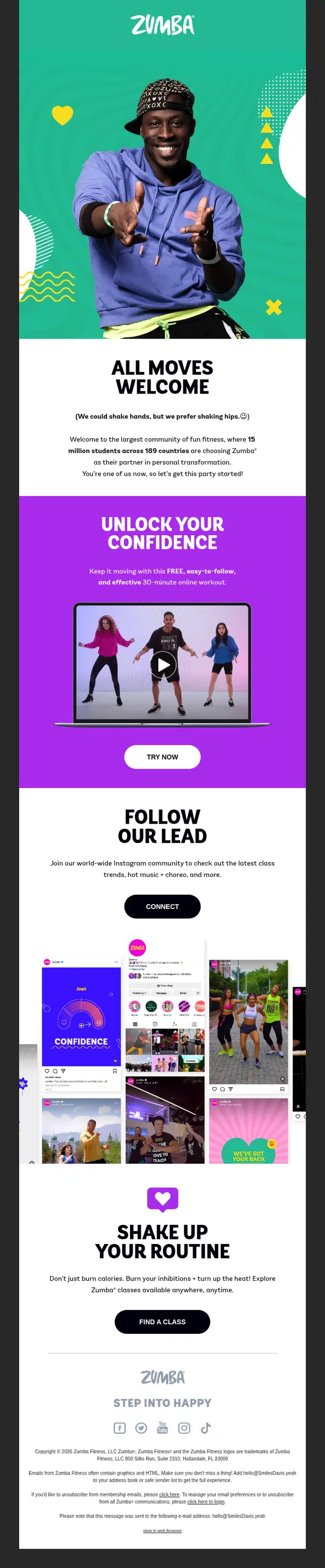
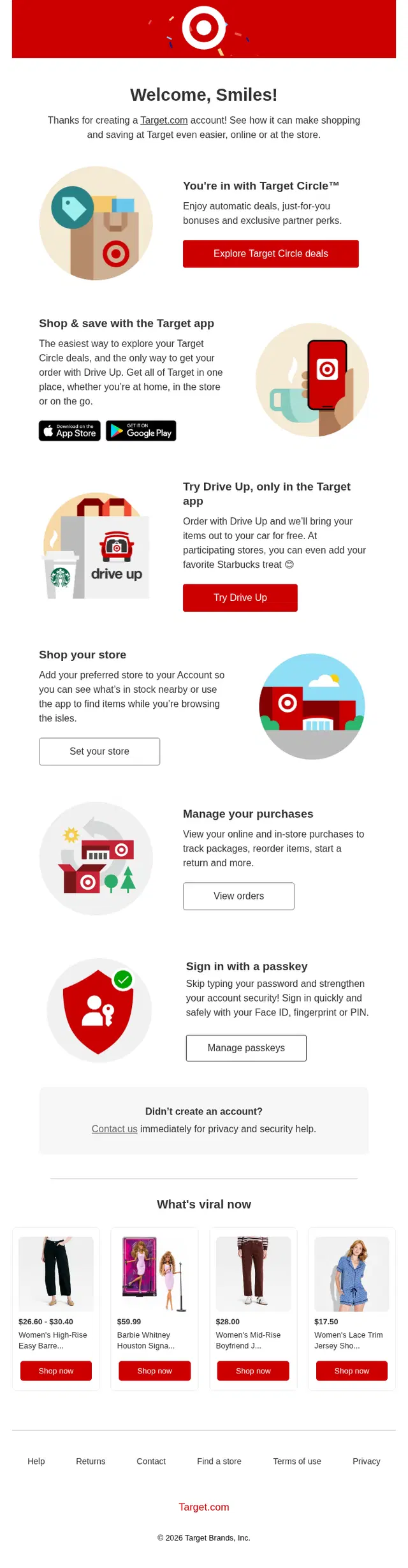
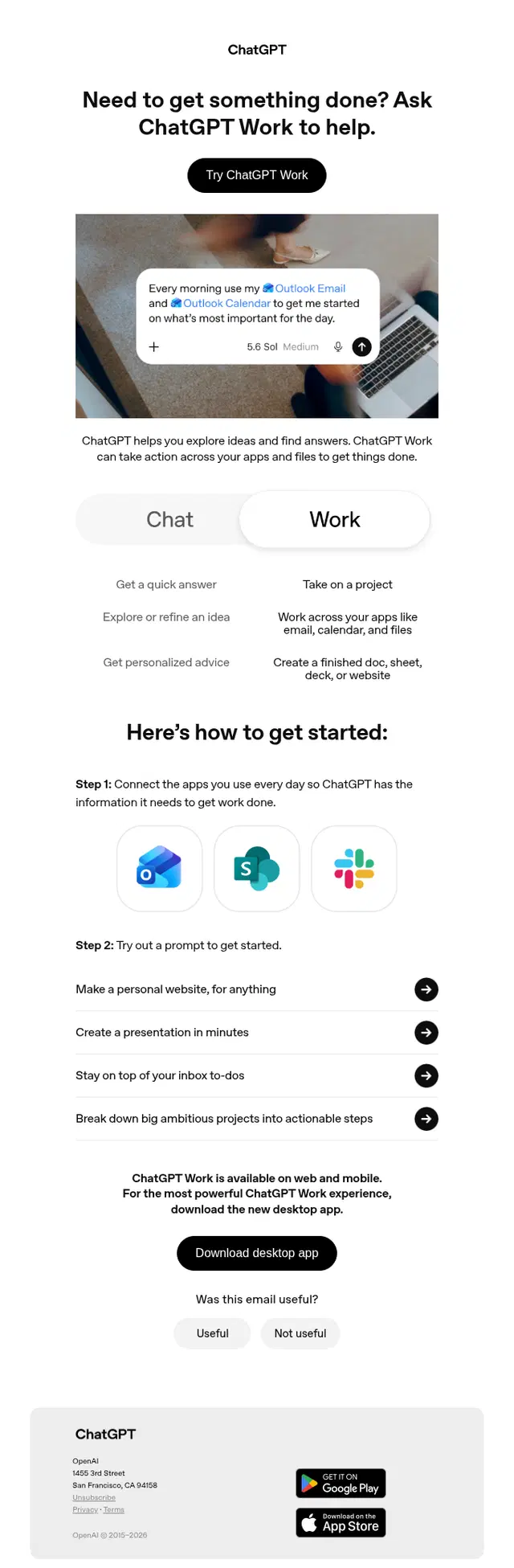
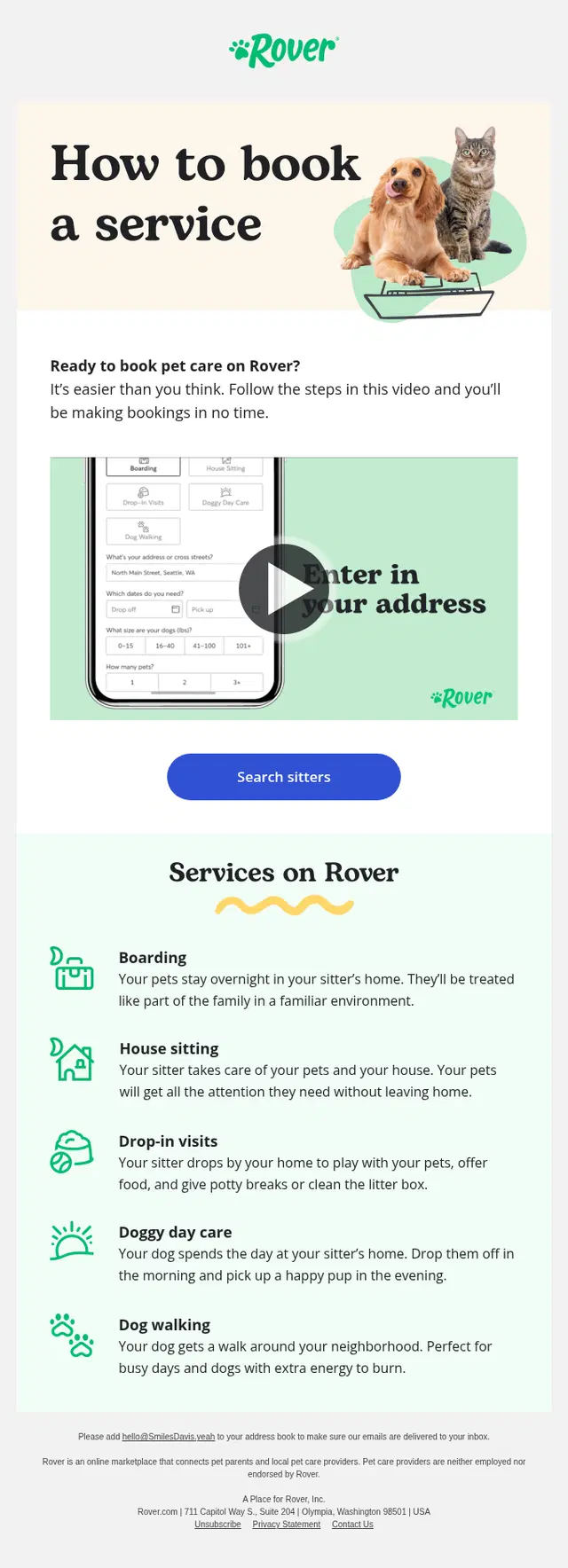
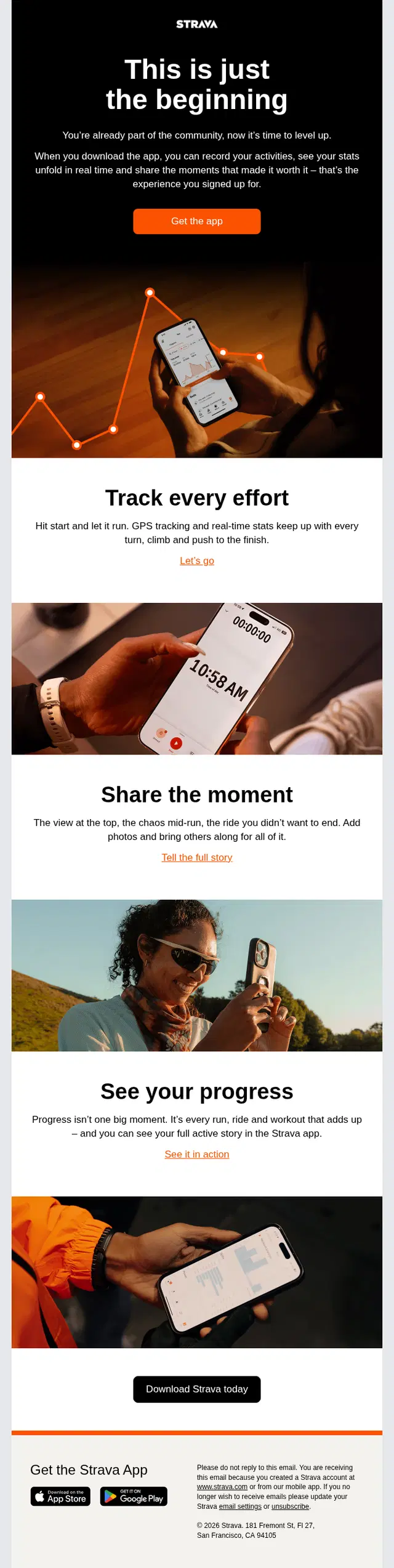
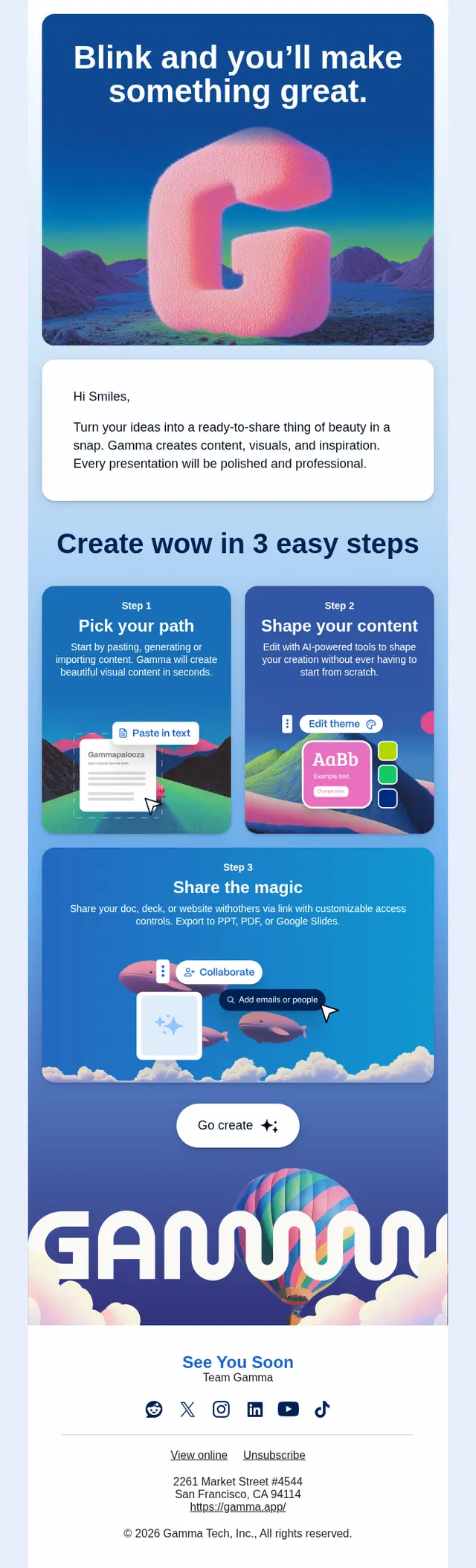
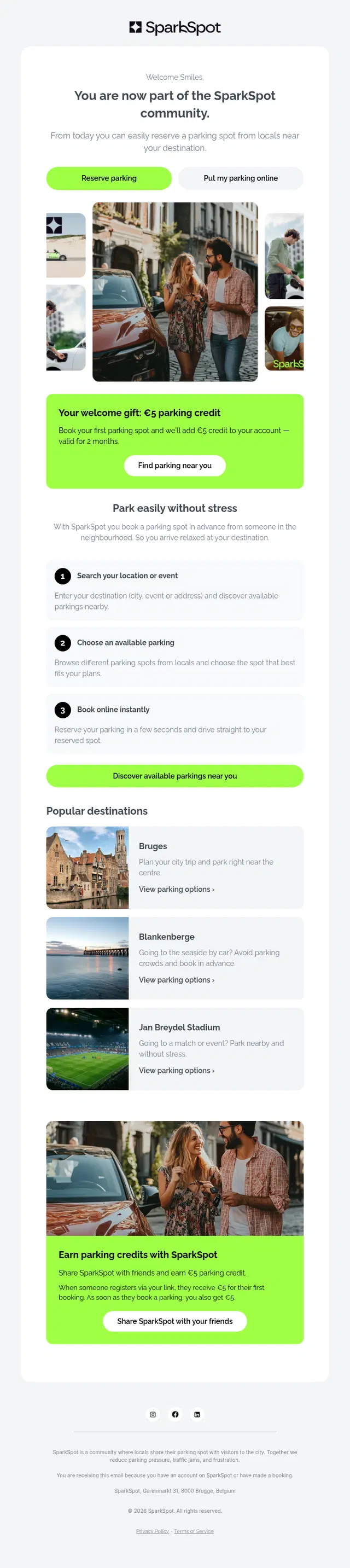
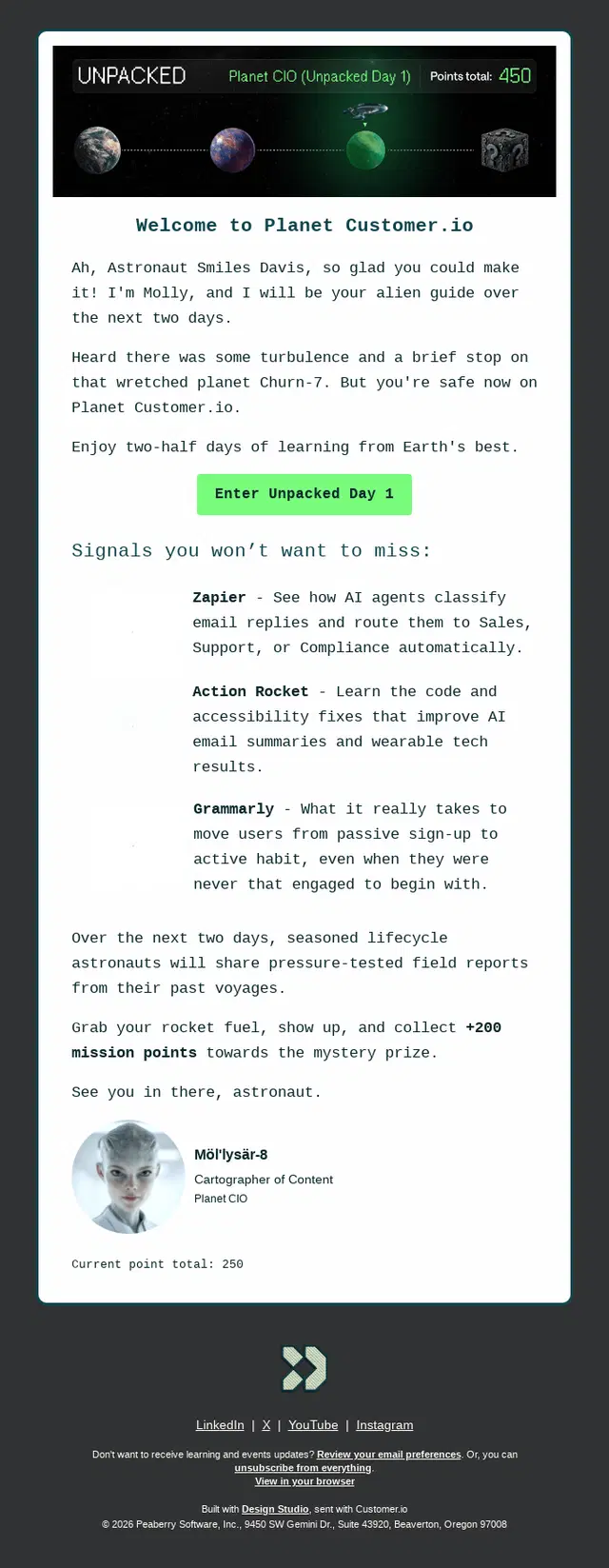
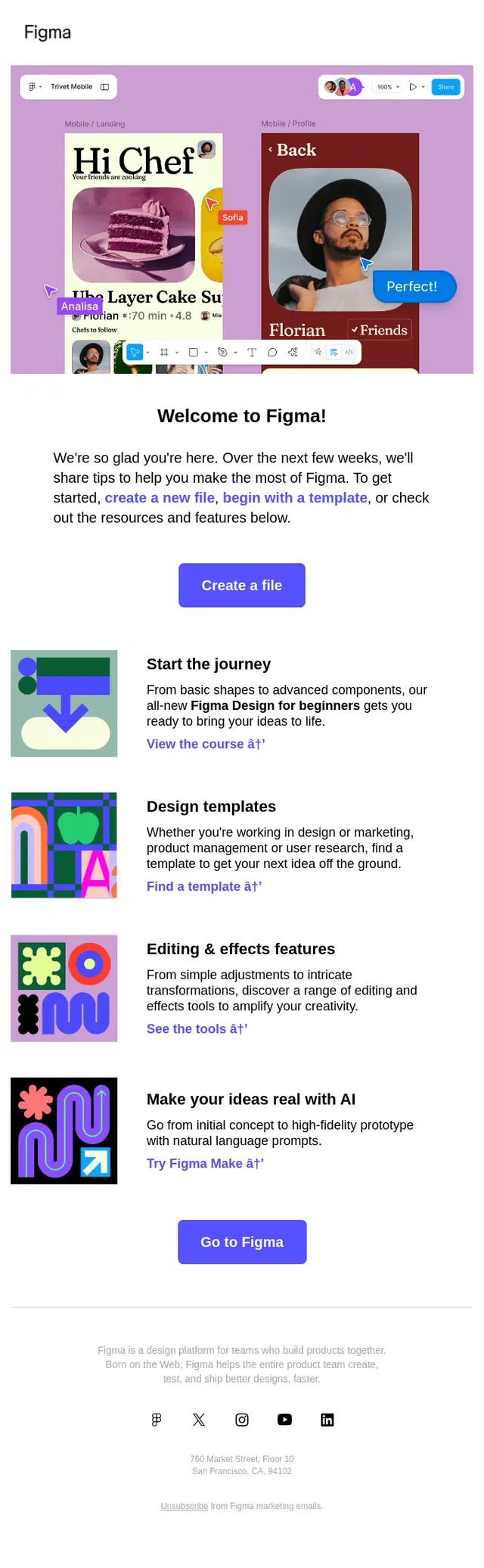
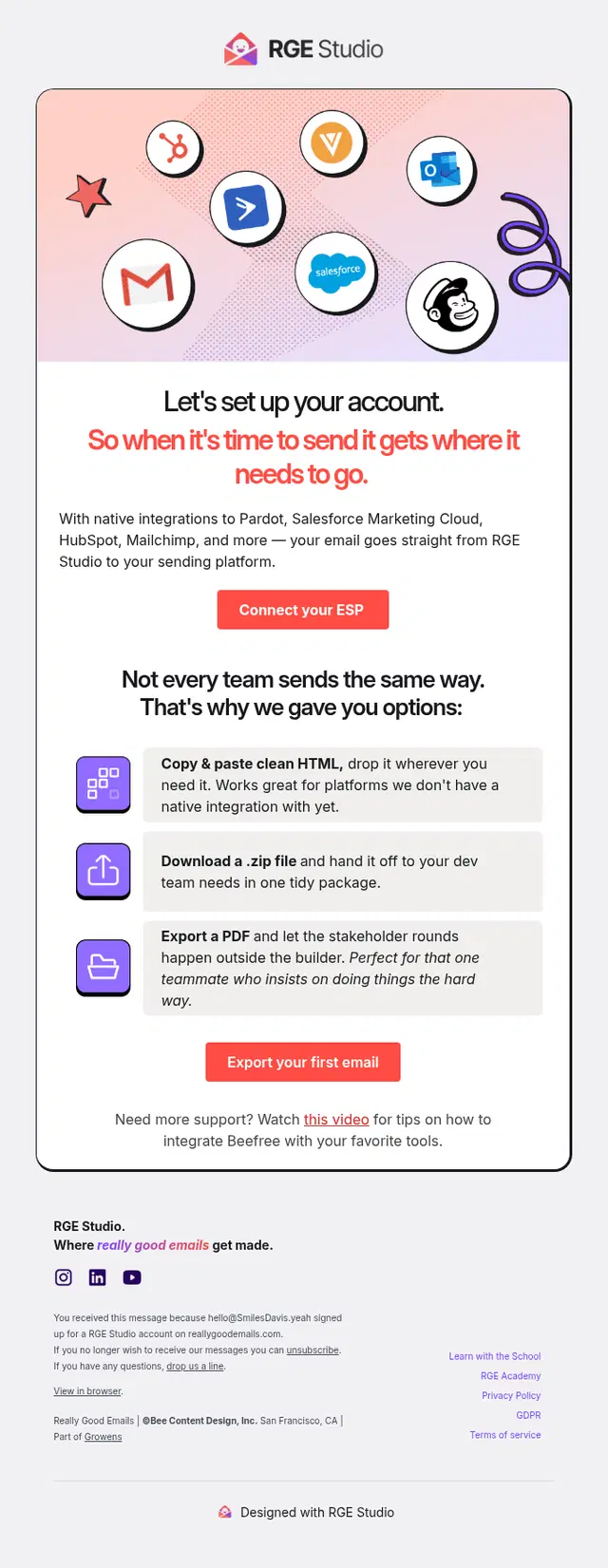
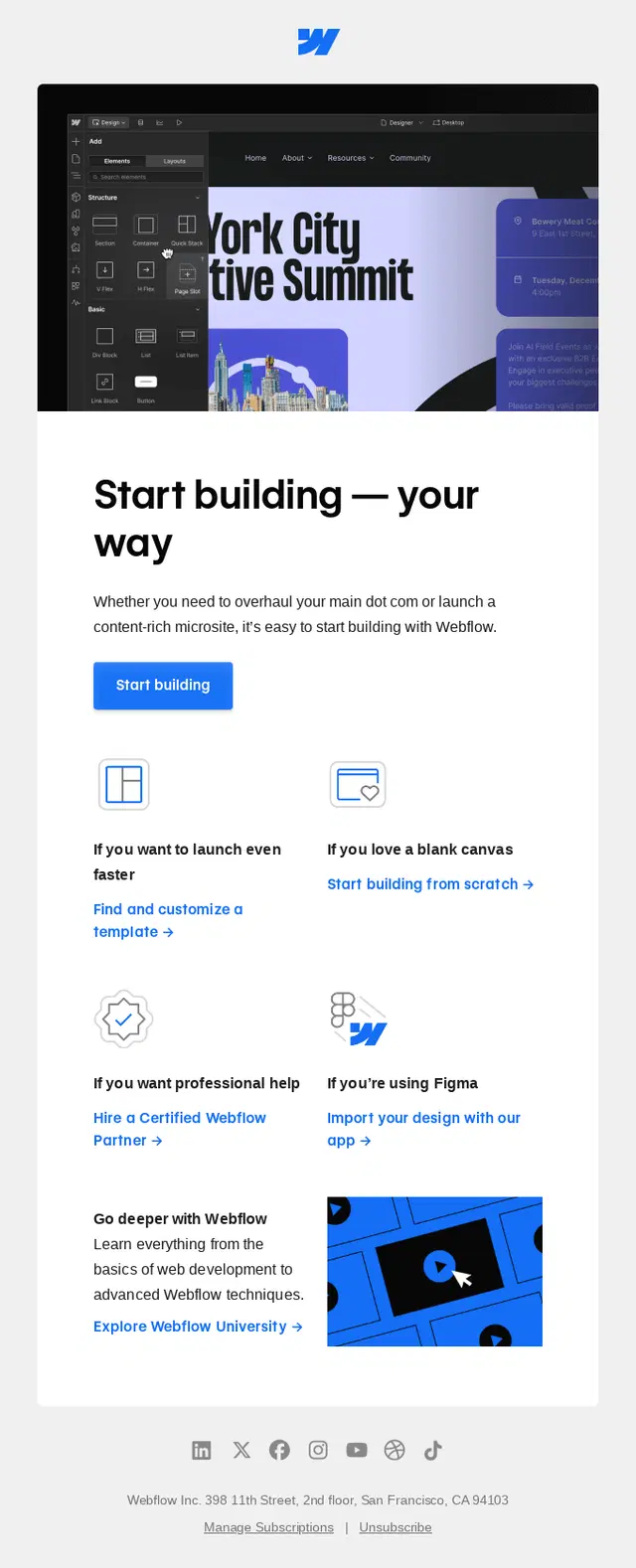
Getting-started emails turn the initial welcome into action. Their job is to help a new user complete the first few steps required to actually use a product or service.
That might mean setting up an account, connecting an integration, making a booking, choosing preferences, downloading an app, or completing a first task. Clear instructions and a focused CTA matter here because the goal is to reduce the distance between signing up and experiencing value.



Product Education Onboarding Email Examples
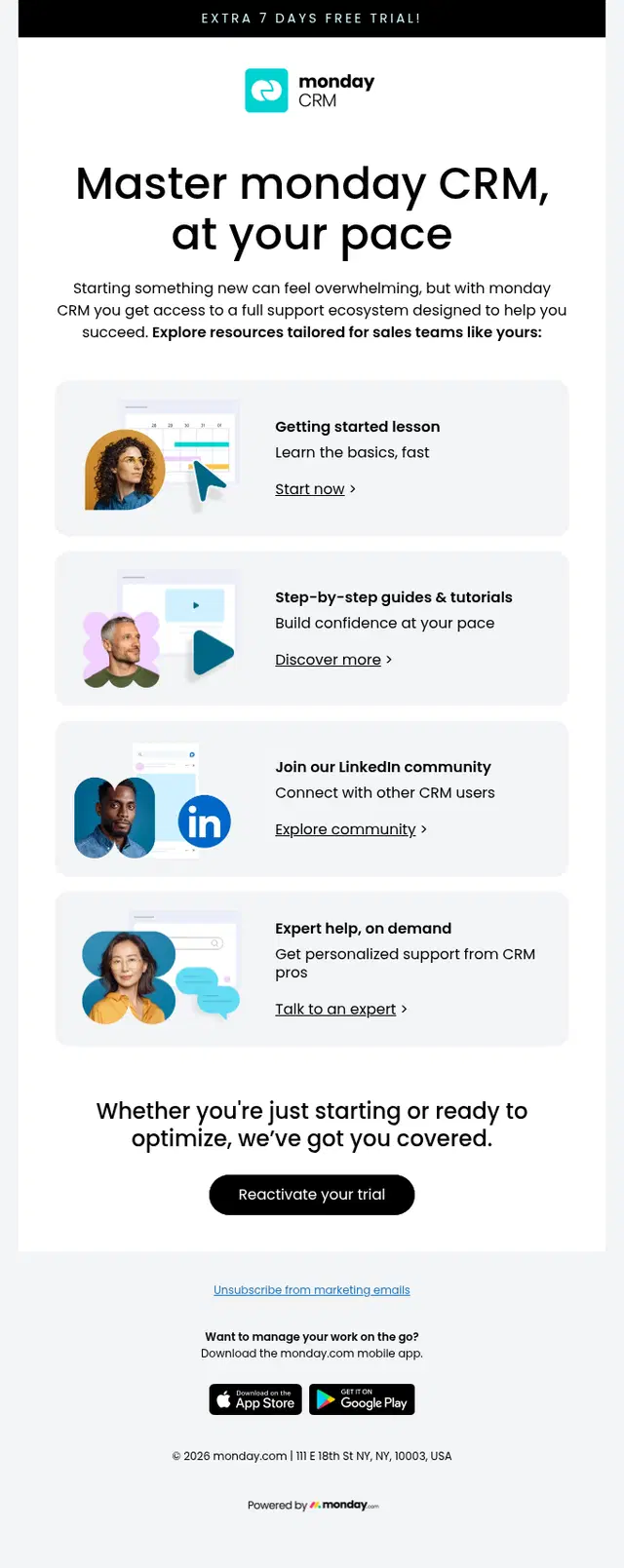
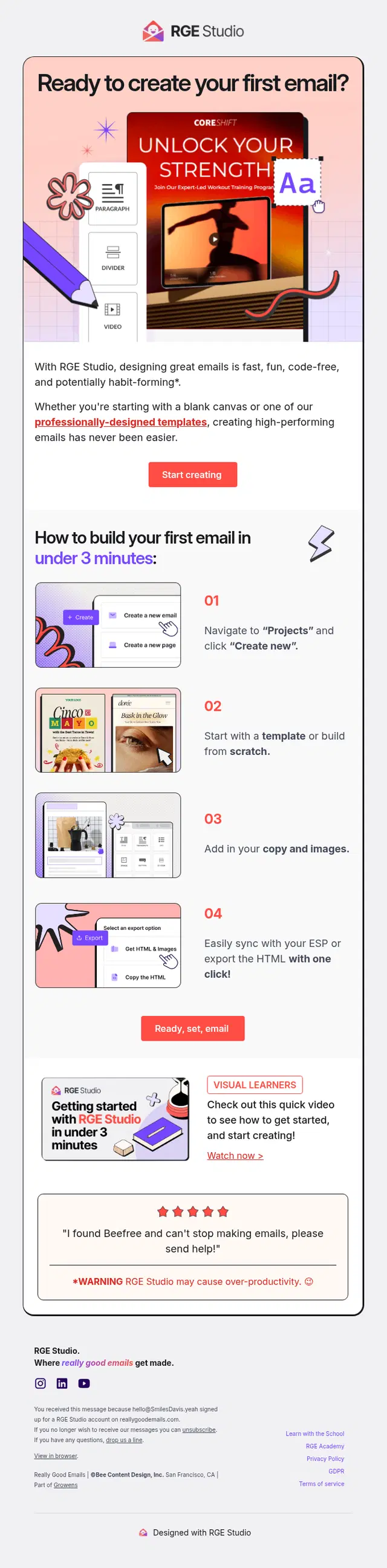
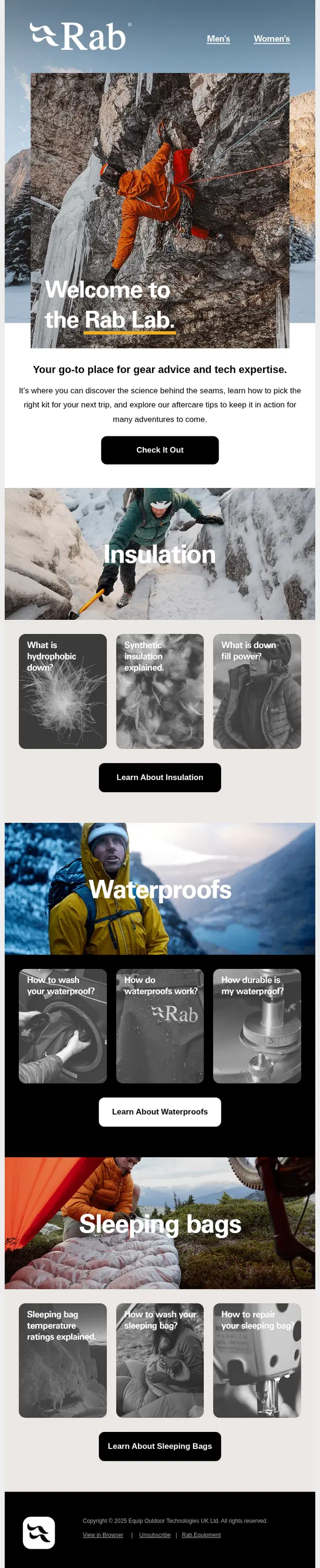
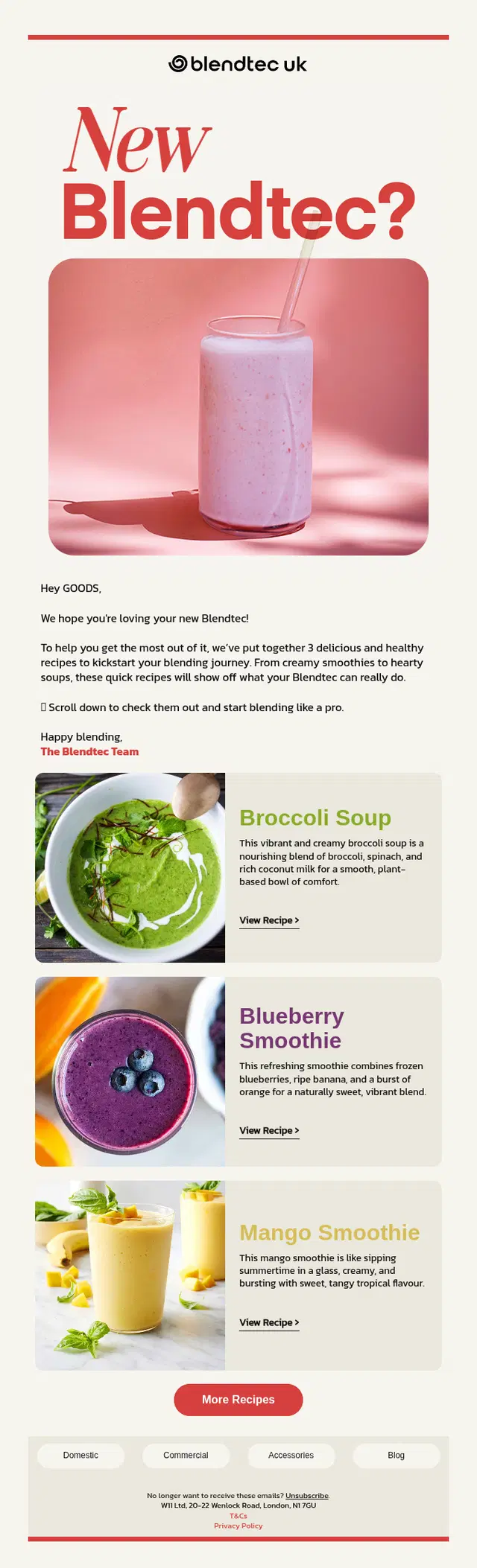
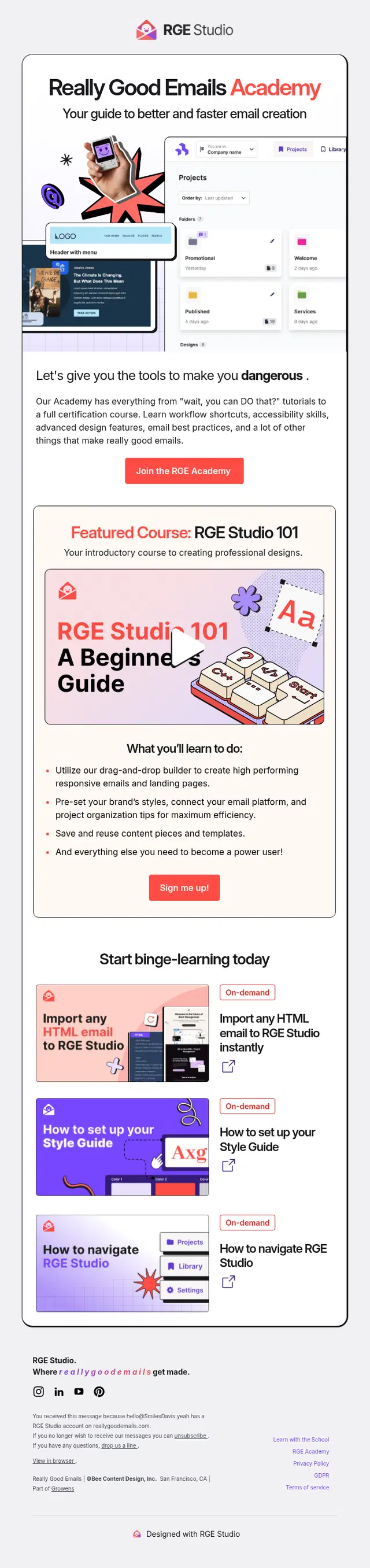
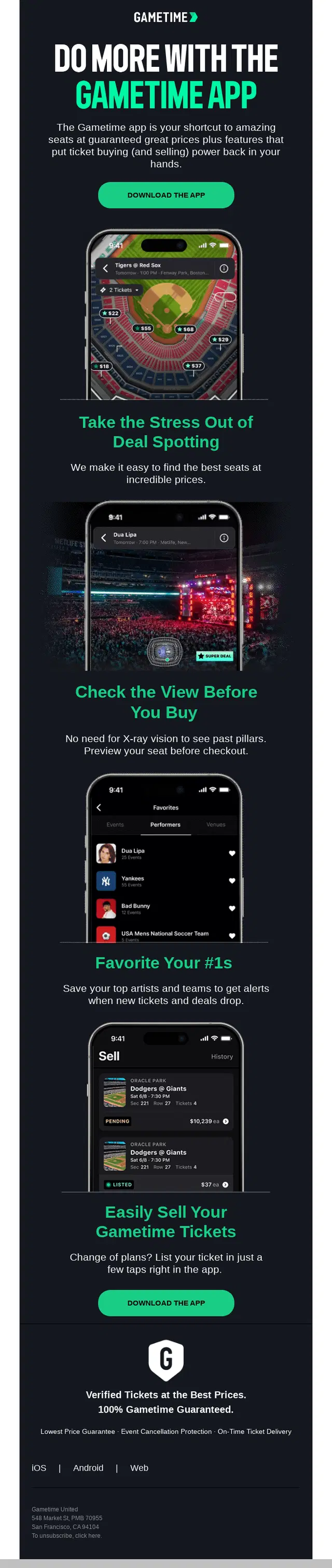
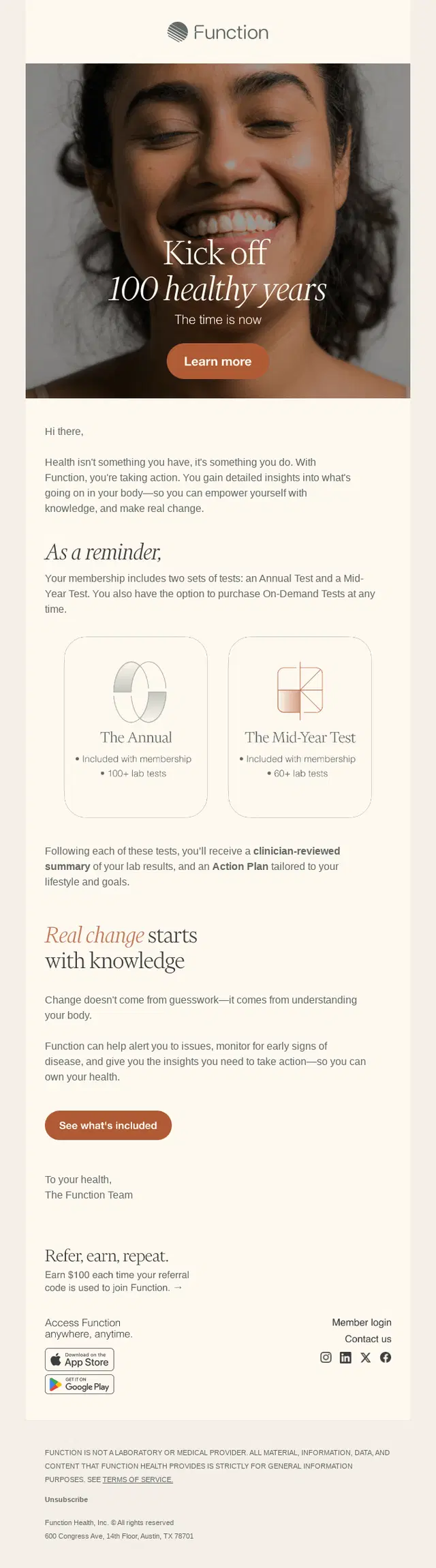
Some products need a little explanation before their value becomes obvious. Product education emails teach new users how something works, how to use it effectively, or how it fits into their routine.
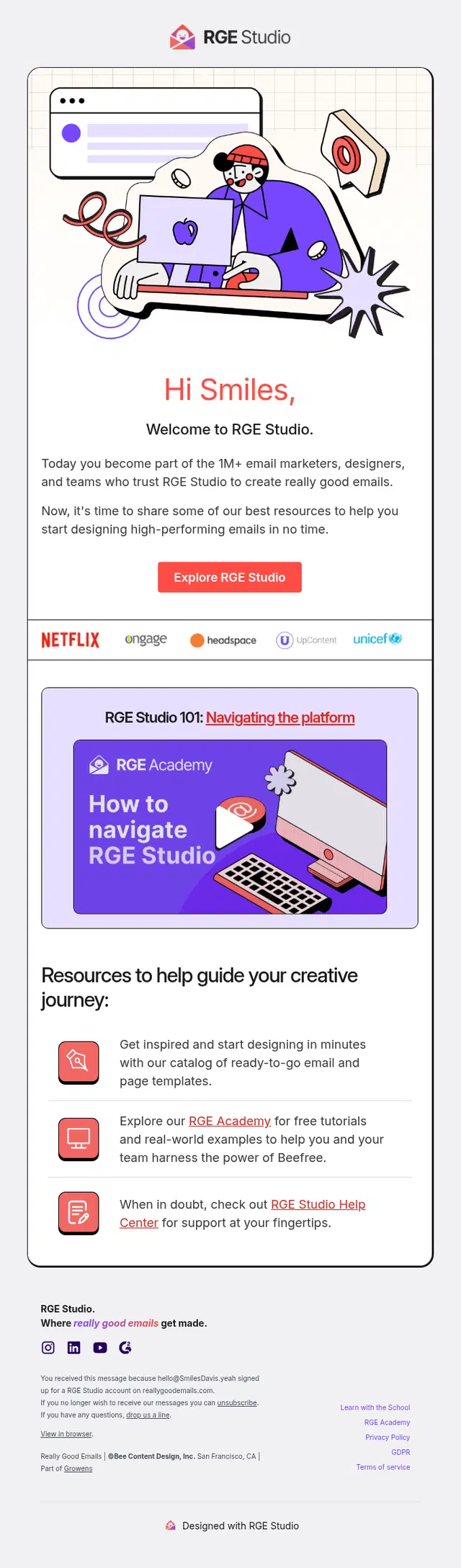
Tutorials, step-by-step instructions, recipes, guides, product walkthroughs, and educational resources can all play this role. Rather than listing everything a product can do, these emails connect information to a practical use case that helps the recipient move forward.





Feature Discovery Onboarding Email Examples
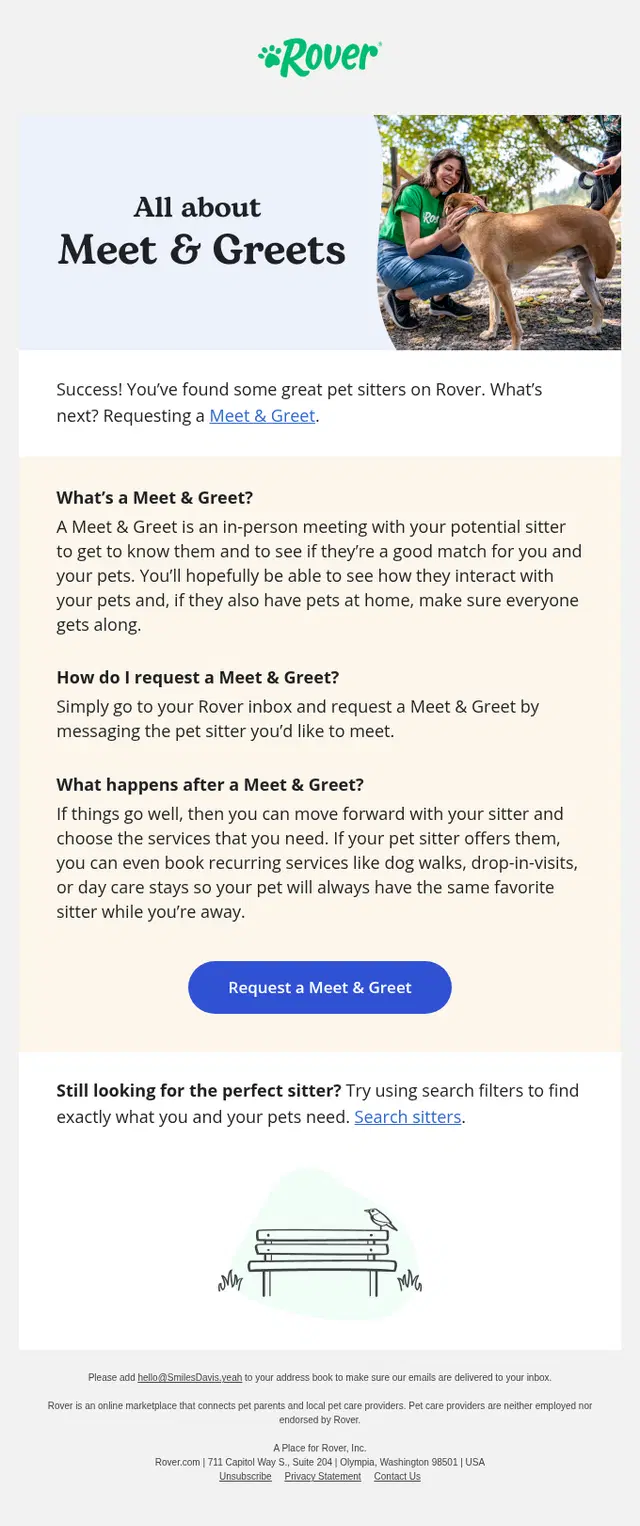
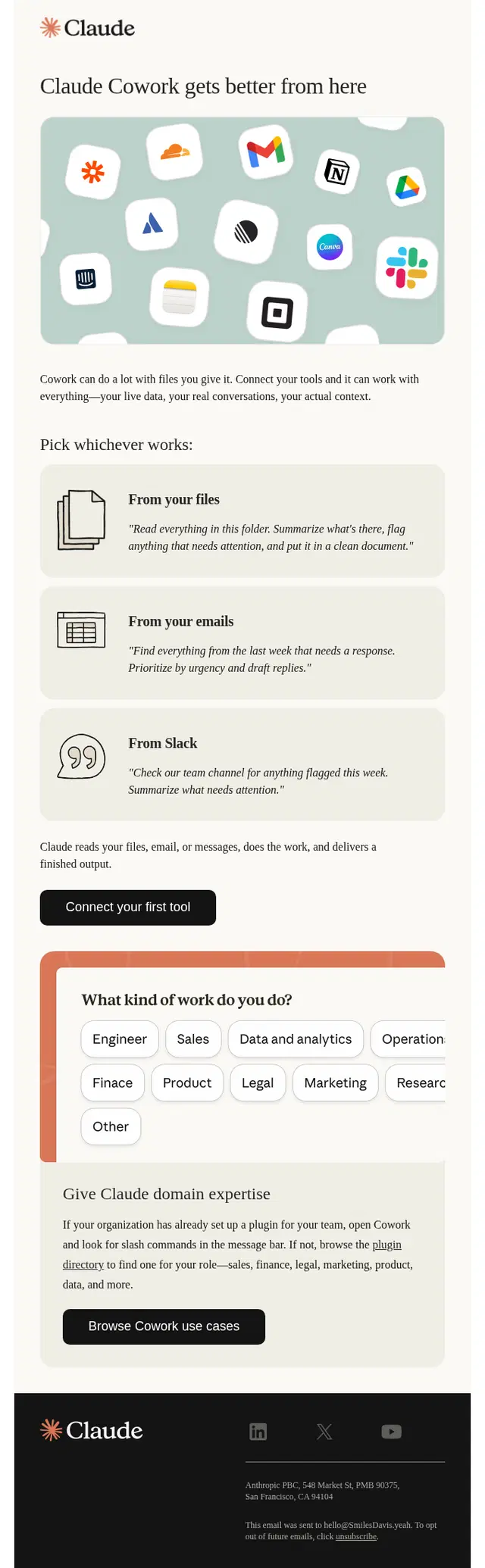
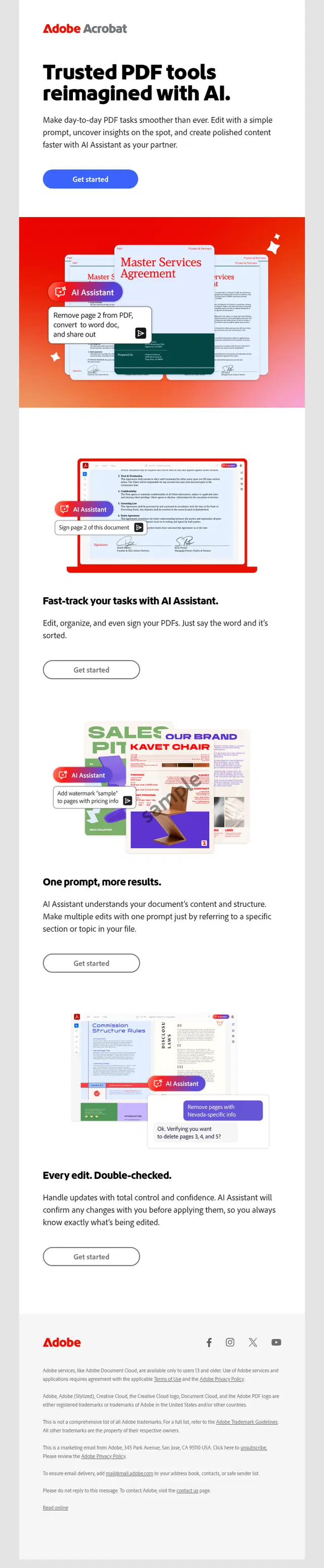
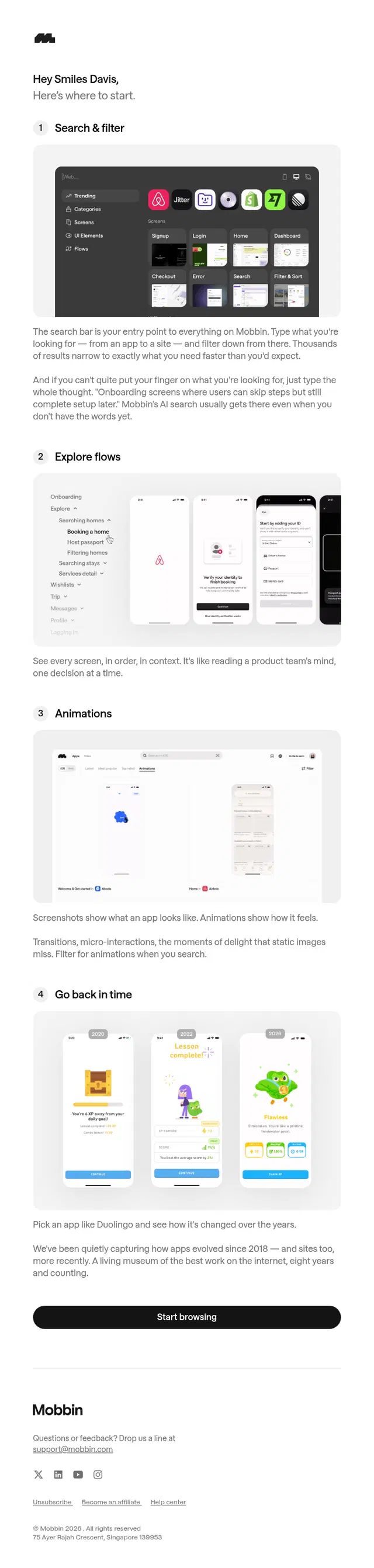
Users rarely discover every useful feature on their first visit. Feature discovery emails introduce capabilities gradually, giving people a reason to return and explore something they may have missed.
A feature can be presented on its own or tied to a specific task, problem, or outcome. The latter is often easier to understand: instead of simply announcing a tool, the email shows where it fits into the user’s workflow and why it is worth trying.
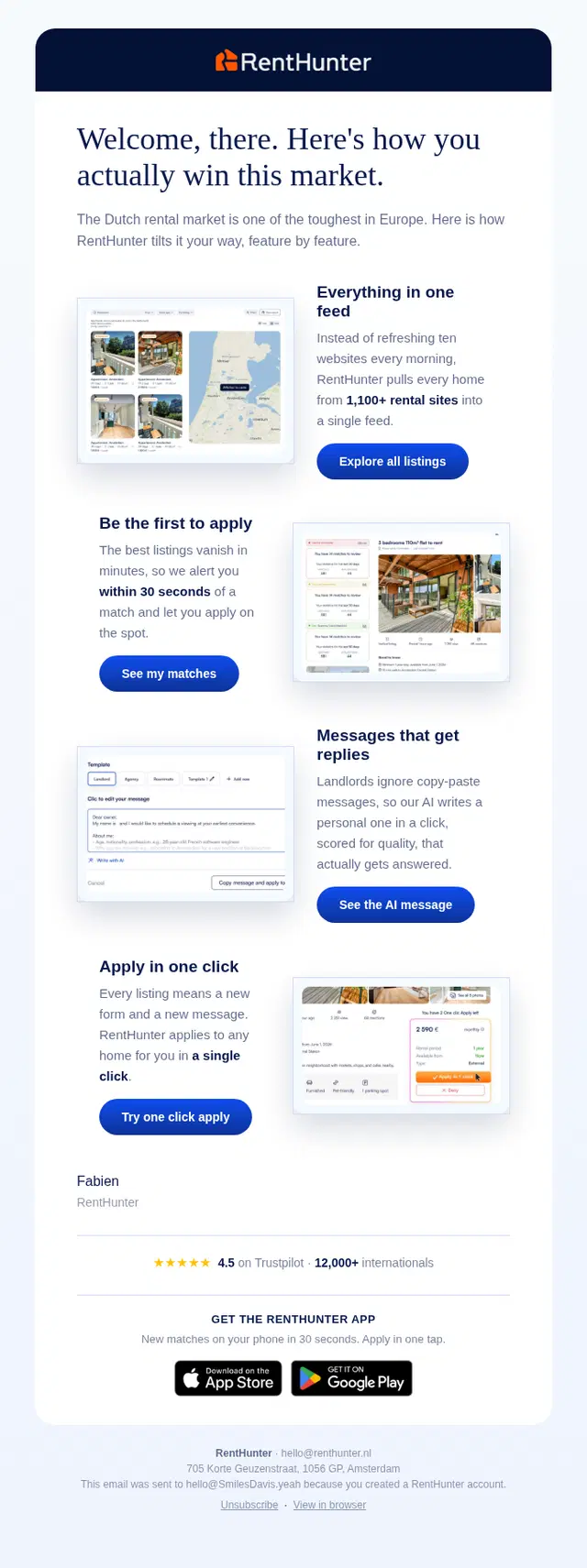
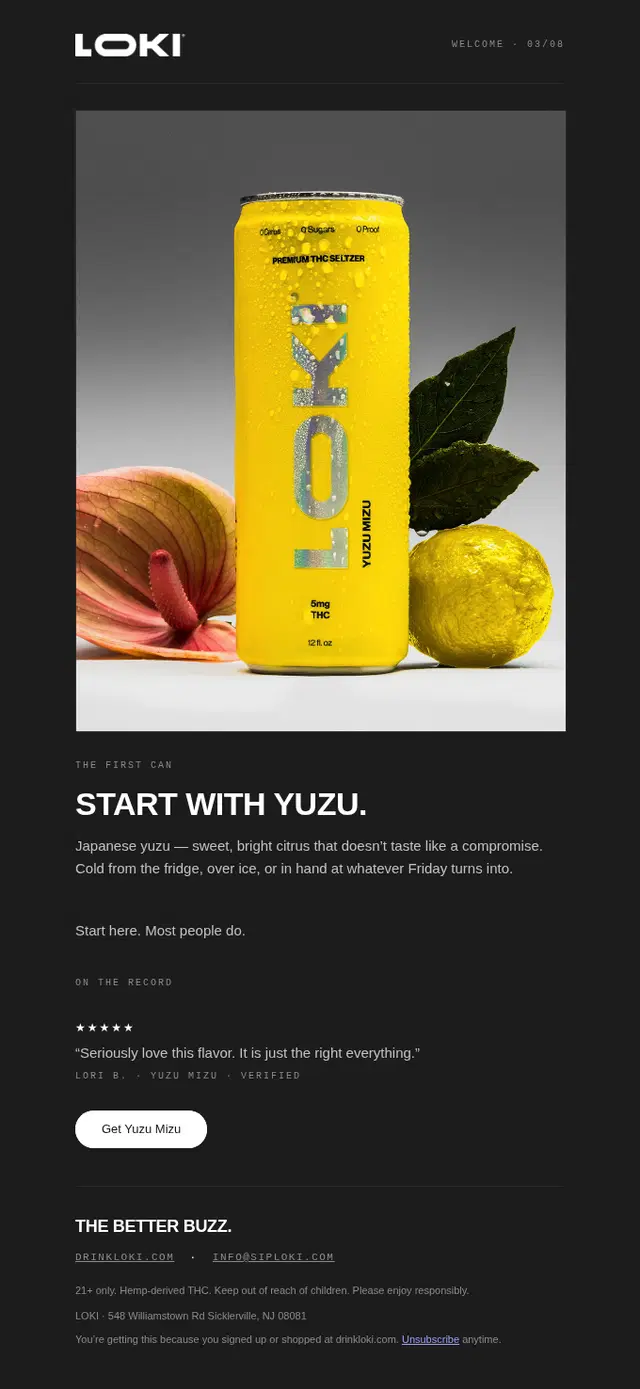
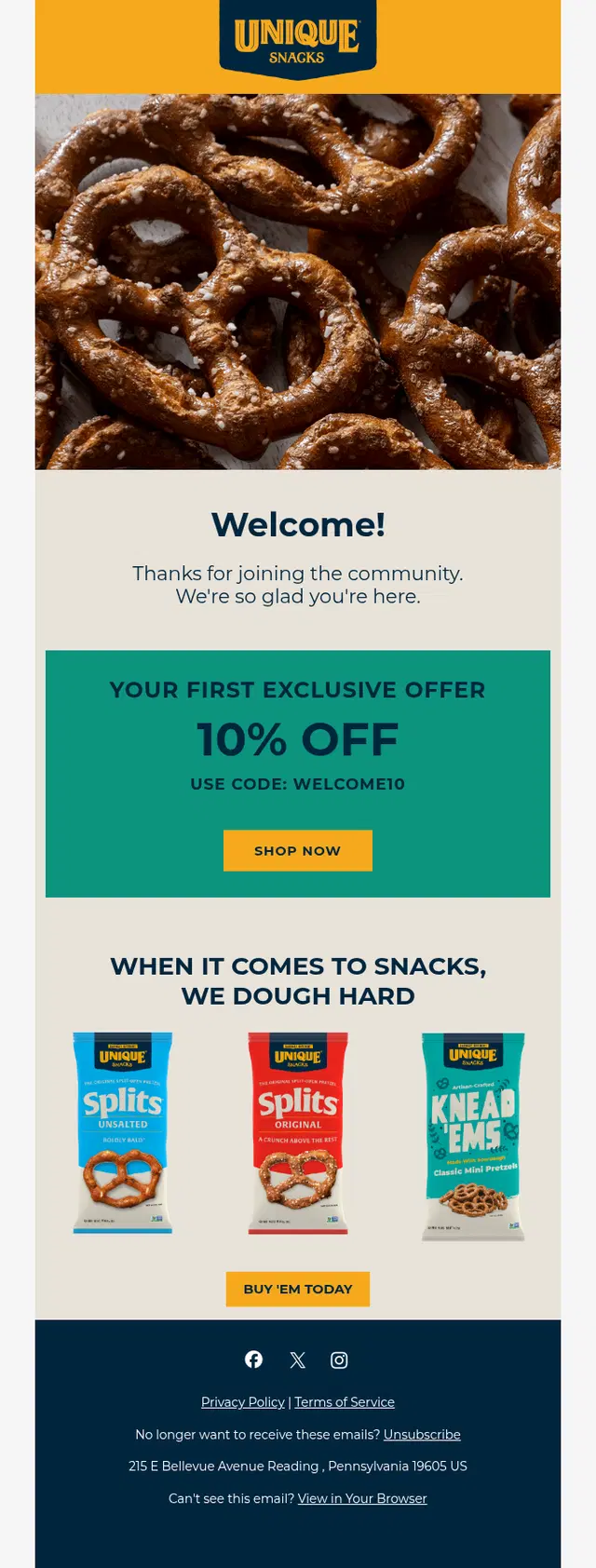
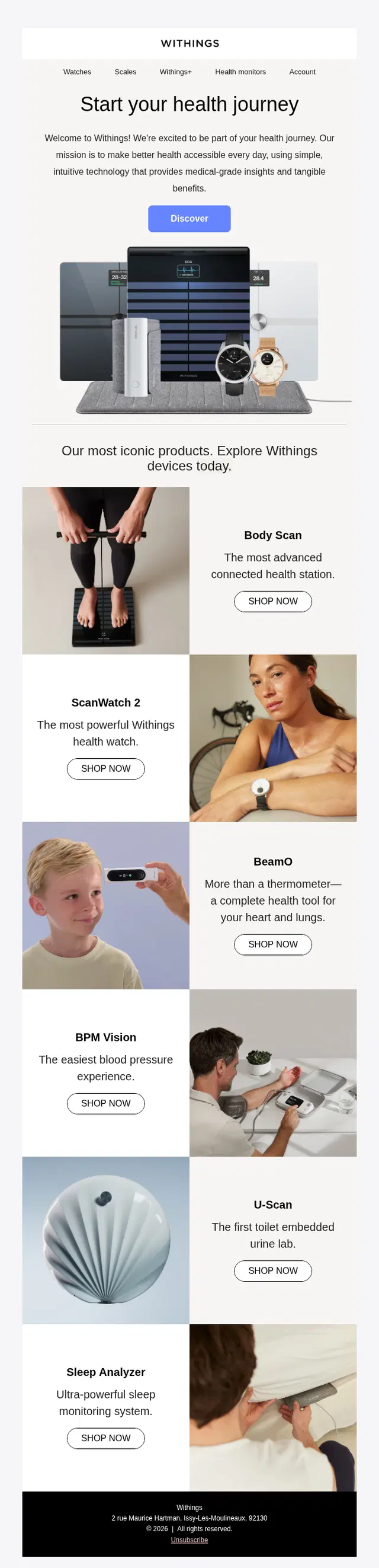
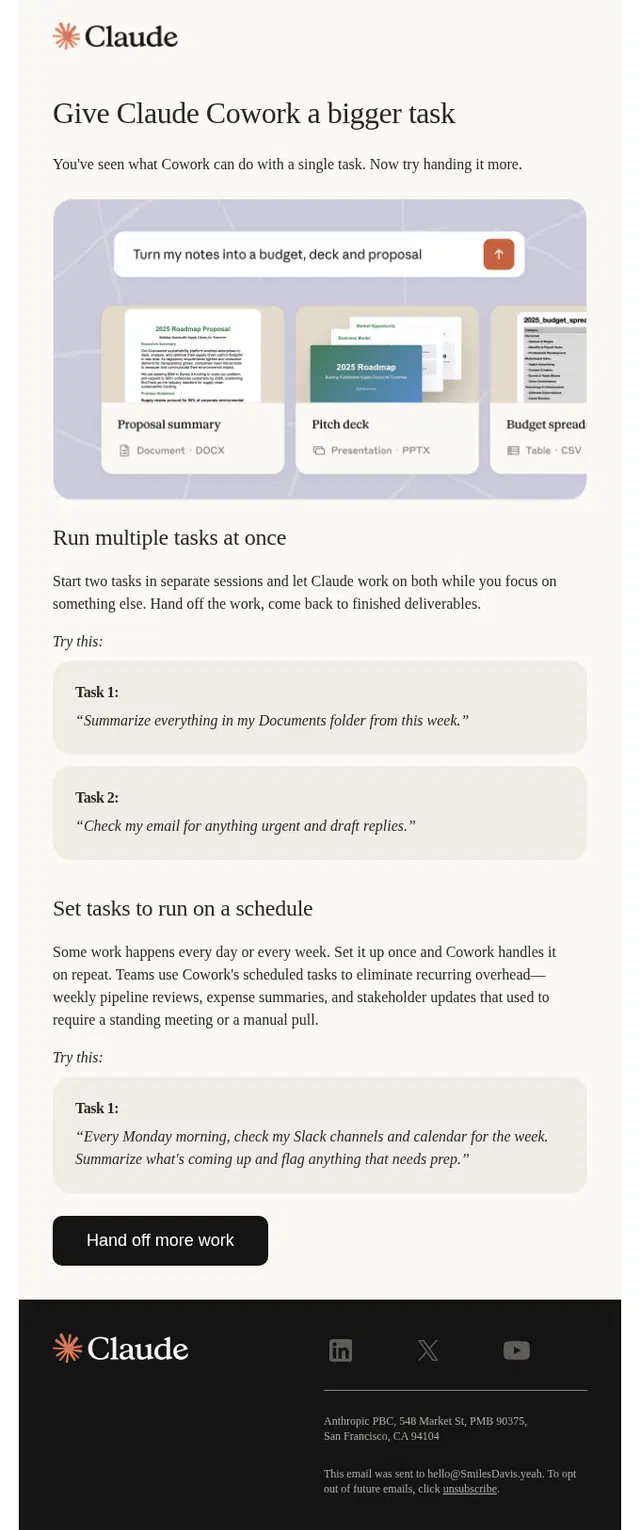
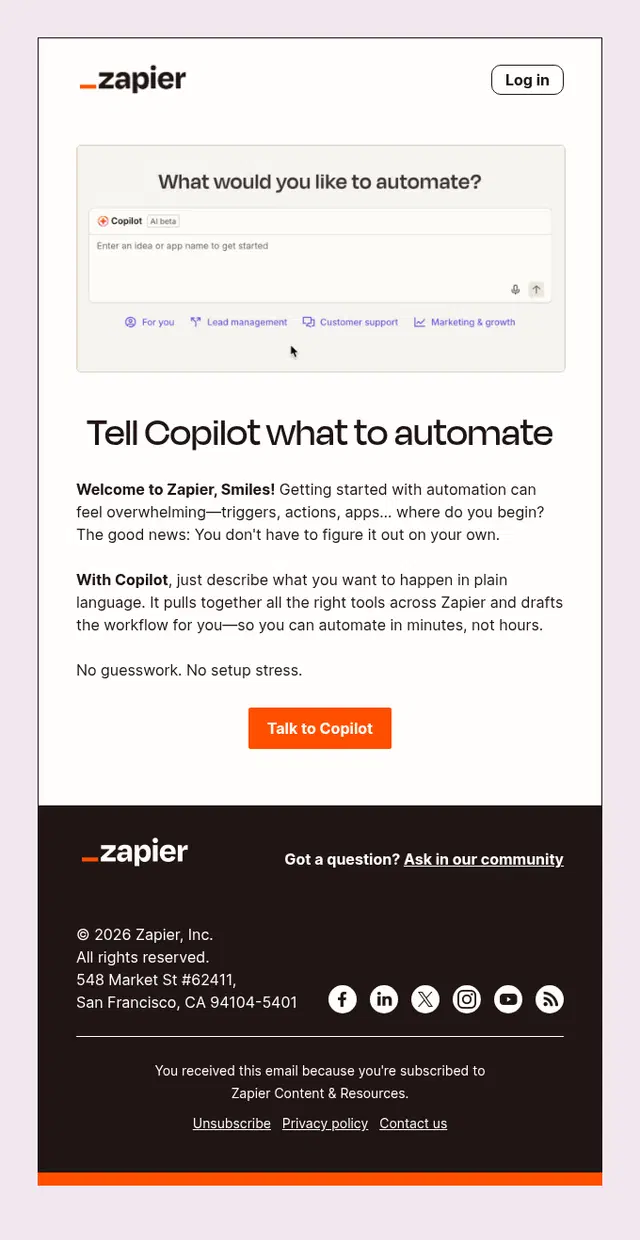
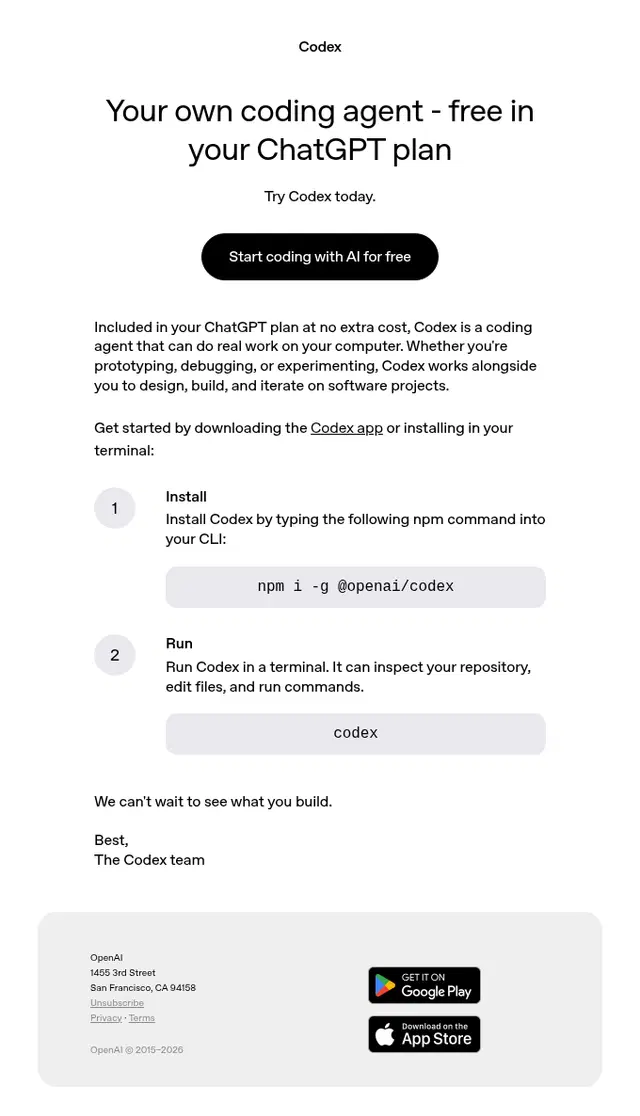
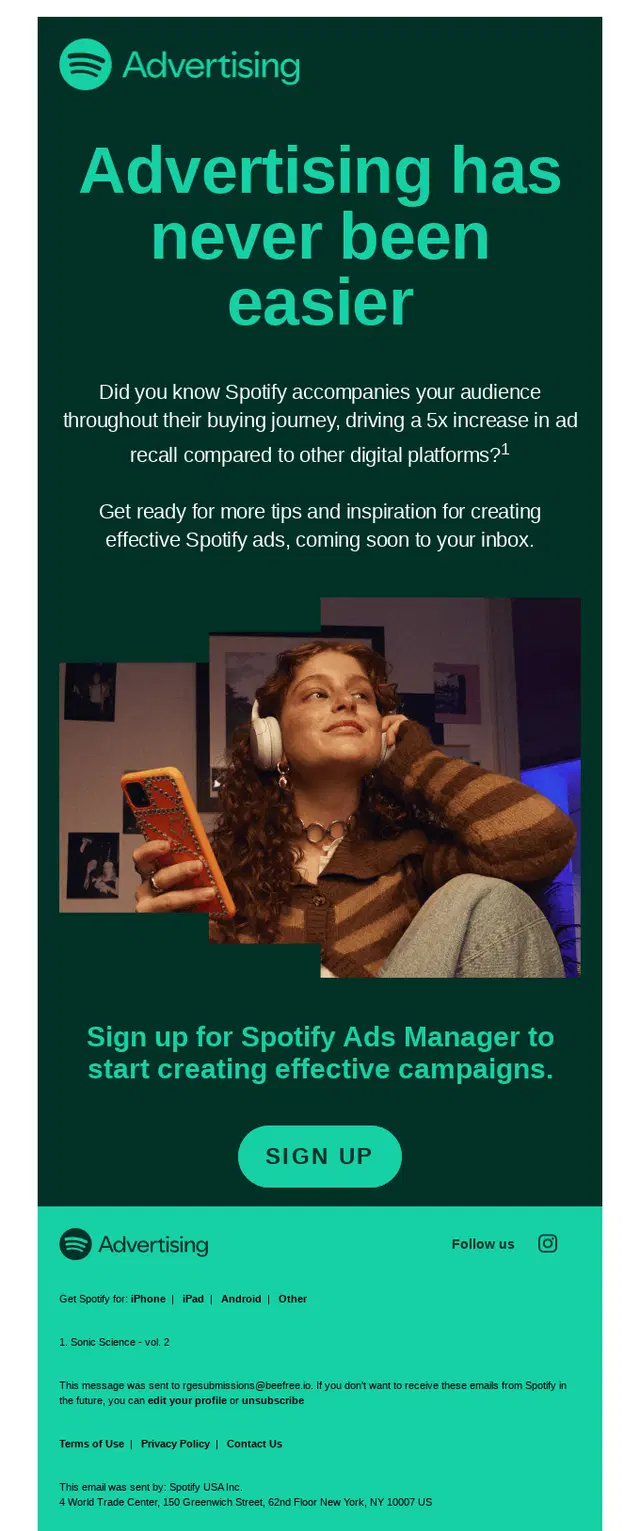
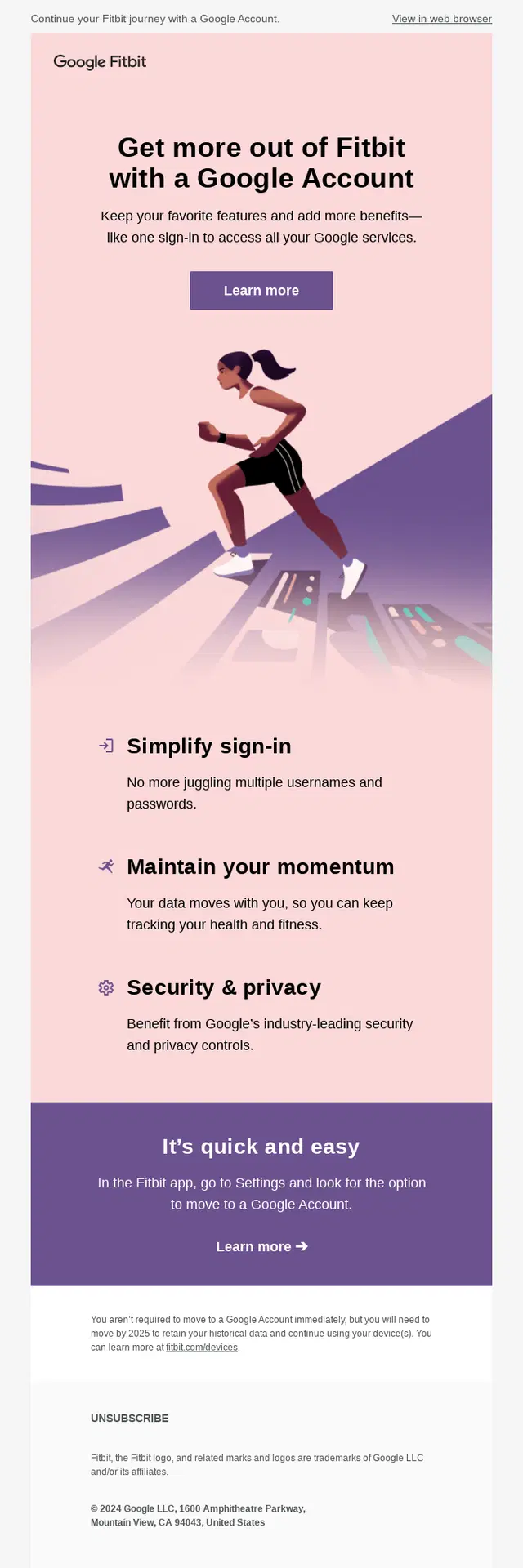
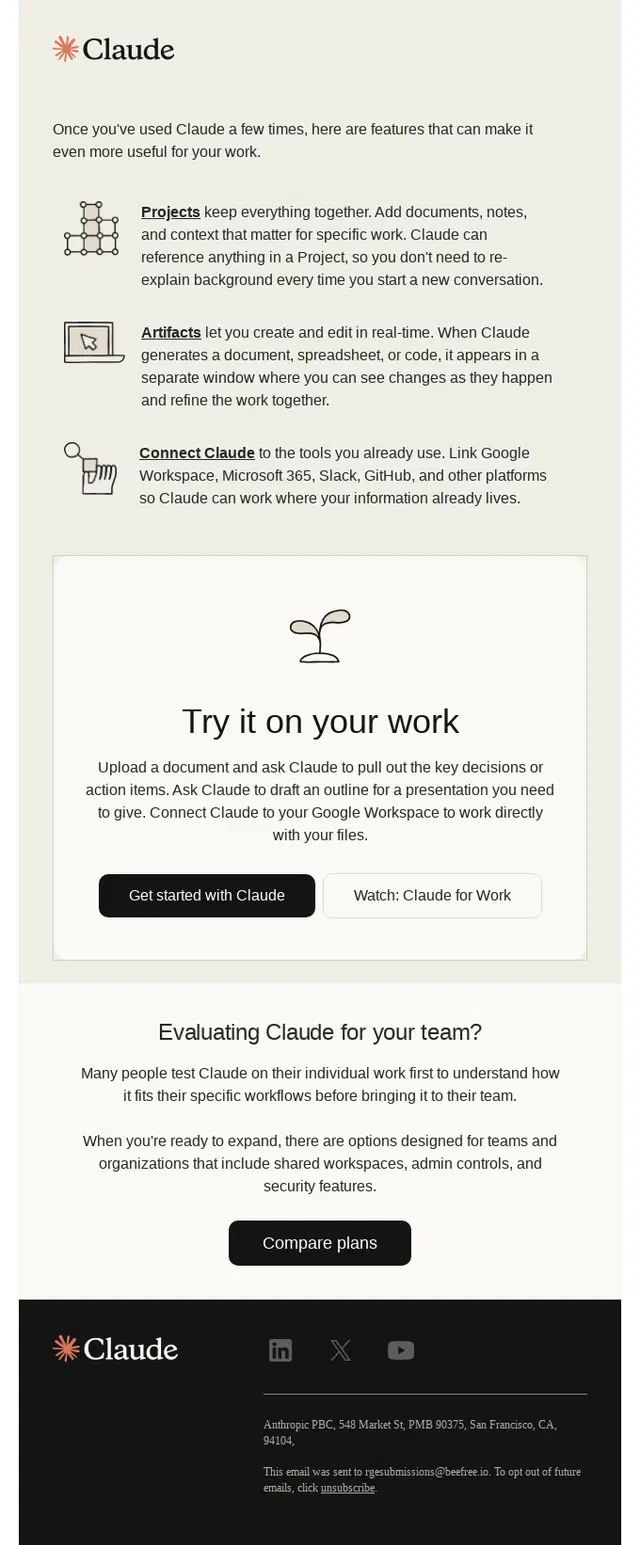

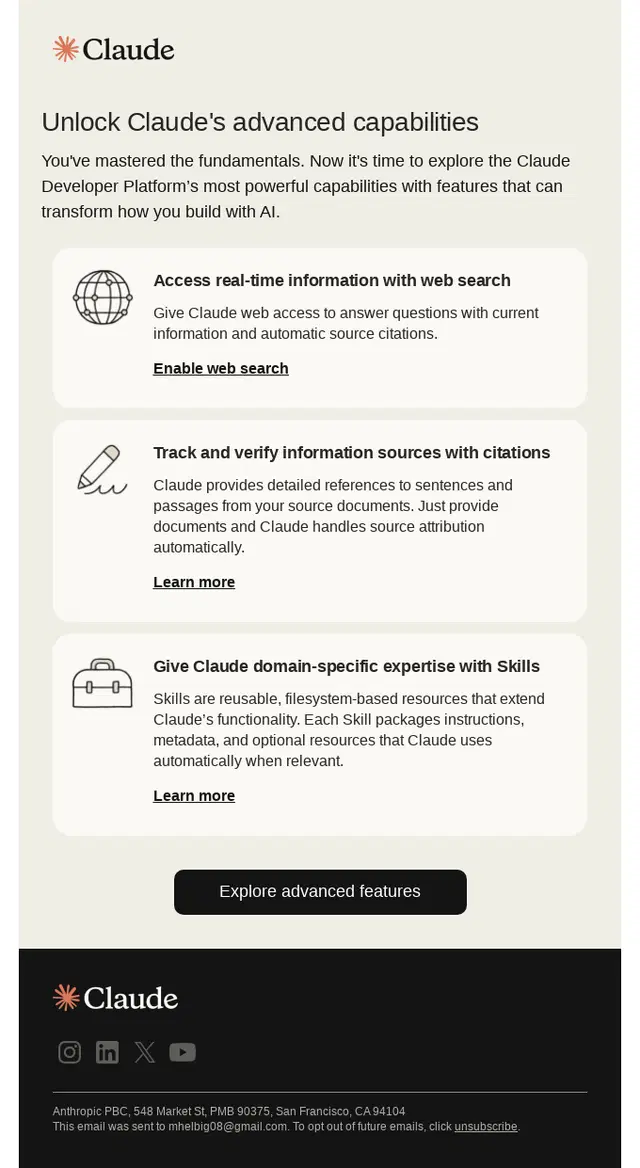
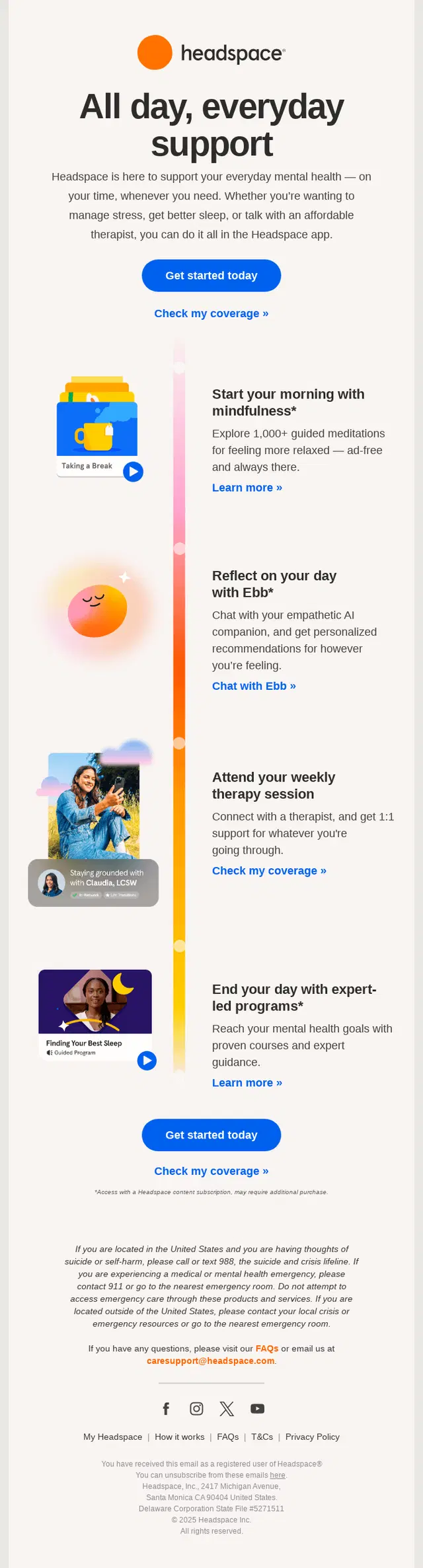
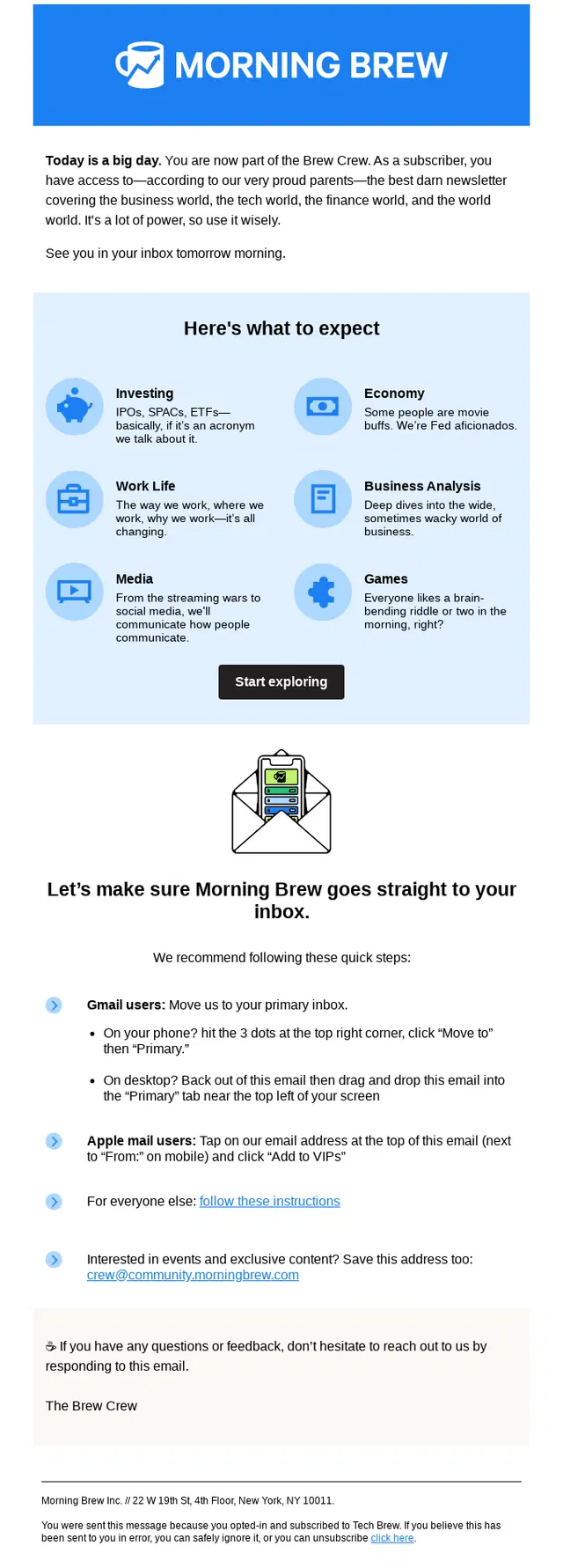
Activation and Engagement Onboarding Emails
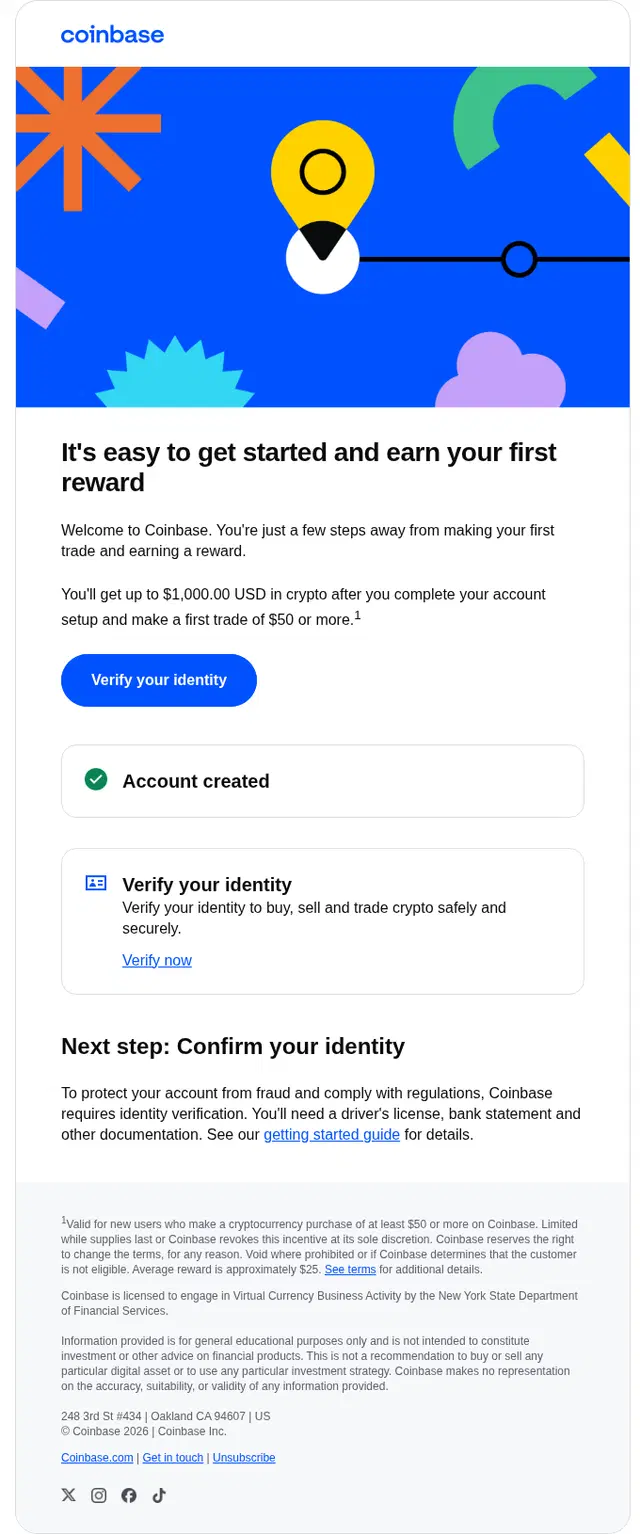
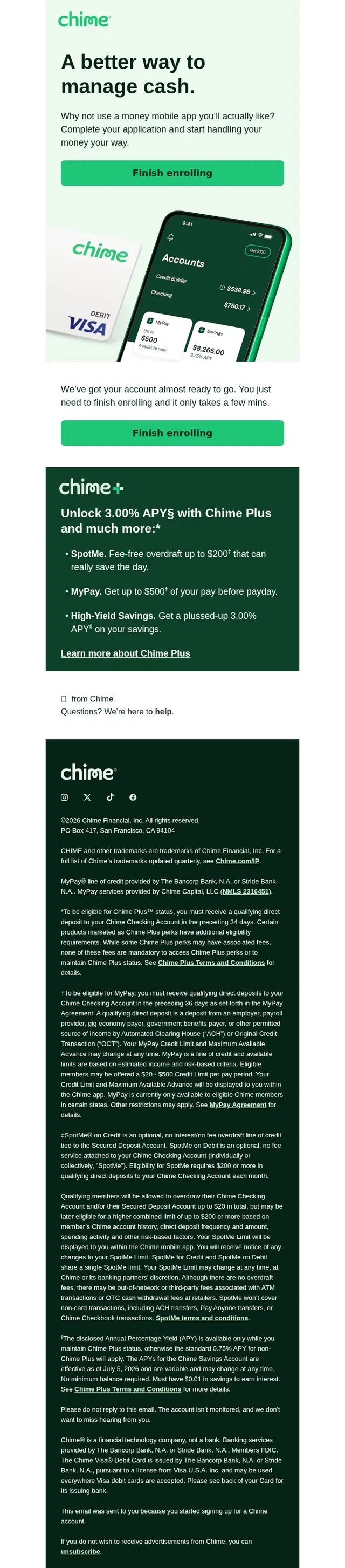
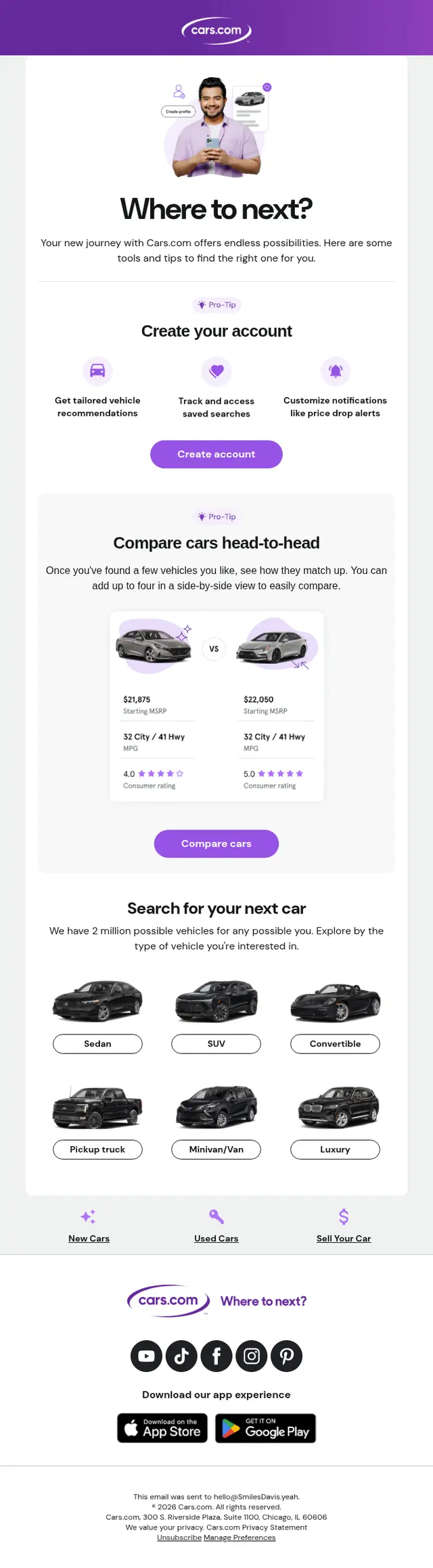
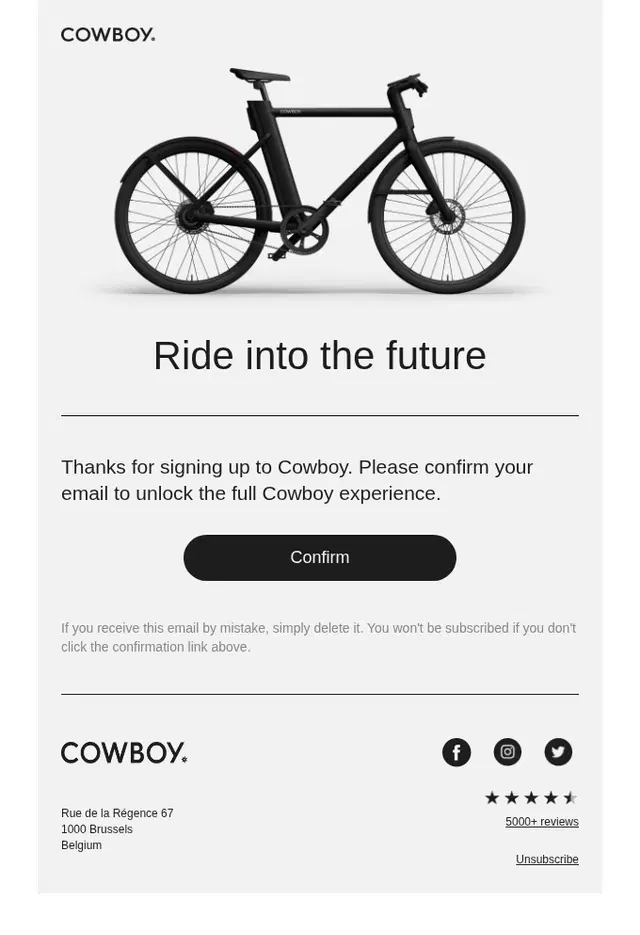
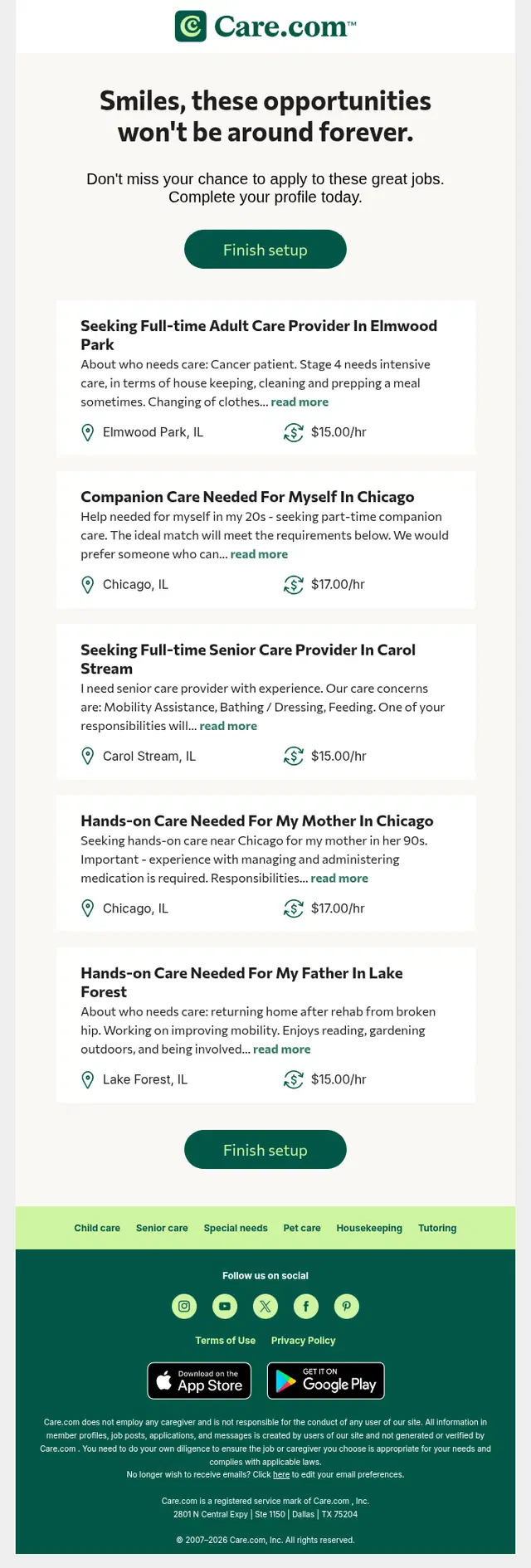
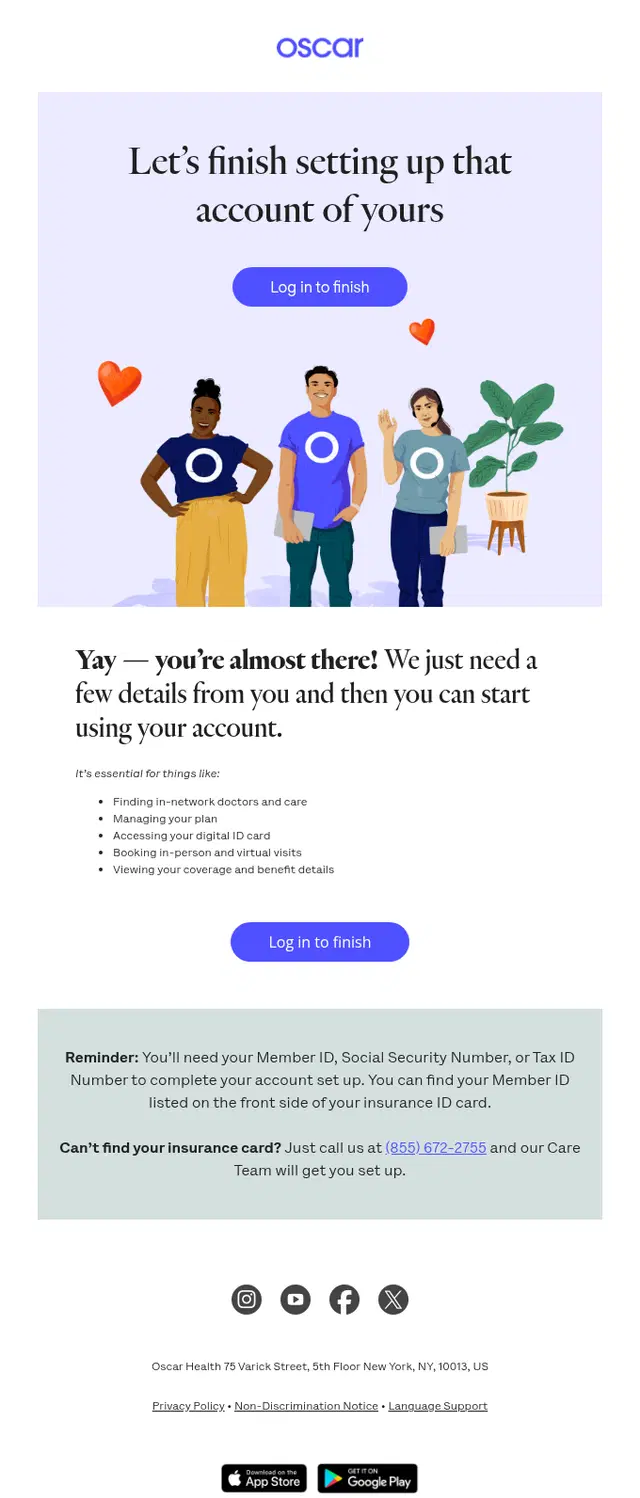
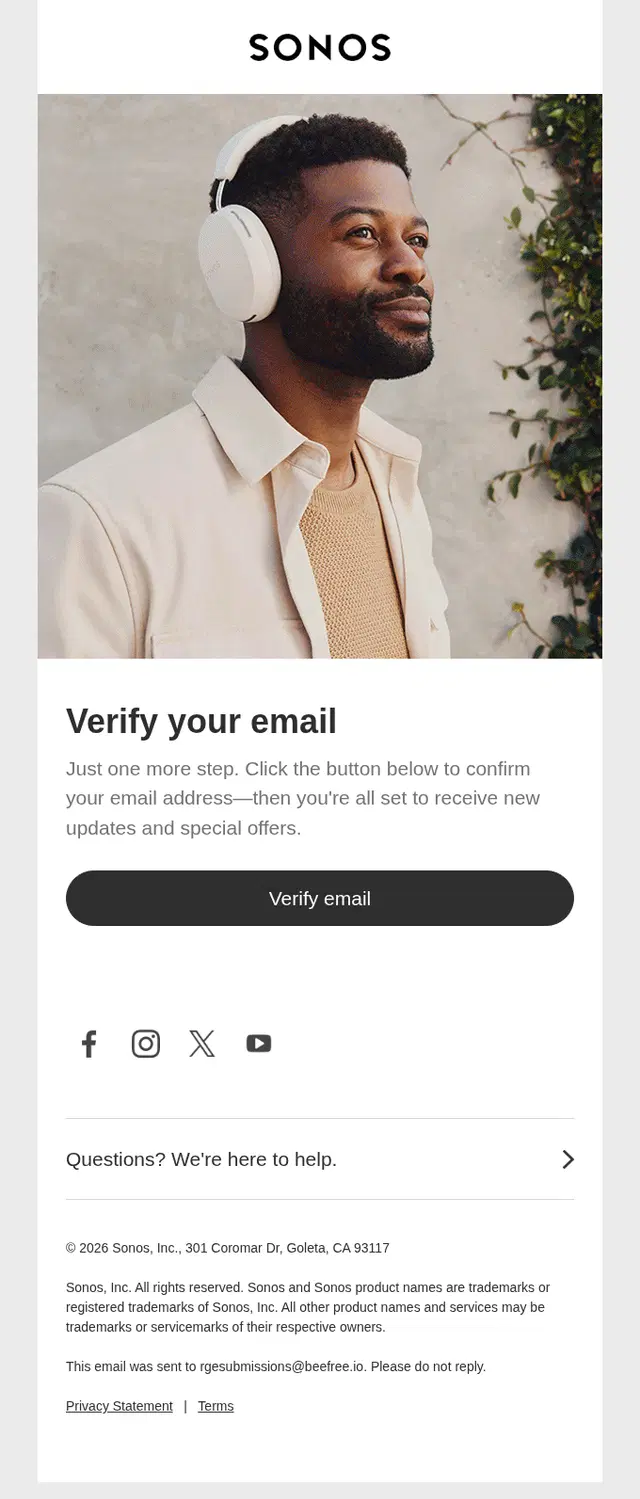
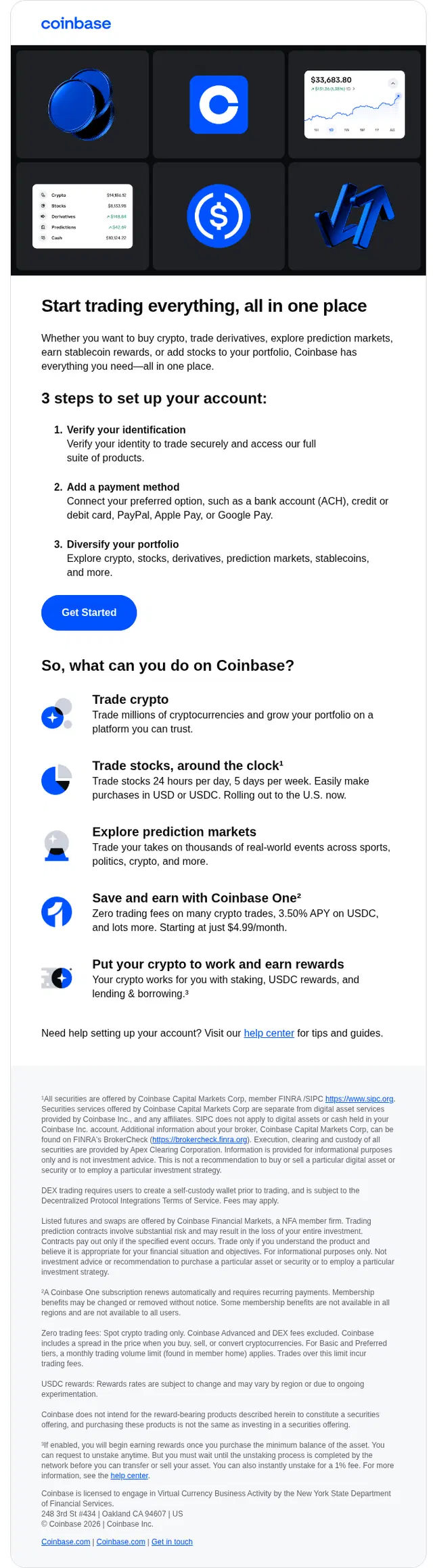
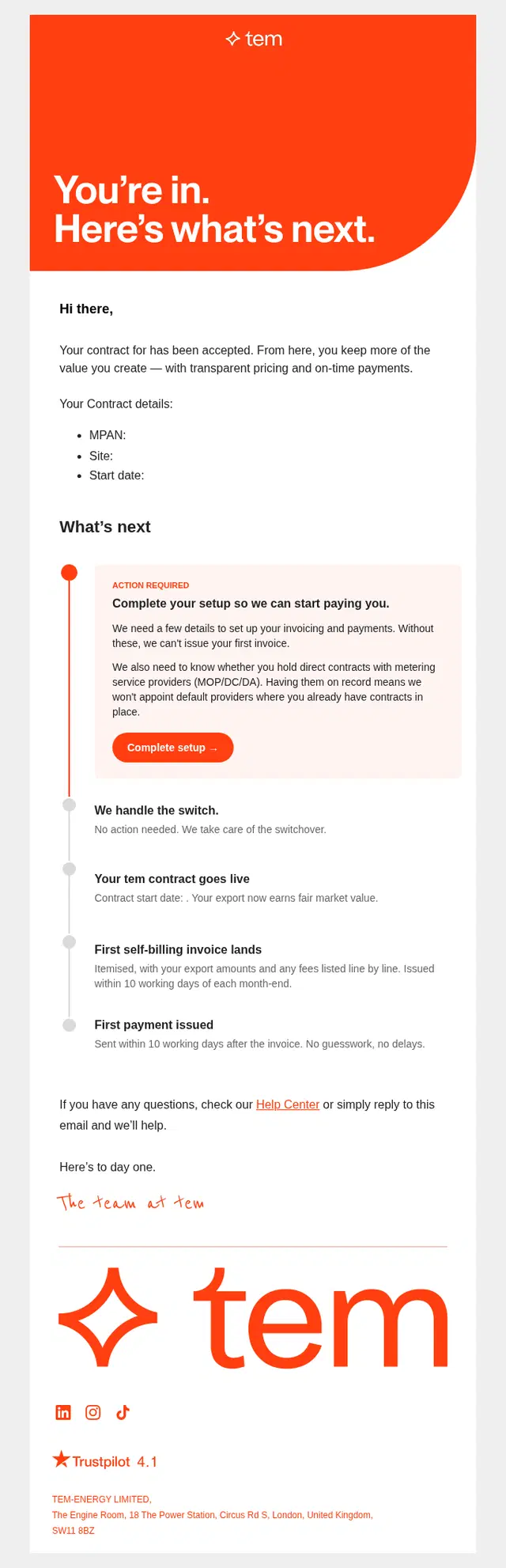
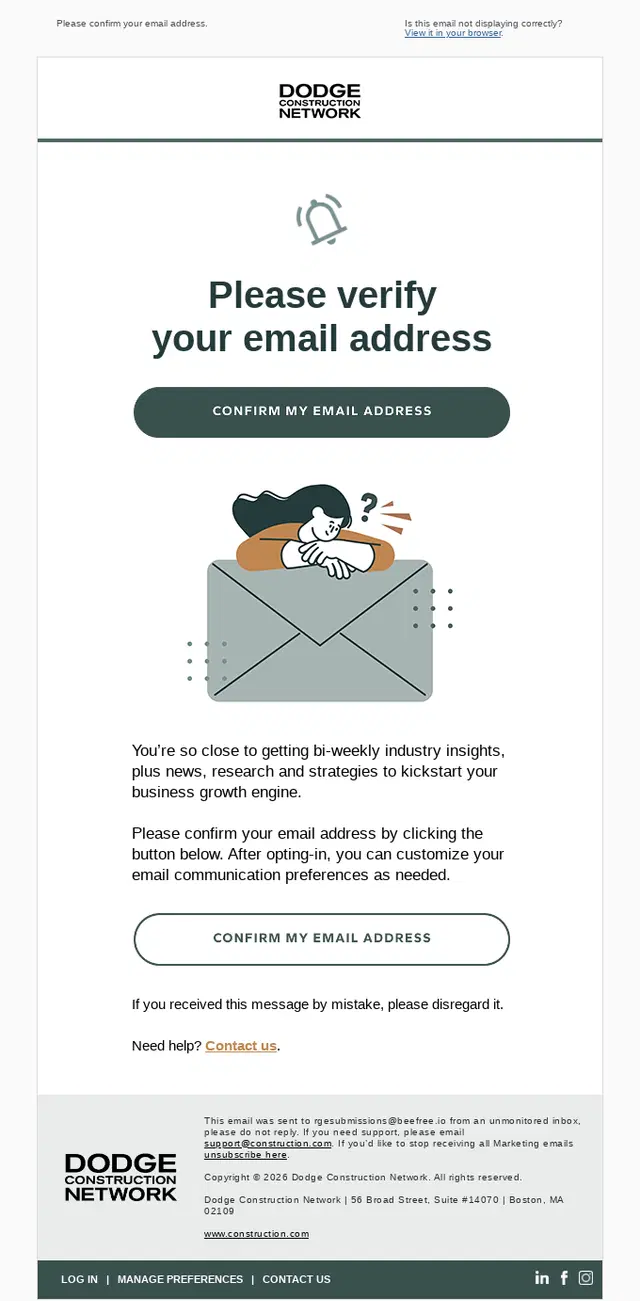
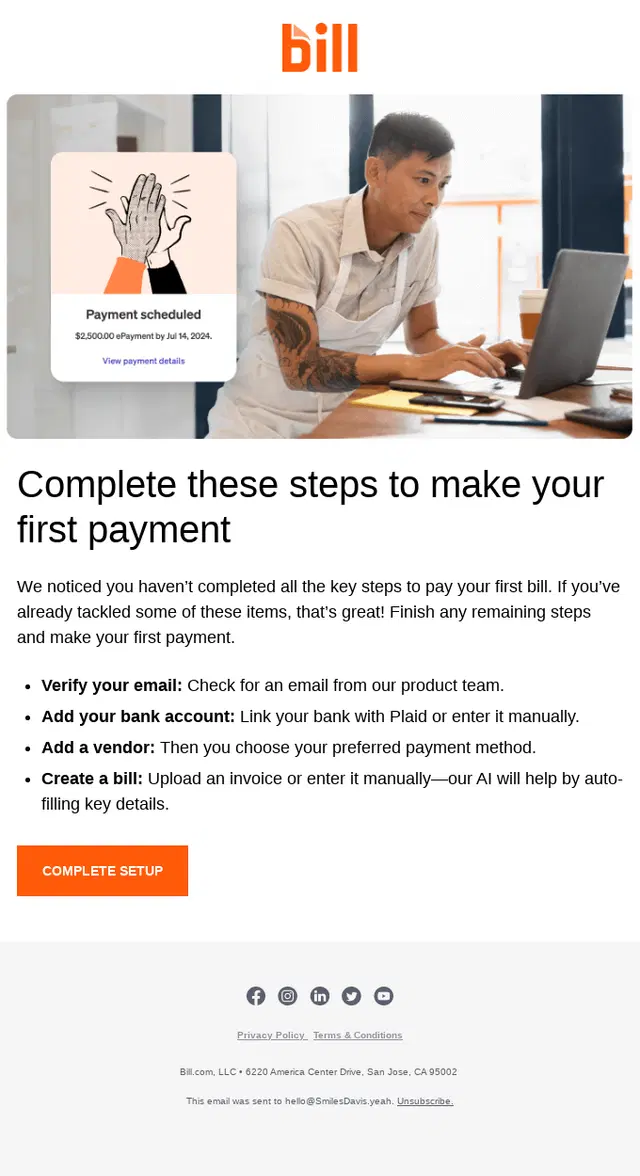
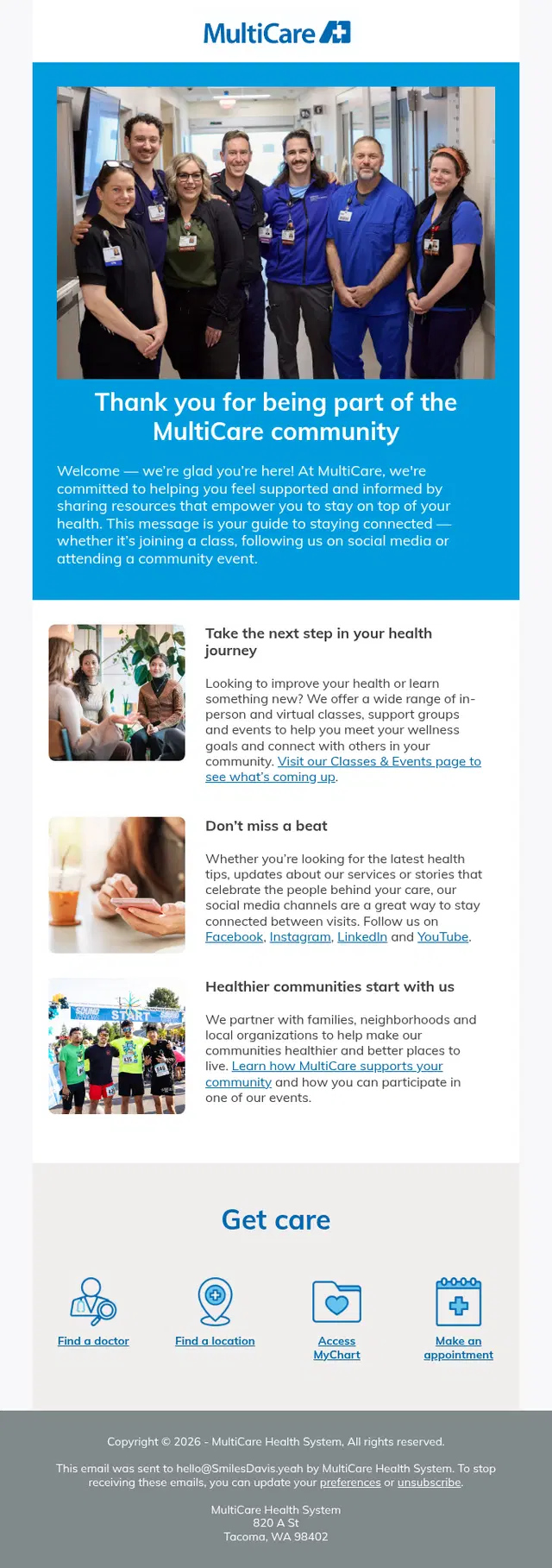
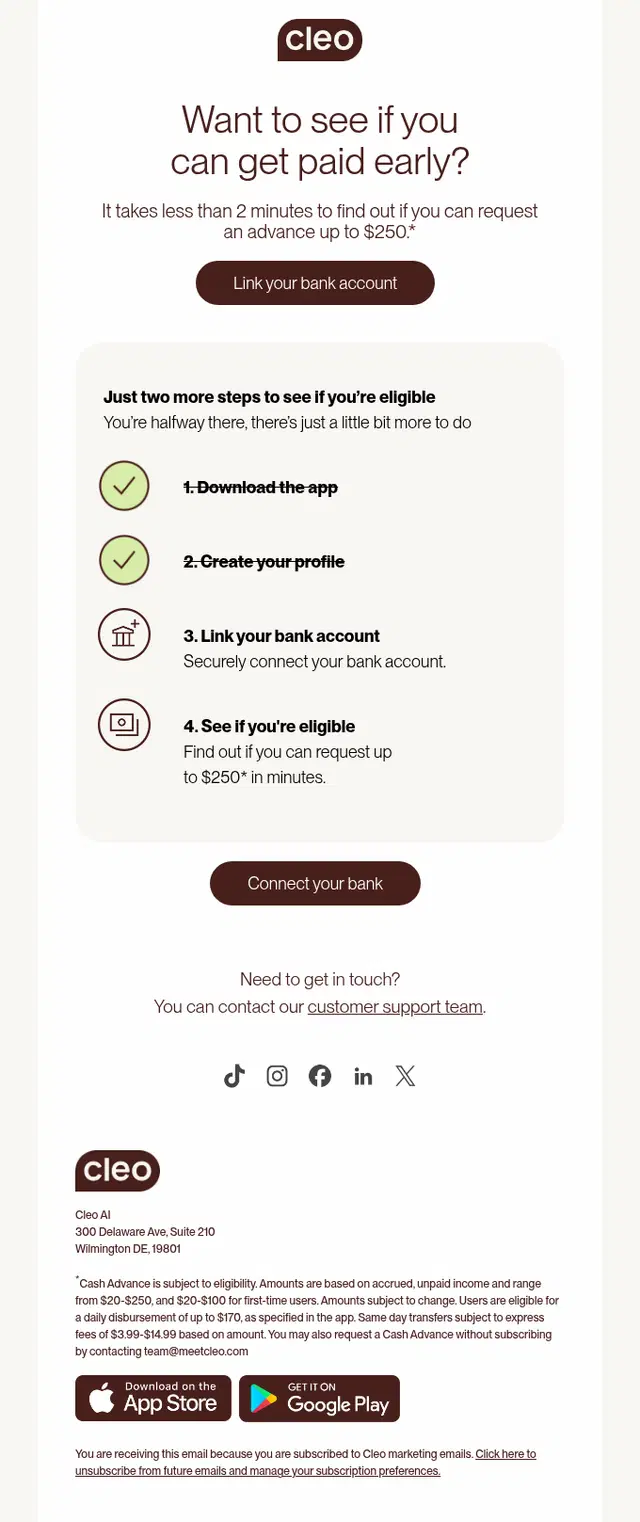
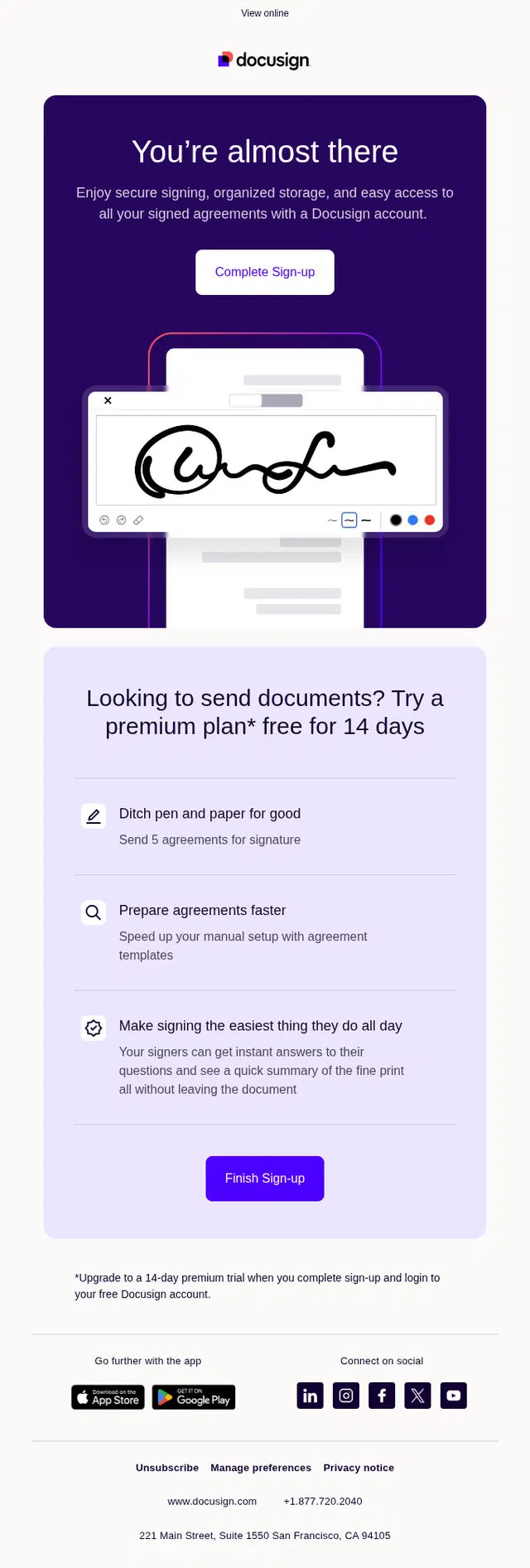
Activation emails focus on the actions that turn a signup into an active user. Depending on the product, that could mean verifying an account, finishing a profile, creating a first project, connecting a bank account, inviting a teammate, making a booking, or completing another key setup step.
These emails work best when the requested action is specific. Showing what the user has already completed, what remains, and what they unlock by finishing can make an incomplete onboarding process much easier to resume.
Personalized Onboarding Email Examples
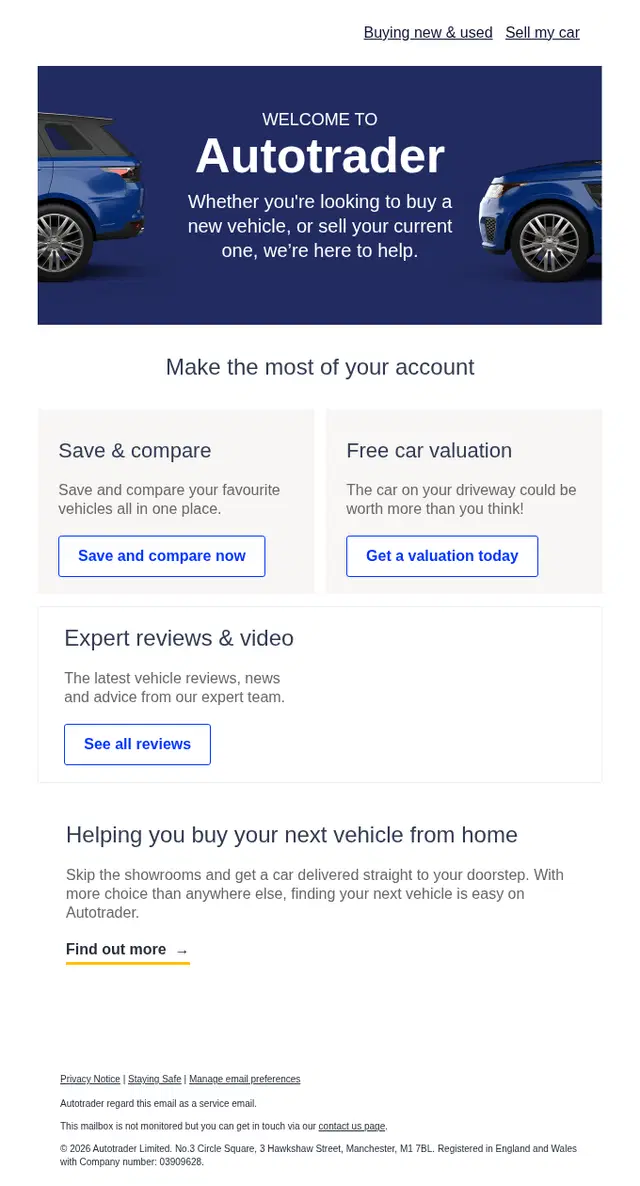
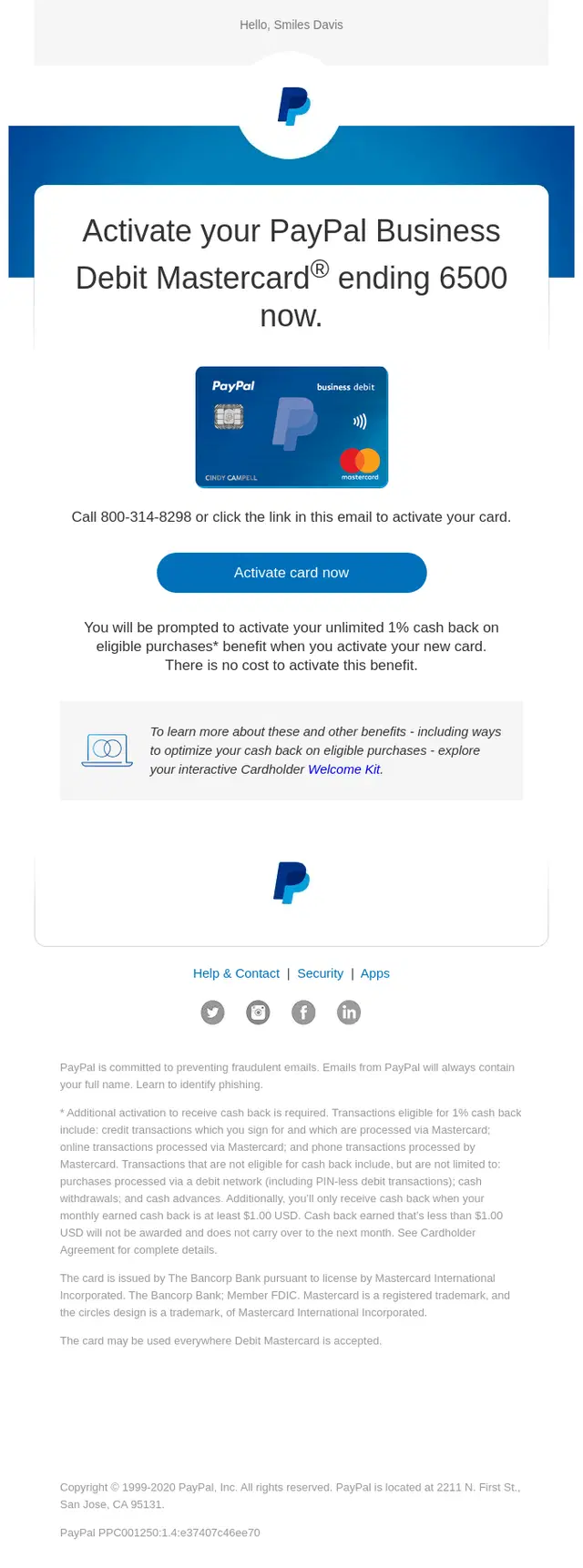
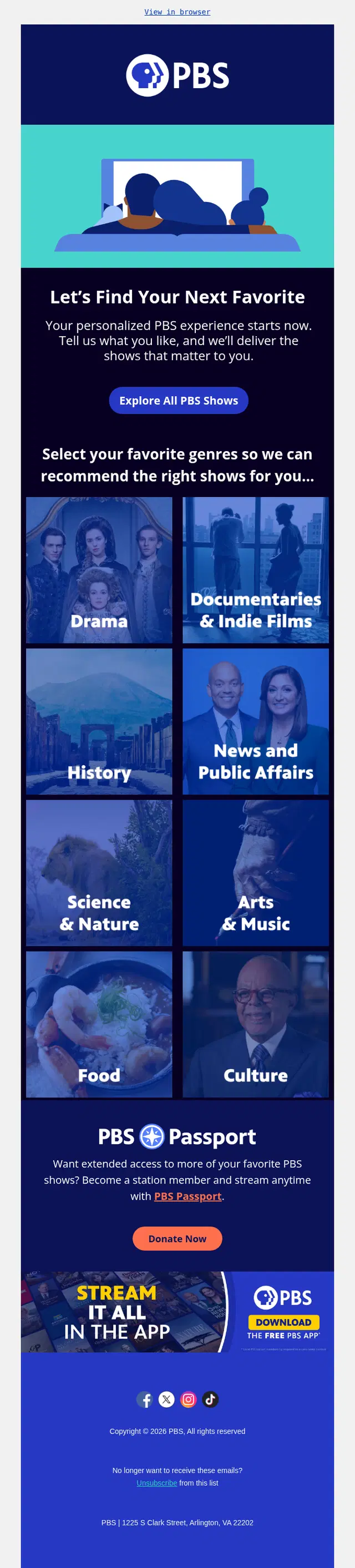
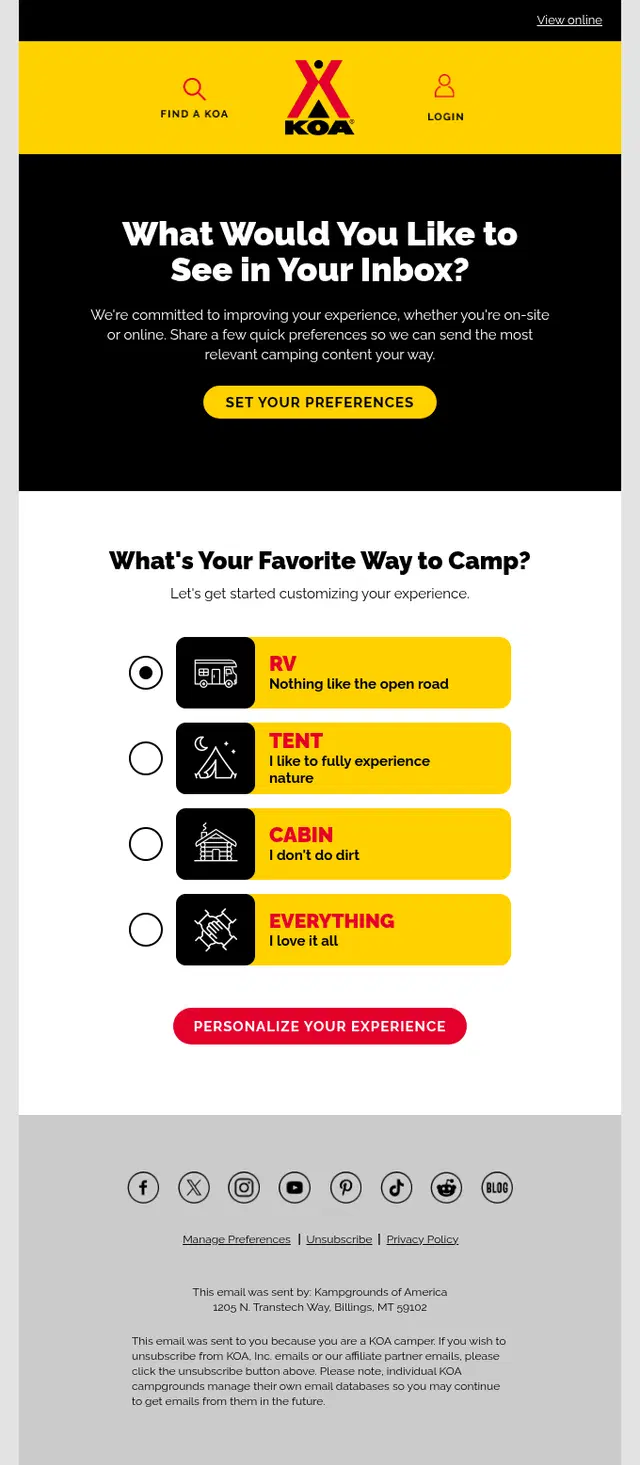
Personalized onboarding adapts the experience to what is already known about the recipient. A message might use their name, account activity, preferences, location, selected goals, trip details, role, or previous actions to make the next recommendation more relevant.
Useful personalization goes beyond inserting a first name into the subject line. It changes the content or next step in a way that reflects what the individual is actually trying to accomplish.

Social Proof and Success Story Onboarding Emails
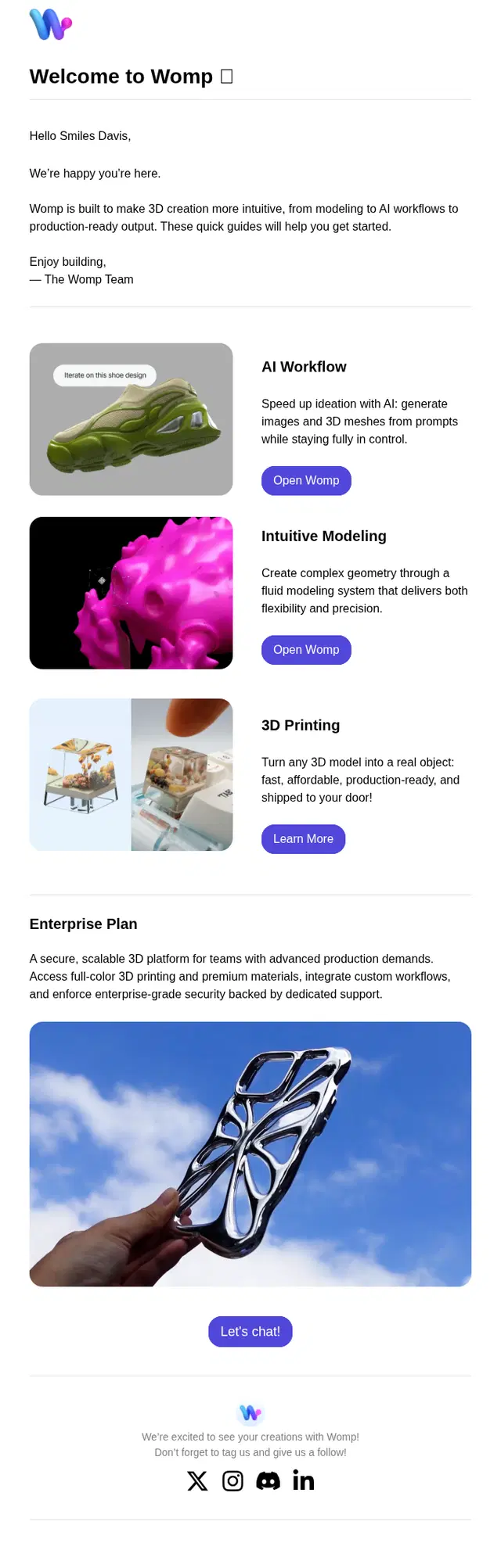
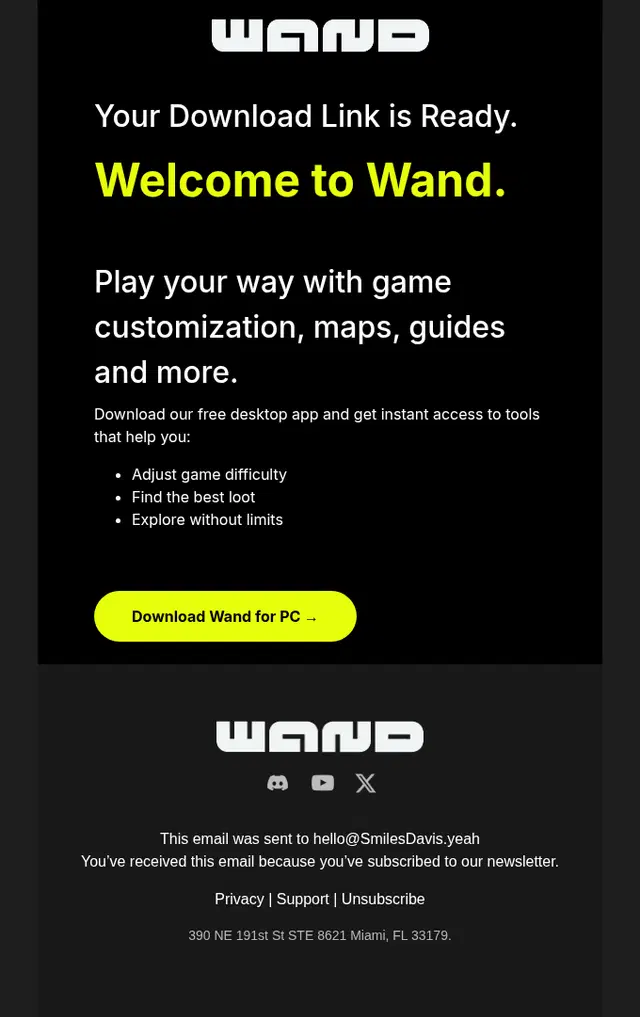
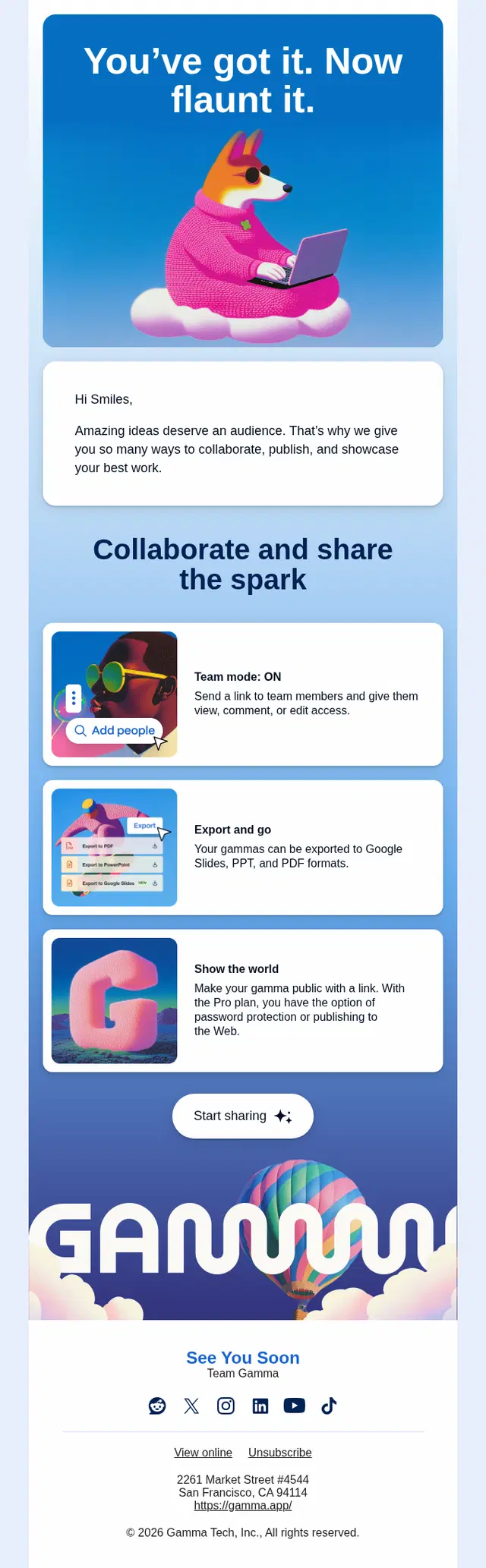
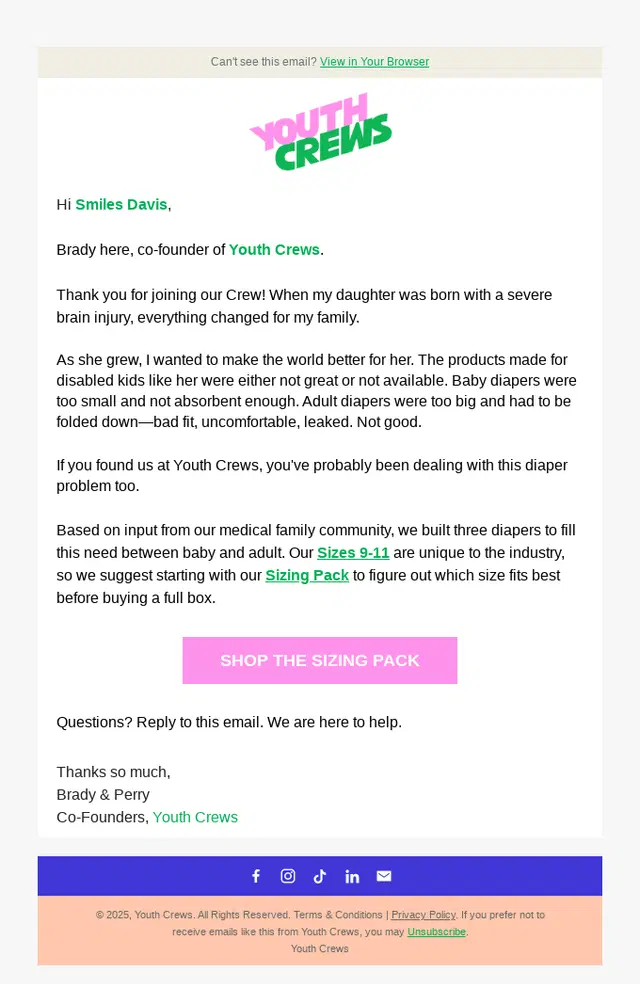
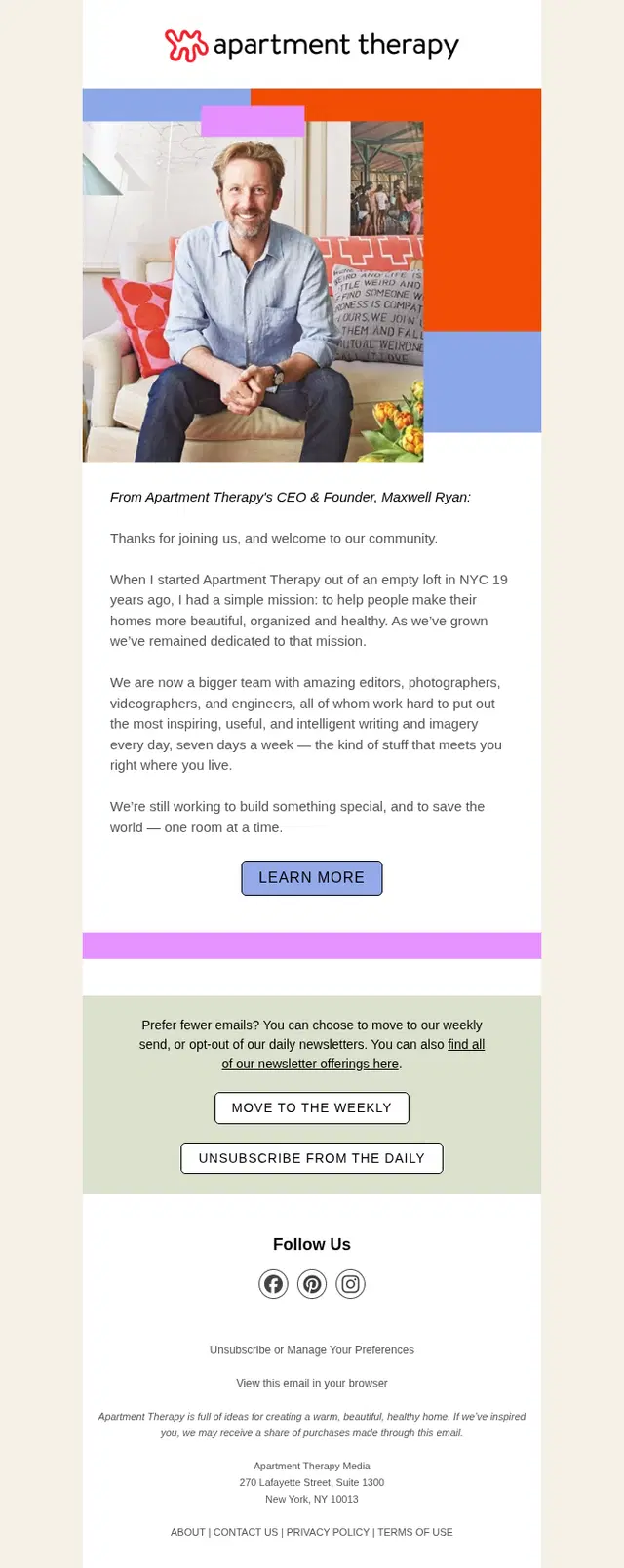
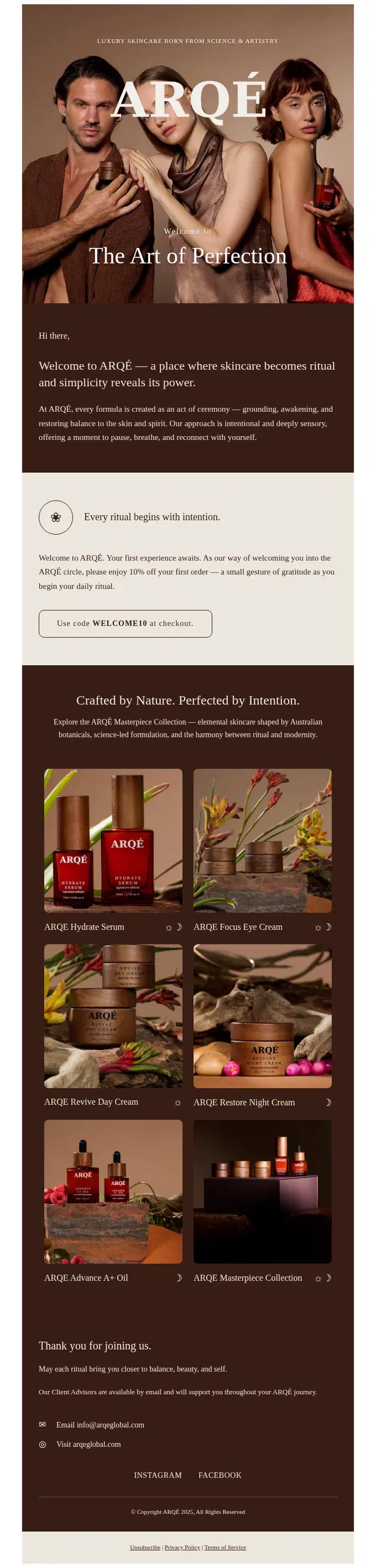
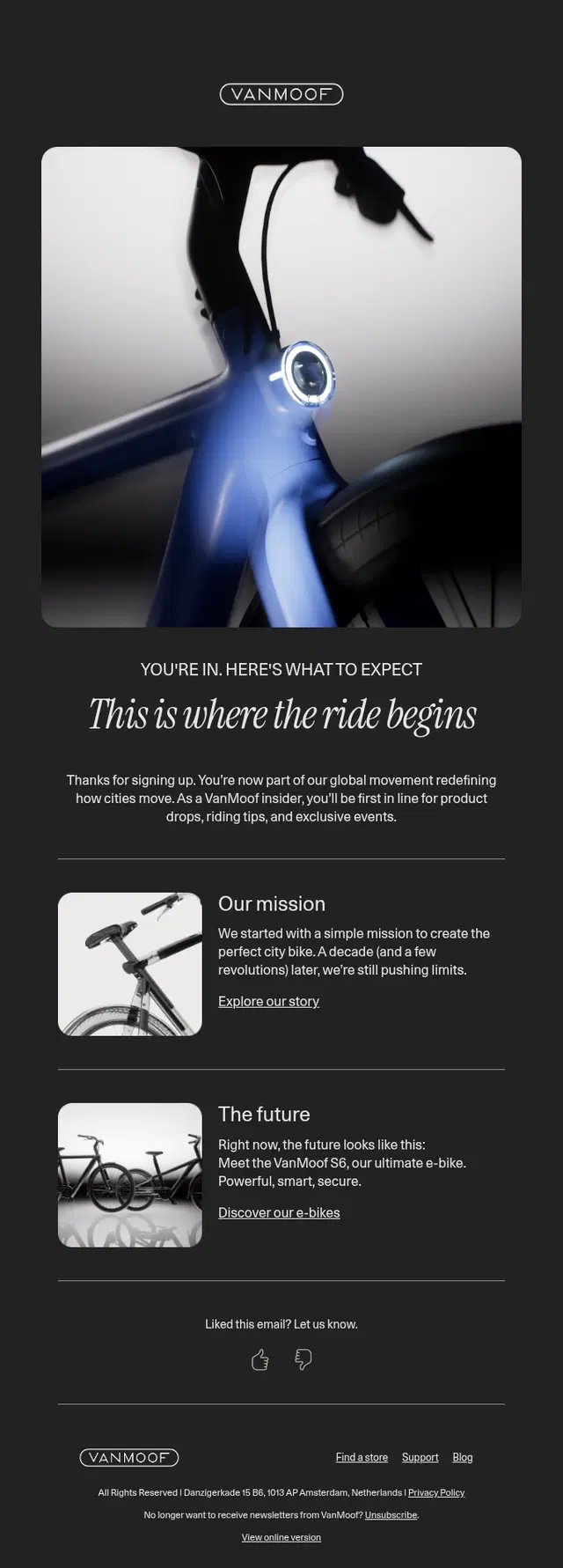
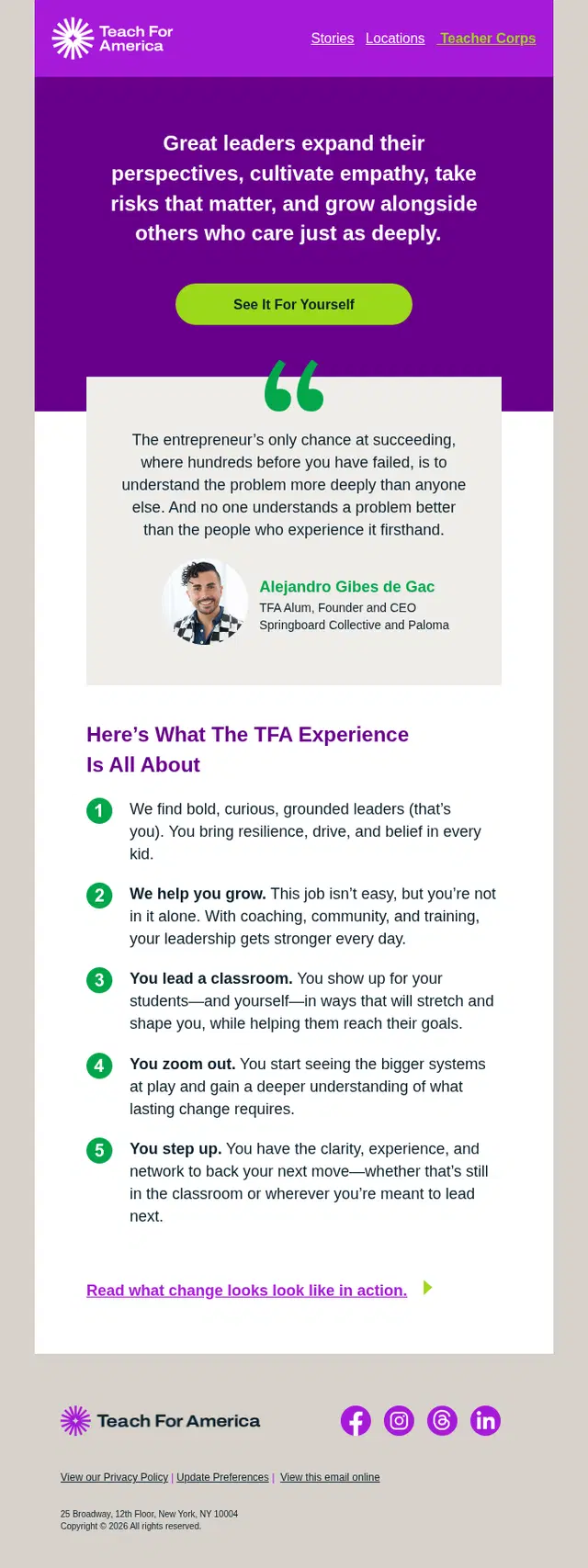
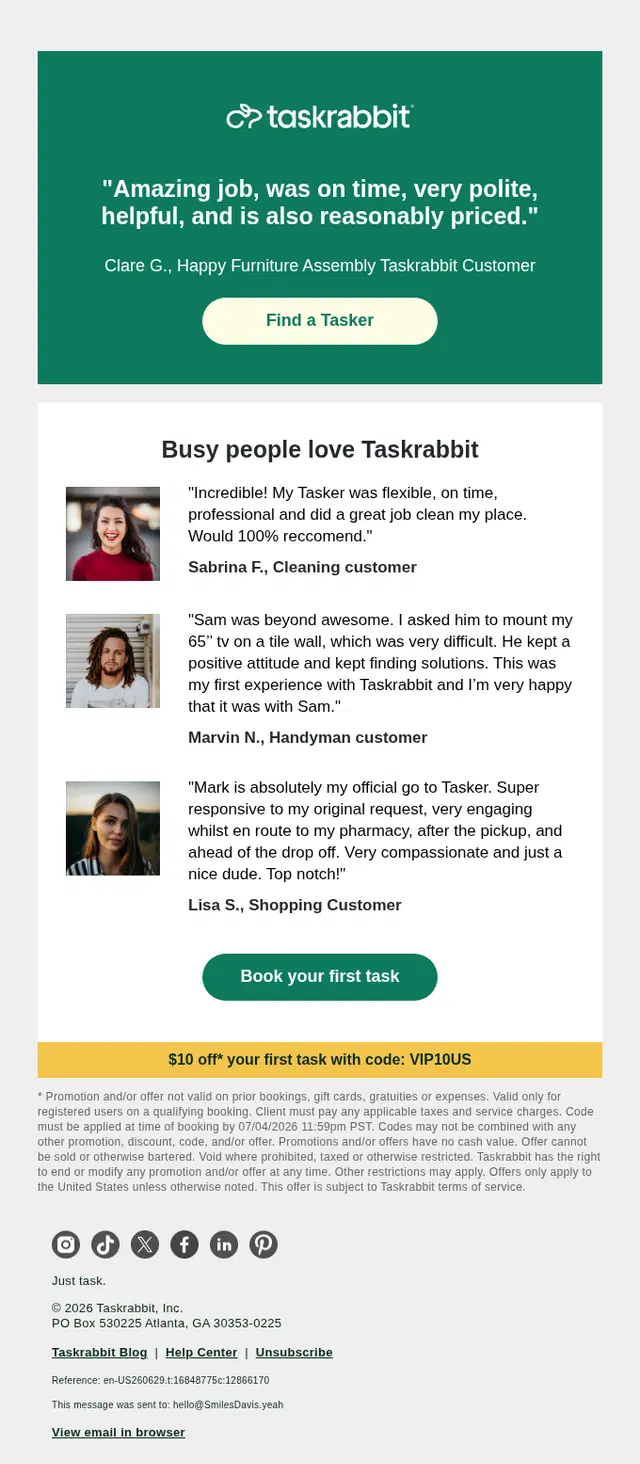
New users may understand the offer and still need reassurance before taking the next step. Social proof emails help reduce that uncertainty with customer reviews, testimonials, success stories, community experiences, guarantees, expert credentials, or evidence of an established track record.
The proof should support the decision the recipient is currently making. A testimonial about a specific use case, for example, can be much more useful during onboarding than a generic five-star quote.


Trial Onboarding Email Examples
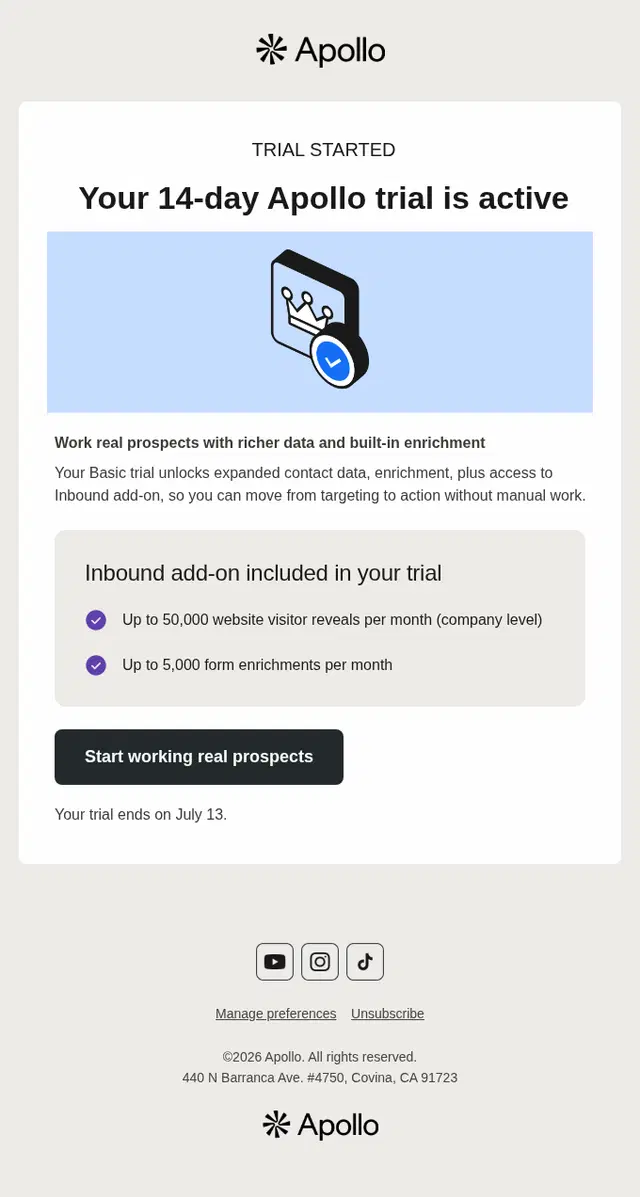
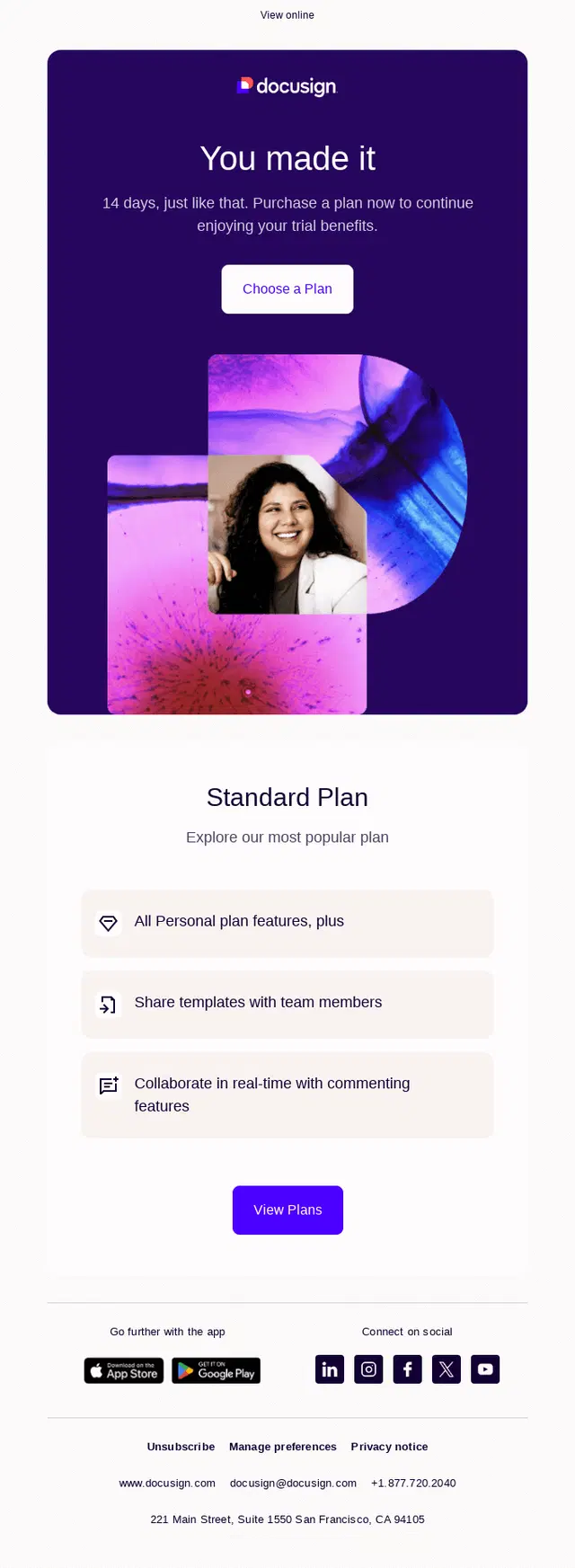
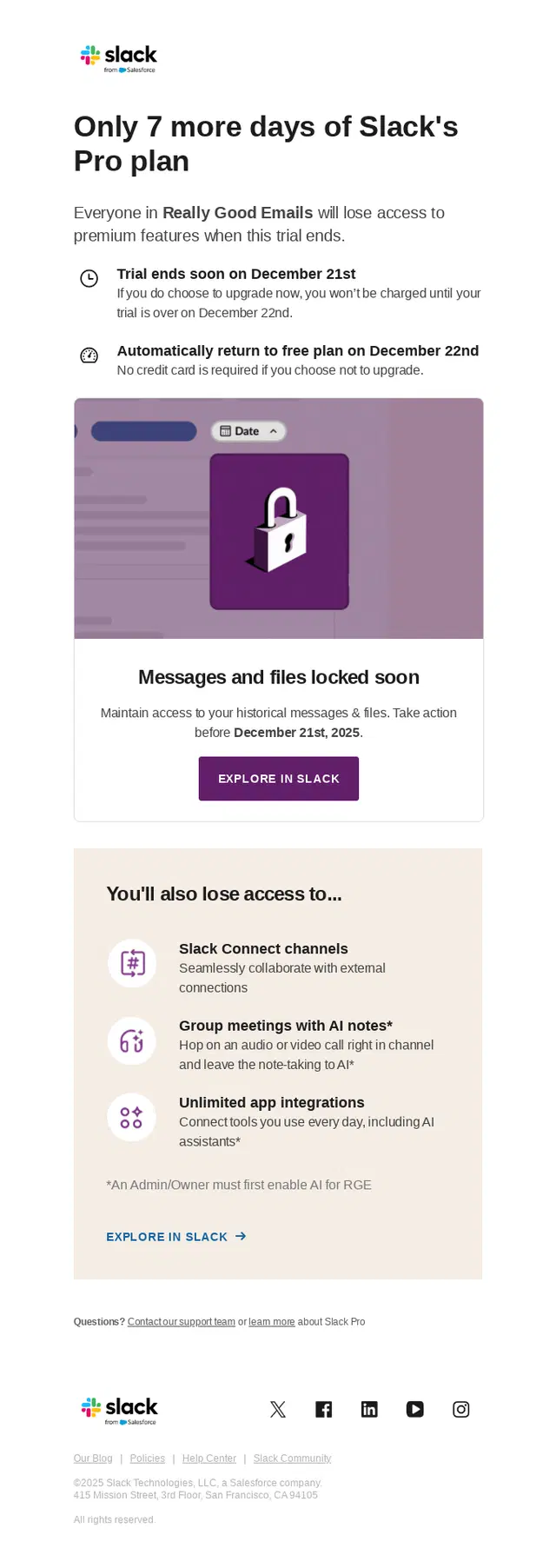
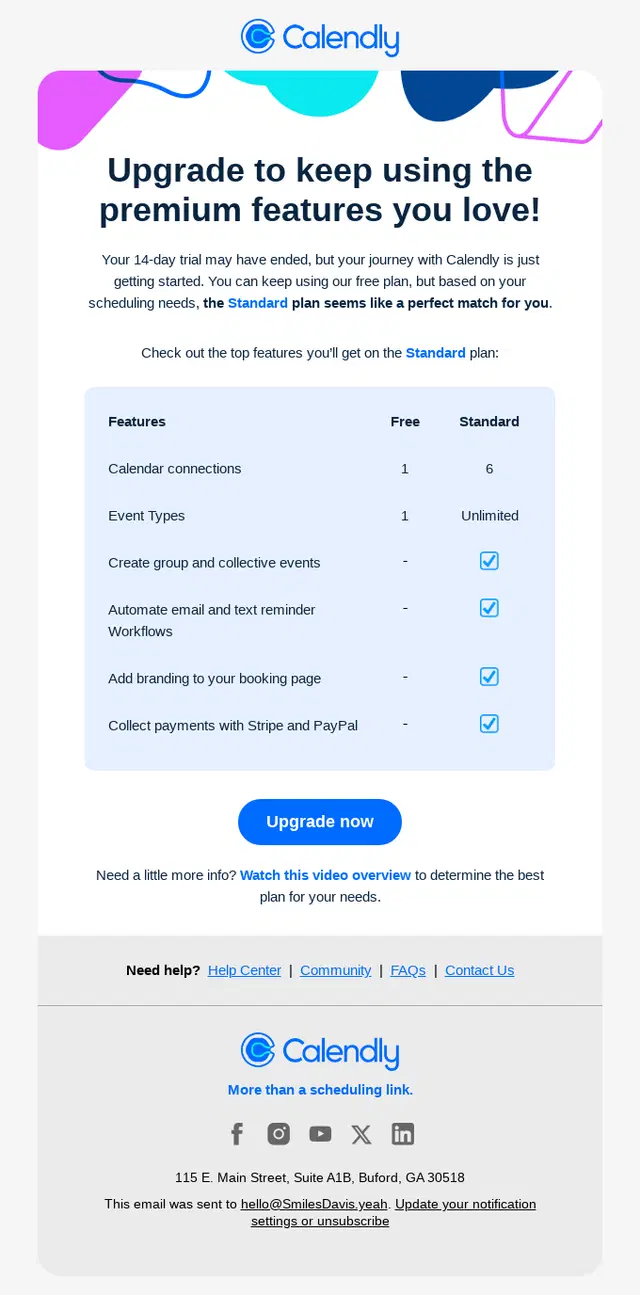
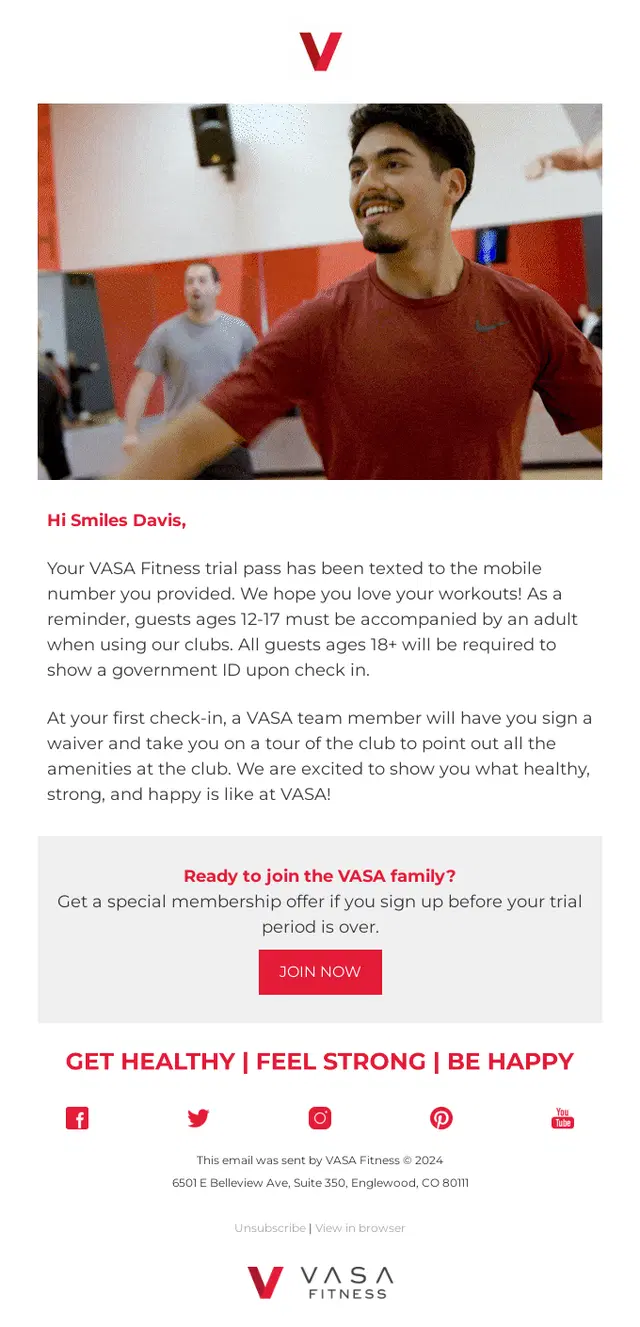
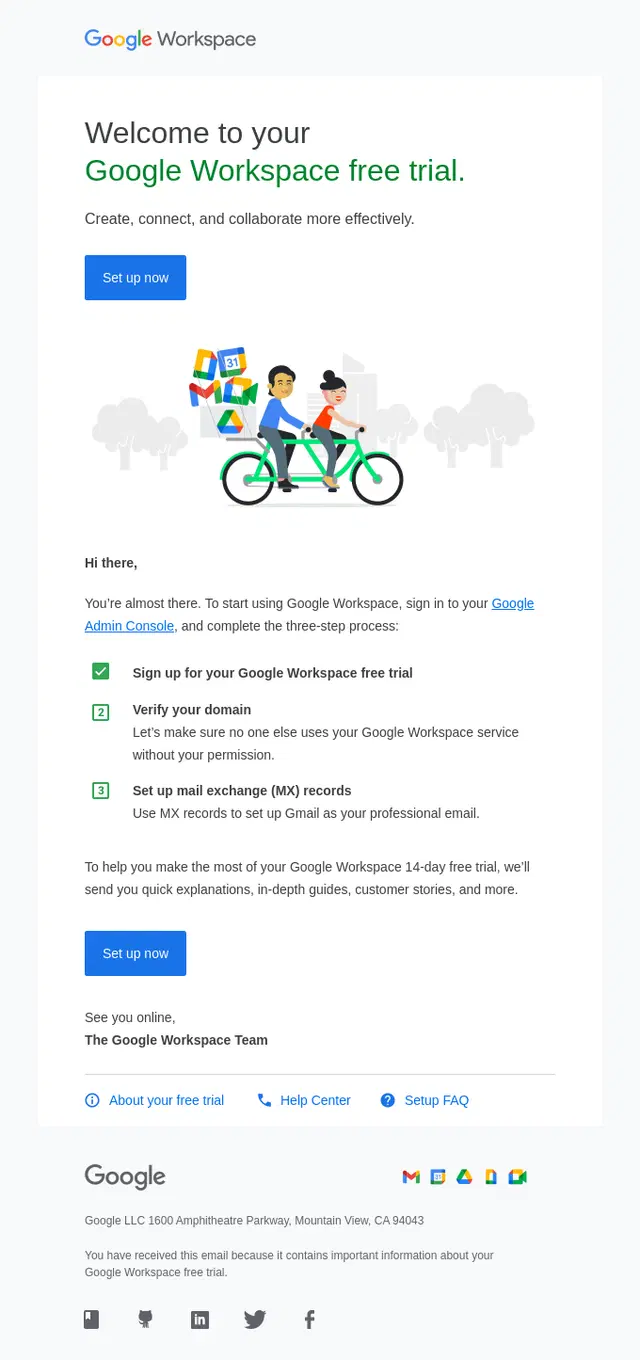
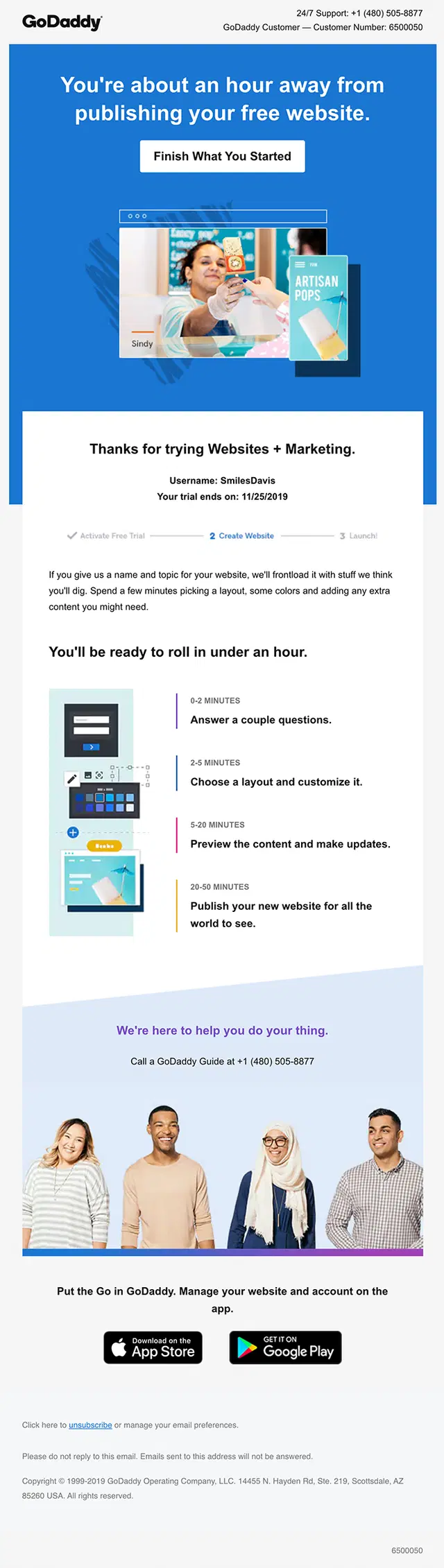
A free trial creates a limited window for a user to experience enough value to keep using the product. Trial onboarding emails help make that window count.
The sequence can start with setup guidance, continue with feature education and activation prompts, and later introduce reminders about the trial ending or what will change afterward. Effective trial emails keep the focus on using the product rather than treating every message as an upgrade pitch.
SaaS Onboarding Email Examples
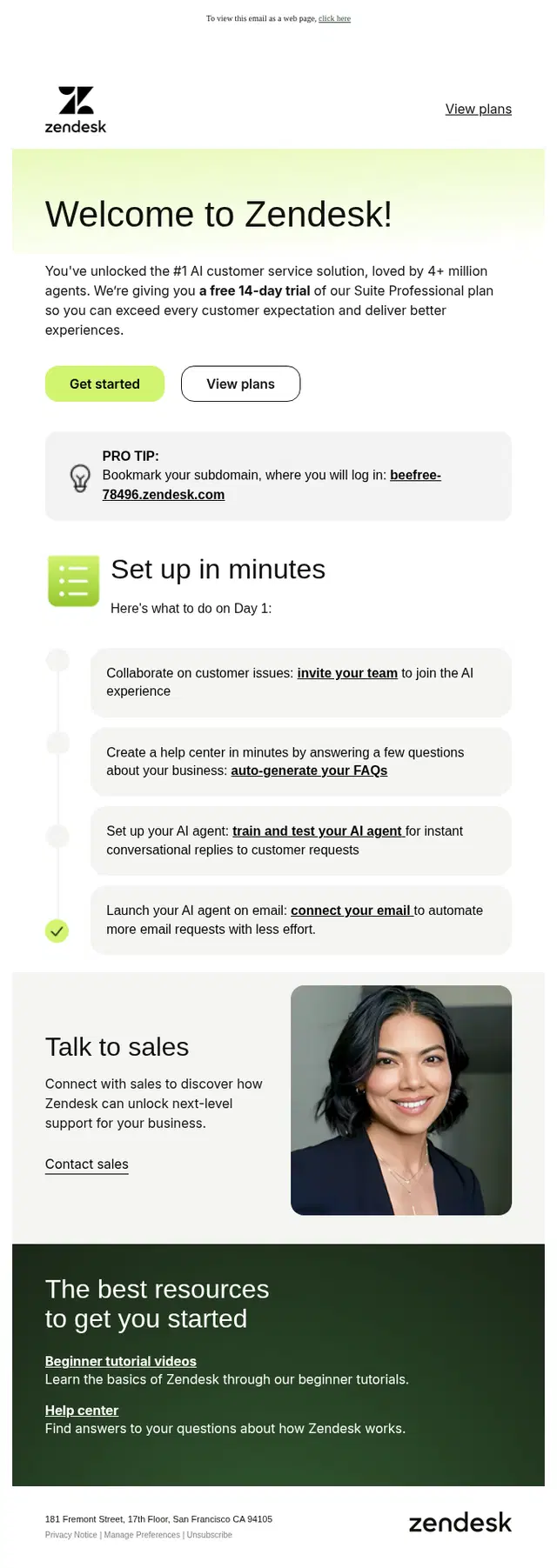
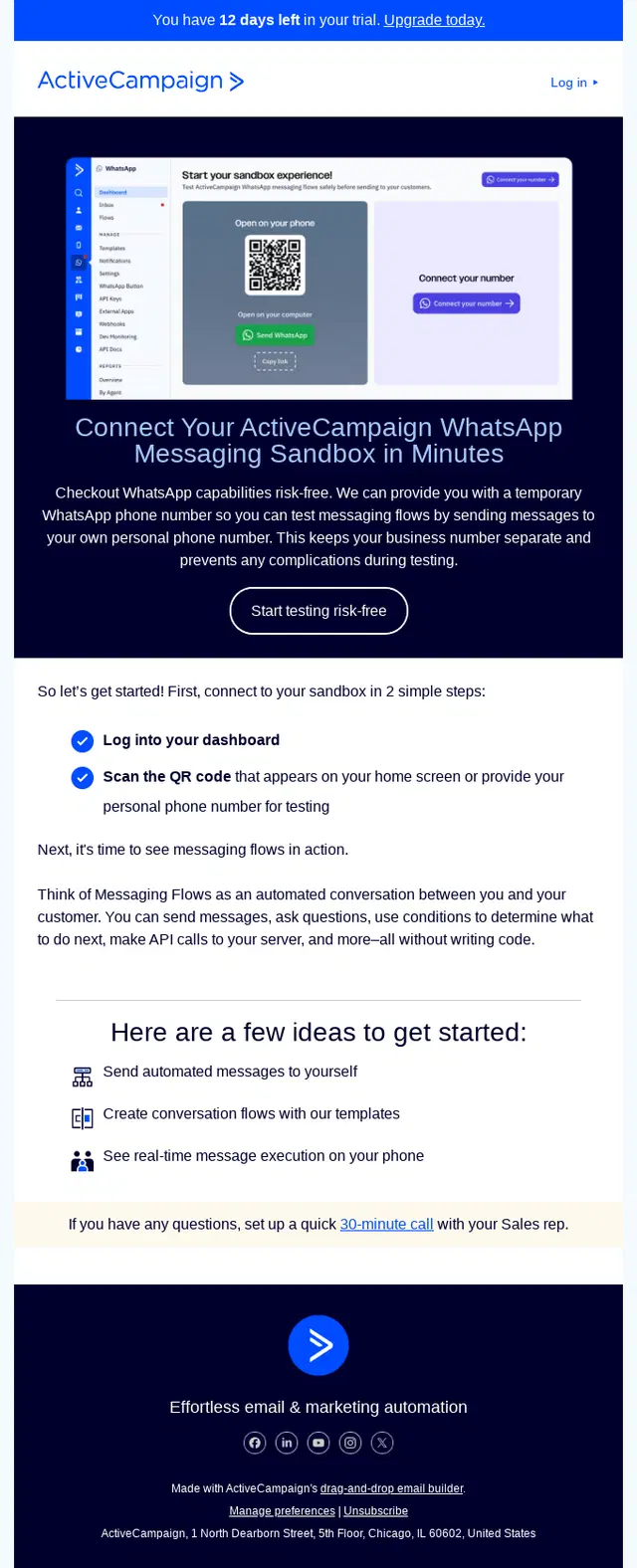
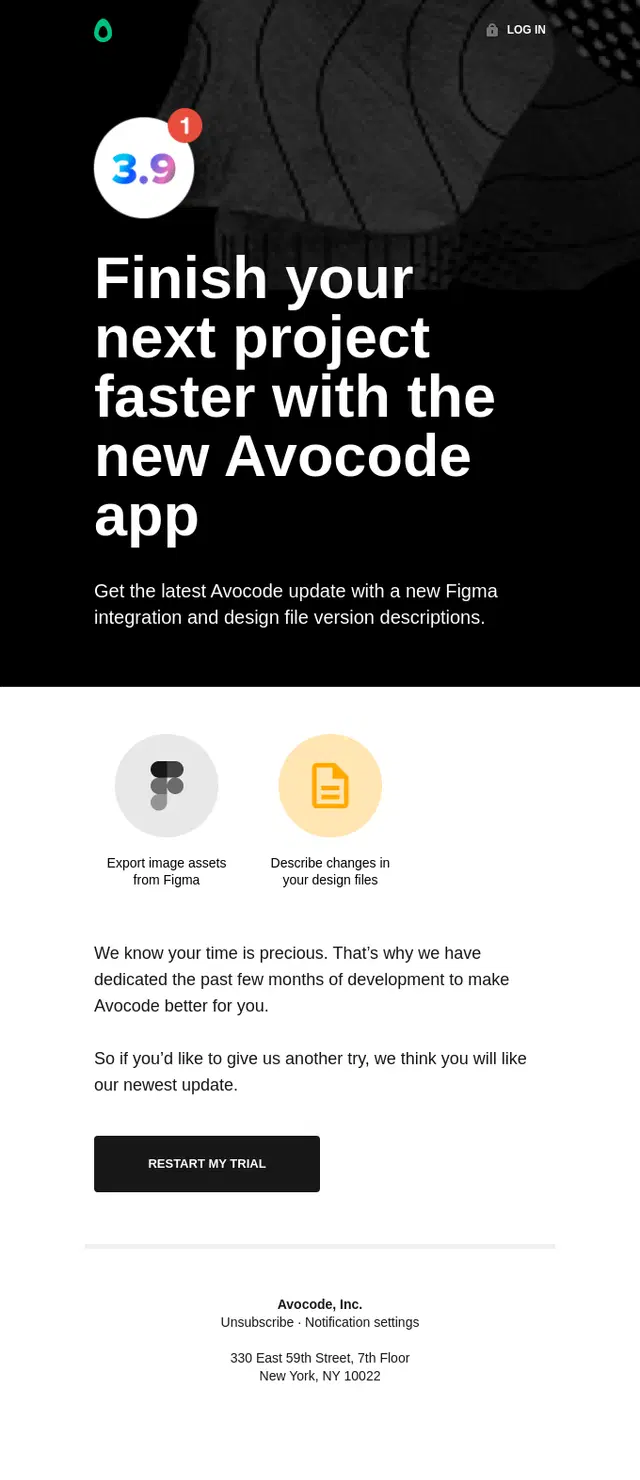
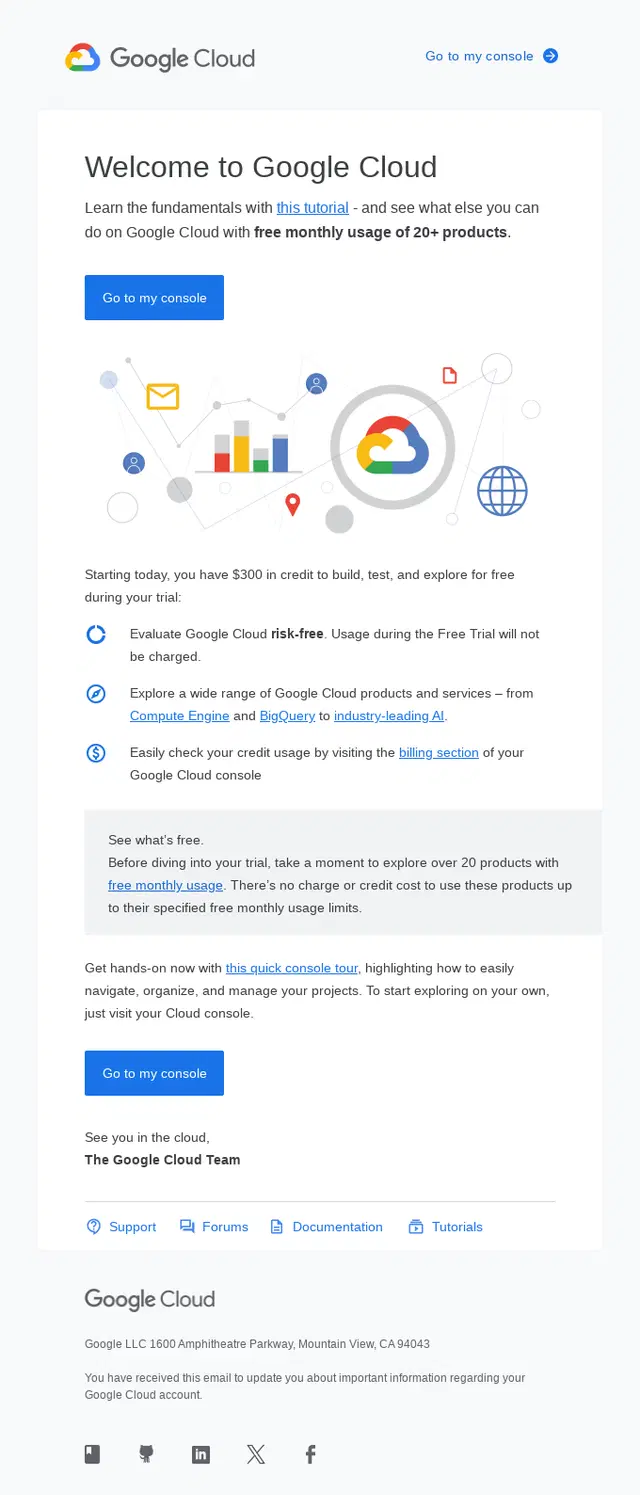
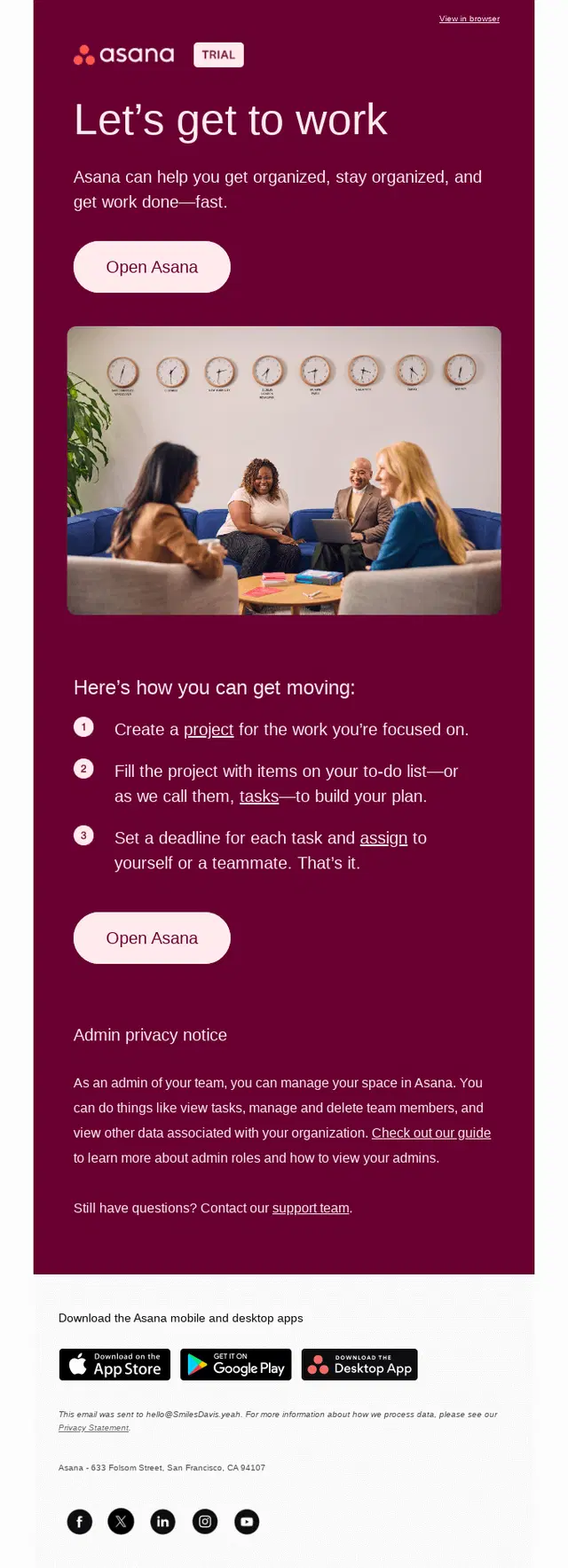
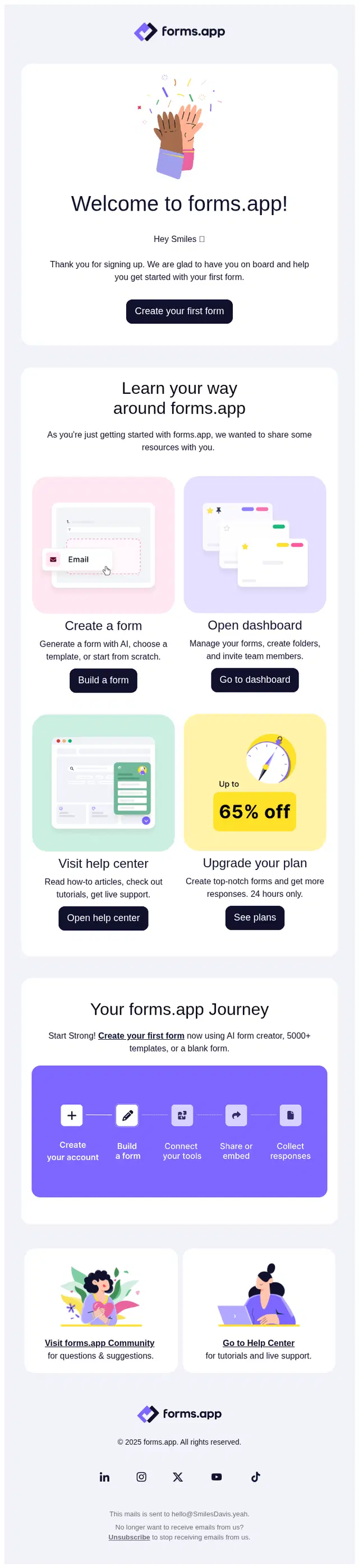
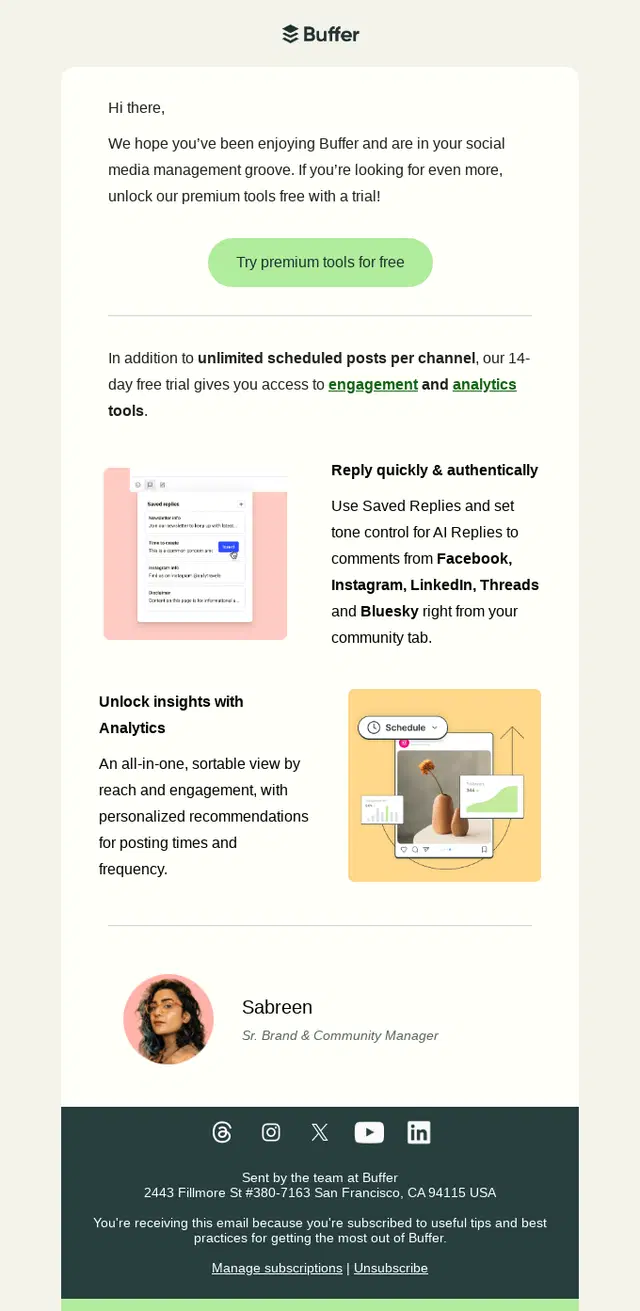
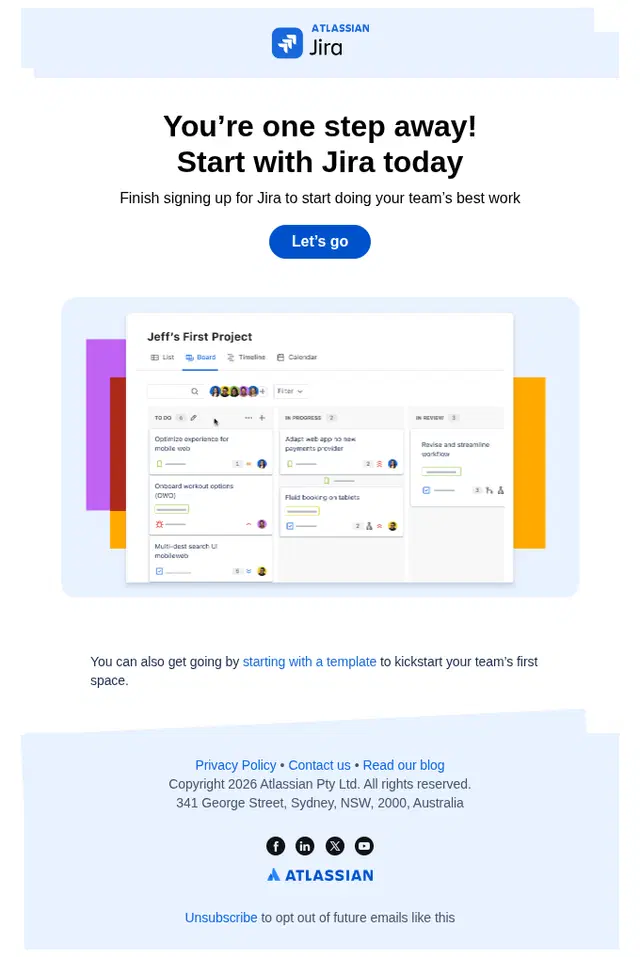
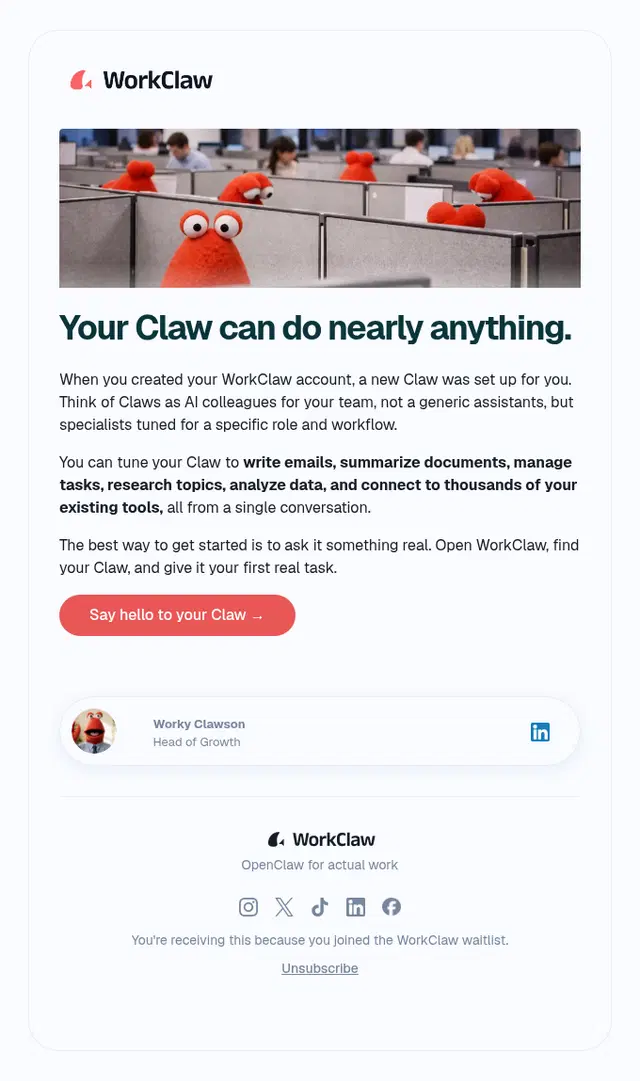
SaaS onboarding often involves several milestones between account creation and regular product use. Users may need to configure a workspace, import data, connect other tools, create their first project, invite teammates, or learn a workflow before the software becomes genuinely useful.
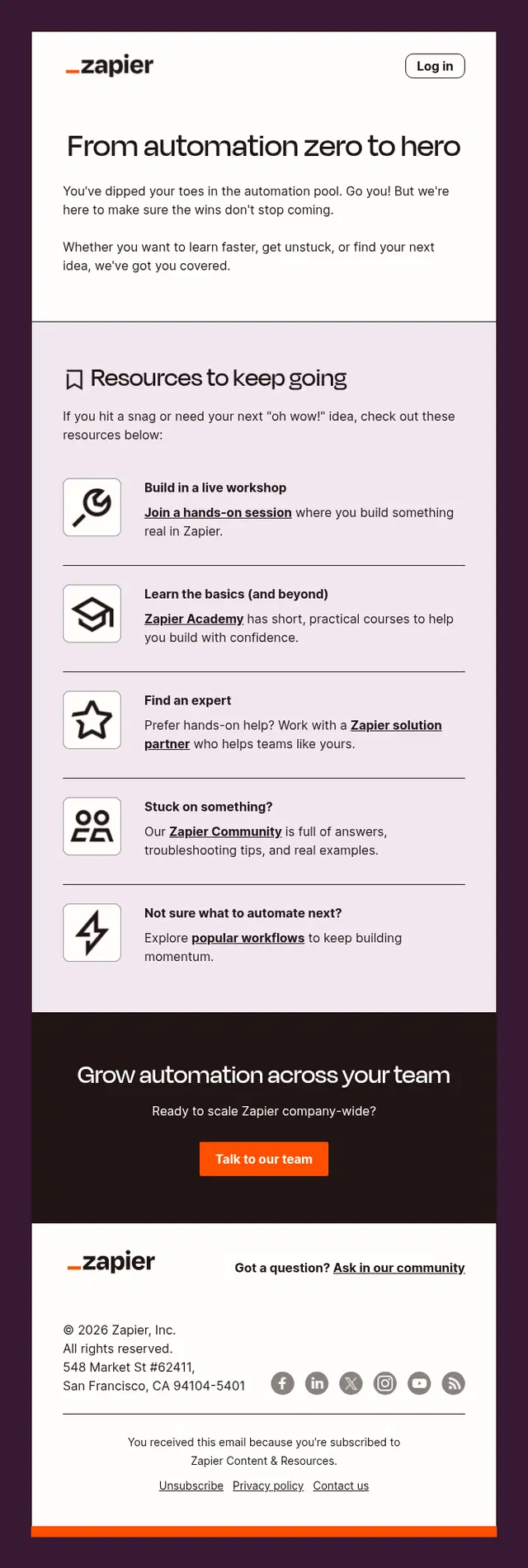
That makes email particularly valuable as an extension of in-product onboarding. SaaS onboarding emails can bring users back to unfinished tasks, introduce relevant features at the right moment, and provide tutorials or support when the product itself needs more explanation.

Onboarding Completion and Next-Step Emails
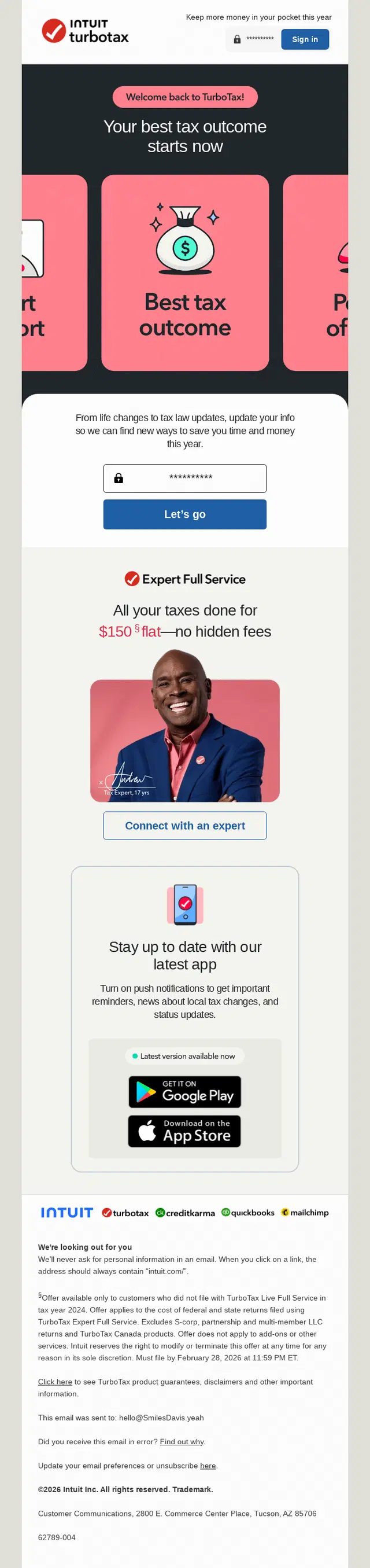
Reaching the end of initial setup shouldn’t leave the user wondering what happens next. Completion emails can acknowledge progress and direct attention toward the next meaningful action.
That next step might be using a more advanced feature, connecting another tool, personalizing preferences, joining a community, making a first purchase, or establishing a repeat workflow. The aim is to turn completed onboarding into continued engagement rather than treating setup as the finish line.

Onboarding Email Flows
A strong onboarding email rarely works alone. The best onboarding email flows build the relationship step by step, moving new subscribers from the initial welcome toward product discovery, education, trust, and action. The examples below show how brands use multi-email sequences to introduce what they offer without trying to say everything in a single message.
SKIMS Product Discovery Onboarding Email Flow
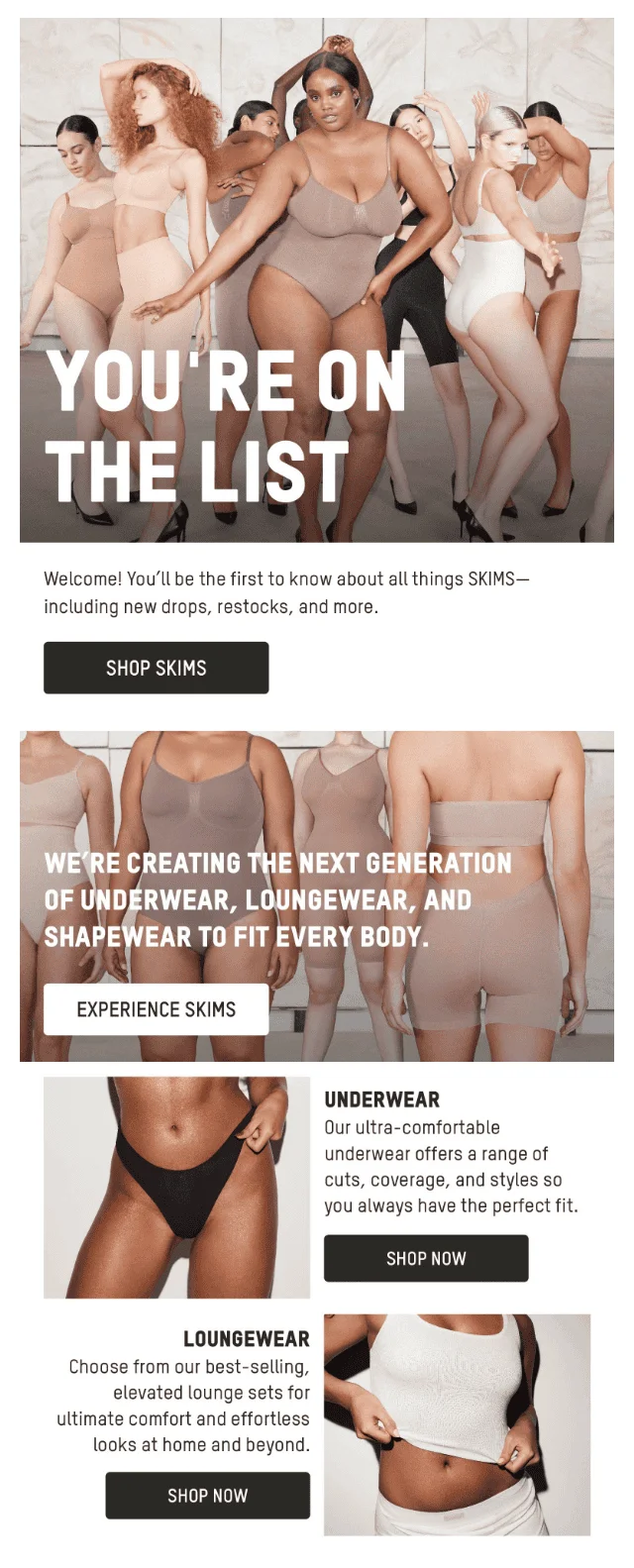
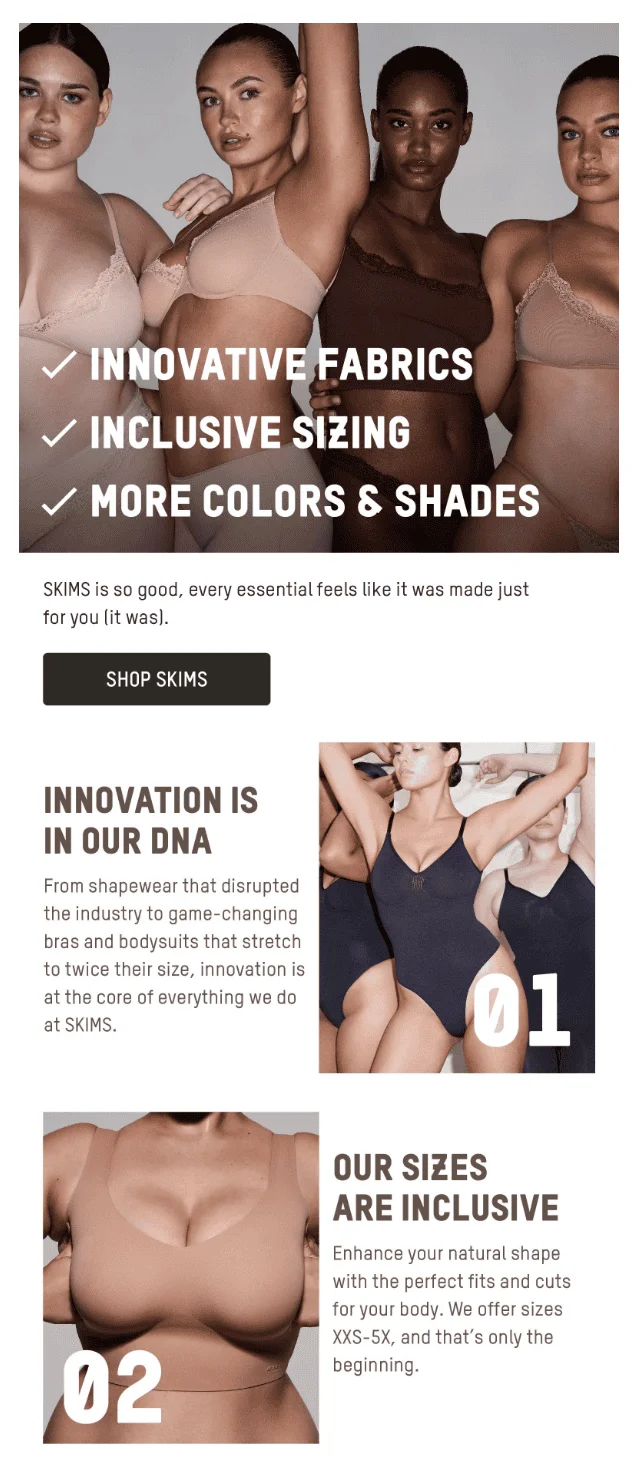
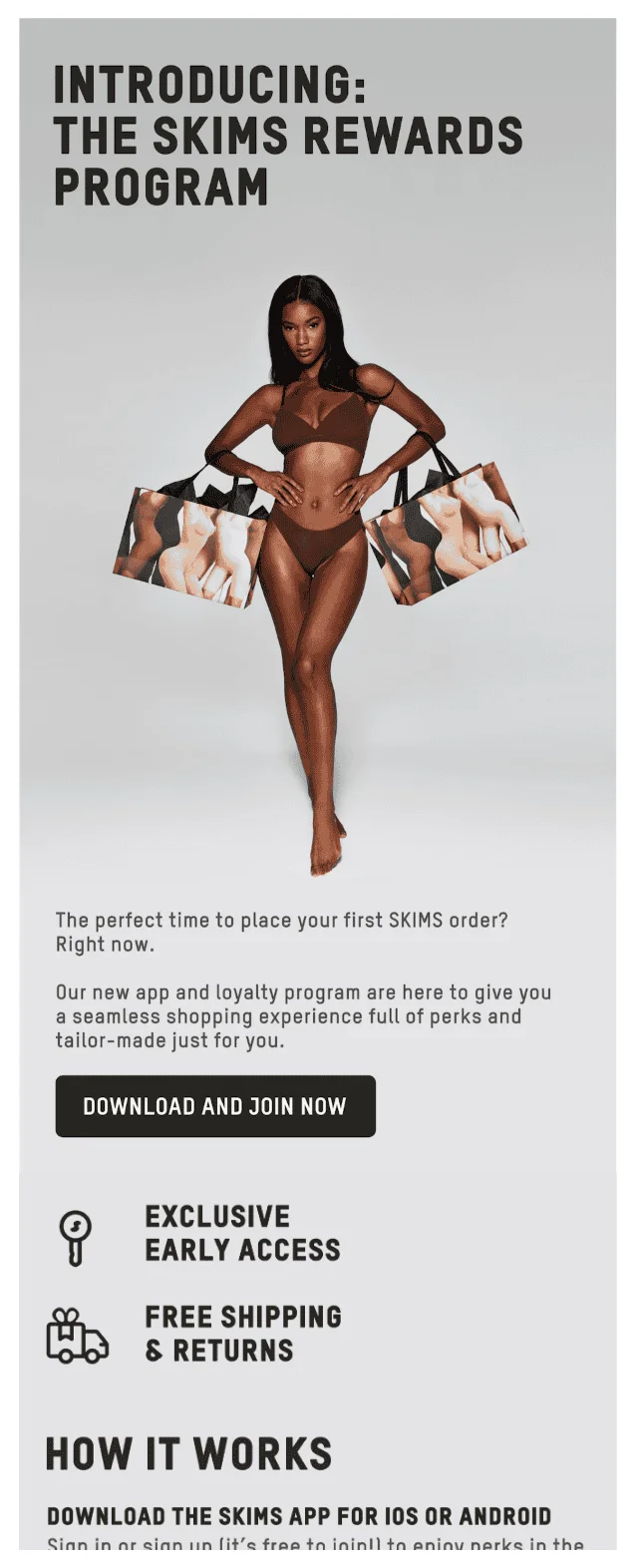
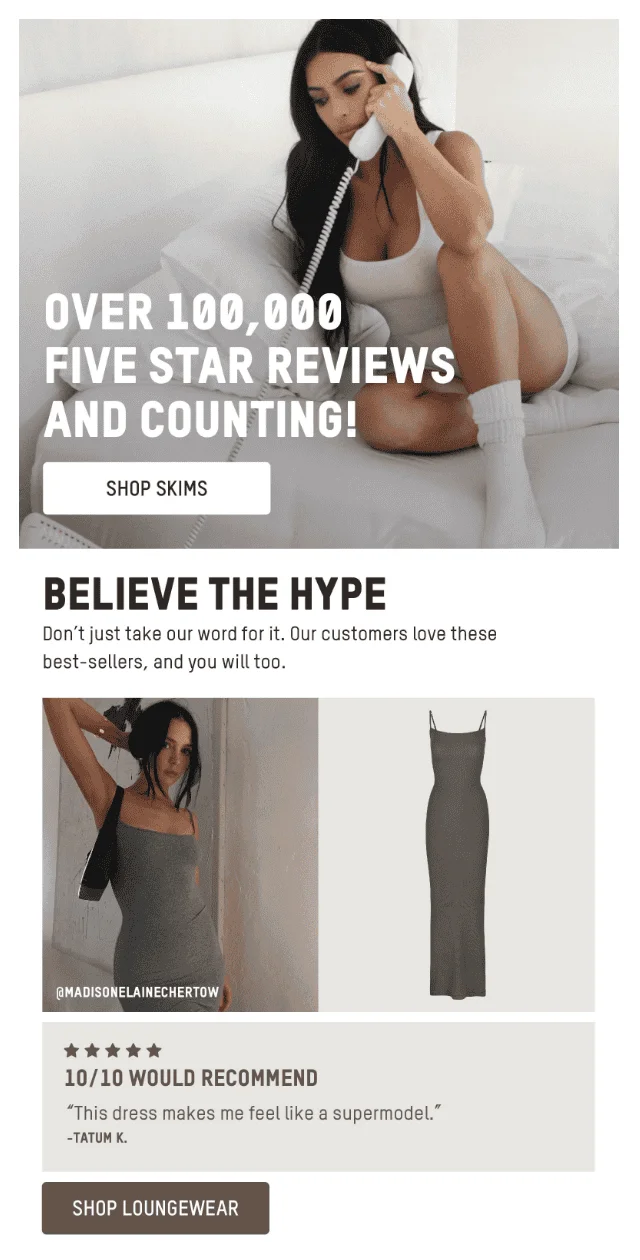
This four-email SKIMS onboarding sequence gradually turns a new subscriber into a more informed shopper. It starts with the brand and its core product categories, explains what makes SKIMS different, introduces the rewards program, and finishes with customer reviews that add social proof to the products subscribers have already discovered.
Eight Sleep Product Education Onboarding Email Flow
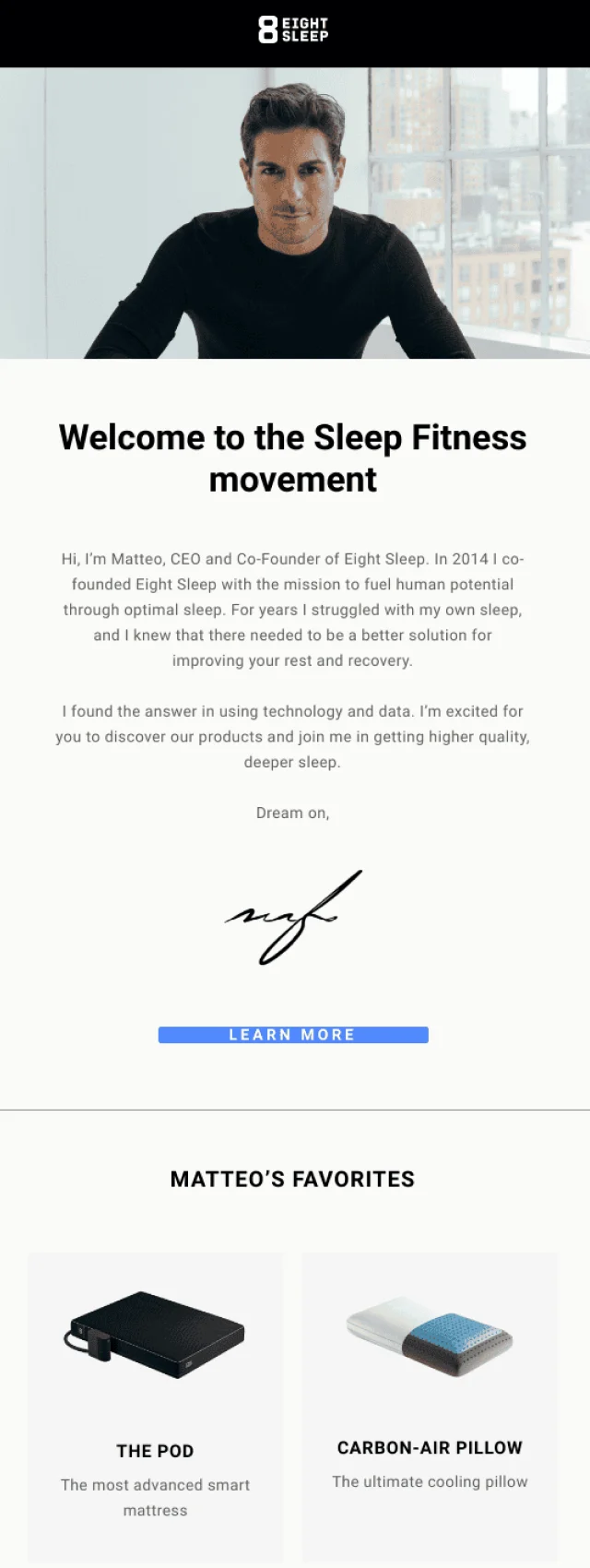
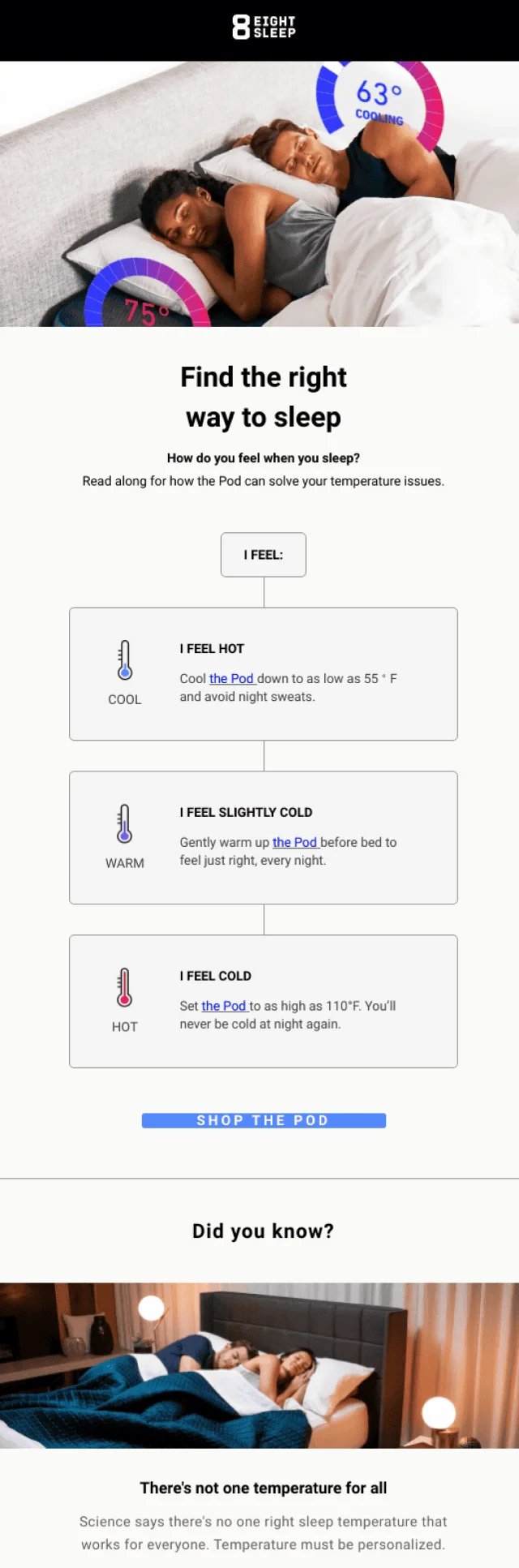
Eight Sleep takes a more educational approach to onboarding. The three-email flow moves from the founder’s reason for creating the company to a relatable sleep problem and then into the technology behind the product. That progression gives subscribers the why, the problem, and the solution before asking them to understand a fairly technical product.

Frank Body First-Purchase Onboarding Email Flow
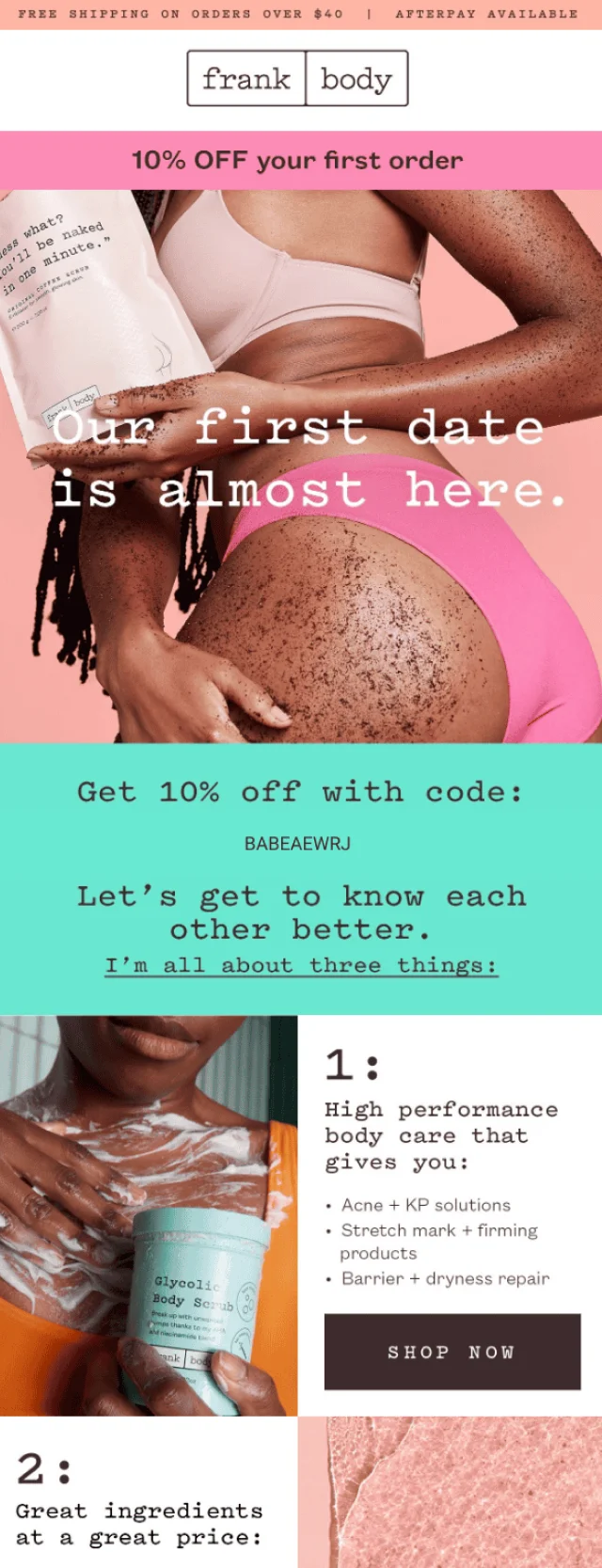
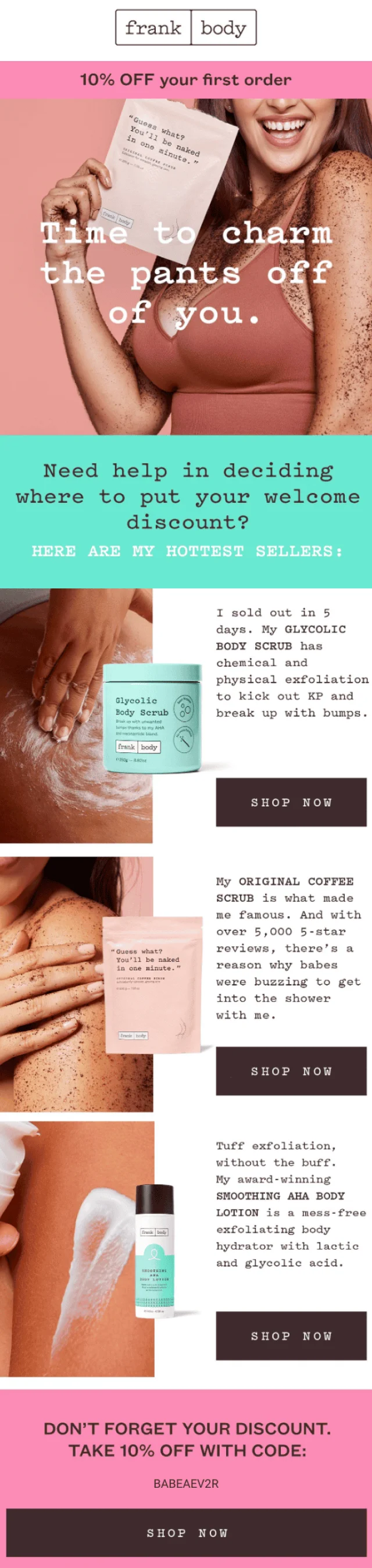
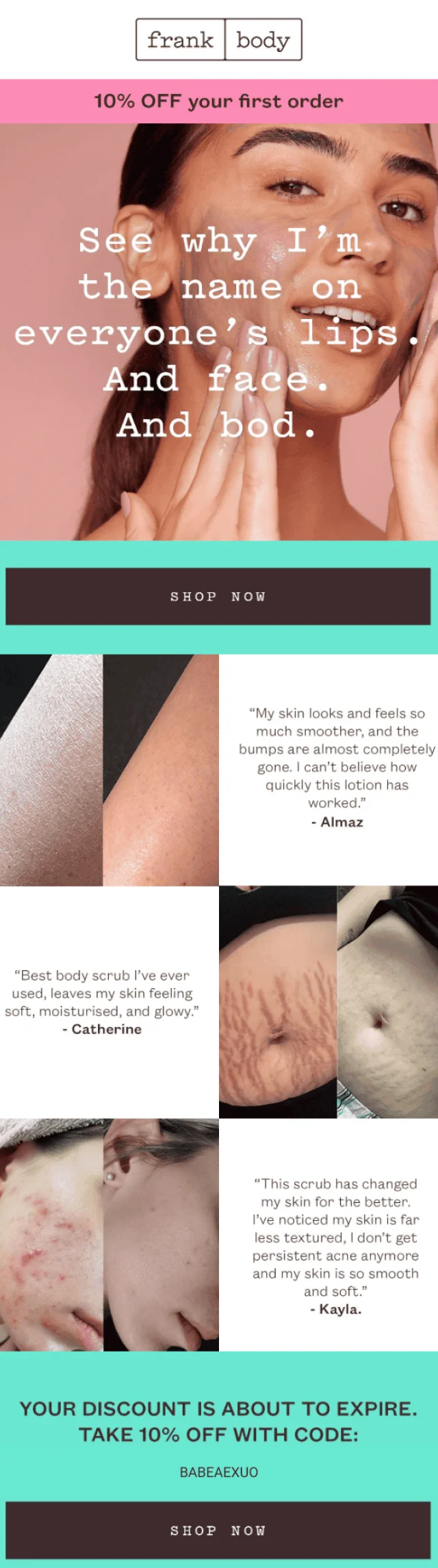
Frank Body builds this three-email sequence around earning the subscriber’s first purchase. A 10% welcome discount provides the initial incentive, but each follow-up gives the subscriber another reason to use it: first through best-selling products and their benefits, then through customer results and testimonials as the offer approaches expiration.
What Should an Onboarding Email Include?
An onboarding email should give the recipient enough context to understand where they are in the onboarding process and what they should do next. The exact content changes by stage, but most effective onboarding emails include:
- A clear purpose: Make it immediately apparent why the email was sent.
- One primary next step: Give the recipient a specific action to take.
- Relevant guidance: Explain how to complete that action without unnecessary detail.
- A clear benefit: Show why taking the next step is worthwhile.
- A focused CTA: Match the button or link to the action described in the email.
- Help or support: Give users somewhere to turn if they get stuck.
- Relevant personalization: Adapt the message when you have useful information about the user’s goals, preferences, or progress.
Not every email needs every element. A verification message might require little more than context and one button, while a product education email may need screenshots, examples, or several short instructions.
Onboarding Email Best Practices
Good onboarding email design starts with the user’s progress, not with how much information the company wants to communicate. Every message should make the next part of the journey easier.
Start With One Clear Next Step
Decide what you want the recipient to do before writing the email. “Complete your profile,” “Create your first project,” or “Connect your calendar” gives the message a much stronger focus than a collection of unrelated CTAs.
Secondary links can still be useful, but they shouldn’t compete with the action that matters most at that stage.
Focus on Activation
A list of features tells users what exists. Activation-focused onboarding shows them what they can accomplish with those features.
If the activation milestone is creating a first automation, for example, guide the user toward building one rather than introducing ten automation features at once. Product knowledge becomes more meaningful when it helps the user achieve something.
Send Emails Based on User Progress
A fixed Day 1, Day 3, Day 5 schedule is easy to build, but user behavior can provide better timing signals.
Someone who has already completed setup doesn’t need another setup reminder. Someone who hasn’t started may not be ready for an advanced feature tutorial. Use actions such as profile completion, feature usage, purchases, integrations, or inactivity to adapt the sequence where possible.
Keep Each Email Focused
Onboarding creates plenty to talk about, which makes it tempting to pack several lessons into every email. Resist that temptation.
Give each message a clear role within the larger sequence. One email can help with setup, another can teach an important feature, and another can introduce the next use case. Breaking the journey into smaller steps makes both the emails and the onboarding process easier to follow.
Personalize the Experience
Personalization is most useful when it changes what the recipient sees or does next. Segment onboarding by role, use case, selected goal, product choice, account type, behavior, or another meaningful signal when those differences affect the journey.
A marketing manager and a developer using the same platform, for instance, may need very different examples before either one sees the product’s value.
Show Value Before Asking for an Upgrade
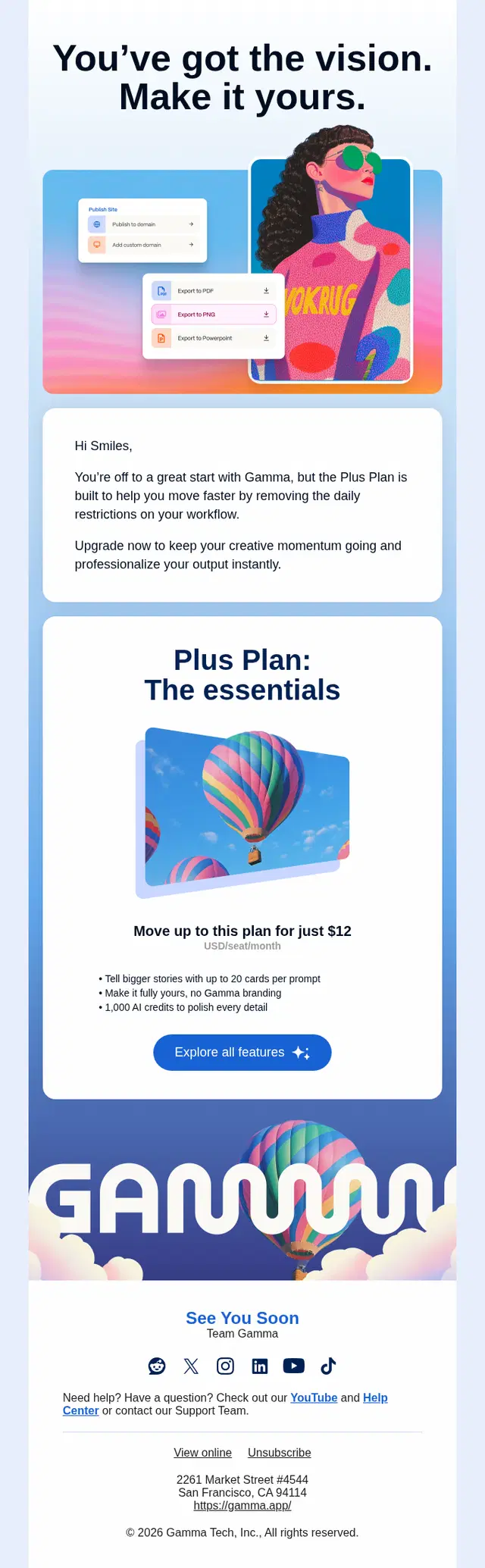
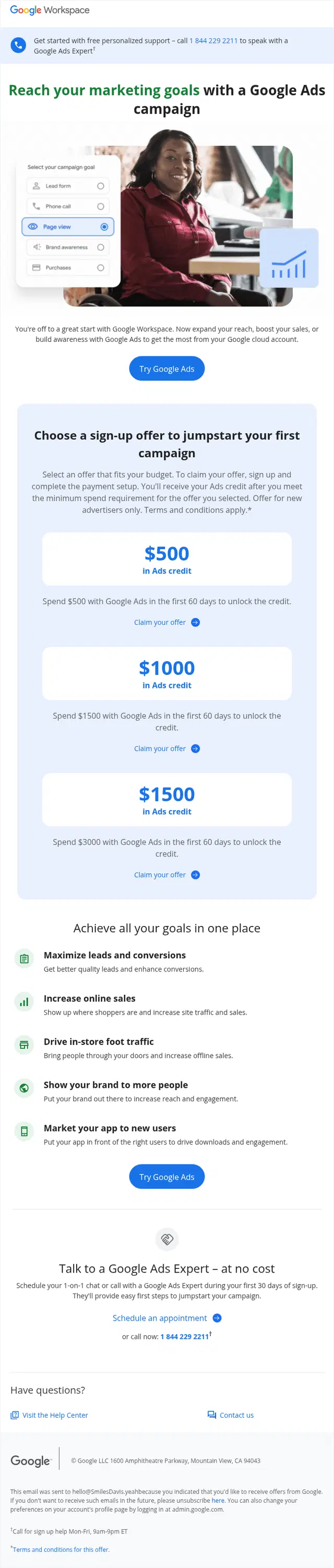
Free trials and freemium products naturally need to introduce paid plans, but the upgrade request is stronger after the user understands what they would be paying for.
Use onboarding to help people reach a meaningful outcome first. Upgrade emails can then connect paid features to something the user has already done, needs next, or would lose when a trial ends.
Re-Engage Users Who Get Stuck
Inactivity is part of onboarding too. Identify the points where users commonly drop out and build emails that help them continue.
A good re-engagement message can remind users of an unfinished step, link directly back to it, offer a simpler path, provide support, or explain the benefit waiting on the other side. “Come back” is less useful than showing exactly what to come back and do.
How to Build an Onboarding Email Sequence
Start with the customer journey rather than the number of emails you want to send. Map the actions a new user must take to reach their first meaningful result, then use email where it can remove friction, provide context, or bring someone back into the experience.
1. Define the Activation Goal
Activation is the moment or behavior that indicates a user has started receiving meaningful value. It could be completing a booking, creating a project, connecting an integration, inviting teammates, placing a first order, or another action specific to the product.
Choose this goal before planning the sequence. Otherwise, onboarding can easily become a collection of educational emails without a clear destination.
2. Identify the Key Onboarding Steps
Work backward from activation and list the steps required to reach it. Separate essential actions from features that are merely useful to know about.
Those essential steps become the backbone of the sequence. Supporting education can then be added where users are most likely to need it.
3. Trigger Emails Based on Behavior
Use behavioral triggers when the available data allows it. An email can be sent because a user completed a step, failed to complete one, tried a feature, reached a milestone, or became inactive.
This keeps messages aligned with the actual customer journey and reduces the chance of sending instructions that are already outdated.
4. Space Emails Around User Actions
Onboarding cadence should leave enough time for people to act. Sending several lessons before a user has completed the first one can make the sequence feel disconnected from their experience.
Time-based delays are still useful, particularly when no behavioral data is available. Combine them with activity signals where possible so the sequence can respond when a user moves faster or slower than expected.
5. Stop or Adapt the Sequence After Activation
Once a user reaches the activation goal, continuing to send beginner setup reminders creates a poor experience.
Remove activated users from irrelevant onboarding branches and move them toward the next stage instead. That could mean feature adoption, advanced education, retention, loyalty, an upgrade, or another sequence designed for active customers.
Frequently Asked Questions
What is an onboarding email?
An onboarding email is a message sent to a new customer, subscriber, or user to help them understand a product or service and take the next step. Onboarding emails can welcome users, guide setup, explain features, provide education, encourage activation, or help people complete unfinished tasks.
What are the best onboarding email examples?
The best onboarding email examples make the next step clear and connect it to a useful outcome. Common examples include welcome emails, getting-started guides, setup reminders, product tutorials, feature discovery emails, activation messages, personalized recommendations, trial emails, and re-engagement emails.
What emails should be included in an onboarding sequence?
An onboarding sequence typically includes a welcome email, a getting-started message, guidance toward the first important action, product or feature education, and a next-step email. More complex journeys may also include personalization, social proof, trial reminders, re-engagement emails, and behavior-triggered messages.
How many emails should an onboarding sequence have?
There is no fixed number, but many onboarding sequences can cover the essential journey in 3-7 emails. Simple products may need only a few messages, while SaaS platforms or services with several setup steps may require a longer sequence. The number should reflect the actions users need to complete rather than an arbitrary campaign length.
How long should an onboarding email sequence be?
An onboarding sequence can run for several days or several weeks depending on how quickly users typically reach activation. A short consumer journey may finish within a few days, while a complex SaaS product may continue onboarding for several weeks. User progress is a better endpoint than a fixed number of days.
What is the Difference Between a Welcome Email and an Onboarding Email?
A welcome email is usually the first message sent after signup and introduces the relationship. An onboarding email is any message that helps a new user progress toward successful adoption. The welcome email can therefore be the first part of an onboarding sequence, followed by setup, education, activation, and next-step emails.
What is a Customer Onboarding Email?
A customer onboarding email helps a new customer understand how to start using a product, service, subscription, or membership successfully. It may explain setup, recommend an initial action, provide useful resources, introduce benefits, or guide the customer toward their first meaningful result.
What is a SaaS Onboarding Email?
A SaaS onboarding email helps a new software user set up their account, understand the product, and reach an activation milestone. Common SaaS onboarding emails cover workspace setup, data imports, integrations, first projects, team invitations, feature discovery, trial progress, and unfinished onboarding tasks.
Turn Onboarding Ideas Into a Flow That Gets Users Moving
The best onboarding emails give new users a clear reason to take the next step. From the first welcome to product education, activation, and re-engagement, each message should build on what the user already knows and does.
If Klaviyo is part of your email strategy, we can help you turn these ideas into a complete onboarding flow built around your customer journey, key activation points, and the actions that matter to your business.