100+ Email Signature Examples You’ll Want to Copy


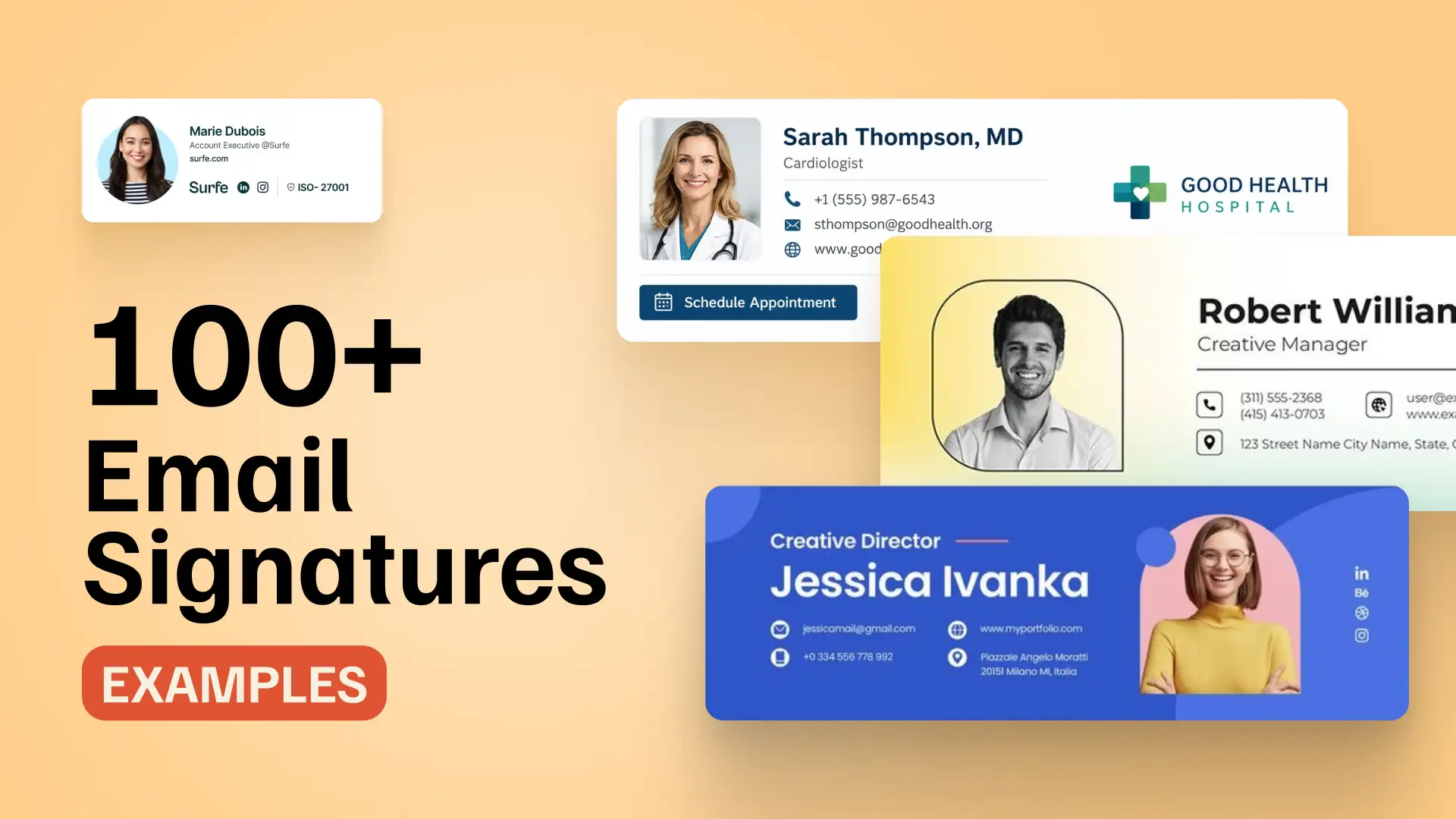
Here you’ll find 100+ professional email signature examples organized by category, including business, personal, academic, mobile-friendly, platform-specific, and industry-specific designs. Whether you’re looking for business email signature examples, Outlook signatures, or creative designs, this collection covers a wide range of styles and use cases.
Every example focuses on practical implementation, branding, and compatibility across major email clients. Use the quick links below to jump directly to the category you’re interested in.
Quick links:
Professional Email Signature Examples
Business & Corporate Email Signature Examples
Personal Email Signature Examples
Student & Academic Email Signature Examples
Mobile-Friendly Email Signature Examples
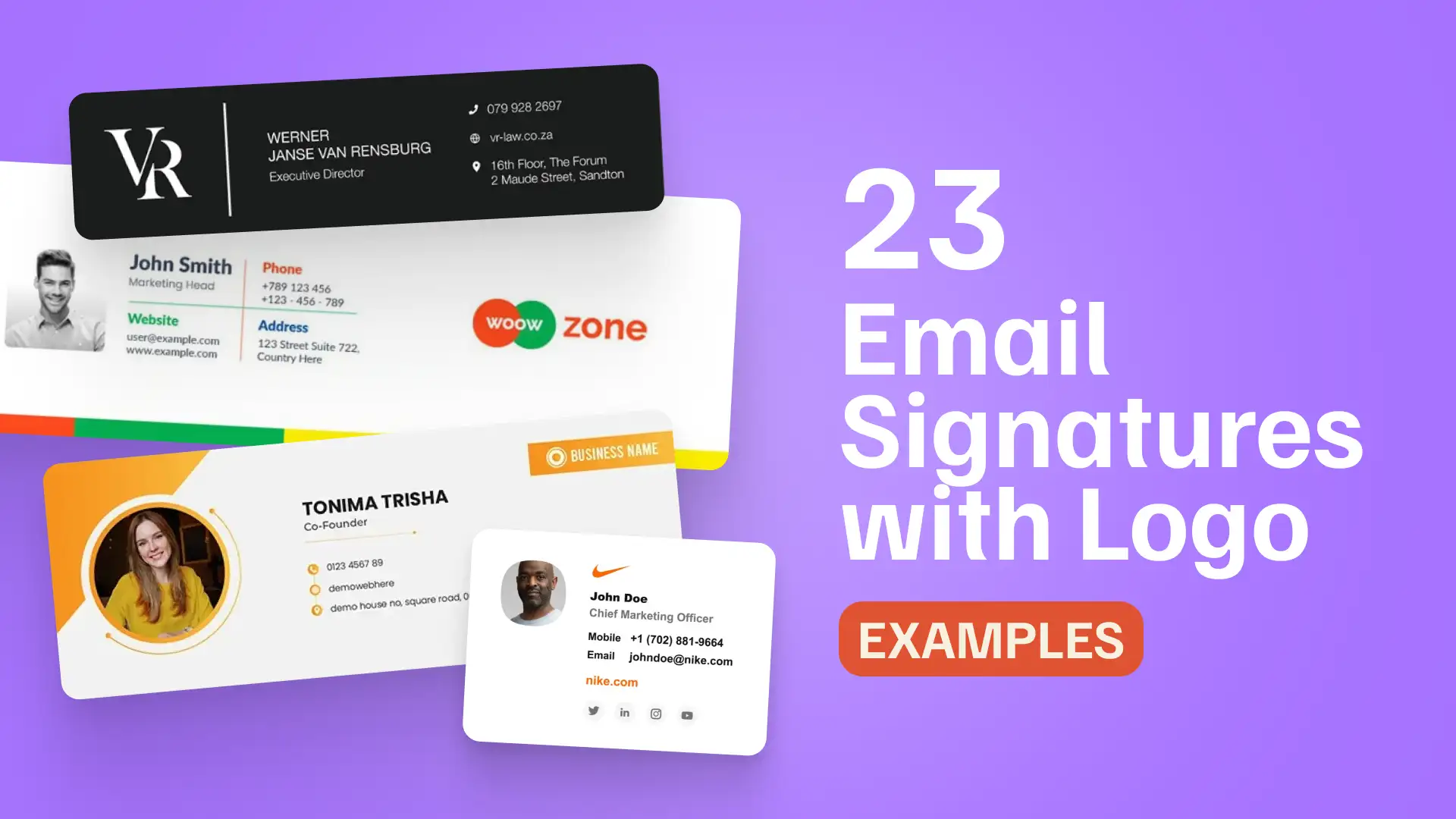
Email Signatures with Logos & Banners
Animated & Video Email Signature Examples
Email Signature Sign-Offs & Disclaimers
Platform-Specific Email Signature Examples
→ Gmail Email Signature Examples
→ Outlook Email Signature Examples
→ Mobile Email Signature Examples
Industry-Specific Email Signature Examples
→ Real Estate Email Signature Examples
What Makes These Email Signature Examples Different
Besides looking polished in a screenshot, good email signatures need to stay readable, clickable, and on-brand across Gmail, Outlook, Apple Mail, and mobile inboxes.
The examples in this collection are selected as practical design patterns, not just visual inspiration. They show how different layouts handle hierarchy, branding, contact details, links, banners, disclaimers, and mobile-friendly formatting.
Good email signature examples focus on:
- Clear hierarchy for name, role, company, and contact details.
- Brand-safe layouts that work for individuals, teams, and companies.
- Mobile-friendly structure with tappable links and readable spacing.
- Design patterns that can be adapted into production HTML signatures.
They avoid image-only signatures, unsupported effects, and one-size-fits-all HTML assumptions, because rendering can vary across email clients.
About these examples: The signatures shown on this page come from publicly available designs and templates. They are used to illustrate layout patterns and best practices, not as guaranteed drop-in HTML for every email platform.
Professional Email Signature Examples
Professional email signatures help consultants, executives, founders, and client-facing teams present clear contact details with a polished business look.
These examples focus on simple layouts that feel credible, easy to scan, and appropriate for everyday professional communication.
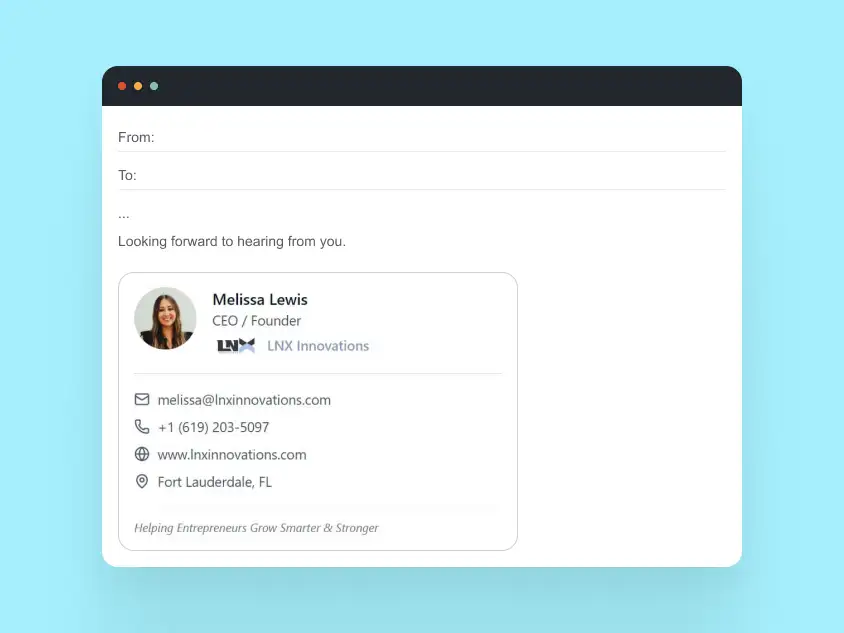
Example 1: Minimal Executive Signature
Use case: Senior leadership, consultants, founders
Design focus: Typography, spacing, restraint
Why this works
- Name and role are immediately visible
- No images required for core information
- Works consistently across all major email clients
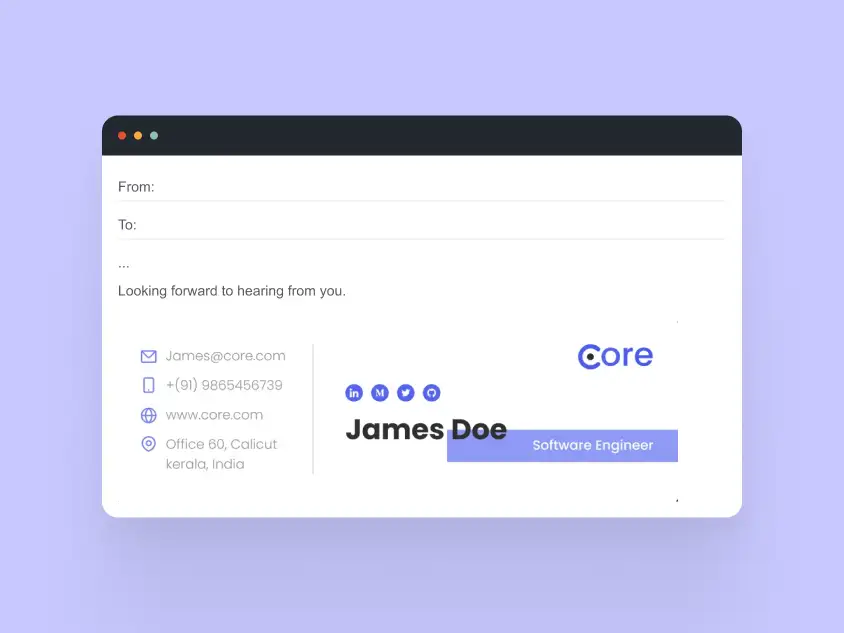
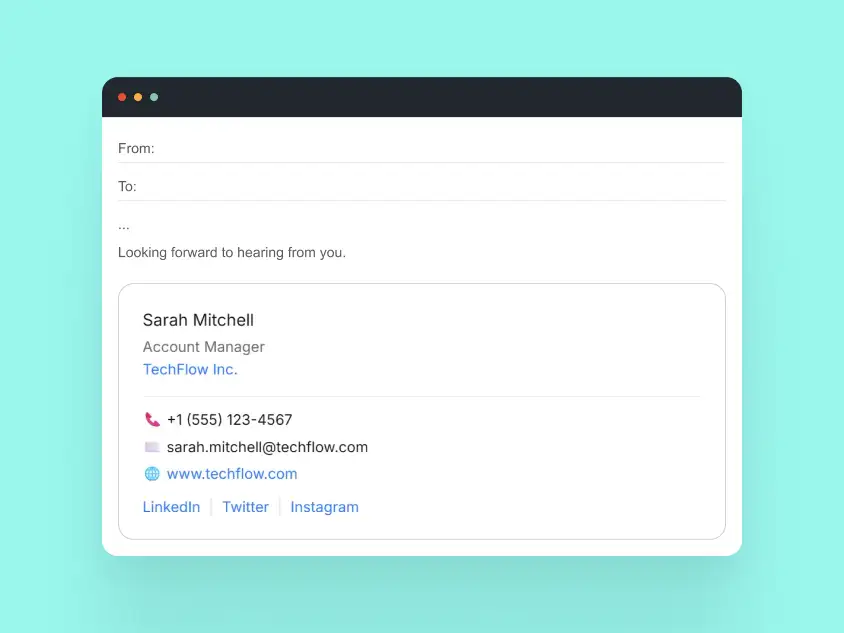
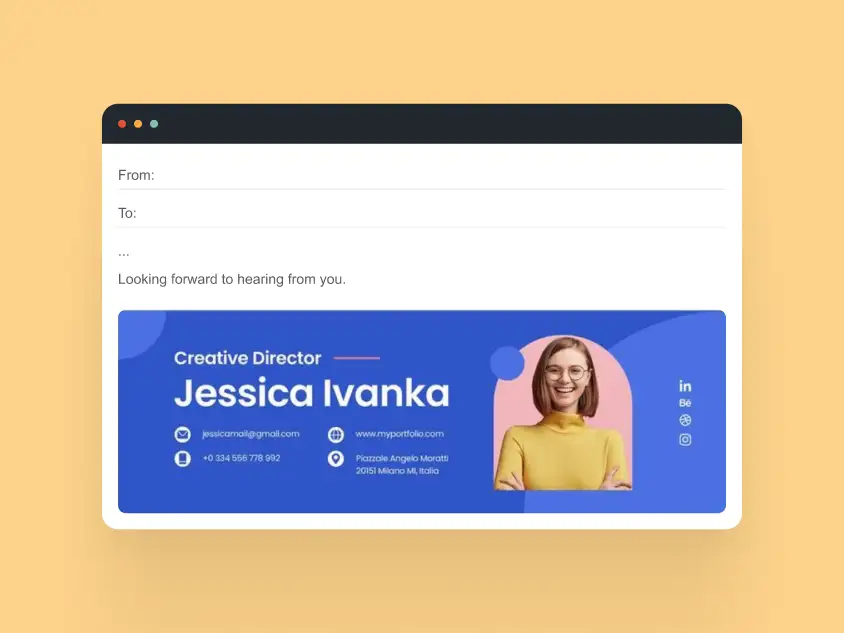
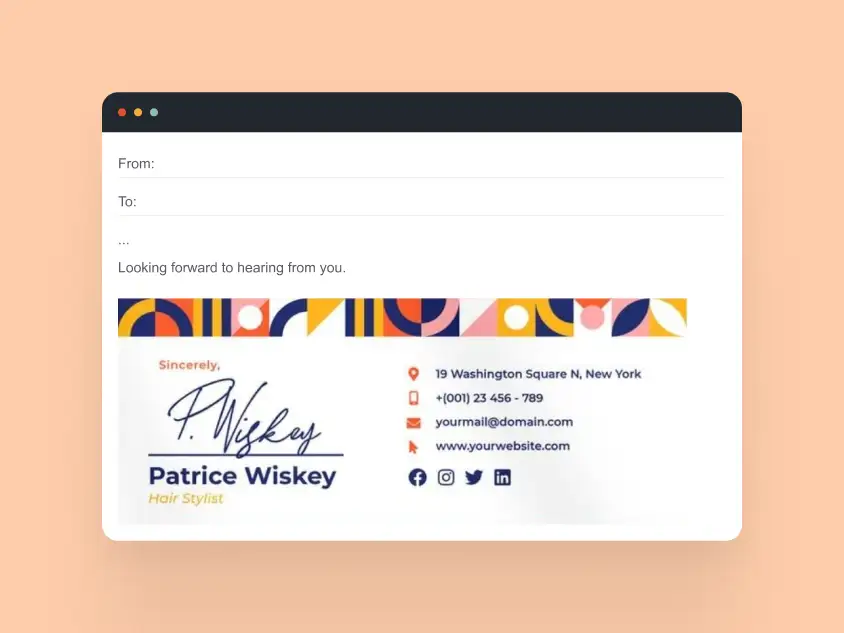
Example 2: Professional Signature with Contact Emphasis
Use case: Sales, partnerships, account management
Design focus: Accessibility and scannability
Why this works
- Phone and email are tap-friendly on mobile
- Visual separation without heavy borders
- Clean HTML structure prevents layout issues
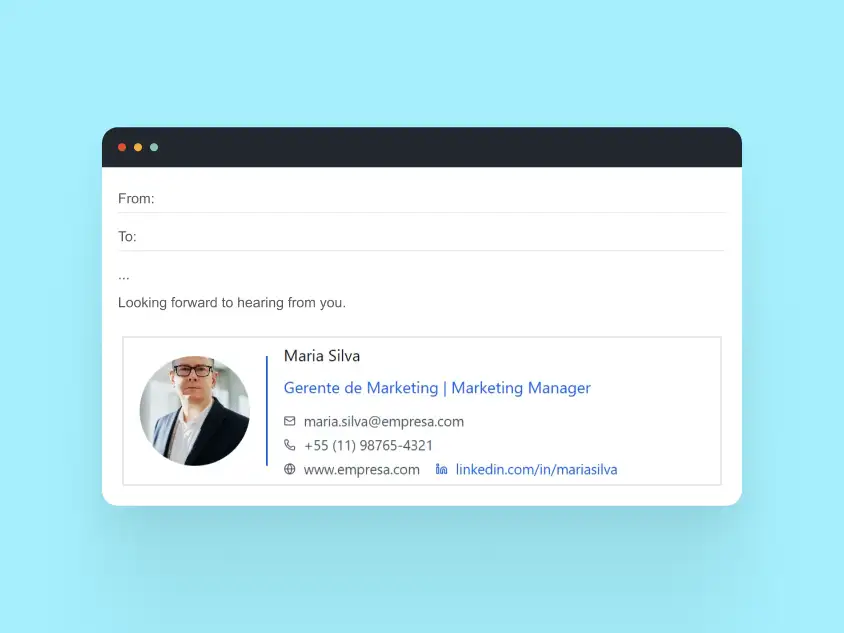
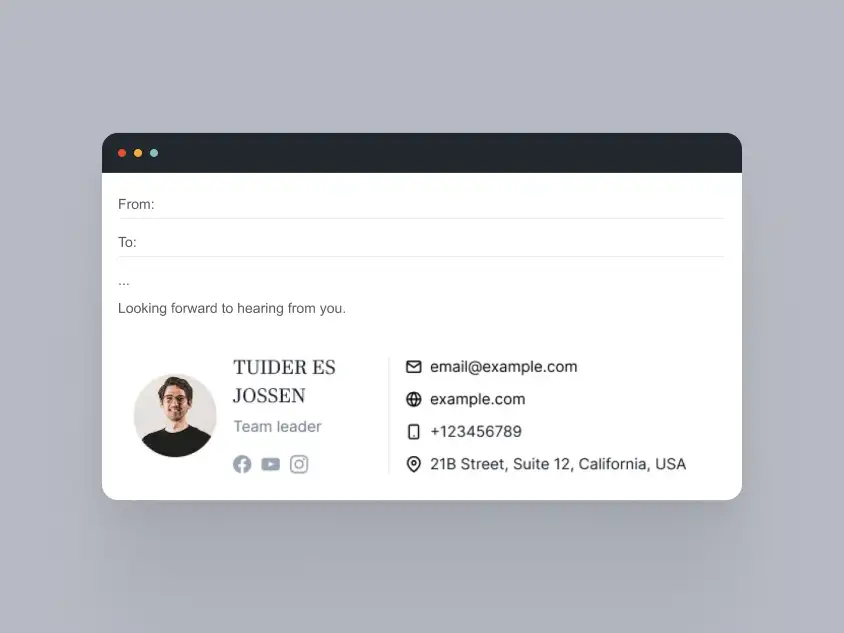
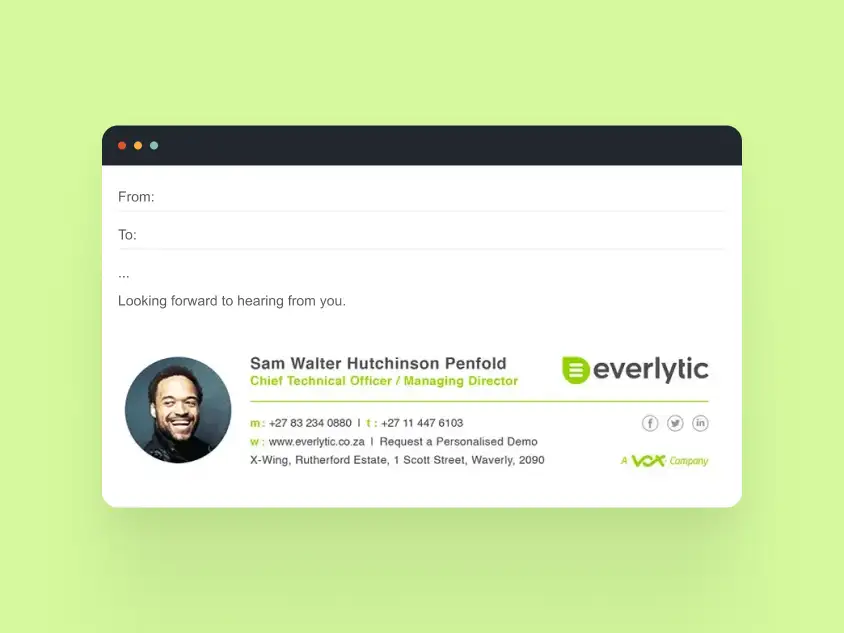
Example 3: Modern Professional Signature with Subtle Brand Color
Use case: Product, marketing, creative roles
Design focus: Light branding without distraction
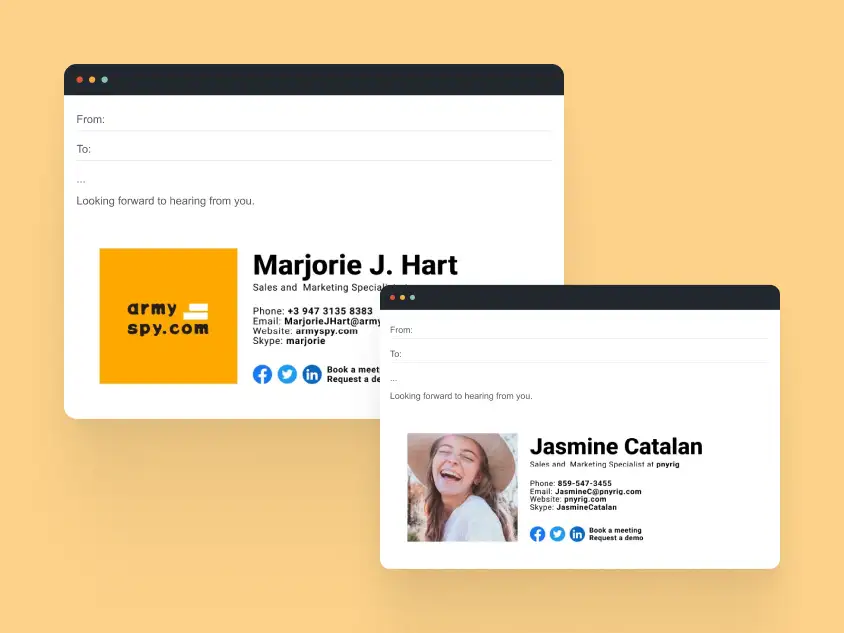
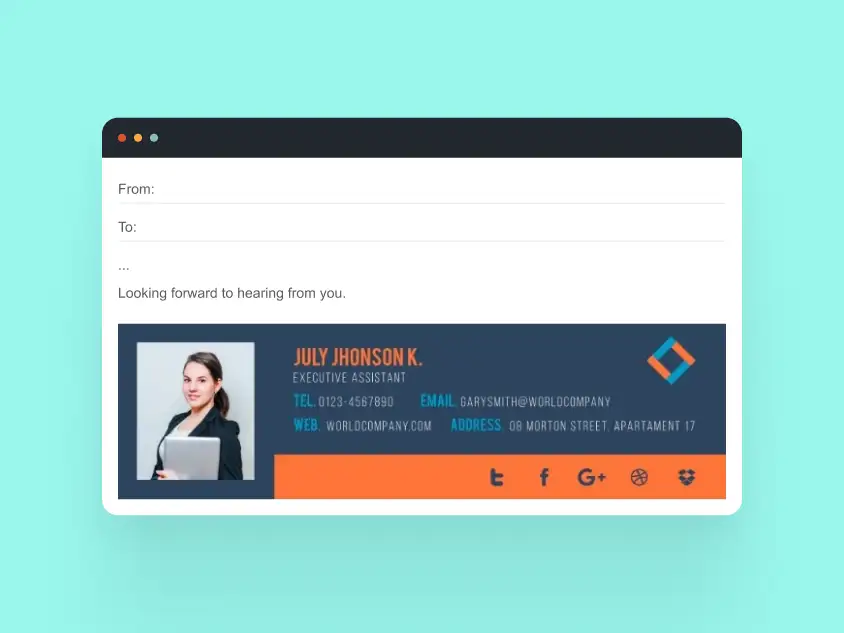
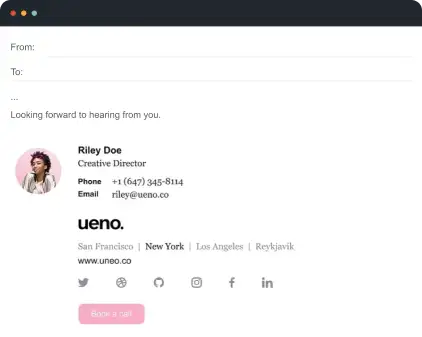
Why this works
- Single accent color reinforces brand identity
- Avoids banners that break email layouts
- Looks professional in both light and dark mode


Business & Corporate Email Signature Examples
Business and corporate email signatures need to look consistent across whole teams, not just individual inboxes. The best examples combine clear contact details, brand alignment, and reliable rendering across Gmail, Outlook, and mobile.
- Medium to large teams
- Client-facing organizations
- Companies using Gmail or Outlook at scale
They balance branding with reliability, avoiding common issues like broken images, misaligned logos, or unreadable disclaimers.
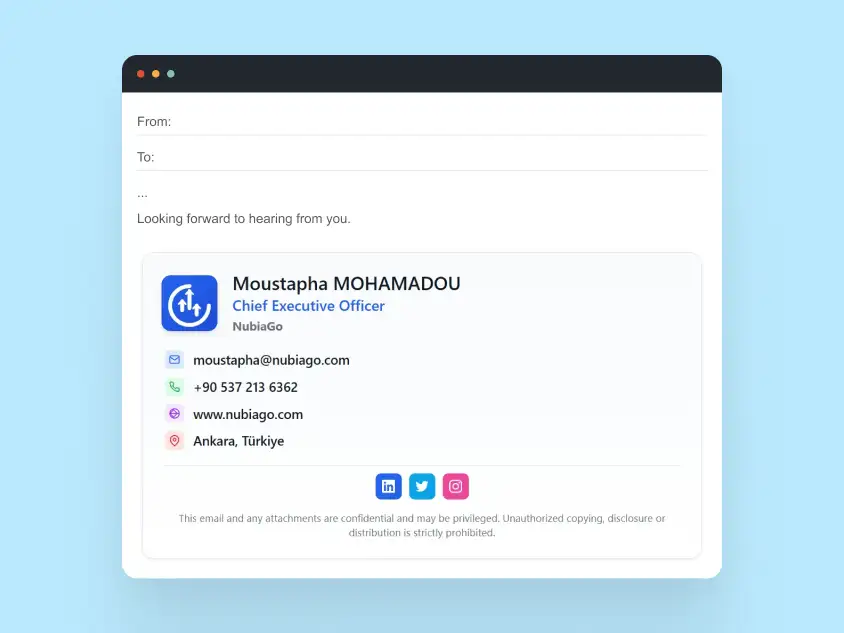
Example 1: Corporate Signature with Logo and Disclaimer
Use case: Enterprises, regulated industries
Design focus: Brand trust and compliance
Why this works
- Logo is secondary to the sender’s name
- Disclaimer is readable without overpowering the signature
- Table-based HTML ensures Outlook compatibility
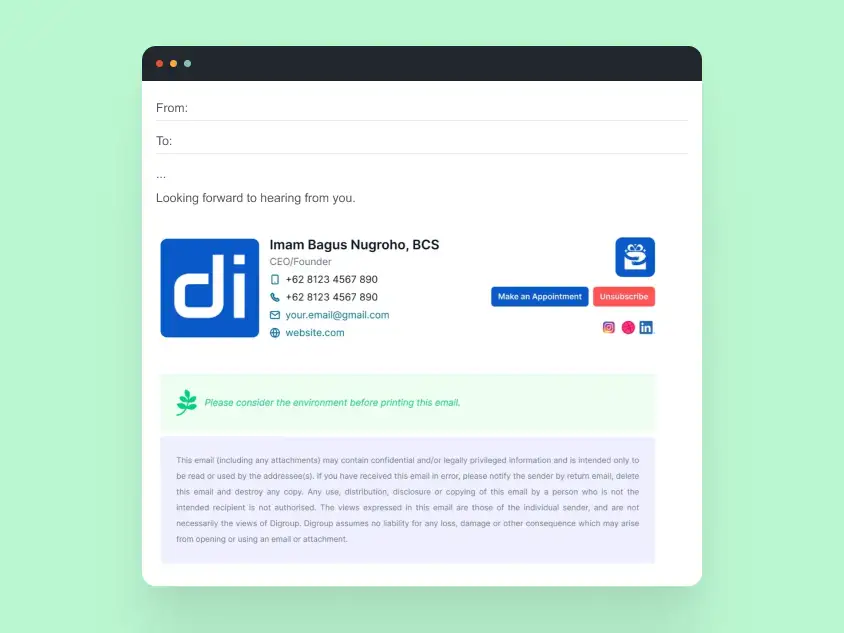
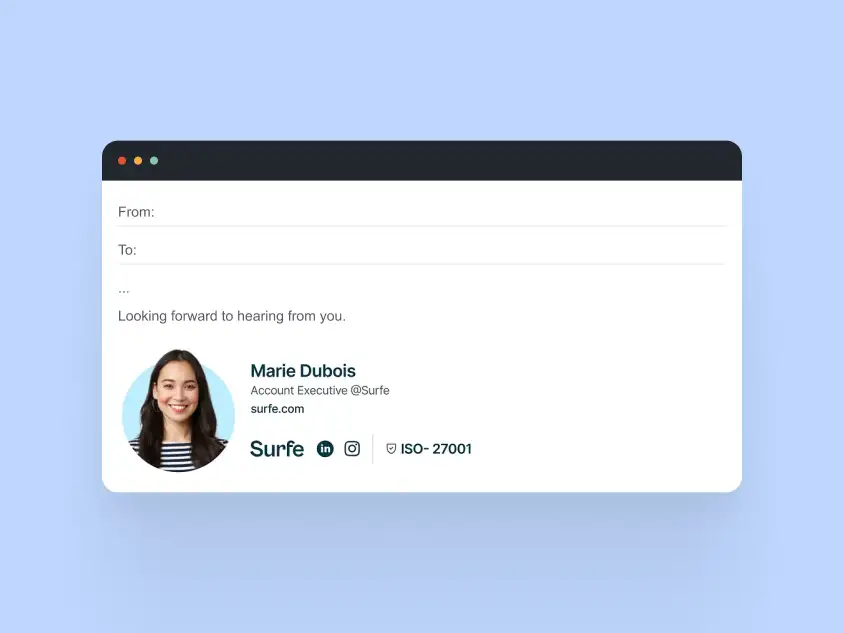
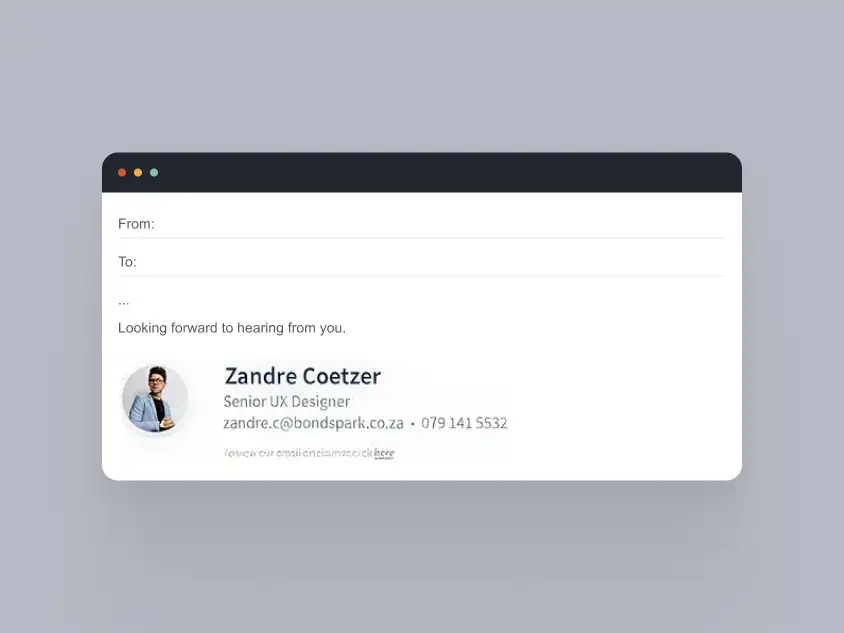
Example 2: Team-Wide Corporate Signature System
Use case: Sales teams, support teams
Design focus: Consistency across multiple users
Why this works
- Same layout used across the entire company
- Individual details swapped dynamically
- Easy to deploy without manual formatting errors
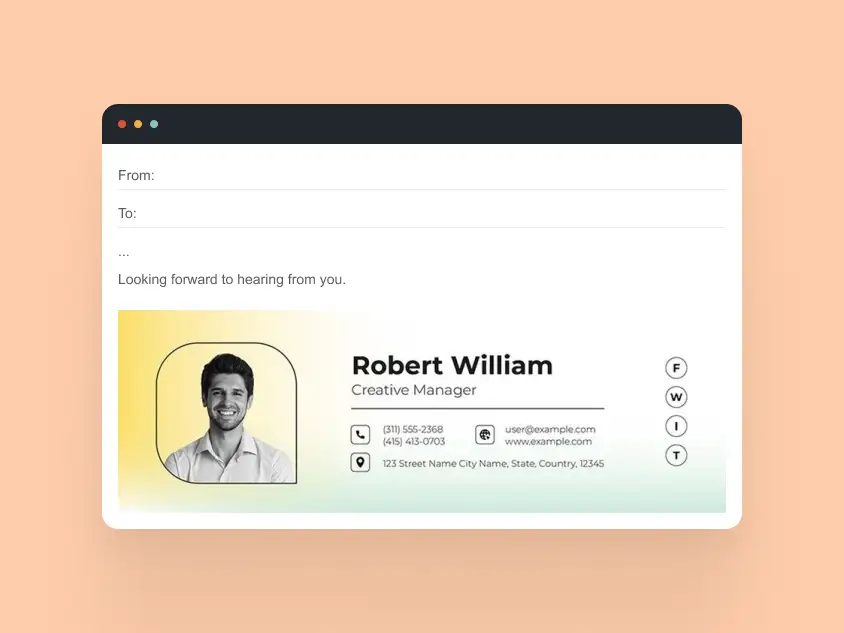
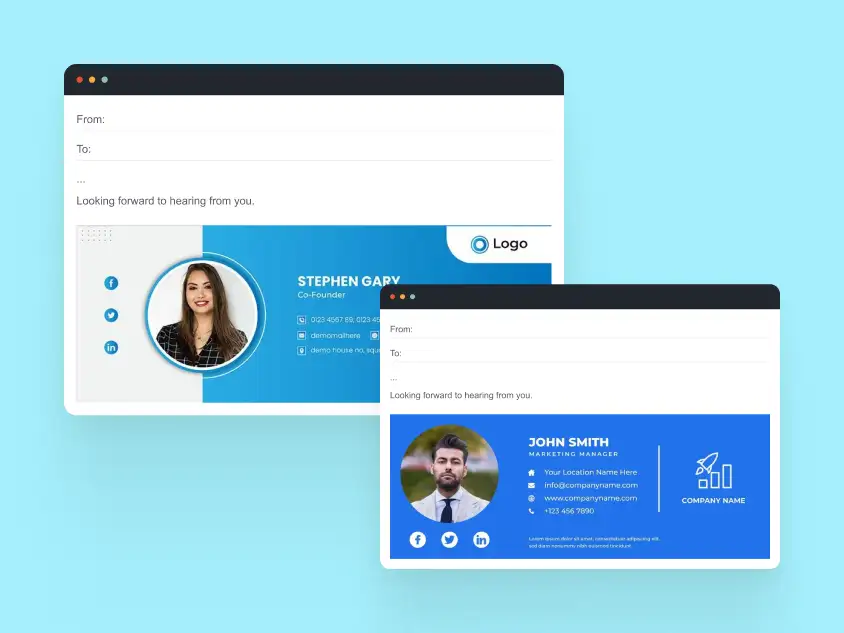
Example 3: Corporate Signature with Social Links
Use case: Marketing, partnerships
Design focus: Brand presence without clutter
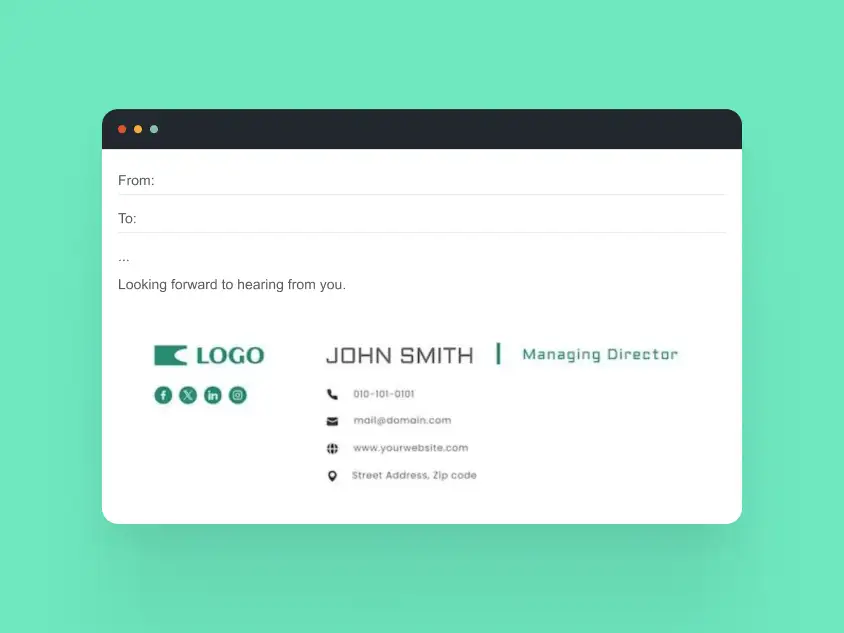
Why this works
- Social icons are optional, not dominant
- Icons remain sharp on high-DPI screens
- Doesn’t trigger spam filters or image blocking
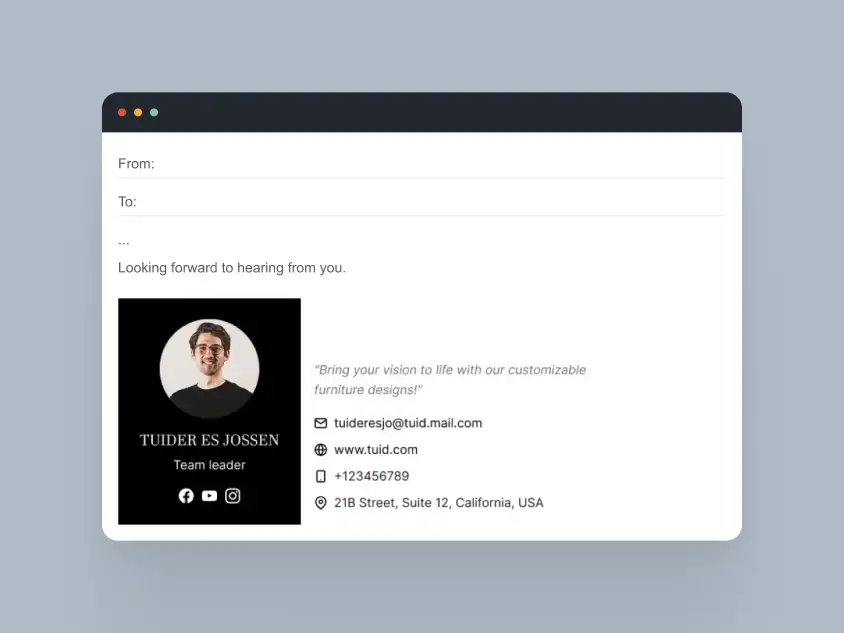
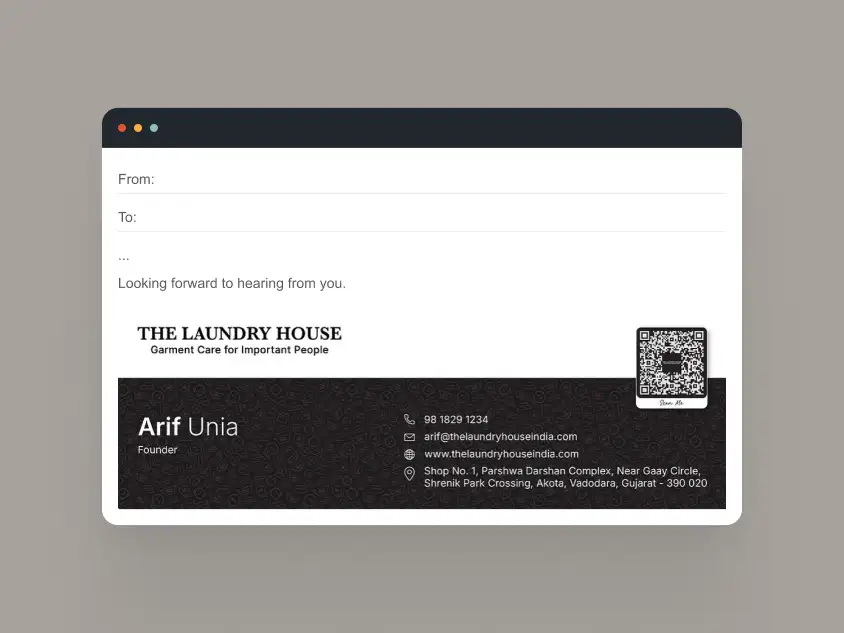
Corporate teams need consistent, scalable email signatures that render correctly across devices and email clients.
Personal Email Signature Examples
Personal email signatures are often used by freelancers, consultants, creators, and independent professionals who need to look credible without sounding too corporate. The best examples keep the layout simple, the contact details easy to scan, and the tone aligned with the person behind the email. Best for:
- Freelancers and solopreneurs
- Independent consultants
- Creators and personal brands
- Professionals who want a more approachable signature style
They balance personality with clarity, making the signature feel human while still being appropriate for client communication.
Example 1: Simple Personal Signature
Use case: Freelancers, independent consultants
Design focus: Clarity over decoration
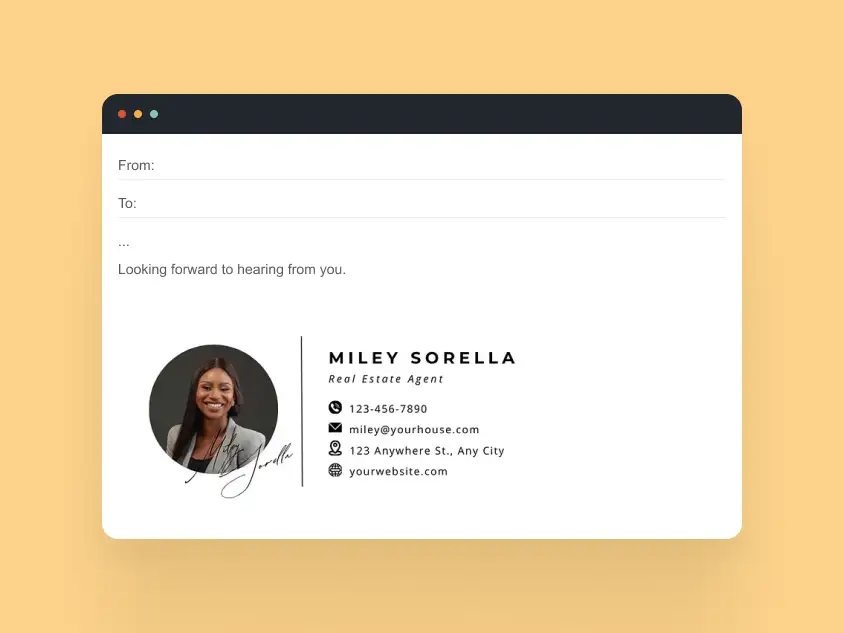
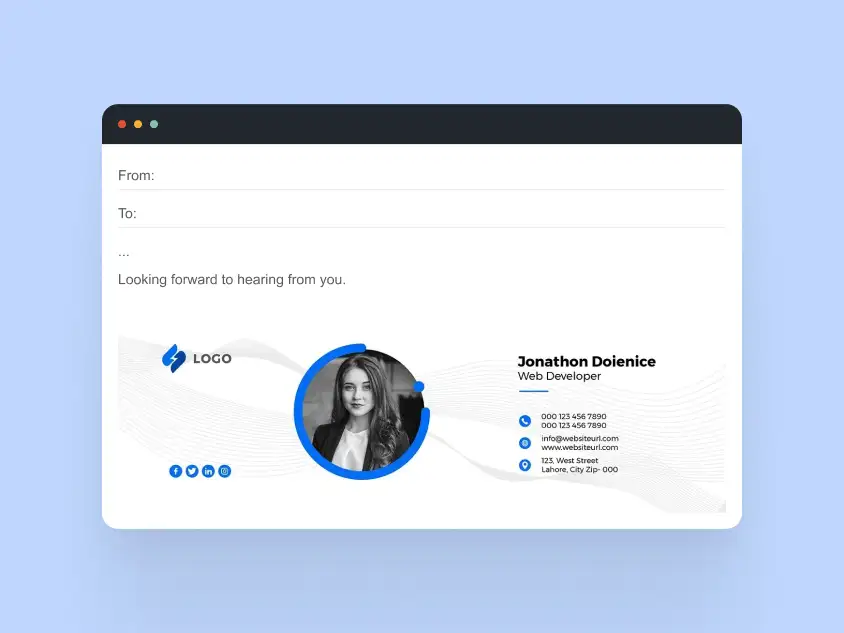
Why this works
- No unnecessary visuals
- Easy to read on any device
- Sends a confident, no-nonsense message
Example 2: Personal Signature with Social & Website Links
Use case: Designers, developers, writers
Design focus: Personal branding
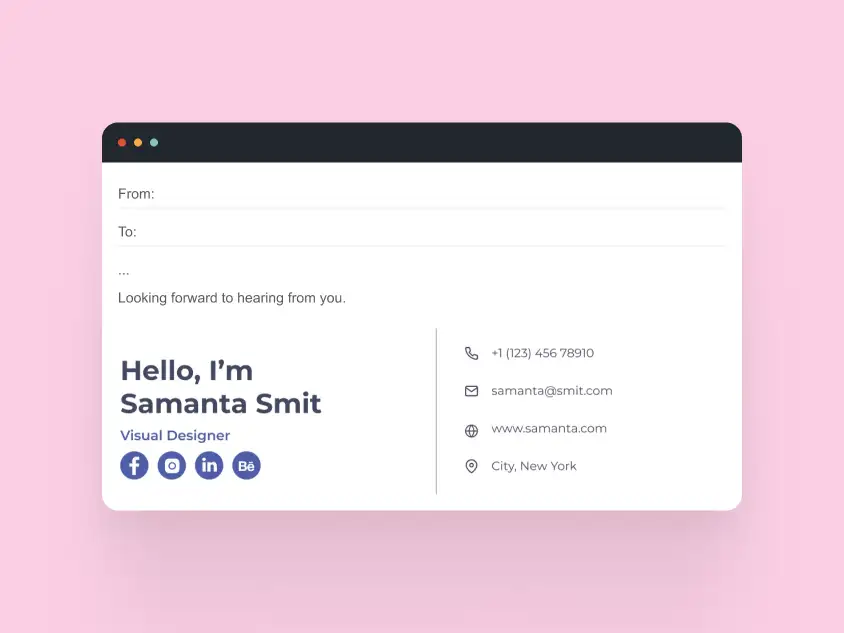
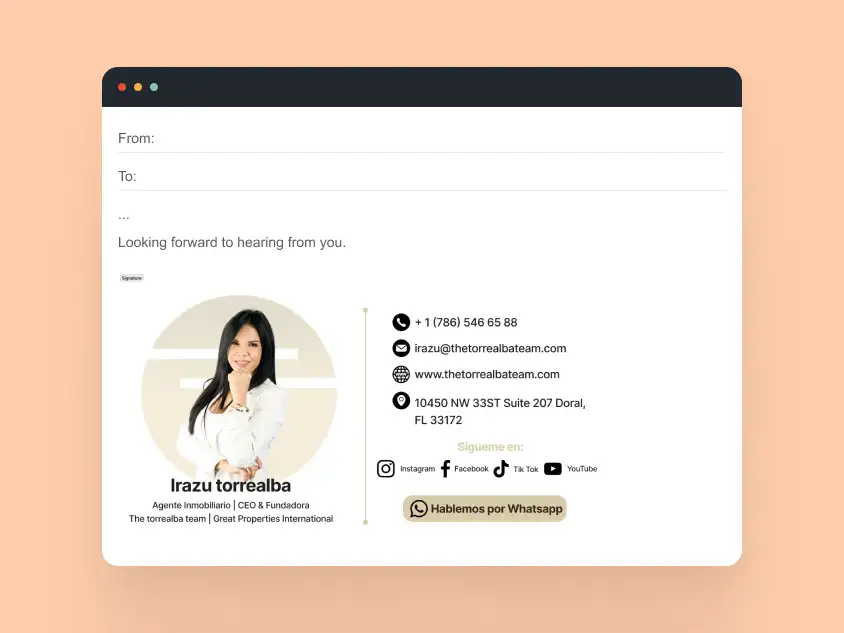
Why this works
- Links are visible but not pushy
- Keeps attention on the message, not the signature
- Consistent typography builds trust
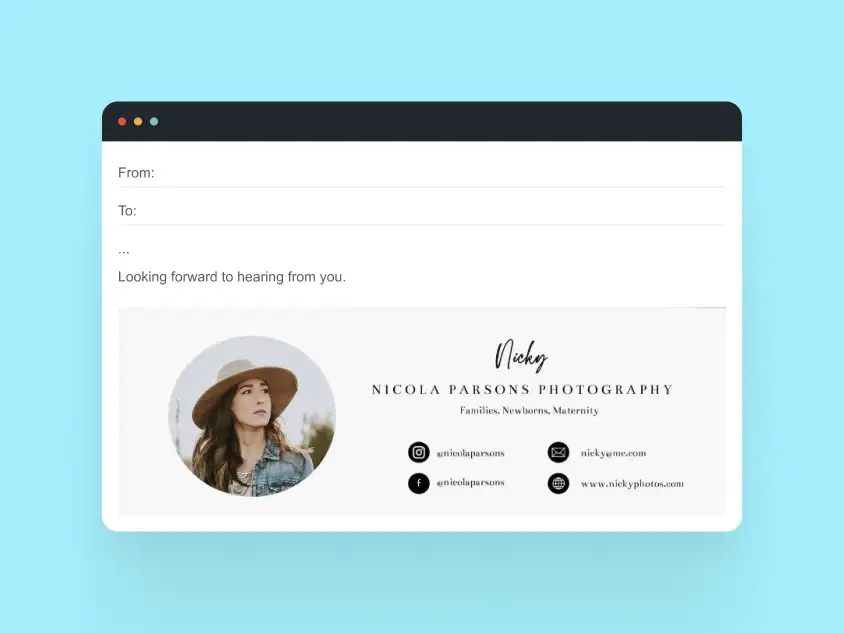
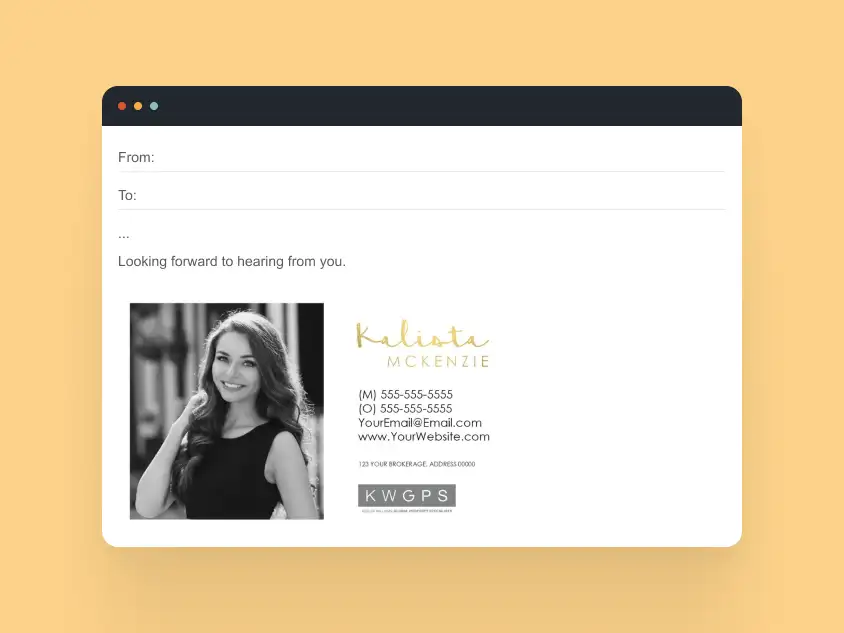
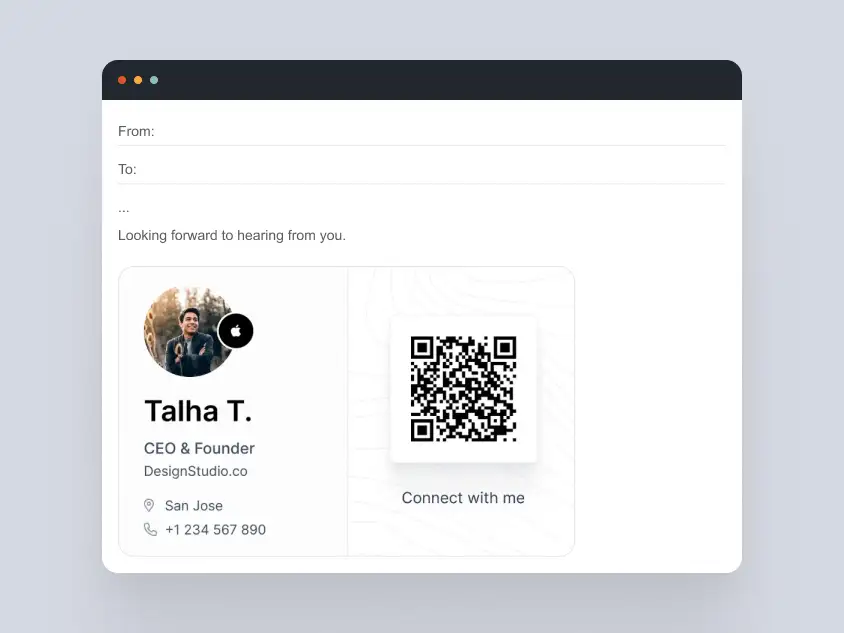
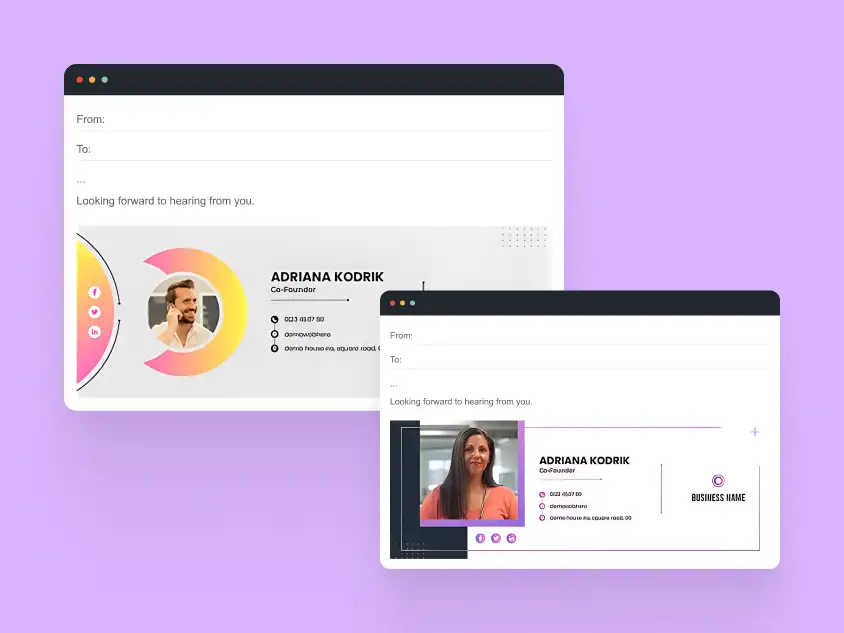
Example 3: Personal Signature with Light Visual Accent
Use case: Creatives, founders
Design focus: Personality with restraint
Why this works
- Single visual element adds character
- Avoids heavy banners or images
- Still feels professional in business contexts
Many freelancers start with simple templates and move to custom HTML signatures once consistency and reliable rendering become more important. For a fully coded solution, explore MailBakery’s custom HTML email signature service.
Student & Academic Email Signature Examples
Student and academic email signatures should be clear, respectful, and easy to read, without unnecessary branding or visual clutter. These examples are designed for:
- University students
- Researchers
- Faculty and teaching staff
- Academic administrators
They prioritize hierarchy, accessibility, and institutional credibility.
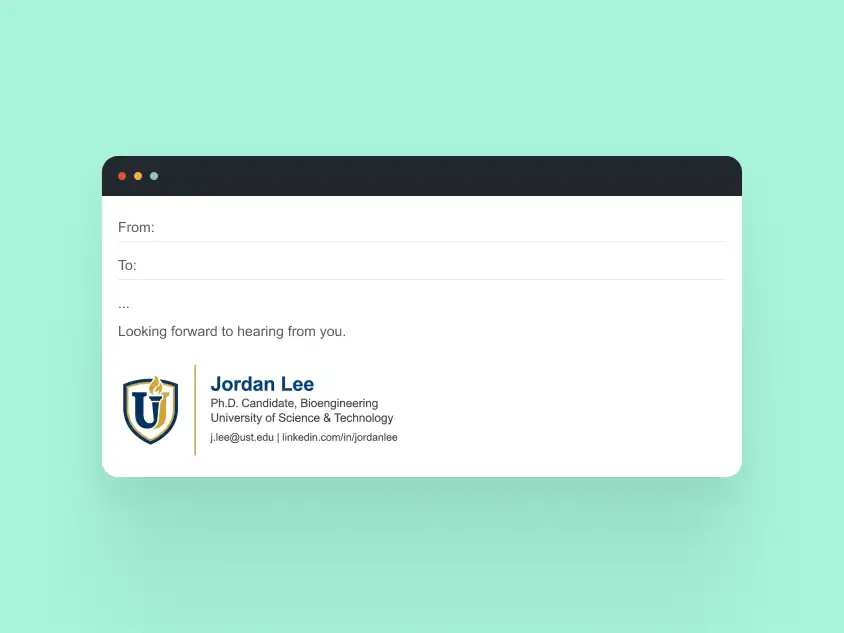
Example 1: Basic Student Email Signature
Use case: Undergraduate and graduate students
Design focus: Clarity and professionalism
Why this works
- Name and program are immediately clear
- No images that may be blocked by email clients
- Appropriate for formal academic communication
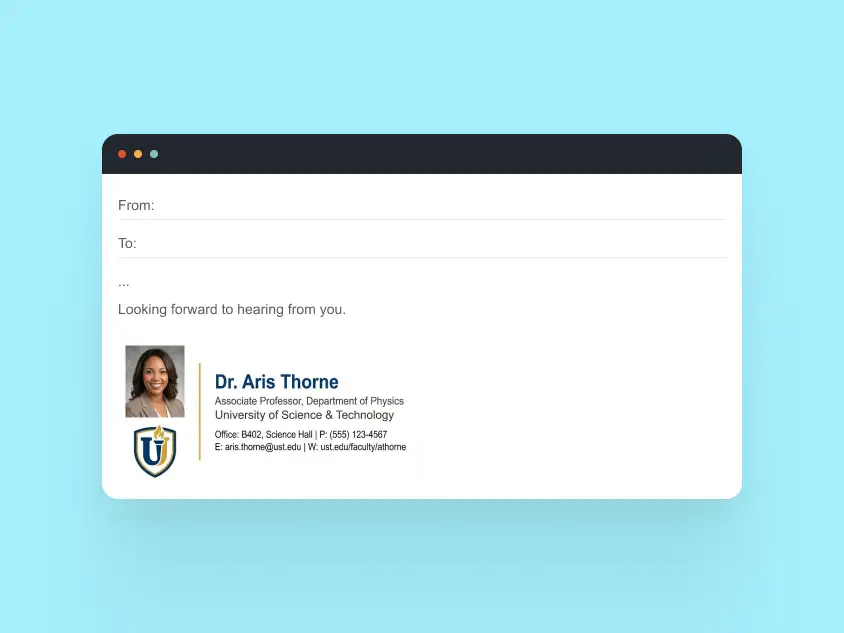
Example 2: Academic Staff Signature with Department Info
Use case: Professors, lecturers, researchers
Design focus: Information hierarchy
Why this works
- Department and institution are easy to scan
- Contact details are neatly grouped
- Works reliably across Gmail and Outlook
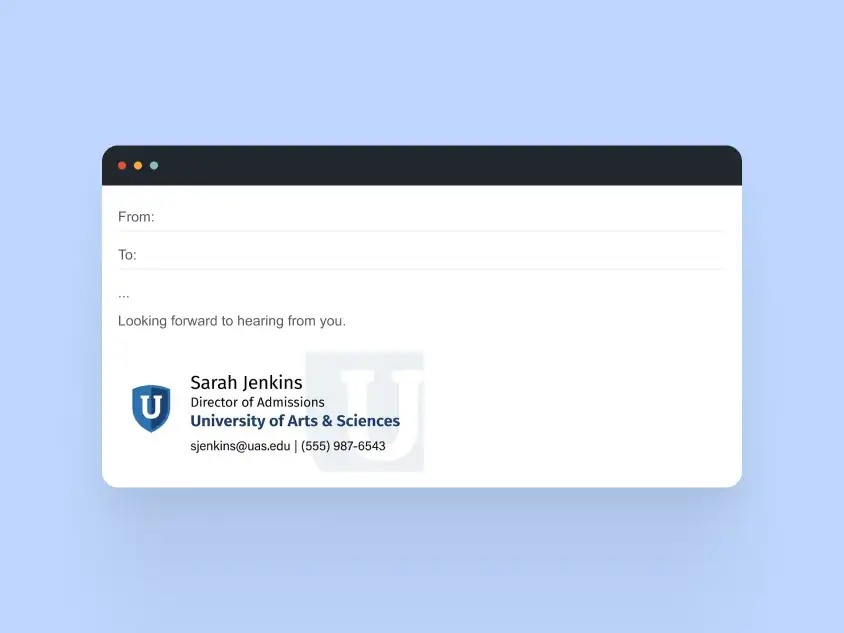
Example 3: University-Branded Academic Signature
Use case: University staff and administrators
Design focus: Institutional branding
Why this works
- Subtle use of university brand colors
- Logo placement does not overpower the sender’s name
- Maintains accessibility and legibility standards
Academic institutions often standardize email signatures to ensure consistency and professionalism.
Mobile-Friendly Email Signature Examples
Many emails are opened and answered on mobile devices, yet plenty of email signatures are still designed with desktop screens in mind. A good mobile-friendly signature should stay readable, easy to tap, and visually balanced even on a small screen. The examples below focus on:
- Tap-friendly phone numbers, email links, and social icons
- Stacked layouts that don’t feel cramped on mobile
- Readable font sizes and spacing
- Logos and banners that resize without breaking the layout
- Dark mode-aware styling where possible
These signatures are useful for professionals and teams whose emails are often read on the go, especially in sales, support, consulting, and client communication.
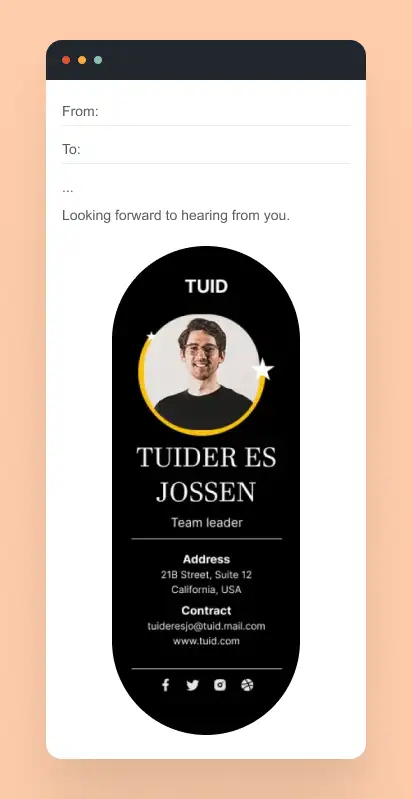
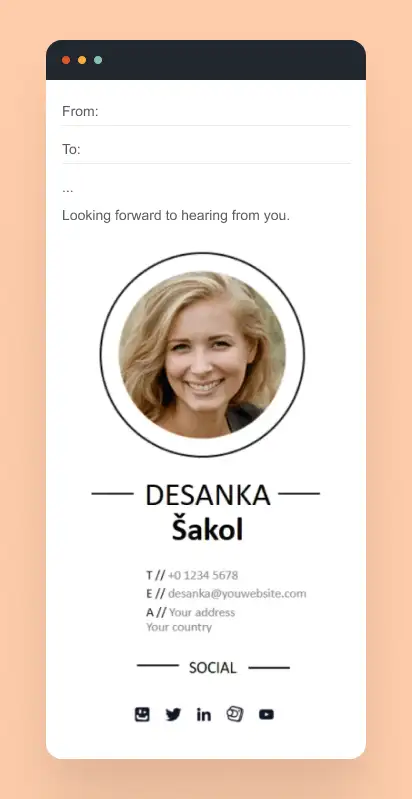
Example 1: Mobile-First Stacked Signature
Use case: Sales, support, remote teams
Design focus: Thumb-friendly interaction
Why this works
- Vertical layout adapts naturally to small screens
- Phone and email links are easy to tap
- No horizontal scrolling on mobile
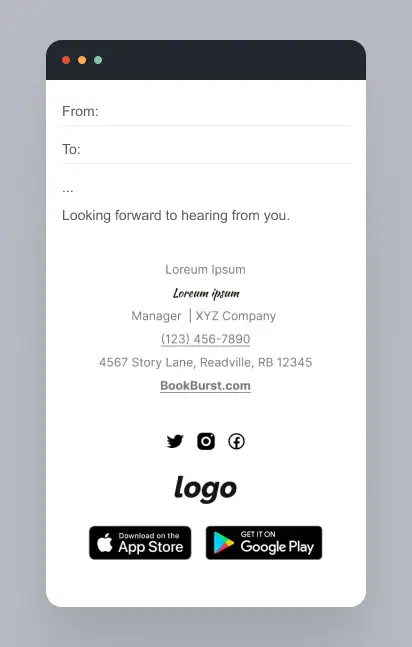
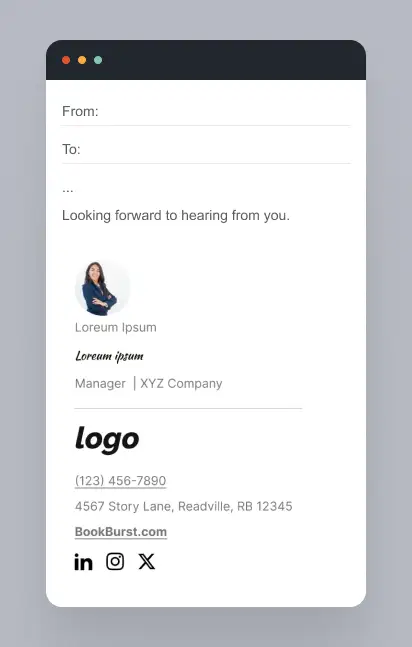
Example 2: Compact Mobile Signature with Icons
Use case: Client-facing roles
Design focus: Space efficiency
Why this works
- Icons reduce visual clutter
- Text remains readable without zooming
- Maintains structure in both iOS and Android clients
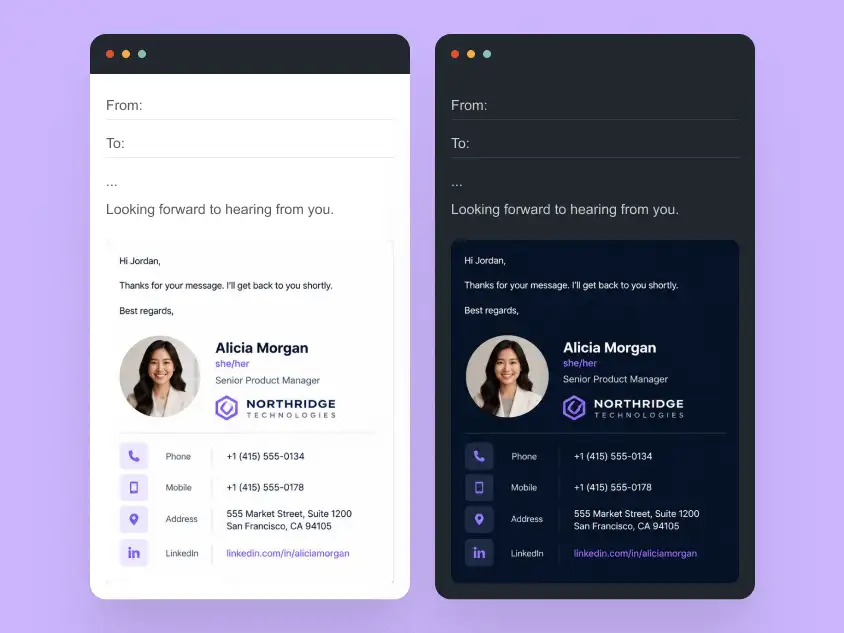
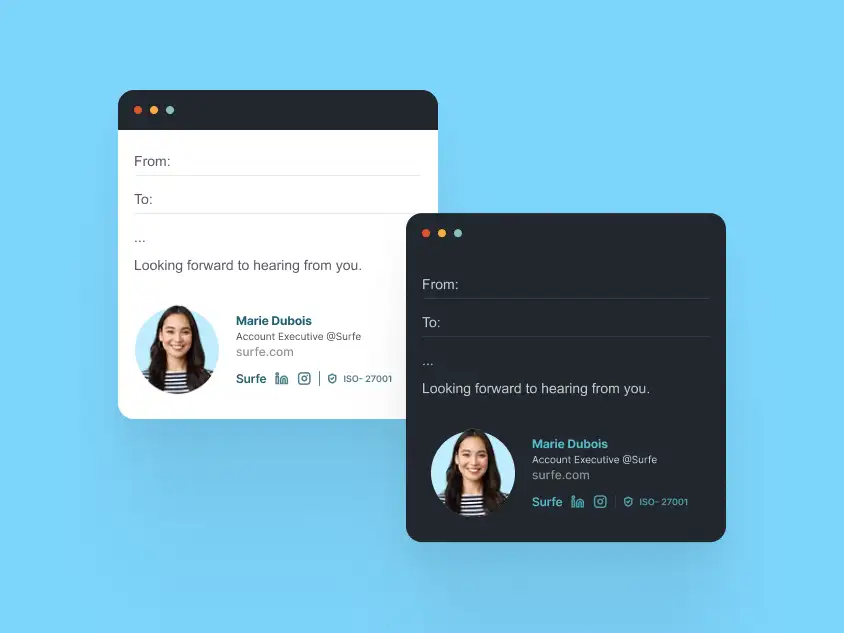
Example 3: Mobile Signature with Dark Mode Support
Use case: Modern teams and tech companies
Design focus: Dark mode reliability
Why this works
- Colors remain legible in dark mode
- Logos do not disappear against dark backgrounds
- Avoids common CSS issues in mobile email apps
Many email signature templates break on mobile. Proper HTML signatures must be tested on real devices and email apps. See more mobile-friendly email signature examples.
Email Signatures with Logos & Banners
Logos and banners can make an email signature feel more branded and memorable, but they need to be used carefully. If they are too large, poorly optimized, or added as image-only elements, they can create layout issues, broken images, and unreadable contact details.
For more logo-specific layouts, banner combinations, dark mode considerations, and inbox-safe design tips, see our full guide to email signature with logo examples.
The examples below show how to use visual branding in a practical way, with logos, banners, and graphic accents that support the signature without making it harder to read or render. These examples are useful for:
- teams that want consistent visual identity across emails
- branded company signatures
- promotional banners
- event or campaign announcements
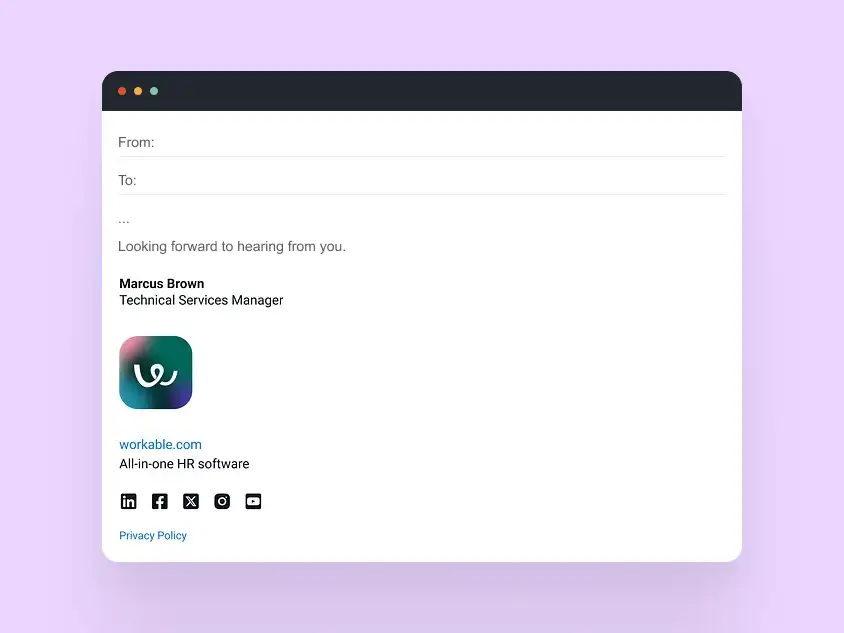
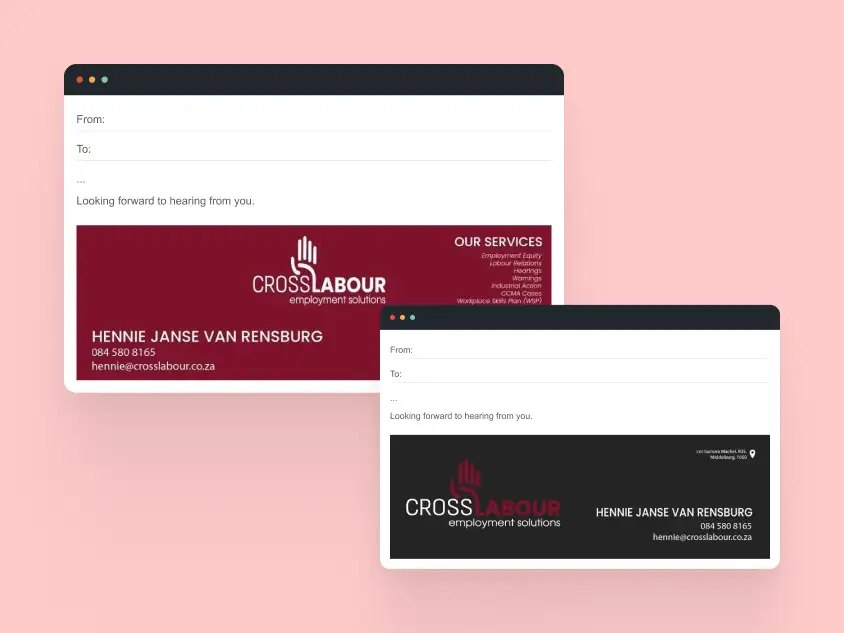
Example 1: Email Signature with Logo Only
Use case: Corporate and professional teams
Design focus: Brand presence without distraction
Why this works
- Logo supports the sender’s identity instead of replacing it
- Optimized image size prevents loading issues
- Remains readable even when images are blocked
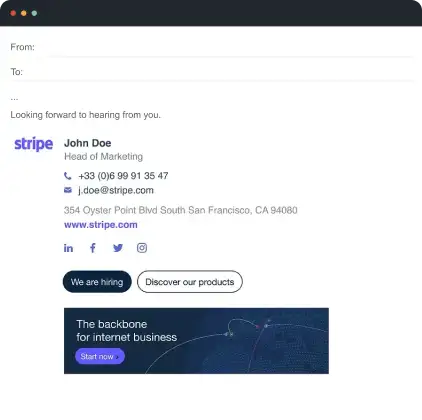
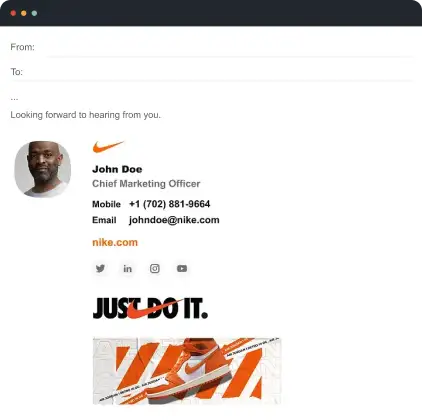
Example 2: Email Signature with Promotional Banner
Use case: Marketing campaigns, announcements
Design focus: Controlled visual emphasis
Why this works
- Banner is visually separated from core contact details
- Does not push important information below the fold
- Designed to degrade gracefully if images fail to load
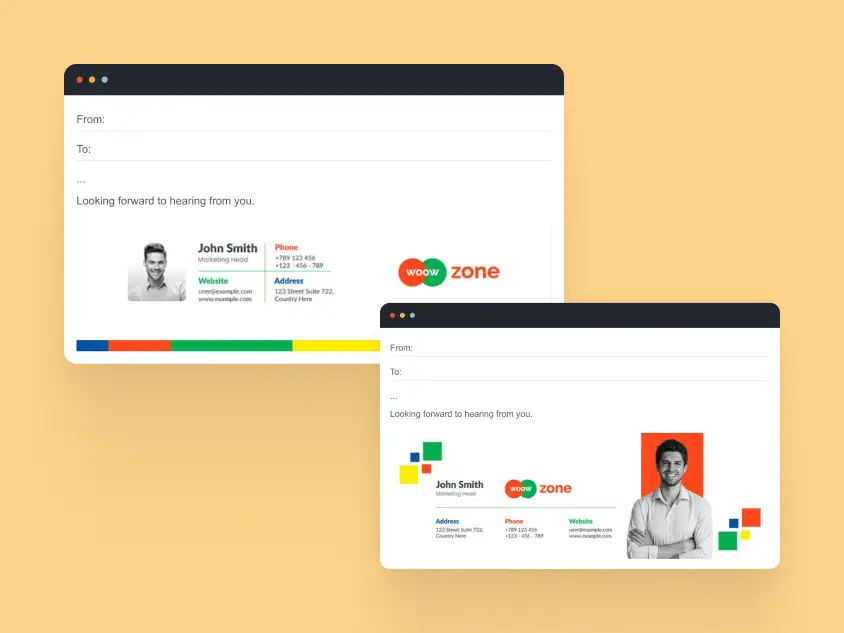
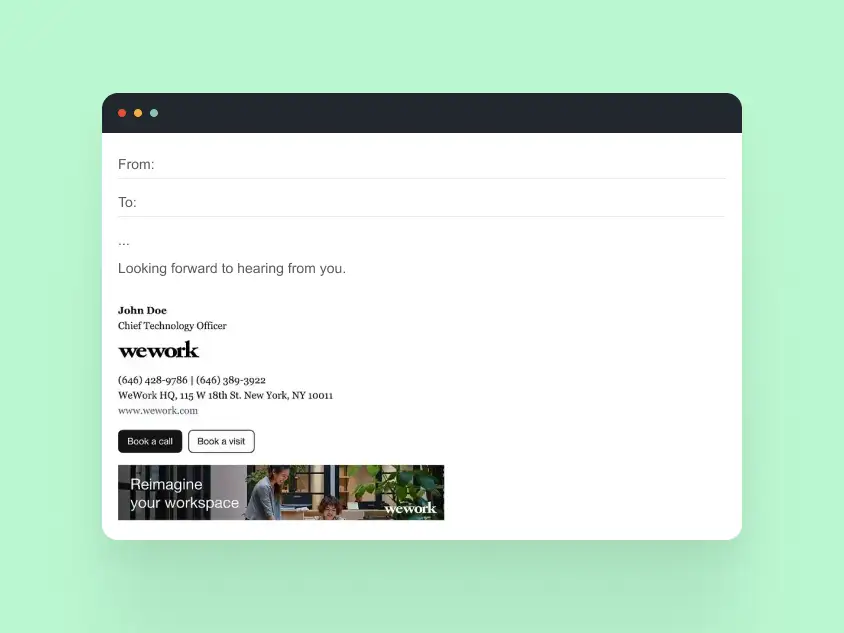
Example 3: Logo and Banner Combination Signature
Use case: Sales and partnerships
Design focus: Balanced branding
Why this works
- Clear visual hierarchy prevents clutter
- Images are retina-ready and properly aligned
- HTML structure prevents Outlook rendering issues
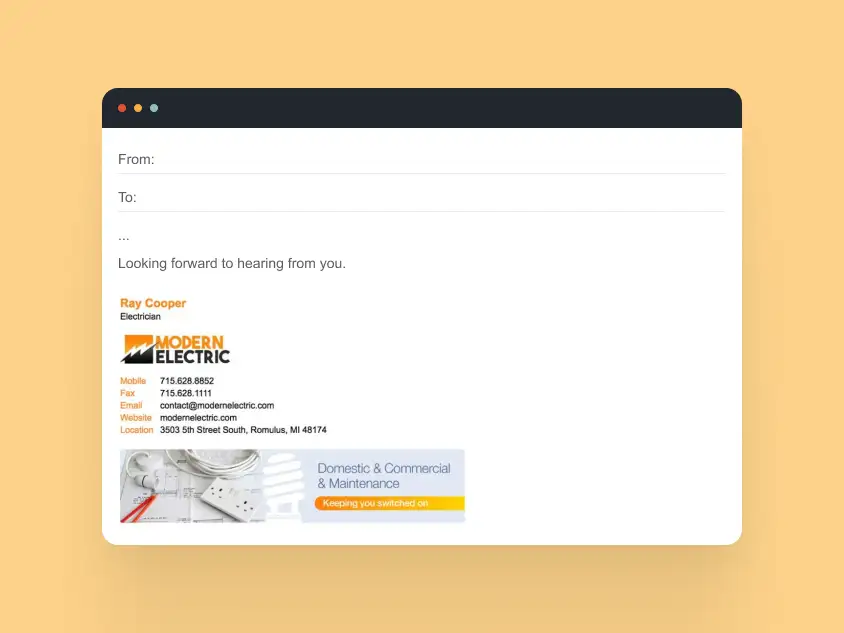
Logos and banners are where most DIY signatures fail. Properly coded HTML ensures brand images display correctly everywhere.
Animated & Video Email Signature Examples
Animated and video email signatures can make a signature more noticeable, but they need to stay lightweight and reliable. Since motion support varies across email clients, the best examples use simple GIFs, video thumbnails, or play-button visuals with clear fallbacks. The examples below are useful for:
- teams that want to add motion without clutter
- personal brands and creators
- sales and outreach emails
- event or product promotion
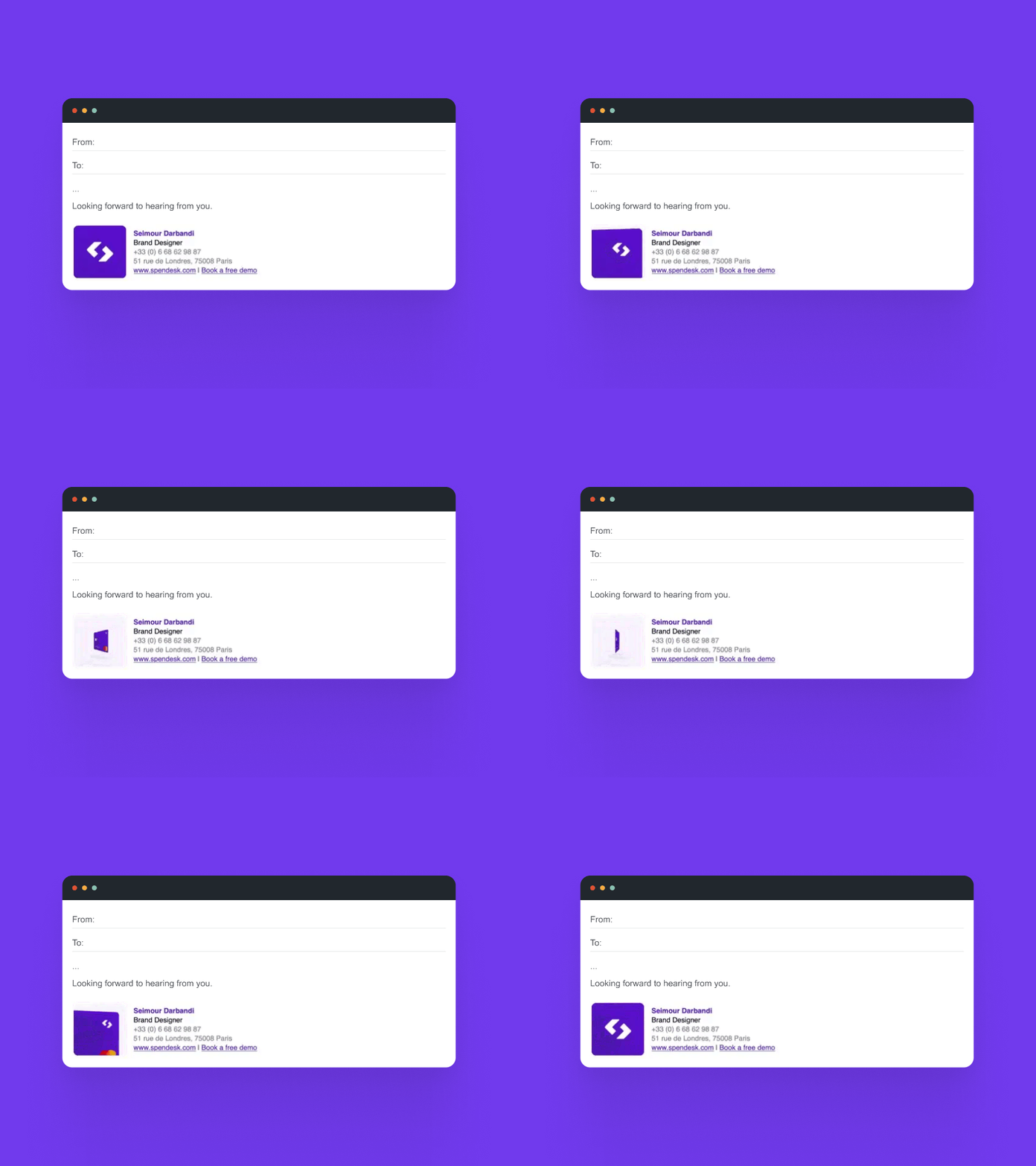
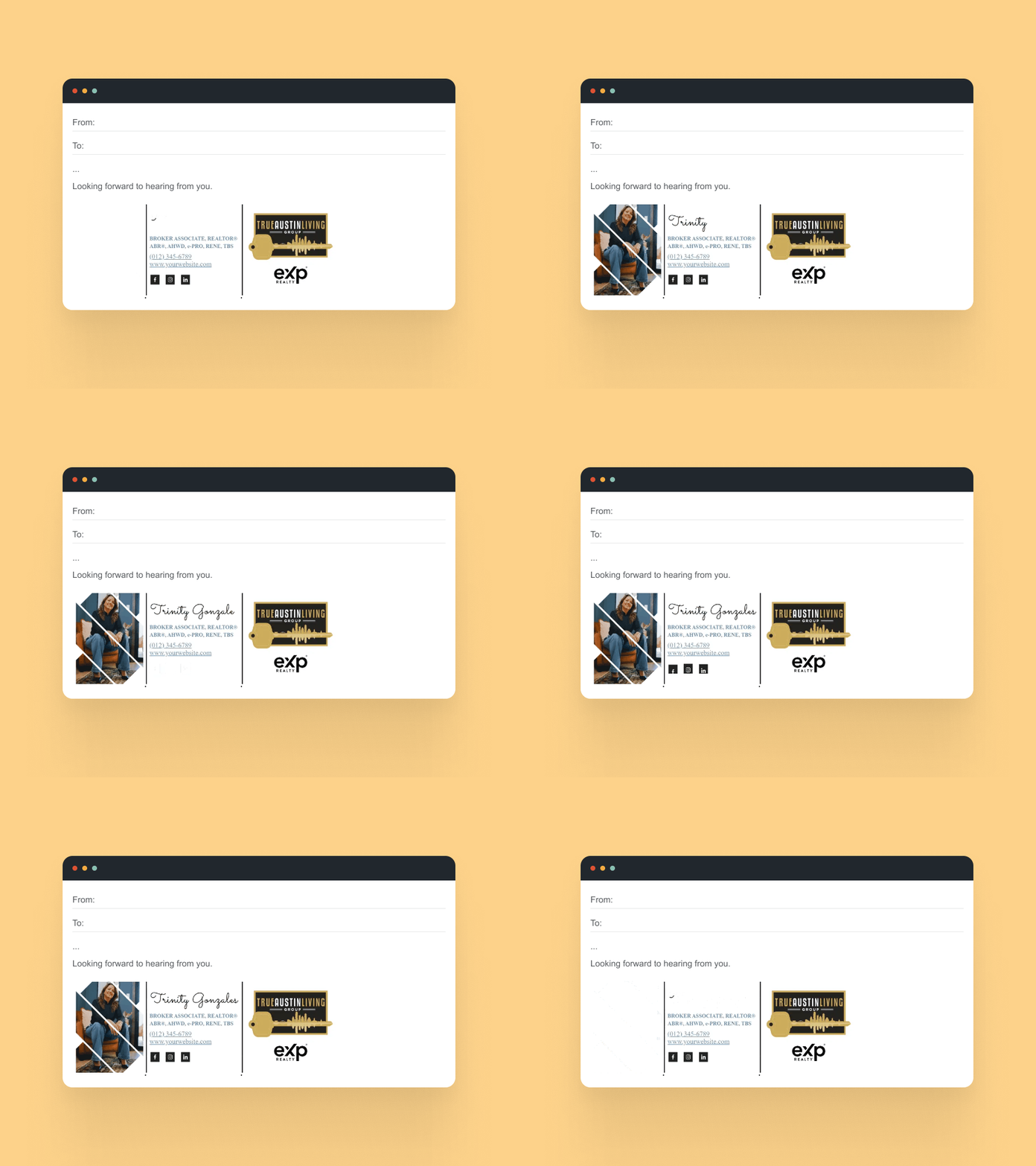
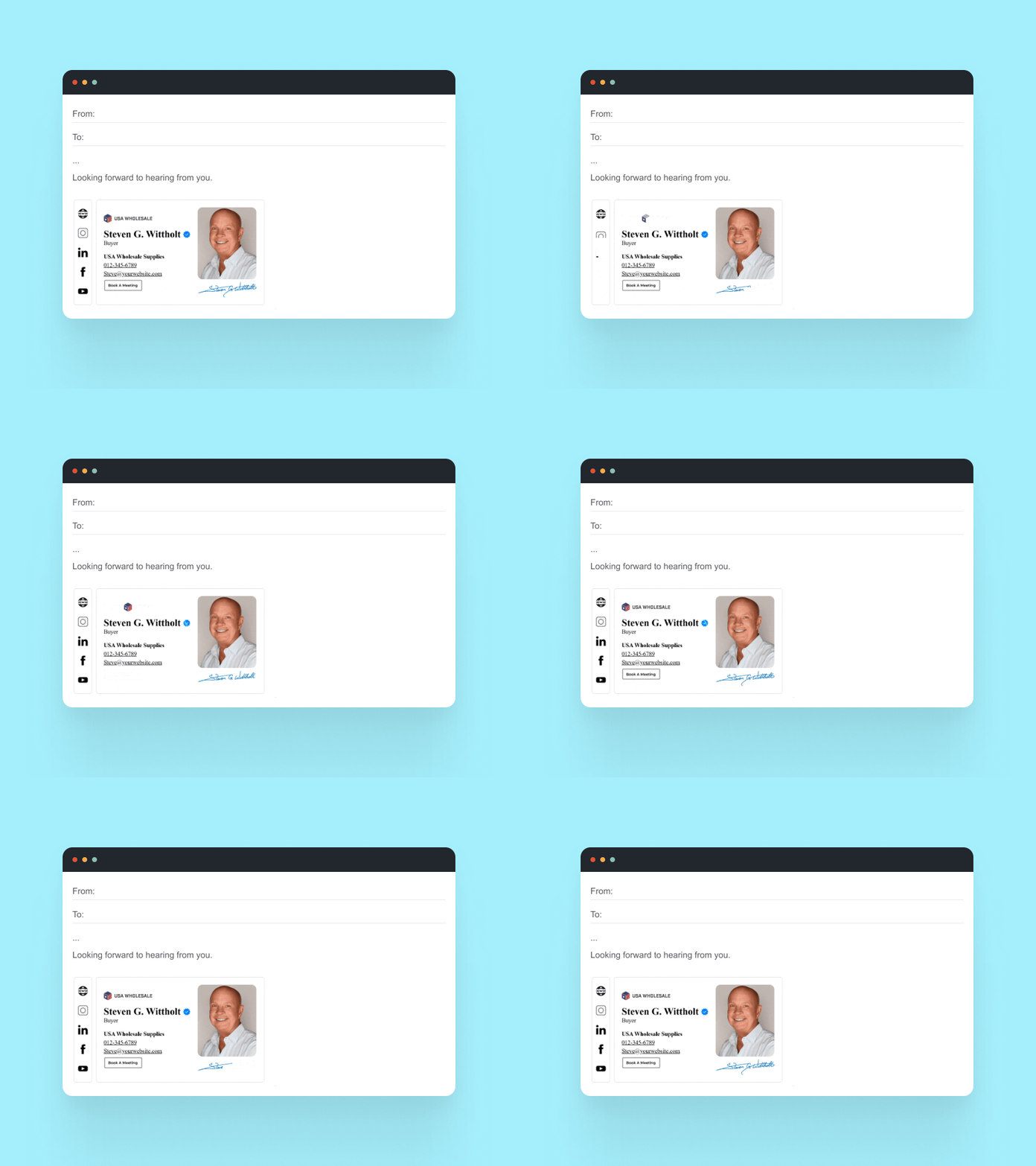
Example 1: Subtle GIF Animation Signature
Use case: Marketing, growth, creative teams
Design focus: Micro-animation
Why this works
- Animation is subtle and non-distracting
- First frame communicates key information
- Falls back cleanly in clients that don’t support GIF animation
Example 2: Animated Call-to-Action Signature
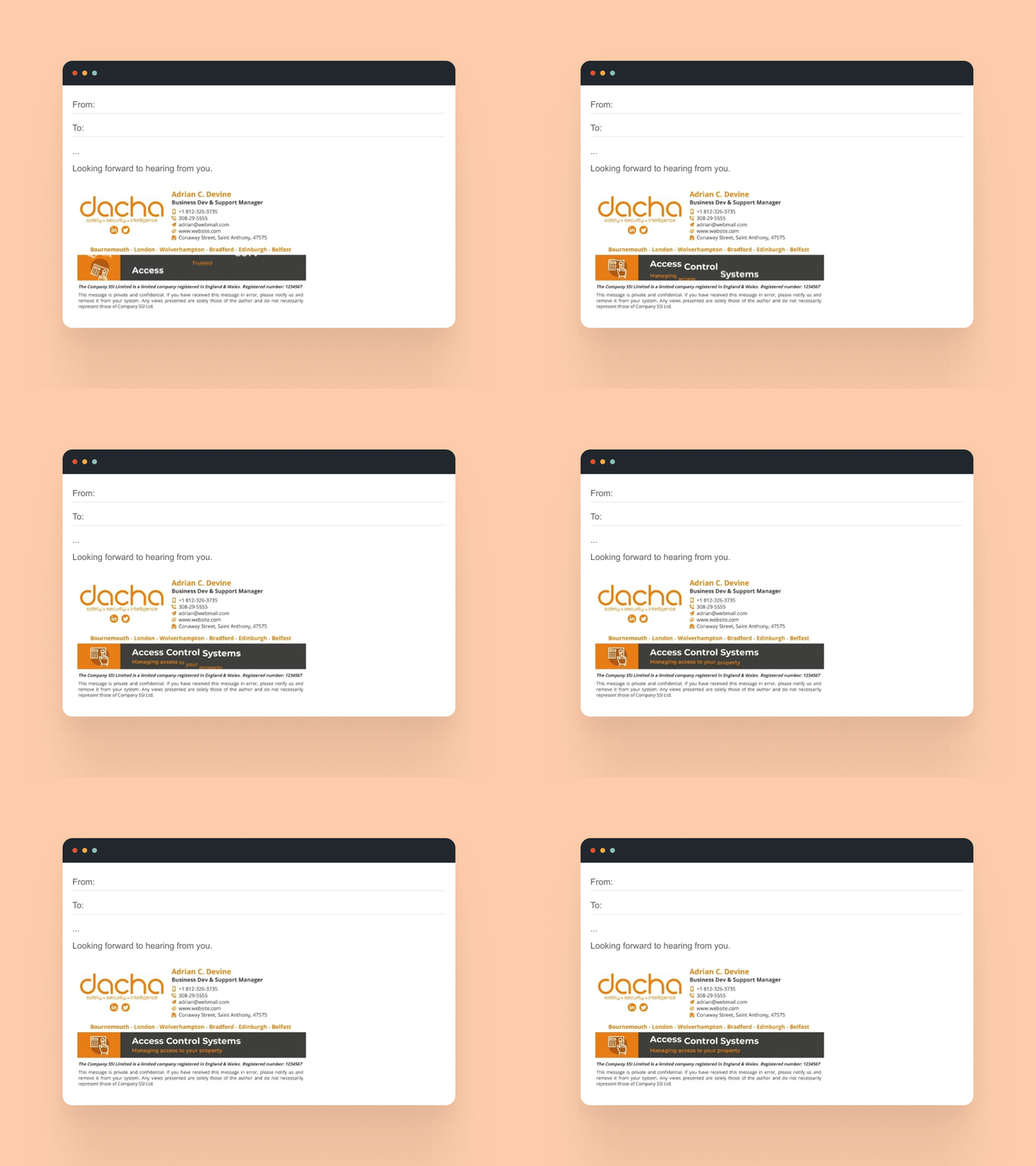
Use case: Sales and partnerships
Design focus: Attention without pressure
Why this works
- Motion draws the eye to a single CTA
- Avoids looping distractions
- Maintains professionalism in business conversations
Example 3: Video-Based Email Signature (Preview Style)
Use case: Personal brands, founders
Design focus: Click-through experience
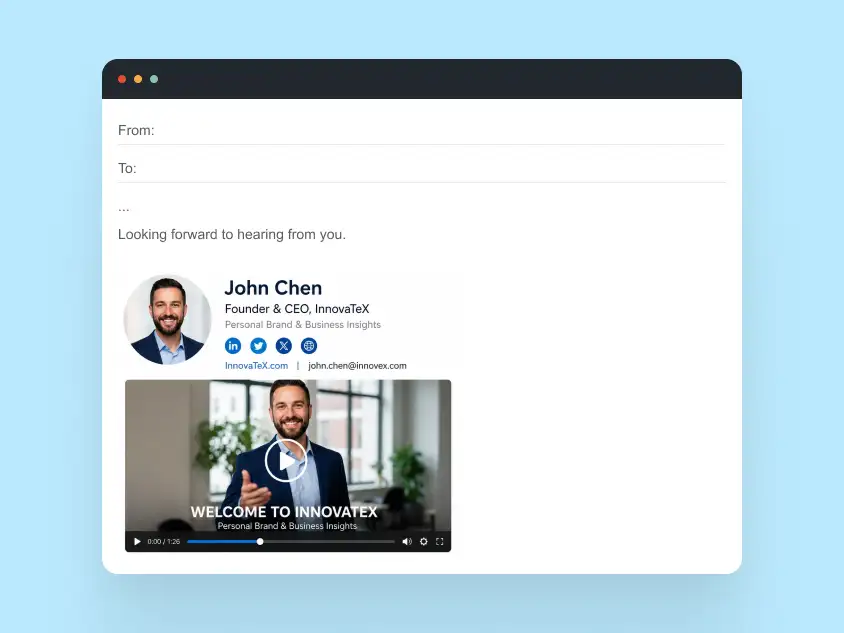
Why this works
- Uses a static preview image instead of embedded video
- Links to hosted video content
- Compatible with all major email clients
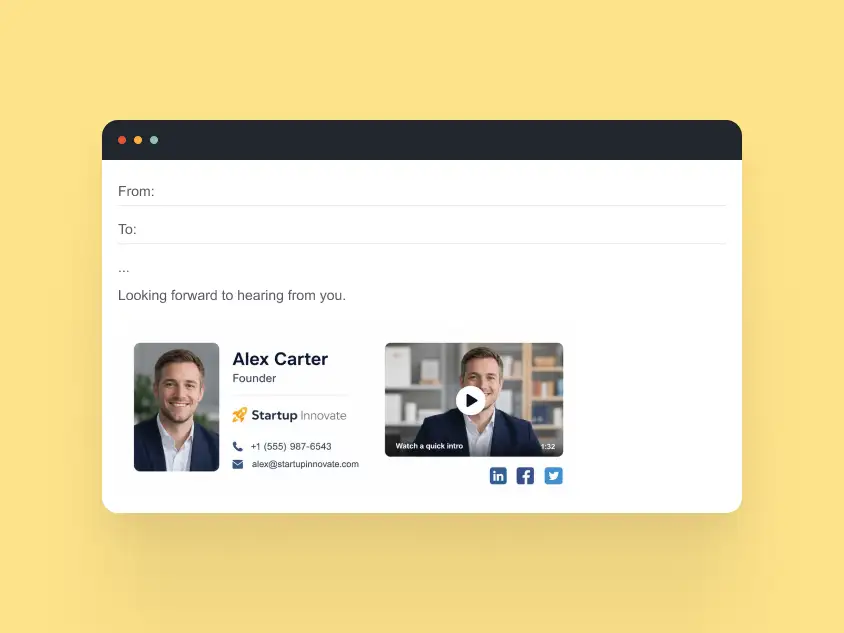
Animation and video in email signatures require careful technical implementation. HTML signatures with subtle GIFs or video previews can attract attention while maintaining compatibility across clients.
Email Signature Sign-Offs & Disclaimers
A strong email signature is not only visual. Sign-offs, legal disclaimers, and company details also shape how professional the message feels.
The examples below show how to keep these elements clear, useful, and easy to read.
Professional Email Sign-Off Examples
Examples
Best regards,
Kind regards,
Sincerely,
Thanks in advance,
With appreciation,
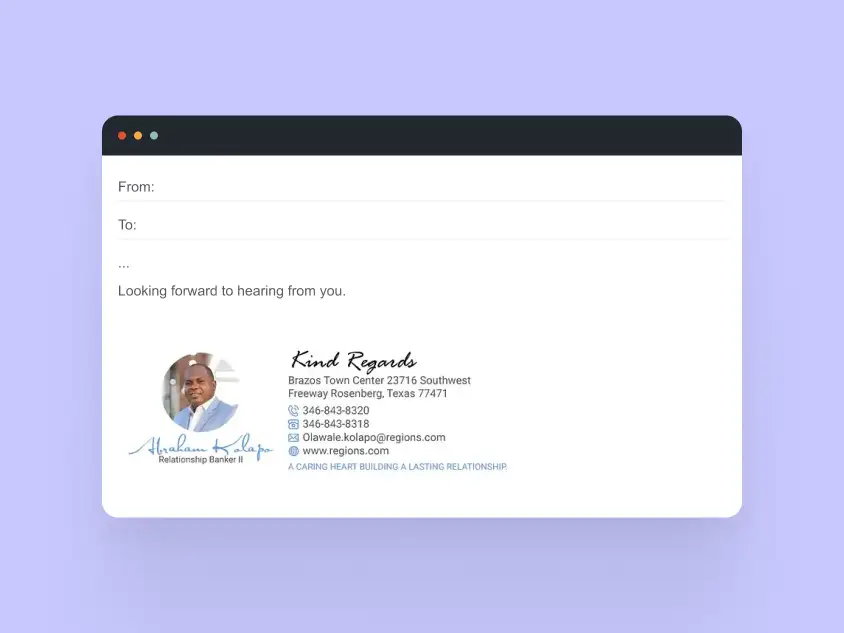
Why these work
- Neutral and professional
- Appropriate across industries
- Easy to pair with both formal and casual signatures
Business & Legal Disclaimer Examples
“This email and any attachments are intended solely for the named recipient and may contain confidential information. If you have received this message in error, please notify the sender and delete it immediately.”
“This message may contain legally privileged or confidential information. Any unauthorized review, use, disclosure, or distribution is prohibited.”
“This email may contain confidential health information. If you are not the intended recipient, please delete this message and contact the sender immediately.”
“This message is intended for internal use only and may contain proprietary information. Unauthorized sharing is prohibited.”
Why disclaimers matter
- Required in some industries and regions
- Protect confidential information
- Must remain readable and unobtrusive
Use cases
- Finance
- Healthcare
- Legal
- Enterprise organizations
Best practices
- Keep font size legible
- Avoid excessive length
- Do not hide disclaimers inside images
- Compliance-Friendly Signature Copy
Why this works
- Balances compliance with usability
- Maintains visual hierarchy
- Avoids overwhelming the main contact details
Well-designed sign-offs and disclaimers maintain professionalism and compliance without cluttering the signature. Proper HTML formatting ensures legal text is readable across email clients.
Platform-Specific Email Signature Examples
Email signatures do not render the same everywhere. Gmail, Outlook, Apple Mail, and mobile clients can all handle HTML, spacing, images, and links differently.
This section covers platform-specific examples built around real rendering constraints, so you can see what works best for each environment.
Gmail Email Signature Examples
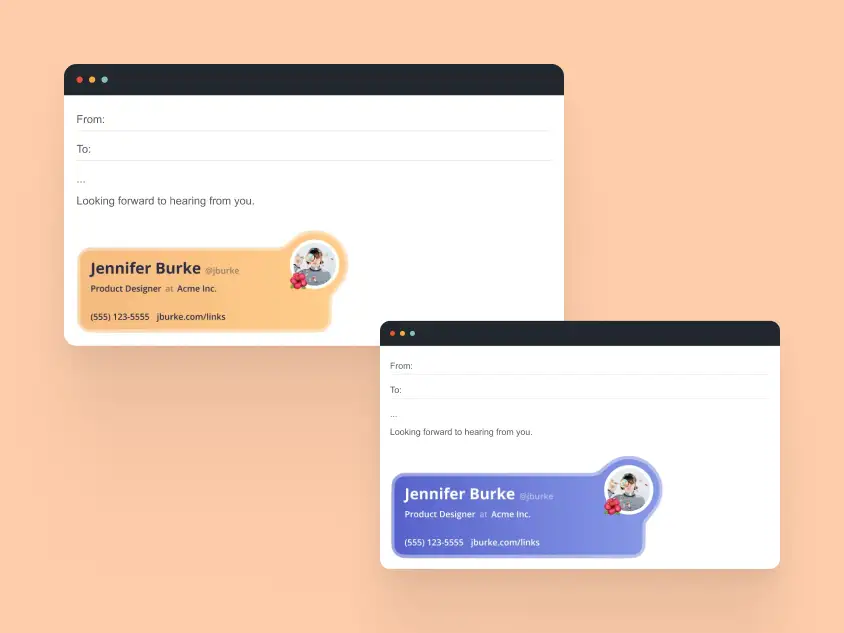
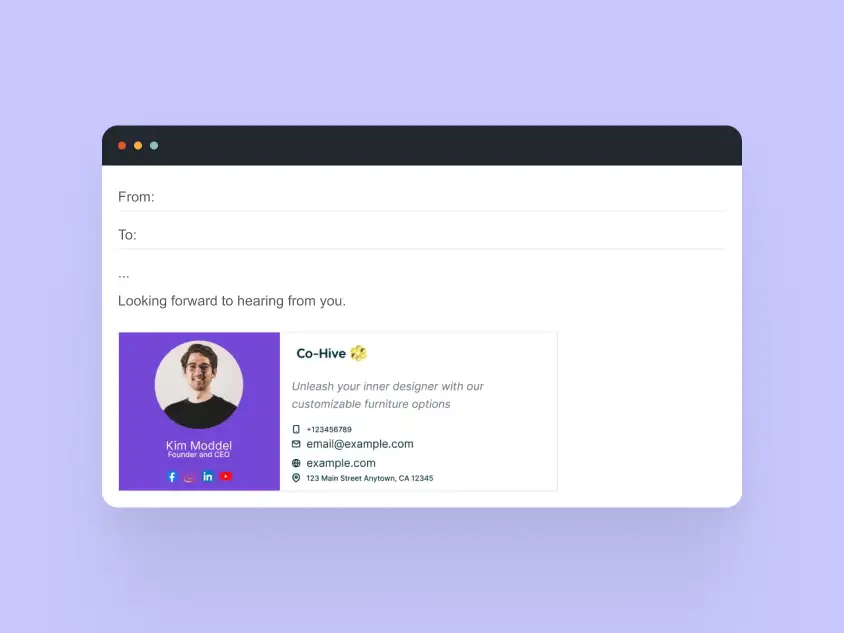
Focus: Web and mobile Gmail compatibility, inline styles over embedded CSS, image handling, and spacing.
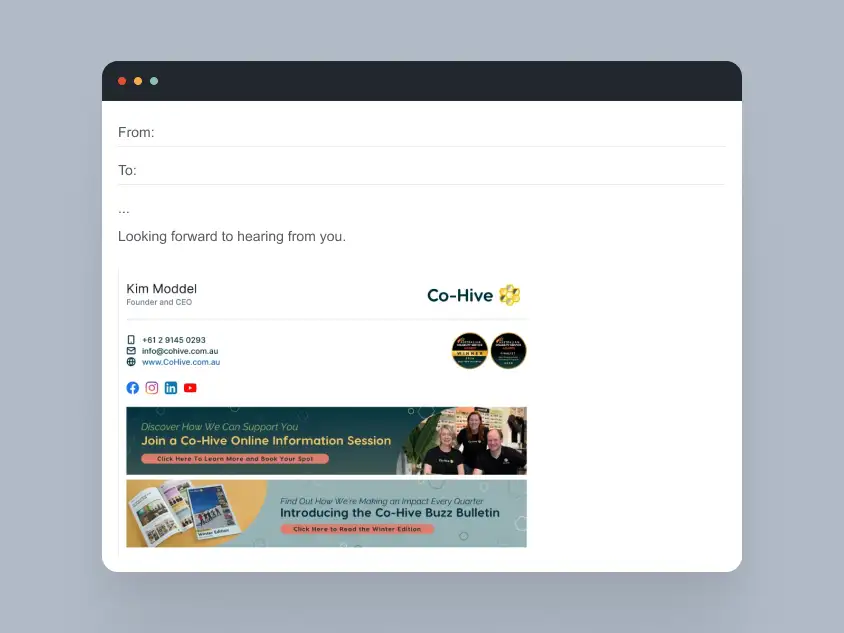
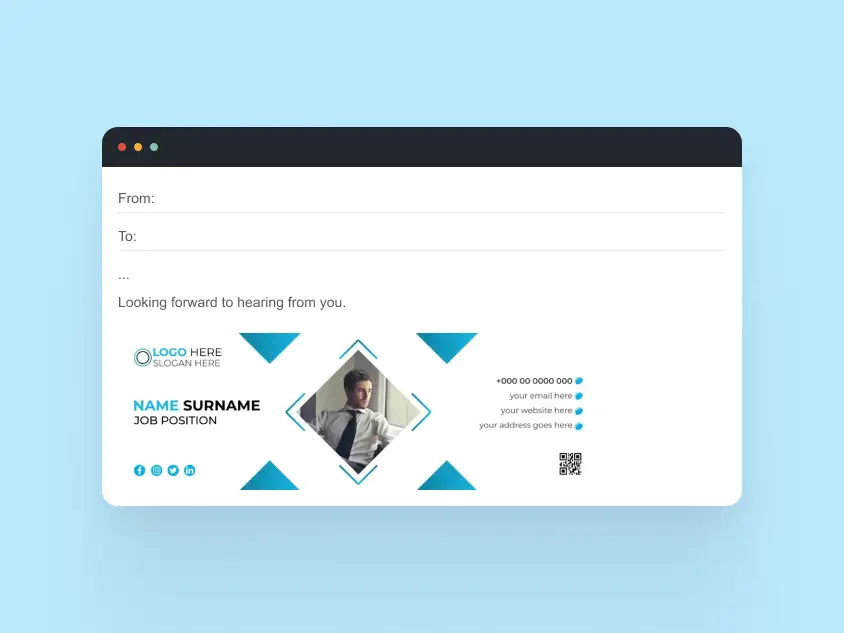
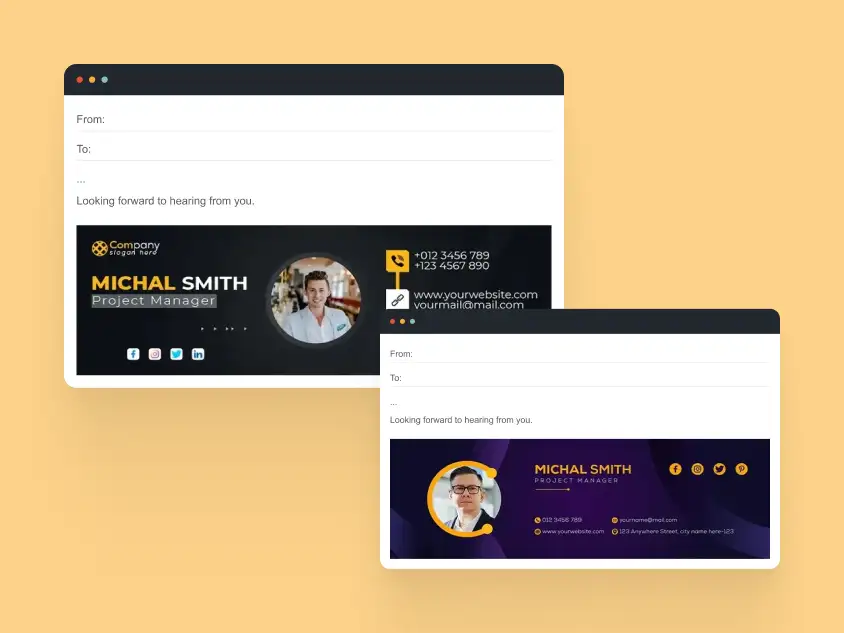
These examples demonstrate how to build signatures that render correctly in Gmail, both on desktop and mobile. Images display reliably, spacing stays consistent, and inline CSS ensures the layout doesn’t break across different Gmail versions.
Outlook Email Signature Examples
Focus: Table-based layouts, Outlook desktop rendering quirks, font and spacing consistency.
Outlook often interprets HTML differently from web-based clients. Outlook desktop uses the Microsoft Word rendering engine, not a web browser. That means many modern design techniques simply don’t work in real signatures.
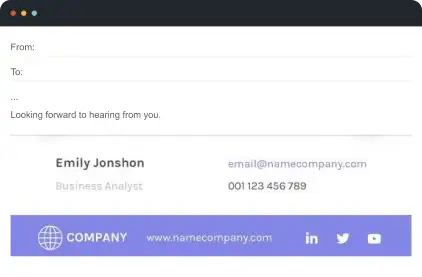
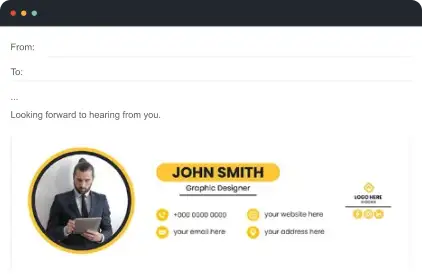
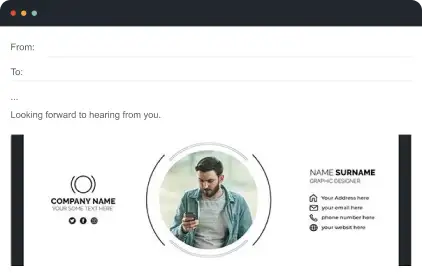
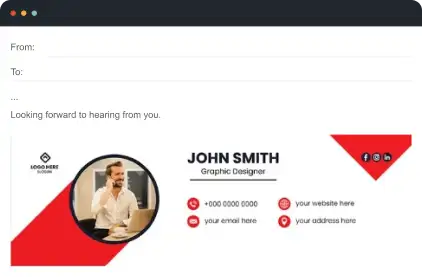
Outlook-safe practices
- Table-based layouts instead of flexbox or grid
- Inline CSS only (no embedded stylesheets)
- System fonts rather than web fonts
- PNG/JPG images instead of CSS backgrounds
- Simple dividers and solid colors
- CTA buttons implemented as linked images
What to avoid in Outlook
- Hover effects or CSS animations
- Background images and gradients
- SVG icons
- Rounded corners via CSS
- Embedded video or scripts
- Complex responsive layouts
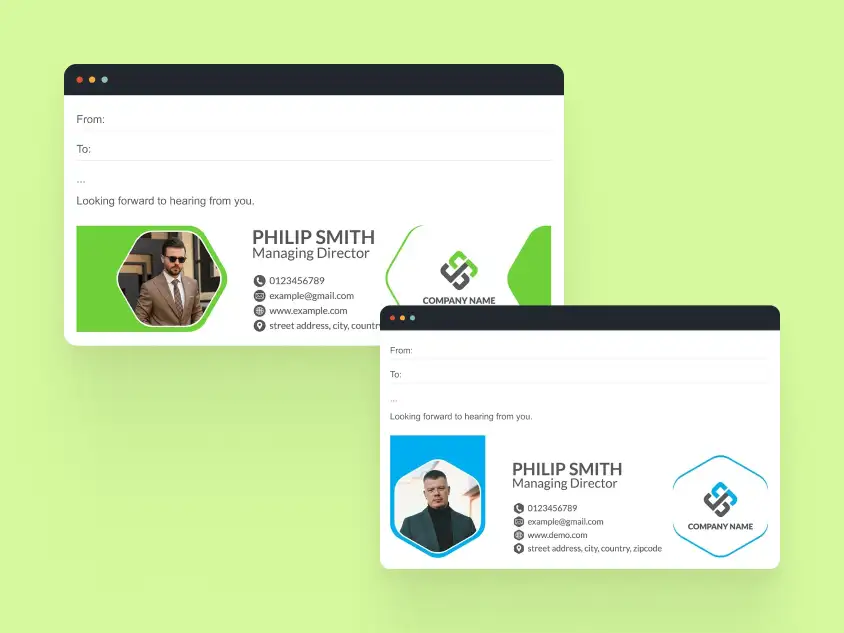
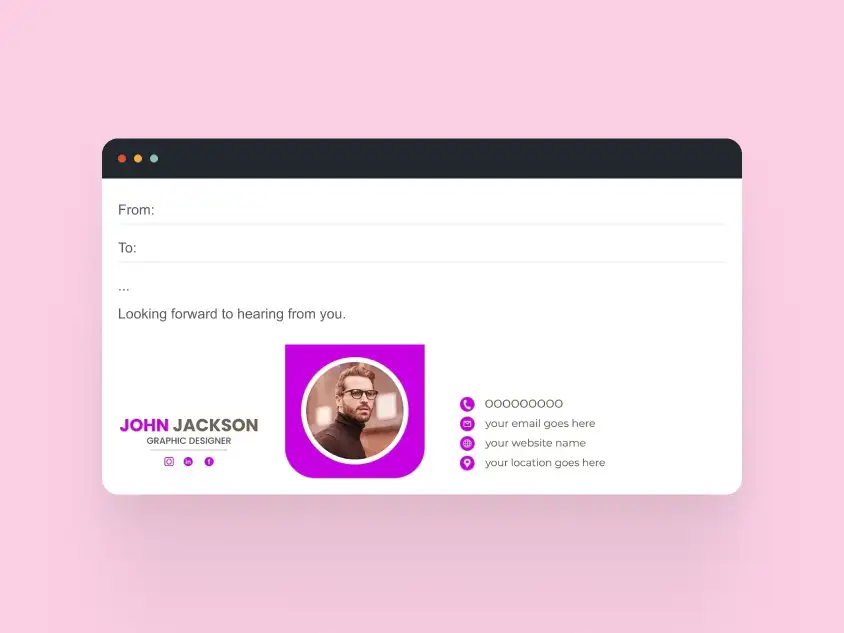
Mobile Email Signature Examples
Focus: iOS Mail and Android clients, responsive stacking, tap-friendly interaction.
Mobile devices require signatures that stack content vertically, keep contact links tappable, and ensure text remains readable. These examples demonstrate layouts that work seamlessly across mobile platforms while preserving brand consistency.
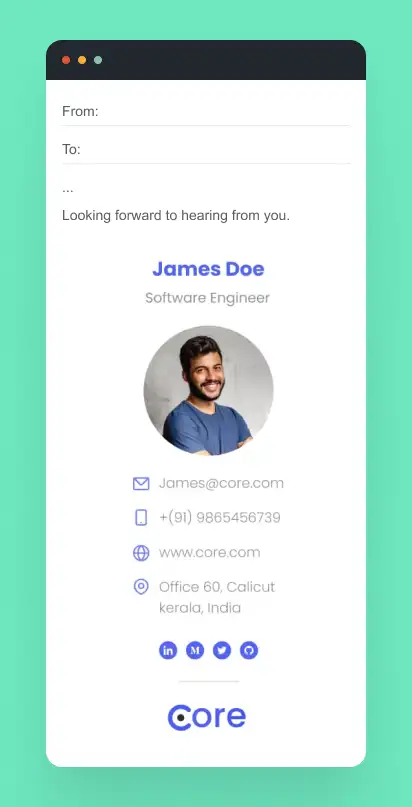
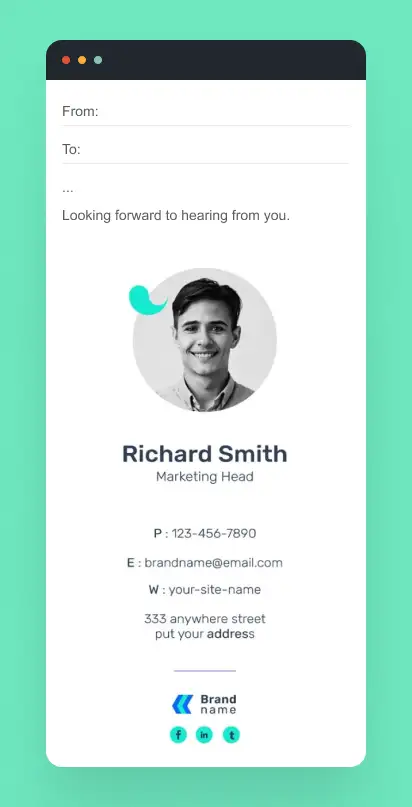
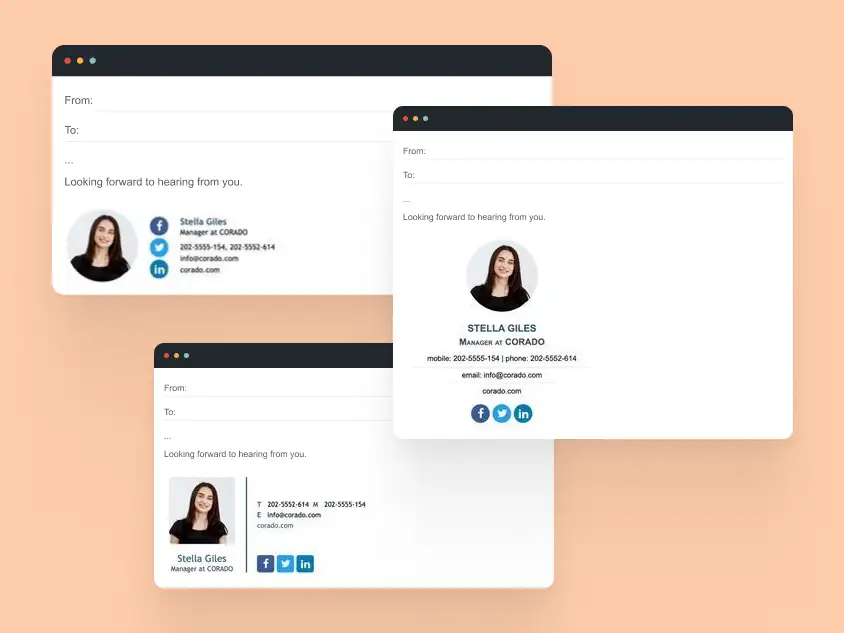
The main takeaway: mobile signatures work best when they are edited down, not squeezed in. Keep the essentials visible first, then add branding only where it supports the message.
Industry-Specific Email Signature Examples
Different industries have unique communication norms, branding standards, and compliance requirements. Signatures should reflect the audience, the information that matters most, and any industry-specific rules, while still working across platforms.
This section showcases practical examples for real estate, finance & legal, and healthcare & enterprise teams, with use cases and design focus for each.
Real Estate Email Signature Examples
Real estate professionals need signatures that highlight personal branding, credentials, and contact options while remaining mobile-friendly.
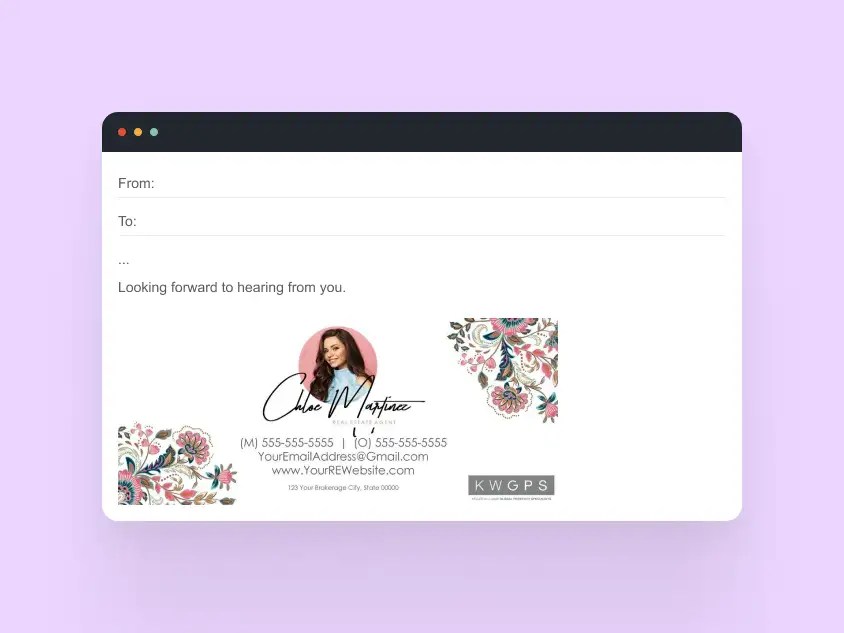
Example 1: Personal Branding Focus
Use case: Solo agents or small agencies
Design focus: Name, role, headshot, property links
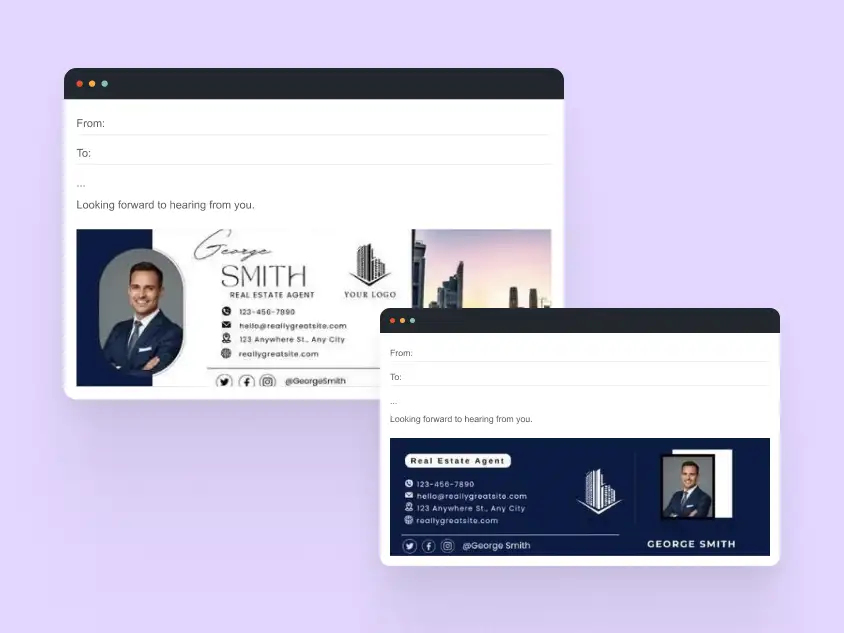
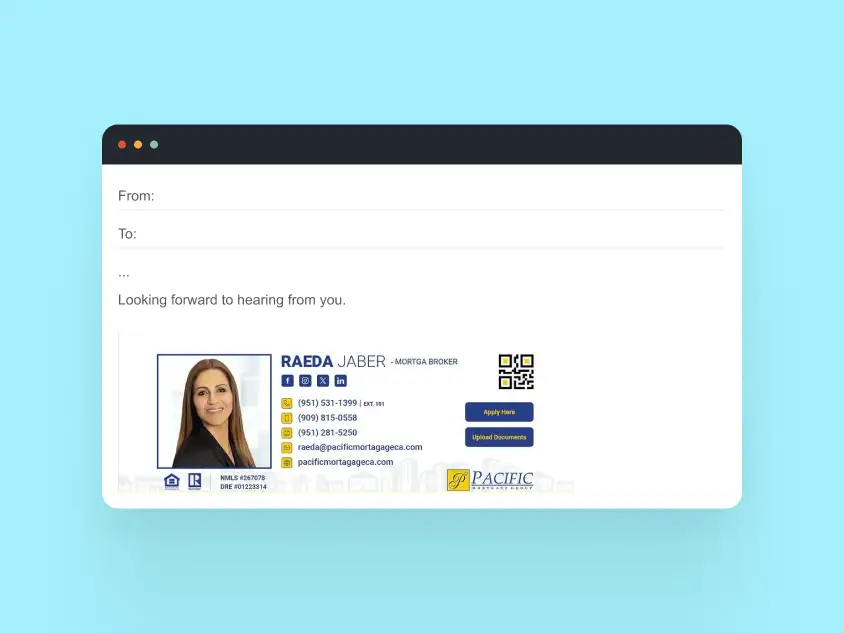
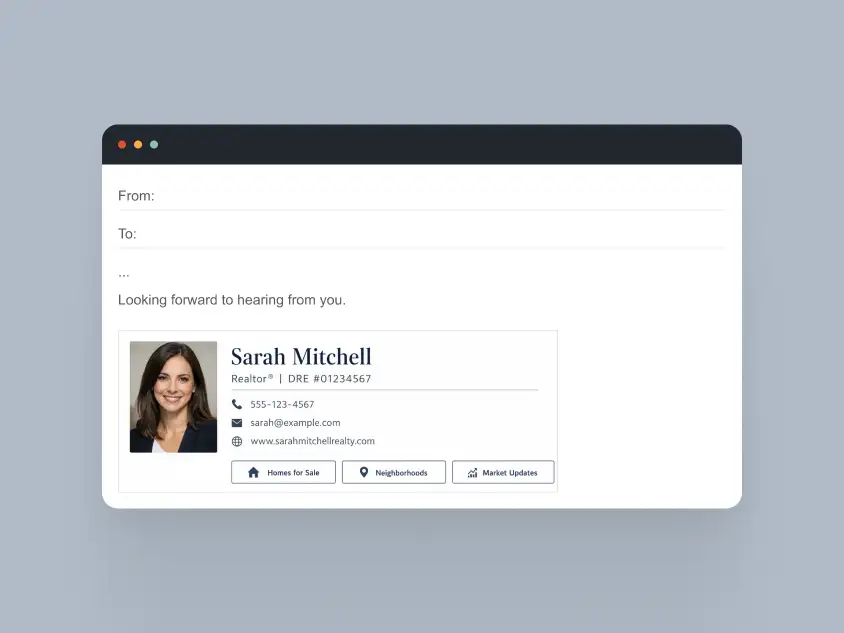
Why this works:
- Name, role, and license immediately visible
- Headshot builds trust with clients
- Key contact info is tappable on mobile
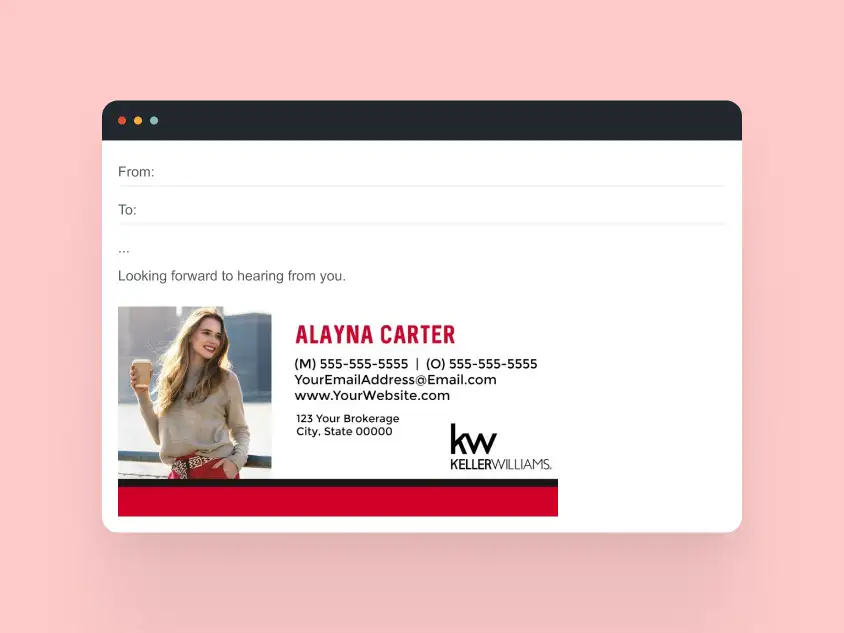
Example 2: Team-Oriented Signature
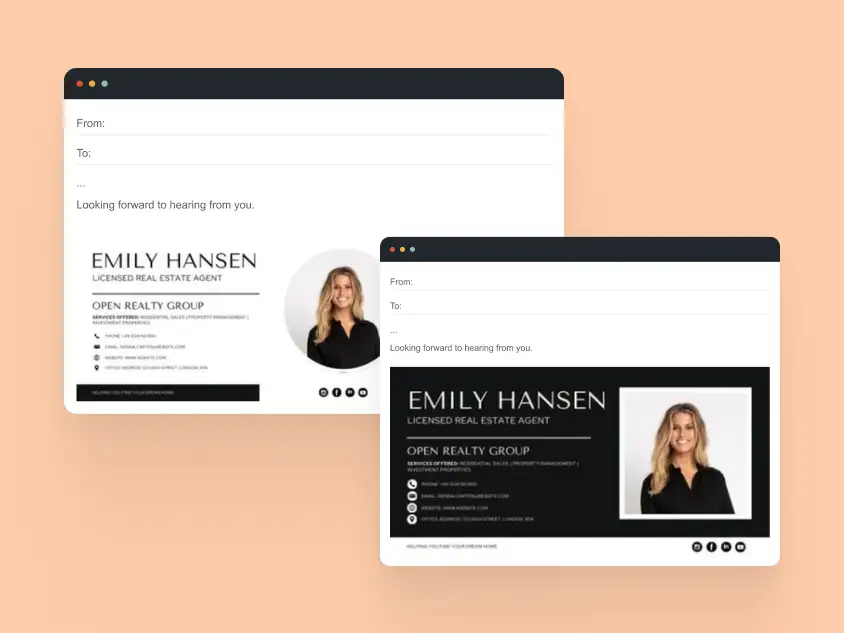
Use case: Brokerages with multiple agents
Design focus: Consistent layout with agent-specific details
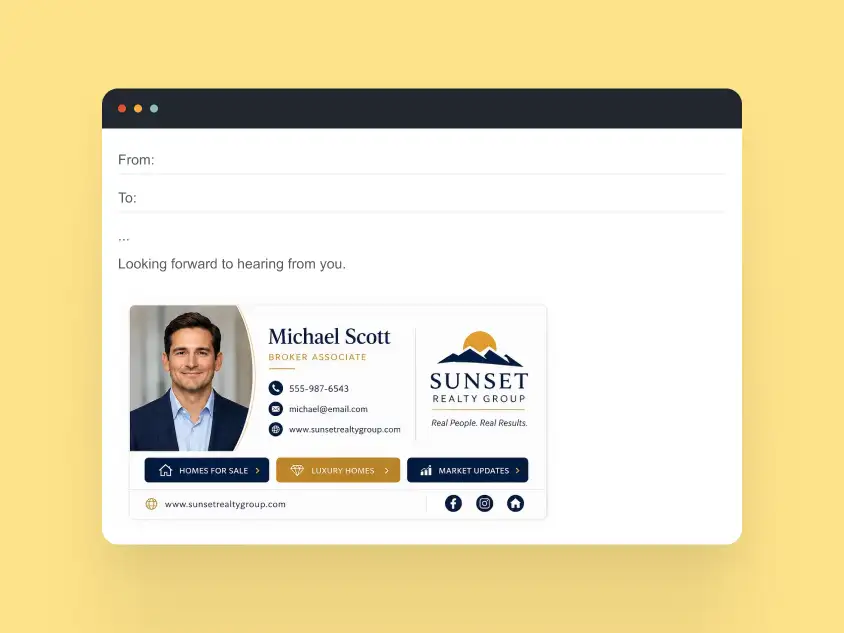
Why this works:
- Maintains brand consistency across multiple agents
- Contact info is clear and mobile-ready
- Optional property listings or social links integrate without clutter
Example 3: Marketing-Focused Signature
Use case: Agents promoting listings or open houses
Design focus: Banner or logo for marketing, concise personal info
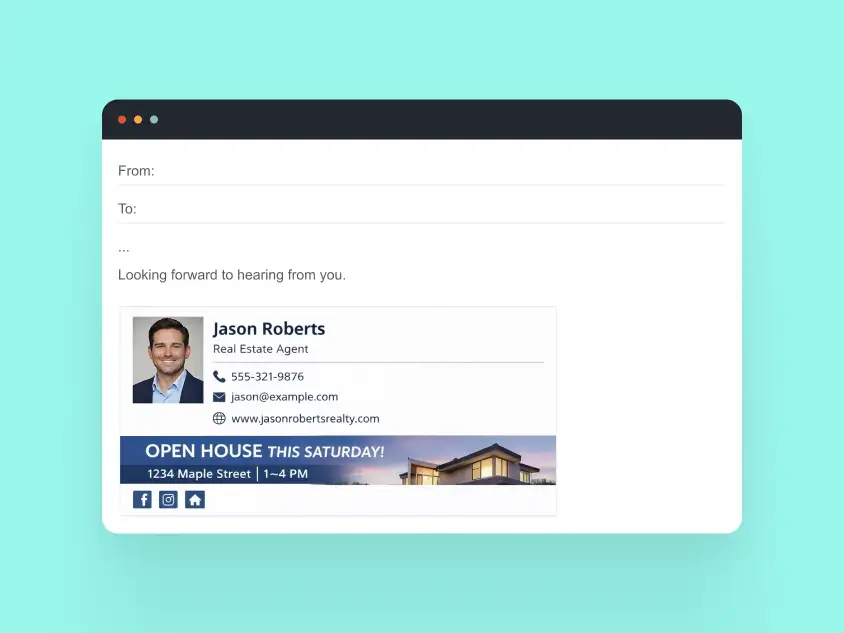
Why this works:
- Highlights upcoming events or listings
- Preserves professional layout across platforms
- Works alongside Gmail or Outlook optimized versions
Finance & Legal Email Signature Examples
Finance and legal professionals need signatures that prioritize compliance, readability, and professional appearance. Subtle branding and clear disclaimers are essential.
Example 1: Compliance-First Signature
Use case: Law firms, accounting firms
Design focus: Clear disclaimers, consistent layout
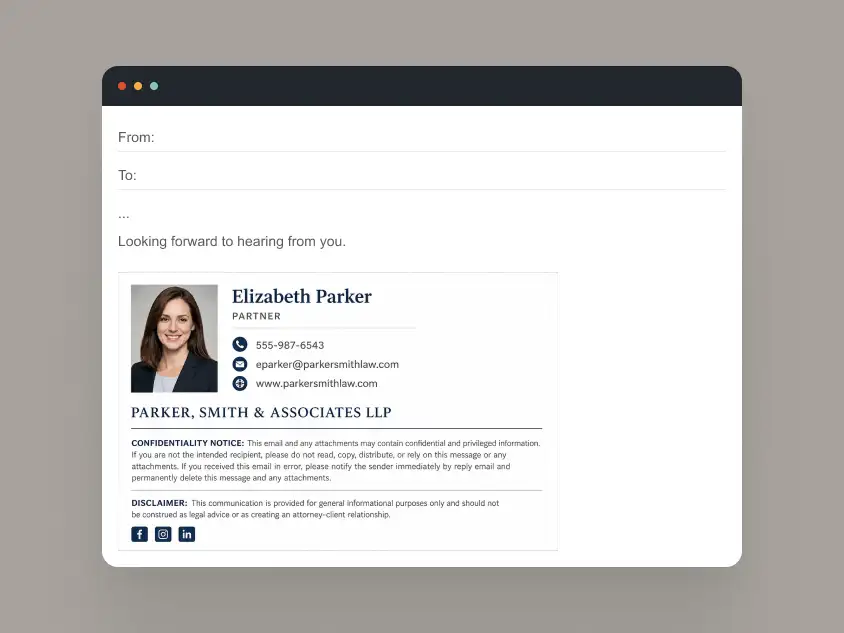
Why this works:
- Disclaimers readable without overwhelming signature
- Stable layout across Outlook, Gmail, and mobile clients
- Minimal design reinforces professionalism
Example 2: Team-Based Signature
Use case: Corporate finance departments or law firm offices
Design focus: Scalable system with role and department info
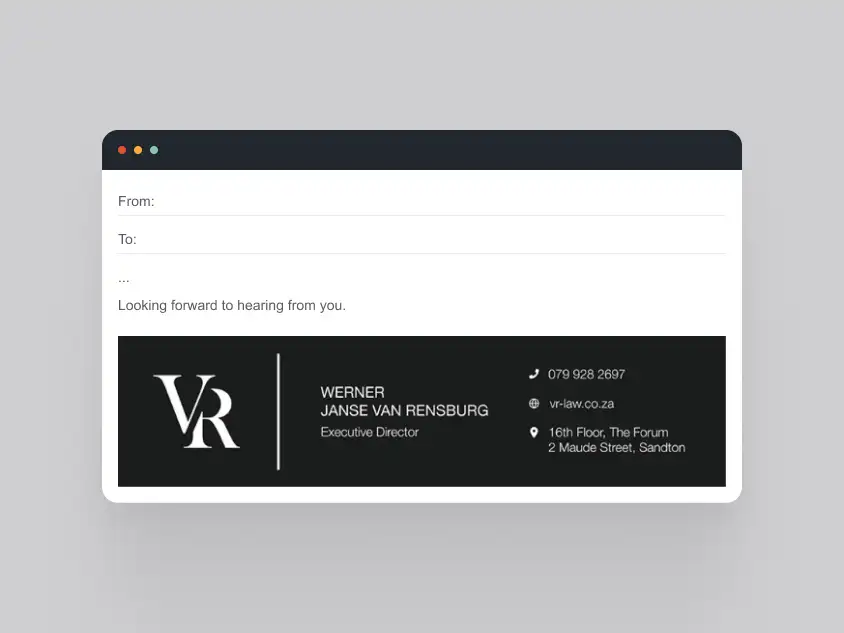
Why this works:
- Easily deployed across multiple employees
- Maintains brand and typography consistency
- Compatible with email client restrictions
Example 3: Client-Facing Signature
Use case: Financial advisors, attorneys emailing clients
Design focus: Professional visual hierarchy with key contact info
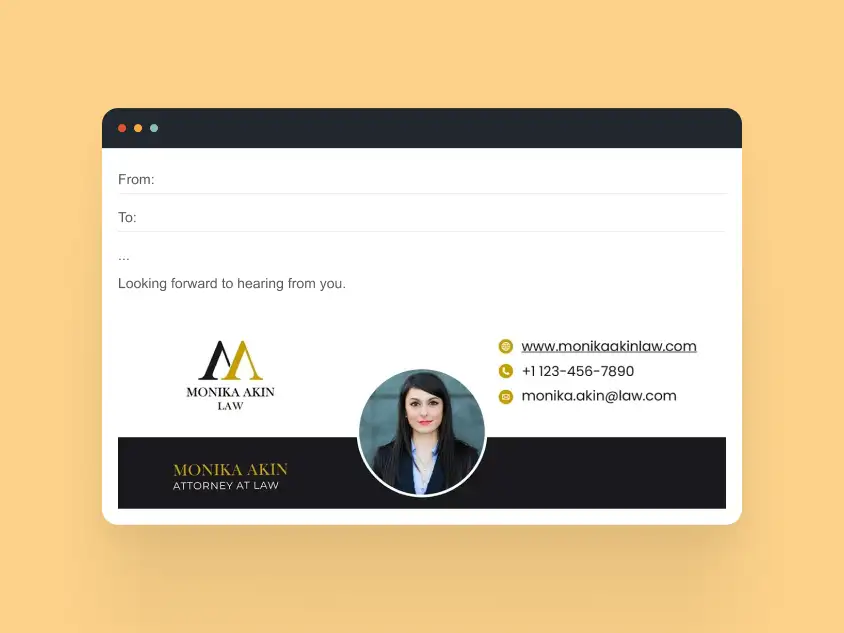
Why this works:
- Key information is visible at a glance
- Subtle branding ensures credibility
- Works well in Outlook desktop and Gmail web clients
Healthcare & Enterprise Email Signature Examples
Healthcare and enterprise teams require signatures that meet accessibility standards, maintain confidentiality, and scale across large departments.
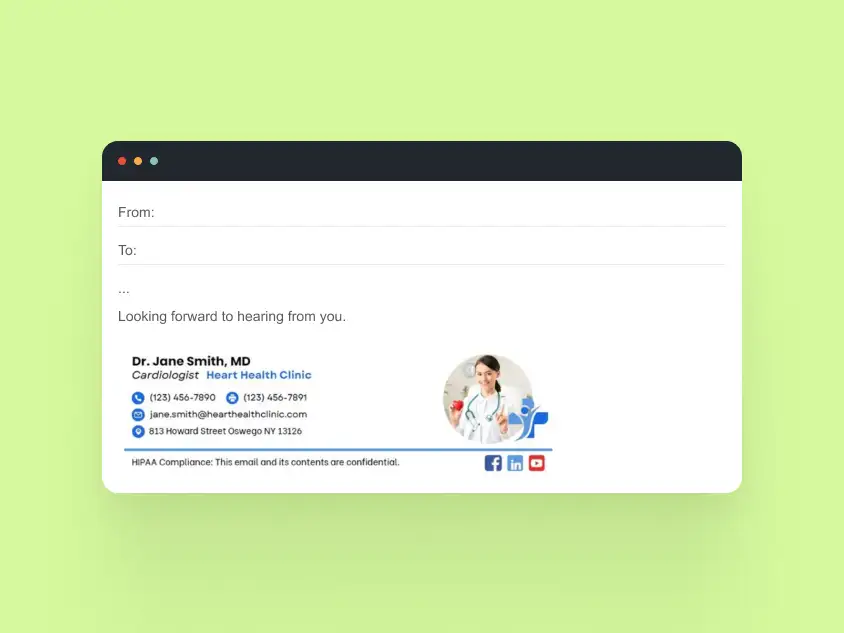
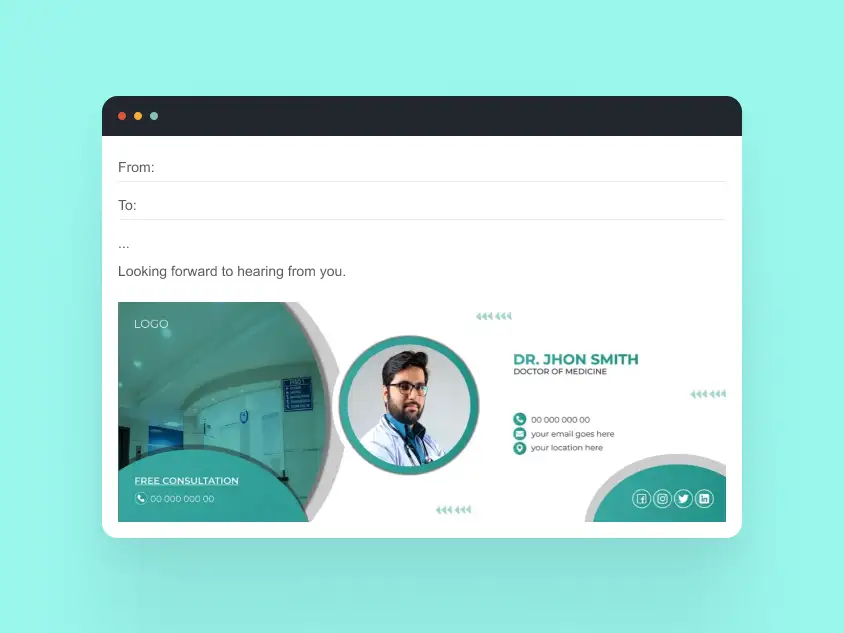
Example 1: Accessibility-Focused Signature
Use case: Hospital staff, healthcare providers
Design focus: Clear hierarchy, readable fonts, structured layout
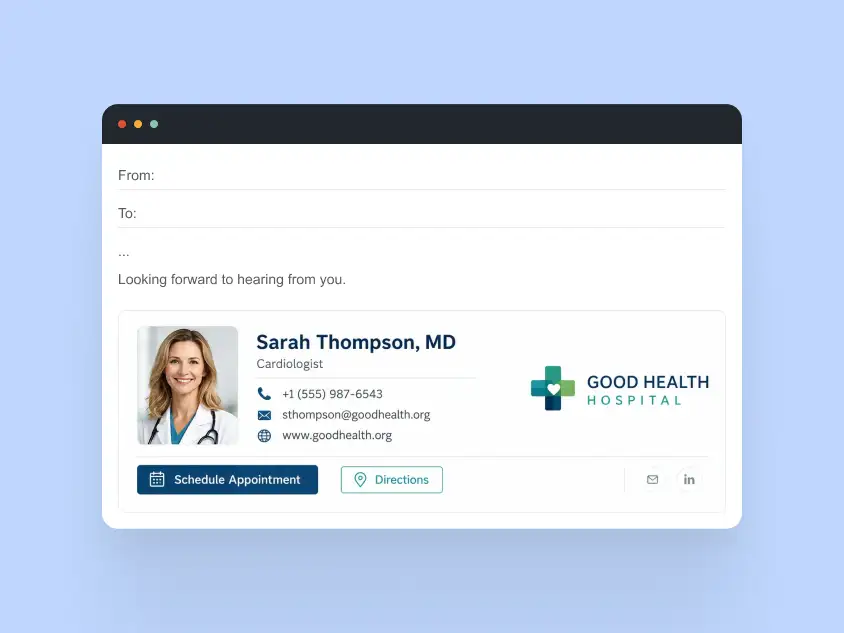
Why this works:
- Supports accessibility guidelines
- Hierarchical layout highlights name, role, and department
- Compatible with mobile devices and desktop clients
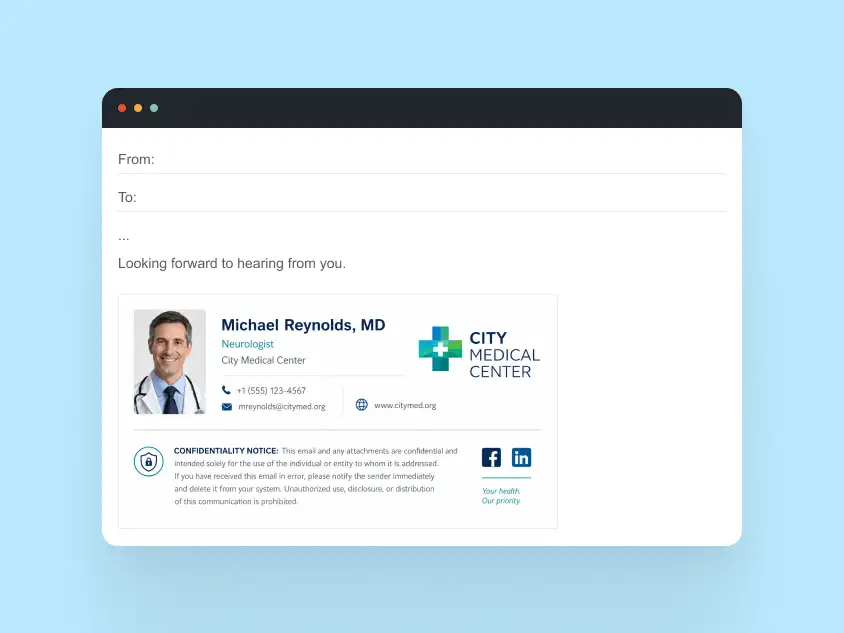
Example 2: Confidentiality-Oriented Signature
Use case: Patient-facing emails or internal communications
Design focus: Compliance-friendly disclaimers, secure contact info
Why this works:
- Disclaimers readable without clutter
- Maintains layout across Outlook and Gmail
- Ensures sensitive information is clearly flagged
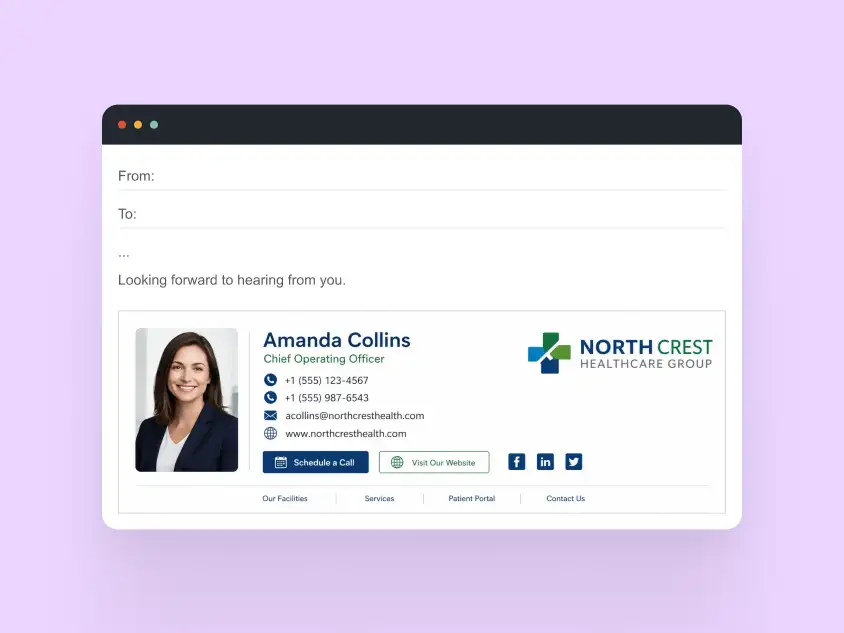
Example 3: Enterprise Team Signature
Use case: Large organizations with multiple departments
Design focus: Scalable templates with consistent branding
Why this works:
- Templates can be deployed across hundreds of employees
- Preserves consistent branding and typography
- Mobile-first design ensures usability on devices
Email Signatures: Frequently Asked Questions
Q1. What is the best format for an email signature?
The most reliable email signature format is table-based HTML with inline CSS, system fonts, and hosted PNG or JPG images. This approach provides the best compatibility across Outlook, Gmail, Apple Mail, and mobile email clients.
Q2. Do email signatures work the same in Outlook and Gmail?
No. Outlook desktop uses Microsoft Word to render HTML emails, which requires simpler layouts and stricter coding practices. Gmail is more flexible, but email signatures should still avoid advanced CSS to ensure consistent rendering.
Q3. Should email signatures use images or text?
Essential information such as your name, job title, phone number, and email address should always be text. Images work best for logos, profile photos, or promotional banners, but they should never replace core contact details.
Q4. Are animated GIF signatures safe to use?
Yes, but only when used carefully. The first frame should always contain the key message because some email clients display only a static image instead of the full animation.
Q5. How do I make an email signature mobile-friendly?
Use stacked layouts, tap-friendly links, larger font sizes, and avoid wide promotional banners that can break the email signature layout on smaller screens.
Q6. Can I use an HTML email signature in Outlook?
Yes. Outlook supports HTML email signatures, but the code should use simple table-based layouts and inline CSS. Advanced web techniques such as flexbox, grid, and external stylesheets are not consistently supported.